
Digital Productivity, Online planners, Planners
Digital Planner Tablet: Best Devices & Apps Guide
Apr
Okay so I just spent like three weeks testing every digital planner setup I could get my hands on because honestly I was tired of clients asking me which tablet to buy and me just shrugging. Here’s what actually matters.
iPad Stuff Because Yeah It’s Still the Gold Standard
The iPad Air is probably what you want. Not the Pro unless you’ve got money to burn or you’re doing serious art stuff on the side. I tested both and for digital planning the Air does literally everything you need. The M2 chip is overkill for GoodNotes but whatever, it’s nice to have I guess.
The base iPad works too but the screen feels cheaper when you’re writing on it? Hard to explain but there’s this slightly plasticky drag that bugged me after a while. My friend Sarah uses one and doesn’t care at all though so maybe I’m just picky.
You absolutely need the Apple Pencil 2 if you go iPad. The first gen one that you charge by sticking it in the lightning port like some kind of weird antenna is just embarrassing in 2024. The magnetic attachment thing on the Pencil 2 is chef’s kiss because I used to lose my stylus constantly before.
Apps for iPad That Don’t Suck
GoodNotes 6 is what I use every single day. It’s like $10 or they have a subscription now but honestly just pay the one-time fee. The handwriting recognition is scary good and you can search your handwritten notes which saved me last Tuesday when I couldn’t remember where I wrote down a client’s phone number.
Notability is the other big one everyone recommends. I tried it for two weeks and it’s fine but the audio recording feature they push isn’t useful for planning? Like maybe if you’re a student recording lectures but for my daily planner I don’t need audio. The writing feel is slightly smoother than GoodNotes though so if that matters to you.
Oh and Zinnia is this newer app that’s specifically for journaling and planning. Really pretty templates, very aesthetic if you care about that. But it crashed on me twice and I lost like 30 minutes of planning so I’m gonna wait until they fix their bugs before I recommend it fully.
Samsung Tablets Are Actually Good Now
Wait I forgot to mention, if you’re not in the Apple ecosystem the Samsung Tab S9 is genuinely impressive. I tested the S9+ because the regular size felt cramped for full-day planning spreads. The S Pen comes included which is amazing because that saves you like $100 right there.
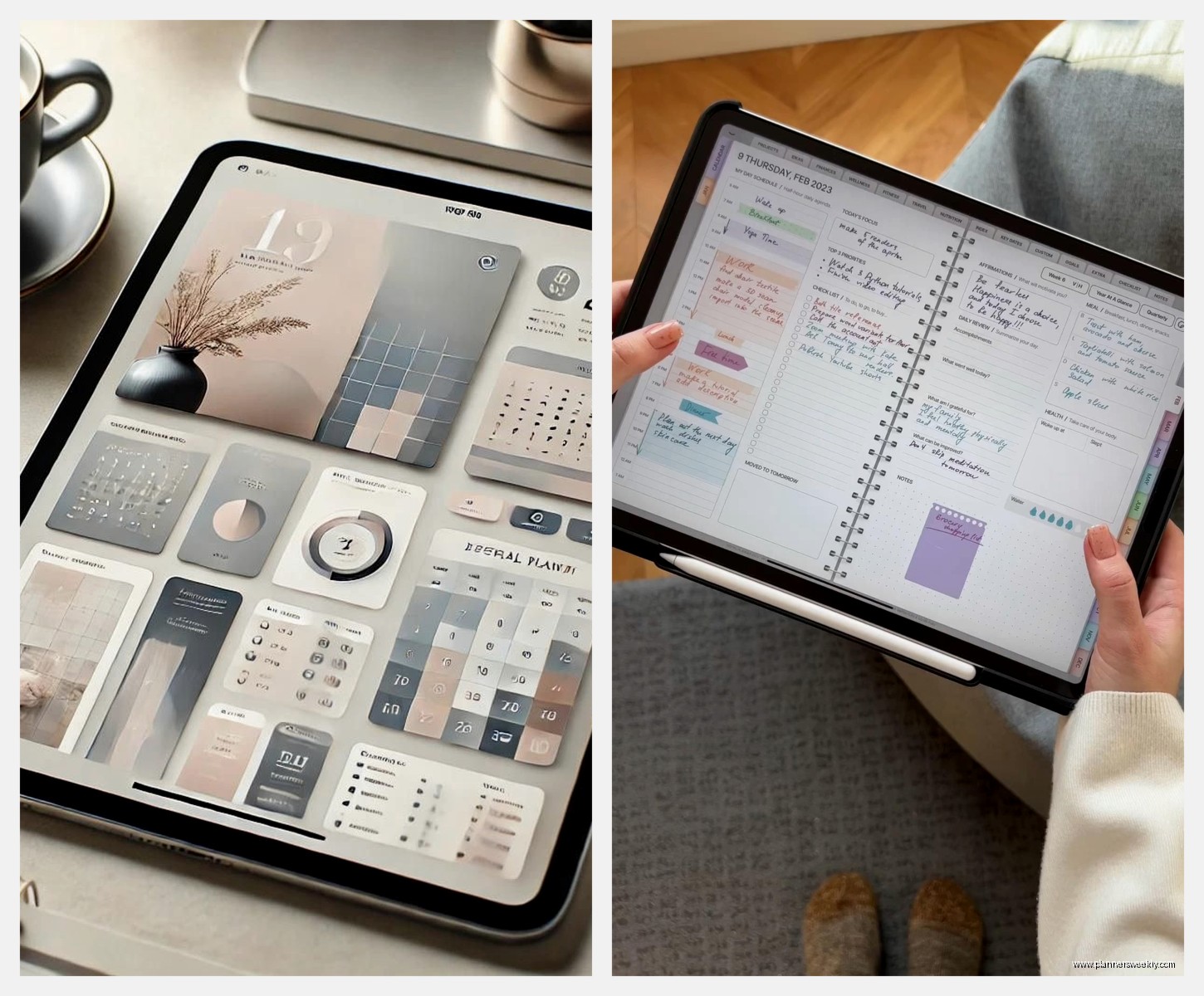
The screen is gorgeous, maybe even better than iPad for reading? But the app situation is where it gets tricky. Samsung Notes is free and built-in and it’s actually pretty capable. I used it for a week straight and didn’t miss GoodNotes as much as I expected. The handwriting-to-text is decent, organization is straightforward.
But here’s the thing, most digital planner creators design for iPad first. So if you buy planners from Etsy or those Instagram shops, sometimes the hyperlinks don’t work right on Android. Not always, but enough that it’s annoying. I bought this really cute planner last month and half the tabs just didn’t work on Samsung Notes.
Other Android Apps Worth Trying
Squid is probably the best third-party option for Android tablets. It handles PDFs really well and you can mark up documents which is useful if you’re planning work stuff too. The free version is limited but the premium is like $30 yearly which is reasonable.
Concepts is cross-platform and it’s more of a design app but some people use it for planning. Infinite canvas feature is cool if you like mind-mapping your schedule instead of traditional planner layouts. Personally it’s too freeform for me, I need structure or I just draw random doodles everywhere.
Okay So the Weird Options
ReMarkable 2 is this e-ink tablet that people either love obsessively or return immediately. I borrowed one from a client for a week and I get the appeal but also it’s so limited. No backlight, no color, no apps really, but the writing feel is the closest to actual paper I’ve ever tried. If you’re easily distracted by notifications and apps this might be your thing.
The subscription model for cloud storage is kinda predatory though. You basically need it to get full functionality and that bugs me on principle.
Supernote is similar, also e-ink, slightly better features than ReMarkable and no subscription which is nice. But they’re hard to get, shipping takes forever, and the community is smaller so fewer planner templates designed specifically for it.
This Is Gonna Sound Weird But Screen Size Really Matters
I thought I’d want the biggest screen possible but my iPad Pro 12.9 actually sits on my desk unused because it’s too big to carry around comfortably. The 11-inch size is the sweet spot for me. I can fit a full two-page spread, it fits in my regular bag, and my hand doesn’t cramp reaching across it.
My cat knocked my tablet off the counter last week and I nearly had a heart attack but the case saved it, so yeah get a good case. I like the ones with the pencil holder built in because again, I lose things constantly.
What About Microsoft Surface
The Surface Pro is interesting because it’s a full computer that you can also write on. If you need actual Windows programs for work this makes sense. OneNote is honestly pretty good for digital planning and it syncs everywhere.
But the pen costs extra, the writing feel is just okay not great, and the form factor is more laptop than tablet. I tested it for planning and kept wanting to just use a keyboard instead of handwriting because it felt more natural in that format. So like, it works, but it’s not optimized for the experience.
OneNote Deserves More Credit Though
Whether you use it on Surface or iPad or whatever, OneNote is free and surprisingly capable. The infinite pages thing is perfect for planning because you never run out of space. I used it for monthly planning for like six months before switching to GoodNotes.
The organization with notebooks and sections makes sense logically even if it’s not as pretty as dedicated planner apps. And the syncing across devices is flawless, I’ve never lost anything.
Accessories You Actually Need
Okay so funny story, I spent $200 on fancy screen protectors that were supposed to feel like paper and honestly the cheap ones from Amazon work just as well. The Paperlike brand everyone raves about is fine but you’re paying for marketing. I did a blind test with three clients and nobody could tell the difference between the $40 Paperlike and the $12 generic one.
You want a matte screen protector though, that’s the important part. The glossy glass is too slippery for writing and you get glare. Even the cheap matte ones improve the experience dramatically.
Extra tip nibs are smart to have. I go through about one every three months with heavy daily use. They’re cheap and swapping them out when they get flat makes writing feel fresh again.
The Planner Files Themselves
This matters more than people think. Most digital planners come as PDFs with hyperlinks. GoodNotes and most apps handle these fine but you want to check file size. I downloaded this gorgeous planner once that was like 500MB and it made my whole app laggy.
Etsy has thousands of options but quality varies wildly. I’ve bought planners where the hyperlinks just go to random pages or don’t work at all. Check reviews and look for sellers who specifically mention testing on your app.
Okay wait, there are also subscription planner apps like Zinnia I mentioned and Planner Perfect and a bunch of others. These give you templates and everything’s built-in. They’re easier if you don’t wanna deal with importing PDFs but you’re locked into their ecosystem. I tried three of them and always ended up back at just buying PDF planners I can use anywhere.
Battery Life Reality Check
iPads last forever basically. I charge mine every few days with heavy use. Samsung tablets are similar, the S9 gets me through like three full days of normal planning and note-taking.
ReMarkable lasts weeks because e-ink but again, it’s so limited. There’s a trade-off there.
The Surface needs charging daily if you’re using it regularly which is more like a laptop schedule. Not bad just different expectations.
What I Actually Use Daily
iPad Air with Apple Pencil 2 and GoodNotes 6. I have like fifteen different planner PDFs I’ve bought over time and I mix and match pages from different ones. This month I’m using a weekly layout from one planner, daily pages from another, and habit trackers from a third.
I keep my Samsung Tab S9 as a backup and for when I’m testing new planners for reviews. It lives on my desk mostly.
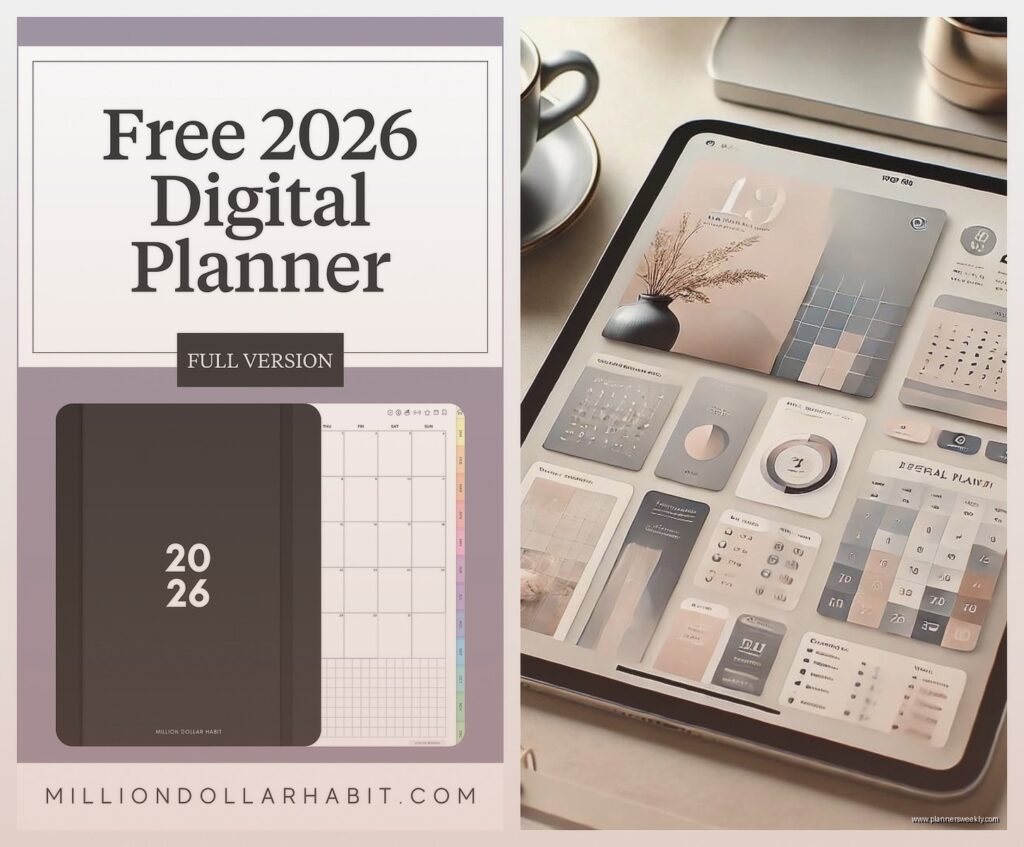
My actual recommendation if you’re just starting: get whatever tablet fits your budget that has a good stylus. The iPad base model or Samsung Tab S9 regular size are both under $400 with stylus. Download Samsung Notes or OneNote for free first before buying any apps. Use a free planner PDF template from someone’s blog to test if you even like digital planning.
Because here’s the truth, some people try it and hate it and go back to paper. I have a drawer full of unused paper planners from before I switched but my partner tried digital for a month and bought a Hobonichi the next week. It’s personal.
The Annoying Parts Nobody Mentions
You’re gonna want to adjust palm rejection settings immediately. Every app has them and they’re never quite right out of the box. I still get random marks sometimes when my palm touches the screen wrong.
Handwriting on glass feels weird for like a week even with a matte protector. Your handwriting will look messier at first. Mine took about two weeks to normalize and now it’s actually neater than my paper writing somehow.
File management is annoying. You’ll accumulate so many planner PDFs and notebooks and you need a system or it’s chaos. I finally made folders in GoodNotes by month and year but I should’ve done that from the start.
The urge to buy every pretty planner template you see is real and dangerous. I’ve spent probably $300 on digital planners I used once. They’re only like $5-15 each but it adds up when you’re buying three a week because they look aesthetic.
Oh and screen time goes up obviously. If you’re trying to reduce device usage, having your planner on a tablet means more screen exposure. I don’t personally care but some clients have mentioned this bothers them.
Storage and Backup
You gotta back this stuff up. I use iCloud for iPad and it’s automatic but you need enough storage. The base 64GB iPad fills up faster than you think with planner files and notes. I’d get 256GB minimum now.
GoodNotes has its own backup feature too. I export important notebooks as PDFs monthly just in case. Lost a whole week of planning once when an app update went wrong and learned that lesson the hard way.
Samsung backs up to OneDrive or Google Drive which works fine. Just make sure it’s actually syncing because I’ve had clients think their stuff was backed up and it wasn’t.
Honestly if you got through all this you’re probably overthinking it like I did. Just get an iPad Air or Samsung Tab S9, download a free app, try it for a week. You’ll know pretty quick if it works for your brain or not. I’m watching Succession while writing this and keep getting distracted but yeah, that’s basically everything I’ve learned from testing way too many tablets for planning.
