
Digital Productivity, Online planners, Planners
Digital Schedule Planner: Best Apps & Templates
Apr
Okay so I just spent the last three weeks testing basically every digital planner app because my paper system finally broke me when I spilled coffee on my entire month spread, and here’s what actually works.
Google Calendar but Make It Actually Useful
Look, everyone already has Google Calendar and most people use like 10% of its features. I was doing this too until my client canceled last Tuesday so I spent an hour just clicking through every menu option. The color-coding thing everyone talks about? Yeah it actually matters. I’ve got client meetings in purple, content deadlines in red, personal stuff in blue, and admin tasks in that ugly green because it makes me want to finish them faster.
The thing nobody tells you is that you can set different notification defaults for each calendar type. So my client calendar buzzes me 30 minutes before, but my content calendar only does 2 hours because I need the mental prep time. You set this under Settings > General > Event settings and it’s honestly changed how I show up to things.
Oh and another thing, the “world clock” feature at the bottom? I work with people in three time zones and kept scheduling 6am calls by accident until I added their zones there. Sounds basic but I felt like an idiot when I discovered it.
Notion Actually Works for Scheduling If You Set It Up Right
This is gonna sound weird but Notion templates for scheduling are either perfect or completely unusable, there’s no middle ground. I’ve tried probably fifteen of them. The best one I found is called “Life Operating System” but you gotta strip out like 80% of what it comes with because it’s designed for people who have way more executive function than me.
Here’s what I kept: a database view that shows this week, next week, and a monthly overview. Each task has a date property, a status property (Not Started, In Progress, Done), and a priority flag. That’s it. Everyone wants to add tags for energy level and time required and what phase of the moon it is but honestly that stuff never gets updated.
The timeline view is actually sick for project planning though. I map out all my blog posts for the quarter and can drag them around when things inevitably shift. My dog got sick last month and I just grabbed everything and shoved it back two weeks. With paper planners I would’ve been rewriting pages.
Wait I forgot to mention, Notion’s calendar syncs with Google Calendar now but it’s kinda janky. It’s one-way, so stuff you add in Notion shows up in Google but not the reverse. Which is fine for me because I use Notion for content planning and Google for actual appointments, but if you want everything in one place this’ll annoy you.
Structured App Is What I Use Every Single Day Now
Okay so funny story, I downloaded Structured because the icon was pretty and now it’s literally the first app I open every morning. It’s iOS only which is annoying if you’re on Android but for iPhone users this thing is perfect for daily scheduling.
You build your day in a timeline view. Each task gets a time block and you can see your whole day laid out visually. The genius part is how easy it is to adjust. Meeting runs long? Drag everything below it down by 30 minutes. Takes two seconds. I use this for my actual daily schedule while Notion handles the bigger picture stuff.
The free version is totally usable. You get unlimited tasks, the timeline view, basic notifications. Premium is $3.99/month or $20/year and adds recurring tasks, widgets, and some customization. I paid for it after like three days because the recurring tasks thing saved me so much mental energy. My Tuesday morning routine is the same every week, why would I manually add it?
One complaint: no desktop version. Sometimes I’m planning my week on my laptop and having to pick up my phone to check Structured is mildly irritating. But not enough to stop using it.
Sunsama for When You’re Feeling Fancy
This one’s expensive at $16/month so I’m just gonna be upfront about that. I tested it during the 14-day trial while watching The Bear season 2, which honestly was a mistake because I kept getting distracted, but I still got the vibe.
Sunsama pulls in tasks from basically everywhere: Asana, Trello, Gmail, Slack, you name it. Then you do this “daily planning” ritual where you drag tasks into your calendar for the day. It’s very mindful and intentional which is either your thing or makes you want to throw your laptop.
I didn’t subscribe after the trial because I couldn’t justify the cost for features I can mostly cobble together with free tools. But if you work across multiple platforms and want everything in one place? And you’ve got the budget? It’s legitimately good. The weekly review feature actually made me do weekly reviews, which has never happened before in my life.
Templates That Don’t Suck
Everyone’s selling Notion templates for $30 and most of them are garbage. Here’s what I actually use and what’s free:
The “Student Dashboard” template in Notion’s template gallery is free and works great for tracking ongoing projects even if you’re not a student. I modified it for client work by changing “Classes” to “Clients” and “Assignments” to “Deliverables.” Took maybe ten minutes.
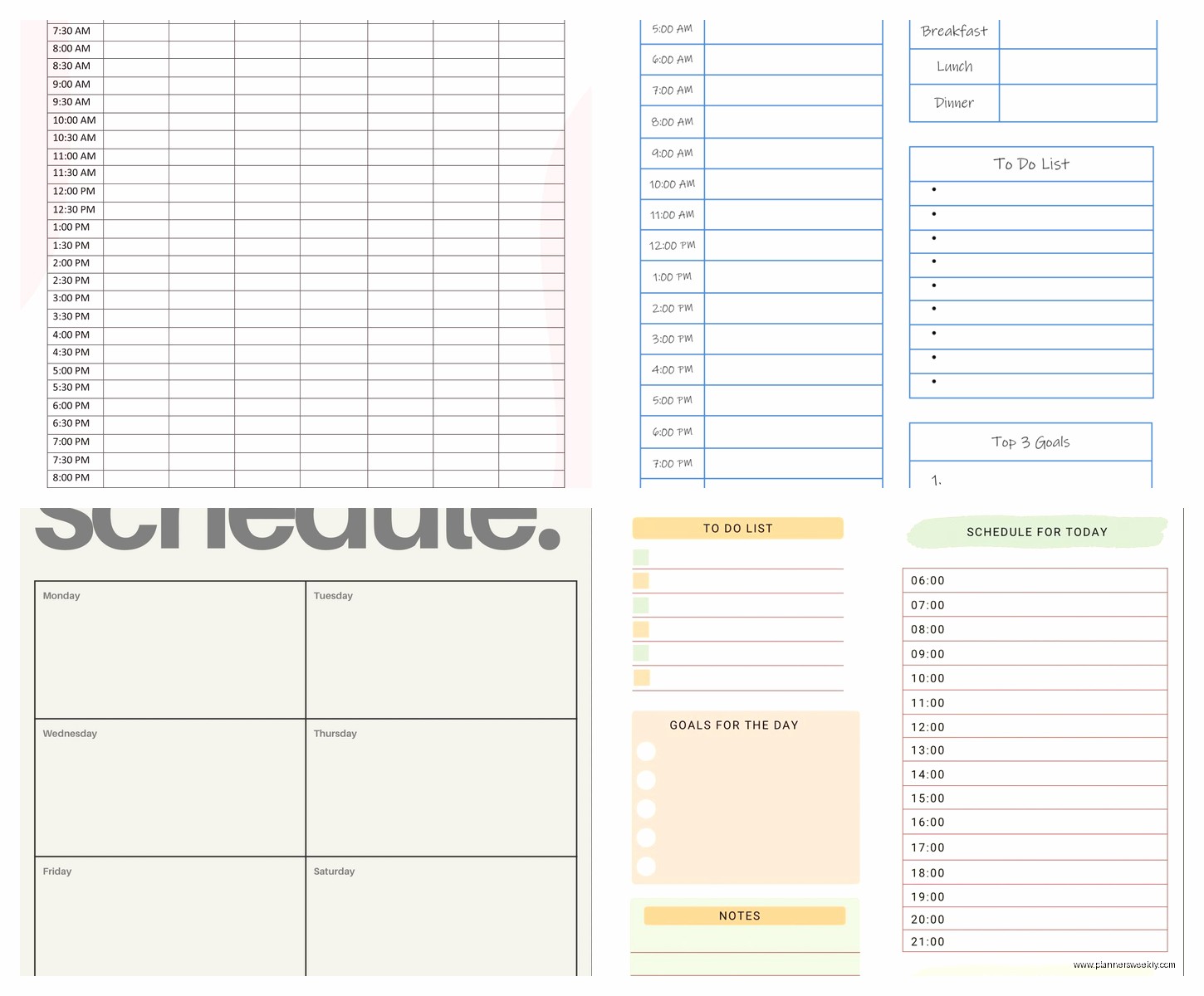
For Google Sheets people, there’s a template called “The Minimal Weekly Planner” that’s just a clean weekly view with time blocks. You can color-code tasks and it auto-updates dates. I used this before I found Structured and it’s solid if you like spreadsheets. Some people really like spreadsheets. I don’t get it but I respect it.
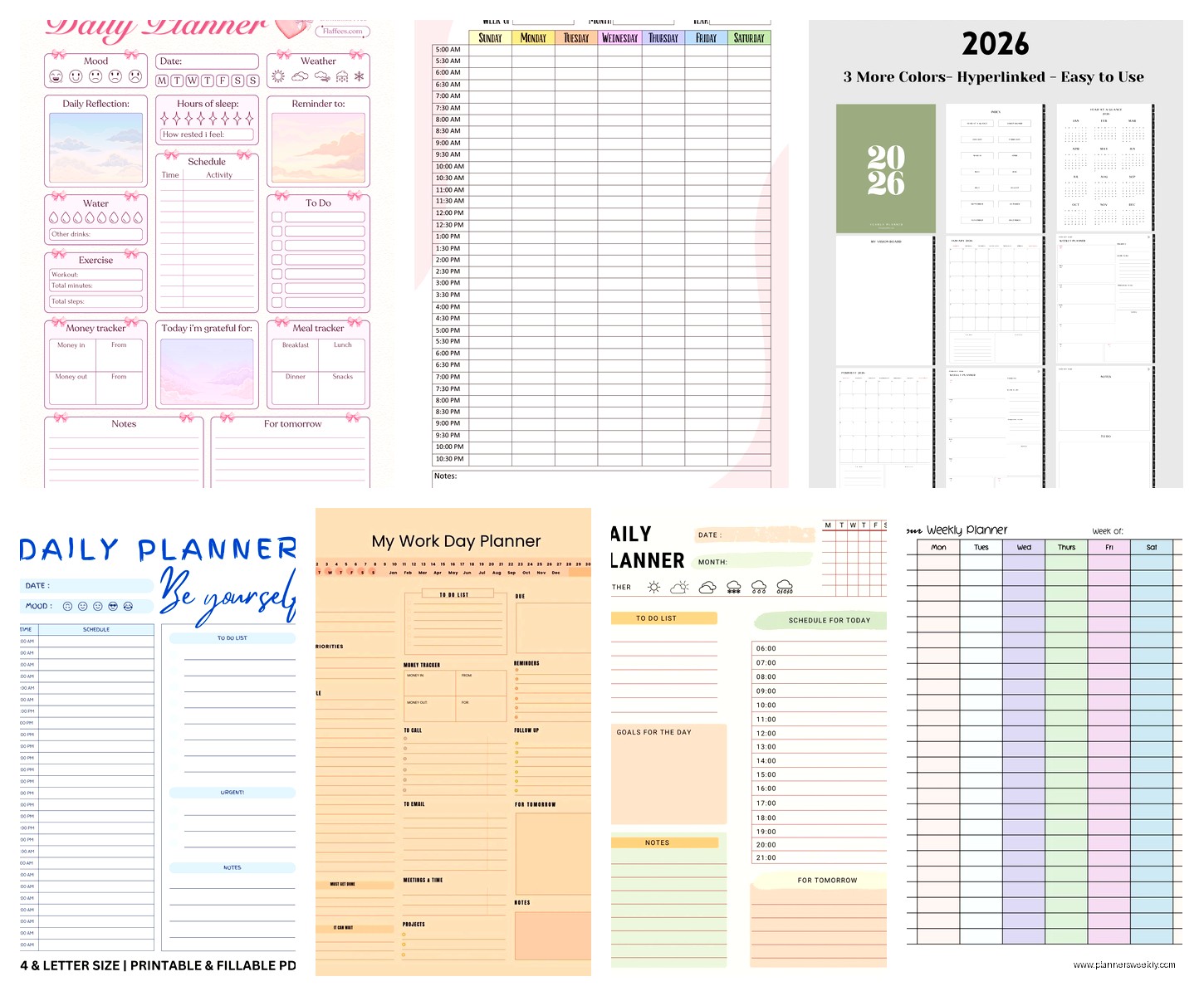
Oh and another thing, Canva has editable planner templates that you can customize and use as iPad wallpapers or desktop backgrounds. I tried this for like a week and it looked beautiful but was completely non-functional for actually tracking anything. Just gonna be honest about that.
Time Blocking Apps That Might Work for You
Clockify is free and does time tracking plus scheduling. The interface is kinda corporate-looking but it works well if you bill by the hour or just wanna know where your time actually goes. I used it for a month and discovered I spend 6 hours a week on email which was depressing but useful information.
Fantastical is the Mac/iOS calendar app everyone raves about. It’s $5/month and honestly I don’t think it’s worth it unless you really hate the default Calendar app. The natural language input is cool like you can type “meeting with Sarah Tuesday at 3pm” and it creates the event, but Google Calendar does this too now so…
Wait I forgot to mention Amie. It’s a calendar app that’s trying to be your whole productivity system. Still in beta, looks gorgeous, combines calendaring with tasks and email. I’m on the waitlist but from what I’ve seen it might actually deliver on the “all-in-one” promise. Supposed to launch fully this year.
What I’m Actually Using Right Now Today
Because you probably want to know what the actual setup is after all this. Google Calendar for appointments and time-specific stuff. Structured for daily task scheduling. Notion for content planning and project tracking. That’s it.
I tried doing everything in one app for like two months and it never worked. Notion’s great for databases but annoying for quick task entry. Google Calendar is perfect for meetings but bad for task management. Structured is ideal for daily planning but can’t handle long-term projects.
The trick is making them talk to each other. Every Sunday I look at my Notion content calendar and block time in Google Calendar for the big tasks. Then each morning I open Structured and build my actual daily timeline based on what’s in Google Calendar plus whatever smaller tasks need to happen.
Is this the most efficient system? Probably not. Does it work with my brain? Yeah it actually does.
iPad Planner Apps Worth Mentioning
GoodNotes and Notability are the big ones if you want the paper planner experience but digital. You buy PDF planner templates from Etsy or wherever and write on them with an Apple Pencil. I tested this because I missed handwriting things but honestly it felt like the worst of both worlds. The slight delay in the pen response bothered me and you still can’t automatically reschedule stuff.
That said, some people absolutely love this setup. My friend swears by her GoodNotes planner and says the handwriting makes her actually remember things. Your mileage may vary.
Zinnia is a newer app that’s specifically for digital journaling and planning. It’s got nice templates and the writing experience is smooth. Free version is limited but usable. I used it for morning pages for a while but it didn’t stick for scheduling.
The Stuff That Didn’t Work for Me But Might for You
Todoist is hugely popular and I really wanted to like it but the interface stresses me out. Too many clicks to do basic things. Great if you love keyboard shortcuts though.
ClickUp is free and has literally every feature ever invented but it’s so overwhelming that I spent more time organizing my organization system than actually working. Some people love the customization options. I found it paralyzing.
Trello is fine for project management but terrible for daily scheduling. The card system doesn’t translate well to time-based planning in my brain.
Monday.com looks like it was designed by someone who’s never felt joy. It works, it’s just aggressively corporate. Fine for team stuff, wouldn’t use it for personal planning.
Actual Tips That Helped Me
Don’t try to schedule every single minute. I block “focus time” in 90-minute chunks and list 3-4 tasks I might do during that time. Trying to assign specific tasks to specific 30-minute blocks made me want to throw things.
Build in buffer time between appointments. I automatically add 15 minutes after every meeting for notes and transition time. Changed my life, honestly.
Use your calendar for positive stuff too. I have “coffee and reading” blocked every Saturday morning because otherwise that time gets eaten by errands. Treat fun stuff like appointments.
Templates are starting points not destinations. Every template I use looks completely different now from how it started. Customize things, delete what doesn’t work, add what you need.
The best planner system is whatever you’ll actually use consistently. I know that sounds like a cop-out but I’ve watched so many people build elaborate Notion setups they check twice then abandon. Simple and consistent beats complex and perfect.
Oh and one more thing, don’t feel like you need to commit forever to one system. I change stuff up every few months when something stops working. That’s normal. Your needs change, new apps come out, whatever. Just migrate the important stuff and move on.
