
Digital Productivity, Online planners, Planners
Free Digital Planner Downloads: Best Templates 2026
Apr
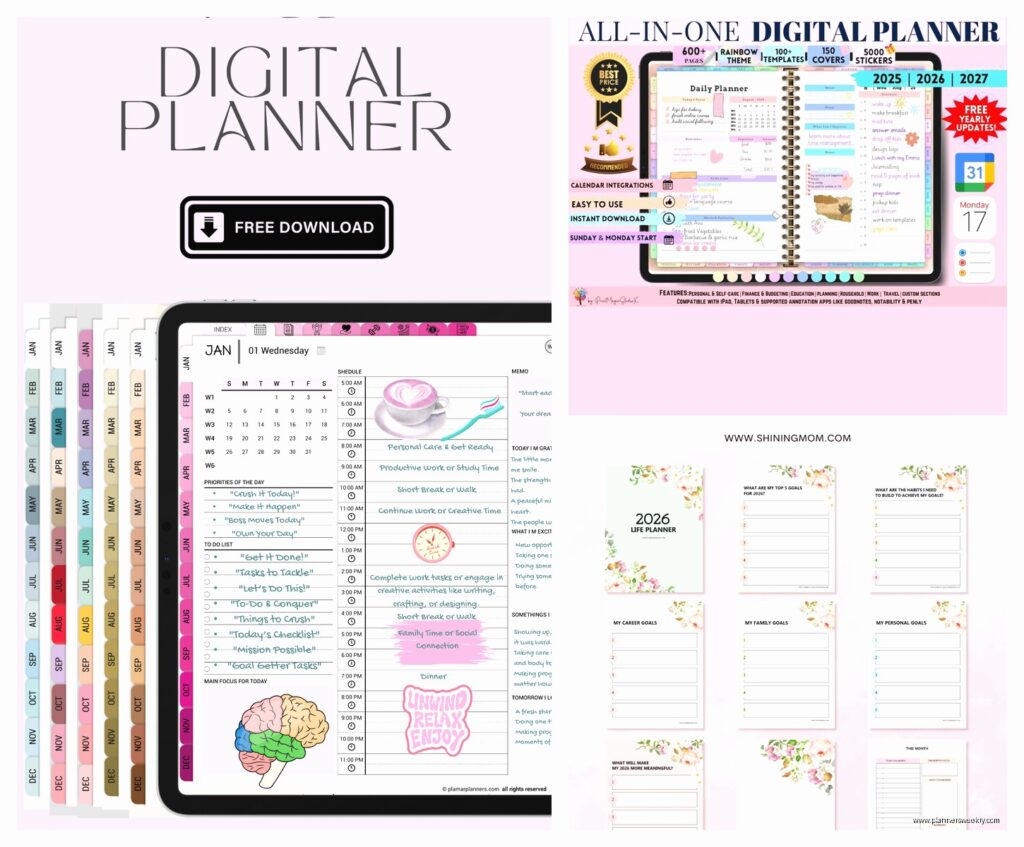
Okay so I’ve been testing digital planners for like three weeks straight
And honestly the free ones have gotten SO much better than they were even last year. Like I downloaded this Notability template last Tuesday and immediately texted my sister because it’s actually better than the $18 one I bought in January which is… annoying but also great?
So here’s what I found works depending on what app you’re using because that’s the thing nobody tells you upfront—these templates are NOT universal and I wasted like two hours trying to force a GoodNotes template into OneNote before I gave up and ate leftover pizza.
GoodNotes templates are everywhere right now
If you’re on GoodNotes (which most iPad people are), start with the minimalist planners from Plan With Bee. They have this undated weekly spread that I’ve been using since March and it’s just… clean? No weird motivational quotes or forty different color schemes. Just boxes for your schedule and a notes section.
You download it as a PDF which is key because GoodNotes imports PDFs natively. The hyperlinks actually work which surprised me—you can tap the month and it jumps to that week. Their 2026 version just dropped and it’s got these little habit tracker boxes at the bottom of each day that I ignore but my productivity coaching clients LOVE.
Oh and another thing, Creative Stationery Shop on Gumroad has a free daily planner that’s honestly overkill for most people but if you’re the type who needs to schedule everything in 30-minute blocks, it’s perfect. I tested it during a particularly chaotic week where I had back-to-back client calls and it kept me sane. The time slots go from 6am to 10pm which is either realistic or depressing depending on your perspective.
Notability people listen up
Notability templates work differently because the app handles hyperlinks weird. I spent my dog’s entire vet appointment (he’s fine, just a checkup) trying to figure out why the navigation wasn’t working and turns out Notability just… doesn’t support the same PDF linking that GoodNotes does.
So for Notability, you want the templates from Digital Planner Addict—they specifically design for this limitation. Their weekly layout has tabs on the side instead of hyperlinked dates, and you just swipe between weeks. It’s actually faster once you get used to it.
They’ve got this free starter pack for 2026 that includes monthly overview pages and weekly spreads. The color scheme is this soft sage green that doesn’t hurt your eyes during late-night planning sessions. Trust me on this because I’ve stared at some truly aggressive neon planners at 11pm and regretted every choice.
OneNote is the weird cousin nobody talks about
Okay so funny story, I avoided OneNote templates for YEARS because the interface looks like it hasn’t been updated since 2010. But then my client who works in corporate insisted we find her something that syncs with her work laptop and her personal iPad and… OneNote is actually great for that?
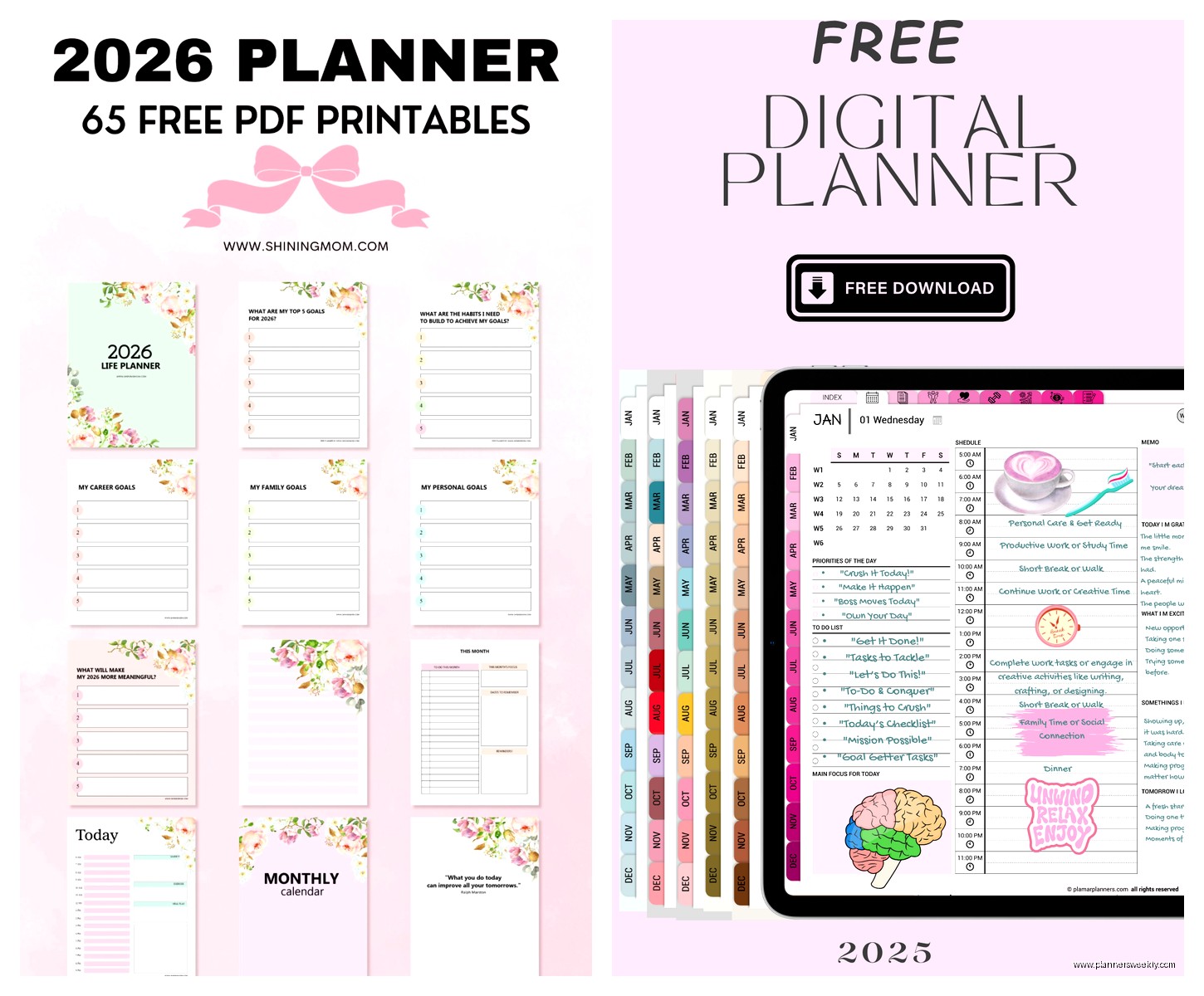
The templates work completely differently though. You’re not downloading PDFs, you’re importing OneNote files or using template pages within the app. Planner Perfect has free OneNote templates that are genuinely useful—they’re set up as notebook sections so you’ve got tabs for monthly, weekly, daily, and notes all in one place.
The 2026 version includes automatic date updating which is wild. Like you set your start date and it populates all the dates for you. I didn’t believe it would work but it does and now I recommend OneNote to anyone who’s terrible at remembering what day it is (me, I’m anyone).
Samsung Notes for the Android people
Wait I forgot to mention—if you’re using a Samsung tablet, the whole game changes. Samsung Notes has its own template store built in and it’s actually free? Like properly free, not “free but actually a subscription” free.
Go to the templates section and search for “2026 planner” and there’s this one called Modern Daily Planner that’s been my go-to for testing. It’s got this layout where your tasks are on the left and your schedule is on the right and there’s a random gratitude section at the bottom that I cover with a sticky note because I’m not that evolved yet.
The S Pen integration is smooth—smoother than Apple Pencil in some ways which is gonna make Apple people mad but it’s true. The palm rejection is better and the templates are designed with the S Pen features in mind so you can like, lasso sections and move them around easily.
Stuff that works across multiple apps
This is where it gets interesting because some creators are finally making platform-agnostic templates. Printable Crush (ironic name for digital products but whatever) has these minimalist spreads that work in basically any PDF annotation app.
They’re just simple layouts without fancy hyperlinks or special features—which sounds boring but it means you can use them in GoodNotes, Notability, Xodo, PDF Expert, whatever. I keep one on my phone in Adobe Reader for when I’m stuck in waiting rooms and need to reorganize my week.
Their 2026 collection has monthly calendars with lots of white space for actual writing. No tiny boxes that force you to abbreviate everything. I tested it with both my Apple Pencil and a random stylus I found at Target and both worked fine.
The habit tracker situation
Okay so separate from full planners, there are these standalone habit trackers that you can use alongside whatever planning system you’ve got. Passion Planner has a free PDF habit tracker that’s not connected to their paid planners.
It’s basically a grid—31 days across the top, habits down the side, you color in boxes. Sounds simple because it is simple, but I’ve had it open in a separate GoodNotes tab for three months and it’s the only habit tracker I’ve stuck with. My therapist would be proud except I keep forgetting to track “call therapist” on it which is ironic.
There’s also this tracker from Muchelleb (yeah I don’t know how to pronounce it either) that has monthly and yearly views. The yearly one is actually useful for tracking big picture stuff—I use it for monitoring how many blog posts I publish each month because apparently I need a visual representation of my productivity to feel accomplished.
Budget tracking templates because money is fake but also important
This is gonna sound weird but the best free budget planner I found isn’t from a planner company at all. It’s from a finance blogger called Budget Mom and she has this free digital cash envelope system.
You download it as a PDF and import it into whatever app you use. It’s got envelope-style pages where you fill in your budget categories and track spending. I tested it for two months and actually stuck to my stationery budget for once which is… character development?
The 2026 version has monthly budget overview pages plus weekly expense trackers. It’s designed to work with her whole budgeting method which I don’t fully follow but the template is useful even if you ignore the methodology.
Student planners that don’t look like they’re for children
If you’re in school or just like academic year planning, the free student planners situation is actually pretty solid right now. Study With Jess has a 2026 academic planner that runs from September to August and it’s shockingly well-designed for a free template.
It’s got weekly spreads with assignment tracking, monthly overview pages, and these semester planning sections that I use for quarterly business planning instead because the layout works for any kind of project timeline. The color scheme is neutral grays and blues so you don’t look like you’re using a high school planner if you’re, you know, not in high school.
Oh and there’s a finals prep section that’s basically just countdown pages but they’re useful for any deadline-driven project. I used them when I had that blog redesign deadline last month and it helped me break down what needed to happen when.
The customization thing everyone overthinks
Here’s what nobody tells you about free templates—you can just… edit them? Like if you download a PDF planner and import it into GoodNotes or Notability, you can add your own pages, delete sections you don’t use, whatever.
I took that Plan With Bee template I mentioned earlier and deleted all the monthly overview pages because I literally never look at them. Added in some blank note pages instead. The planner police did not arrest me. It still works fine.
Same with colors—if you hate the color scheme, most PDF annotation apps let you add shapes and text boxes in whatever colors you want. I’ve turned multiple beige minimalist planners into chaotic rainbow situations because that’s what works for my brain.
Where to actually find this stuff
Okay so practical download locations because I’ve wasted hours searching:
Gumroad is where most independent creators sell their paid planners but they also have free versions—just filter by price: free. You’ll need to make an account but it’s worth it. I check it like once a month to see what’s new.
Etsy has free digital planners but you gotta be careful because some sellers list things as free to get you on their email list and then the actual planner is trash. Read reviews. If something has 50+ five-star reviews and it’s free, it’s probably actually good.
Pinterest is surprisingly useful if you search “free digital planner 2026 PDF” because it links directly to blog posts where creators offer downloads. Just downloaded one last week from a productivity blogger’s site—she had it as a freebie for newsletter subscribers but you could just download it without subscribing.
Instagram is where a lot of planner creators announce their freebies first. Follow hashtags like #freedigitalplanner and #digitalplannerfreebies. Set up alerts if you’re serious about catching new releases.
The actual testing process I used
Since I review stationery and productivity tools, I tested each of these for at least a full week of real use. Not just opening them and looking—actually planning my days, tracking my habits, whatever the template was designed for.
My criteria was basically: Does it load quickly? Are the hyperlinks reliable if it has them? Can I actually write in the spaces provided or are they weirdly small? Does it make planning easier or more complicated?
A bunch of templates failed that last test. Like there are these super aesthetic planners with tons of sections and decorative elements and they’re beautiful but utterly useless for actual planning. I’m not naming names but if a free planner has more than 200 pages, be suspicious.
The realistic daily planner situation
Most daily planners are too ambitious. They want you to plan every single day in detail and that’s just not how life works? But there’s this daily template from Silk + Sonder (they usually do subscription planners but have free samples) that’s actually reasonable.
It’s got space for your top three priorities, a loose schedule section, and notes. That’s it. I used it during a particularly overwhelming week where I had to be really intentional about what actually mattered and it helped me not spiral into “everything is urgent” mode.
The 2026 version is undated so you just fill in the date yourself which means you can skip days without feeling guilty about blank pages. Revolutionary concept honestly.
Project planning templates that aren’t just glorified to-do lists
If you need to plan specific projects rather than daily life stuff, there’s this free Notion template that you can export as a PDF—wait actually that’s its own complicated thing. Let me think.
Okay better option: Passion Planner’s free project roadmap. It’s a single-page PDF that you can print or import digitally, and it’s got this timeline layout where you map out project phases. I used it for planning a client workshop series and it was way more useful than trying to cram everything into weekly planner boxes.
You can download like ten copies and use one for each project you’re working on. Keep them all in a separate section of your digital planner app. That’s what I do anyway and it keeps my project planning separate from my daily planning which helps my brain compartmentalize.
The meal planning templates are actually useful too if you’re into that—there’s one from The Petite Planner that has a weekly meal grid plus a grocery list section and I used it for exactly two weeks before giving up on meal planning entirely, but those two weeks were very organized.
