
Digital Productivity, Online planners, Planners
Weekly Schedule Planner: Systems Tools & Templates
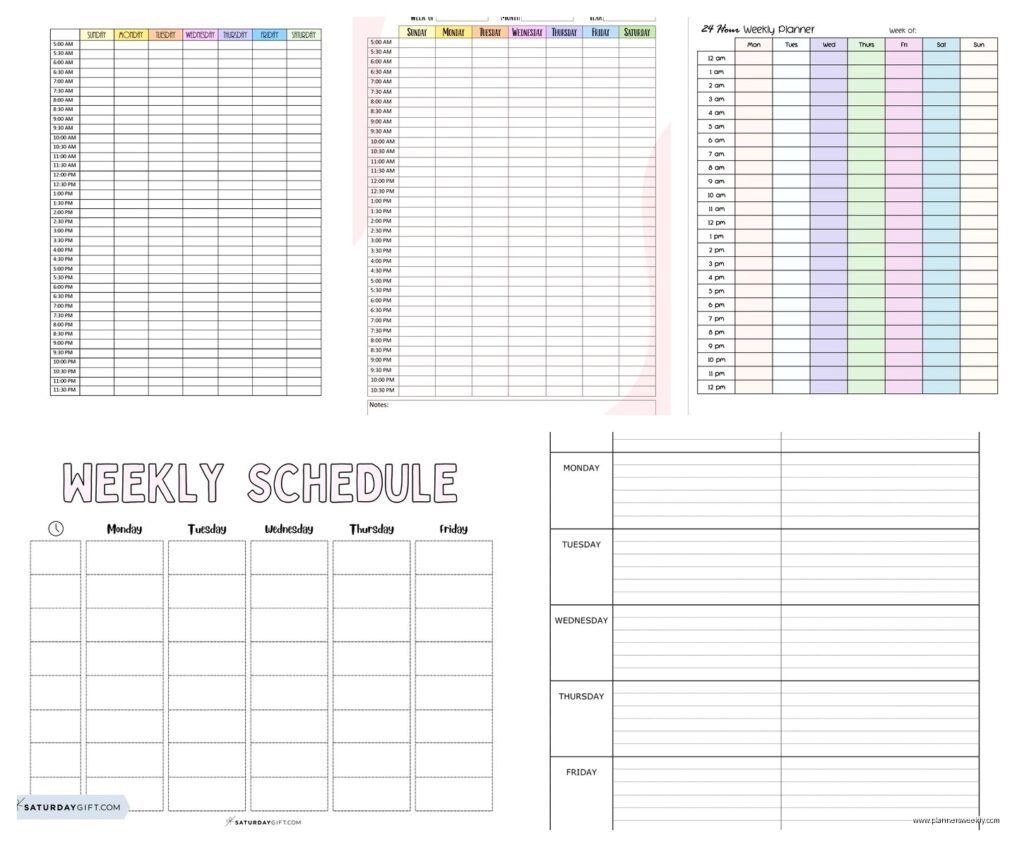
Apr
Okay so I just spent the last three weeks testing literally every weekly planner system I could get my hands on because honestly my old system was falling apart and I needed answers.
The Digital Stuff That Actually Works
Google Calendar is gonna sound basic but hear me out. I use it as my foundation layer because it syncs everywhere and when my phone died last month I didn’t lose everything. The key though is color coding like your life depends on it. I have red for client calls, blue for deep work blocks, green for personal stuff. Sounds simple but the visual separation is what makes it work.
The trick nobody tells you is to set your default event length to 25 minutes instead of 30. Forces you to build in buffer time without thinking about it. Game changer.
Notion is where things get interesting. I built this weekly dashboard that pulls in my tasks, calendar events, and notes all on one page. Took me like four hours to set up initially but now I just duplicate the template every Sunday night. The database views let you see your week as a calendar, a list, or a kanban board depending on what your brain needs that day.
Wait I forgot to mention Motion AI. It’s pricey at $34/month but it auto-schedules your tasks around your meetings. Like you tell it “I need 2 hours for this project” and it finds the time slots automatically. I tested it for two weeks and honestly it felt weird having an AI move my tasks around but it did find time blocks I wouldn’t have noticed. Ended up canceling though because I’m too controlling about my schedule apparently.
The Hybrid Approach Nobody Talks About
This is gonna sound weird but the best system I’ve found uses both digital and paper. Digital for time-based stuff that needs alerts, paper for task management and thinking.
I keep a Leuchtturm1917 Weekly Planner on my desk. The landscape layout with vertical days is chef’s kiss because you can see the whole week spread out. I use this for task blocking and notes during calls. Every morning I look at Google Calendar on my phone, then transfer the important stuff to paper with more context.
Like digital says “client call” but paper says “client call – bring up the Instagram strategy, mention the deadline moved, ask about budget for Q2.” You need both layers.
Templates That Don’t Suck
The Passion Planner weekly layout is legitimately good if you’re buying a physical planner. They have this section at the bottom called “good things that happened” which I thought would be cheesy but actually it’s nice to document wins. The hourly breakdown goes from 7am to 9pm which works for most people.
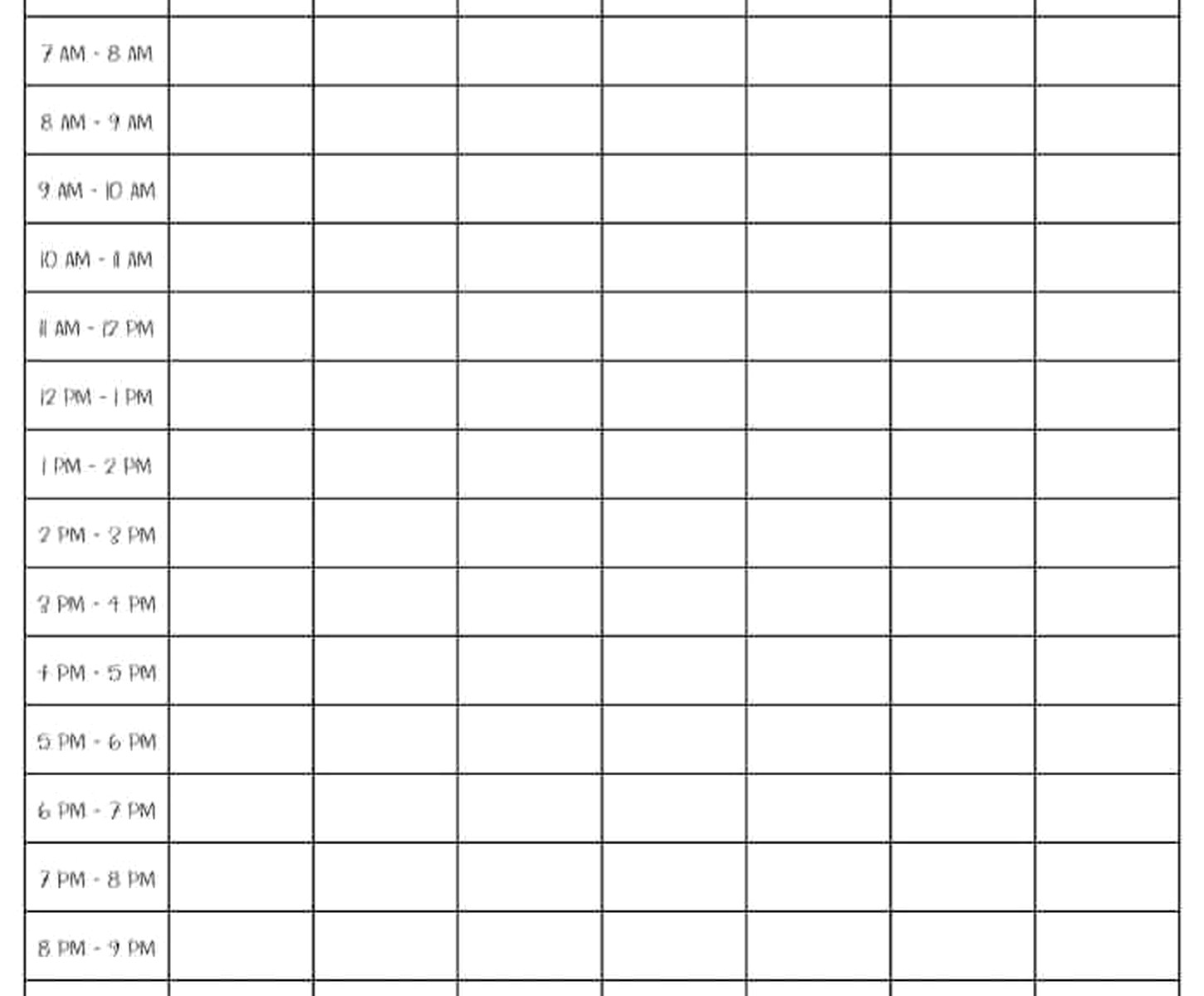
For printables, the Productivity Shop on Etsy has these minimal weekly templates that aren’t trying to be cute. Just clean boxes and lines. I print them on 32lb paper because regular printer paper feels sad and flimsy. You want a bit of weight so writing feels substantial.
Oh and another thing, if you’re printing your own templates, get a hole punch that matches your binder system before you print like 50 pages. I learned this the hard way and had to repunch everything with my Levenger punch.
Building Your Own Template
Canva has weekly planner templates you can customize. The free version works fine but Pro gives you the brand kit feature so your colors stay consistent. I made mine with these sections:
- Top priorities (only 3, any more and you’re lying to yourself)
- Time blocks for Monday through Friday
- Weekend section that’s less structured
- Habit tracker on the side
- Notes section at the bottom
The mistake everyone makes is trying to track too much. Your weekly planner isn’t your journal, your meal plan, your budget, and your gratitude practice. It’s for scheduling and task management. That’s it.
Apps I Tested That Disappointed Me
Structured app looked amazing in the screenshots but the weekly view is basically useless. It’s really designed for daily planning and trying to see your whole week is awkward. Also it’s iOS only which annoyed me even though I have an iPhone because what if I switch.
Sunsama is beautiful and everyone raves about it but it’s $20/month and honestly it just felt like a prettier version of things I was already doing in Notion and Google Calendar. The daily planning ritual feature was nice but not $240 a year nice.
Fantastical has a good weekly view and the natural language input is smooth but again, expensive subscription for features that didn’t change my life enough to justify the cost.
The Paper Planners Worth Buying
Okay so if you’re going full analog, here’s what actually matters. Page thickness first. Anything under 70gsm and your pen bleeds through. Tomoe River paper is the gold standard but it’s thin so you need to be careful with wet pens.
The Hobonichi Weeks is tiny but mighty. Fits in your pocket, has a weekly view on the left and grid pages on the right. The Cousin is bigger if you need more space. The paper handles fountain pens without bleeding which is rare. Comes with the whole year dated though so you gotta commit in January or buy last year’s version discounted.
Full Focus Planner is huge and structured. Like really structured. Daily pages with time blocking, weekly preview, quarterly goals. It’s a lot. Good if you need that level of detail but I found it overwhelming after a few weeks. My cat knocked it off my desk and I didn’t pick it up for three days which told me everything I needed to know.
Wait I forgot the Bullet Journal method. Not a planner you buy, it’s a system you build in any notebook. The weekly spread options are endless. I did the Alastair method for a while which is basically a vertical column for each day. Simple and flexible but you gotta set it up every week which some people love and some people find tedious.
The Disc-Bound Option
Levenger Circa and Staples Arc systems let you move pages around. Game changer if you like customization. You can have weekly pages, monthly pages, notes pages all mixed together and rearrange them constantly.
I built a custom planner with Arc supplies. Weekly pages from one template, monthly calendar from another source, dot grid pages for notes. Cost maybe $40 total and I can replace just the pages that wear out. The discs are sturdy and the pages don’t fall out like I worried they would.
Downside is it’s bulky. Like really bulky. The discs add thickness and it doesn’t fit in most bags easily.
Time Blocking Systems That Work
Cal Newport’s time blocking method is what I base my weekly planning on. Sunday night I look at the week ahead and block out time for specific tasks. Not just “work on project” but “draft outline for client presentation” from 9am to 10:30am Tuesday.
The key is blocking literally everything including lunch and buffer time. Sounds excessive but it eliminates decision fatigue during the week. You’re not constantly figuring out what to do next.
I use different blocking strategies for different work types. Deep work gets 90-minute blocks in the morning. Admin stuff gets 30-minute blocks in the afternoon. Meetings obviously go where they go but I try to cluster them on specific days.
The Two-List System
This is gonna sound simple but it’s effective. Keep two lists in your weekly planner:
- Time-specific stuff (appointments, deadlines, meetings)
- Task list (things that need doing but aren’t time-locked)
Every morning pull 3-5 tasks from list two and assign them to time blocks. Everything else stays on the list for later in the week. This prevents that overwhelming feeling of having 47 tasks staring at you.
Tools That Support Weekly Planning
A good pen matters more than you think. I use Pilot Juice pens for planning because they’re smooth, don’t bleed, and come in actual useful colors not just pastels. The 0.5mm tip is perfect for small planner boxes.
Highlighters for paper planners should be dual-tip. Thick end for blocking out completed tasks, thin end for underlining priorities. Mildliners are everyone’s favorite but honestly the Zebra Mildliner knockoffs from Amazon work just as well.
If you’re printing templates, get a small laminator. Laminate one copy of your weekly template and use dry-erase markers. Reusable and you can test layouts before committing to printing a bunch. I do this with my monthly overview.
Oh and sticky notes. The small ones that fit in planner margins. For tasks that move around or temporary notes. Don’t write directly in your planner until you’re sure that’s where it belongs.
Making It Actually Stick
The planning system doesn’t matter if you don’t look at it. Sounds obvious but this is where everyone fails including me.
I set three daily alarms: 8am (morning review), 12pm (midday check), 5pm (end of day planning for tomorrow). Takes two minutes each time. Morning I look at what’s scheduled, noon I adjust if needed, evening I prep the next day.
Weekly review happens Sunday night. Takes maybe 20 minutes. Look at what got done, what didn’t, what’s coming up. This is when I do the actual planning for the week ahead.
The system has to fit your life not the other way around. I tried getting up at 5am to do morning planning like all the productivity people say and I was just tired and cranky. I plan at night now because that’s when my brain works better for this stuff.
When Everything Falls Apart
You’re gonna have weeks where the plan explodes. Emergency meetings, sick days, whatever. Don’t try to maintain the perfect system during chaos weeks. Just use a simple daily list and get back to the full system when things calm down.
I keep a “chaos mode” template that’s way more basic. Just a list of must-dos and everything else waits. Trying to maintain elaborate weekly planning during crisis mode makes everything worse.
The best weekly planning system is the one you’ll actually use consistently. Start simple, add complexity only if you need it. Most people need way less system than they think.
