
Digital Productivity, Online planners, Planners
Free Digital Planner Templates: Best Downloads 2026
Apr
Okay so I just spent like three weeks testing every free digital planner template I could find because honestly the paid ones are getting ridiculous and I wanted to see what you can actually get without dropping $30 on something you might hate.
GoodNotes Templates Are Everywhere But Quality is All Over the Place
Starting with GoodNotes because that’s what most people use. The free templates on Etsy are… look, you gotta be careful. Half of them say “free” but then you get there and it’s just a sample page or they want your email for their newsletter. Which, fine, but annoying when you’re just trying to download something at 11pm.
The actually good free ones I found: there’s this creator called Minimal Planner Co who has a basic undated monthly spread that’s genuinely useful. It’s not fancy but the hyperlinks work and you can actually write on it without the pen lagging. I tested it during my morning pages thing I’m trying to do (lasted four days so far, we’ll see) and the paper texture is decent.
Oh and another thing, the official GoodNotes gallery has free templates but they’re SO basic. Like almost too minimal? The weekly spread is just boxes. No time blocking, no habit tracker, nothing. But if you’re someone who wants to customize everything yourself, that’s actually perfect. I sent it to a client who’s super picky and she loved it because she could build her own system.
Notability Gets Ignored But Shouldn’t
Wait I forgot to mention Notability templates. Everyone sleeps on these because GoodNotes gets all the attention but Notability’s free template situation is actually better in some ways. The built-in templates are more functional right out of the box.
There’s a creator on Gumroad, I think they’re called Paper Savvy or something, who does free Notability planners and they have this weekly layout with a notes section that I actually use now. The thing that sold me is the Sunday start option because I cannot deal with Monday start planners, my brain doesn’t work that way.
The hyperlinks in Notability templates work differently than GoodNotes though, which was confusing at first. You gotta make sure you’re downloading the right format. Some creators post PDF versions for both apps but they’re optimized for one or the other and you can tell.
Samsung Notes and OneNote Are the Forgotten Children
Okay so funny story, my sister uses a Samsung tablet and kept complaining she couldn’t find good free planners. Turns out there’s this whole community on Reddit (r/GalaxyTab I think?) sharing Samsung Notes templates and they’re actually really good?
This one person made a 2026 planner that’s got everything – monthly overview, weekly spreads, even a budget tracker. Completely free, just download the file and import it. The only annoying part is Samsung Notes doesn’t do hyperlinks the same way so navigation is more manual. You’re swiping between pages instead of tapping to jump around.
OneNote is weird for planners because it’s designed for notes obviously, but there are templates floating around. I found a set on a blog called Digital Planning Central (I was watching The Bear while testing this, highly recommend both) and it works surprisingly well if you’re already in the Microsoft ecosystem. The templates sync across devices which is clutch if you use both tablet and laptop.
The ones that work across multiple apps
So here’s the thing nobody tells you – some PDF planners work in literally any app. They’re just PDFs. Revolutionary, I know. But the quality varies so much.
There’s a site called Passion Planner that offers a free PDF download of their academic planner. It’s dated but who cares, you can still use the layout. I imported it into PDF Expert, GoodNotes, AND Notability to test and it worked fine in all three. The paper texture isn’t as nice as app-specific templates but it’s functional.
Another good source is Canva. Yeah, the design tool. They have planner templates you can customize and download as PDFs for free. Takes a bit more work because you gotta set it up yourself, but then it’s exactly what you want. I made one for a client who needed very specific time blocks for her ADHD management and we just… made it in Canva in like 20 minutes.
What Actually Matters in a Free Template
After testing all these, here’s what I learned you should actually look for:
- Hyperlinks that work – tap the January tab and it should GO to January, not just sit there looking pretty
- Layers that aren’t flattened – so you can delete sections you don’t need without everything breaking
- Readable file size – some free templates are like 500MB which is insane for a planner, gonna destroy your storage
- Paper texture that doesn’t make your pen lag – this is huge, some free ones use textures that look good but feel terrible to write on
The paper texture thing is gonna sound weird but it matters SO much. I tested this one really beautiful floral template and the texture was so heavy that my Apple Pencil kept skipping. Looked gorgeous, completely unusable.
Platform-specific stuff you gotta know
For iPad users with GoodNotes: make sure the template says it’s for GoodNotes 5 or 6 specifically. The app updated and some older free templates have broken hyperlinks now. I wasted an hour trying to fix a 2024 template before I realized it just wasn’t compatible.
Notability templates need to be in Note format, not just PDFs. Well, you CAN use PDFs but you lose some functionality. The free templates specifically made for Notability usually come as .note files which is what you want.
Samsung Notes is picky about file size. Anything over 200MB tends to crash on import. Found that out the hard way with a really elaborate free template that looked amazing but was basically unusable.
For OneNote, the templates work best if they’re set up as page templates within the app itself rather than imported PDFs. There’s a learning curve but once you figure it out, it’s actually pretty powerful.
Where to Actually Find These Things
Okay so beyond just googling “free digital planner,” here’s where I actually found the good stuff:
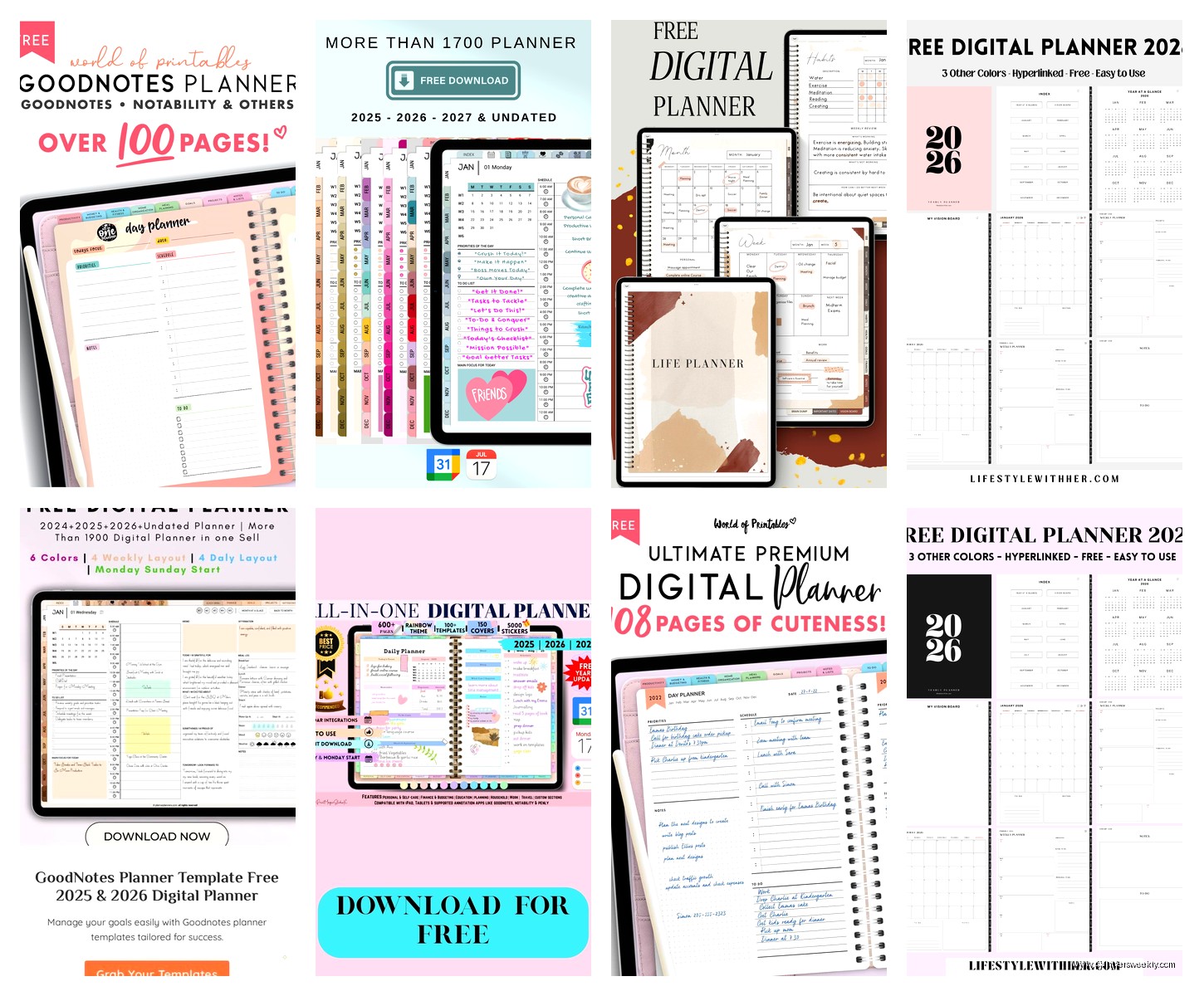
Pinterest is surprisingly useful but you gotta dig past the ads. Search “free digital planner 2026” and filter by recent. Half the links are broken or lead to paid products but the other half are legit. I found my favorite habit tracker template this way at like midnight when I couldn’t sleep.
Gumroad has tons of creators who offer free versions of their planners. Usually it’s a scaled-down version of their paid product but honestly sometimes that’s all you need. The search function is terrible though, you kinda have to stumble onto good creators.
Etsy if you filter price to free, but read the description carefully. Some say free but it’s just a preview. The ones that are actually free usually have it in all caps in the title.
Reddit communities for your specific device are goldmines. r/Notability, r/GoodNotes, r/GalaxyTab all have people sharing templates. The quality varies but people usually comment if something doesn’t work right.
The ones I actually use myself
This is gonna sound scattered but here’s what’s currently on my iPad:
Monthly overview from that Minimal Planner Co person I mentioned. Simple, clean, hyperlinks work perfectly. I use it for blog content planning.
Weekly spread from Paper Savvy on Gumroad. Has a meal planning section I ignore but the layout is perfect for time blocking client sessions.
A habit tracker I found on some random blog that I can’t even remember the name of now. It’s got little boxes for 12 habits and I’ve modified it down to 5 because let’s be realistic.
And honestly a plain dotted grid template from the GoodNotes default library for journaling because sometimes simple is better. My cat knocked over my coffee while I was testing fancy templates and I decided minimal was the way to go.
The annoying technical stuff
File formats matter more than you’d think. PDF is universal but you lose some features. GoodNotes files are .goodnotes, Notability files are .note, Samsung has its own thing.
Some free templates come as ZIP files with multiple versions inside which is actually really helpful. You get the same planner in different formats so you can pick what works for your app.
Hyperlinks break if you try to edit templates in the wrong app. Like if you import a GoodNotes template into PDF Expert and mess with it, the hyperlinks might stop working when you bring it back to GoodNotes. Learned this the annoying way.
The import process is different for every app too. GoodNotes you just tap the file and it imports. Notability you gotta go through this whole thing where you open it in the app specifically. OneNote is its own nightmare of clicking through menus.
What’s actually coming in 2026
I’ve been seeing previews of what creators are planning for 2026 templates and honestly it’s more of the same but prettier. More pastel colors, more “aesthetic” layouts. Which is fine but functionality hasn’t really improved.
The one trend I’m seeing is more customizable templates where you can toggle sections on and off. That’s actually useful instead of just decorative. There’s a creator called Planner Perfect or something who’s releasing a free version of their modular planner in January.
Wait I forgot to mention – some apps are building better template libraries into the apps themselves. GoodNotes 6 has been adding more free templates to their store section. They’re basic but they work and you don’t have to go hunting on sketchy websites.
Real talk about limitations
Free templates are gonna have limitations. That’s just how it is. Usually it’s missing features like stickers, or the hyperlinks only work for some tabs, or there’s no cover page customization.
But honestly for most people that’s totally fine? Unless you’re doing super elaborate planning or you need really specific features, free templates do the job. I have clients who pay me for productivity coaching and half of them use free planners because they’d rather spend money on nice pens or whatever.
The biggest limitation I’ve found is that free templates usually aren’t updated. So if you find a great 2026 template, don’t expect a 2027 version from the same creator unless they’re using it as a gateway to sell paid versions.
Some free templates have really limited color options. Like you get it in blue or that’s it. Which again, fine for most people but if you’re particular about colors it might bug you.
Making free templates work better
You can customize most free templates even if they say not to. Just duplicate the file first so you have a backup. I’ve taken basic free templates and added my own stickers, changed colors, added extra pages.
The apps themselves have tools for this. GoodNotes lets you add elements, Notability has stickers and shapes built in. You don’t need to be a designer to make a free template feel more personalized.
Some apps let you combine templates too. Like you could use a free monthly overview from one creator and a free weekly spread from another creator and make them into one planner. Takes some fiddling with hyperlinks but it works.
Oh and this is gonna sound obvious but dark mode versions are hard to find for free. Most free templates are light colored because they’re easier to make. If you need dark mode for eye strain or whatever, you might have to modify it yourself or just deal with light mode.
The main thing is just trying stuff and seeing what sticks. I’ve downloaded probably 50 free templates in the past month and I actively use like three of them. That’s normal. You’re not gonna find the perfect one immediately and that’s fine, they’re free so who cares.
