Digital Productivity, Online planners, Planners
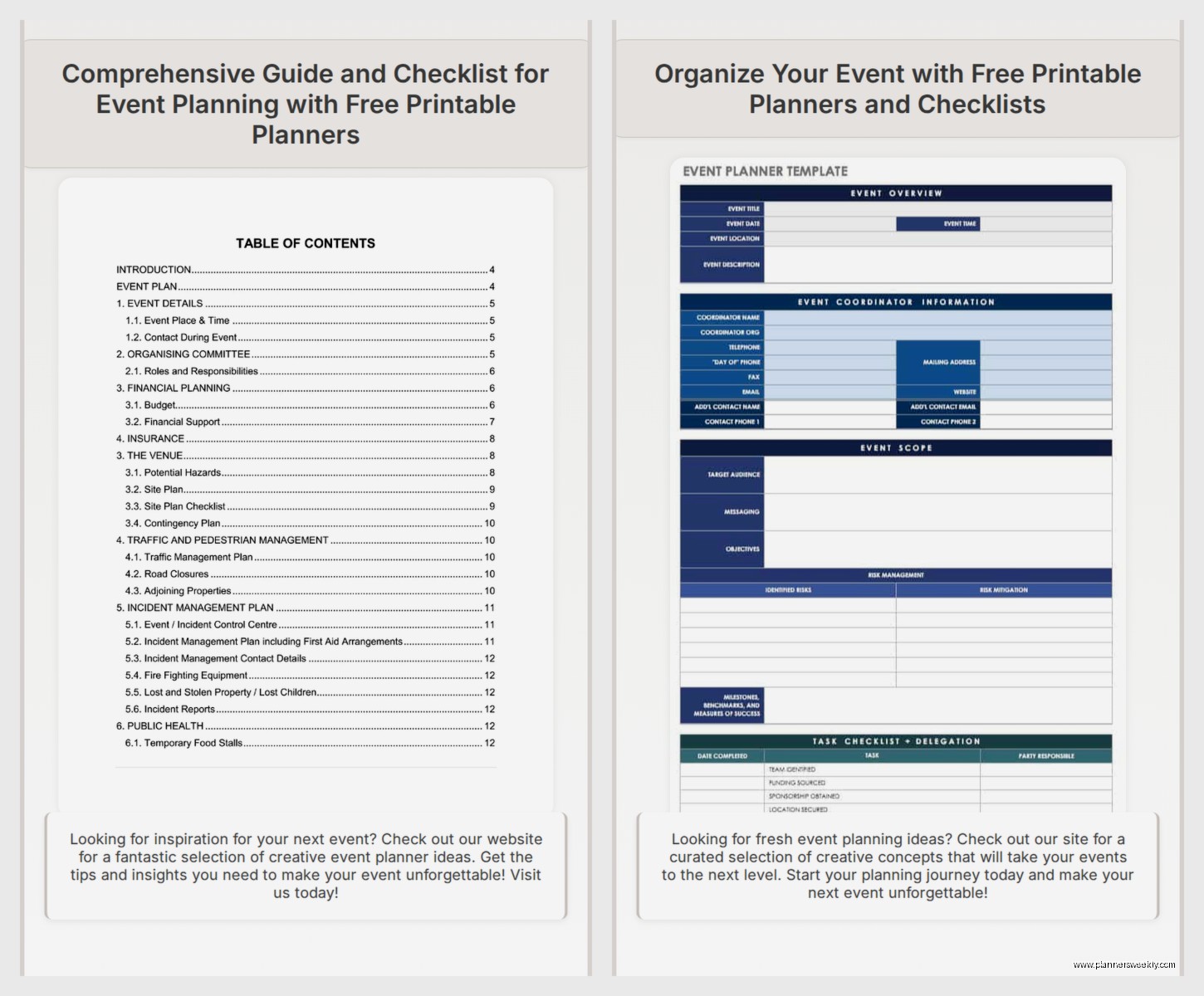
Free Event Planning Template: Downloads & Checklists
Mar
Okay so I’ve been drowning in event planning templates for the past three weeks because honestly, my whole workshop schedule got moved and I ended up with this weird block of time where I just… tested everything. Like genuinely sat there with my coffee getting cold, downloading every free template I could find.
The Google Sheets Templates That Actually Work
Start with the Smartsheet event planning template because it’s actually free despite the name making it sound like paid software. You can grab it and immediately import to Google Sheets if you’re like me and live in Google everything. The budget tracker section is weirdly detailed? Like it breaks down vendor deposits, final payments, and has this column for “unexpected costs” which saved me during a client’s conference when the AV guy suddenly needed an extra $200 for cables or whatever.
Oh and another thing – Vertex42 has this event timeline template that I keep coming back to. Downloaded it in January and I’m still using the same copy for different events. It’s got Gantt chart vibes but without being overwhelming. You can actually see what needs to happen 6 months out versus 2 weeks out. My only complaint is the color scheme is very… 2015? But you can change that in like thirty seconds.
The Checklist Situation
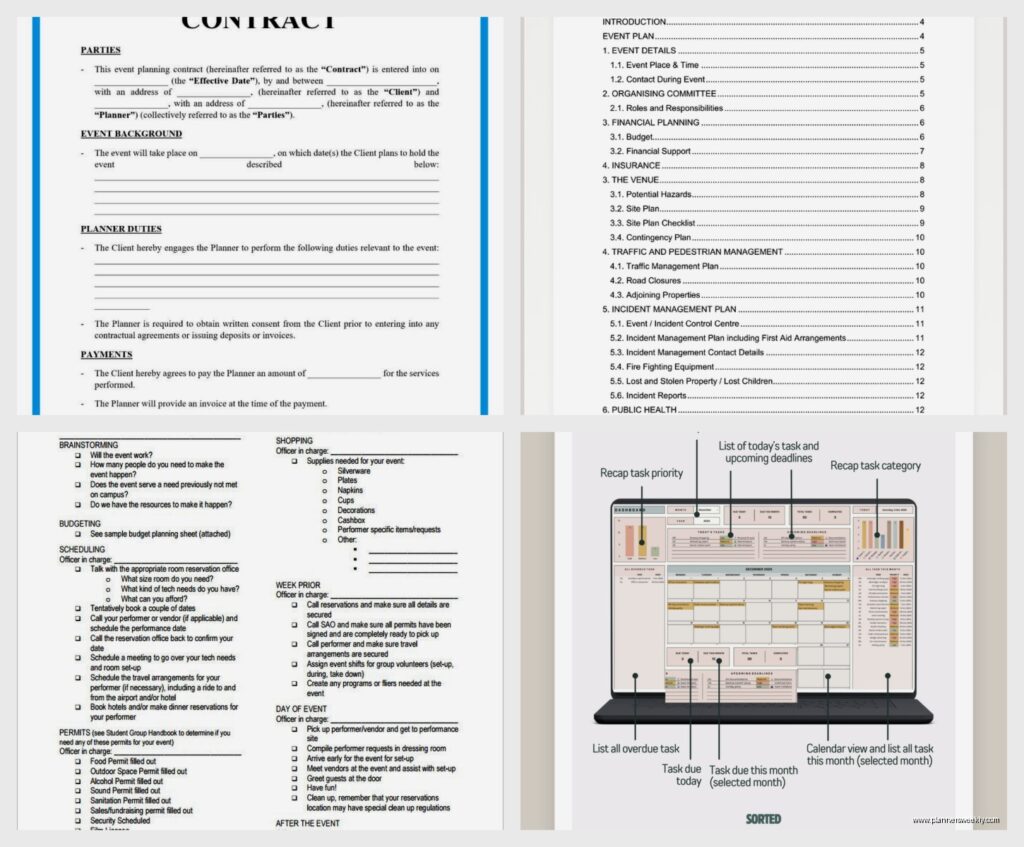
Here’s where I got really into the weeds. Eventbrite has a free planning checklist that’s a PDF – you can’t edit it digitally which is annoying but also I printed it and there’s something about physically crossing things off that hits different. It’s organized by timeline: 6 months before, 3 months, 1 month, week of, day of. Super straightforward.
But wait I forgot to mention – if you need something more customizable, Canva has event planning checklist templates now. Free account works fine. I made one for a product launch party and could add our brand colors, specific vendor names, everything. Then exported as PDF. The drag and drop thing makes it stupidly easy even though I was watching Succession at the same time and barely paying attention.
Task Management Integration
This is gonna sound weird but the best “template” I found isn’t really a template – it’s Trello’s event planning board. They have a template you can copy and it’s already set up with lists for Budget, Vendors, Guest List, Timeline, Day-Of Schedule. You can assign tasks if you’re working with a team, add due dates, attach files. I used it for a networking event in March and could literally see what my assistant was checking off in real time.
Asana also does this but their free version is more limited. Only try Asana if you’re already using it for other stuff, otherwise the learning curve isn’t worth it for a single event.
Budget Templates That Don’t Make Me Want to Cry
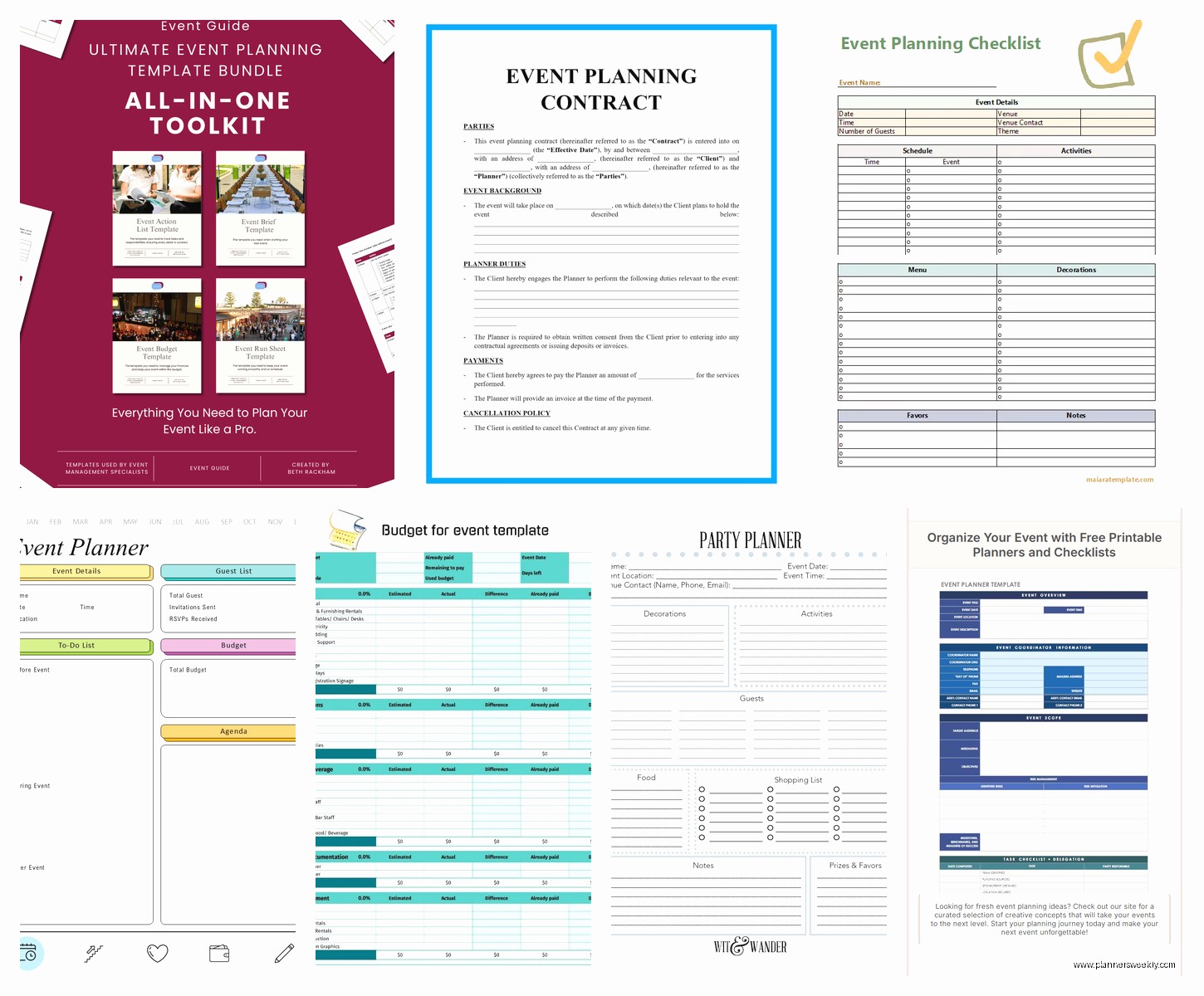
The Template.net event budget template is free if you sign up with your email (yeah, you’ll get marketing emails but whatever, unsubscribe later). It’s an Excel file with formulas already built in. You enter your total budget at the top and it calculates percentages as you allocate to different categories. Venue, catering, entertainment, marketing, contingency – all there.
I tested this against just making my own spreadsheet and honestly? The pre-made one is faster. The formulas work, it auto-updates, and there’s a little chart that shows you budget allocation visually. My client loved seeing the pie chart during our planning meeting even though I personally think pie charts are overrated.
Oh and if you’re planning something corporate, the Cvent budget template has more categories. Like it includes things like “signage” and “printing” as separate line items which seems excessive until you’re actually ordering both and realize they’re coming from different vendors with different timelines.
Guest List and RSVP Tracking
Google Forms is your friend here. It’s free, everyone knows how to use it, and responses automatically populate a spreadsheet. I made a simple RSVP form last week – took maybe 10 minutes. Name, email, dietary restrictions, plus-one status. You can set it to send confirmation emails automatically.
For the actual guest list management, I keep going back to this simple template from HubSpot. You gotta give them your email but the template itself is solid. Columns for invitation sent date, RSVP status, meal preference, seating assignment. Nothing fancy but that’s the point.
Seating Chart Madness
Okay so funny story – I tried to make a seating chart in regular Excel and wanted to throw my laptop out the window. Then found Social Tables has a free trial that’s actually useful. You can map out your venue, drag and drop tables, assign guests. The trial lasts 14 days which is enough if your event is coming up soon.
If you need something permanently free, AllSeated works but it’s clunkier. The interface feels like it was designed in 2012. Still functional though. I used it for a 50-person dinner and it did the job.
Day-Of Timeline Templates
This is where I got really specific because day-of timelines are make or break. The template from WeddingWire is technically for weddings but works for any event. It’s a Word doc broken into 15-minute increments. You can list what’s happening, who’s responsible, and any notes.
I modified this for a workshop I ran and included things like “8:45 AM – turn on coffee urns (Emma),” “9:00 AM – test microphone (AV tech),” “9:15 AM – open registration table (Sarah).” Sounds excessive but when you’re running around the morning of, having it written down means you’re not forgetting that the caterer needs access to the kitchen at 11:30.
Vendor Contact Sheet
Made this mistake once – didn’t have all vendor contacts in one place and spent 20 minutes day-of trying to find the florist’s number. Never again.
Template.net has a vendor contact list template. Basic but complete. Vendor name, service type, contact person, phone, email, contract deadline, payment status. Print it and keep it in your event binder. Also email it to yourself and anyone else on your team.
Marketing and Promotion Checklists
If your event needs promotion (most do), Hootsuite has a social media checklist for events that’s actually helpful. When to announce, what platforms to use, countdown posts, day-of coverage, post-event thank you content. I don’t follow it exactly but it’s a good framework.
For email campaigns, Mailchimp’s event email templates are free with their free account. You can send save-the-dates, invitations, reminders, follow-ups. The templates look professional enough that nobody knows you didn’t hire a designer.
Post-Event Stuff Nobody Remembers Until It’s Too Late
Post-event survey template from SurveyMonkey saved me because I always forget to gather feedback. Free account lets you ask up to 10 questions. I usually do: overall satisfaction, venue rating, content/programming rating, what to improve, would you attend again.
The thank you email template from Constant Contact is also in my rotation. Simple, professional, includes a spot to link your survey and any follow-up resources.
My Actual Event Planning Folder System
Wait I should mention how I organize all these templates because I used to just download everything to my desktop like a chaos goblin. Now I have a Google Drive folder called “Event Planning Master Templates” with subfolders:
- Budget and Finance
- Timelines and Checklists
- Guest Management
- Vendor Coordination
- Marketing Materials
- Day-Of Documents
- Post-Event
When I start planning a new event, I copy the whole folder, rename it with the event name and date, then customize the templates inside. This system has legitimately saved me hours. My cat just knocked over my water bottle while I was typing this which feels on-brand for how chaotic event planning can get.
Combo Templates That Try To Do Everything
Microsoft has an event planning template that’s pretty comprehensive – it’s in their template gallery for Excel. Includes budget, timeline, task list, and guest tracker in one workbook with different tabs. It’s fine if you want everything in one place but I find it gets messy with bigger events.
The Monday.com event template is similar – they have a free tier that works for small events. Everything lives on one board with different views. I tested this for a 30-person workshop and it was almost too much? Like I didn’t need that level of organization but if you’re doing a 200-person conference it might be worth it.
Industry-Specific Templates Worth Grabbing
If you’re doing conferences specifically, the Conference Planning Toolkit from EventMobi has downloadable checklists. RFP templates, speaker management sheets, session scheduling grids. More detailed than general event templates.
For fundraisers or galas, Greater Giving has planning templates that include auction item tracking, sponsorship levels, and donation tracking. Free to download even if you’re not using their software.
Corporate events? Bizzabo’s event planning guide comes with templates for stakeholder communication, which sounds boring but is actually useful when you need to update your boss or client on progress.
The Templates I Tried and Hated
Gonna be honest – a lot of Pinterest templates look pretty but are useless. Too design-focused, not enough functionality. I downloaded this gorgeous watercolor event timeline and realized there was nowhere to actually write detailed tasks. It was basically decorative.
Also those massive 50-page event planning guides that are technically free but require giving up your whole life story to download? Usually full of fluff. The actual templates buried on page 38 are nothing you couldn’t make yourself in ten minutes.
How I Actually Use These In Real Life
My process now: Start with the Smartsheet template for initial planning and budget. Import to Google Sheets. Create a Trello board for task management if I have a team, skip it if it’s just me. Download the Vertex42 timeline and customize dates. Make the Eventbrite checklist my Bible for the last month leading up.
Day-of, I print the WeddingWire timeline template (modified), vendor contact sheet, and final guest list. Everything else stays digital but those three need to be physical because phone batteries die and also I spilled coffee on my phone once during event setup and almost had a breakdown.
Post-event, I send the SurveyMonkey survey within 24 hours while it’s fresh. Compile feedback into a Google Doc for future reference.
Random Tips From Testing All These
Most templates are built for way bigger events than you probably need. Delete sections that don’t apply. I removed the “entertainment contract” section from a template because my event was a workshop, not a concert.
Date formulas in Excel templates sometimes break when you copy them. Check that your countdown timers and deadline alerts still work after customizing.
If a template asks for information you don’t have yet, write “TBD” and highlight it yellow. Come back to it. Don’t let gaps stop you from using an otherwise good template.
Print your day-of timeline in large font. Like 14pt minimum. You’ll be reading it while walking around, possibly in dim lighting, definitely while stressed.
The best template is the one you’ll actually use consistently. I have colleagues who swear by complex project management systems and others who use a simple Google Doc checklist. Both get their events done successfully. Find what matches your brain.