Digital Productivity, Online planners, Planners
Bill Organizer Template: Free Downloads & Budget Tools
Mar
Okay so I just spent the last three weeks testing basically every free bill organizer template I could find because my own system was a disaster and honestly? Most of them are either way too complicated or so basic they’re useless.
The Templates That Actually Work
The Google Sheets bill tracker from Vertex42 is probably the best free one out there. I’ve been using it since January and it’s got this automatic calculation thing that actually works. You just plug in your bills and due dates and it color-codes everything based on when stuff is due. My favorite part is the annual overview page because you can see patterns like oh wow I really do spend $180 on streaming services every month what am I doing with my life.
Download it straight from their website, make a copy to your own Google Drive, and you’re set. The formulas are already built in so you don’t need to be a spreadsheet wizard. I tested it with about 23 different bills and subscriptions and nothing broke which is honestly impressive.
The Excel vs Google Sheets Situation
If you’re an Excel person the Microsoft template library has this monthly bill organizer that’s pretty solid. It’s under the personal budget section and it syncs with their budget templates if you wanna get fancy. I personally prefer Google Sheets because I can access it from my phone when I’m sitting in the coffee shop pretending to work but actually just organizing my finances.
The Excel one does have better printing options though. Like if you’re someone who needs a physical copy on your fridge or whatever, the formatting stays consistent when you print it. Google Sheets sometimes does weird things with page breaks that drive me crazy.
What You Actually Need to Track
So here’s what I learned after making a mess of this initially. You need columns for:
- Bill name obviously
- Due date
- Amount (and whether it’s fixed or varies)
- Payment method
- Confirmation number once you pay it
- Notes section for random stuff like “call to cancel before trial ends”
That last one saved me $89 last month because I remembered I’d noted that my meditation app trial was ending. Which I used exactly twice so yeah that would’ve been annoying.
The Paper Option That Doesn’t Suck
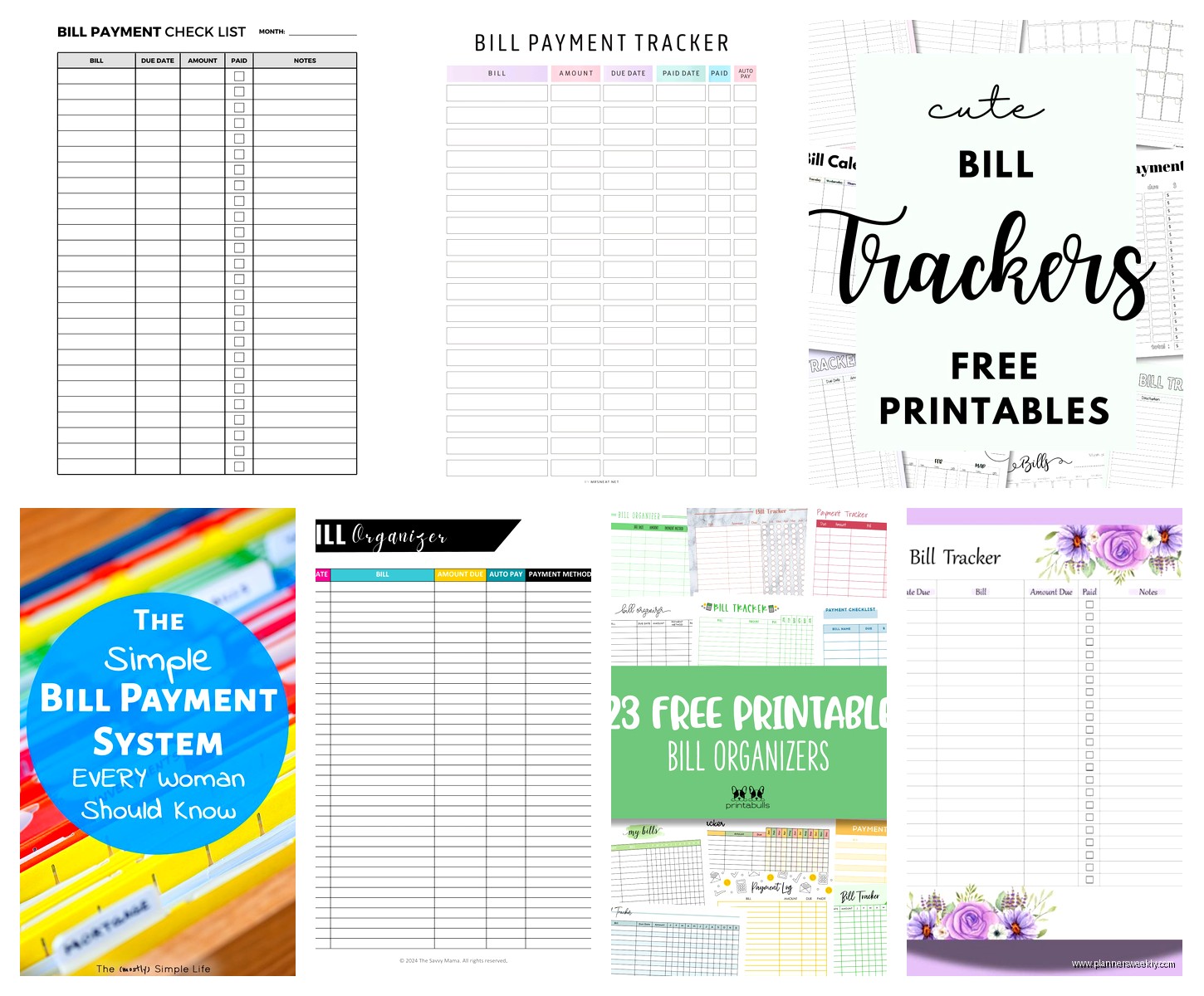
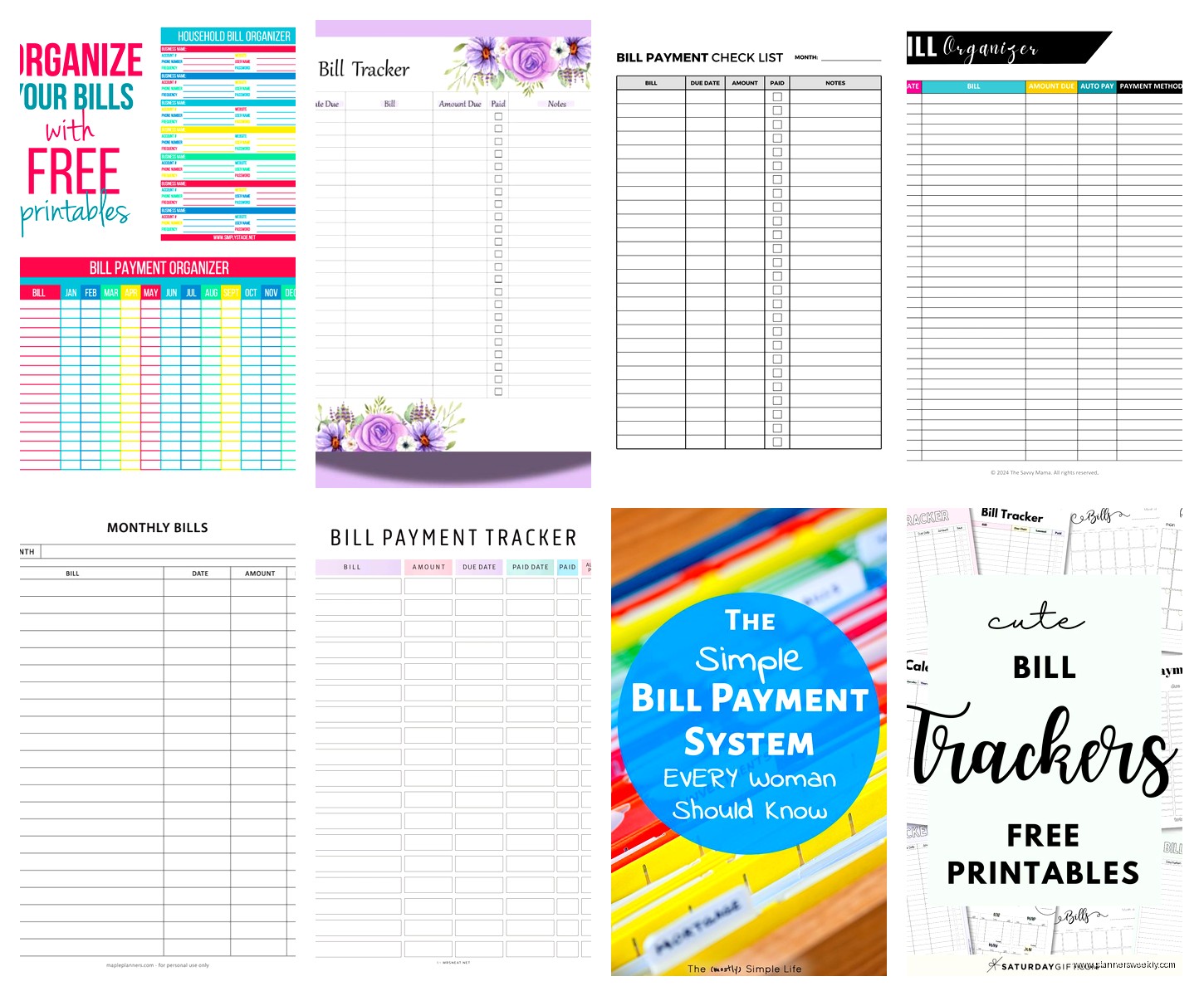
Wait I forgot to mention if you’re a paper person like some of my clients are, the Budget Mom has this free printable bill tracker that’s actually really well designed. You can download the PDF and print as many copies as you need. She’s got weekly and monthly versions.
I tested the monthly one for February and honestly it was kinda nice to physically check things off? My dog chewed the corner of it though so I had to reprint week three but that’s not the template’s fault.
The layout is clean, there’s space for irregular bills, and it fits in a standard binder. She also has matching budget printables if you want everything to look cohesive which like, not necessary but satisfying if you’re into that aesthetic thing.
Apps That Are Free But Actually Good
Okay so this is gonna sound weird but I’ve been testing apps too even though you asked about templates. Mint is still free and it automatically pulls in your bills if they’re linked to your bank accounts. The bill tracking feature is buried in the menu under Bills & Subscriptions but once you find it it’s pretty powerful.
It’ll send you notifications before bills are due which has saved me from late fees at least four times. The only annoying thing is it sometimes categorizes stuff wrong like it thought my internet bill was entertainment for some reason.
Rocket Money is another one that’s free for basic features. They really want you to upgrade to premium but the free bill tracking works fine. It found subscriptions I completely forgot about including a $12.99 charge for some app I downloaded in 2019 and never used. That added up to like $467 over time which made me wanna throw my phone across the room but at least now I know.
The Notion Setup Everyone Keeps Talking About
Oh and another thing, if you already use Notion there are templates in their template gallery. I tried the bill tracker one last week and it’s very customizable but also you gotta be willing to learn how Notion works which has a learning curve.
My client canceled Tuesday so I spent like an hour and a half setting up a Notion bill tracker and honestly? It’s overkill unless you’re already living in Notion for everything else. The database views are cool, you can see your bills in calendar view or table view or whatever, but it felt like I was working harder on the organizational system than actually paying my bills.
That said if you’re a Notion person you probably already know if this is for you. The template I used is called “Bill Tracker & Budget Manager” and it’s in the personal finance section of their gallery.
Budget Tools That Connect to Bill Tracking
So the thing about bill organizers is they work way better when they’re connected to your actual budget. I use YNAB but that’s not free anymore unfortunately. It was when I started using it in like 2015 but now it’s $99 a year which is annoying but also I literally cannot manage money without it so I pay it.
For free budget tools though, EveryDollar has a basic version that’s free forever. You manually enter your bills and income and it does zero-based budgeting which means every dollar gets assigned a job. The bill tracker is integrated so when you mark a bill as paid it comes out of that budget category automatically.
I tested this for my sister who wanted something simpler than YNAB and she’s been using it for five months now. She says the free version is totally functional, you just don’t get bank syncing and some of the fancier reports.
Spreadsheet Budget Templates with Bill Sections
The Mint budget template (different from the app) is a Google Sheets template that has a whole section for bills and recurring expenses. I like that it separates fixed bills from variable ones because that’s actually really useful for planning.
It calculates what percentage of your income goes to bills which was depressing for me to see but also necessary information I guess. The template has instructions built into it which is helpful if you’re not super comfortable with spreadsheets.
There’s also this random template I found on Reddit in the personal finance subreddit that someone made and shared for free. It’s called the “Bill Calendar and Budget Tracker” and it’s honestly better than some paid options I’ve seen. The person who made it updates it every year with a new version.
Setting Up Your System
Okay so here’s what actually worked for me after testing all this stuff. I use Google Sheets for the main bill tracking because I can access it anywhere. The Vertex42 template I mentioned earlier is my base but I customized it.
Customizations That Make It Work
I added a column for whether the bill is on autopay or manual pay because I kept accidentally double-paying things that were already on autopay. Embarrassing but it happened twice before I figured out the problem.
I also color-coded by payment method. Blue for checking account autopay, green for credit card, yellow for things I pay manually. This is probably overkill but it helps me see patterns at a glance.
Another thing that helps is I have a separate tab for annual bills because those always surprise me even though they happen every year. Car registration, Amazon Prime, my website hosting, all that stuff that you forget about and then suddenly it’s $180 you didn’t budget for this month.
The Weekly Check-In Thing
This is gonna sound boring but it actually works. Every Sunday morning while I’m drinking coffee and watching whatever true crime thing I’m into (currently that plane crash investigation show), I open my bill tracker and look at what’s due in the next two weeks.
Takes maybe ten minutes and it means I’m never surprised by due dates. I used to do this daily but that was too much, monthly wasn’t enough because I’d forget things. Weekly is the sweet spot.
What Doesn’t Work
I tried those fancy budget binders with the laminated pages and the stickers and everything. They’re beautiful and I really wanted to love them but I just don’t naturally grab a physical binder when I need to check something. My phone is always in my hand anyway so digital makes more sense for my life.
Also tried some of the super detailed templates that want you to track like every single expense category and subcategory. Too much. I just need to know when bills are due and if I paid them. I don’t need seventeen different categories for groceries versus dining out versus coffee shops. That’s budget stuff not bill tracking stuff.
Apps That Were Disappointingly Bad
Prism used to be really good but they got acquired and now it’s buggy and keeps trying to sell me loans which is weird. I deleted it after it failed to notify me about a bill due date which was literally its one job.
Bill Keeper looked promising but the free version only lets you track like five bills which is completely useless unless you’re living an incredibly simple life with no streaming services or subscriptions.
The Actual Process That Works
Take thirty minutes right now and list every single bill and subscription you have. Check your bank statements from last month to catch stuff you forgot about. I found three subscriptions I didn’t remember signing up for when I did this.
Put them all in whatever template you chose with due dates and amounts. For bills that vary like electricity or water, I put the average amount so I can still budget for it.
Set up calendar reminders for three days before each due date. Your phone calendar, Google Calendar, whatever you actually look at. The template is great but you also need something that actively bothers you.
Check your tracker weekly, update it when bills change, and actually mark things as paid when you pay them. That last part sounds obvious but I went two months where I just paid bills and didn’t update the tracker and then the whole system was useless.
The confirmation number column is clutch for when companies claim you didn’t pay something. Happened to me with my internet provider and I had the confirmation number right there so they had to fix their mistake instead of charging me a late fee.
Free Tools for Specific Situations
If you have roommates the Splitwise app is free and handles shared bills really well. It’s not exactly a bill organizer but it tracks who owes what for utilities and rent and stuff. We used this when I had roommates and it prevented so many awkward money conversations.
For people with irregular income like freelancers the free version of Wave has bill tracking built into their accounting software. It’s designed for small businesses but works fine for personal use too. You can schedule recurring bills and it’ll remind you even if your income that month is unpredictable.
The Debt Payoff Addition
Oh wait one more thing, if you’re tracking bills you probably also have debt payments. The Debt Payoff Planner app has a free version that shows you payoff timelines and lets you compare different payment strategies. It’s not technically a bill tracker but I have it on the same phone screen as my bill tracking stuff because it’s all related.
You can see how paying extra on one loan affects your overall payoff date which is weirdly motivating. I used it when I was paying off my car and it helped me stay focused on the goal.
Anyway that’s basically everything I learned from testing way too many bill organizers and budget tools. Pick something simple, actually use it consistently, and don’t overcomplicate it with features you don’t need. The best system is whatever you’ll actually maintain not the prettiest one or the most complex one.