
Digital Productivity, Online planners, Planners
Goal Planning Template: Free Achievement Downloads
Mar
Okay so I’ve been testing goal planning templates for like three months now because honestly my productivity system was a mess and I kept downloading random PDFs that I’d use once and forget about. Let me tell you what actually works.
The Templates I Actually Use vs The Ones Gathering Digital Dust
So first thing, most free goal planning templates fall into two categories: the ones that are basically just fancy to-do lists with motivational quotes, and the ones that make you fill out seventeen pages before you can even write down one actual goal. Neither of these work for real life.
The template I keep coming back to is this quarterly breakdown one I found on Canva. It’s not even specifically marketed as a goal planner but it has this layout where you can see three months at once and there’s space for weekly check-ins. I print it on regular printer paper, none of that fancy cardstock because who has time, and I actually fill it out. That’s the key thing nobody tells you about goal templates—if it takes more than 10 minutes to set up, you won’t use it.
What Makes a Goal Template Actually Usable
Here’s what I’ve learned from testing probably 30 different templates. You need:
- Space to write the goal in one sentence, not a paragraph
- Breakdown sections for smaller steps because big goals are paralyzing
- Some kind of tracking system that isn’t overly complicated
- Room for adjustments because life happens and rigid templates make you feel like crap when things change
The templates that try to make you define your “why” and your “core values” and all that before you can write down “finish the certification course” are just… they’re not helping. Like yes, knowing your why is important, but when you’re trying to plan out Q2 goals on a Sunday afternoon, you don’t need a therapy session built into your PDF.
The Free Downloads That Don’t Suck
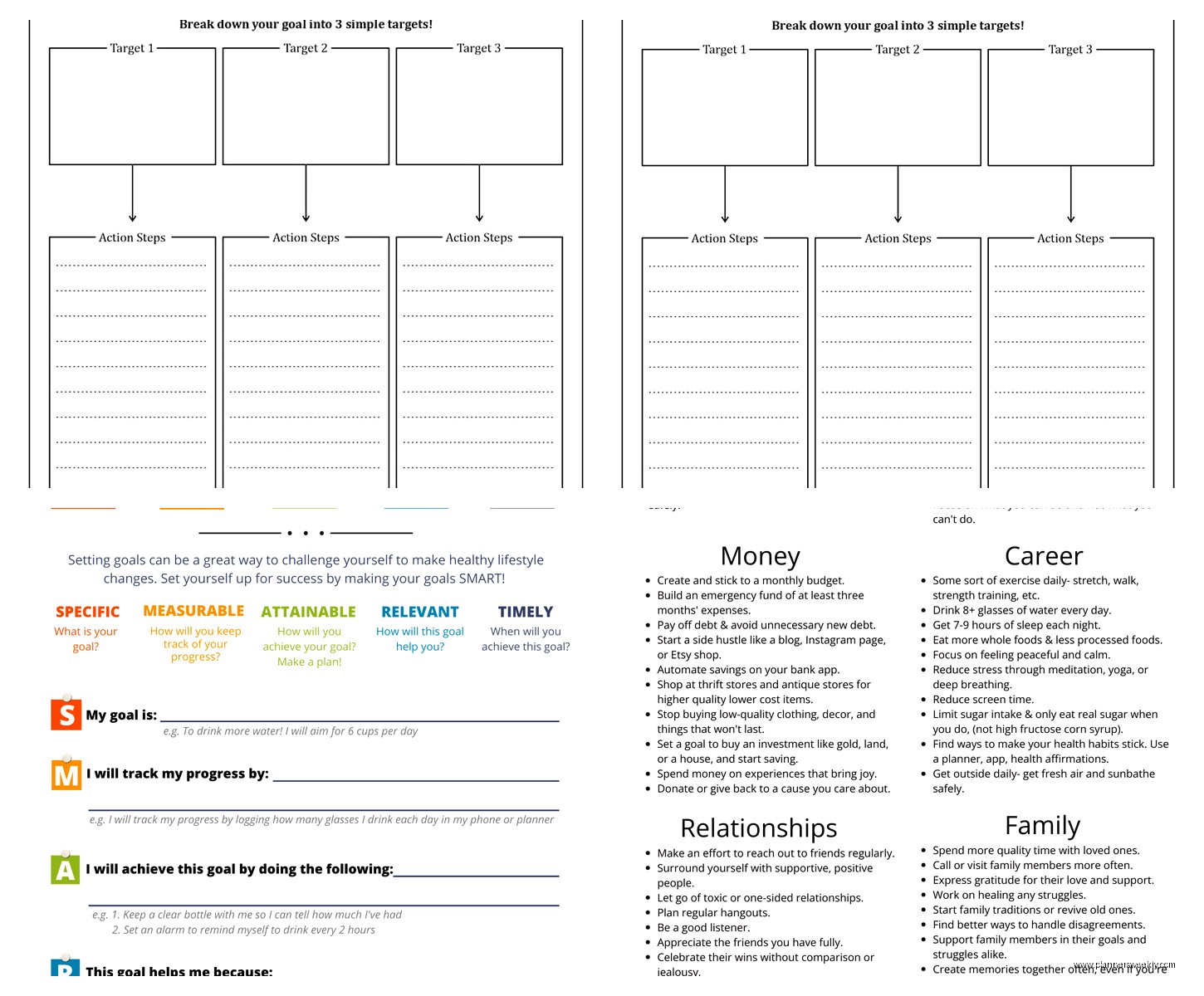
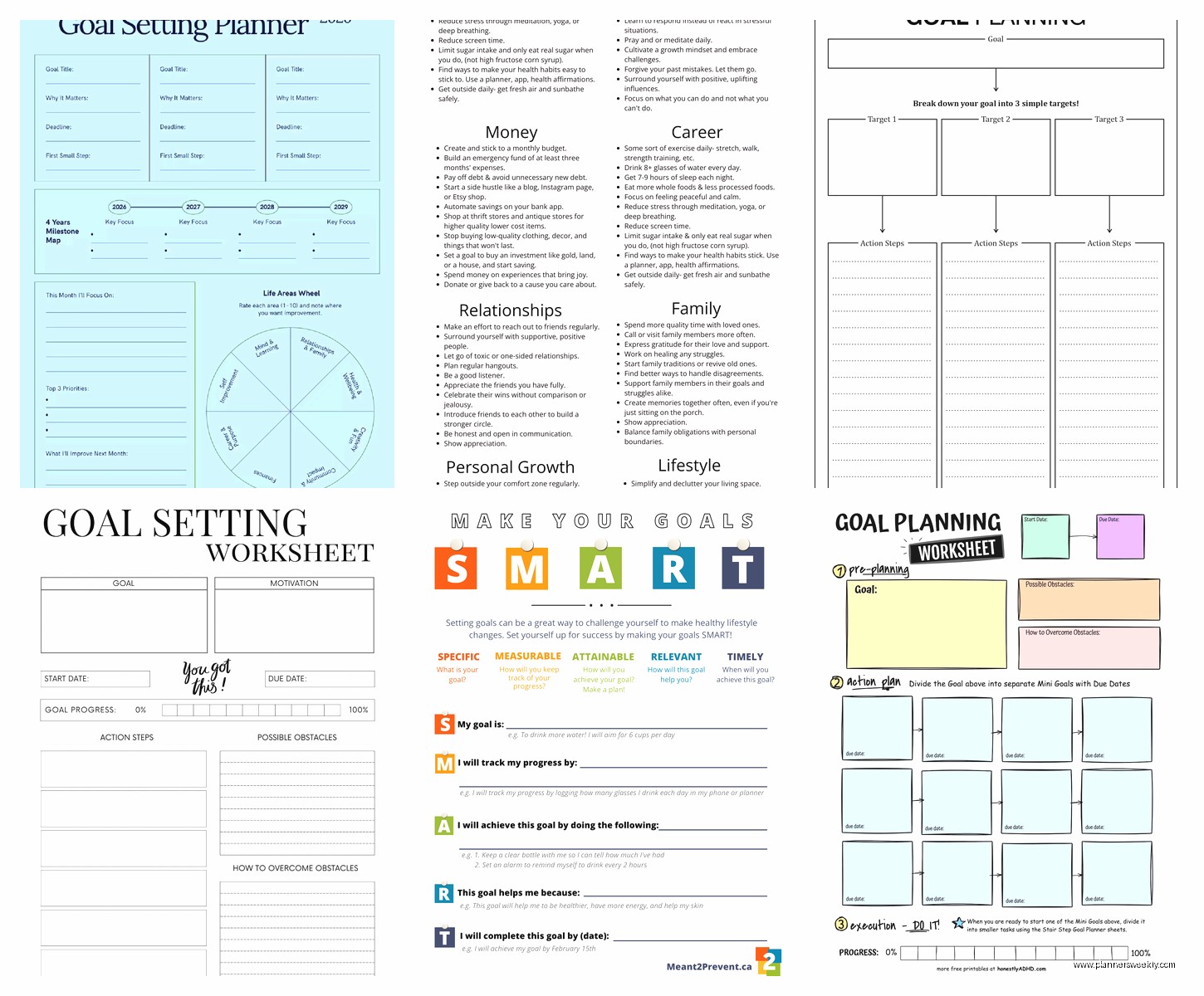
Wait I forgot to mention, there’s this site called GoalsOnTrack that has a free basic template and honestly it’s one of the better ones. It’s got this SMART goal framework built in without being preachy about it. You fill in your goal, set a deadline, list the obstacles (which actually helps instead of being fake-positive about everything), and then break it into action steps.
I used it for my Q1 business goals and actually hit three out of four targets, which is better than my usual zero out of whatever-I-randomly-decided-to-do approach.
Oh and another thing, if you’re into bullet journaling at all, there are these hybrid templates that give you a structured starting point but leave room for your own system. I found one on Pinterest that’s just a simple grid with goal categories across the top and months down the side. You can track progress with colors or checkmarks or whatever. My cat knocked over my coffee on the first one I printed so I had to start over but the second attempt worked great.
Monthly vs Quarterly vs Yearly Planning
This is gonna sound weird but I think yearly goal planning is kind of useless for most people. Like unless you’re doing major life stuff like moving or career changes, a year is too long to maintain focus. I switched to quarterly planning last year and it’s so much better.
Here’s my system now: I have a yearly overview template that’s literally just four boxes, one per quarter. That’s it. Then I have detailed quarterly templates where I actually do the planning. Each quarter gets:
- Three main goals maximum because more than that and you’re lying to yourself
- Monthly milestones for each goal
- Weekly action items that I transfer to my regular planner
- A review section for the end of the quarter
The review section is actually important even though I skip it half the time. When I do use it, I can see patterns like “oh I always underestimate how long client work takes” or “I never make progress on goals in March because that’s when everyone’s taxes are due and I’m stressed.”
Templates for Different Goal Types
Okay so funny story, I was watching The Bear while testing templates one night and realized that different goals need different planning structures. Career goals need timeline-based templates. Health goals need habit tracking. Financial goals need number tracking. Using the same template for everything is like using a hammer for every household repair.
For Career and Project Goals
You want something with clear milestones and deadlines. I use a Gantt chart style template I found on Vertex42. It’s technically a project management template but it works perfectly for bigger goals. You can see dependencies between tasks and it keeps you realistic about timing.
Like when I was planning to launch my online course, I thought I could do it in six weeks. The template made me list out every single task and suddenly it was obvious I needed three months minimum. Saved me from a really stressful situation.
For Habit-Based Goals
Habit trackers are everywhere but most of them are too cute to be functional. You don’t need little watercolor flowers next to each day, you need a grid and maybe some color coding.
The best free one I’ve found is just a simple spreadsheet template. Rows are habits, columns are days. You can add conditional formatting if you’re into that, or just mark an X. I track five habits max because more than that and I stop tracking altogether.
My current habits are writing for 30 minutes, walking 8k steps, no phone before 9am, journaling three sentences, and drinking enough water. Some days I hit all five, some days I hit two. The template doesn’t judge me, it just shows me patterns.
For Financial Goals
This needs numbers and progress tracking. I use a combination of two templates—one for the goal itself (save $5000 for equipment upgrade) and one for tracking the actual savings each month. The visual progress bar thing really works for money goals because you can see the gap closing.
There’s a free template on Google Sheets called something like “Savings Goal Tracker” that’s perfect. You enter your target amount and current amount, and it shows you a percentage and how much more you need. Updates automatically which is satisfying.
How to Actually Fill Out Goal Templates
Okay this is where most people mess up including me for years. You download the template, you get all excited, you fill it out in detail, and then… you never look at it again.
Here’s what works better:
Fill out the template in stages. First pass, just write the main goals and deadlines. That’s it. Don’t spend an hour on it. Then come back the next day and add the breakdown steps for one goal. Then the next day, another goal. Spreading it out makes it less overwhelming and also gives your brain time to actually think about the steps instead of just writing down whatever comes to mind first.
And here’s the thing nobody wants to hear—you gotta schedule a weekly review time. I do mine Sunday evenings for like 15 minutes. I look at what I said I’d do that week, mark what actually happened, and adjust next week’s plan. Without this step, the template is just decorative.
The Digital vs Printed Debate
I’ve tried both extensively and honestly it depends on your life setup. Digital templates are great if you’re always on your computer anyway and you like the ability to edit easily. Apps like Notion have built-in goal templates and you can link them to your task lists.
But printed templates work better for me personally. There’s something about physically checking off a box or coloring in a progress bar. Plus I can stick them on my wall where I actually see them instead of buried in a folder on my desktop.
My compromise system: I use a digital template for the detailed planning and tracking, but I print out a simplified one-page version each week that goes next to my monitor. Best of both worlds.
Free Tools That Work With Templates
If you’re using digital templates, pair them with:
- Google Calendar for deadline reminders
- Trello for breaking down big goals into moveable tasks
- Habitica if you want gamification without it being annoying
- Plain old phone reminders for weekly review times
Wait I forgot to mention Asana has free goal tracking features now too. I tested it last month and it’s pretty solid for work goals especially if you’re coordinating with other people.
Common Template Mistakes I Made So You Don’t Have To
Setting too many goals. Three per quarter is the max. I tried seven once and accomplished exactly zero because I was too scattered.
Making the action steps too vague. “Work on website” isn’t a step. “Choose color scheme and pick three example sites I like” is a step.
Not building in buffer time. Everything takes longer than you think. I now add 25% more time to every deadline estimate and I’m way less stressed.
Forgetting about energy levels. I used to plan intense goals for December which is my lowest energy month every single year. Now I look at past patterns before assigning goals to specific months.
Not celebrating small wins. This sounds cheesy but seriously, when you hit a milestone, do something nice. I buy myself fancy coffee or take an afternoon off. The template should have space to note these wins because they keep you motivated.
Where to Find the Actually Good Free Templates
Okay so beyond the ones I mentioned, here are sources I actually use:
Canva has tons and they’re customizable. Search “goal planner” and filter by free. The quality varies but you can preview before downloading.
Vertex42 has Excel and Google Sheets templates that are super functional if not pretty. Good for people who like data and numbers.
Teachers Pay Teachers isn’t just for teachers. Lots of free goal planning templates from people who actually understand instructional design.
Notion template gallery has community-made goal trackers. Some are overengineered but there are simple ones too.
Just avoid the ones that require you to sign up for a mailing list unless you actually want those emails. The best free templates don’t hold you hostage.
The template that works is the one you’ll actually open more than once. Start simple, add complexity only if you need it, and remember that the planning is just the beginning—the doing is what matters. But having a template that breaks down the doing into manageable pieces makes everything way less intimidating.
