
Digital Productivity, Online planners, Planners
Milestone Plan Template: Project Planning Tools

Mar
Okay so I’ve been using milestone plan templates for like forever now and honestly they’re one of those things where you don’t realize how much you need them until you’re three weeks into a project and have no idea if you’re on track or completely screwed.
The Basic Setup That Actually Works
So here’s what I figured out after way too many failed attempts – you need like four main columns at minimum. Date, milestone name, deliverable, and owner. That’s it. I see these templates that have fifteen columns and color coding systems that require a PhD to understand and honestly? They’re garbage. Nobody maintains them.
I tested this theory with a client last month who was planning this massive website redesign and we started with one of those fancy templates from some project management guru. Two weeks in she hadn’t updated it once because it was too complicated. Switched her to a basic four-column setup and suddenly she’s updating it every Monday like clockwork.
The Date Column Thing Nobody Talks About
Put both target date AND actual completion date. I know it seems obvious but so many templates just have one date field and then you’re stuck either losing your original timeline or pretending you hit deadlines you totally missed. My dog was barking at absolutely nothing while I was setting up a template last week and I almost put the wrong dates in half the rows but anyway – two date columns saves your sanity during post-project reviews.
Different Templates for Different Project Types
This is gonna sound weird but I keep like five different milestone templates and just grab whichever fits. You can’t use the same structure for a three-month content creation project that you’d use for a year-long software development thing.
The Quick Sprint Template
For anything under six weeks I use what I call the weekly checkpoint template. Milestones every single week, sometimes twice a week. Sounds like overkill but short projects go off the rails SO fast. Last sprint I ran was for a product launch – four weeks total – and we had eight milestones. Launch date, content freeze, design approval, developer handoff, testing complete, marketing assets ready, soft launch, full launch.
The key here is making sure each milestone has a clear deliverable. Not like “make progress on design” but “design mockups approved by stakeholders.” Specific enough that there’s no confusion about whether you hit it or not.
The Long Haul Template
Projects over three months need breathing room. I learned this the hard way on a curriculum development project that was supposed to take six months. We set milestones every two weeks at first and just… couldn’t keep up with updating the template. Felt like we were always behind even when we weren’t.
Switched to monthly major milestones with smaller checkpoints nested underneath. So like “Month 2: Module 1 Complete” as the big milestone, then under that you’ve got “script draft done,” “review feedback incorporated,” “visuals finalized.” Way more manageable.
The Dependency Nightmare
Oh and another thing – dependencies will kill you if you don’t map them out. I use a separate column for this now but honestly it took me years to figure out it was necessary. You’ll have Milestone B that can’t start until Milestone A is done, and if you don’t track that explicitly someone’s gonna start working on B too early and waste a bunch of time.
I watched my colleague do this exact thing last quarter. She had “final edit” as a milestone but the content wasn’t even written yet. Could’ve been avoided with a simple “depends on: first draft complete” note in the template.
The Symbol System That Saved Me
Instead of writing out full dependency explanations I just use arrows now. So in the milestone name or notes I’ll put → pointing to whatever it depends on. Keeps the template clean and you can see at a glance what’s blocking what.
Owner Assignment Is Not Optional
Every milestone needs a name attached to it. Even if it’s you. Especially if it’s you and you’re working with a team. Vague ownership means nothing gets done or three people do the same thing.
I had this disaster – wait I forgot to mention this earlier but it’s relevant – where I was running a conference planning project and we had “secure venue” as a milestone with no owner listed. Three of us reached out to venues. We looked so disorganized and it was completely my fault for not assigning it clearly in the template.
Now I’m super strict about this. Name goes in the owner column before the milestone even goes live. If nobody can own it yet, it goes in a “parking lot” section at the bottom of the template until we figure out who’s responsible.
Status Tracking Without Losing Your Mind
Okay so funny story – I used to have these elaborate status systems. Like “not started, planning, in progress, review, revision, complete” with different colors for each. Looked beautiful. Nobody used it correctly.
Simplified to three statuses: not started, in progress, done. That’s it. You can add “at risk” if you want to get fancy but honestly most of the time you know if something’s at risk without a special status label.
The Weekly Review Ritual
Templates are useless if you don’t look at them. I block 30 minutes every Monday morning – right after coffee before my brain gets cluttered with emails – to review every active project’s milestone plan. Update statuses, adjust dates if needed, flag anything that’s slipping.
My cat has learned that Monday mornings I’m at my desk early and will meow at me the entire time but whatever, the routine works. Miss a week and suddenly you’re two milestones behind without realizing it.
The Tools Question Everyone Asks
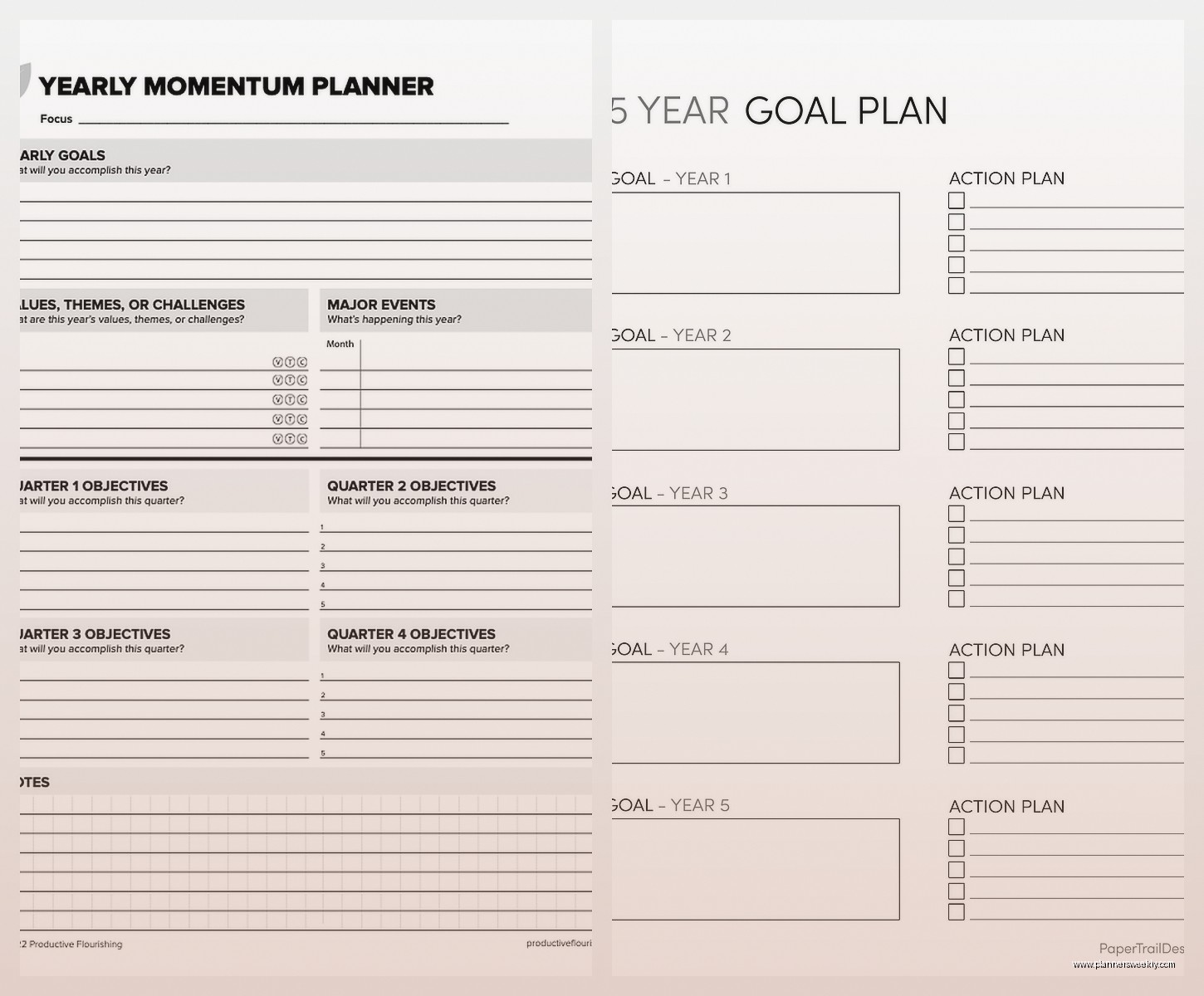
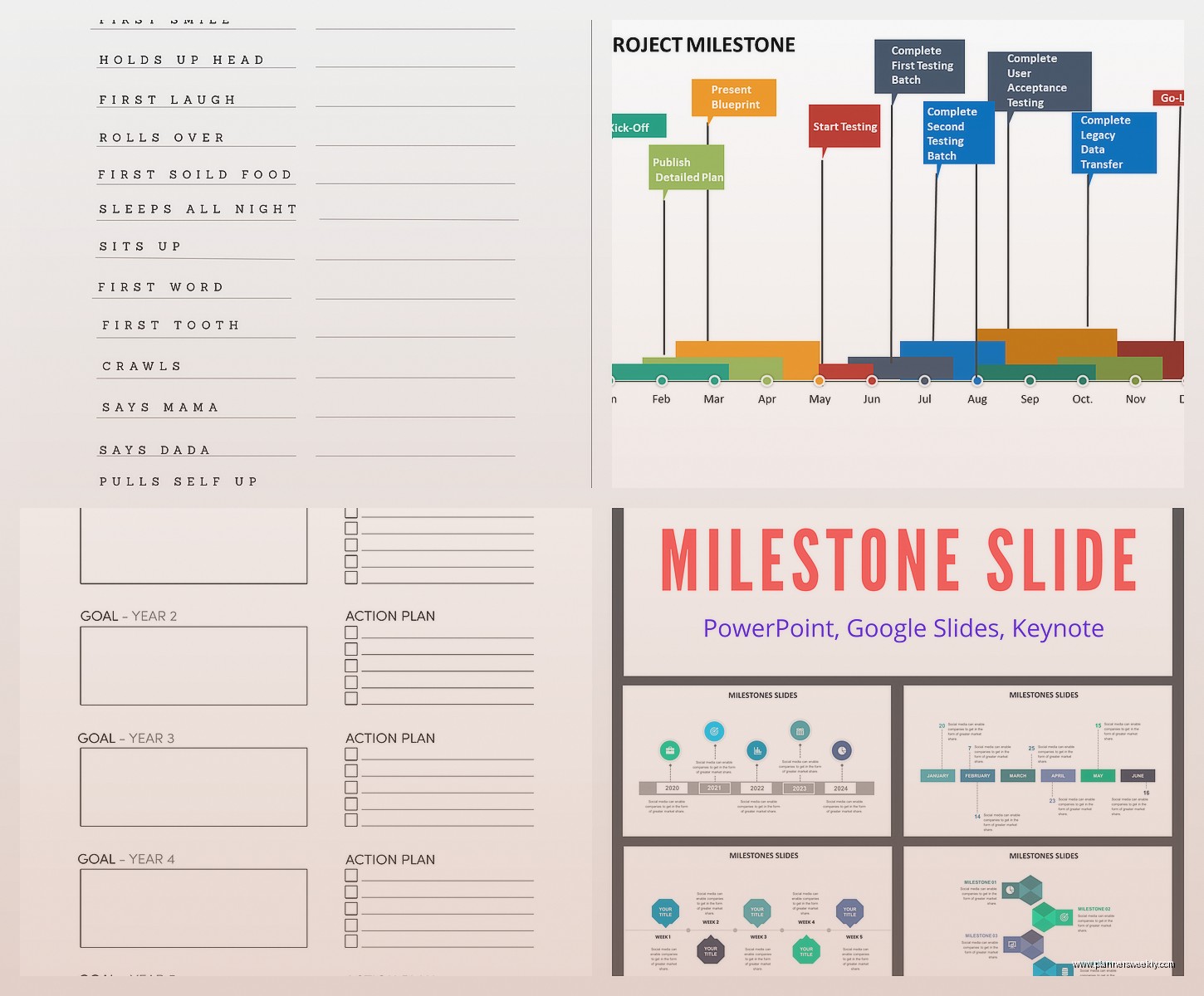
People always want to know what software to use. Honestly? Start with a spreadsheet. Google Sheets or Excel, doesn’t matter. I’ve tested Asana, Monday.com, Smartsheet, all the fancy project management platforms and yeah they’re great for big teams but for most projects a simple spreadsheet milestone tracker is faster to set up and easier to share.
The fancy tools make sense when you’ve got like:
- More than 10 people on the project
- Multiple interconnected projects happening simultaneously
- Stakeholders who need real-time dashboard views
- Budget tracking integrated with milestones
Otherwise you’re just adding complexity. I’ve got a Google Sheets template I’ve been using for three years and it’s never let me down. Has all the columns I mentioned, conditional formatting so overdue milestones turn red automatically, and a little chart at the top showing completion percentage.
Buffer Time Is Not Cheating
This is gonna sound obvious but add buffer time between major milestones. I used to feel like I was being lazy or padding timelines unnecessarily but no – stuff happens. People get sick, requirements change, your best designer quits unexpectedly.
I usually add 15-20% buffer for projects I control and 30% for projects with external dependencies. Had a publishing project last year where the client needed legal review between milestones and we’d built in two weeks of buffer. Legal took six weeks. We were still late but not catastrophically late.
The Rolling Wave Approach
For really long projects you don’t need to map every single milestone on day one. Plan the first phase in detail, later phases at a high level, then fill in details as you get closer. I call this the rolling wave thing – probably got the term from some project management book I read ages ago.
Currently doing this with a year-long coaching program development. First quarter milestones are super detailed, second quarter is rough, third and fourth are just placeholder milestones that I’ll flesh out later. Keeps the template from being overwhelming and lets you adjust based on what you learn in early phases.
Common Mistakes I See Constantly
Too many milestones. If you’ve got more than 15-20 milestones for a six-month project you’re probably tracking tasks not milestones. Milestones should be significant achievements, not every little thing that needs to happen.
Not updating the template when plans change. Your milestone plan is not a contract written in stone. If reality shifts, update the template. I see people leave outdated milestones in there and then the whole thing becomes useless because nobody trusts it anymore.
Making milestones too vague. “Complete phase one” tells you nothing. “Phase one deliverable: 50 blog posts written, edited, and scheduled” is a milestone you can actually track and measure.
The Stakeholder Communication Hack
Here’s something that changed my life – I send milestone updates even when nothing’s changed. Every two weeks I send a quick email: “Milestone update: we hit X, Y is in progress, Z coming up next week.” Takes five minutes, pulls straight from the template, keeps everyone aligned.
Before I did this I had stakeholders constantly asking “where are we on this” and “what’s the status of that” and it was exhausting. Now they just wait for the update email. My client meetings got like 40% shorter because we’re not spending half the time getting everyone on the same page.
The Template They Can Actually Read
Make a stakeholder-friendly version of your milestone template. Strip out all the detailed columns, just show milestone name, date, and status. Use a nicer font maybe, add your logo if you’re feeling fancy. I keep the detailed working template for myself and the team, then copy key info to a clean version for clients and executives.
They don’t need to see every dependency and sub-task. They just wanna know if you’re on track or not. Give them that in the simplest format possible and they’ll love you for it.
When Templates Need to Die
Sometimes you gotta abandon a template structure mid-project. I had this happen last fall – three months into a project the scope changed so dramatically that our milestone plan was completely irrelevant. Tried to adapt it for like a week, finally just started fresh with a new template that matched the new reality.
Don’t get attached to a template just because you spent time setting it up. If it’s not serving the project anymore, kill it and make a better one. Your ego will recover.
The templates that work best are honestly the boring ones. Clean, simple, easy to update, actually useful. Not the gorgeous color-coded masterpieces that look amazing but nobody maintains. Focus on function over form and you’ll actually use the thing which is like, the entire point.
