
Digital Productivity, Online planners, Planners
Free Event Planner: Best Online Tools & Templates

Mar
Okay so I just spent the last three weeks planning my niece’s graduation party and a client workshop, and I basically lived in event planning tools, so here’s what actually works.
Google Calendar is where I started because honestly I was being lazy and it was already open on my laptop. But here’s the thing – if you upgrade to Google Workspace (which is still free for basic stuff), you can create multiple calendars for different events and color-code everything. I had one calendar for vendor deadlines, another for guest RSVPs, and another for my own task list. The sharing feature is ridiculously easy too. You just click the three dots next to your calendar name, grab the link, and send it to your co-planners. My sister could see everything in real-time which saved us from the usual seventeen text threads about who’s bringing what.
The problem with Google Calendar though is that it doesn’t really handle tasks well. Like yeah, you can add reminders, but if you’re trying to track whether you’ve actually ordered the chairs or just thought about ordering the chairs, it gets messy fast.
That’s where Trello saved my sanity. I know everyone talks about Trello but I was skeptical because it looked too simple? But for event planning it’s actually perfect. I set up boards with lists like “To Do,” “In Progress,” “Waiting on Others,” and “Done.” Each card was a specific task – “confirm catering numbers,” “print programs,” whatever. You can add due dates, attach files (I uploaded all my vendor contracts there), and assign tasks to different people.
Oh and another thing – Trello has these power-ups which are basically free add-ons. The Calendar power-up lets you see all your cards with due dates in calendar view, so you’re not just looking at lists all day. I also used the Custom Fields power-up to track budgets on each card. Like next to “DJ Services” I had a field showing $500 budgeted vs $450 actual. Saved me so much time compared to my usual messy spreadsheet situation.
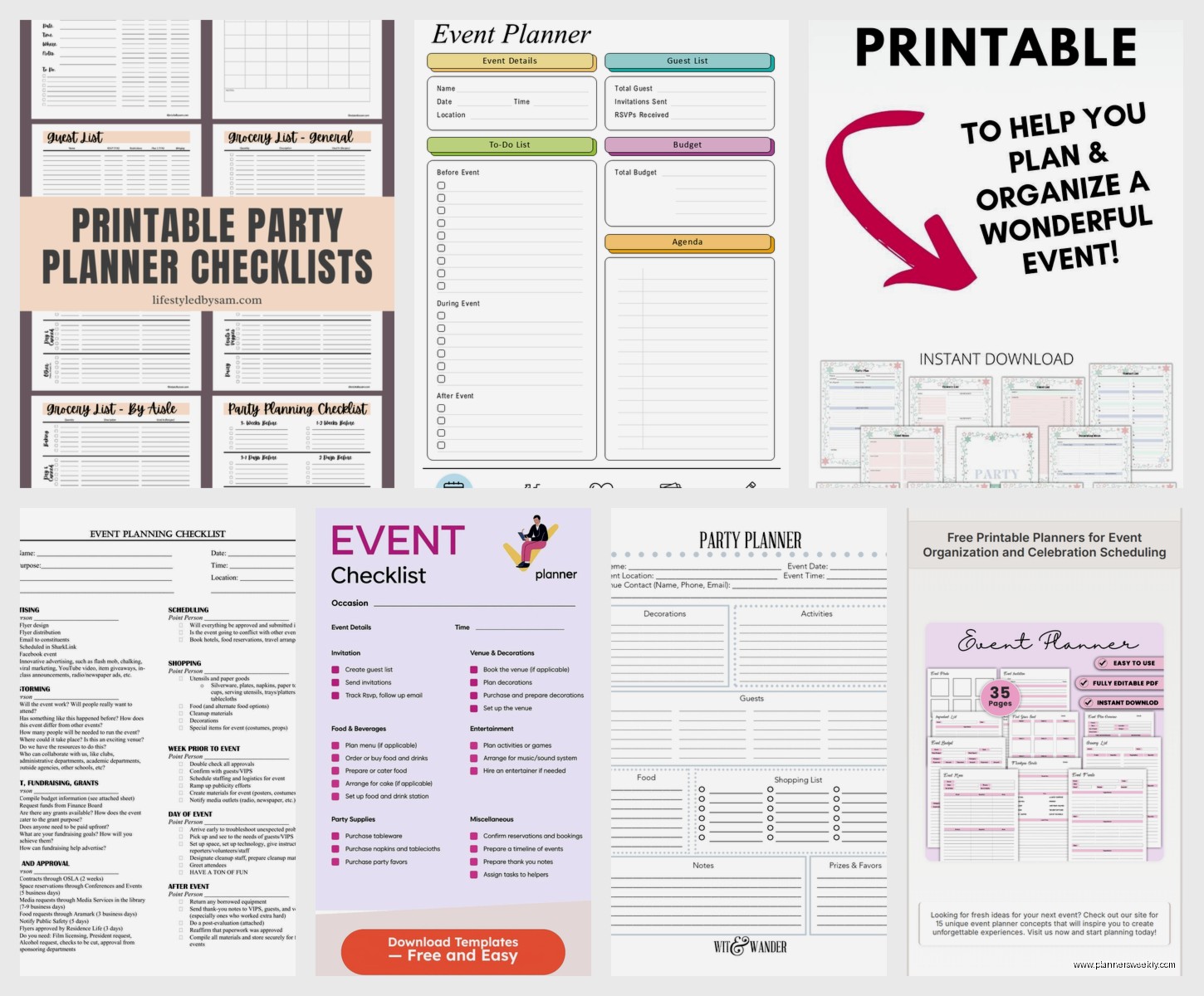
Wait I forgot to mention Canva for invitations and signage. This is gonna sound weird but I actually prefer Canva to those specialized invitation sites because you can use the same design elements across everything. I made the invitation, then used the same color scheme and fonts for the welcome sign, menu cards, and even the thank you cards. They have thousands of free templates and you don’t need to be artistic at all. Just click, change the text, maybe swap out a photo, done.
The free version limits you to like 5GB storage but unless you’re saving hundreds of designs, you’re fine. I’ve been using free Canva for two years and never hit the limit. Pro tip: download everything as a PDF if you’re getting it printed professionally. PNG works too but PDFs handle better at print shops.
For RSVPs I tested three different tools because my first choice was actually terrible. Started with Google Forms which is functional but ugly and kind of impersonal. Then tried RSVPify which everyone recommended – it’s pretty and has good features but the free version only handles 100 guests. My niece apparently knows everyone in the state so that wasn’t gonna work.
Ended up using Eventbrite for the workshop (even though it’s technically for ticketed events, you can set ticket price to zero) and a combination of Google Forms plus a tracking spreadsheet for the graduation party. Eventbrite’s free for free events which is nice, and it automatically sends confirmation emails and reminders. The built-in attendee management is chef’s kiss – you can see who’s coming, export lists, send updates to everyone at once.
This is probably obvious but make a master spreadsheet in Google Sheets for your budget. I have a template I’ve used for like fifteen events now. Columns for category, item description, estimated cost, actual cost, paid/unpaid status, and notes. The beauty of Google Sheets is you can access it from your phone when you’re standing in the party supply store trying to remember if you already bought tablecloths. Also the formulas do the math for you which is crucial when you’re tired and numbers stop making sense.
My cat knocked over my coffee right in the middle of setting up the budget spreadsheet and I almost lost everything, but Google Sheets auto-saves so crisis averted. Anyway.
For timeline management I found this free template from Template.net that’s specifically for event planning. It’s a Gantt chart style thing that shows you what needs to happen when. You can download it as an Excel file or edit it in Google Sheets. It has pre-filled tasks like “book venue,” “send invitations,” “final headcount” with suggested timeframes. Obviously you customize it for your specific event but having the structure already there saved me hours of figuring out what order things should happen in.
Oh and another thing about templates – Vertex42 has incredible free event planning templates. They have everything from budget trackers to seating charts to party checklists. The wedding planner template works perfectly for any big event, you just ignore the wedding-specific stuff. I used their timeline template and their budget template together and they actually reference each other which is smart design.
For team communication, if you’re planning with other people, skip email. Just skip it. Use Slack or Discord or even a WhatsApp group. We used Slack for the workshop planning and it was so much better than email chains. You can create different channels for different topics – we had one for venue logistics, one for speaker coordination, one for promotion. Files stay organized, you can search old messages, and you can mute channels when you need to focus on other stuff.
The free version of Slack limits your message history to 90 days but for event planning that’s usually enough since most events don’t have longer planning periods than that. If yours does, Discord is completely free with no limits, just slightly less professional-looking.
Wait I should talk about Asana too because I tested it against Trello. Asana is more robust – you get timeline view, calendar view, board view, list view. It’s like Trello but more corporate? The free version allows up to 15 people on your team which is plenty for most events. I personally found it a bit overwhelming for simple events but if you’re planning something complex with multiple work streams, Asana handles dependencies better. You can mark tasks that can’t start until other tasks finish, which Trello doesn’t really do.
For vendor management I just used a simple Google Doc with a table. Vendor name, contact info, what they’re providing, cost, deposit paid, balance due, contract status. Nothing fancy but it kept everything in one place. I shared it with my co-planners so everyone knew who to contact for what.
This is gonna sound weird but I also kept a running Google Doc of “random thoughts and ideas” that I shared with nobody. Just a brain dump space for when I’d think “oh we should do a photo booth” at 2am. Then during planning meetings I’d go through that doc and see what was actually feasible. Most ideas were terrible but a few were gems.
Okay so funny story – I tried using Notion for event planning because everyone on YouTube acts like it’s the second coming. It’s beautiful and powerful but holy complexity, Batman. If you already use Notion for other stuff, sure, add an event planning database. But if you’re starting from scratch? The learning curve isn’t worth it for a one-time event. I spent four hours setting up a template when I could’ve just used Trello and been done in twenty minutes.
That said, if you want to try Notion, they have event planning templates in their template gallery. The free version is actually pretty generous – unlimited pages and blocks, just limited to one person unless you pay. Could work if you’re solo planning.
For day-of coordination, I printed everything. I know, I know, very un-digital of me. But phones die and WiFi fails and you do not want to be scrambling. I had a binder with the timeline, vendor contacts, floor plan, seating chart, emergency contacts, and backup plans. Cost like $3 to print at FedEx and saved my butt when my phone died during setup.
Speaking of floor plans – there’s this tool called Social Tables that has a free basic version for simple floor planning. You can drag and drop tables and chairs and see how many people fit. It’s more intuitive than trying to draw it in Canva or PowerPoint. Though honestly for my niece’s party I just used PowerPoint because I’m gonna work with what I know, and the shapes tool works fine for rectangles and circles.
I also gotta mention Doodle for scheduling planning meetings. When you’re trying to coordinate with multiple people, the back-and-forth of “does Thursday work” “no how about Friday” will make you lose your mind. Doodle lets you propose multiple time slots and people just check what works for them. Free version has ads but whatever, it functions perfectly.
For guest list management beyond just RSVPs, I made another Google Sheet with names, contact info, RSVP status, number of guests, dietary restrictions, and gift received (for thank you cards later). Added conditional formatting so confirmed guests showed up in green, pending in yellow, declined in red. Very satisfying to watch it fill up with green.
One thing I wish I’d known earlier – you can embed Google Forms directly into Google Sheets. So responses automatically populate your tracking spreadsheet without you having to transfer data. Game changer for RSVP management.
Oh and use Calendly if you need to schedule vendor meetings or walkthroughs. Free version lets people book time slots you’ve marked as available. No more email tennis. I used it for venue tours and vendor consultations and it was so professional-looking while being zero effort on my part.
For music playlists I obviously used Spotify free. Made different playlists for different parts of the event – arrival/mingling, dinner, dancing. Collaborative playlists are clutch because guests can add song requests beforehand. Just be ready to delete the weird stuff people add as jokes.
The one paid tool I almost caved and bought was Planning Pod because it does literally everything – guest lists, budgets, timelines, vendor management, floor plans, all in one place. But it’s $19/month and I’m cheap, so I stuck with my franken-system of free tools. For a one-time event, spending money on software feels wasteful. If you’re a professional event planner, different story.
Last thing – take photos of your templates and systems after your event. Like screenshot your Trello board, save your spreadsheets, export your checklists. I have a Google Drive folder called “Event Planning Templates” where I dump everything after each event I plan. Next time I’m starting from a way better place than blank documents.
The combination that worked best for me was Google Calendar for scheduling, Trello for task management, Google Sheets for budget and guest tracking, Canva for anything visual, and Slack for team communication. Everything syncs, everything’s accessible from phone or computer, everything’s free. You don’t need fancy paid tools unless you’re planning weddings for a living or something.
