Digital Productivity, Online planners, Planners
Printable Budget Planner: Free Templates & Finance Tools
Mar
Okay so I just spent the last three weeks testing literally every free printable budget planner I could find because my own finances were a mess and I refuse to pay for another app subscription. Here’s what actually works.
The Basic Monthly Budget Template That Everyone Should Start With
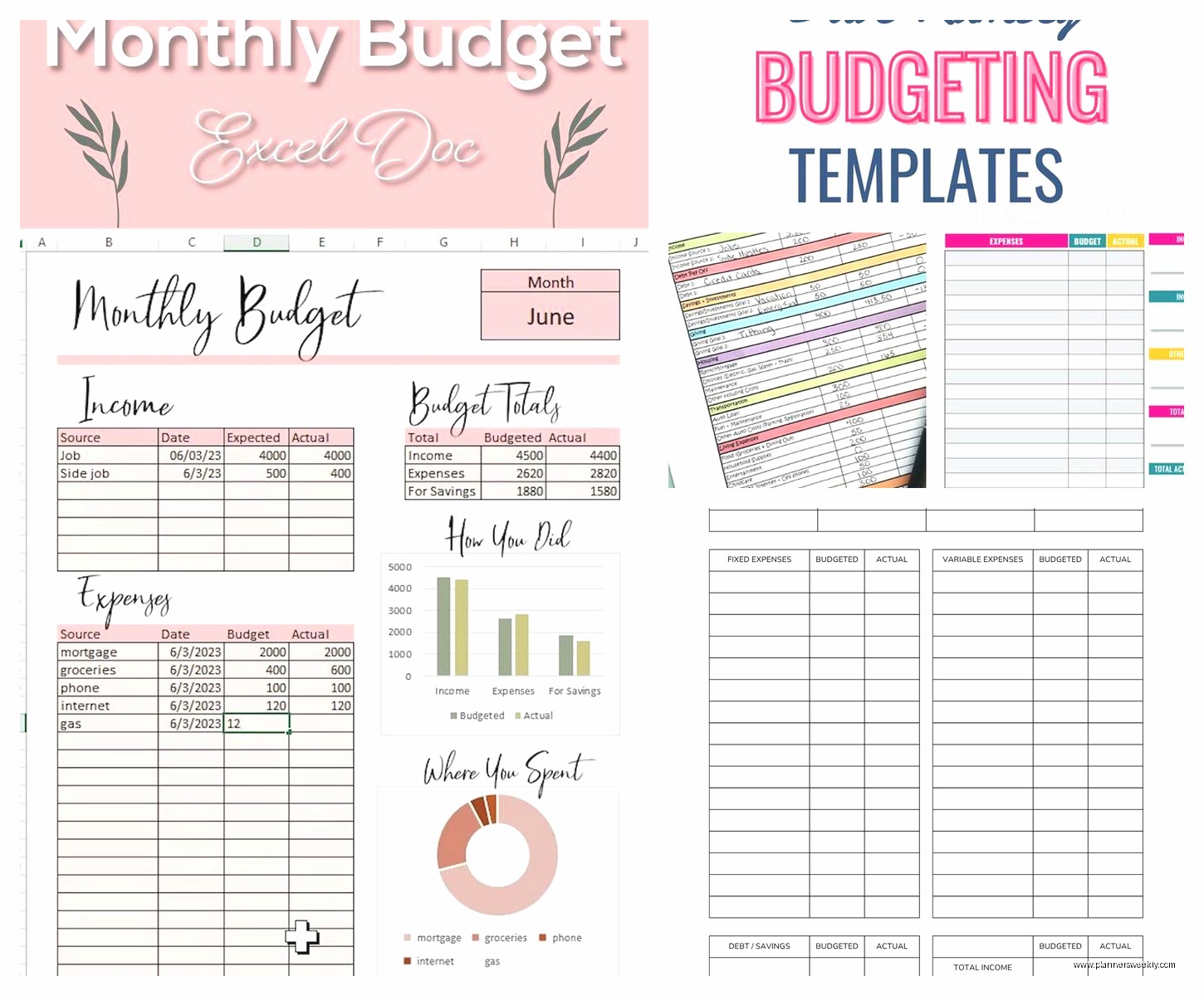
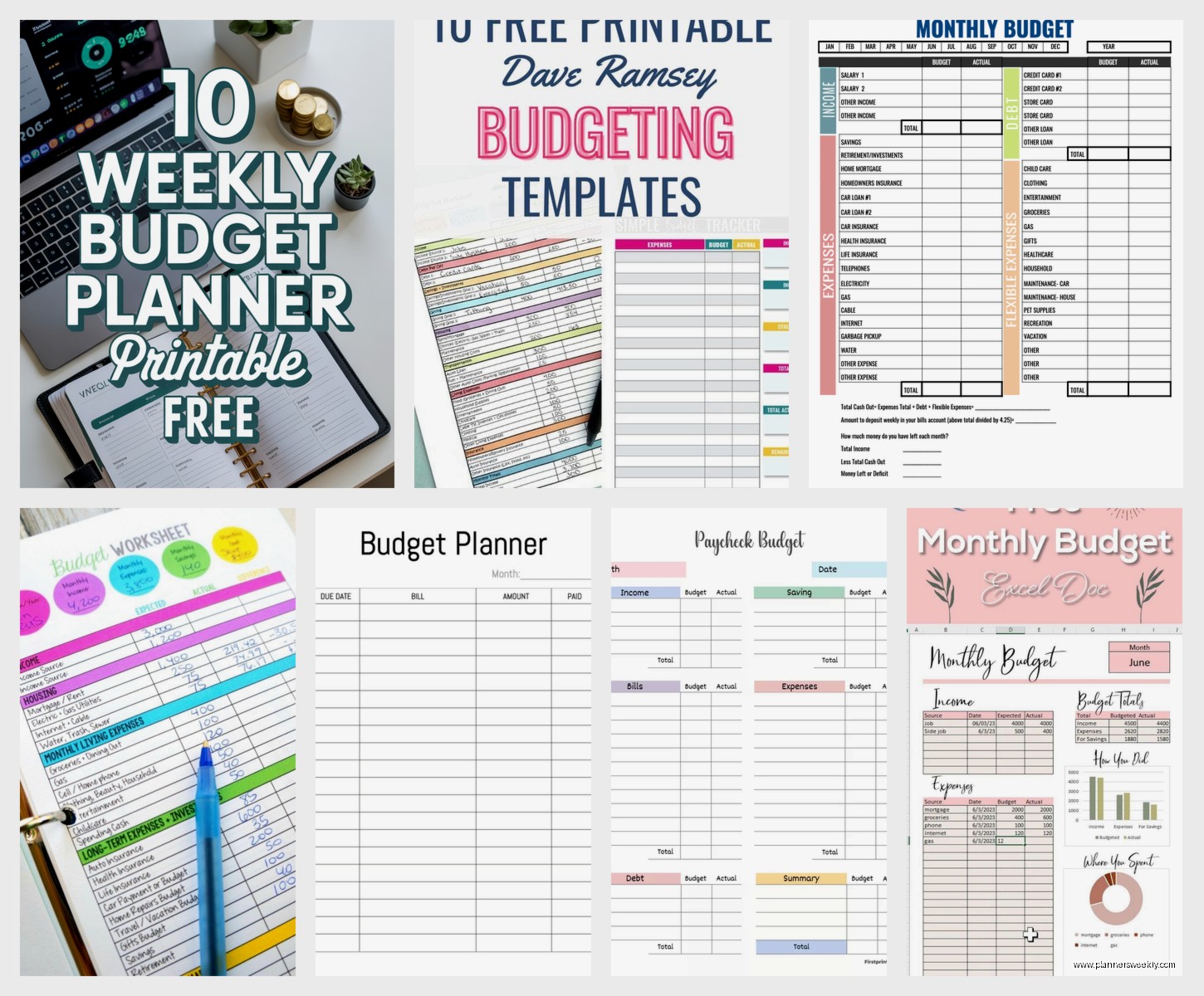
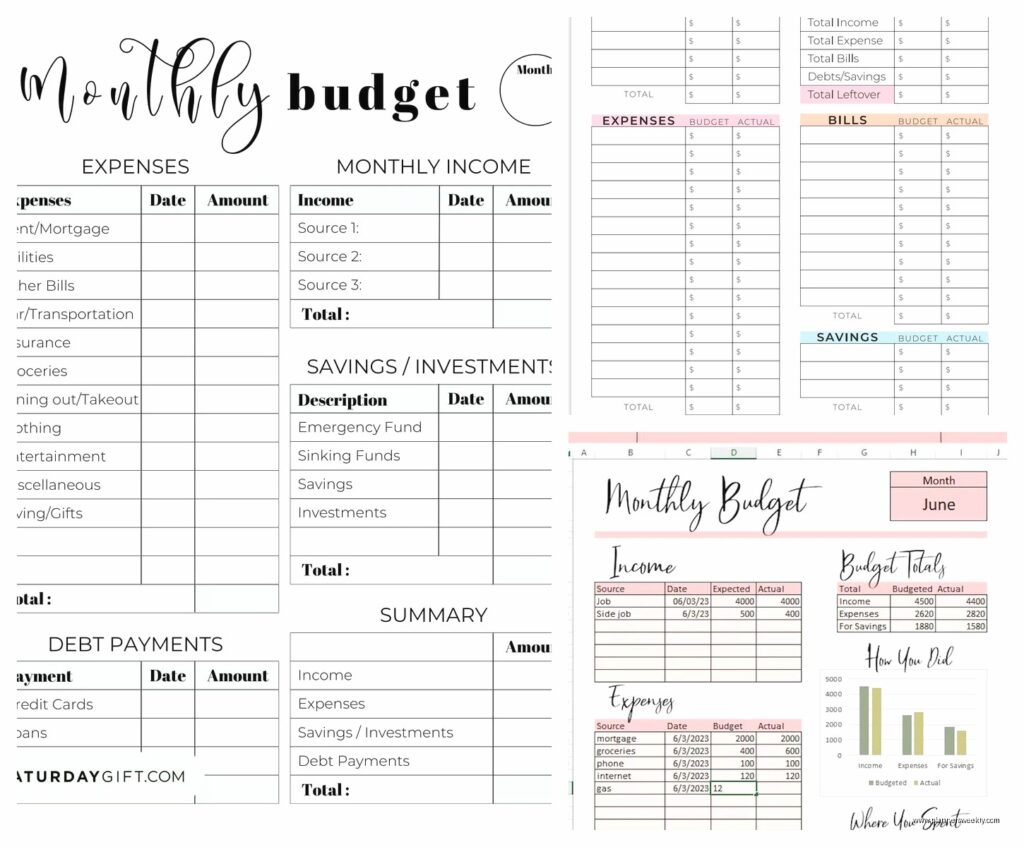
The best one I found is honestly just the simple monthly budget worksheet from Vertex42. I know, boring name, but listen – it’s got income at the top, then fixed expenses, then variable expenses, and a little summary section that actually shows you if you’re in the red. I printed like six copies and kept messing up the first week because I forgot about my quarterly insurance payment but that’s on me.
What I like is that it doesn’t try to be fancy. There’s no motivational quotes or cutesy icons or whatever. Just boxes for your actual money. You can fill it out with a pen during lunch and actually see where everything’s going.
The template has sections for:
- Income (salary, side gigs, that random $20 your aunt sends)
- Housing costs – rent, mortgage, utilities
- Transportation – car payment, gas, insurance, Ubers when you’re running late
- Food – groceries AND restaurants separately which is crucial
- Debt payments
- Savings goals
- Everything else that eats your money
I printed it on regular printer paper first but then splurged on the 32lb paper from Staples and honestly it made a difference. Feels more substantial when you’re writing down that you spent $47 on takeout three times in one week.
Zero-Based Budget Templates For When You’re Serious
Oh and another thing – if you’ve tried budgeting before and it didn’t stick, you might need a zero-based budget template instead. This is where every single dollar gets assigned a job before the month starts.
I found a good free one from the Penny Hoarder website. It’s basically a spreadsheet you can print where you list your income at the top and then you allocate every penny to different categories until you hit zero. Not zero money left, but zero unassigned dollars.
This approach is gonna sound intense but it actually reduced my anxiety? Like instead of wondering where money went, I told it where to go first. My dog got sick last month and I had a vet emergency fund already set aside because I’d assigned $50 a month to “pet stuff” and it had been sitting there for four months.
The template I use has a section for:
- Irregular expenses you forget about – car registration, birthday gifts, that annual Amazon Prime charge
- Sinking funds – little pools of money building up for bigger things
- A notes section where I write why I went over budget because apparently I need to justify my Target runs to myself
How to Actually Use These Without Giving Up
Here’s what nobody tells you – the first month is gonna be wrong. Like completely wrong. I thought I spent $300 on groceries and it was actually $480 because I wasn’t counting the pharmacy runs where I “just grabbed a few things.”
Print multiple copies. I keep a stack in my desk drawer and one in my car. Every Friday I spend like 15 minutes updating it with my receipts and checking my bank app. That’s it. Not daily tracking, not some elaborate ritual, just Friday afternoon with coffee.
Wait I forgot to mention – for the printable templates to actually work you need to track your spending somewhere. I tried keeping receipts in my wallet but my wallet became a paper explosion. Now I take photos of receipts with my phone and update the budget once a week. Or I just check my bank app and scroll through transactions while watching TV. Last week I did this during that new Netflix show about the chef, you know the one.
Paycheck Budget Planners For Weird Pay Schedules
If you get paid biweekly or twice a month or irregularly, the monthly budget thing gets weird fast. I have a client who’s a freelancer and she was trying to use monthly templates and just… it didn’t match reality.
There’s a paycheck budget planner from Organizing Moms that’s actually designed around each paycheck instead of each month. You list the paycheck amount, then assign bills and expenses to THAT specific check. So if you get paid on the 1st and 15th, you know exactly which bills come out of which check.
This changed everything for people with irregular income. You’re not trying to average things out over a month, you’re just managing each chunk of money as it comes.
The template has you list:
- Paycheck amount and date
- Bills due before next paycheck
- Variable expenses you’ll need to cover
- Amount to savings
- Leftover amount
I printed this on my regular office printer and honestly the quality was fine. Hole-punched it and stuck it in a binder. Very boring, very effective.
Cash Envelope Budget Printables
Okay so this is gonna sound old-school but cash envelopes actually work for certain categories. I don’t do all-cash budgeting because I’m not gonna carry $1,500 in cash around, but for things like restaurants, entertainment, and “miscellaneous shopping” – having physical envelopes helps.
There are free printable envelope templates on Etsy (yes free ones exist, you gotta scroll past all the paid ones). I found a set that’s just basic labeled envelopes you can print on regular paper and fold up.
Here’s my system – I only use cash envelopes for:
- Restaurants and coffee shops – $200/month
- Entertainment – $100/month
- Personal spending money – $150/month
Everything else goes through my debit card because tracking utilities or rent in cash would be ridiculous. But when the restaurant envelope is empty, I’m done eating out. It’s visual and immediate in a way that swiping a card isn’t.
I keep mine in an old pencil case in my purse. When the barista asks if I want to add a breakfast sandwich I can literally see if I have enough cash left for the week. Sometimes I do, sometimes I don’t, but at least I’m making the decision with information.
Annual Budget Overview Templates
This is something I didn’t use until year two of budgeting and I wish I’d started sooner. An annual budget overview is basically a one-page printable where you can see the whole year at once.
The best free one is from Smartsheet – it’s got all twelve months in columns and then rows for your major categories. You fill in your planned amounts for each month and you can see patterns immediately.
Like I noticed I was budgeting the same amount for utilities every month but my electric bill is way higher in summer (AC) and winter (heat). So now I budget differently for those months and don’t get surprised.
It also shows you where those irregular expenses hit. Car insurance twice a year. Christmas in December obviously. Your mom’s birthday. That conference you go to every April.
I printed this one on 11×17 paper at FedEx for like $2 because seeing the whole year needs more space. It’s hanging on my office wall with a thumbtack and I glance at it whenever I’m planning anything that costs money.
Debt Payoff Printables That Actually Motivate
If you’re paying off debt you need a visual tracker or you’ll lose momentum. I tested probably ten different debt payoff printables and the one that worked best is the debt snowball tracker from Inspired Budget.
It’s a simple chart where you list all your debts smallest to largest, then you color in or check off payments as you make them. Sounds silly but watching that progress bar fill in genuinely helped me stay focused.
The template includes:
- Space for creditor name
- Starting balance
- Interest rate
- Minimum payment
- A grid to track each payment
- Running balance calculation
I have three debts I’m working on – credit card, car loan, and a personal loan from when I had to replace my furnace. Seeing the smallest one get paid off completely was weirdly emotional? Like I actually felt accomplished. Now that payment amount rolls into the next debt and it’s building momentum.
Print this on cardstock if you can, it holds up better with frequent handling. I update mine every time I make a payment and it lives in my budget binder.
The Savings Tracker Nobody Talks About
Oh wait I need to mention savings trackers because budgeting isn’t just about spending less, it’s about actually building up money for stuff. There’s a simple savings goal tracker from The Budget Mom that’s just a thermometer shape you color in.
Pick a goal amount – emergency fund, vacation, new laptop, whatever – and color in sections as you save. I have separate ones for different goals printed on different colored paper so I can see them all.
My emergency fund tracker is blue and it’s for $1,000. My vacation fund is yellow and it’s for $2,500. Every time I transfer money to savings I update the tracker and honestly it’s satisfying in a way that just watching the number in my savings account isn’t.
These print fine on regular paper. I have mine taped inside my budget binder cover so I see them every time I open it.
Weekly Budget Planning Pages
For people who need more frequent check-ins than monthly, there are weekly budget planners. I don’t personally use these but my sister does and she swears by them.
It’s basically a weekly view with your income expected that week, bills due, spending categories with daily tracking, and a weekly summary. She uses the one from Clean Mama – it’s free on their website.
She says planning weekly matches her brain better because monthly feels too far away and she forgets the plan by week three. With weekly planning she sits down every Sunday and maps out the next seven days. Takes her maybe 20 minutes.
The weekly template she uses has:
- Income this week
- Bills due with checkboxes
- Daily spending tracker
- Meal plan section (which affects grocery budget)
- Weekly goals
- Notes section
How to Actually Print These Things
Okay practical printing advice because I wasted money figuring this out:
Regular printer paper is fine for monthly testing. If you’re gonna use a template regularly, upgrade to 24lb or 32lb paper – it’s like $2 more and feels less flimsy.
Black and white is totally fine. Most of these templates are designed to work without color. Saves your ink.
Hole punch them and use a binder. I have a 1-inch binder with dividers for different months. All my budget stuff lives there.
Don’t laminate things you need to write on (learned this the hard way). Only laminate reference sheets like your annual overview or debt payoff tracker if you’re using dry erase markers.
Print multiple copies of your main template. I keep like 5 extras in the back of my binder so if I mess one up or want to restart I don’t have to go find the file again.
Combining Templates Into Your Own System
Here’s the thing – you don’t need to pick just one template and use exactly that. I use like four different ones that work together.
My actual system is:
- Monthly budget worksheet for overall planning
- Weekly spending tracker for staying on track
- Cash envelopes for problem categories
- Debt payoff tracker for motivation
- Annual overview for big picture
Some months I use the weekly tracker more, some months I barely look at it. The monthly budget worksheet is the only non-negotiable one.
You gotta experiment and see what actually helps versus what just makes you feel busy. I tried daily expense logs for like three days and it was too much. I tried a spending ban tracker and it made me think about shopping MORE.
Print things, try them for a month, keep what works and recycle what doesn’t. My budget binder has evolved a lot over two years and it’s gonna keep changing as my financial situation changes.
The templates are free so there’s no risk in trying different approaches. Just don’t print twenty different things on day one and overwhelm yourself. Start with a basic monthly budget worksheet and add other tools only when you’ve identified a specific problem they solve.