Digital Productivity, Online planners, Planners
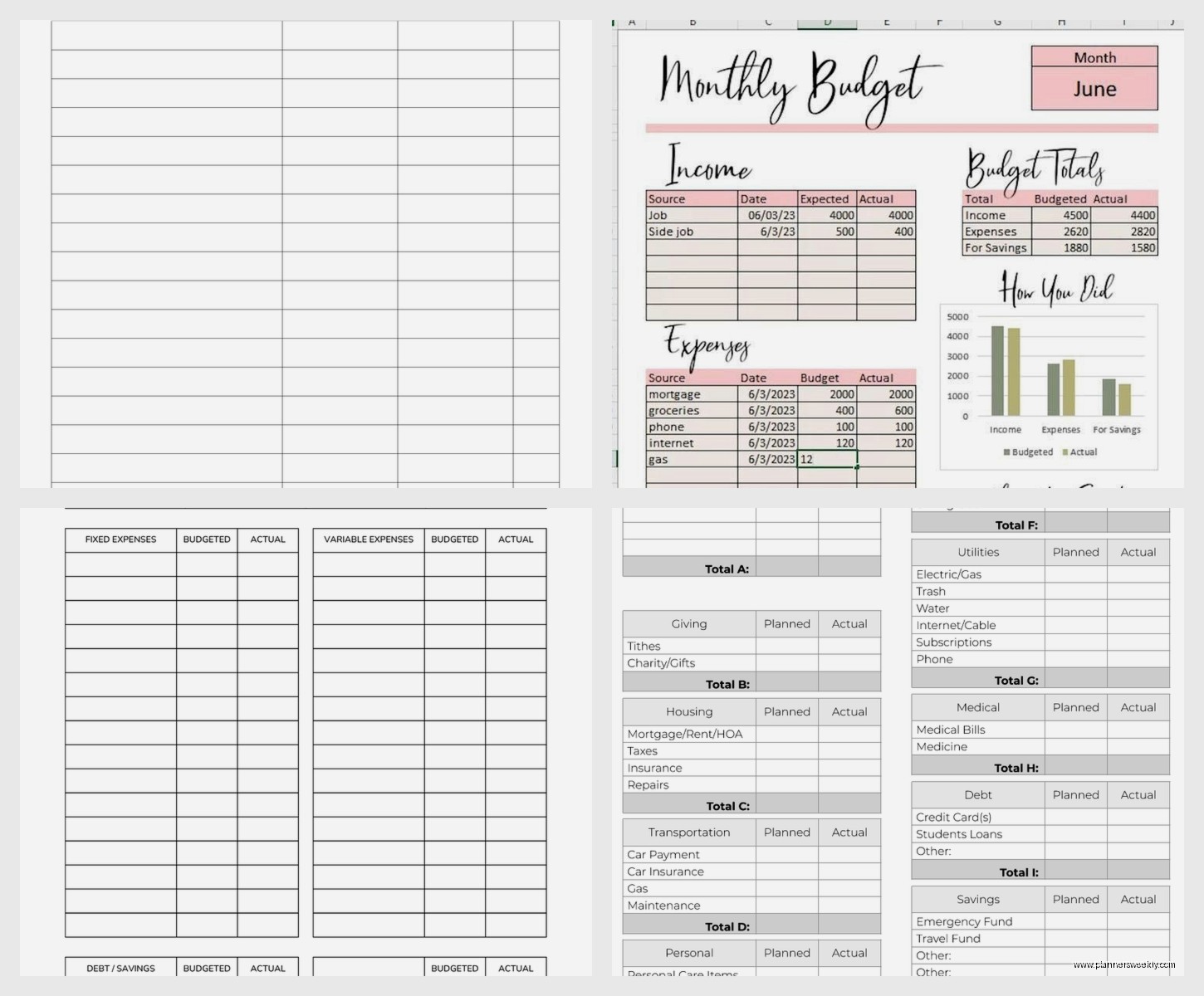
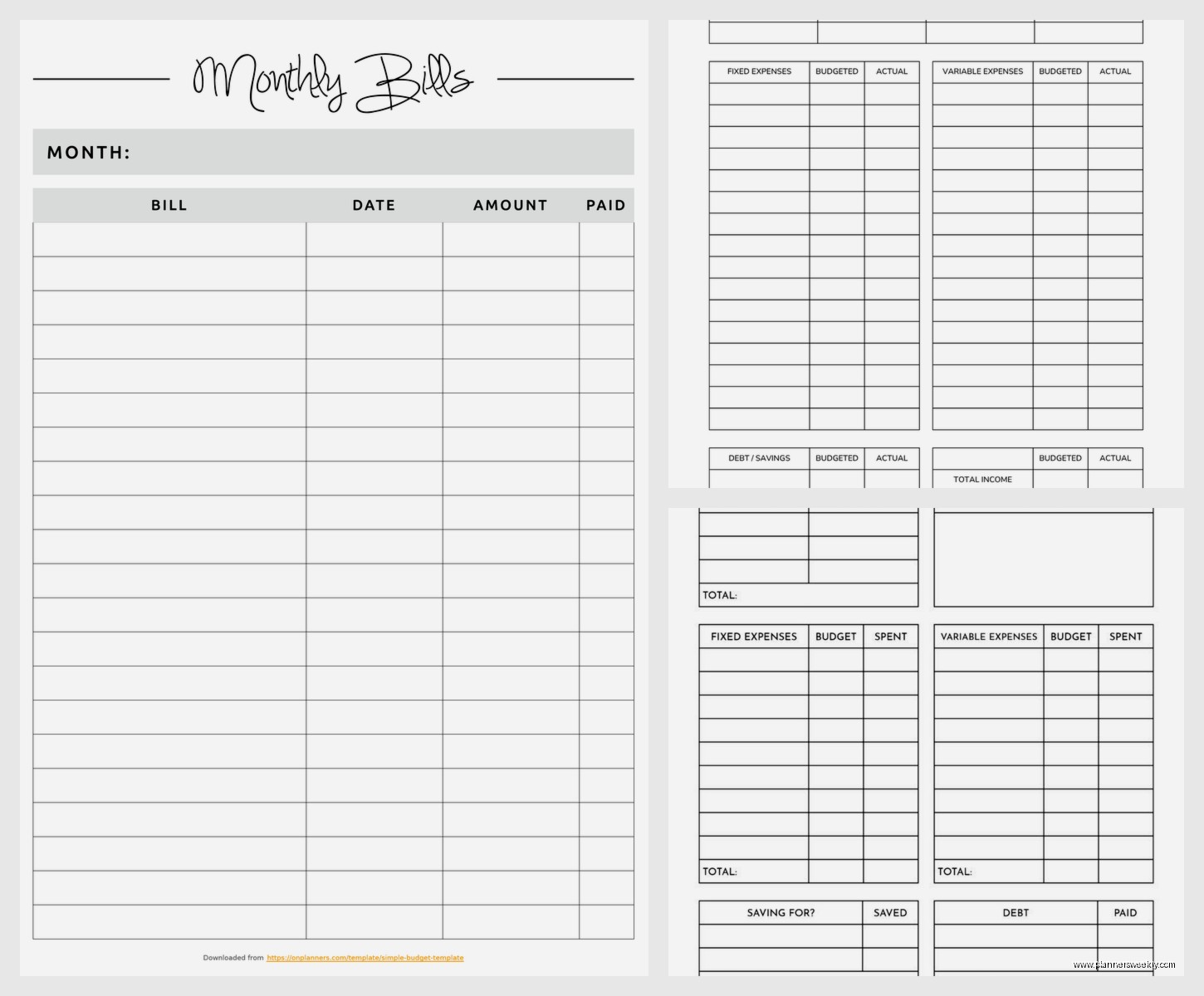
Printable Budget Template: Free Financial Planning
Mar
Okay so I’ve been testing printable budget templates for like three months now because honestly my own spending was a mess and I figured if I’m gonna recommend this stuff to clients I should actually use them myself.
The Basic Setup That Actually Works
First thing – don’t overthink which template to start with. I wasted two weeks comparing like seventeen different designs when really you just need something with income at the top and expenses broken down by category. The free ones from Vertex42 are honestly solid. I’ve used their monthly budget spreadsheet and the basic printable version, and for most people the printable one is better because there’s something about physically writing numbers that makes them stick in your brain.
You’re gonna want to print it on regular paper, not cardstock or anything fancy. I tried the fancy route because of course I did, and it just made me not want to mess it up with my messy handwriting. Regular printer paper means you can scribble and cross out and it’s fine.
What Actually Goes In Each Section
Income section is straightforward but here’s where people mess up – don’t put your gross income. Put what actually hits your bank account after taxes and insurance and all that. I had a client who kept budgeting with their pre-tax salary and then wondering why nothing added up. Like yeah Susan your take-home is 30% less than you think it is.
For expenses, the templates usually have these categories:
- Housing (rent or mortgage, utilities, internet)
- Transportation (car payment, gas, insurance, public transit)
- Food (groceries AND eating out – track them separately trust me)
- Debt payments
- Savings
- Personal stuff (clothes, haircuts, that random Amazon order at 2am)
- Entertainment
Oh and another thing – most templates have a miscellaneous category which basically becomes a black hole where money disappears. I started tracking my misc spending for one month and it was $340 on stuff I literally couldn’t remember buying. So now I make subcategories even in the misc section.
The First Month Is Gonna Be Wrong
This is gonna sound weird but your first budget template will be completely inaccurate and that’s fine. You’re basically guessing what you spend on stuff. I thought I spent maybe $200 a month on groceries. Turned out it was closer to $450 because I wasn’t counting the random weeknight trips to Whole Foods.
What you do is fill out the budget with your best guesses, then for the next 30 days you track EVERYTHING. And I mean everything. I use my phone notes app and just add stuff throughout the day because if I wait until evening I forget that $6 coffee or whatever.
My dog ate one of my budget sheets in week two which was actually kind of helpful because I had to rewrite it and caught three expenses I’d forgotten about the first time.
Weekly Check-ins Change Everything
Most budget templates are set up monthly but here’s what actually works – print the monthly template but then do mini check-ins weekly. Every Sunday morning (or whatever day works) I sit down with my template and see where I’m at.
Like if I’ve spent $180 on groceries by week two and budgeted $400 for the month, I know I’m on track. If I’ve already blown through $350, I gotta adjust for the next two weeks.
The weekly thing also helps you catch problems before they spiral. Found out I was spending like $80 a week on takeout which adds up to $320 a month and that’s ridiculous for one person who’s not even that into food.
Different Templates For Different Situations
Wait I forgot to mention – there are actually different types of budget templates and which one you use kinda depends on your situation.
Zero-based budget template is where every dollar gets assigned a job. Income minus expenses equals exactly zero. This one’s intense but if you’re trying to get out of debt or save for something specific it’s really effective. You literally account for every single dollar.
50/30/20 budget template splits your income into needs (50%), wants (30%), and savings (20%). This is way more chill and honestly where most people should start. The templates usually have these sections already divided up so you just fill in what goes where.
Paycheck budget template is for when you get paid weekly or biweekly and monthly budgeting feels too abstract. You budget per paycheck instead of per month. Game changer if you’re living paycheck to paycheck because it’s more immediate.
I personally use a modified 50/30/20 template now but started with zero-based because I’m extra like that.
Customizing The Free Templates
Okay so funny story – I spent $30 on a fancy budget planner from Etsy before realizing I could just customize free templates myself. You can literally just take a PDF template, print it, and add your own categories with a pen.
Things I’ve added to mine:
- A “stupid purchases” category where I track stuff I regret buying (this is surprisingly motivating)
- A sinking funds section for irregular expenses like car registration or annual subscriptions
- A goals tracker at the bottom where I write what I’m saving for
- Color coding for fixed vs variable expenses (fixed in blue, variable in pencil so I can erase and adjust)
The sinking funds thing is huge. Instead of being surprised by a $120 car registration fee, I put $10 a month in that category. Annual Amazon Prime? $12 a month into subscriptions category. Makes those irregular expenses way less painful.
Actually Using The Thing Consistently
This is where everyone fails including me for the first month. You print the template, fill it out all excited, then it sits in a drawer forever.
What works: keep it somewhere you see it daily. I have mine clipped to the inside of my pantry door because I open that thing ten times a day. Some people use their bathroom mirror or inside their work notebook.
Also take a picture of it with your phone. Sounds dumb but when you’re at Target deciding whether to buy something, you can pull up the photo and see how much budget you have left in that category.
Set a phone reminder for your weekly check-in. Mine goes off Sunday at 9am and even if I’m watching TV or whatever I at least glance at where I’m at with spending.
When You Go Over Budget
You’re gonna go over budget in some category basically every month and that’s fine. The point isn’t perfection, it’s awareness and adjustment.
If I overspend on groceries one week, I either pull from another category (sorry entertainment budget) or I acknowledge it and try to balance it out the next week. The template shows you exactly where you have wiggle room.
What doesn’t work is giving up when you mess up. I’ve had months where by day fifteen I was already over budget in three categories. Instead of quitting, I just tracked the damage and used it to make a better budget for the next month.
Digital vs Printable Real Talk
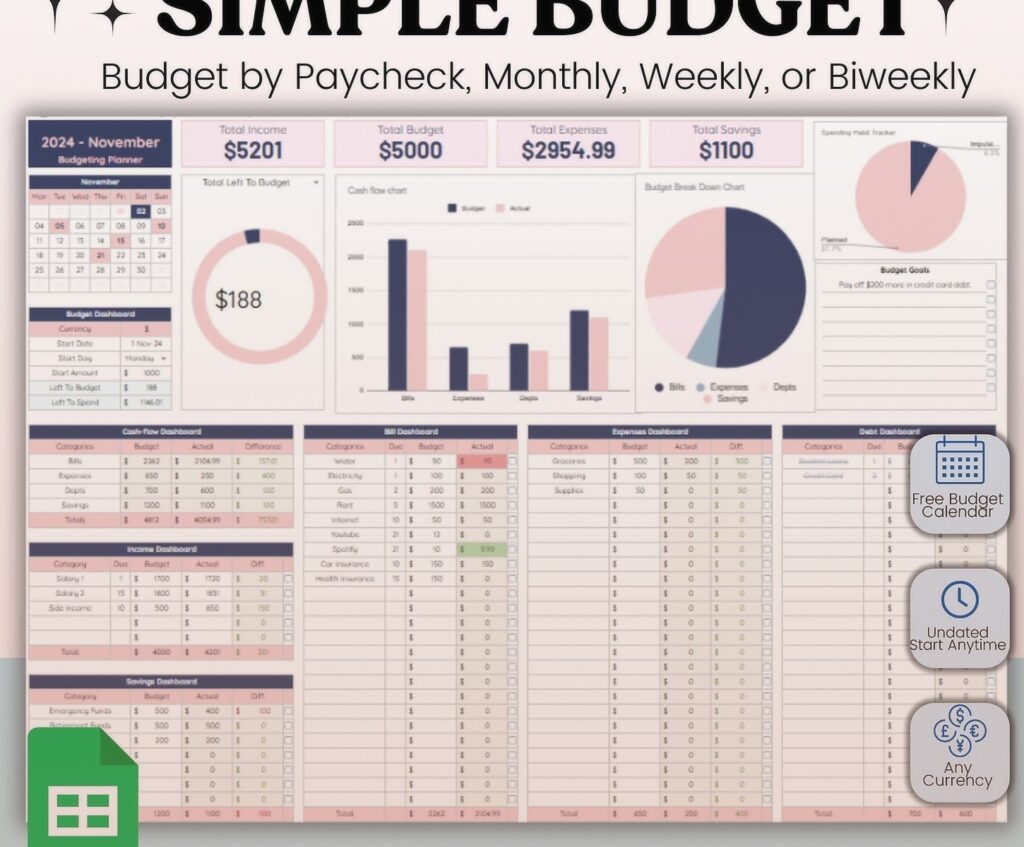
I’ve tried both extensively and here’s the honest breakdown. Digital templates (like Excel or Google Sheets or apps) do the math for you which is convenient. They can sync across devices, create charts, all that.
But printable templates have this psychological edge. Writing stuff down by hand makes you process it differently. Also there’s no notifications or other apps to distract you. And weirdly, seeing the physical paper with your spending written on it hits different than numbers on a screen.
My compromise is using a printable template for daily tracking and monthly planning, then transferring the totals to a simple spreadsheet once a month for long-term tracking. Best of both worlds without being too complicated.
Free Template Sources That Don’t Suck
Vertex42 has like twenty different budget templates, all free, all actually functional. Their monthly budget worksheet is the one I use most.
The balance has good printable PDFs that are clean and not covered in weird clip art.
Mint used to have great printable templates but they’re shutting down which is annoying. Their templates are still floating around online though.
Reddit’s personal finance wiki has links to a bunch of different templates. The community there actually tests this stuff so the recommendations are solid.
You can also just make your own in Word or Google Docs. Takes like fifteen minutes to set up a basic income/expense template and then you can customize it exactly how you want.
Tracking Methods That Actually Stick
Some people use the envelope method with their printable budget – they have cash envelopes for different categories and the budget template tracks what’s in each envelope. Not for me because I lose cash constantly but some people swear by it.
I do a hybrid thing where I use my debit card for everything but check my template before each purchase. Sounds tedious but it takes like ten seconds and has saved me from so many impulse buys.
Another method is the receipt collection system. Keep all your receipts in an envelope, then once a week sit down with your budget template and add them up by category. My friend does this and it works great for her but I’m too disorganized and would definitely lose the envelope.
The Savings Section Nobody Fills Out
Most budget templates have a savings line and everyone just puts zero or some aspirational number they never hit. Here’s what actually works – start with literally any amount. Even $20 a month.
I started with $50 a month which felt pathetic but after six months I had $300 which covered an unexpected vet bill without using my credit card. Now I’m up to $200 a month and it doesn’t even feel hard because I built the habit gradually.
Treat savings like a bill that you pay yourself. It goes in the budget template right up top with rent and utilities, not at the bottom as an afterthought.
Oh and have a separate line for emergency fund vs other savings goals. Emergency fund is for actual emergencies. Other savings is for stuff like vacations or a new laptop or whatever you’re working toward.
Common Mistakes I See All The Time
Not budgeting for annual or quarterly expenses. Insurance, subscriptions, memberships – they sneak up on you if you’re only thinking month to month.
Being too restrictive. If your budget has zero money for fun stuff you’re gonna burn out and quit. I budget $100 a month for completely frivolous purchases and it keeps me sane.
Not adjusting the budget when life changes. Got a raise? Update your template. New expense? Add it. Your budget should evolve with your actual life.
Forgetting about small subscriptions. I found seven subscriptions I’d forgotten about when I did my first budget. That’s $73 a month I was just throwing away.
Rounding too much. “About $100” becomes $130 real fast. Be specific with your numbers even if it feels nitpicky.
Making It Work Long Term
The people who stick with budget templates long term are the ones who keep it simple. Don’t try to track every penny in fifteen subcategories. Start with broad categories and only add detail where you actually need it.
Also gonna be real with you – some months you just won’t do it and that’s fine. I skipped December entirely last year because holidays were chaotic. Started fresh in January and it was fine.
The key is treating it like a tool not a test. You’re not trying to get an A in budgeting, you’re trying to understand where your money goes so you can make better decisions. That’s it.
Keep your old templates too. Looking back at spending patterns over several months shows you trends you’d never notice otherwise. Like I didn’t realize I spend way more on food in summer until I compared six months of templates.