Digital Productivity, Online planners, Planners
Time Plan Template: Free Scheduling Downloads
Apr
Okay so I just spent like three weeks testing every free time plan template I could find because honestly my old system was a disaster and I needed something that actually worked across all my devices. Here’s what you need to know about where to actually download these things and which platforms don’t suck.
Google Sheets Templates Are Surprisingly Good
I know everyone sleeps on Google Sheets but wait hear me out. The free templates in their gallery are actually pretty solid for time planning. You go to Google Sheets, click on Template Gallery at the top, and there’s a whole section for schedules. The annual calendar one is whatever, but the weekly schedule template is genuinely useful.
What I like about it is you can color-code everything and it syncs automatically. I was testing this while my dog kept barking at the mailman and I accidentally closed the tab like four times, but everything saved. That’s the thing with Google Sheets templates – they’re always accessible from your phone, your laptop, wherever.
The downside is they’re kinda basic looking? Like if you need something prettier for client meetings or whatever, these aren’t gonna cut it. But for personal time blocking they’re solid. You can duplicate the sheet for each week and just keep them all in one file. I’ve been doing this since February and now I have this whole archive of how I actually spent my time which is… illuminating and also slightly depressing.
Microsoft Excel and Word Templates
So Microsoft has this whole templates thing built into Office and also on their website. If you search “time plan template” on templates.office.com you get like hundreds of options. Some are genuinely terrible but I found a few winners.
The hourly schedule template in Excel is really detailed. It breaks down every hour from 6am to midnight and you can plan in 30-minute increments. I used this for about two weeks when I was trying to figure out where all my time was actually going. Turns out I spend way too much time “researching” which is just me falling down YouTube rabbit holes but anyway.
Word has these daily planner templates that print really nicely if you’re still into paper planning. I tested this because one of my clients swears by printing her schedule and I wanted to see if it made a difference. The template called “Daily Schedule” is super clean, fits on one page, has time slots and a notes section.
Oh and another thing – if you have Microsoft 365 the templates are just built into the apps. You open Excel or Word, click New, and search for schedule templates right there. Way easier than downloading files from sketchy websites.
The Desktop vs Mobile Issue
Here’s something annoying I discovered. A lot of Excel templates look perfect on desktop but are basically unusable on mobile. I tried editing my weekly plan from my phone while waiting for an appointment and it was such a pain. The cells are too small, the formatting gets weird, you gotta zoom in and out constantly.
Google Sheets handles mobile way better in my experience. The app is actually designed for phone use so you can edit templates without wanting to throw your device across the room.
Notion Templates Are Everyone’s Favorite Right Now
Okay so Notion. Everyone and their mother is using Notion templates lately and honestly some of them are really good for time planning. The platform is free for personal use which is cool.
There’s this whole community of people making Notion templates and sharing them. You can find time plan templates on the Notion template gallery or just search Twitter or Reddit. People literally give these away for free because I guess they’re nice or want followers or something.
I tested this weekly agenda template that has sections for daily tasks, time blocking, habit tracking, and notes all on one page. It’s pretty comprehensive. The nice thing about Notion is everything is connected so you can link your time plan to your project pages or whatever else you have going on.
The learning curve is real though. My first day using Notion I spent like two hours just trying to figure out how to duplicate a template properly. There are so many settings and options that it’s kinda overwhelming. But once you get it, it’s actually really flexible.
Wait I forgot to mention – Notion works offline now which used to be a huge problem. I tested this on a flight last month and yeah you can edit your schedule without wifi and it syncs when you’re back online.
Finding Good Notion Templates
The official Notion template gallery has some time plan options but honestly the best ones are from individual creators. There’s this person who makes minimalist planning templates that I really like – super clean, not overwhelming with colors and sections.
You gotta be careful though because some people make these insanely complicated templates with like seventeen databases all linked together and it’s just too much. For time planning you want something simple that you’ll actually use every day.
Canva Has Free Downloadable Planners
This is gonna sound weird but Canva is actually great for time plan templates even though it’s technically a design tool. They have thousands of free planner templates you can customize and download as PDFs.
I found this really pretty weekly schedule template that has hourly blocks and looks way more professional than the Microsoft ones. You can change all the colors, fonts, add your own sections. Then download it as a PDF and print it or use it digitally.
The free version has most templates available but some are locked behind Canva Pro. Usually you can find a similar free alternative though if you keep scrolling. I spent an embarrassing amount of time just browsing planner templates while watching that show about chess I can’t remember what it’s called.
Canva for Digital vs Print
If you’re planning to print your time plan template, Canva is honestly your best bet. You can set the exact page size, make sure everything fits properly, see a preview of what it’ll look like printed.
For digital use it’s a bit more annoying because you download a PDF which isn’t as easy to edit as a spreadsheet. Some people screenshot their Canva planners and use them as iPad wallpapers or whatever but that seems like extra steps to me.
Apple Numbers and Pages Templates
If you’re in the Apple ecosystem, Numbers and Pages both have built-in schedule templates. They’re pretty similar to the Microsoft ones honestly but they sync through iCloud which is nice if you use multiple Apple devices.
The weekly schedule template in Numbers is color-coded and clean. I tested it for a week on my iPad and it works well with Apple Pencil if you’re into that. You can handwrite notes directly on the template which some people love.
Pages has these daily planner templates that are more document-style. They’re fine but nothing special compared to what you can get elsewhere.
Trello for Visual Time Planning
Okay so this is different but Trello can work as a time planning tool using their free templates. Instead of a traditional schedule format, you create cards for tasks and move them between columns for different days or time blocks.
I know someone who swears by this method. She has columns for each day of the week and moves task cards around as needed. There are free Trello templates specifically for weekly planning that set this structure up for you.
It’s more flexible than a rigid hourly schedule but also easier to let things slip through the cracks. I tested this for about ten days and kept forgetting to move cards around so tasks just piled up in Monday’s column forever.
The Trello mobile app is really good though. Better than trying to edit spreadsheets on your phone.
Airtable Templates for Power Users
This is probably overkill for most people but Airtable has some really sophisticated time planning templates. It’s like if a spreadsheet and a database had a baby. The free plan is pretty generous.
There’s a template called Time Tracking that lets you log how you spend time and see analytics. Another one for weekly planning that connects to a project database. It’s very extra but if you’re into that level of detail it’s powerful.
I tried using Airtable for time planning and it was just too much for my needs. Like yes it’s cool that I can create filtered views and link records and see calendar layouts but also I just need to know what I’m doing Tuesday afternoon you know.
Printable PDF Sites
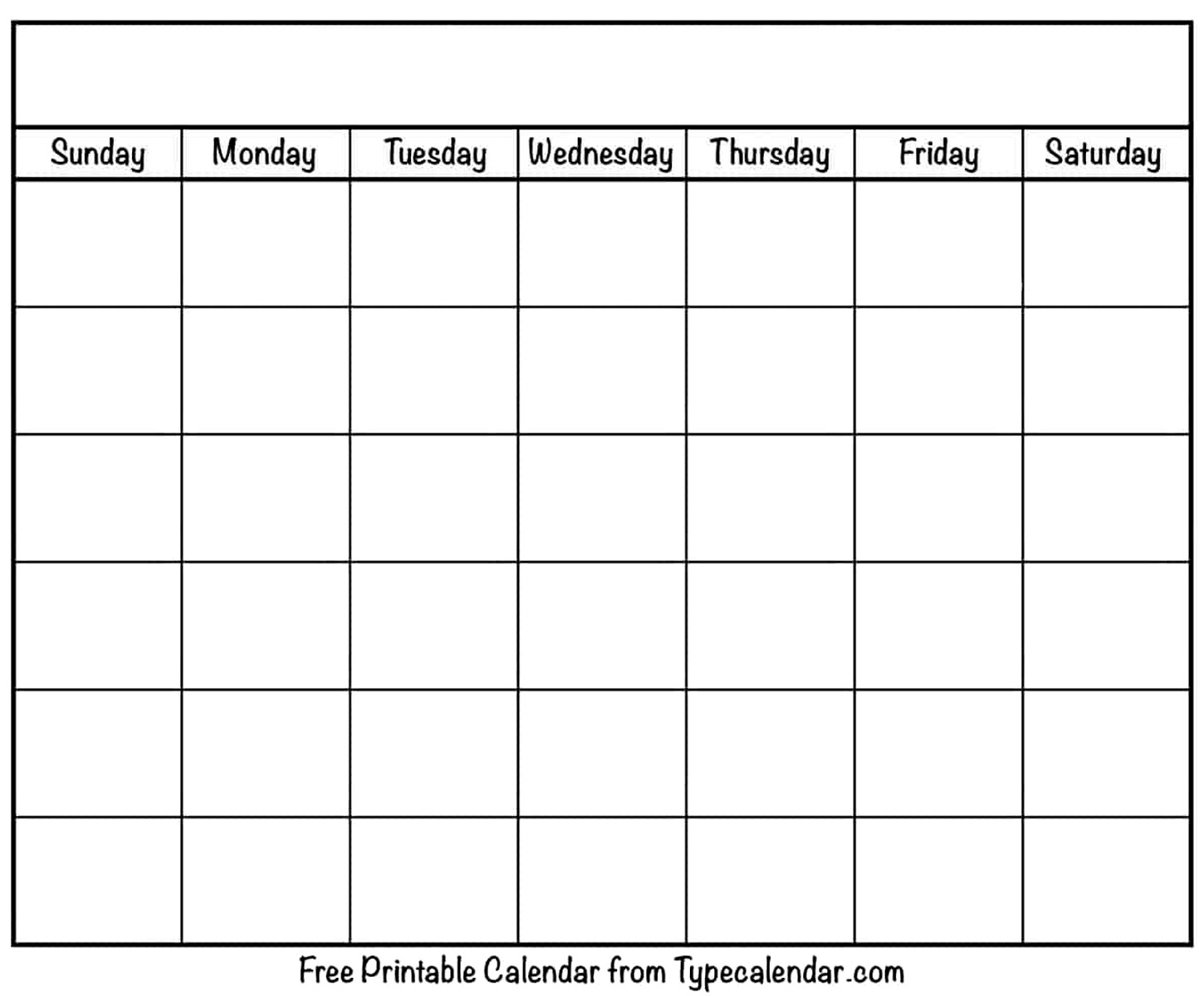
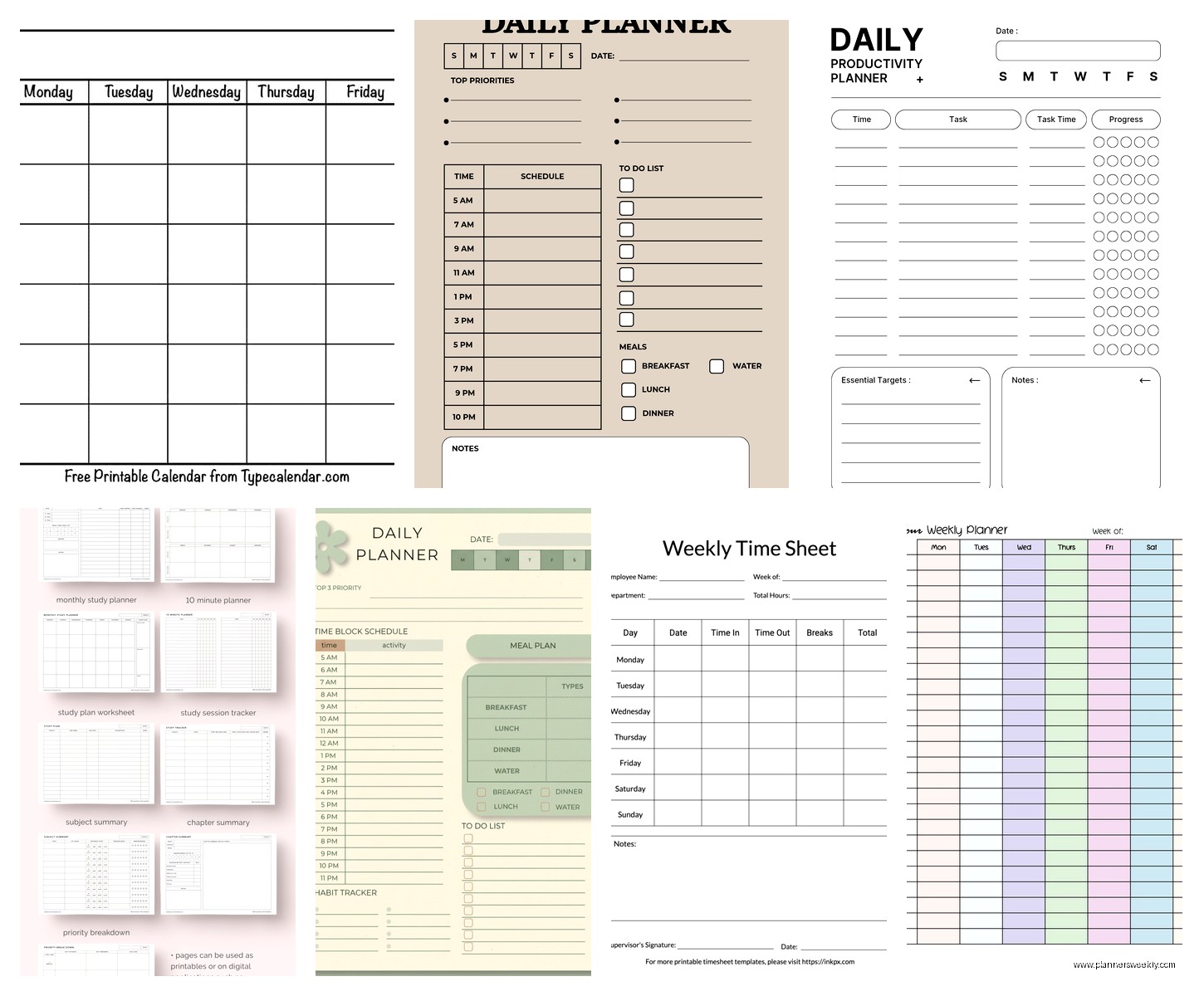
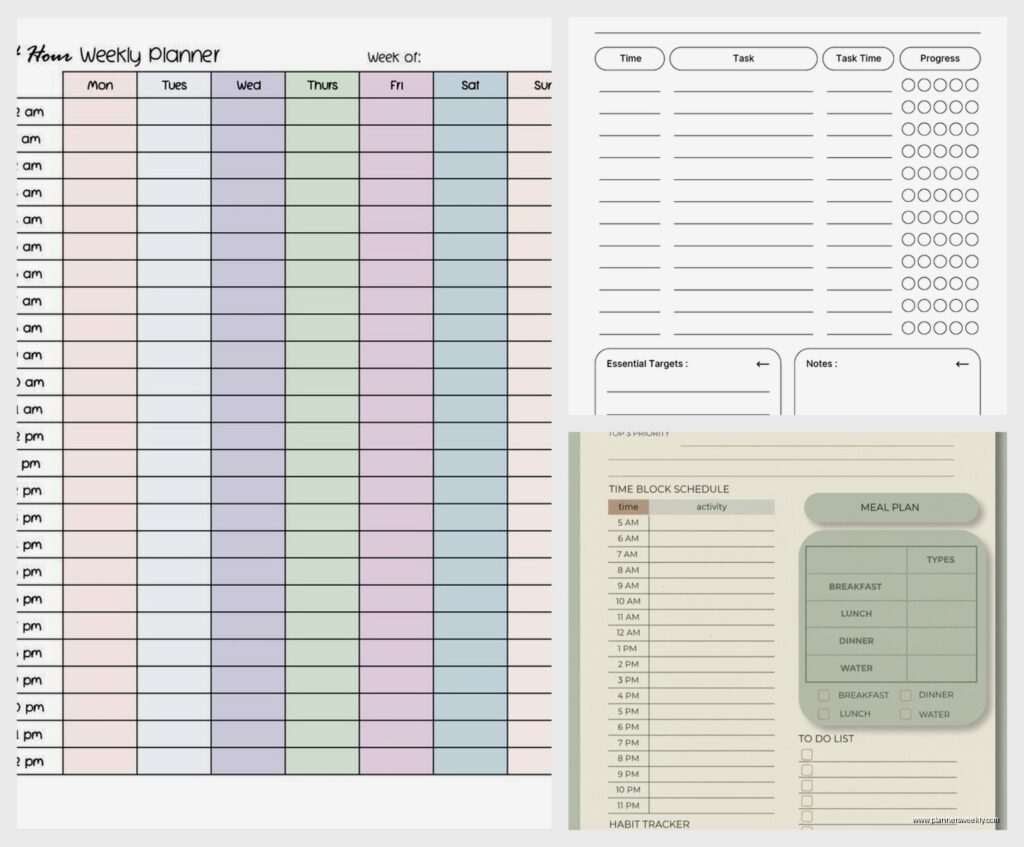
There are a bunch of websites that offer free printable planner PDFs. Sites like Vertex42, Template.net, and a million mom blogs have downloadable time plan templates.
Quality varies wildly. Some are gorgeous and well-designed, others look like they were made in 1997. I downloaded probably thirty different templates from various sites and most ended up being variations of the same basic layouts.
The advantage is you can print exactly what you need without signing up for anything or learning new software. Just download, print, done. I keep a stack of blank weekly schedules printed from one of these sites for when I wanna plan offline.
Watch out for sites that make you enter your email to download though. Some are legit but others just spam you forever. I made the mistake of using my main email address once and now I get daily emails about printable chore charts or whatever.
What Actually Works Day to Day
After testing all these platforms my honest take is that Google Sheets or Notion work best for most people. Sheets if you want simple and familiar, Notion if you want flexible and connected to other stuff.
For printing, Canva templates look the nicest by far. For mobile-first planning, Notion or Trello are your best options.
The fancy Excel templates are great if you’re already living in Microsoft Office all day. The Apple templates are fine but nothing you can’t get elsewhere.
I ended up using a combination – Notion for my main weekly planning because it connects to my project notes, and I keep a Google Sheets template for detailed time tracking when I need to analyze where my hours actually go. Plus I print a weekly overview from Canva sometimes when I just need to see everything on paper.
Oh and funny story, I was testing all these templates while my cat kept walking across my keyboard and somehow created like fifteen duplicate sheets in Google that I had to delete. So maybe lock your pets out of your office when setting up your time plan system.
The key is actually using whatever template you choose consistently. I’ve seen people with beautiful elaborate Notion setups they never touch and people with basic Google Sheets they update religiously. The template doesn’t matter if you don’t actually plan with it.