
Digital Productivity, Online planners, Planners
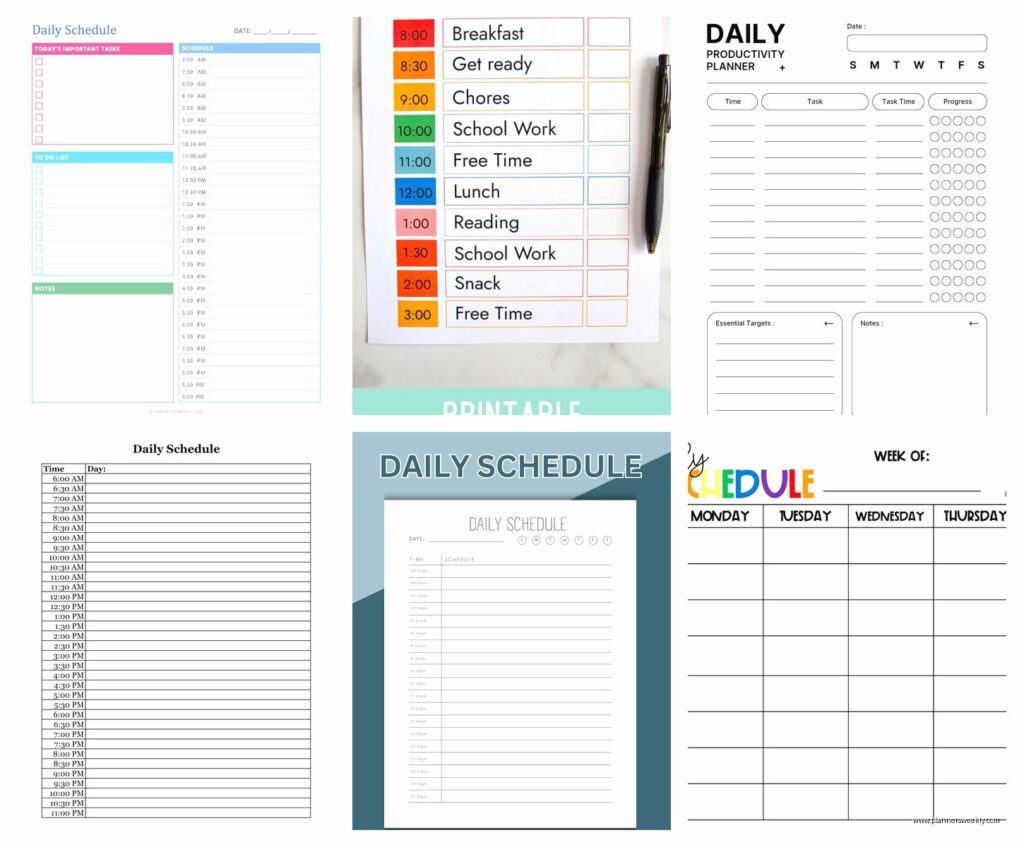
Free Daily Schedule Template: Downloads & Customization
Apr
Okay so I’ve been testing daily schedule templates for like three months now because my clients kept asking which ones actually work, and honestly? Most of them are garbage but I found some solid options.
The Google Sheets Templates Are Actually Pretty Great
Started with Google Sheets because you can access them anywhere and my phone is basically glued to my hand. The free templates in their template gallery are surprisingly decent. Go to Google Sheets, click the template gallery thing at the top, and there’s this “Schedule” section. The daily schedule one is super basic but that’s kinda the point? You can color-code it which sounds dumb but when you’re staring at your day and everything’s color-coded by work vs personal vs whatever, it actually helps your brain process things faster.
What I did was duplicate the template and then spent like an hour customizing it. Added a priorities section at the top because otherwise I’d fill every time slot and then wonder why nothing important got done. Also threw in a notes column on the right side for when things inevitably go sideways.
The thing about Google Sheets templates though is they’re not automatically formatted for printing if that matters to you. I learned this the hard way when I tried to print one for a client meeting and it came out looking like a ransom note with text cut off everywhere.
Customization Tips for Google Sheets
- Use conditional formatting to highlight time blocks you’ve actually completed – helps you see patterns in when you’re productive
- Add a dropdown menu for task categories instead of typing them out every time
- Create a separate tab for your template so you can just duplicate it each day without messing up your original
- Freeze the top row and first column so you can scroll without losing track
Excel Templates If You’re Old School
Microsoft has a bunch of free templates on their site that you don’t even need Office 365 for, you can use the free online version. Their daily planner templates are way more polished looking than Google’s, not gonna lie. There’s this one called “Daily Schedule” that breaks things into 30-minute increments which is either perfect or way too detailed depending on your personality type.
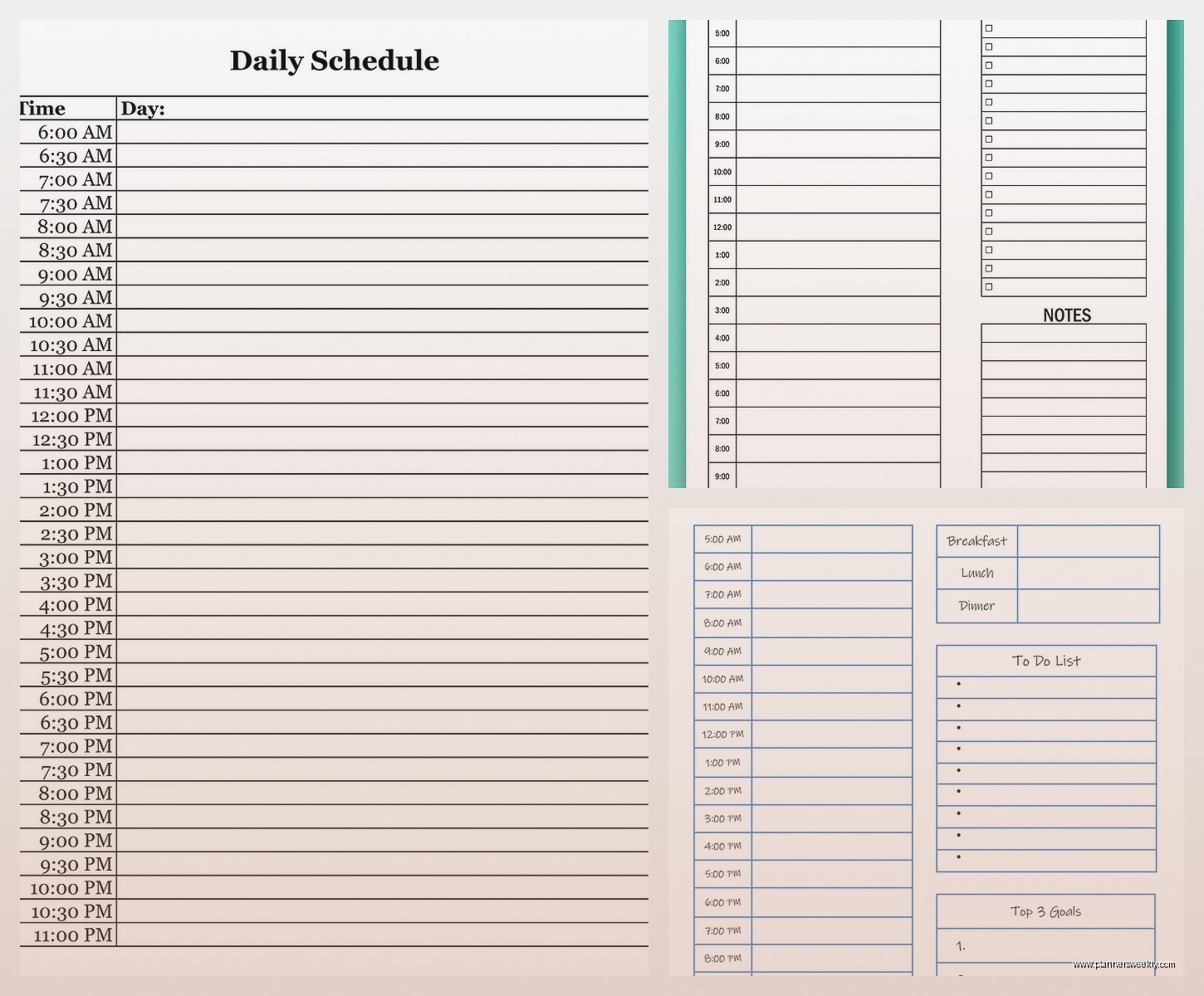
I tested it for two weeks and here’s what happened – the 30-minute blocks made me weirdly anxious? Like I’d look at this empty slot from 2:30-3:00 and feel like I had to fill it with something productive when sometimes you just need to stare at the wall for a bit. So I modified it to 60-minute blocks and kept a separate “flexible time” section.
Oh and another thing, Excel templates look really professional if you’re sharing your schedule with anyone. Had a client who needed to coordinate with her team and the Excel template just looked more legitimate than my chaotic Google Sheet situation.
Where to Find Excel Templates
Go to templates.office.com and search for “daily schedule” – there’s literally hundreds. The ones I actually use:
- Daily Work Schedule – super minimal, just time slots and tasks
- Family Daily Schedule – ignore the family part, it’s great because it has multiple columns for different project categories
- Student Daily Planner – has a homework section that works perfectly for tracking follow-up tasks
Notion Templates Are Everywhere Right Now
Okay so funny story, I resisted Notion for like a year because everyone was obsessed with it and I’m contrarian like that. But then my dog ate my physical planner and I was desperate, so I finally tried it.
The Notion template gallery has free daily schedule templates that are honestly kind of amazing if you’re into the whole digital planning thing. They’re interactive in ways that Excel and Google Sheets aren’t. You can check off tasks, they disappear or move to a completed section, you can link to other pages in your Notion workspace.
The learning curve is real though. Took me probably three days of messing around before I figured out how to actually customize one without breaking the whole database structure. Wait I forgot to mention – most Notion schedule templates use databases which means you can filter and sort your tasks in different ways.
Best Free Notion Daily Templates
These are all in Notion’s template gallery or from creators who share them free:
- Daily Agenda by Notion – clean, simple, has a water intake tracker for some reason but you can delete that
- Ultimate Daily Planner – not actually ultimate but it has time blocking and a notes section
- Minimalist Daily Schedule – this one’s my favorite, just times and tasks, no weird productivity quotes or anything
To customize them you duplicate the template to your workspace and then click into any section and start editing. You can add properties to the database like priority level, energy required, project category. My client canceled yesterday so I spent an hour adding a “brain power needed” property to mine and color-coding tasks by how much mental energy they take.
Canva Has Free Schedule Templates Too
This is gonna sound weird but Canva templates are actually great if you want something that looks nice. Like if you’re the kind of person who won’t use a planner unless it’s aesthetically pleasing, Canva’s your spot.
They have free daily schedule templates that you can customize with different colors, fonts, add stickers if you’re into that. I made one with a pastel color scheme and it genuinely made me more likely to look at my schedule because it didn’t feel like homework.
The downside is it’s not as functional as spreadsheet-based templates. You’re basically working with a design file that you fill in, save as PDF, and print or use digitally. Can’t do automatic calculations or linking or any of that fancy stuff.
How to Download and Customize Canva Templates
Search “daily schedule” in Canva’s template section. Click one you like. The free ones have a “Free” tag – ignore the Pro ones unless you already have Canva Pro. Click to customize, change the text in each time slot, adjust colors by clicking any element and using the color picker. Download as PDF if you’re printing or PNG if you’re using it on your tablet or whatever.
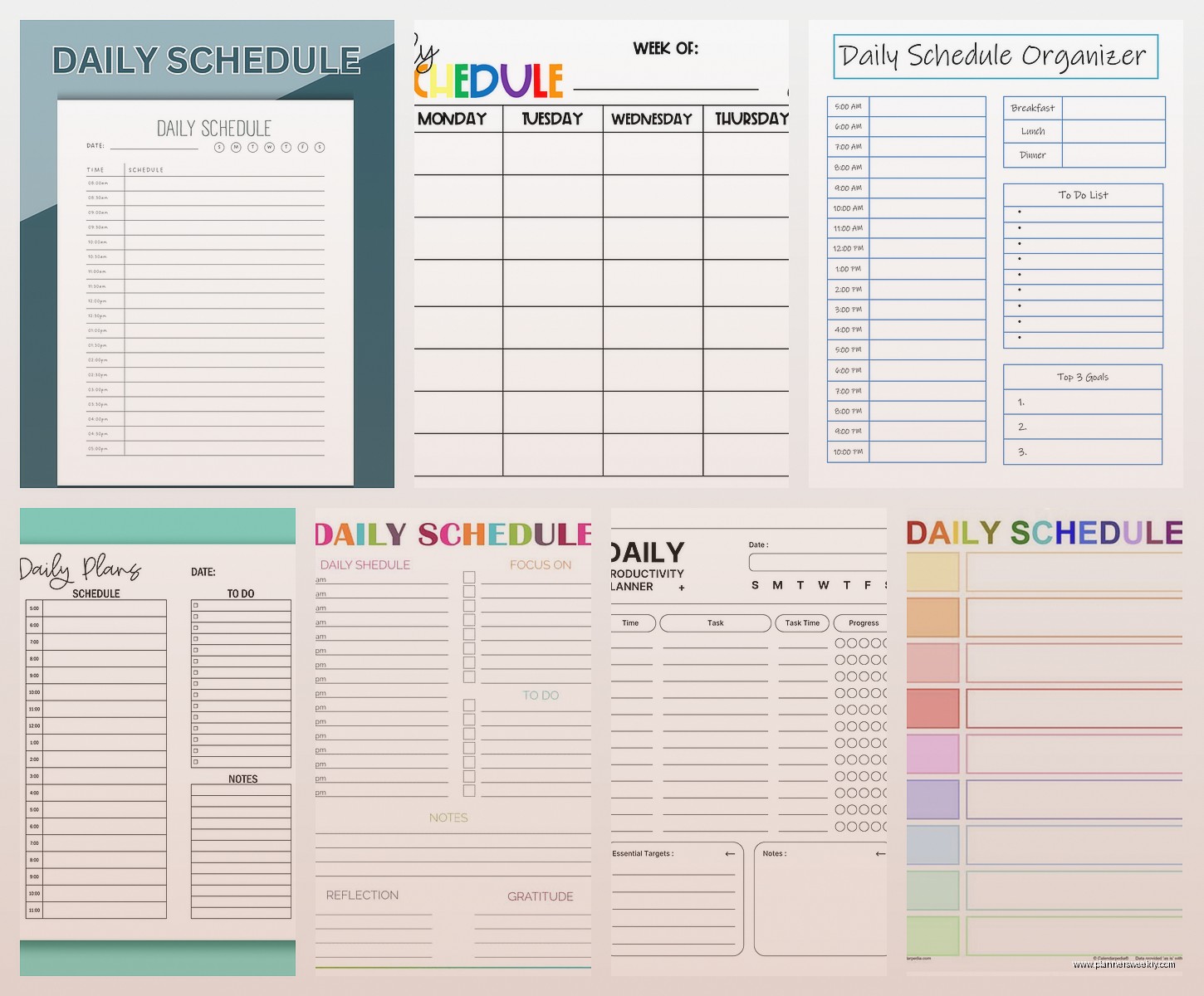
Pro tip: create multiple versions for different types of days. I have a “meeting heavy day” template, a “deep work day” template, and a “chaos day” template for when everything’s on fire.
PDF Downloads from Random Productivity Sites
There are so many websites offering free printable daily schedule templates and most of them are fine? Not great, not terrible, just fine. Sites like Vertex42, Template.net, and Calendarlabs have basic PDF templates you can download and print.
I tested like fifteen of these one weekend when I was supposed to be watching that new show everyone’s talking about but got distracted. Here’s what I learned – the simpler ones are usually better. Any template that tries to include motivational quotes, habit trackers, mood trackers, and a schedule all on one page is too cluttered to actually use.
Look for templates that have:
- Clear time increments that match how you actually work
- Enough white space to write in if you’re printing
- A priorities or top tasks section
- Maybe a notes area but not mandatory
Customization Tips That Actually Matter
Okay so here’s the thing nobody tells you about schedule templates – the default version never works exactly right for your life. You gotta customize them and here’s what’s actually worth changing:
Time Block Duration
Most templates default to 30-minute or 1-hour blocks. Figure out what actually works for you. I do 90-minute blocks for deep work because that matches my attention span, but 30-minute blocks for admin stuff because I get bored.
Start and End Times
If you’re not a 9-to-5 person, change the time range. My schedule runs from 7am to 10pm because I’m productive in the evening. No point having a template that shows 6am-8am if you’re never awake then.
Categories vs Freeform
Some people need categories (work, personal, health, whatever) and some people just need blank slots to fill in. I thought I was a freeform person but turns out I’m a category person who was in denial. Test both ways.
Weekly Overview Section
Added this to my daily template and it changed everything. Just a small section at the top showing the week’s big picture goals so my daily tasks actually connect to something larger instead of feeling random.
Digital vs Printable Considerations
If you’re using your schedule digitally on a tablet with a stylus or whatever, you want PDF templates with form fields or apps that let you write directly on them. GoodNotes and Notability templates work differently than print templates.
For printing, make sure the template is actually formatted for standard paper size. Sounds obvious but I’ve downloaded templates that were formatted for A5 or some random size and wasted so much paper trying to print them.
Making Templates Actually Stick
The real issue with schedule templates isn’t finding them or customizing them, it’s actually using them consistently. What worked for me:
- Fill it out the night before, not the morning of
- Block out non-negotiables first like meals and exercise
- Leave buffer time between tasks because nothing ever takes exactly the time you think
- Don’t schedule every single minute or you’ll abandon the whole thing by Tuesday
- Review it at the end of the day and note what actually happened vs what you planned
That last one sounds tedious but it’s how you figure out if your template structure even works for your actual life versus your imaginary productive life.
Hybrid Approach That’s Working Right Now
Currently using a Notion template for planning and a printed Canva template for the actual day. Sounds redundant but here’s why it works – I plan in Notion because I can move things around easily and link to project notes. Then I print the day’s schedule from Canva because having it physically in front of me keeps me on track better than switching tabs constantly.
My cat knocked over my coffee onto one of the printed schedules last week which is honestly the main downside of paper templates, but I just reprinted it so whatever.
Quick Download Links Worth Checking
Rather than linking specific URLs that might break, search for these exact template names:
- “Daily Schedule Google Sheets template” in Google’s template gallery
- “Daily Work Schedule Excel” on templates.office.com
- “Minimalist Daily Planner Notion” in Notion template gallery
- “Daily Schedule Canva” and filter by free templates
- “Hourly schedule printable PDF Vertex42” for basic printables
The key is grabbing a few different ones and actually testing them for at least a week each. What works for your friend or some productivity influencer might make you want to throw your computer out the window, and that’s fine. I’ve probably tried thirty different templates at this point and only use like three regularly depending on what kind of week I’m having.
Just start with something simple, use it for a few days, notice what’s annoying you about it, then customize or switch. Don’t spend three hours making the perfect template before you’ve even used one – that’s procrastination wearing a productivity mask and I’ve definitely never done that myself multiple times.
