
Digital Productivity, Online planners, Planners
Weekly Agenda Guide: Best Planning Tools & Templates
Apr
Okay so I just spent the last three weeks testing like eight different weekly planning systems
My client canceled last Tuesday so I literally sat there with all these planners spread across my dining table comparing layouts and honestly my cat knocked over my coffee onto one of them which… actually helped me figure out which paper quality holds up better but anyway.
The thing nobody tells you about weekly planning is that the template matters way less than whether you’ll actually open the damn thing. I’ve watched so many people buy these gorgeous $45 planners and then never touch them because the layout stresses them out.
The basic weekly spread situation
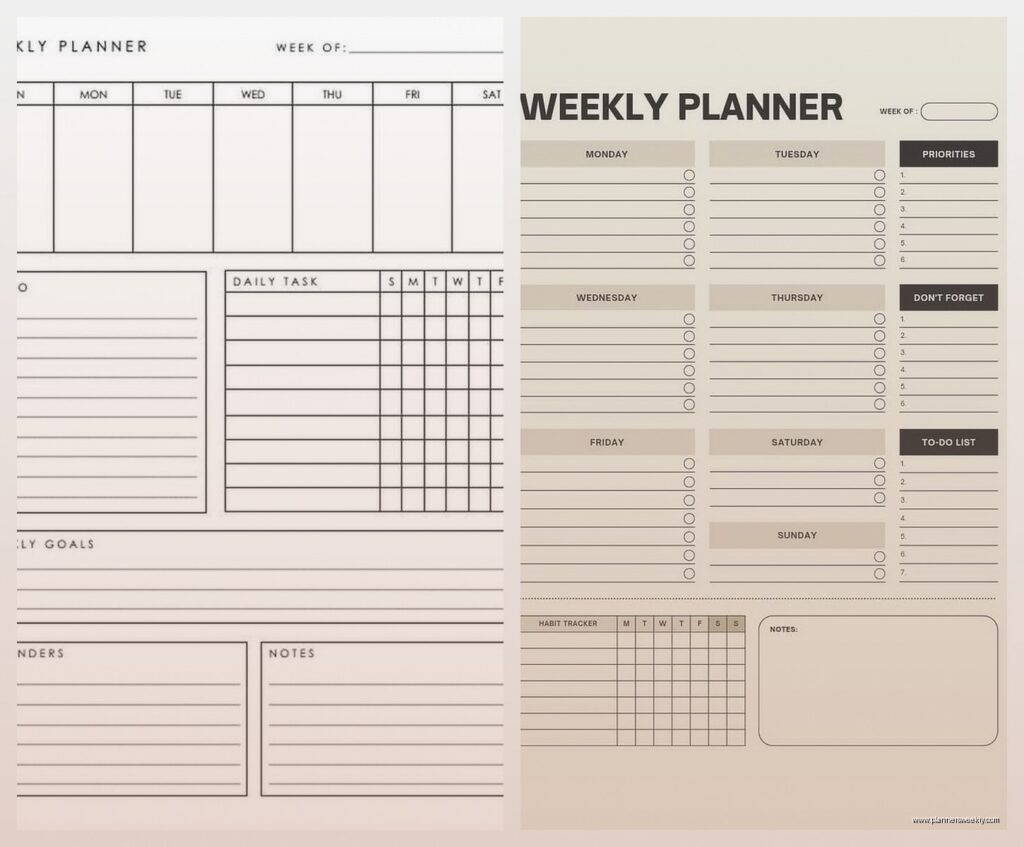
So there are really three main layouts and I’m gonna be honest about which one works for what. The vertical columns where each day gets a tall skinny section? That’s your classic layout and it works if you have like 3-7 tasks per day max. I use this for my content planning because I’m literally just tracking blog posts and social media.
Then there’s the horizontal rows which… look I know they’re popular but unless you write tiny or have very few tasks they feel cramped. My friend Sarah swears by them though because she says it forces her to prioritize. She’s not wrong but also she has better eyesight than me.
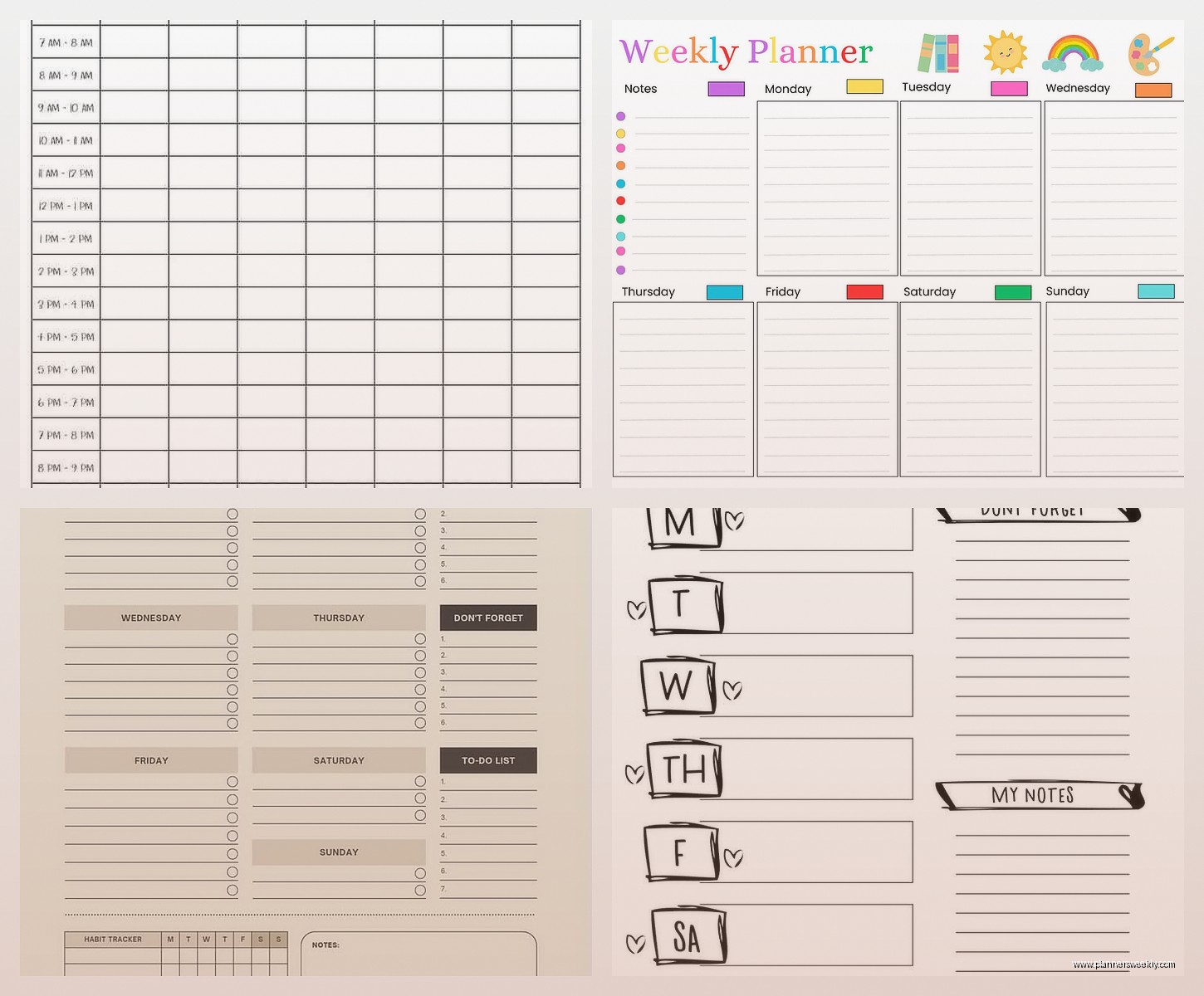
The hourly schedule format is the one that surprised me. I always thought those were just for people with back to back meetings but actually they’re incredible if you struggle with time blindness. Seeing that a task took three hours versus the thirty minutes you thought teaches you real quick.
Digital versus paper and I have opinions
Okay so I test both because my readers always ask. Google Calendar is free and syncs everywhere and honestly for pure scheduling it’s hard to beat. But here’s what I noticed after forcing myself to use only digital for two weeks – I forgot about tasks that weren’t tied to specific times. Like “call the dentist” just… vanished from my brain because it wasn’t at 2pm on Thursday, it was just “sometime this week.”
That’s where paper actually wins. The Passion Planner weekly layout has this “space of infinite possibilities” section at the bottom and yeah the name is cheesy but functionally it’s just a task list that’s always visible. You can see your whole week at a glance without clicking between screens.
Oh and another thing – I tested Notion templates for weekly planning and they’re really powerful if you want to link stuff. Like you can link your weekly tasks to project databases or whatever. But the setup took me like four hours and I kept getting distracted building the perfect system instead of actually planning. So. There’s that.
The templates I actually use
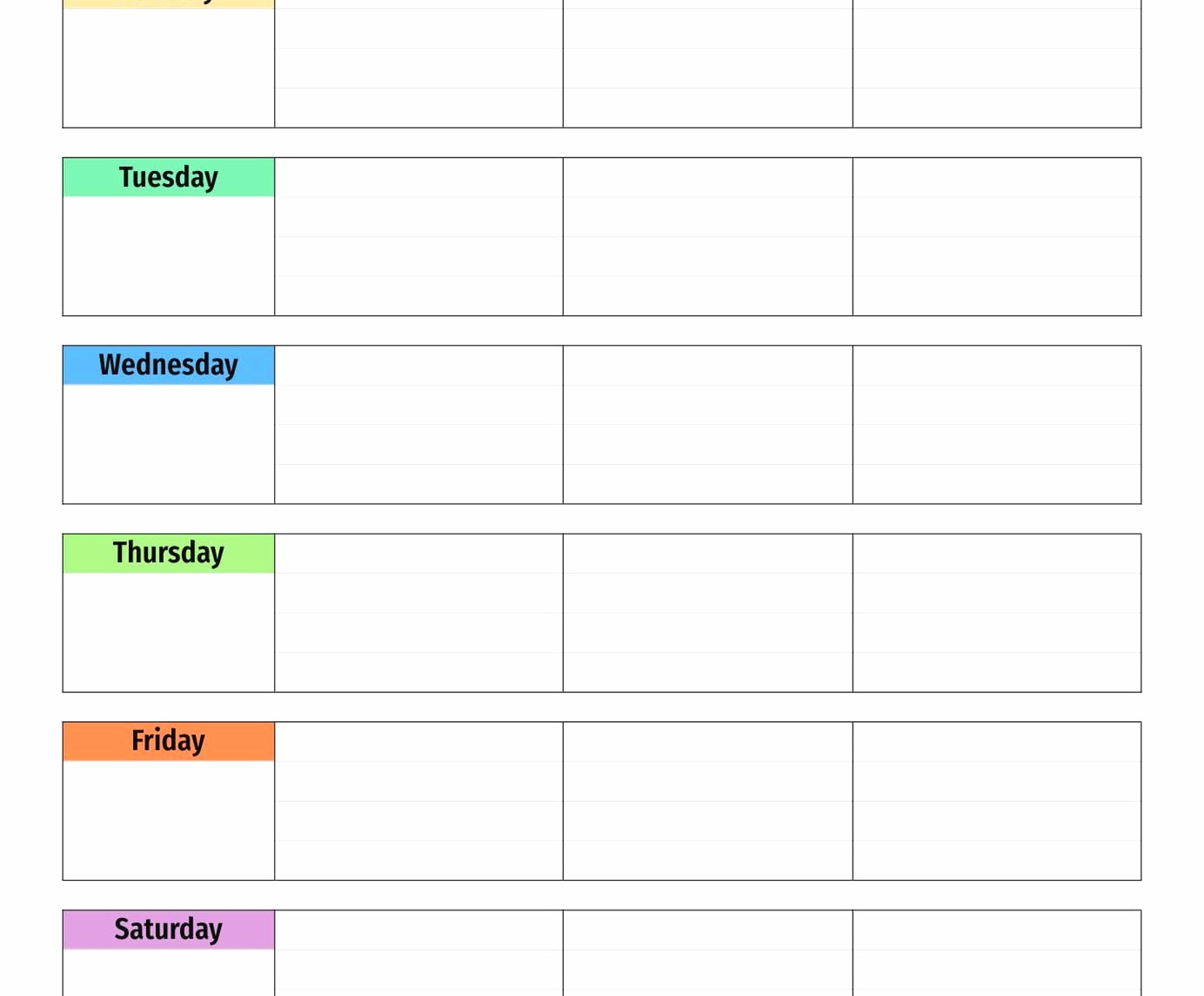
The Erin Condren LifePlanner has this vertical layout with three sections per day – morning, afternoon, evening. Sounds basic but it’s shockingly effective for time blocking without the pressure of hourly schedules. I use mine for client work and the paper is thick enough that my gel pens don’t bleed through which matters more than you’d think.
For digital stuff the Structured app on iOS is the only one I’ve stuck with for more than a month. It combines your calendar events with a task list in this timeline view and you can drag stuff around when your day inevitably goes sideways. Costs like $10 a year I think? Worth it.
Wait I forgot to mention the bullet journal situation. So I tried the official Leuchtturm weekly layout and honestly it’s fine but nothing special. Where bullet journaling actually shines for weekly planning is that you can customize each week. Some weeks I need hourly blocks, some weeks I just need a brain dump. The flexibility is the point.
Templates you can actually print and use
If you’re gonna print templates just use Canva’s free weekly planner templates. I’m serious. I spent actual money on Etsy templates and they’re pretty but functionally identical to the free Canva ones. Just pick a layout, download the PDF, print on 32lb paper from Staples and you’re done.
The one exception is if you want something really specific. I found this hourly template on Etsy that has a separate column for energy levels throughout the day and that’s genuinely helped me figure out I crash hard at 2pm and should not schedule client calls then. But that’s niche.
Google Sheets weekly templates are surprisingly good if you like the satisfaction of checking boxes. There’s one called “Weekly Planner with Time Blocking” that’s free and has conditional formatting so completed tasks turn green. My productivity coach brain loves the visual progress.
What actually makes a weekly system work
This is gonna sound weird but the planning system that works is the one that matches when you actually do your planning. I plan on Sunday evenings while watching whatever’s on Netflix. So I need something I can do on my couch with a pen. My friend Rachel plans on Monday mornings at her desk with coffee so digital works better for her.
Also you gotta have a place for tasks that didn’t happen. This is huge. The Volt Planner has this “migration” section where you move incomplete tasks to next week and honestly just having a designated spot for that instead of feeling guilty about rewriting stuff has changed my whole relationship with planning.
Time blocking in weekly templates
Okay so time blocking is having a moment and everyone’s talking about it but here’s what actually matters – you need buffer time built into your template. The Weekly Desk Pad from Blue Sky has 30-minute increments but every few rows there’s a thicker line which naturally creates these 90-minute blocks. That’s about how long I can focus anyway.
For digital time blocking Clockify has this free weekly view that shows your time blocks AND tracks how long stuff actually takes. Seeing that I estimated 1 hour but spent 3 hours on content writing was… humbling. But useful.
The habit tracker addition nobody asked for but
Some weekly templates have habit trackers built in and I ignored these for years because they seemed like overkill. Then I tried the Happy Planner’s weekly layout that has tiny checkboxes at the bottom for daily habits and it turns out checking three boxes for “water, walk, write” takes five seconds and makes me feel accomplished on otherwise trash days.
You don’t need anything fancy. I literally drew seven boxes at the bottom of my weekly spread and that’s my habit tracker. Done.
What I’d actually buy if starting from scratch
If you’re digital-first just use Google Calendar with the week view and add Google Tasks on the side. Free, syncs everywhere, works fine. Add Structured app if you’re on iPhone and want something prettier.
If you want paper and don’t know what layout you like yet get a $12 Blue Sky weekly planner from Target. Test it for a month. They have both vertical and horizontal layouts and the paper quality is decent enough. Don’t spend $50 on a fancy planner until you know what layout actually fits your brain.
For printing templates just use Canva free version and a $6 two-pocket folder to keep the pages. Hole punch them if you’re feeling fancy. This is literally what I did for six months before committing to a bound planner.
The supplies thing because people always ask
You don’t need special pens but if you’re gonna use a paper planner get one pen you actually like writing with. I use Muji 0.38 gel pens because they’re smooth and don’t bleed. They’re also like $2 each so I don’t panic when I lose them.
Highlighters for color coding are optional but I find them helpful for categorizing – yellow for work, pink for personal, blue for creative projects. The Zebra Mildliners are popular for good reason, they don’t bleed through most planner paper.
Oh and washi tape if you want to mark important weeks or cover up mistakes but honestly this is where people go overboard and suddenly they’re spending more time decorating than planning which defeats the purpose.
Common mistakes I see literally everyone make
Planning too much. Your weekly template should have like 60% white space or you’ll burn out. I learned this the hard way by scheduling every single hour of every day for two weeks and then getting resentful of my own planner.
Not reviewing the previous week before planning the new one. Takes five minutes, saves you from forgetting stuff. I do this Sunday evening and just look at what got done, what didn’t, what took longer than expected.
Trying to make the perfect system before starting. Just pick something and use it for two weeks. You’ll figure out what’s missing way faster than researching more templates.
The hybrid approach that’s working for me right now
So funny story I thought I had to pick digital OR paper and then I realized that’s stupid. I use Google Calendar for anything time-specific because I need notifications. Then I use a paper weekly spread for task lists and notes because writing stuff down helps me remember.
Every Monday morning I look at my Google Calendar week view and transfer the key stuff to my paper planner. Takes maybe ten minutes. Then throughout the week I add tasks to paper as they come up. Sunday evening I review what happened and plan the next week.
This probably sounds like double work but it’s actually the only system I’ve maintained for more than three months without abandoning it so clearly something’s working.
Specific recommendations by situation
If you have ADHD – Structured app or a paper planner with hourly blocks. The visual timeline helps. Also get a planner with thick paper so you can see the texture difference, it’s a sensory thing that helps with object permanence.
If you’re a student – Google Calendar plus a simple printed weekly template for assignments. Color code by class. The Passion Planner academic version is good if you want paper but honestly the free stuff works fine.
If you work from home – you need time blocking with hard stops or you’ll work forever. The Commit30 planner has this built in or just use any hourly template and actually mark end times.
If you travel a lot – digital only, specifically something that syncs. Google Calendar or Outlook. Paper planners get forgotten in hotel rooms, I’ve lost three that way.
The weekly agenda thing really comes down to just starting somewhere and adjusting as you go. I’ve been testing planners and productivity stuff for like fifteen years at this point and I still tweak my system every few months. That’s normal. The planner you’ll actually use beats the perfect planner you won’t open every single time.
