Digital Productivity, Online planners, Planners
Custom Daily Planner: Create Your Perfect Schedule
Mar
Okay so I just spent like three weeks completely rebuilding my daily planner system and honestly I wish someone had told me this stuff before I wasted money on planners that looked gorgeous but completely didn’t work for my actual life.
First thing – figure out what you actually need to track
This sounds obvious but everyone skips this part. I see people buying those massive planners with sections they’ll never use because the cover was pretty. Sit down for like 10 minutes and list what you actually do every day. Not what Instagram tells you productive people do. YOUR actual day.
I realized I needed time blocking (because I’m garbage at estimating how long things take), a small habit tracker (not those huge 30-habit things that make you feel like a failure), and space for random notes because my brain works in scattered bursts. That’s it. I don’t need meal planning sections or budget trackers or whatever else gets crammed into those all-in-one planners.
My dog literally just knocked over my coffee while I’m writing this and it reminded me – you also gotta think about durability. If you’re carrying this thing everywhere, those pretty paper covers are gonna look destroyed in like two weeks.
The whole dated vs undated debate
So here’s the deal with this. Dated planners feel great on January 1st and then if you skip three days you feel guilty every time you see those blank pages staring at you. I used dated planners for YEARS and probably left like 40% of pages empty.
Undated means you can disappear for a week and just pick up where you left off. No guilt. No wasted pages. But the downside is you gotta write the date every single day which sounds minor but when you’re rushing in the morning it’s annoying.
I actually use undated now and here’s my hack – I date like 5 pages ahead on Sunday nights while watching TV. Takes two minutes and then I don’t think about it all week.
Custom printing options if you wanna go that route
Places like Plum Paper and Erin Condren let you customize layouts which is cool but expensive. I tested both last year and the quality is solid but you’re paying like $40-60 for something you could potentially create yourself.
The benefit though is you can add exactly what you need. I had a client who needed to track her medication times and she added a little chart at the bottom of each day. You can’t do that with off-the-shelf planners.
Building your own layout actually isn’t that hard
Okay so funny story – I resisted this for so long because I thought it would be complicated but it’s really not. You basically need to decide on a few things:
- Hourly schedule or time blocking sections
- How much space for tasks vs appointments
- Daily, weekly, or both views
- Extra sections for notes or priorities
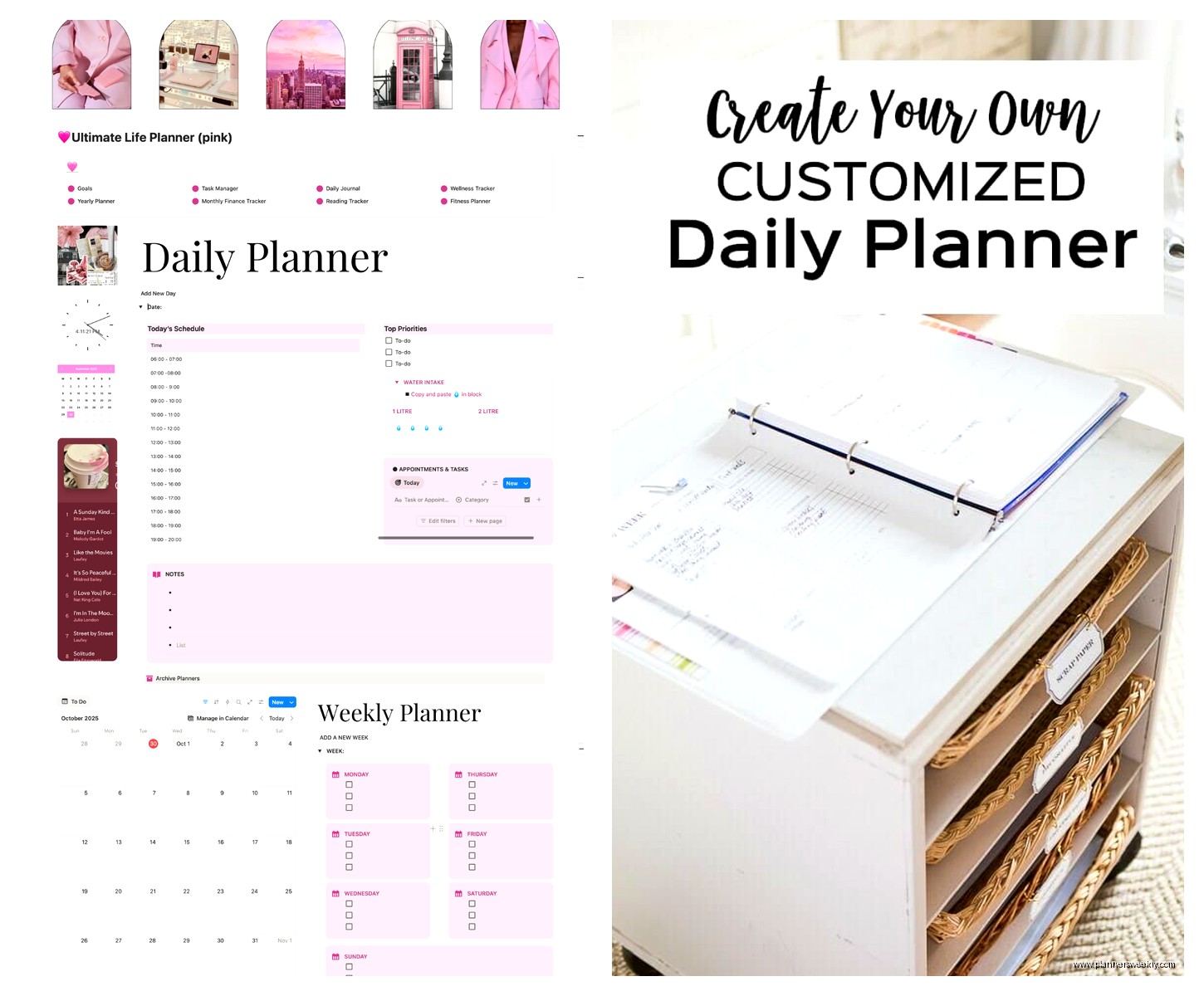
I use Canva for mine now and just print pages as I need them. The free version works fine. I created a template that has time blocks from 6am to 9pm (because let’s be real I’m not doing anything productive after 9), a priority box for my top 3 things, and a notes section on the right side.
Takes me like 30 minutes on Sunday to print the week and hole punch them into a discbound notebook. Way cheaper than buying custom planners and I can adjust if something isn’t working.
The discbound system changed everything for me
Wait I forgot to mention – if you’re building your own, get a discbound system like Arc or Happy Planner. You can rearrange pages, add or remove sections, and it lies flat which is huge. Regular spiral notebooks don’t let you move stuff around and perfect bound planners crack if you actually use them daily.
I got the Staples Arc system for like $25 and it’s held up for over a year. The discs come in different sizes so you can make it thin or thick depending on how many sections you want.
Time blocking vs task lists – you probably need both
This is where I see people mess up the most. They either do all time blocking and then random tasks fall through the cracks, or they do all task lists and nothing actually gets scheduled so nothing gets done.
My current setup has time blocks on the left side of the page – these are for appointments and focused work sessions that HAVE to happen at specific times. Client calls, writing blocks, that kind of thing.
On the right I have a running task list that’s not time-specific. Emails to send, errands, stuff that needs to get done today but the exact time doesn’t matter. As I finish time blocks, I grab tasks from the right side and knock them out.
Oh and another thing – color coding is either your best friend or a complete waste of time depending on your personality. I use three colors max: blue for client work, green for personal appointments, black for everything else. More than that and I spend more time picking colors than actually planning.
The weekly overview situation
So I go back and forth on this but right now I’m using a weekly spread at the start of each week. Just a simple grid with the seven days and big blocks showing what’s happening each day at a glance.
This takes like 5 minutes on Sunday night but saves me so much time during the week because I can see when I have back-to-back meetings or when I actually have a clear afternoon for deep work. Without this view I used to accidentally schedule myself into burnout by Thursday.
Habit tracking without making yourself miserable
Okay this is gonna sound weird but most habit trackers are designed to make you feel bad. There I said it. Those giant grids with 15 different habits and you’re supposed to check them all off every day? That’s not motivation that’s just anxiety.
I track like 3 things max. Right now it’s whether I exercised, whether I had focused work time, and whether I did my evening planning for the next day. That’s it. Three boxes. Takes 10 seconds to fill out and I actually do it.
The tracker lives on my weekly overview page so I see the whole week at once. Way more useful than daily tracking because you can spot patterns. Like oh I haven’t exercised since Tuesday, maybe I should prioritize that tomorrow.
What size actually works for real life
Everyone wants those tiny portable planners until they actually try to write a full day’s schedule in a 3×5 space. Your handwriting isn’t that small and you will get frustrated.
I use half-letter size (5.5 x 8.5) which fits in most bags but gives enough space to actually write. Full letter size (8.5 x 11) is great if you work at a desk all day but annoying to carry around. A5 is the European equivalent and also works well.
Pocket planners are good for like… capturing quick notes? But not for actual daily planning unless you have the tiniest handwriting in the world.
Digital vs paper and why I use both now
So I fought this for a long time because I wanted ONE system but honestly using both works better. My calendar lives in Google Calendar because I need to share it with people and get reminders on my phone. But my daily planning happens on paper.
Every morning I look at my digital calendar and transfer the important stuff to my paper planner. Sounds redundant but this 5-minute process actually helps me mentally prepare for the day. I see what’s coming and can plan around it.
The paper planner also has all my tasks and notes which would clutter up a digital calendar. And there’s something about physically crossing things off that just hits different than clicking a checkbox.
Templates you can actually steal
If you don’t wanna build from scratch there are tons of free printable templates online. I’ve tested probably 30 different ones and here’s what actually worked:
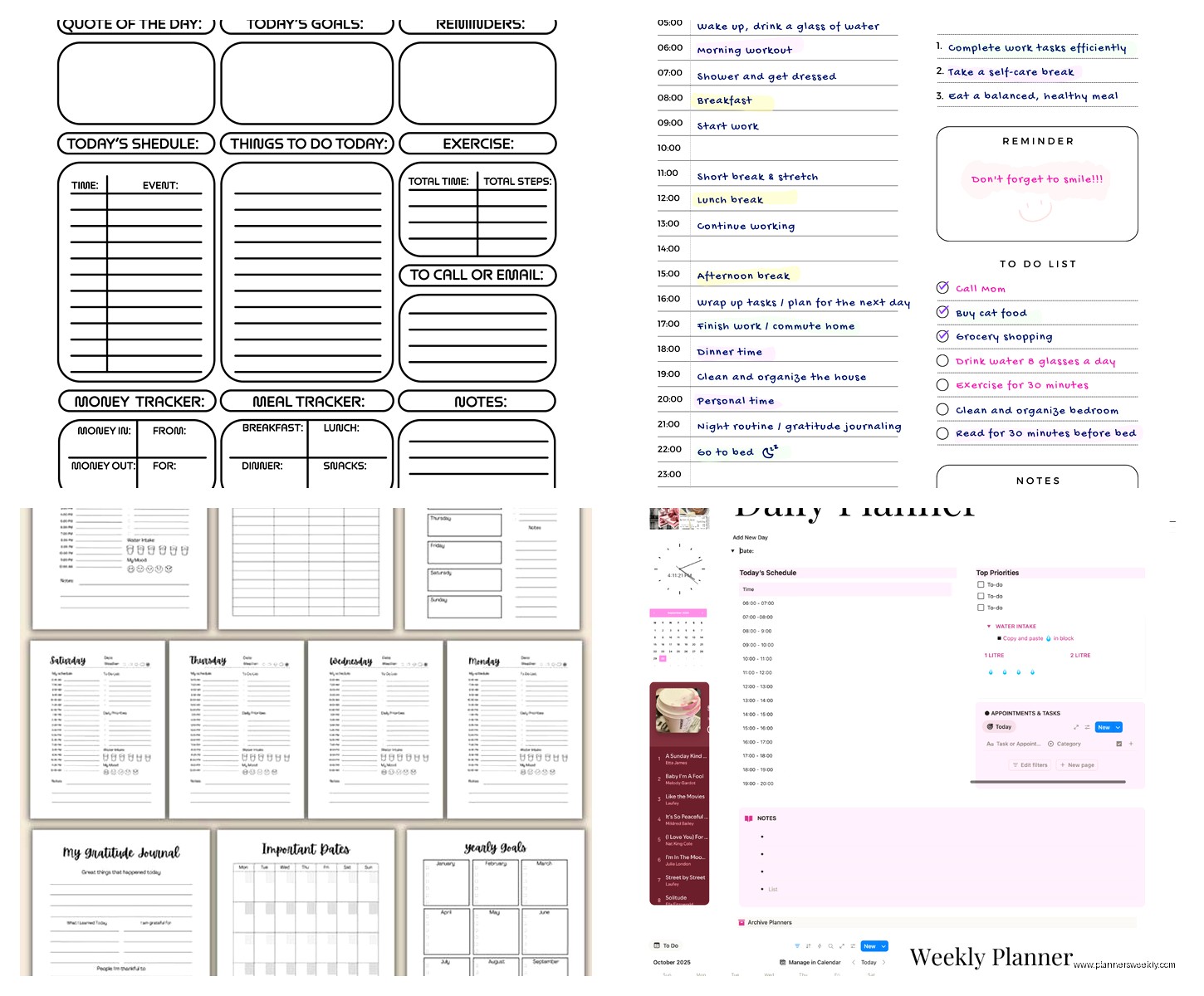
The “day on one page” layout with time blocks on the left and tasks on the right – this is what I ended up customizing for myself but you can find free versions on Pinterest.
Weekly spreads that show the whole week across two pages – good for overview but not enough space for detailed daily planning.
Time ladder layouts where you have columns for different categories – these work great if you’re juggling multiple projects but can feel overwhelming if your days are simpler.
My cat is literally sitting on my keyboard right now which feels appropriate because planning should work around your life not the other way around.
The sections nobody uses but planners always include
Okay real talk – you’re never gonna use the password tracker in your planner. You’re just not. Same with those reference pages for measurements or time zones or whatever. They’re filler.
What you might actually use: a page for goals or projects you’re working on, contact info for people you call regularly, maybe a books or movies list if you’re into that. But be honest about it. Don’t add sections just because they seem productive.
I have one page at the front for my quarterly goals and one page at the back for random notes and ideas. That’s all the extra stuff I need.
Making it sustainable for the whole year
This is where custom planners win over pre-made ones. You can adjust as you go. Maybe in January you need different sections than you’ll need in July. With custom pages you just print new layouts.
I change my habit tracker every quarter based on what I’m focusing on. I adjust my time blocks during busy seasons. None of this is possible with a bound planner you bought in December.
The key is keeping the core structure the same so you don’t have to relearn your system every month but allowing flexibility in the details. My time-blocking structure hasn’t changed in 6 months but what I track in those blocks evolves.
Also gonna be honest – some weeks I barely use my planner and that’s fine. It’s a tool not a test. The goal is making your life easier not adding another thing to stress about.