Digital Productivity, Online planners, Planners
Weekly Meal Planner Template: Food Planning Guide
Mar
Okay so I’ve been using weekly meal planner templates for like three years now and honestly they’re one of those things that sound super basic but actually make a huge difference when you find the right setup for you.
The Basic Structure You Actually Need
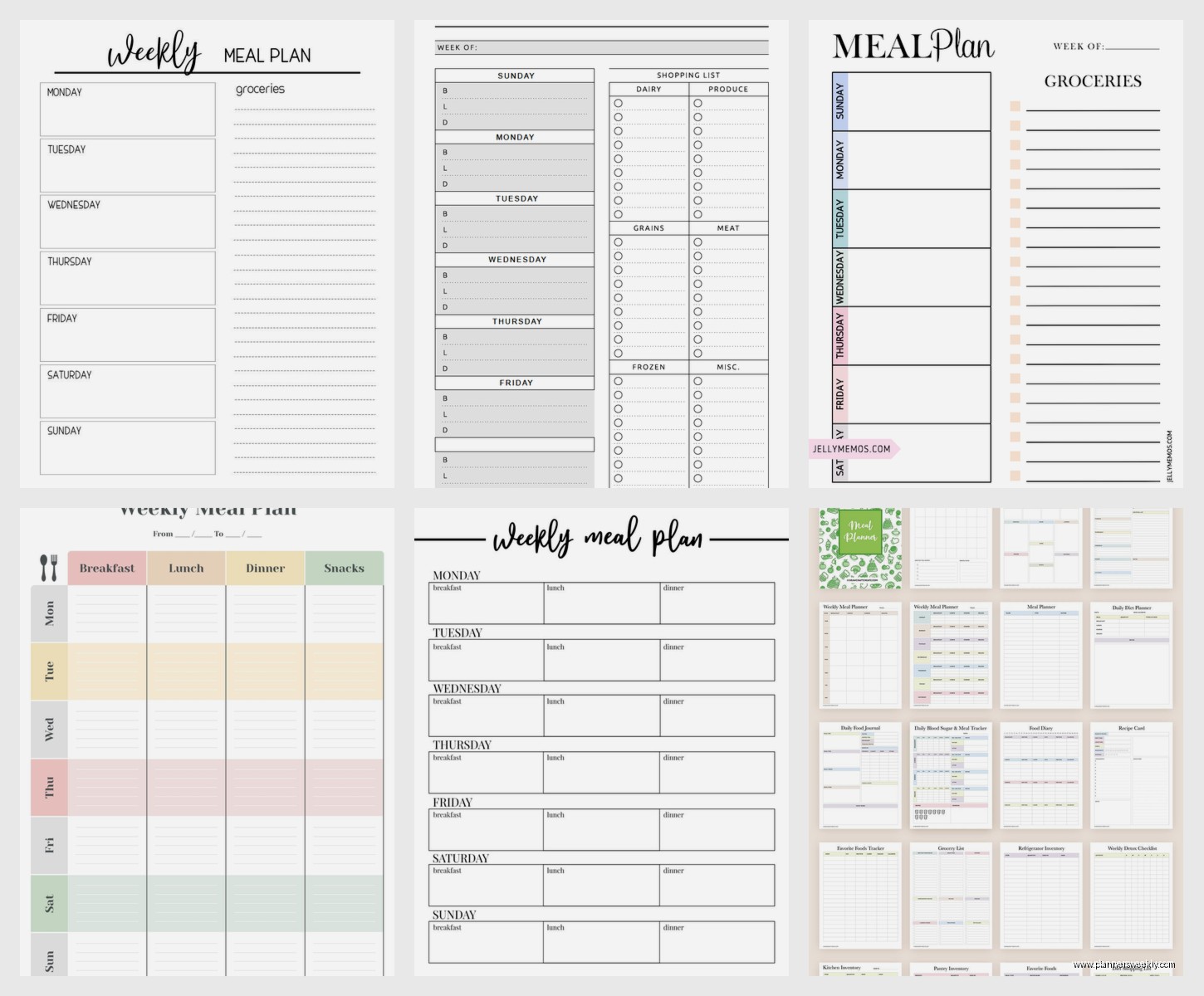
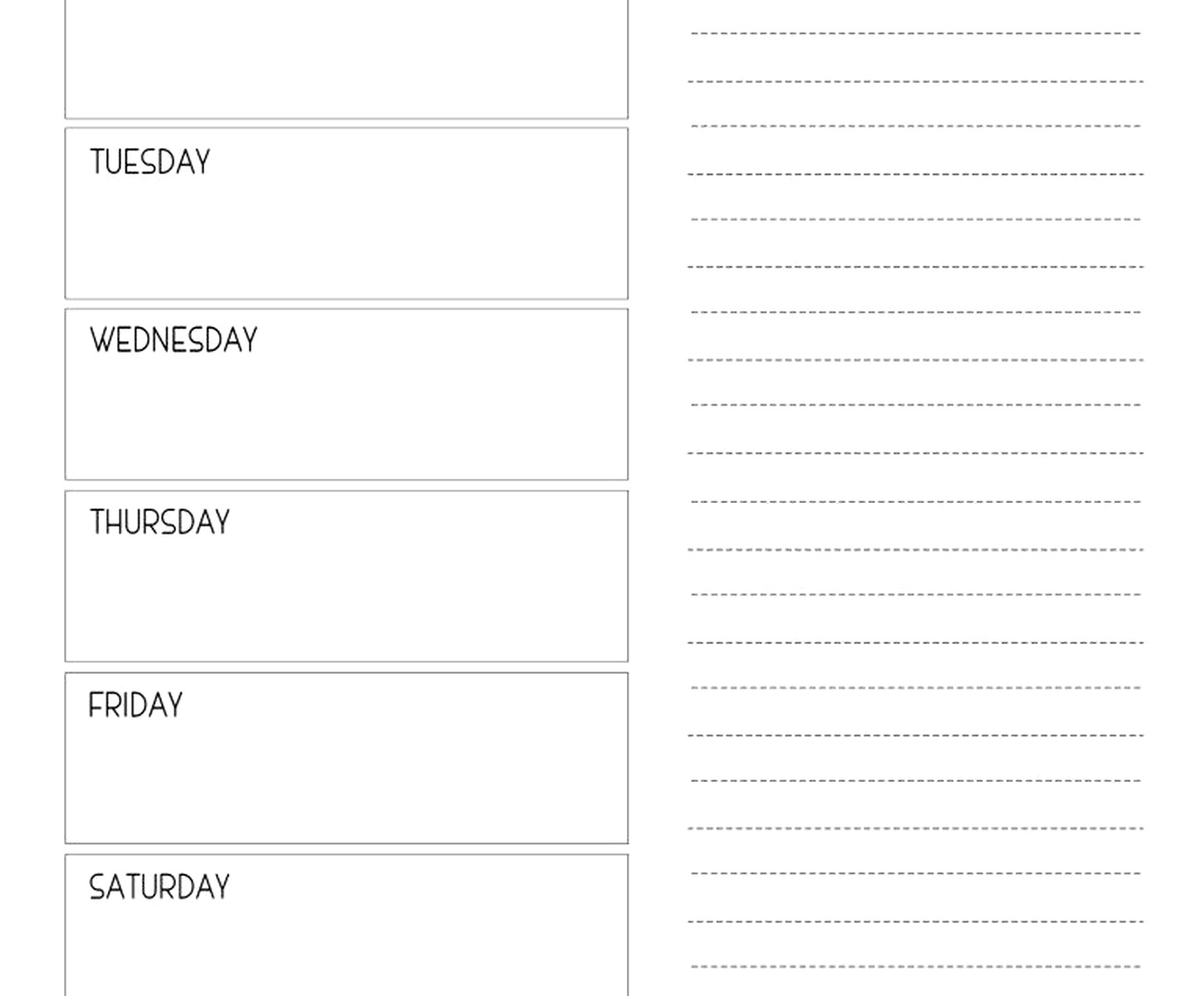
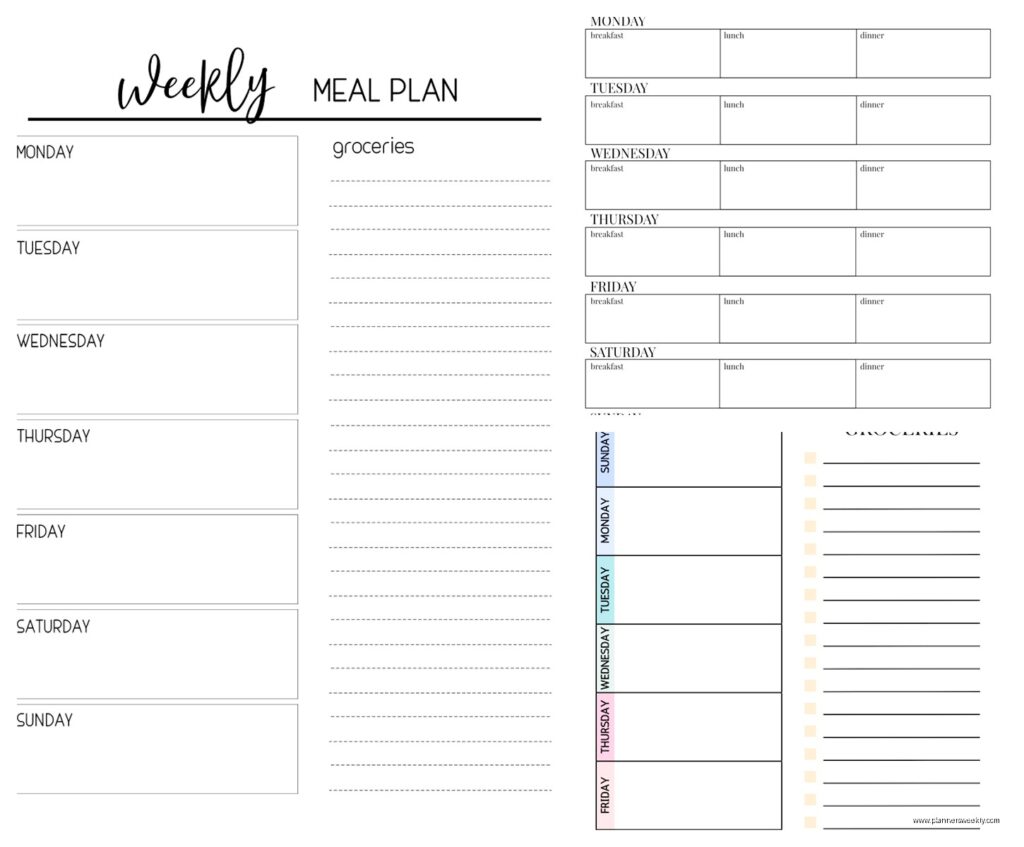
Most templates I’ve tested have the same core elements but where they differ is what actually matters. You need a grid that shows the seven days obviously, but then you’ve gotta decide if you want breakfast lunch and dinner all mapped out or just dinners. I personally only plan dinners because breakfast is always the same three things at my house and lunch is leftovers or whatever, but my friend Sarah swears by planning everything and she’s way more organized than me so.
The grocery list section is where templates either win or fail completely. Some just give you blank lines which is useless because you end up writing “chicken” three times in different spots. The better ones have categories already printed like produce, proteins, dairy, pantry staples. I tested one last month that had the categories but they were in a weird order that didn’t match how any grocery store is actually laid out and it drove me nuts.
Digital vs Paper and Why It Actually Matters
I’m gonna be honest, I’ve tried both extensively and there’s no clear winner. Digital templates are great if you’re the type who always has your phone anyway. You can use Google Sheets or Excel or those fancy meal planning apps. The problem I keep running into is that when I’m cooking, my phone gets gross and I don’t want to touch it with chicken hands or whatever.
Paper templates though, you can stick them on the fridge with a magnet and everyone in the house can see what’s happening. My partner actually looks at the meal plan when it’s physical but completely ignores the digital version. Something about walking past it multiple times makes it stick in your brain better.
Wait I forgot to mention, some templates have a notes section which seems pointless but is actually super useful for writing down whose turn it is to cook or if you need to thaw something the night before. I use mine to note when I’m testing a new recipe so I remember to give myself extra time.
Free Templates I’ve Actually Used
The internet is full of free printables and most of them are fine. I downloaded probably fifteen different ones when I first started this whole thing. The ones from budget meal planning blogs tend to be the most practical because they’re made by people who actually use them daily, not designers who just think they look cute.
There’s this one I found on a blog called Budget Bytes that has a tear-off grocery list at the bottom which is genius. You plan your meals, write your list, tear it off and take it shopping. The design isn’t fancy but it works really well. I used that one for like six months straight.
How to Actually Fill the Thing Out
This is where people get stuck. You’ve got this blank template and suddenly you can’t remember a single meal you’ve ever cooked. Here’s what I do and what I recommend to my clients who are trying to get into this.
Start on Saturday or Sunday, whichever day you typically do grocery shopping. Sit down with your template and your recipe collection, whether that’s cookbooks or Pinterest or whatever. Don’t try to plan fancy new recipes for every single night because you won’t stick with it. I aim for like two new things max per week, and the rest are repeats from my rotation.
Think about your actual schedule for the week. If you’ve got soccer practice on Tuesday and won’t be home until seven, that’s not the night to plan something that takes an hour to cook. That’s a crockpot day or a leftovers day or honestly a frozen pizza day, no shame.
The Anchor Meals Strategy
Oh and another thing that really helped me was having anchor meals. Like Monday is always some kind of pasta, Wednesday is always tacos or Mexican-ish food, Friday is pizza or takeout. Having that structure means you’re not starting from complete scratch every week. You’re just deciding which pasta dish or which taco variation.
My cat knocked over my coffee while I was planning last Sunday and I had to rewrite the whole thing but anyway, the anchor meal thing also helps with grocery shopping because you know you’ll always need taco supplies and pasta ingredients so you can stock up when they’re on sale.
The Grocery List Integration
This is honestly the most important part and where most people’s systems fall apart. You need a method for getting from “chicken tacos on Tuesday” to actually having all the taco ingredients in your house.
What I do is go through each planned meal and write down every single ingredient I need, then I check my pantry and fridge and cross off what I already have. Sounds tedious but it takes like ten minutes and saves you from getting to Wednesday night and realizing you forgot the tortillas.
Some templates have checkboxes next to the grocery list items which is actually really satisfying to check off as you shop. The digital ones let you delete items as you go but there’s something about the physical checkbox that my brain likes better. This is gonna sound weird but I think the act of writing things down makes me remember them better even if I still bring the list to the store.
Organizing Your List by Store Section
I mentioned this earlier but it bears repeating because it genuinely saves so much time. Group your list by produce, meat, dairy, frozen, pantry items, etc. Even better if you organize it in the order you walk through your specific grocery store.
I shop at the same store every week so I know produce is first, then meat, then all the middle aisles, then dairy and frozen at the back. My list follows that exact path. Cuts my shopping time in half probably because I’m not backtracking to grab something I forgot.
Templates with Bonus Features
Some of the fancier templates include sections for meal prep notes, leftover planning, or even a running inventory of what’s in your freezer. Whether you need these depends on how deep you wanna go with the planning.
The meal prep section can be really helpful if you do Sunday food prep. You can note like “chop all veggies for week” or “cook rice and quinoa” and then check them off as you go. I don’t personally do a ton of meal prep because I actually like cooking most nights, but when I’m super busy I’ll do some basics ahead and having that noted on my planner keeps me accountable.
Wait I forgot to mention budget tracking. Some templates have a spot to write down estimated cost per meal or total weekly grocery budget. I tested this for like three months to see if it actually helped me spend less money and honestly it did? Just the act of being aware made me choose cheaper proteins sometimes or plan more vegetarian meals.
The Leftover Strategy Nobody Talks About
Okay so funny story, I was working with a client last year who kept saying she didn’t have time to cook and when we looked at her meal plan she had seven completely different dinners planned with no leftover strategy. That’s fourteen cooking sessions per week if you count making lunch too.
Smart meal planning builds in leftovers intentionally. If you’re making chili on Monday, make a huge pot and plan for leftover chili on Wednesday. Or take those leftovers and repurpose them, leftover chicken becomes chicken salad or quesadillas or thrown into pasta.
Some templates actually have a dedicated leftovers spot in the weekly grid which I love. It removes the guilt of not cooking something new and makes it part of the actual plan.
Themes and Variety Without Overwhelm
You don’t wanna eat the same seven meals every single week forever but you also don’t wanna spend hours researching new recipes constantly. I rotate through about twenty dinners that I know well, and I’ll swap in one or two new things per month to try.
Having a template with notes sections lets you track which new recipes were hits so you can add them to the rotation. I literally write “MAKE AGAIN” in all caps when something is really good, or “too much work for a weeknight” if it took way longer than expected.
The themes thing I mentioned earlier also helps with variety because within “Mexican Monday” you could do tacos one week, enchiladas the next, burrito bowls after that. Same general ingredients and prep style but different enough that it doesn’t feel repetitive.
Adjusting for Real Life
This is where meal planning either works or completely falls apart for people. You need a system that allows for flexibility because life happens. Someone gets sick, you have to work late, the store is out of something you needed.
I always plan one “flex night” per week that’s either takeout or something super simple from the pantry. That way if another night goes sideways I can swap things around without feeling like the whole system failed.
Also like, if you planned salmon for Thursday but you’re just not feeling salmon that day, it’s fine to swap with Friday’s plan or even just make pasta instead. The meal plan is a tool not a prison sentence. I had to learn this the hard way after getting weirdly rigid about following my plan exactly and making myself miserable.
The Family Coordination Piece
If you’re planning for more than just yourself, getting input is important but also can be a nightmare if you’re asking “what do you want for dinner” every single night. What works better is showing people the plan after you’ve drafted it and asking if there’s anything they really don’t want or if there’s something they’re craving that week.
My partner will sometimes request a specific meal and I’ll work it into the next week’s plan. Having it written down where everyone can see it also reduces the “what’s for dinner” questions because they can literally just look at the fridge.
Seasonal Planning and Sales
This is more advanced but once you get comfortable with basic meal planning you can start building your plans around what’s on sale or in season. Check your grocery store app or flyer before planning, see what proteins are discounted, and plan meals around those.
In summer I plan way more grilling and salads because produce is cheap and I don’t wanna heat up the kitchen. Winter is soup and stew season. Having a template that you use year-round means you can look back at what you made last January and pull ideas from there.
I keep all my old meal plans in a binder, which sounds excessive but it’s actually really useful when I’m stuck for ideas. I can flip through and remember meals I haven’t made in a while.
Digital Tools Worth Mentioning
Even though I prefer paper templates mostly, there are some digital tools that are legitimately helpful. The Paprika app lets you save recipes and automatically generates grocery lists from them. Plan to Eat does something similar. If you’re someone who saves a lot of recipes from websites these can be worth the money.
Google Keep is free and works well for shared grocery lists if multiple people in your house shop. You can both check things off in real time which prevents duplicate buying.
But honestly a simple Google Doc or Excel sheet works fine if you want digital without paying for an app. You can make your own template in like five minutes with a basic table.
Starting Simple and Building Up
If this all sounds overwhelming just start with dinners only for like four days a week. Plan Monday through Thursday, and let the weekend be flexible. Use the most basic template you can find with just days and a grocery list section.
Once that feels manageable you can add more days, add other meals, add the fancy features. I started by literally just writing meals on a post-it note stuck to my fridge and that worked fine for months before I got into actual templates.
The point is to reduce decision fatigue and make grocery shopping more efficient, not to create some perfect Pinterest-worthy system that stresses you out. Use what works and ignore the rest.