
Digital Productivity, Online planners, Planners
Weekly Planner Template Guide: Free & Premium Downloads
Apr
Okay so I just spent three weeks testing like fifteen different weekly planner templates because honestly my old system was a disaster and I needed to figure out what actually works. Here’s what I found out.
The Free Templates You Should Actually Download
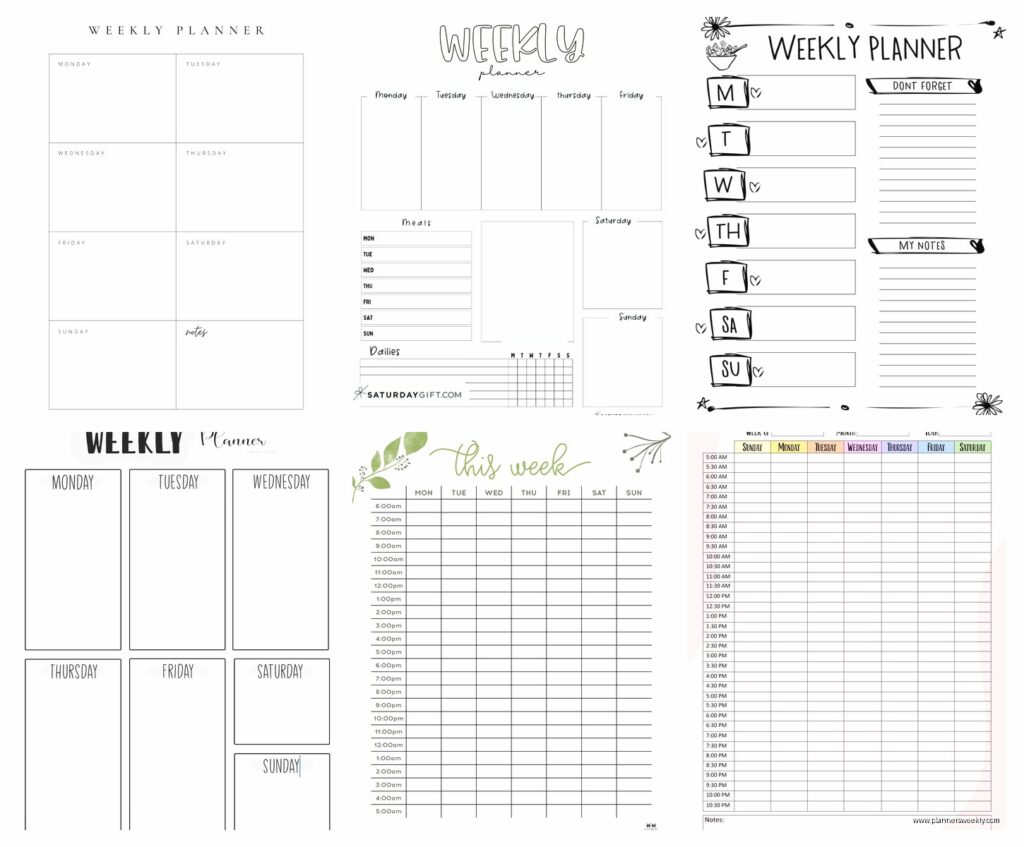
Google Sheets has this weekly planner template that nobody talks about but it’s honestly pretty solid. You open Google Sheets, hit “Template Gallery” and there’s a basic weekly schedule one that I’ve been using with clients who are just starting out. The thing is it’s super bare bones which sounds bad but actually means you can customize it without fighting someone else’s color scheme or whatever.
I modified mine to have time blocks on the left from 6am to 10pm because apparently I’m the only person who doesn’t work normal hours, and then I added a column for each day plus one for notes that just… exist there. Sometimes I use them, sometimes I don’t. The best part is it auto-saves to your Drive so when my laptop died last month I didn’t lose anything.
Oh and Canva has free weekly templates but here’s the deal with those. They’re gorgeous, like really pretty, but they’re designed for people who want to screenshot their planner and post it on Instagram. Which is fine if that’s your thing but if you actually want to like, type in them and use them functionally, you’re gonna have a bad time. The text boxes are weird sizes and don’t expand properly.
That said, I did find one Canva template called “Minimalist Weekly Planner” that’s actually usable. You can download it as a PDF and print it, or you can edit it digitally if you have the patience. I used it for two weeks before I got annoyed with the font choices but it worked.
Microsoft Templates Nobody Mentions
Wait I forgot to mention the Microsoft Office templates because everyone assumes they’re outdated but actually they updated them sometime in the last year. If you have Office 365 or whatever they’re calling it now, go to Word or Excel and search for “weekly planner” in the template search.
There’s this one called “Weekly Assignment Calendar” that’s technically for students but I’ve been using it for client projects and it’s perfect. Has a section for each day, a priority list on the side, and a notes section at the bottom. You can print it or fill it digitally, both work fine.
The Excel weekly planners are better than the Word ones in my opinion because you can actually do formulas if you want to track hours or whatever. I have one set up that calculates how many hours I’m scheduling per day which sounds intense but it’s literally just a SUM formula and it keeps me from overbooking myself.
Premium Templates That Are Worth The Money
Okay so funny story, I bought this Etsy template bundle for like $12 thinking it would be garbage but my friend Sarah recommended it and she’s never wrong about this stuff. It’s called something like “Ultimate Productivity Planner Bundle” and it comes with like 50 different layouts.
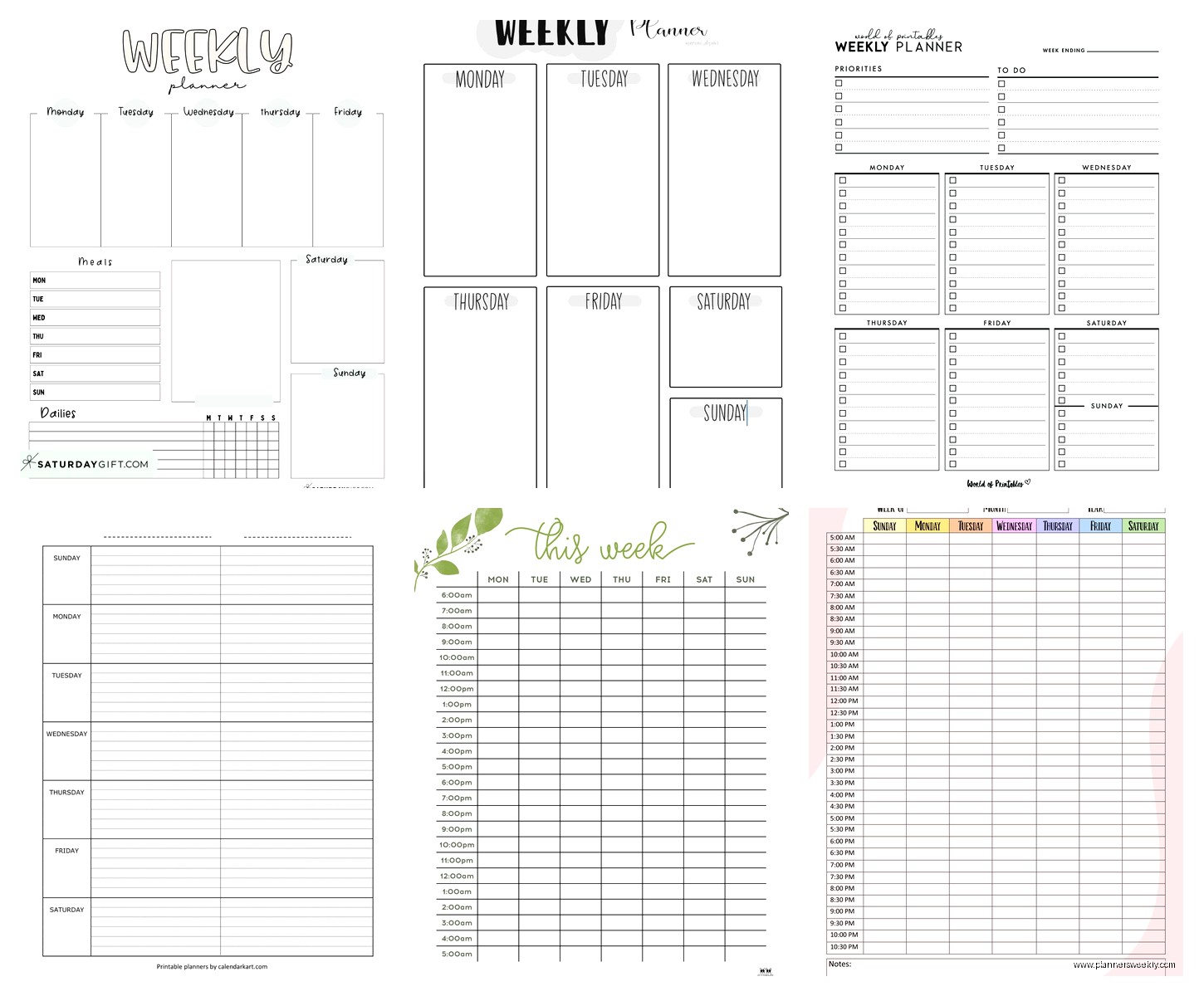
The weekly spreads in there are actually really well designed. They have versions for different planning styles which I didn’t even know was a thing before. There’s one that’s time-blocked, one that’s task-based, one that has a meal planning section built in, and one that’s just for tracking habits alongside your weekly schedule.
I’ve been rotating between the time-blocked one and the task-based one depending on what kind of week I’m having. Time-blocked is better when I have a lot of meetings and appointments, task-based is better when I’m just trying to get through a project list. They’re PDF files that you can print or use with something like GoodNotes if you’re into digital planning.
The thing that makes it worth twelve bucks is that the designer clearly actually uses planners. Like the boxes are the right size for normal human handwriting, the lines are spaced properly, there’s enough white space that it doesn’t feel cramped. Also they’re undated which means you’re not wasting pages when you skip a week because life happened.
Notion Templates Are Confusing But Powerful
This is gonna sound weird but I resisted Notion for so long because everyone who uses it is like weirdly evangelical about it. But then my cat knocked over my coffee onto my physical planner and I had to find a digital solution fast.
Notion has free weekly planner templates in their template gallery and also there’s a huge marketplace of people selling custom ones. I started with a free one called “Weekly Agenda” which is pretty simple, just a database that shows you the current week and you can add tasks and events.
Then I upgraded to this premium template I found for $8 called “Ultimate Life Planner” which sounds cheesy but whatever. It has a weekly view that connects to a monthly view and a daily view and a project tracker and honestly it’s a lot. Too much probably. But the weekly planner part of it is really good.
What makes Notion templates worth it is the database functionality. You can tag tasks by category or energy level or whatever system you use, and then filter your weekly view to only show certain types of tasks. So like on Monday mornings I only look at high-priority work tasks and ignore everything else until I get those done.
The learning curve is real though. I spent probably three hours just setting up the template and figuring out how databases work. If you don’t want to invest that time, stick with something simpler.
Printable Templates Versus Digital
Okay so I’ve been going back and forth on this forever. I tested both extensively because I’m apparently the kind of person who does that now.
For printable templates, the best ones I found are on Creative Market. There’s a creator called “Printable Haven” or something similar who makes these really clean weekly layouts. They’re like $5 for a pack of three different styles. I print them on regular printer paper, punch holes in them, and put them in a binder.
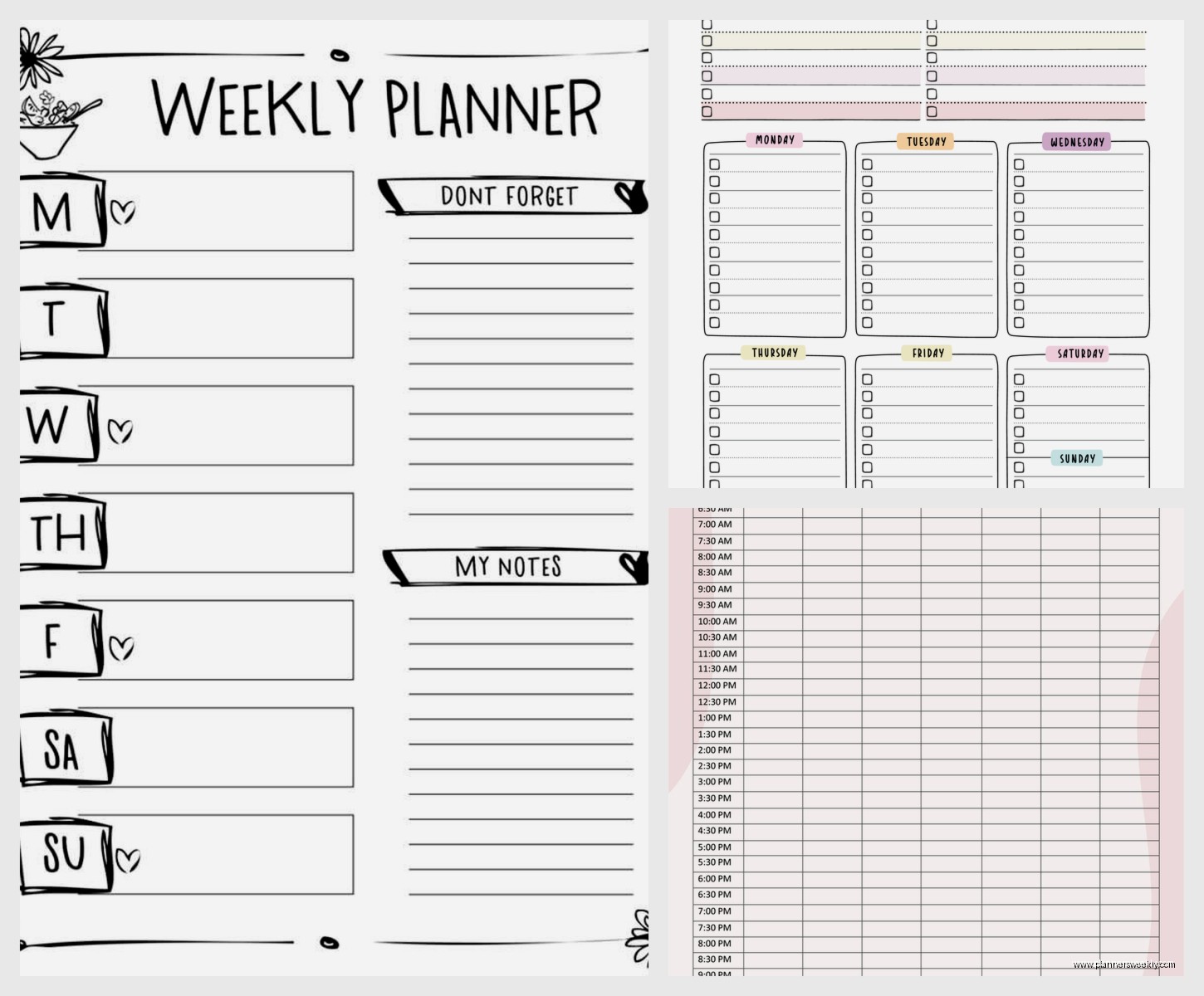
The advantage of printable is that you can physically cross things off which is weirdly satisfying. Also you’re not staring at another screen which matters if you’re on your computer all day anyway. The disadvantage is you can’t easily move things around or copy-paste recurring tasks.
Digital templates are better for flexibility. I use a GoodNotes template I bought for $4 that lets me write with my Apple Pencil but also type if I want. You can duplicate pages, move tasks between days, and search for stuff which you obviously can’t do with paper.
Honestly I’m using both right now which is probably overkill. I have a digital weekly planner for work stuff that needs to be flexible, and a printed weekly planner for personal stuff that I keep on my kitchen counter. Works for me but you probably don’t need two systems.
The Hybrid Templates That Actually Work
Wait I forgot to mention these hybrid PDF templates that are designed to be printed OR used digitally. There’s a shop on Etsy called something like “Planners and Coffee” that makes these.
They’re PDFs with fillable fields, so you can type directly into them on your computer or tablet, or you can print them blank and write by hand. I bought their weekly planner pack for $7 and it’s been surprisingly useful.
The weekly spread has time slots from 7am to 9pm on the left, then columns for each day, plus a section for the week’s top priorities and a meal planning area. I usually fill in the appointments digitally because my handwriting is terrible, then print it and add tasks by hand throughout the week.
What Features Actually Matter
After testing all these templates I figured out what features I actually use versus what just looks nice in screenshots.
Time blocking is essential if you have a lot of appointments or meetings. Templates without time slots are fine for task-based planning but if you need to know when things are happening, you need those hourly divisions. Most templates have either 30-minute or 1-hour blocks. I prefer 30-minute because I can always combine them but I can’t split an hour block.
A priority section is surprisingly useful. Like I thought it was just extra fluff but having a space to write your top three things for the week actually helps you focus. I use that section every week now.
Notes sections are hit or miss. Some templates have huge notes areas that I never use, others have tiny ones where I’m always running out of space. The sweet spot is about a quarter of the page dedicated to notes or random thoughts.
Habit trackers built into weekly planners are usually too small to be useful in my opinion. If you want to track habits, get a separate habit tracker template. The ones built into weekly planners are like seven tiny boxes that are impossible to check off properly.
Things You Don’t Need
Motivational quotes on planner templates are useless and take up space. Same with decorative elements that are just there to look cute. Unless you’re specifically planning to share your planner on social media, you want maximum functional space.
Water intake trackers, mood trackers, weather sections – these are all things I’ve seen on weekly planner templates that just clutter the layout. Track that stuff separately if you want to track it.
Overly specific categories are annoying too. I had one template that had separate sections for “work tasks,” “personal tasks,” “errands,” “calls to make,” and like three other categories. Too much. Just give me space to write my tasks and I’ll organize them myself.
Where To Actually Download These
Etsy is honestly the best place for premium templates. Search “weekly planner template PDF” or “weekly planner printable” and you’ll find thousands. Read the reviews though because some are just reselling free templates with minor modifications.
Creative Market has higher quality templates generally but they’re more expensive, usually $8-15. They have better search filters though so you can find exactly what you need faster.
For free templates, start with Google Workspace template gallery, Microsoft Office templates, and Canva. Those three will cover like 90% of what most people need.
Notion templates are either in Notion’s template gallery (free) or sold on Gumroad by individual creators (usually $5-20). The Notion subreddit has recommendations if you don’t wanna sort through hundreds of options.
Oh and another thing, some productivity bloggers offer free weekly planner templates when you subscribe to their email lists. I got a decent one from some productivity blog I can’t remember the name of. It’s basic but functional.
My Current Setup That Actually Works
Right now I’m using that $12 Etsy bundle for my main weekly planning. I print the time-blocked version on Sunday nights, fill in my appointments and commitments, then add tasks throughout the week. It lives in a clipboard on my desk.
I also have a Google Sheets weekly template that I share with my partner for household stuff and meal planning. It’s the basic free one I mentioned earlier but we customized it with our own categories.
And I have a Notion weekly database for client work that connects to my project tracker. That one’s probably overkill but it helps me see everything in one place.
The thing is you’re probably gonna try like five different templates before you find one that clicks. That’s normal. I went through at least ten before I settled on this system and I’ll probably change it again in six months when I get bored or find something better.
Just start with a free template, use it for at least two weeks before deciding if it works, then either stick with it or try something else. Don’t buy a premium template until you know what features you actually need because you’re just guessing otherwise.
