Digital Productivity, Online planners, Planners
Work Schedule Calendar Template: Free Downloads
Mar
Okay so I just spent like three weeks testing different work schedule calendar templates because honestly my planning system was a mess and I needed something that actually worked, not just looked pretty on Pinterest.
The Free Template Situation Is Actually Pretty Good Right Now
Here’s the thing about free work schedule templates – most of them are either too basic or so complicated you need a degree to use them. But I found a few that genuinely work after downloading probably 40 different ones. My download folder is a disaster now but whatever.
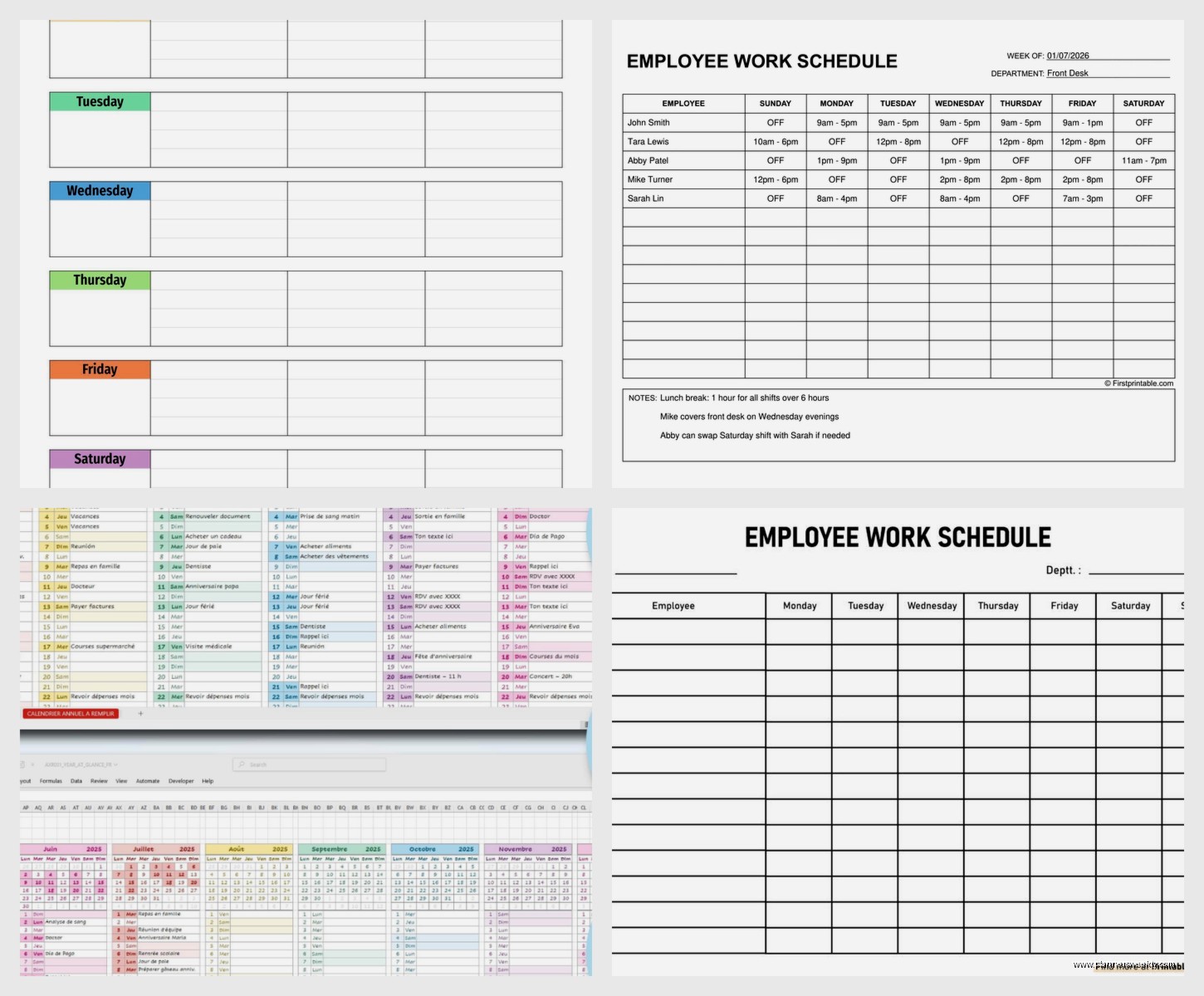
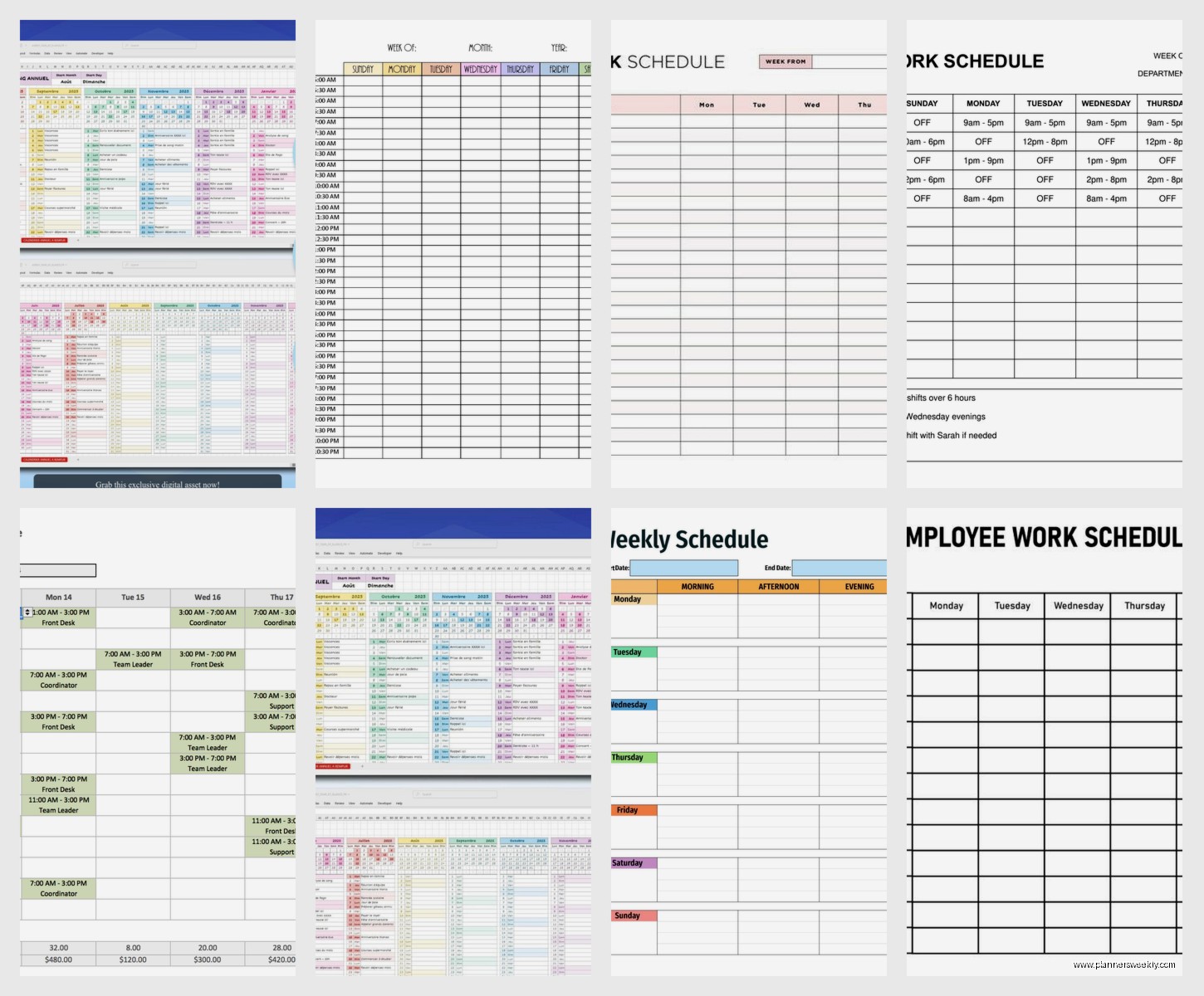
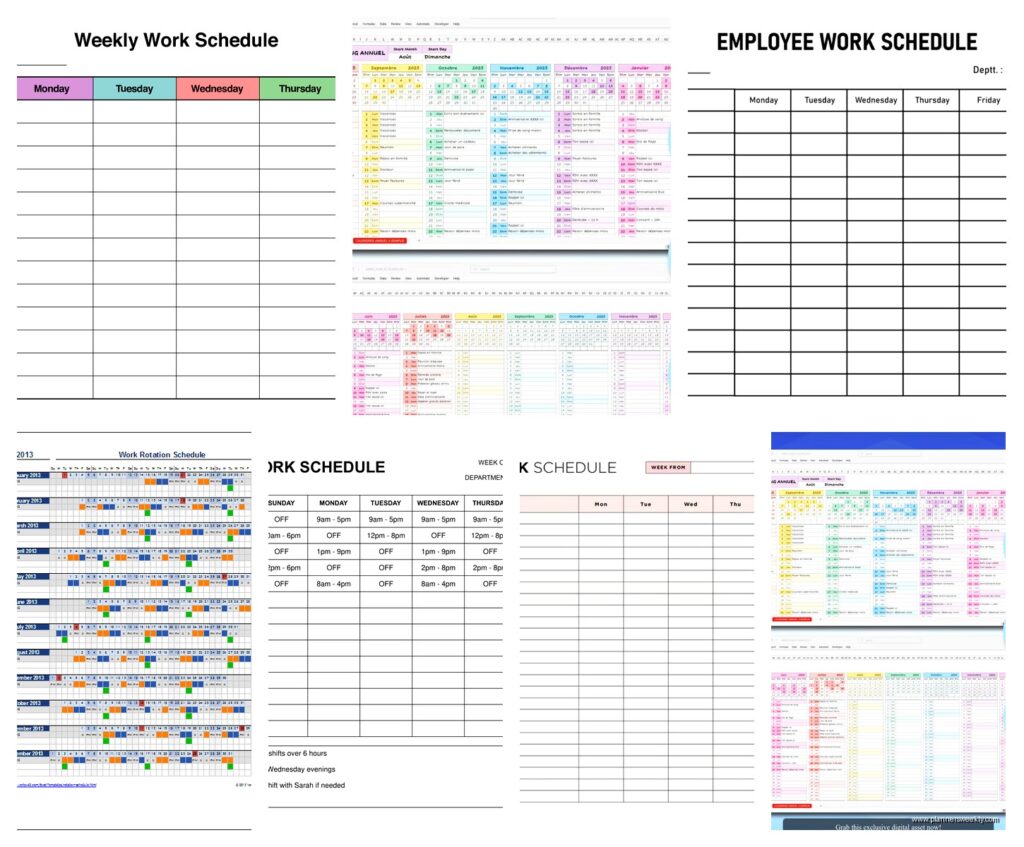
Google Sheets has this weekly schedule template that’s honestly kind of perfect if you manage a team. I tested it with my coaching clients who run small businesses and like, it just works? You can color-code employees, add shift times, and it calculates total hours automatically. The best part is multiple people can access it at once so you’re not doing that annoying thing where you email updated schedules back and forth seventeen times.
The template has dropdown menus for employee names which sounds fancy but it’s just practical because you can’t typo someone’s name at 11pm when you’re rushing to finish the schedule. Been there, done that, spelled “Jennifer” three different ways in one document.
Excel Templates vs Google Sheets Templates
So Microsoft Excel also has free templates but you gotta download them versus just opening them in your browser. I know that sounds lazy but when you’re managing schedules the last thing you need is another file cluttering your desktop. That said, the Excel ones have better formatting options if you’re gonna print them out.
Wait I forgot to mention – if you actually prefer paper (and honestly same, sometimes I just need to write things down) then the printable PDF templates work better than trying to print from Excel. The margins don’t get weird and you don’t waste half a page of ink on nothing.
Weekly vs Monthly Templates and Why It Matters
Most people grab a monthly template thinking they’ll see everything at once but then the cells are too small to actually write anything useful. I made this mistake for like six months before switching to weekly templates and oh my god, so much better.
Weekly templates let you actually see the details. You can note who’s opening, who’s closing, break times, that kind of stuff. Monthly templates are good for overview planning but terrible for day-to-day scheduling.
My Current Favorite Weekly Template
The one I’m using now came from Vertex42 and it’s designed for employee scheduling. Has this clean layout with time slots running down the left side and days across the top. You can block out shifts, add notes, and there’s a section at the bottom for weekly totals.
I customized mine by adding a column for “coverage notes” because I was constantly forgetting that Sarah can’t work Thursdays or whatever. Now it’s right there on the template and I don’t look like an idiot asking the same question every week.
Hourly Schedule Templates for Detailed Planning
If you need to track things by the hour – like if you’re scheduling appointments or managing a workspace with specific time blocks – the hourly templates are where it’s at. I tested one from Template.net that breaks each day into 30-minute increments and honestly it’s overkill for most people but perfect if you’re that detail-oriented.
My dog was barking at absolutely nothing while I was setting this one up and I accidentally merged some cells, but it actually made the template better? Sometimes mistakes work out. I ended up with these two-hour blocks that are easier to read than the tiny 30-minute ones.
Time Blocking Templates
Oh and another thing – if you’re using templates for personal productivity rather than employee scheduling, look for time blocking templates specifically. They’re designed differently with space for tasks not just names and times.
I’ve been using one from Notion that’s technically free if you have a free Notion account. It’s got sections for priorities, meeting notes, and this weekly review thing that I actually skip most weeks but it’s there if you’re into that.
Shift Schedule Templates for Retail and Service Industries
Okay so funny story – I started testing shift schedule templates because a client who runs a coffee shop asked me which one to use and I had no idea. Spent a whole Saturday comparing them while watching that new show on Netflix, the one about the bakery? Anyway.
The rotating shift templates are crucial if you have employees working different patterns each week. There’s this one from Smartsheet that automatically rotates people through morning, afternoon, and evening shifts so nobody gets stuck with all the terrible time slots.
The Coverage Problem Most Templates Don’t Solve
Here’s what drove me crazy – most free templates don’t help you see if you have enough coverage. You can fill in the schedule but you’re still manually counting whether you have enough people during rush times or whatever.
I found exactly ONE free template that has a coverage counter built in. It’s from Humanity (which is actually a paid scheduling software but they offer this free Excel template) and it shows you at a glance if you’re understaffed during any time period. Game changer for anyone managing hourly workers.
Customizing Templates Without Breaking Them
This is gonna sound weird but the biggest mistake I see people make is over-customizing templates. You download something that works, then you start changing colors and adding columns and suddenly the formulas break and nothing calculates anymore.
If you’re gonna customize – and you probably should to match your specific needs – do it in small steps. Change one thing, test it, make sure everything still works, then change the next thing. I learned this after completely destroying a beautiful template by trying to add too many features at once.
Colors and Readability
Most templates come with weird color schemes. Like why is everything bright yellow and orange? Your eyes shouldn’t hurt looking at a work schedule.
I usually change templates to a simple color scheme – gray headers, white cells, maybe light blue for weekends. If you need color-coding for different departments or shift types, stick with pastels. Trust me on this, your future self will thank you when you’re not squinting at a neon green schedule at 6am.
Mobile-Friendly Templates
Something nobody talks about enough – can you actually read and edit the template on your phone? Because if you’re managing schedules in the real world, you’re definitely gonna need to check or update things from your phone at some point.
Google Sheets templates work way better on mobile than Excel ones. The formatting stays consistent and you can actually tap into cells without zooming in and out like a maniac. I tested this extensively because I’m always making last-minute schedule changes while I’m out running errands or whatever.
Templates for Specific Industries
Healthcare shift schedules need different features than retail schedules. I worked with a nurse manager who needed to track certifications and couldn’t just plug anyone into any shift. We ended up using a template from WhenToWork that has fields for qualifications.
Restaurants need templates that handle split shifts and breaks differently. Found a good one from OpenSimSim that’s designed specifically for food service with sections for front of house, back of house, and bar staff all on one page.
Construction and Project-Based Templates
If your work schedule is project-based rather than shift-based, you need a completely different type of template. Look for ones that connect to project timelines, not just days of the week.
The free templates for this are honestly pretty limited. Microsoft has a decent one in their Project templates section but it’s more complicated than most people need. Sometimes a simple Gantt chart printed on paper works better than a fancy digital template.
Integrating Templates with Other Systems
The dream is having your work schedule template automatically sync with everything else you use but with free templates that’s basically impossible. You can get close though.
If you use Google Calendar, there are templates that let you export schedule data to calendar events. It’s not automatic but it’s like two clicks. Way better than manually entering everything twice.
The Print vs Digital Question
I keep going back and forth on this. Digital templates are easier to update and share, but there’s something about having a printed schedule posted where everyone can see it. No one has to log in, no one’s phone is dead, it’s just there.
My compromise is using a digital template as the master copy but printing the current week and posting it. Best of both worlds and you have a backup if technology decides to be annoying.
Where to Actually Find These Templates
Google “free work schedule template” and you’ll get a million results but most are trying to upsell you on software. The actually free, no-strings-attached templates are on:
- Microsoft Office template library – built into Excel and Word
- Google Sheets template gallery – just open Sheets and click template gallery
- Vertex42 – they have tons of Excel templates, actually free
- Template.net – free downloads but you gotta create an account
- Canva – mostly design templates but has functional calendar ones too
Skip the sites that make you enter your credit card for a “free trial” – that’s not actually free and you’ll forget to cancel.
Making Templates Work for Irregular Schedules
If your work schedule changes every week and doesn’t follow a pattern, you need a template that’s flexible enough to rebuild from scratch quickly. The blank templates work better than the ones with pre-filled time slots.
I use a blank weekly grid template that’s literally just a table – days across the top, time down the side, empty cells. Takes five minutes to fill in and I can make it completely different each week without fighting against a template that wants me to do things a certain way.
Vacation and Time-Off Tracking
Oh wait, this is important – most work schedule templates don’t include time-off tracking and you’ll need that. Either find a template that has both or use two separate ones. I tried combining them myself and it got too cluttered.
There’s a decent combined template from Calendarpedia that has the schedule on one tab and a time-off calendar on another. Works pretty well if you don’t mind flipping between tabs.
Testing Templates Before Committing
Don’t just download one template and start using it for real immediately. Download a few, fill them out with fake data, see which one makes sense to you. What works for someone else might drive you crazy.
I spent a week testing five different templates with made-up schedules before picking the one I actually use. Seemed excessive at the time but saved me from switching templates mid-month which is a nightmare.
The template that works is the one you’ll actually use consistently. Doesn’t matter if it has every feature in the world if you hate looking at it or it’s too complicated for your brain at 5am when you’re making the schedule.