Digital Productivity, Online planners, Planners
Social Media Content Planner: Templates & Strategy Guide
Mar
Okay so I’ve been deep in the social media planner world for like three months now because honestly my content was a mess and I kept posting random stuff at 2pm on Thursdays wondering why nobody engaged. Let me just dump everything I learned on you.
The Whole Calendar Situation
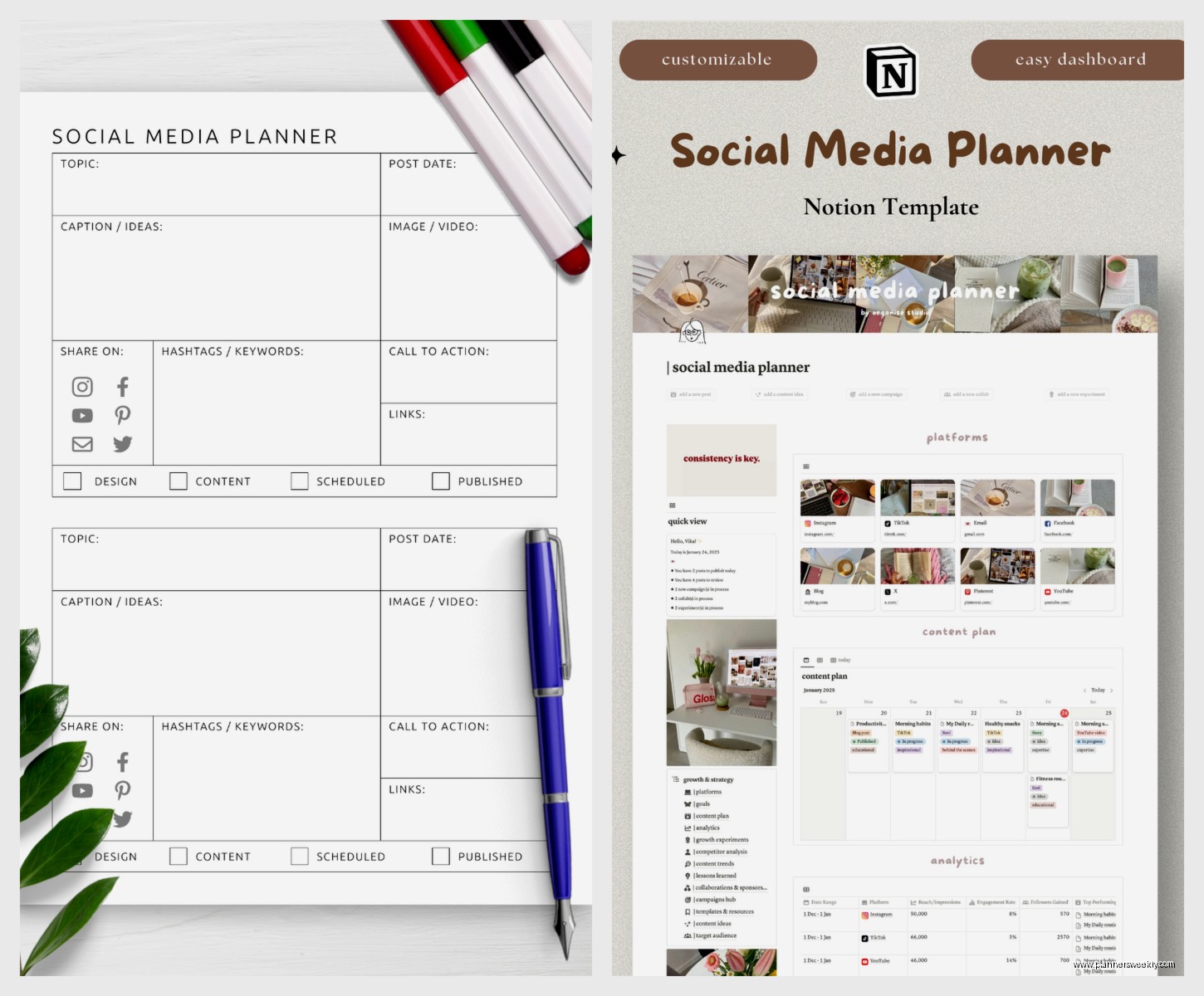
First thing – you need to decide if you’re doing digital or paper. I know, I know, sounds basic but I wasted two weeks trying to force myself into Notion when I’m literally a paper person. My dog ate one of my planning sheets last month which was… not ideal, but still better than staring at a blank Notion page for 45 minutes.
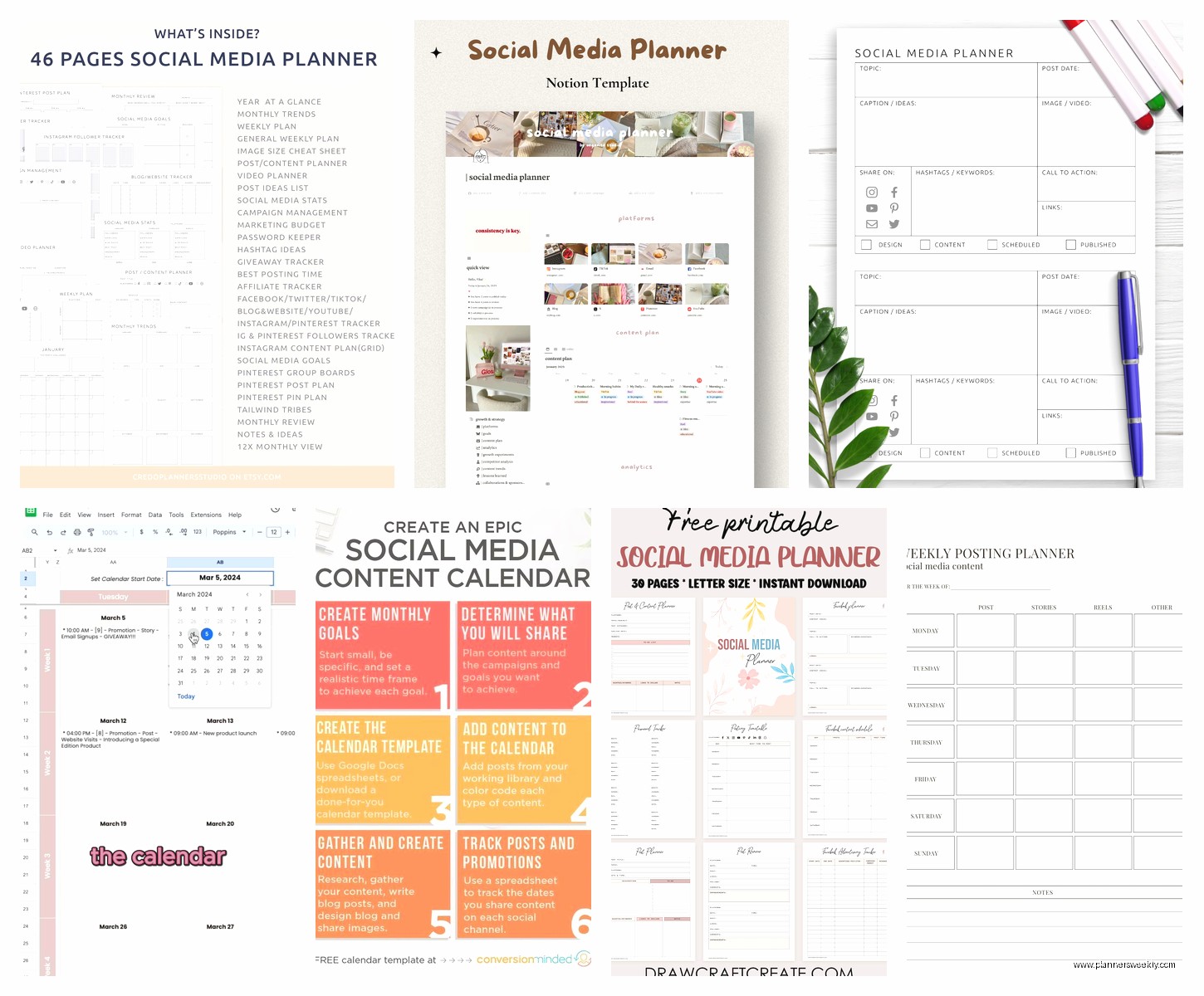
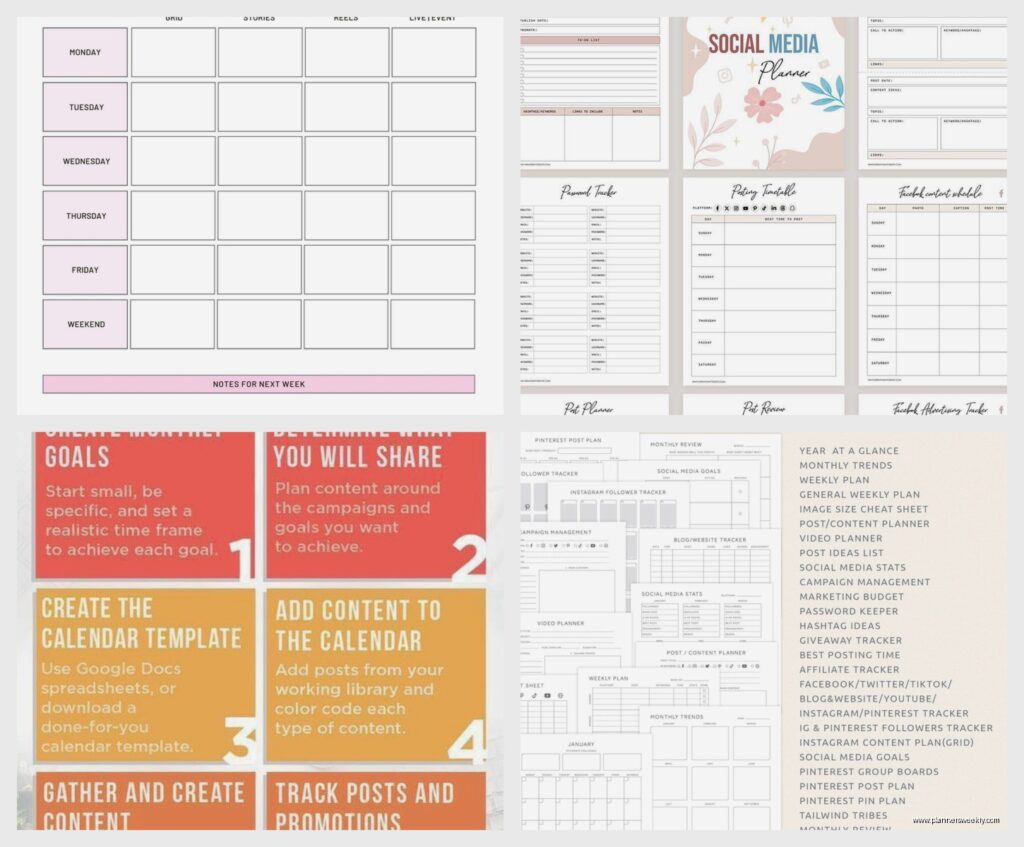
For paper people, the Clever Fox Content Planner is actually good. It’s got monthly spreads, weekly breakdowns, and these little boxes for each platform. Cost me about $28 on Amazon. The paper quality is thick enough that my Tombow markers don’t bleed through which matters if you’re gonna color-code stuff. But here’s the thing – it only covers 6 months so you’ll need two per year.
Digital people should look at Trello or Asana before they spend money on anything fancy. I tested both and Trello’s card system just makes more sense for content. You can drag posts around, add due dates, attach images, and it’s free unless you need the fancy automation stuff.
Setting Up Your Actual Content Buckets
This is where everyone gets stuck including me for like three weeks. You need categories that make sense for YOUR business, not what some influencer says. I work with small business owners mostly and they always try to copy those “educational, inspirational, promotional” buckets but then everything feels forced.
Here’s what actually worked: pick 4-5 topics you could talk about forever. For me it’s productivity systems, stationery reviews, desk organization, time management, and honestly just complaining about bad product design. Then you assign each one a color or emoji or whatever and boom – you have content buckets.
I use this system where Mondays are always productivity tips, Wednesdays are product reviews, Fridays are more casual desk tours or behind-the-scenes stuff. Sounds rigid but it’s actually freeing because I’m not sitting there every morning like “what do I post today??”
The Template Thing Everyone Asks About
So templates. I bought like four different Canva template packs before realizing I only actually use 3-4 designs regularly. Don’t do what I did.
Get Canva Pro – it’s $13/month and worth it just for the brand kit feature where you save your colors and fonts. Then either buy ONE template pack that matches your vibe (I like the minimalist ones from Creative Veila, they’re around $29) or just make your own base templates.
Here’s my actual template setup:
- Quote graphic template – square and vertical versions
- Carousel template – 5 slides is the sweet spot, people lose interest after that
- Simple photo template with text overlay space
- Story template because Instagram Stories need branding too
Wait I forgot to mention – save everything as a template in Canva once you make it. Click those three dots, “make a copy,” and keep a folder called TEMPLATES in all caps so you can find it when you’re rushing.
Batching Content Without Losing Your Mind
Okay so funny story, I tried to batch a whole month of content in one day last January and wanted to throw my laptop out the window by hour three. Here’s what actually works:
Pick one day every week – mine’s Tuesday afternoon – and create content for the NEXT week. Not the current week, not two weeks out, just next week. You need about 2-3 hours depending on how many platforms you’re on.
My process looks like:
- Pull up my content calendar and see what topics are scheduled
- Write all the captions first in a Google Doc (don’t write them in the scheduler, you’ll lose stuff)
- Create graphics in Canva – this goes fast once you have templates
- Schedule everything in Meta Business Suite or Later or whatever you use
I tested Later, Hootsuite, Buffer, and Meta’s built-in scheduler. Meta Business Suite is free and works fine for Instagram and Facebook. Later has a better visual calendar if you care about feed aesthetics – their free plan covers 30 posts per month which might be enough for you.
The Strategy Part Nobody Wants to Hear
You gotta actually track what works. I resisted this for months because spreadsheets make me want to nap, but I created the world’s simplest tracking system and it changed everything.
Every Friday I spend 10 minutes – literally set a timer – and record:
- Top 3 posts by engagement
- Best posting time that week
- What content type performed best (carousel vs single image vs video)
- One thing to try differently next week
I just use a Google Sheet with those four columns. That’s it. After a month you’ll see patterns like “oh I guess people really do engage more with behind-the-scenes content on Thursdays” and then you can plan around that.
Platform-Specific Stuff That Matters
Instagram wants carousels and Reels right now. Your static images will get like 30% of the reach they got two years ago. This is annoying but it’s reality. I schedule static posts for days when I’m sharing something timely or important, but growth comes from Reels and carousels.
Facebook is weird because it still favors text posts with images added, not image posts with captions. I literally copy my Instagram caption, paste it as a text post on Facebook, then add the image. Engagement went up like 40%.
LinkedIn loves documents now – those PDF carousel things. You can repurpose your Instagram carousels super easy. Download the Canva designs, upload to LinkedIn as a document. Takes 2 minutes.
Twitter/X is… I mean do what you want there, I’m barely hanging on myself. Short observations and threads still work if you’re in the productivity or business space.
Real Talk About Consistency
Everyone says “post consistently” like it’s easy. Here’s what consistency actually looks like when you have a real job and life:
Pick a frequency you can maintain when things go wrong. If you’re like “I’ll post daily!” but then you get sick or busy and miss three days, you’ll feel guilty and quit altogether. I post 4x per week on Instagram, 3x on Facebook, and honestly LinkedIn gets whatever I remember to cross-post.
The secret is having a content bank. I keep a running Google Doc of ideas – just one-line concepts like “compare bullet journals” or “why I stopped using digital planners.” When I’m batching content, I pull from this list instead of starting from scratch every time.
Oh and another thing – give yourself permission to recycle content. I repost my best-performing stuff every 3-4 months with minor updates. New followers haven’t seen it, and it clearly resonated so why reinvent the wheel?
Tools I Actually Use Every Week
This is gonna sound scattered but here’s my actual toolkit:
Content Calendar: Trello board with lists for each month, cards for each week. I color-code by content bucket and add the actual post image to each card so I can see my feed layout.
Caption Writing: Google Docs because it autosaves and I can access it from my phone when ideas hit. I have one doc per month.
Design: Canva Pro, already covered this but it’s non-negotiable for me.
Scheduling: Meta Business Suite for IG/FB, Later’s free plan for visual planning and backup scheduling.
Tracking: Google Sheets – I have a template I can share if you want, it’s literally four columns and takes no time.
Hashtag Research: I use Flick’s free trial once every few months to refresh my hashtag sets, then save them in my phone’s Notes app in groups of 15-20. Then I just copy-paste.
Making This Work in Real Life
Here’s what nobody tells you – some weeks you won’t batch content. You’ll post day-of and it’ll be fine. The planner and templates exist so that when you DO have time, you can work ahead. But they’re also there so you can throw together a decent post in 15 minutes when needed.
I keep 3-4 “emergency posts” scheduled out at all times. Like generic tips or quotes that work whenever. If I get busy and can’t create new content, at least something goes out and I don’t break my consistency streak.
Also, and this might be controversial, but you don’t need to be on every platform. I tried TikTok for two months and hated every second of it. My audience isn’t there and forcing content for it was draining. Pick 2-3 platforms max where your people actually are.
The biggest thing I learned testing all these planners and systems is that the best one is whichever you’ll actually use. I have clients who swear by their paper planners and others who live in Notion. My setup works for me because it matches how my brain works – visual, color-coded, with backups because I don’t trust technology completely.
Start with free tools, test for a month, then invest in paid versions of whatever you found yourself using constantly. Don’t buy a $200 planner system on day one, you have no idea if that structure works for your brain yet.