
Digital Productivity, Online planners, Planners
Free Shift Schedule Maker: Complete Guide for Managers
Mar
Okay so I spent the last three weeks testing literally every free shift schedule maker I could find because one of my clients was absolutely drowning in scheduling chaos and I was like, there’s gotta be something better than Excel spreadsheets with color coding that nobody understands.
The Ones That Actually Work Without Making You Want to Scream
Right so Humanity (which rebranded to TCP I think? but everyone still calls it Humanity) has this free tier that’s honestly pretty solid for small teams. You get up to 75 employees which is way more than most managers need when they’re starting out. The interface is kinda dated looking but whatever, it works. I tested it with a restaurant manager who had 12 staff and she got the hang of it in like 20 minutes.
The drag and drop thing is smooth, you can set up shift templates so you’re not recreating the same Tuesday morning shift every single week. Oh and another thing, it lets employees swap shifts through the app which sounds like it would be chaos but there’s an approval system so you’re not finding out someone swapped themselves into a shift they’re not trained for.
When I Do Scheduling
Here’s what I actually do when I’m setting up a schedule from scratch. First thing is mapping out your coverage needs before you even open the software. I know that sounds obvious but I’ve watched managers just start plugging people in and then realize they have three people scheduled during the slow period and nobody during rush.
I use a plain notebook for this part honestly. Write down each day, the hours you’re open, and how many people you need per hour. My dog kept trying to eat my pen while I was doing this yesterday which was super helpful.
The Google Sheets Route That’s Free Forever
Look, sometimes the fancy tools are overkill. I’ve got a Google Sheets template that I’ve refined over like two years and it does everything most small businesses need. You can find free templates everywhere but they’re usually overcomplicated or missing key features.
What you actually need in a spreadsheet schedule:
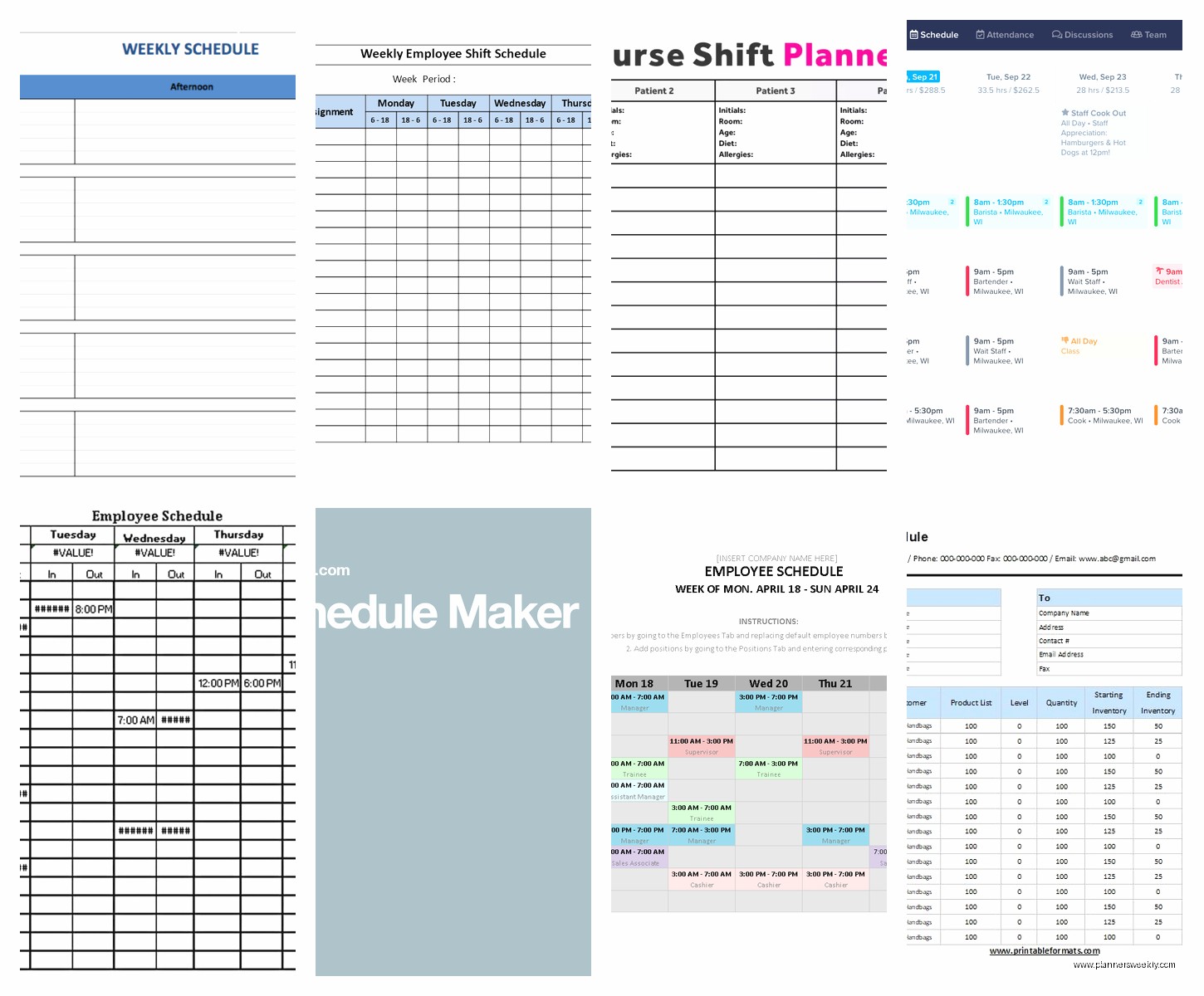
- Days across the top, employee names down the side
- Conditional formatting that highlights if someone’s working too many hours
- A separate tab for time off requests
- Drop down menus for shift types so people aren’t typing “mornign shift” seventeen different ways
- A summary section that calculates total hours per person
The problem with sheets is you gotta manually share it and pray everyone actually checks it. I had a client whose employee claimed he never saw the schedule and it turned into this whole thing, so now she makes people confirm receipt in a separate column which is honestly genius.
When Doodle Actually Makes Sense
Wait I forgot to mention, if you’re in that phase where you’re still figuring out availability before you make the actual schedule, Doodle polls are lowkey perfect. It’s technically a meeting scheduler but whatever, rules are made to be broken. Create a poll with all your shift times and have people mark when they’re available.
Takes like 5 minutes to set up and you can see everyone’s responses in one place. Way better than those group text chains where someone’s availability gets buried under 47 messages about whose turn it is to clean the coffee maker.
The Apps Your Employees Will Actually Use
Okay so funny story, I recommended this super robust scheduling system to a retail manager and her staff just… ignored it. Kept texting her about their schedules. Turns out the app was too complicated and nobody wanted to create yet another login.
Homebase gets this right. Free for up to 20 employees, dead simple interface, and here’s the thing that matters, the employee-facing app is actually intuitive. They can see their schedule, request time off, and pick up open shifts. The notifications actually work which sounds basic but you’d be surprised how many apps just fail at this fundamental thing.
I tested the notification system by scheduling a fake shift for myself at 2am and yeah, my phone buzzed right away. My cat was not impressed at being woken up but at least I know it works.
Setting Up Shift Templates The Smart Way
This is gonna sound weird but the biggest time saver isn’t the software itself, it’s setting up your templates properly at the start. Most managers just wing it every week and that’s why they’re spending 3 hours on scheduling.
Create a template for your standard week. Like if you run a coffee shop and Mondays are always two openers, three mid-shift, one closer, save that as Monday Template. Then each week you’re just plugging in names instead of rebuilding the whole structure.
Most free tools let you do this. Humanity has it, Homebase has it, even in Google Sheets you can duplicate tabs. I’ve got one client who has templates for: regular week, holiday week, summer busy season, and winter slow season. Saves her probably 90 minutes a week.
The Actual Process I Use Every Single Time
Alright so here’s my step by step that works whether you’re using fancy software or a spreadsheet:
- Collect all time off requests by a specific deadline (I usually say Friday for the schedule starting next Sunday)
- Block out the requested days off first before anything else
- Fill in your key shifts with your most reliable people
- Add the newer or less experienced staff to support roles
- Check total hours per person against your labor budget
- Look for anyone scheduled too many days in a row (I try to avoid more than 5)
- Make sure nobody’s working a closer then an opener the next morning
- Publish it at least 4 days in advance, a week is better
That last point matters more than people think. Some states actually have laws about schedule notice periods now. Plus employees with kids or second jobs need time to arrange their lives.
When Scheduling Gets Complicated
Okay so if you’ve got multiple locations or departments that need different skills, the free tools start showing their limitations. I tested this scenario with a client who has two restaurant locations and yeah, it got messy fast in the basic free tiers.
Deputy has a free trial that’s actually 30 days (not the fake 14 day ones) and it handles multi-location really well. Not technically free forever but you can evaluate it properly. If you’ve only got like 10 employees though, you probably don’t need this level of complexity.
The Features That Actually Matter vs The Ones That Sound Cool
Marketing pages love to talk about AI-powered scheduling and predictive analytics but like… do you actually need that? Here’s what matters for most managers:
- Can employees access it from their phones without downloading a sketchy app
- Does it show you overtime warnings before you publish
- Can people request shift swaps without you being the middleman for every single one
- Does it integrate with your time clock if you have one
- Will it send automatic reminders because people absolutely will forget they’re scheduled
The fancy stuff like labor cost forecasting is cool but if you’re using a free tool you probably don’t have the historical data to make it useful anyway.
My Weird Workaround For Availability Tracking
This is gonna sound low-tech but I have managers keep a running Google Doc of permanent availability constraints. Like “Sarah can never work Tuesdays because of her class” or “Mike needs to leave by 3pm on Thursdays.” Keep it pinned in your browser.
Some scheduling software has this built in but honestly checking a document is faster than navigating through menus to find availability preferences that were entered six months ago. I have mine organized by employee name with bullet points under each person.
When You Should Actually Pay For Software
Real talk, if you’ve got more than 30 employees or you’re doing really complex scheduling with certifications and skill matching, the free tools are gonna frustrate you. The paid tiers of Homebase and When I Work start around $20-40 per location per month and they’re worth it at that point.
But if you’re a small team manager, a cafe owner with 8 staff, a retail store with 15 part timers, the free options are totally sufficient. I’ve been using Homebase free tier for a client’s boutique for eight months and it’s been fine.
The Thing Nobody Tells You About Shift Scheduling
The software doesn’t fix poor communication. I know that sounds like a cop-out but I’ve seen managers implement perfect scheduling systems and still have chaos because they don’t have clear policies.
You need rules like: how far in advance can people request time off, what’s the process for calling in sick, can you find your own coverage or is that the manager’s job, what happens if you no-show. Write this stuff down and make sure everyone knows it.
I literally keep a one-page policy document that I make managers create before we even start with scheduling tools. It’s boring but it works.
Oh and another thing, build in buffer time. If a shift ends at 5pm and the next one starts at 5pm, that’s not actually enough time for shift change communication. Give yourself 15 minutes overlap on critical handoffs. Your team will thank you and you’ll have fewer “I didn’t know about that thing” issues.
Testing Results From My Three Week Deep Dive
I made schedules for fake businesses in every free tool I could find. Coffee shop, retail store, restaurant with servers and kitchen staff. Here’s what didn’t suck:
Homebase: Best overall for small businesses, actually free forever for basic features, mobile app doesn’t make me want to throw my phone
Google Sheets: Most flexible if you’re willing to set it up properly, free forever obviously, works on every device
Humanity/TCP: Good if you need employee self-service features, interface is whatever but it’s functional
Findmyshift: Honestly forgot about this one until just now, it’s decent for very small teams under 5 people, super simple which is good and bad
The ones that were annoying: ZoomShift’s free tier is too limited to be useful, Sling makes you watch tutorial videos before you can do anything which is condescending, a bunch of others that wanted credit card info for “free” trials.
My client ended up going with Homebase and she’s been using it for two months now. The schedule that used to take her 2-3 hours every week takes about 35 minutes now. She can do it from her phone while watching TV which was apparently a major quality of life improvement.
Start with the simplest thing that meets your needs. You can always upgrade later but you’ll waste so much time if you start with an overcomplicated system that has features you don’t need. Most of scheduling is just organized common sense anyway, the tools just make it faster.
