Digital Productivity, Online planners, Planners
Weekly Menu Template: Meal Planning Tools & Downloads

Mar
Okay so I’ve been testing these weekly menu templates for like three months now because honestly my grocery bills were getting insane and I kept ordering takeout at 8pm because I had no plan whatsoever.
The first thing you gotta know is that not all menu templates are created equal. I downloaded probably fifteen different ones and most of them are either way too complicated or so basic they’re useless. Like I found this one on Etsy that had sections for “nutrient tracking” and “macro calculations” and I’m like… if I wanted to do that level of planning I wouldn’t need a template, you know?
The Templates That Actually Work
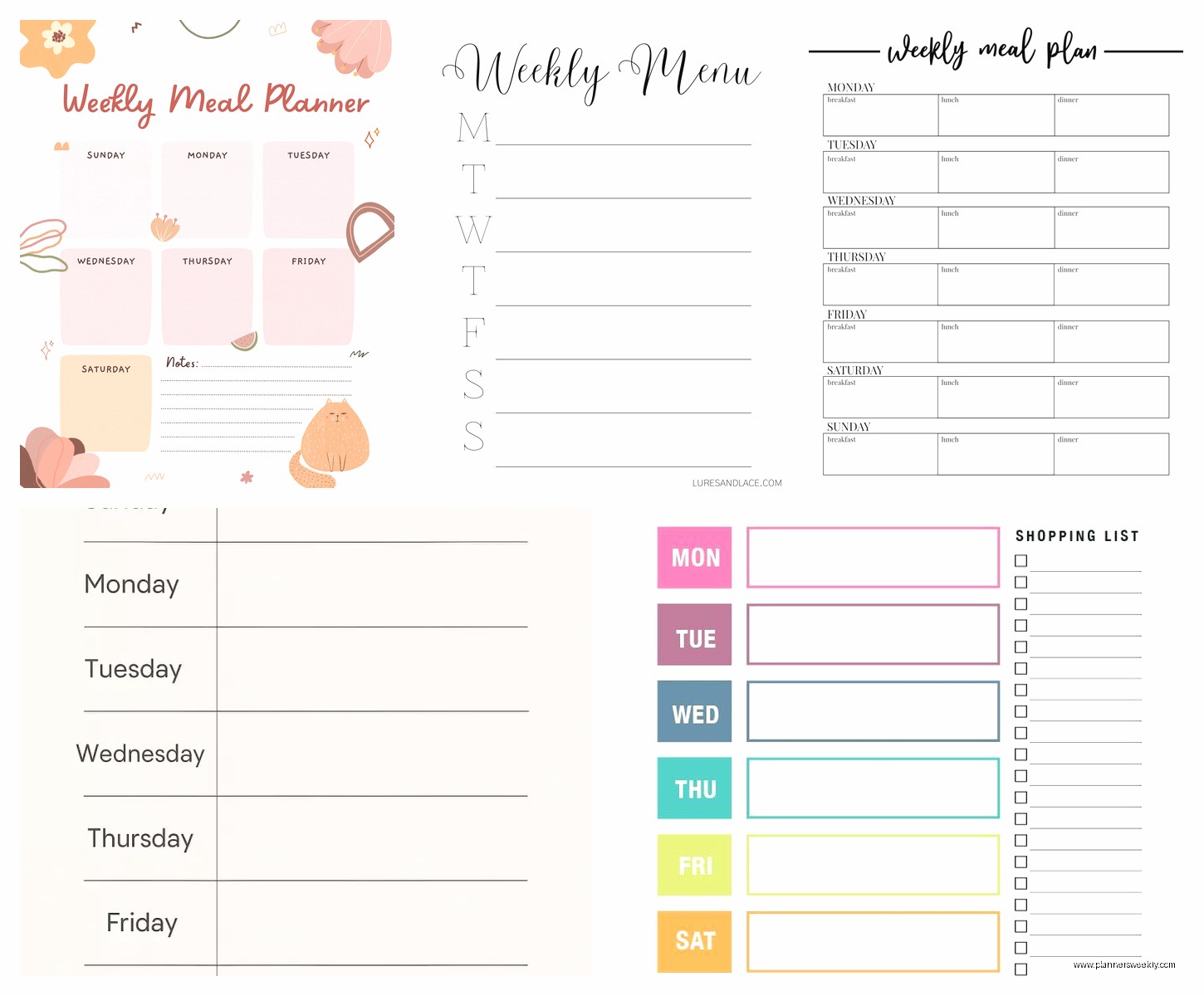
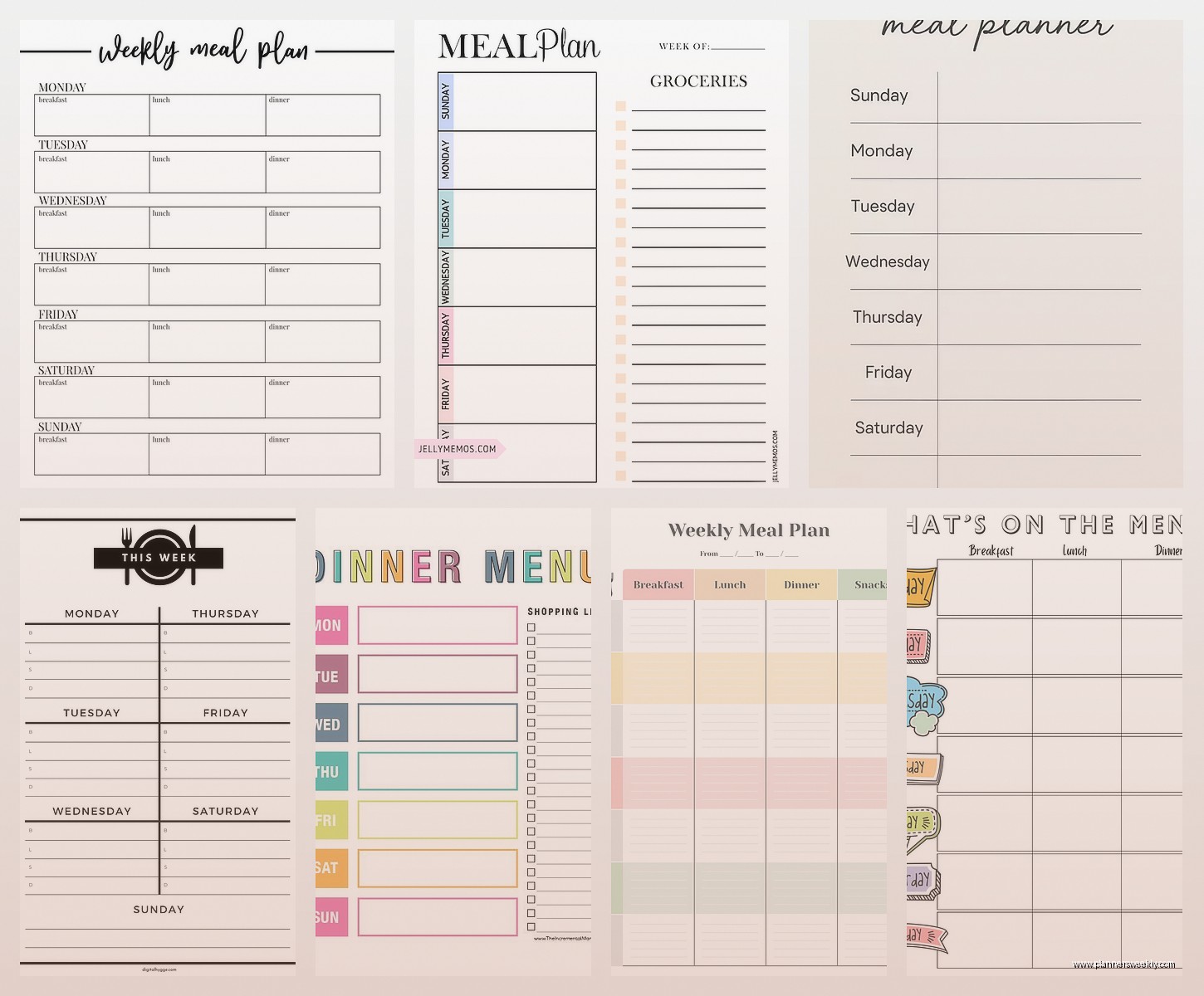
So the one I keep coming back to is this super simple grid style from a site called Clean Mama. It’s literally just seven days across the top and then slots for breakfast, lunch, dinner, and snacks. Nothing fancy. But here’s why it works—there’s a tear-off shopping list section at the bottom that’s organized by store section. Produce, dairy, meat, pantry stuff. I print like four of these at a time and stick them in a binder.
The other one I use when I’m feeling more ambitious is from Budget Bytes. They have this PDF download that includes the menu grid but also has a little notes section where you can write prep tasks. Like “marinate chicken Tuesday night” or “chop vegetables Sunday.” That’s actually been huge for me because I’d plan these elaborate meals and then realize at 6pm I needed to marinate something for four hours.
Digital vs Paper and Why It Matters
I tried going fully digital with Google Sheets for about two weeks and it was a disaster. Not because the template was bad—I actually made a pretty good one with dropdown menus and everything—but because I never looked at my phone while cooking. The whole point is having something you can glance at while you’re standing in the kitchen covered in flour or whatever.
My friend Sarah swears by using her iPad with GoodNotes and she has this whole stylus situation, but she’s also the kind of person who color-codes her entire life. I spilled coffee on my paper template last week and just printed another one. Cost me like three cents.
How to Actually Fill These Things Out
This is where everyone gets stuck. You download the pretty template and then stare at it like… now what.
Here’s what I do and it’s gonna sound weird but it works. I keep a running note in my phone of meals my family actually eats without complaining. Not meals I wish we ate or meals that look good on Pinterest. Actual rotation meals. Mine include things like “pasta with that jarred vodka sauce,” “rotisserie chicken tacos,” and “breakfast for dinner.” Not Instagram-worthy but who cares.
On Sunday morning—or Saturday night if I’m being honest because Sunday mornings I’m usually sleeping in—I look at my calendar for the week first. This is crucial. If I have three evening client calls, those are gonna be slow cooker or leftover nights. If my husband’s traveling, I’m making things only I like that he thinks are weird.
Then I plug in the easy meals first. Monday is always something simple because nobody wants to cook on Monday. Friday is usually leftovers or takeout because by Friday we’re all done. Once I have those anchor meals, I fill in the rest.
The Grocery List Part Nobody Talks About
Okay so funny story—I was using these templates for like a month before I realized I was doing the grocery list completely wrong. I’d write down ingredients as I thought of them, so my list would say “chicken, tomatoes, pasta, more chicken, onions, cheese, pasta sauce.” Completely disorganized.
The templates that have pre-categorized lists are SO much better. You write all your produce together, all your proteins together. Sounds obvious but it cuts my grocery store time in half because I’m not zigzagging all over the place.
Also—and this changed everything for me—I started keeping a master pantry list. Just a simple checklist of staples I always want to have: olive oil, garlic, canned tomatoes, pasta, rice, chicken stock, whatever. I printed it and stuck it inside my kitchen cabinet. Now when I’m making my weekly list, I quickly check the master list first. Haven’t run out of olive oil mid-recipe in months.
Templates for Different Planning Styles
If you’re someone who meal preps on Sundays, you want a template that has a prep section. I use one from The Kitchn that actually has a whole separate page for Sunday prep tasks. It’s divided into “wash and chop,” “cook proteins,” “make sauces,” and “portion containers.” My client canceled last Thursday so I spent an hour comparing prep-focused templates and that one’s definitely the most thorough.
For people who don’t want to plan every single meal, there’s this minimal template from Live Craft Eat that only has dinner slots. The idea is you plan dinners and just wing breakfast and lunch. Honestly that’s probably more realistic for most people. I only plan all three meals because I work from home and will just eat crackers and cheese for lunch if I don’t have a plan.
The Template I Use for Themed Nights
Wait I forgot to mention—themed nights make this whole thing easier. Like Taco Tuesday isn’t just a cliché, it’s actually a functional planning tool. My week is usually: Monday pasta, Tuesday Mexican something, Wednesday chicken, Thursday soup or slow cooker, Friday leftovers or takeout, Saturday grill or something fancy, Sunday easy comfort food.
I found a template on Canva that you can customize with your themes already printed at the top of each day. You can edit it right in Canva and then download as PDF. My cat walked across my keyboard while I was setting that up and somehow changed all the fonts but I just rolled with it.
The Backup Plan Section
This is something I added to my templates that I haven’t seen anywhere else. At the bottom I write three “emergency meals”—things I always have ingredients for. Mine are pasta with butter and parmesan, quesadillas, and fried rice with frozen vegetables. That way when Wednesday’s planned meal isn’t happening for whatever reason, I don’t spiral into decision paralysis and order pizza.
Some templates have a section called “planned leftovers” which sounds fancy but just means you’re intentionally making extra. Like if I’m roasting a chicken on Sunday, I’m already planning to use that chicken in tacos Tuesday and soup Wednesday. That goes in the notes section.
Downloads Worth Getting
The free template from Moms Who Think is actually pretty solid. Basic grid, shopping list, nothing fancy but it prints cleanly and has enough space to write actual meal names not just “chicken.”
If you want to spend money, the Real Plans app is like thirty bucks a year and it generates both the menu and the shopping list based on recipes you choose. I tried it for two months and it was good but felt like overkill. I think it’s better for people who want to try new recipes every week rather than rotating through favorites.
The template pack from Instant Pot (they have a website with downloads) is specifically designed for pressure cooker meals and slow cooker meals. Each day has a little icon for cooking method. If you cook that way a lot it’s worth grabbing.
Printing and Storage Tips
I print mine on regular printer paper because I’m gonna spill something on it anyway. Some people laminate them and use dry erase markers but that seems like a lot of work. I have a cheap binder with page protectors—menu template in front, shopping list behind it, then a section with recipes I use frequently.
The binder lives on my kitchen counter next to the coffee maker. This is important—don’t put it somewhere you have to go looking for it. It needs to be in your face.
Adjusting for Real Life
Here’s the thing nobody tells you about meal planning templates—you’re gonna fail at following them sometimes and that’s fine. Last week I planned five home-cooked dinners and we actually made three of them. The other two nights we had leftovers and sandwiches. The template still helped because I only had to grocery shop once and I had ingredients ready.
I also keep a section on mine for “didn’t make this week” meals. If I planned something and then didn’t feel like making it, I write it in that section to plan for next week. Otherwise I end up with random ingredients that don’t go together.
Some weeks I’m super ambitious and plan all new recipes. Those weeks usually end with more takeout than planned. Now I try to do one new recipe per week maximum and the rest are rotation meals.
Making It Sustainable
The templates that work long-term are the ones that don’t require you to be a different person. Like if you’re not someone who preps vegetables on Sunday, don’t use a template with a huge prep section that’s gonna make you feel guilty.
I started with a really simple template—literally just seven boxes for dinners and a blank shopping list. Used that for a month until it became a habit. Then I added breakfast and lunch. Then I added the prep notes section. If I’d started with the complex version I would’ve quit immediately.
The other thing is having a few templates for different situations. I have my regular weekly one, but I also have a simplified version for crazy weeks that only plans four dinners. And I have a fancier one for weeks when we’re having people over or I’m feeling motivated.
You gotta experiment with a few different styles before you find what clicks. Download a bunch, try them for a week each, see what actually gets used. The fancy ones with beautiful fonts and decorative elements are nice to look at but they don’t work better than basic grids. Function over aesthetics here.
Oh and another thing—some templates have a budget tracker section where you write what you spent on groceries. I thought I’d use this and I literally never do. If budget tracking matters to you, great, but don’t feel like you need to fill out every section just because it’s there.