
Digital Productivity, Online planners, Planners
Vacation Itinerary Template: Free Travel Planning Tools
Mar
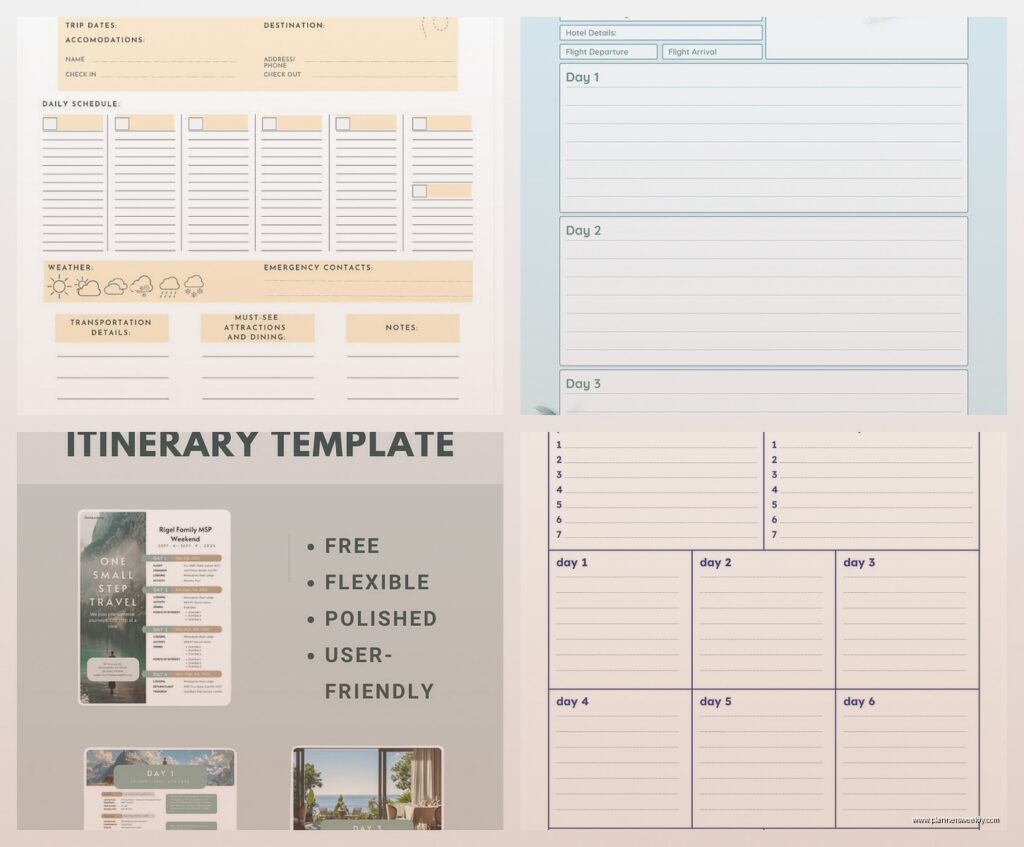
Okay so I just spent the last two weeks testing literally every free vacation itinerary template I could find because honestly my trip to Portugal last month was a disaster and I was NOT gonna let that happen again. Like I had restaurant recommendations scattered across three different apps, my flight info in my email somewhere, and I completely forgot we’d booked that wine tour until the day after we were supposed to go.
Google Sheets Templates Are Actually Pretty Solid
So the first thing I tried was just a basic Google Sheets template and honestly? It’s way better than you’d think. I found this one called “Travel Itinerary Planner” in the template gallery and it’s got everything broken down by day with columns for time, activity, location, confirmation numbers, all that stuff. The best part is you can access it offline if you download the Google Sheets app and make it available, which saved me when I had zero service in this tiny village outside Porto.
What I actually do now is color-code everything. Blue for flights and transportation, green for hotels, yellow for restaurants, pink for activities. Sounds extra but when you’re standing on a street corner trying to figure out where you’re supposed to be in 20 minutes, that visual thing really helps. My partner makes fun of me but then he’s always asking ME where we’re supposed to be so.
The columns I always include
- Date and day of week because I always forget what day it is on vacation
- Time slot even if it’s approximate
- Activity or location name
- Full address because “near the cathedral” means nothing when there are five cathedrals
- Confirmation numbers or booking reference
- Cost if I’ve already paid or estimated cost
- Notes section for stuff like “bring cash only” or “closed Mondays”
Oh and another thing, I add a separate tab for packing list and another for budget tracking. Keeps everything in one place instead of having like seventeen different documents.
Notion Templates If You’re Into That Whole Thing
Wait I forgot to mention Notion because I know everyone’s obsessed with it right now. There are a TON of free travel planning templates in their template gallery. I tested like four different ones and honestly they’re gorgeous but also kind of… over-engineered? Like one of them had a database for “travel memories” and “photo spots” and I’m just trying to remember what time my train leaves, you know?
The one I actually kept using is called “Trip Planner” and it’s pretty straightforward. It’s got a calendar view which is nice for seeing your whole trip at a glance, plus individual pages for each day. You can embed Google Maps links directly which is super handy. And you can add images so I’ll screenshot confirmation emails and just paste them right in there.
The downside is Notion’s offline mode is kinda janky. Like it technically works but not really? I had issues in Iceland where stuff wasn’t loading properly even though I’d supposedly downloaded everything. My client actually had the same problem when she went to Japan last spring and ended up screenshotting her entire Notion itinerary just in case.
Trello Boards Work Better Than You’d Think
This is gonna sound weird but I’ve started using Trello for trip planning and it’s actually perfect for certain types of travelers. If you’re someone who likes to keep things flexible and not super scheduled, a Trello board is great because you can just have lists for each day or each category.
I set mine up with these lists: To Book, Booked, Day 1, Day 2, Day 3, etc., plus one called Ideas/Maybe. Each card is an activity or reservation. You can add checklists within cards which is perfect for stuff like “print tickets, check weather, pack hiking boots.” And you can attach confirmation emails or screenshots directly to the cards.
My favorite thing is moving cards around when plans change. Way easier than reorganizing a spreadsheet. When it rained our entire second day in Lisbon I just dragged everything to day 4 and shuffled stuff around. Took like two minutes.
The mobile app works great offline too. You just gotta remember to open it while you have wifi so it syncs everything. I usually open it at the hotel in the morning and then I’m good for the day.
How I organize Trello for trips
I create labels for different categories like flights, hotels, food, museums, outdoor stuff, shopping. Then you can filter by label if you’re trying to find all your restaurant reservations or whatever. Also super helpful when you’re planning and trying to make sure you’re not booking three museums in one day because that’s exhausting.
Apple Notes or Google Keep for Simple Trips
Okay so funny story, I went to Nashville for a long weekend in October and I was like you know what, I’m gonna keep it simple and just use Apple Notes. And honestly for a short trip it was perfect. I made one note with a checklist of everything I’d booked, another note for restaurant recommendations from friends, and another for the basic day-by-day plan.
The thing with Apple Notes is you can pin important notes to the top, so I pinned the one with my flight info and hotel address. And you can share notes with whoever you’re traveling with so we were both looking at the same list. My partner would add stuff while I was working and it would just show up.
Google Keep is basically the same concept but with those color-coded cards. I use Keep more for collecting ideas before a trip because I can save stuff from my phone easily. Like someone tells me about a coffee shop I need to try, I just throw it in a Keep note labeled with the city name.
Neither of these is great for complex trips with lots of moving parts, but for a simple weekend getaway they’re honestly all you need. Don’t overcomplicate it.
Wanderlog Is Actually Free and Pretty Decent
I only found this one like three weeks ago because someone in my productivity Facebook group mentioned it. Wanderlog is specifically designed for trip planning and the free version is actually usable, not like those apps where the free version is basically a demo.
It’s got a map view which automatically shows you where everything is, so you can see if you’re planning something stupid like a restaurant on the north side of the city and then an activity on the south side twenty minutes later. I definitely did that in Rome and spent half a day just on trains. The map view would’ve saved me.
You can add flights, hotels, restaurants, activities, all that. It pulls in basic info from Google if you paste a link which is nice. And you can collaborate with travel buddies in real time. The mobile app works offline if you download your trip beforehand.
The free version limits you to a certain number of trips but I think it’s like five or something? Which is plenty unless you’re traveling constantly. There’s also a Chrome extension that lets you save places while you’re researching which I found super useful when I was planning my sister’s bachelorette party and had like forty tabs open.
Plain Old Word or Google Docs
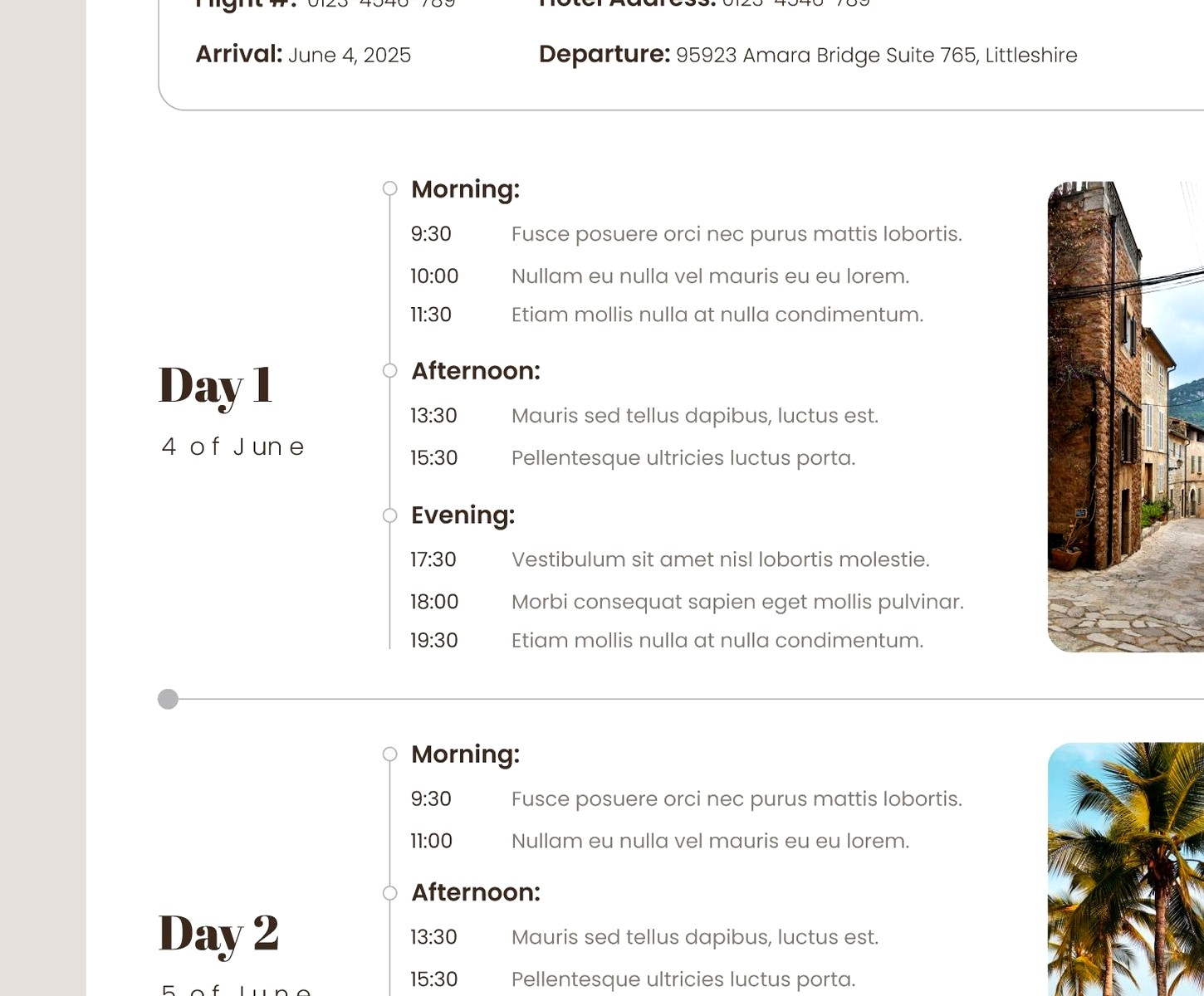
Don’t sleep on just making a Word document or Google Doc. I know it’s boring but sometimes boring works. I have this template I’ve used for years that’s literally just a table with the date in the left column and activities in the right column. At the top I have a section for important info like flight numbers, hotel addresses, emergency contacts, travel insurance details.
The advantage of a Doc is you can format it however you want and it’s easy to print. I always print my itinerary as a backup because my phone WILL die at the worst possible moment. Murphy’s law. I keep the printed copy in my day bag.
Also Google Docs offline mode is solid. Like actually works properly unlike some other apps I could mention. You can access your itinerary even in airplane mode as long as you’ve opened it recently.
What I include in my master info section
- All flight details with confirmation codes
- Hotel names, addresses, phone numbers, check-in times
- Car rental info if applicable
- Travel insurance policy number and contact
- Embassy or consulate contact info
- Credit card international contact numbers
- Any important reservation numbers
I also paste in a screenshot of my travel insurance card and any vaccination records or COVID stuff that might be needed. Just makes it easy to find everything.
Mixing and Matching Actually Makes Sense
Here’s what I actually do now after testing all this stuff. I use Google Sheets as my main planning document because I like being able to sort and filter stuff. But then I also make a simplified version in Apple Notes that just has the day-by-day schedule without all the extra details. That’s what I actually reference when I’m out and about because it’s faster to open and easier to read on my phone.
And I keep all my confirmation emails in a Gmail label so I can search them if needed. Plus I screenshot the important ones and save them to a phone album labeled with the trip name. This saved me in Barcelona when the hotel tried to say we didn’t have a reservation. I was like here’s the confirmation email, here’s my credit card charge, here’s the booking reference.
Oh and I always always ALWAYS put our hotel address in my phone’s favorites in Google Maps so I can get back even if I have no service. Can’t tell you how many times that’s saved me.
The Stuff I Learned the Hard Way
Always have a backup of your itinerary that doesn’t require internet. Print it or screenshot it or download it offline or whatever, just have something. I’ve been in situations with zero service or a dead phone and it’s not fun.
Don’t over-schedule. I used to plan every single hour and then we’d get tired or something would run late and the whole day would fall apart. Now I plan like two or three main things per day and leave space for wandering around or spontaneous stuff. Some of my best travel experiences were completely unplanned.
Put buffer time between activities. Especially in cities you don’t know well. Things take longer than you think they will. I usually add at least 30 minutes of buffer between anything that requires being on time.
Group things by location. This seems obvious but I definitely used to plan stuff based on what I wanted to do without thinking about where it was. Now I’ll look at the map and group activities by neighborhood so I’m not zigzagging across the city all day.
Include restaurant backup options because stuff gets booked or closed or you just don’t feel like what you planned. I’ll usually note two or three restaurants per day in the area we’ll be in. Takes the stress out of figuring out where to eat.
My cat just knocked over my water bottle so that’s fun. Anyway.
The Important Stuff Beyond Just the Schedule
Make sure your itinerary has practical info too. I have a section for things like what the tipping customs are, how public transit works, what the emergency number is, basic phrases in the local language. Sounds nerdy but it’s helpful to have it all in one place instead of googling everything constantly.
I also note what payment methods work where. Like some places in Europe still don’t take credit cards, or certain transit systems only take local cards or exact change. Writing that stuff down means you’re not scrambling to find an ATM when you’re trying to catch a train.
And honestly just having a plan makes the trip way less stressful even if you don’t follow it exactly. My Portugal trip last month was so much better than the previous one just because I knew what I was doing each day instead of waking up and having to figure everything out. We actually got to relax and enjoy stuff instead of constantly planning on the fly.
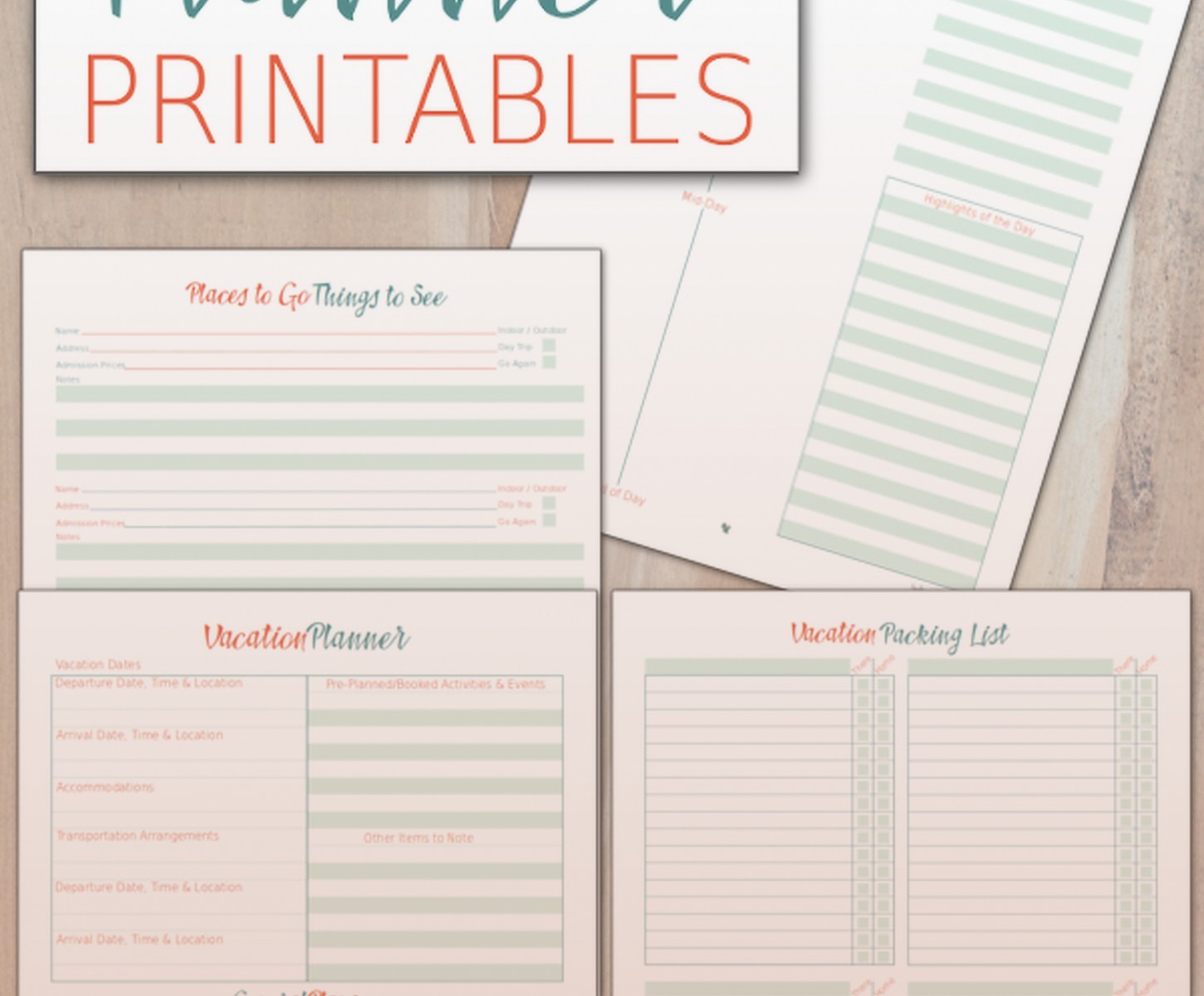
The template you use doesn’t really matter that much. Like yeah some are prettier or have more features, but the important thing is just having your information organized in a way that makes sense to you. I’ve seen people use bullet journals, I’ve seen people use fancy apps, I’ve seen people use a notes app on their phone. Whatever works for your brain is the right answer.
Just pick something and start filling it in. You can always adjust as you go.
