
Digital Productivity, Online planners, Planners
Weekly Planner Website: Best Free Online Tools
Apr
okay so I just spent the last three weeks testing basically every free weekly planner website because my paper planner got coffee spilled on it
and honestly I was skeptical at first because I’m that person who swears by physical planners but then my cat knocked over my mug directly onto my Moleskine and I was like you know what, the universe is telling me something here
So Google Calendar is the obvious one everyone mentions and yeah it’s free and it syncs everywhere but here’s the thing nobody tells you – it’s actually terrible as a weekly planner specifically. Like it’s great for appointments and stuff but if you’re trying to plan out your actual week with tasks and goals and that kind of thing, you’re gonna be frustrated. I tried using it for weekly planning and just ended up with a million calendar events that weren’t really events and it looked messy and I couldn’t see my week at a glance without zooming out and then the text was too small and yeah
Notion is where everyone seems to be right now
The free version gives you basically everything you need for weekly planning. I set up a weekly template last Tuesday and it’s pretty solid once you get past the learning curve which is gonna sound weird but I actually think is overstated? Like yes there are a million YouTube tutorials and people make these elaborate systems but you can literally just create a database and add a calendar view and you’re mostly done
What I like about Notion for weekly planning:
- You can see your whole week laid out however you want – I do mine as a board view with columns for each day
- Tasks can have subtasks and notes and attachments and basically whatever
- Templates mean you can set up your ideal week structure once and just duplicate it
- The mobile app actually works unlike some of these other options
But the drag is that it can be slow sometimes especially on my older laptop and if you’re someone who needs things to load instantly you might get annoyed. Also there’s this whole culture around Notion where people spend more time making their planners pretty than actually using them which like no judgment but something to watch out for
wait I forgot to mention Todoist
This one surprised me because I always thought of it as just a task manager but they added this board view thing and it’s actually really good for weekly planning. The free version lets you have up to 5 active projects which sounds limiting but for weekly planning you really only need one project
I tested this one while watching that new show on Netflix (the one with the murder mystery in the small town, can’t remember the name) and ended up using it for like three hours straight. It’s way simpler than Notion which is either a pro or a con depending on what you want. You can’t add a bunch of elaborate notes and databases and stuff but you CAN very quickly see your whole week and move tasks around
The natural language input is honestly the best feature – you can type “meeting with Sarah every Tuesday at 2pm” and it just figures it out. So much faster than clicking through menus
Trello is the one my productivity coaching clients ask about most
And yeah it works fine for weekly planning. The free version gives you unlimited boards and cards which is all you need. I set up a board with seven lists (one for each day) and just move cards through the week. Super visual, super simple
The thing about Trello is it’s almost TOO simple? Like if you just want to see tasks for each day of the week it’s perfect. But if you want to track habits or see monthly patterns or have recurring tasks it gets clunky. You can use Power-Ups (their name for integrations) but the free version only lets you have one Power-Up per board which is kinda limiting
oh and another thing – Trello is owned by Atlassian now and sometimes they push their paid features pretty hard which can be annoying when you’re trying to stay free
ClickUp is the one that tries to do everything
My client canceled last Monday so I spent like two hours just exploring ClickUp and honestly it’s overwhelming at first. They have a free plan that’s actually generous – unlimited tasks, unlimited members if you’re planning with other people, 100MB storage
For weekly planning specifically you’d want to use their Calendar view or Board view. Both work well. You can color code things, set priorities, add time estimates, and see your whole week. The problem is there are SO many features that finding the ones you actually need takes time. I literally got lost in the settings for 20 minutes trying to figure out how to make the calendar show just my current week by default
But once you set it up the way you want it’s actually pretty powerful. You can have different views for different purposes – like a calendar view for your weekly overview and a list view for detailed task planning. And it’s faster than Notion in my experience
this is gonna sound weird but Google Sheets is lowkey great for this
I know I know it’s a spreadsheet. But hear me out. You can make a weekly planner template in Sheets that’s exactly what you want with none of the extra stuff. I made one that has columns for each day, rows for different categories (work, personal, health, whatever), and conditional formatting so completed tasks turn green
The advantages are it’s super customizable, it loads instantly, and if you already use Google stuff it’s just there. The disadvantage is you gotta build it yourself which takes like 30 minutes upfront. But then you just duplicate the sheet each week and you’re done
Also Sheets works offline better than most of these other tools which matters if you’re planning your week on a plane or somewhere without wifi
Any.do has this specific weekly planning view that’s actually perfect
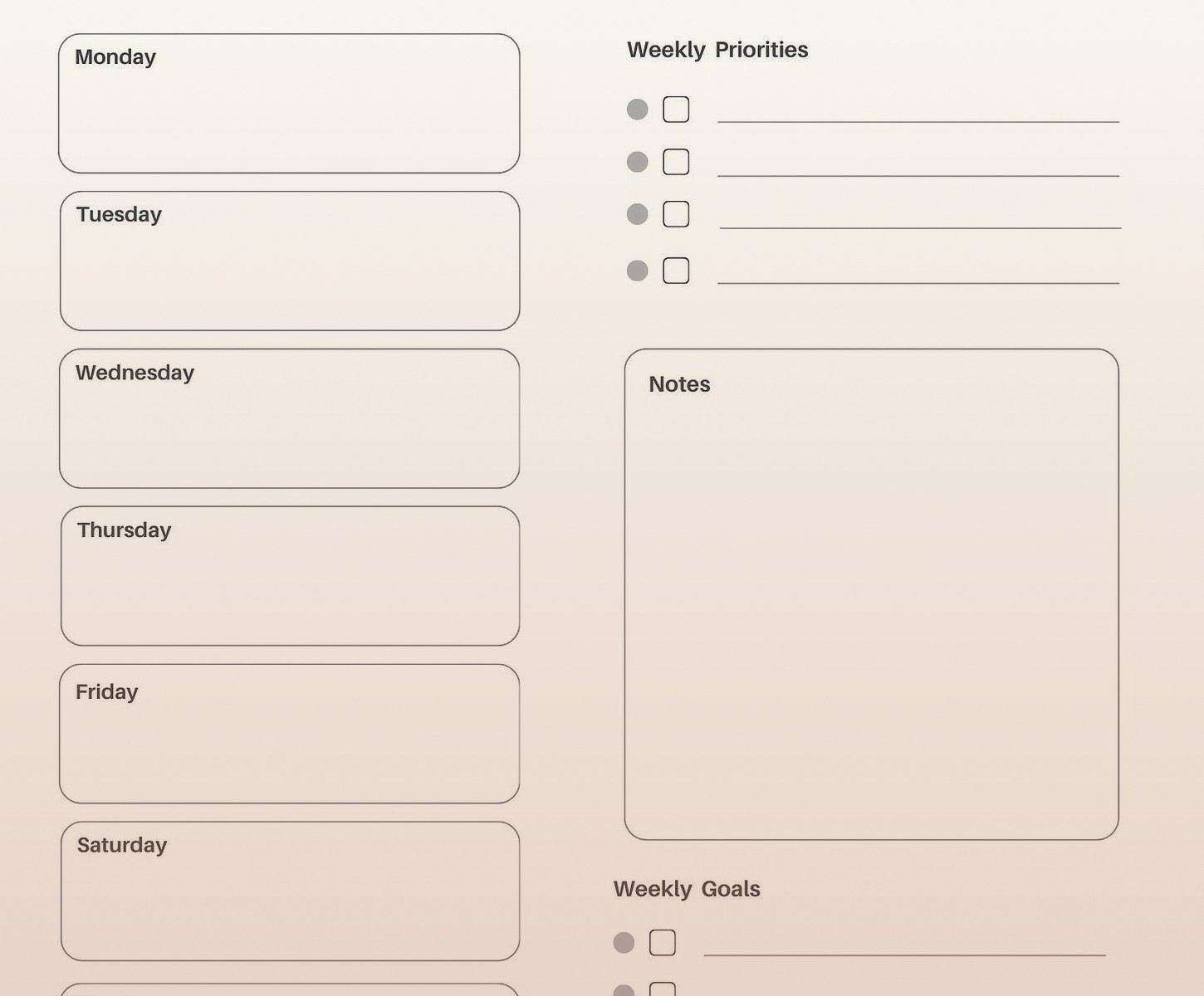
Like they clearly designed it for this exact use case. When you open the app there’s a “Plan My Day” feature and a weekly view that shows all seven days with your tasks organized under each one. The free version is pretty full-featured – you get tasks, lists, reminders, calendar integration
What makes Any.do different is it’s really focused on daily and weekly planning specifically rather than trying to be a whole project management system. So the interface is cleaner and more focused. You’re not wading through a bunch of features you don’t need
The catch is the free version has ads which aren’t terrible but are definitely there. And some of the better features like location-based reminders are premium only
okay so funny story about Asana
I tried to use Asana for weekly planning because so many people recommended it and I just could NOT figure out how to make it work for personal weekly planning. It’s clearly designed for team project management and trying to bend it into a personal weekly planner felt like forcing a square peg into a round hole
Like yes you CAN do it. You can create a project called “My Week” and add tasks for each day and use the Calendar view. But everything about the interface assumes you’re managing projects with other people. The language, the default views, the way tasks are organized – it all feels slightly off for solo weekly planning
That said if you’re planning your week as part of a team or you need to coordinate with other people, Asana’s free tier is actually really good for that. Up to 15 team members on the free plan
Motion is technically free but only for 7 days
Wait no that’s not helpful for this guide. Ignore that
Sunsama looks gorgeous but it’s not actually free
They have a trial but then it’s paid. Same with Akiflow. I tested both during my free trials and they’re genuinely great for weekly planning but yeah not including them here since you asked about free options
here’s what I actually ended up doing
So after testing all these I’m using a combination which I know defeats the purpose of finding ONE tool but whatever it works. I use Google Calendar for appointments and time-blocked events because that’s what it’s actually good at. Then I use Notion for my weekly task planning and goal setting because I like being able to write notes and organize things hierarchically
The key thing I figured out is that weekly planning tools need to do a few specific things well:
- Let you see the whole week at once without scrolling or clicking around
- Make it easy to move tasks between days when plans change (and they always change)
- Load fast because you’re gonna check it multiple times a day
- Work on mobile because you’re not always at your computer
- Not have so many features that you spend more time organizing than doing
wait I should mention some specific setup tips
Whatever tool you pick, here’s what actually matters for weekly planning:
Start your week on the same day every week and make it whatever day makes sense for you. I do Sunday evenings because that’s when I naturally think about the week ahead but plenty of people do Monday morning or even Friday afternoon to prep for the next week
Don’t try to plan every single minute. I made this mistake with ClickUp where I was time-blocking everything down to 15-minute increments and it was just exhausting and nothing ever went according to plan anyway. Now I just note the 3-5 main things for each day and leave space for everything else
Use recurring tasks for the stuff that happens every week. Most of these tools have some version of this feature and it saves so much time. My weekly review, grocery shopping, client check-ins – all recurring
Color coding helps but only if you keep it simple. Like 3-4 categories max. I do work (blue), personal (green), health (orange), and urgent (red). That’s it. Some people go crazy with like 15 colors and it just becomes meaningless
the mobile situation is important
Because you’re gonna need to check your weekly plan when you’re not at your computer. Notion’s mobile app is okay but editing can be clunky. Todoist and Any.do have great mobile apps. Trello’s app is solid. ClickUp’s app is feature-complete but can be slow. Google Sheets on mobile is… not great for this honestly
I test all of these on my phone while walking my dog and the ones that require a bunch of tapping and zooming get eliminated pretty quick. You want something you can glance at and understand your day in like 5 seconds
some practical templates and structures that actually work
The “themed days” approach works really well in any of these tools. Like Monday is admin day, Tuesday is client day, Wednesday is creative work, etc. You can set this up in Notion with templates, in Trello with list backgrounds, in ClickUp with custom fields
Or the “big three” method where each day you identify three main priorities and everything else is secondary. This works great in simpler tools like Todoist or Any.do where you’re not trying to manage a million tasks
Time blocking is easier in calendar-based tools obviously. Google Calendar or Notion’s calendar view or ClickUp’s calendar view. You can block out chunks of time for different types of work. I do this loosely – like “morning: writing” not “9:17-9:43: write intro paragraph”
the thing nobody tells you about free tools
They’re trying to convert you to paid plans so they’re constantly showing you premium features you can’t access. This is most annoying in Trello and Any.do where the ads and upgrade prompts are pretty regular. Notion and Todoist are more subtle about it. ClickUp is somewhere in the middle
If that stuff bothers you then Google Sheets or a simple Notion setup might be better because you’re not constantly being reminded about features you’re missing
Also free tools can change their pricing or features anytime. Notion used to have different limits, Todoist used to allow more projects on the free tier, etc. So don’t get too attached to specific features that might become paid later
my actual recommendation if you just want one answer
Start with Notion if you want something flexible and don’t mind a learning curve. Start with Todoist if you want something simple that just works. Start with Trello if you’re very visual and want drag-and-drop simplicity. Start with ClickUp if you think you might want to expand beyond weekly planning into full project management later
But honestly just pick one and use it for at least two weeks before switching. The tool matters way less than actually doing the weekly planning consistently. I’ve seen people do amazing weekly planning in a basic Google Doc and other people who have elaborate Notion setups they never actually look at
The best weekly planner website is the one you’ll actually open every day and that’s gonna be different for everyone based on what interface clicks with your brain and what features you actually need versus just think sound cool
