
Digital Productivity, Online planners, Planners
Acrylic Dry Erase Calendar: Best Clear Board Options
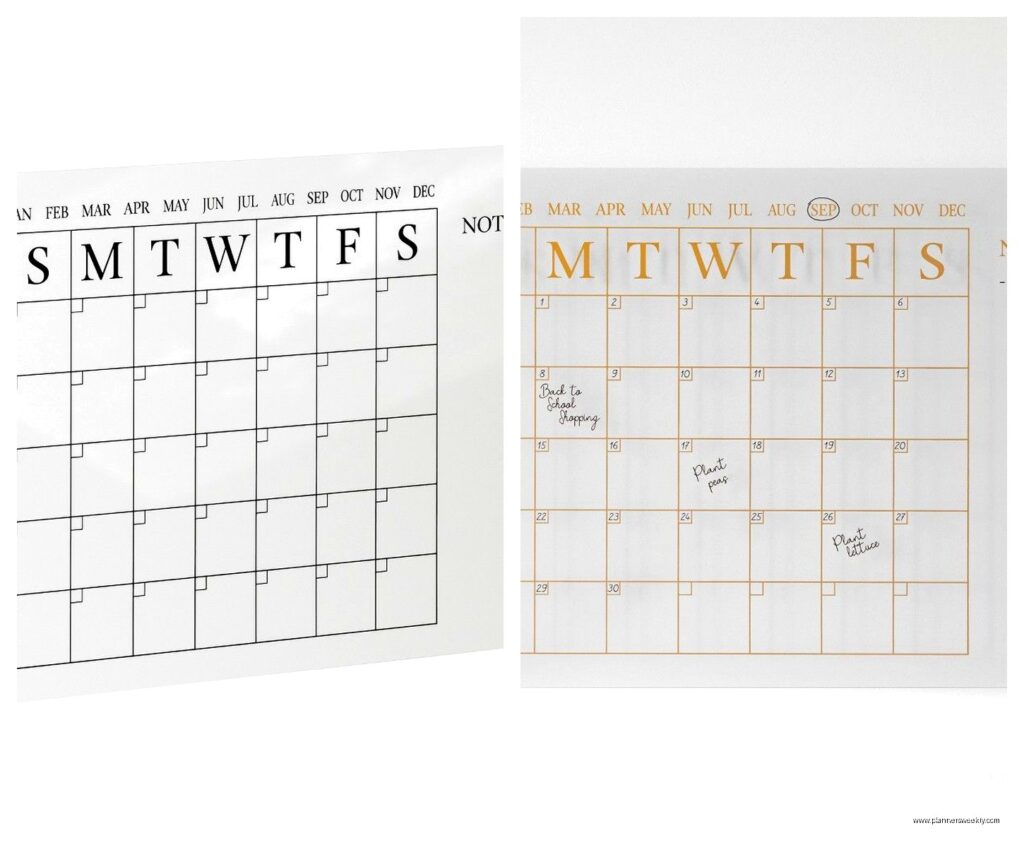
Apr
okay so I just spent three weeks testing like eight different acrylic dry erase calendars and here’s what actually matters
So the first thing nobody tells you about acrylic calendars is that they’re not all actually acrylic? Like some of them are tempered glass which sounds fancier but honestly performs almost the same. I found this out when I ordered what I thought was acrylic from Amazon and it showed up and was clearly glass and I was like wait what.
The main difference you’re gonna notice is weight. Glass ones are heavier which means they feel more premium but also good luck moving them around. I have this U Brands glass calendar that’s gorgeous but it literally takes two hands to reposition on my wall and my cat knocked into it once and I thought it was gonna shatter my entire desk setup.
thickness actually matters more than you’d think
Most acrylic boards come in either 1/8 inch or 1/4 inch thickness. The 1/8 inch ones are fine if you’re mounting them flat against a wall, but they bow a little if you press hard while writing. Not like dramatically, but enough that it feels weird. The 1/4 inch boards feel so much sturdier and they don’t have that flex issue at all.
I tested the Quartet Glass Desktop Calendar which is 1/4 inch and then this random Amazon Basics one that was 1/8 inch and the difference was immediately obvious. The thicker one just feels more confident to write on? Like you’re not second-guessing whether you’re gonna crack it or something.
the whole mounting situation is kind of a mess
okay so funny story, I spent like forty minutes trying to mount one of these with the included hardware and the standoffs they gave me were completely wrong for my wall type. Most of these calendars come with standoff mounts which are those little metal pieces that hold the board away from the wall so it looks like it’s floating.
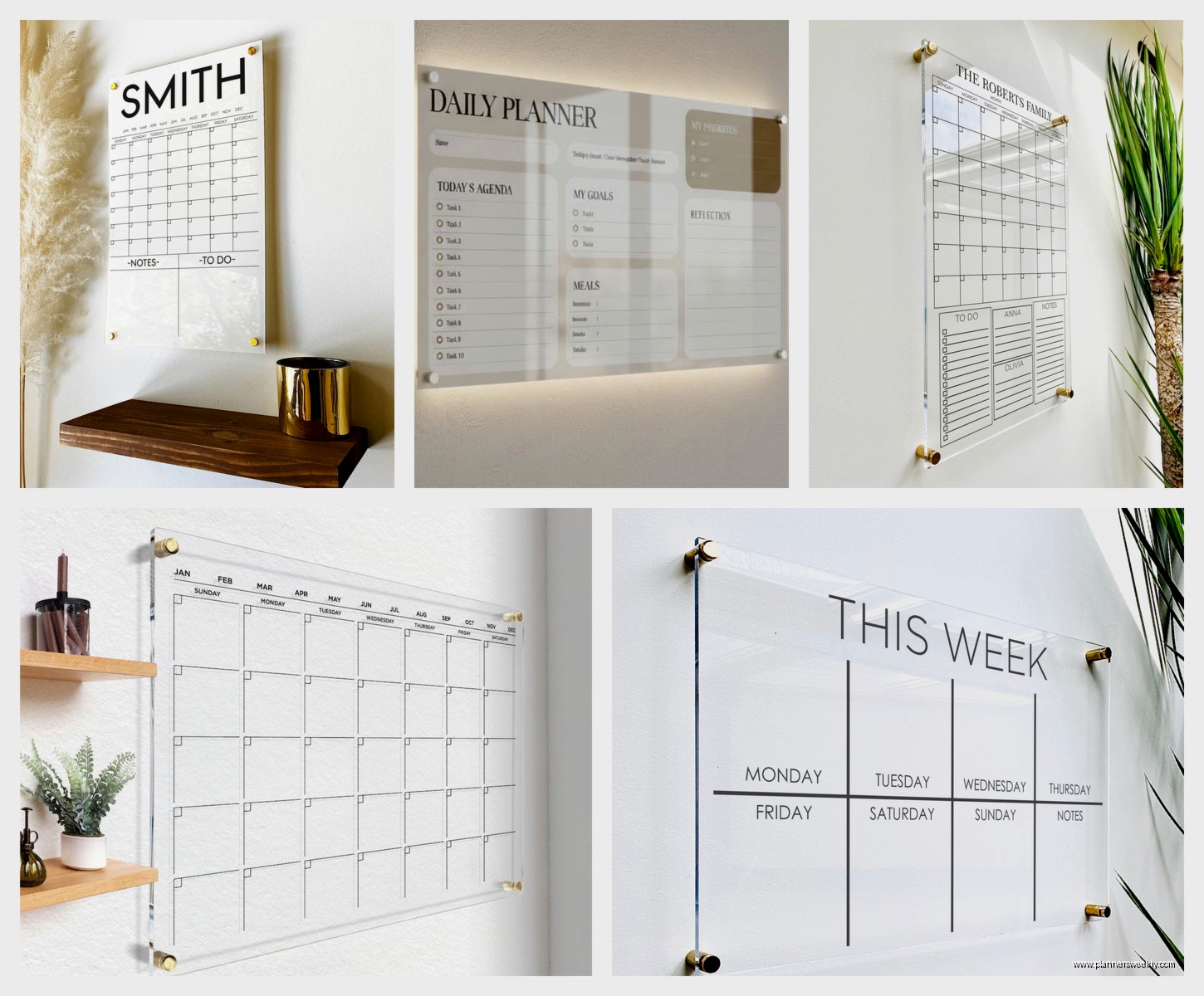
They look really sleek but here’s the problem. If you have drywall you need anchors. If you have plaster you need different anchors. If you’re renting and can’t put holes in walls you’re basically stuck with either leaning it on a desk or getting command strips rated for like 16 pounds which feels sketchy.
The best system I found was actually from the Quartet Infinity Glass Magnetic Calendar because it comes with a proper mounting template and actually decent hardware. Most brands just throw in some random screws and you’re supposed to figure it out.
wait I forgot to mention the printing quality
So the calendar grid itself is usually printed on the back of the acrylic or it’s a separate insert. The printed-on-back versions last longer because the ink is protected, but if you ever want to change your layout you’re stuck with whatever grid they gave you.
The insert versions are cool because theoretically you can swap them out. I have the U Brands Contour Acrylic Calendar and it uses an insert system. I thought this would be amazing but then I tried to find replacement inserts in a different color and they don’t really exist? Like the company doesn’t sell them separately. So that feature is kind of useless unless you wanna design and print your own.
The print quality varies wildly too. Some of the cheaper options from Amazon have grid lines that are super faint and hard to see from more than like three feet away. The premium ones like Quartet have really crisp, dark lines that you can actually read from across a room.
marker compatibility is where everything gets complicated
This is gonna sound weird but not all dry erase markers work the same on acrylic versus regular whiteboards. I’ve been using dry erase boards for years and I had to completely rethink my marker situation.
Regular Expo markers work fine but they can ghost on acrylic more easily than on melamine boards. Ghosting is when you erase something but you can still see a faint shadow of it. On acrylic it happens because the surface is so smooth that the ink can settle into microscopic scratches.
The best markers I found were actually the Quartet EnduraGlide markers. They’re specifically designed for glass and acrylic and they erase so much cleaner. But they’re like twice the price of regular Expos which is annoying. My client canceled last week so I spent an hour comparing marker performance and I tested Expos, Quartet EnduraGlide, U Brands low-odor markers, and even some Sharpie wet-erase markers.
The wet-erase Sharpies are interesting because they don’t erase accidentally if you brush against them, but then you need a damp cloth to remove them which adds an extra step. I only recommend those if you’re planning a monthly calendar that you don’t change often.
erasing and cleaning situations
Regular whiteboard erasers work okay but microfiber cloths are honestly better for acrylic. The felt erasers can leave streaks and they don’t pick up the ink as completely. I keep a microfiber cloth right next to my board and it makes erasing so much faster.
For deep cleaning when you get ghosting buildup, rubbing alcohol is your best friend. Don’t use Windex or ammonia-based cleaners because they can damage the printing on some boards. I learned this the hard way when I used Windex on my first acrylic calendar and the grid lines started looking faded after like two weeks.
Some people swear by those whiteboard cleaning sprays but honestly they’re just overpriced alcohol solutions. I buy a bottle of 70% isopropyl alcohol for three dollars and it lasts forever.
specific boards I actually recommend
Okay so if you’re actually gonna buy one here are the options that don’t suck:
Quartet Infinity Glass Magnetic Calendar – this is my top pick for most people. It’s technically glass not acrylic but it’s 1/4 inch thick, has really clear printing, and the magnetic feature is actually useful. You can stick notes and reminders right on it. It’s like $80-100 depending on size which feels expensive but it’s gonna last years. The mounting hardware is decent and it comes with a marker and eraser.
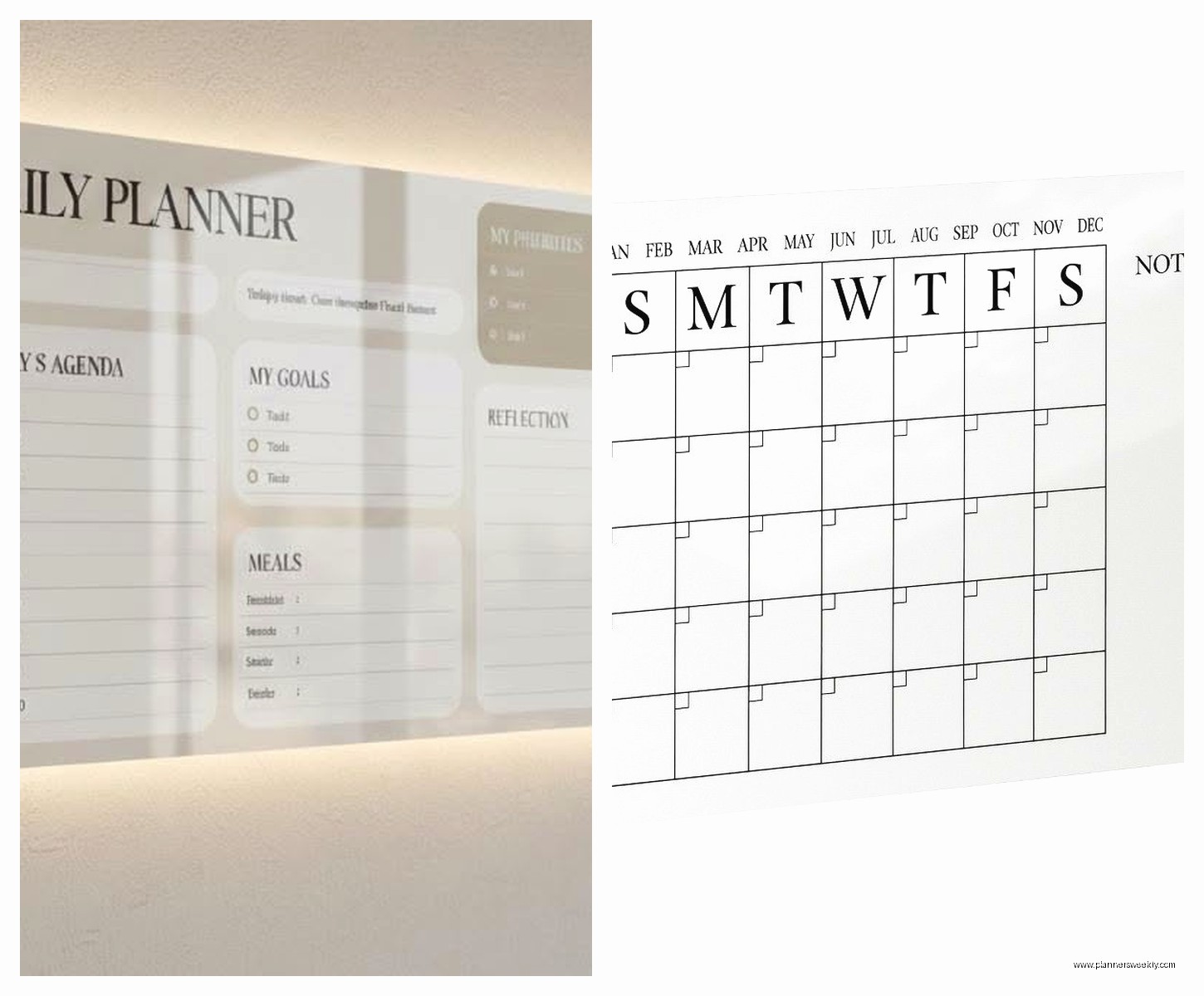
U Brands Contour Acrylic Calendar – this one is actual acrylic and it’s lighter than the Quartet. The frame comes in different colors which is cool if you care about aesthetics. It’s around $60-70. The insert system is whatever but the surface writes and erases really well. This is what I use in my home office currently.
Board Dudes Acrylic Calendar – okay this is the budget option. It’s like $25-35 and honestly it’s fine? The printing isn’t as crisp and it’s only 1/8 inch thick but if you’re just testing whether you’ll actually use an acrylic calendar this is a good starting point. I recommended this to a friend who wasn’t sure if she’d stick with calendar planning and she’s still using it six months later.
size considerations because this matters more than you think
Most acrylic calendars come in 17×23 inches, 24×36 inches, or sometimes 36×48 inches for the huge wall ones. The 17×23 size is good for desktops but you can’t fit much detail in each day square. Like if you’re planning for multiple people or you have a lot of appointments, the squares get cramped fast.
I use a 24×36 on my office wall and it’s the sweet spot. Big enough to see from anywhere in the room, enough space to write actual details, but not so huge that it dominates the entire wall. The 36×48 ones are honestly overkill unless you’re doing like family command center planning for five people.
oh and another thing – measure your wall space before ordering because these look smaller in product photos than they are in real life. I almost ordered a 36×48 for my office and then I actually measured and it would have covered like half my wall.
the magnetic versus non-magnetic debate
Some acrylic calendars have a magnetic backing layer which means you can use magnets on them. This sounds like a gimmick but it’s actually super useful. You can attach reminder notes, bills you need to pay, event tickets, whatever.
The non-magnetic ones are cheaper and lighter but you lose that functionality. I thought I wouldn’t care about magnets but now I use them constantly. I have little magnetic clips holding my grocery list and my daughter’s school schedule right on the calendar.
The magnetic versions are usually glass instead of acrylic because it’s easier to add the magnetic layer to glass manufacturing. So if you want magnetic you’re probably getting glass which means more weight.
frameless versus framed options
Frameless acrylic calendars look really modern and minimalist. They’re just the clear board with standoff mounts. Framed versions have aluminum or plastic frames around the edges which can look more finished but also more traditional office-y.
I prefer frameless aesthetically but the frames do serve a purpose. They protect the edges from chipping and they make the calendar easier to handle if you ever need to move it. I chipped the corner of my first frameless board while cleaning behind my desk and now there’s a tiny crack that I can’t unsee.
The U Brands framed ones come in colors like copper, black, and white. If you’re trying to match office decor the framed versions give you more options. But if you want that floating glass look definitely go frameless.
alternative options if acrylic isn’t working for you
Okay so if you’re reading this and thinking acrylic sounds like too much hassle, there are other clear calendar options. The See Jane Work acrylic desk pad calendar is cool because it’s smaller and sits on your desk instead of mounting on a wall. It’s only like $20 and you can slide papers underneath it which is weirdly useful.
There are also acrylic wall pockets with calendar inserts. These are less common but they let you swap out paper calendar pages while keeping the acrylic cover. I tested one from Deflecto and it works but it feels unnecessarily complicated compared to just writing directly on the board.
Some people use acrylic picture frames with printed calendar inserts and honestly that’s a decent DIY option if you can’t find an acrylic calendar in the exact size or layout you want. Just make sure the frame is deep enough to accommodate dry erase markers without the glass bowing.
maintenance realness nobody talks about
These boards need cleaning more often than regular whiteboards. The smooth acrylic surface shows fingerprints and smudges really easily. I wipe mine down like twice a week with a microfiber cloth even if I haven’t erased anything just to keep it looking clear.
The edges collect dust like crazy too. Something about the standoff mounts creates this gap where dust just accumulates. I use a small paintbrush to clean around the mounting hardware every couple weeks because otherwise it starts looking grimy.
If you have kids or pets who might touch the board, be prepared for constant fingerprints. My dog somehow manages to nose-print my calendar at least once a day and I’ve given up trying to keep it pristine. It’s a working calendar not a museum piece.
The good news is acrylic doesn’t stain or absorb odors like some cheaper whiteboard materials. I left a marker uncapped on mine overnight once and it didn’t leave any permanent damage. Just needed some rubbing alcohol to clean it up.
what I wish I knew before buying my first one
I would’ve gone magnetic from the start. I bought a non-magnetic board first to save money and then upgraded six months later when I realized how much I wanted that feature. Just cost me more in the long run.
Also measure your marker storage situation. These boards don’t come with marker trays usually and you need somewhere to keep your markers and eraser nearby. I ended up buying a separate magnetic marker holder which was another $15 I didn’t budget for. Some people just use a small basket on their desk but then you gotta reach for it every time.
The lighting in your room matters more than you’d expect. If you have a window or lamp that creates glare on the board it’s gonna be annoying to read. I had to reposition mine twice before finding a spot where the afternoon sun wasn’t making it completely unreadable. Hold up the board in different locations before you commit to drilling holes.
oh and get a level when you’re mounting it. I thought I could eyeball it and my calendar was crooked for three months before my friend pointed it out and I couldn’t unsee it anymore. Just use a level from the start and save yourself the frustration of remounting later.
