
Digital Productivity, Online planners, Planners
Complete Planner Template Guide: Free & Premium Options
Apr
Okay so I just spent like three weeks testing every planner template I could get my hands on because honestly my old system was falling apart and I figured if I’m recommending these to clients I should actually know what works.
The Free Options That Don’t Actually Suck
Let me start with the free stuff because why spend money if you don’t have to, right? Google Sheets has this weekly planner template that’s shockingly decent. Like I was prepared for it to be basic but it’s got time blocking built in and you can color code things. The main issue is it looks kinda corporate? But functionally it works and you can access it from your phone which is huge.
I’ve been using the Notion free templates for my content calendar and honestly they’re pretty solid. The problem with Notion though is there’s like a thousand templates and half of them are way too complicated. Someone will make this elaborate dashboard with databases linked to other databases and I’m like… I just need to know what I’m doing Thursday. The “Life Wiki” template is actually useful if you ignore all the fancy stuff and just use the weekly spread.
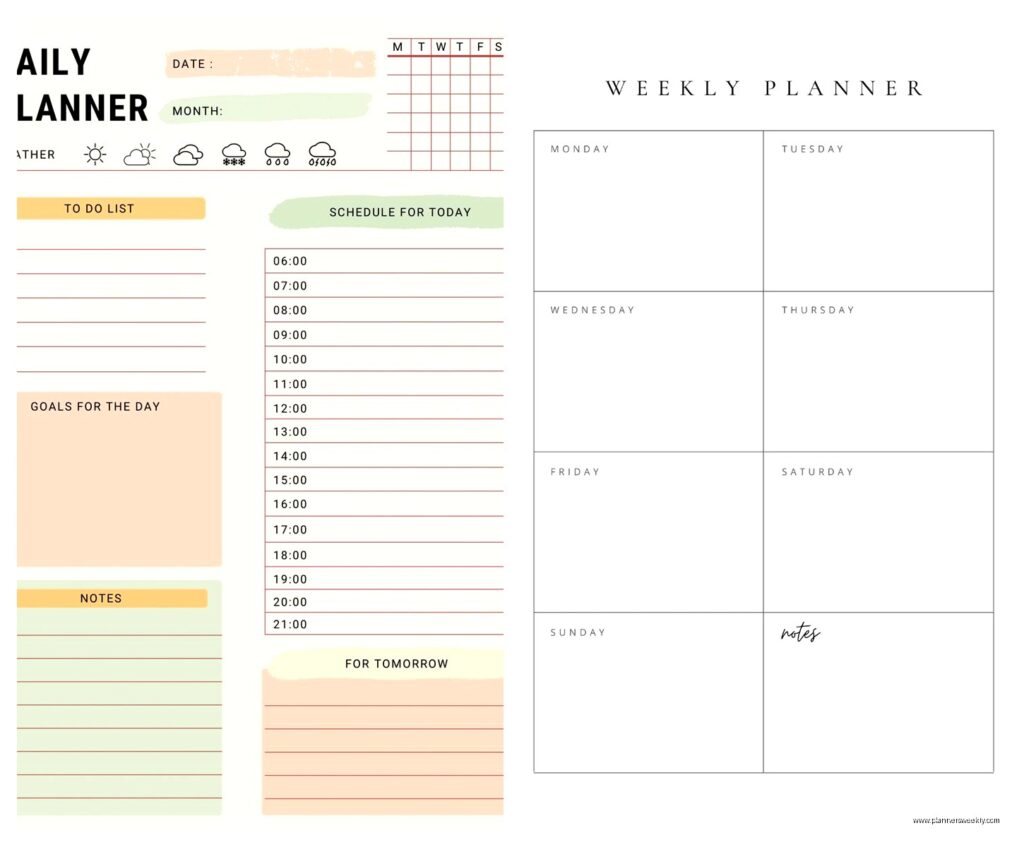
Oh and Canva has free planner templates now which is weird but they’re actually printable and cute? I tested their daily planner last month when my dog ate my regular planner (long story, she thought it was a toy apparently) and it held up fine. You can customize colors and fonts which my more design-focused clients really care about.
The Microsoft Templates Everyone Forgets About
Wait I forgot to mention Microsoft has a whole template library that nobody talks about. If you have Office 365 you already have access to these. Their OneNote planner templates are surprisingly robust and the cool thing is they’re actually designed for digital use not just printing. I use their meal planning template even though it’s technically for planning meals because the layout works perfectly for my weekly client schedule.
Premium Options Worth Considering
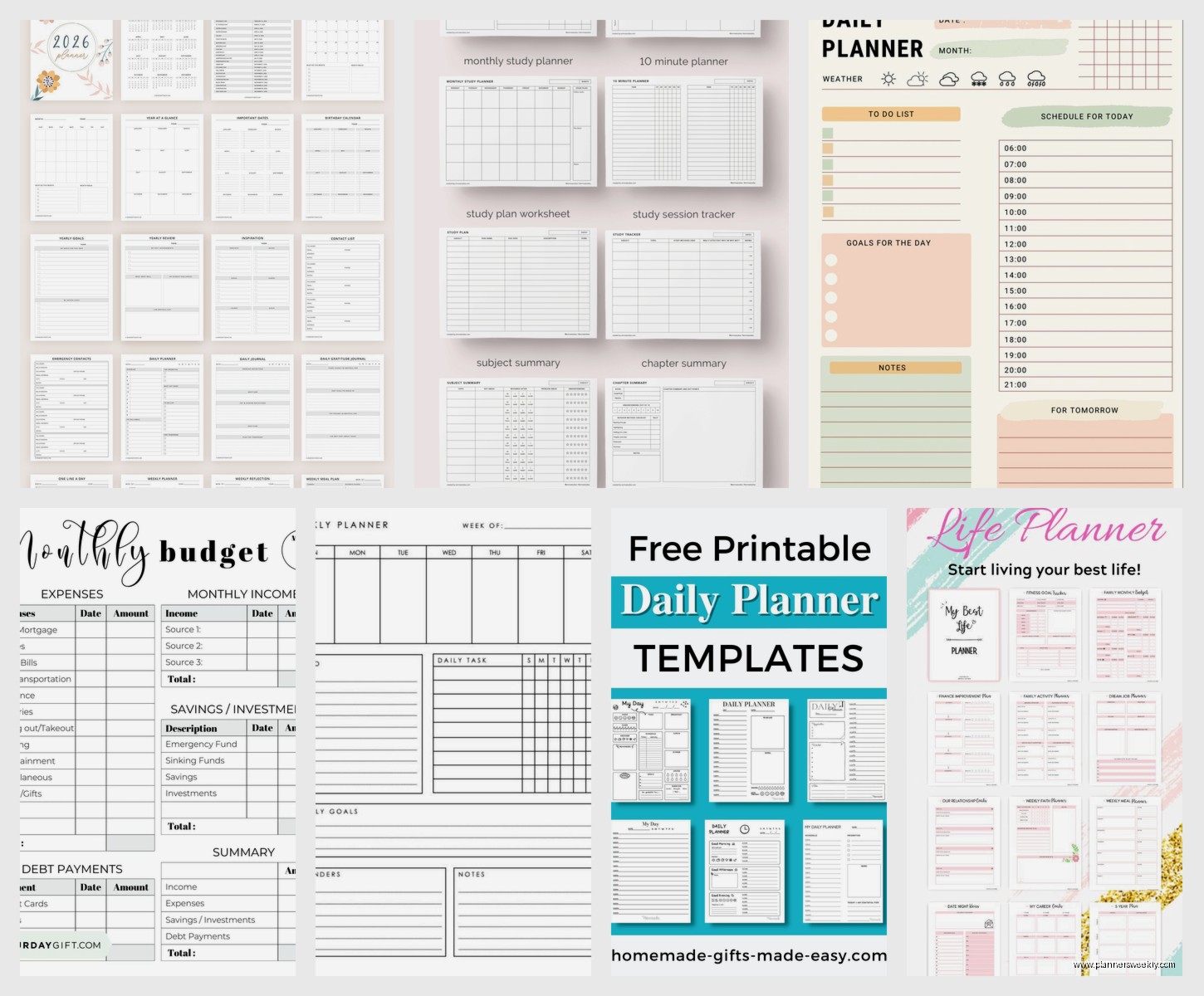
Okay so here’s where I’ve spent actual money and have opinions. The Productivity Bundle from Etsy sellers can be hit or miss but there’s this one shop called PaperStrawCo that makes these PDF planners that are like $12 and they’re genuinely useful. I bought their Ultimate Life Planner expecting it to be just another aesthetic thing but it has budget tracking and goal setting pages that actually make sense.
The thing with Etsy templates is you gotta read reviews carefully because some of them are just pretty graphics with no functionality. Look for ones that specifically say “hyperlinked” if you want digital – that means you can click between sections instead of scrolling forever.
iPad Planner Apps and Templates
This is gonna sound weird but the best money I spent was on GoodNotes templates. GoodNotes itself is like $8 and then you can buy planner templates separately. The Passion Planner digital version is $15 and it’s the same layout as their $30 physical planner. I’ve been using it since January and the weekly layout with the focus sections actually helps me prioritize instead of just making lists I never look at again.
Notability has similar options but honestly GoodNotes handles planner templates better. The page navigation is cleaner and you can duplicate pages easily which is huge if you want to reuse a template format.
Oh and another thing – if you’re using an iPad, the Zinnia planner templates are expensive at like $20 but they come with stickers and the whole aesthetic package. My client Sarah bought one and uses it religiously so there’s definitely a market for the pretty functional combo.
The Notion Debate
I keep coming back to Notion because people ask me about it constantly. The free version is fine for personal use but if you want the actually good templates you’re looking at Notion Premium which is $10/month. Or you can buy standalone templates from creators which range from like $5 to $50 depending on how elaborate they are.
I tested the Ultimate Brain template ($50) because everyone was raving about it and okay yes it’s comprehensive but it took me three hours to set up and I’m someone who does this professionally. If you’re not already comfortable with Notion databases it’s gonna be overwhelming. The Minimal Dashboard template ($15) is way more approachable and honestly does 80% of what the expensive ones do.
The advantage of Notion is everything’s connected so your task list can pull from your project database can link to your notes. The disadvantage is setting all that up makes you feel like you’re building a spaceship when you just wanted to remember to buy groceries.
Printable vs Digital Considerations
So here’s what I figured out after printing like $40 worth of templates – if you’re gonna print, get something designed for printing not just a digital template exported to PDF. The Happy Planner company sells printable inserts that are actually formatted for standard paper sizes and hole punches. They’re around $8-15 per pack.
I wasted money on some gorgeous watercolor templates from Creative Market that looked amazing on screen but when I printed them the colors were all wrong and the text was too light. Learned that lesson the hard way.
Specialty Planners That Solve Specific Problems
Okay so funny story, my client canceled last minute Tuesday so I spent an hour comparing budget planner templates because my personal finances were a mess. The Budget Boss Workbook on Etsy is $18 and it’s specifically designed for irregular income which is perfect for freelancers. Has these envelope budget trackers and debt payoff sections that actually motivated me to use it.
For content creators there’s the Content Planner by TheStrangerCreative which is $25 but maps out your entire content strategy across platforms. I use this for my blog planning and it’s paid for itself in terms of actually staying consistent. Has analytics tracking too which most regular planners skip.
The Panda Planner gets recommended a lot for productivity and it’s $25 for the digital version or $30 for physical. I tested it for a month and the morning routine section is actually helpful but the gratitude journaling stuff felt forced for me. Your mileage may vary if you’re into that.
Academic and Student Planners
Even if you’re not a student these are worth looking at because they’re designed around semesters and deadlines which works for project-based work too. The Shoresh Study Planner is free and it’s designed for college students but I use the assignment tracker section for client projects. Just relabel “assignments” to “deliverables” and it works perfectly.
Centered App has both free and premium tiers and while it’s technically a focus app it has built-in planning templates. The premium is $8/month and includes the coaching features which are basically just accountability check-ins but they do help if you’re someone who needs external motivation.
What Actually Matters When Choosing
Look, I’ve tested probably 50 different planner templates at this point and here’s what actually matters. First, are you gonna use it digitally or print it? This determines everything else because a template designed for GoodNotes is different from one meant for printing.
Second, do you need time blocking or just task lists? I thought I wanted detailed hourly schedules but turns out I work better with task blocks that aren’t tied to specific times. The Structured App (free with premium option) does this really well – you build a flexible schedule not a rigid timeline.
Third, how much setup are you willing to do? Some templates are plug-and-play while others require customization. The Notion templates especially need setup time and if you’re not willing to invest that upfront they’ll just sit there unused.
The Price Sweet Spot
From testing all these, the sweet spot for premium templates is around $10-20. Anything cheaper is usually just basic layouts you could make yourself in Canva. Anything more expensive is either bundled with other products or has features you probably won’t use.
Exception is if you’re buying a year-long dated planner then $30-40 makes sense because you’re getting 12 months of layouts. But for undated templates that you could theoretically reuse forever? Don’t spend more than $25.
The monthly subscription models like Notion Premium or Centered App only make sense if you’re actually using the cloud sync and collaboration features. If you’re just planning for yourself, one-time purchase templates are more economical.
My Current Setup After All This Testing
So after trying everything I landed on a hybrid system which probably sounds annoying but it works. I use GoodNotes with a $15 planner template for weekly planning because I like writing things down on my iPad. Then I have a free Google Sheets template for budget tracking because I need that accessible from my phone and computer. And I’m using Notion’s free tier for content planning because the database views actually help me see patterns.
The mistake I made initially was thinking one planner template would solve everything. It won’t. You’re gonna need different tools for different things and that’s fine. The key is not having so many that you spend more time updating planners than actually doing stuff.
Red Flags to Avoid
Don’t buy templates that don’t show you preview pages. Some Etsy sellers only show the cover and that’s usually because the inside is poorly designed. Always check reviews and look for ones that mention actually using it not just that it’s “pretty” or “cute.”
Watch out for templates that require specific apps or software you don’t already have. I bought this elaborate planner that needed Adobe Acrobat Pro to use the interactive features and I was not about to spend $15/month for planner features.
Also skip anything that promises it’ll “change your life” or “transform your productivity” – those are usually more journal prompts than actual planning tools. Not that journaling is bad but if you wanted a journal you’d buy a journal, you know?
The super aesthetic Instagram-worthy planners often sacrifice functionality for looks. They’re gorgeous but have you ever tried to actually write in a space that’s covered with watercolor florals? It’s hard to read your own handwriting.
Oh wait, one more thing – some premium templates are just reskinned free templates. Before buying anything from Creative Market or Etsy, check if a similar layout exists in Canva’s free library or Google’s template gallery. I’ve seen the exact same weekly layout sold for $12 that’s available free from Microsoft.
The refund policies matter too. Digital downloads usually aren’t refundable so if you’re unsure, start with free versions from that creator to test their style. Most good template designers have at least one freebie you can try before committing to the paid versions.
