
Digital Productivity, Online planners, Planners
Printable Planner Guide: Free Templates & Custom Designs 2026
Apr
Okay so I just spent the last three weeks drowning in printable planners because honestly my current system was a mess and I needed something better. Let me tell you what actually works because I’ve printed like 47 different templates at this point and my printer is probably judging me.
Where to Actually Find Free Templates That Don’t Suck
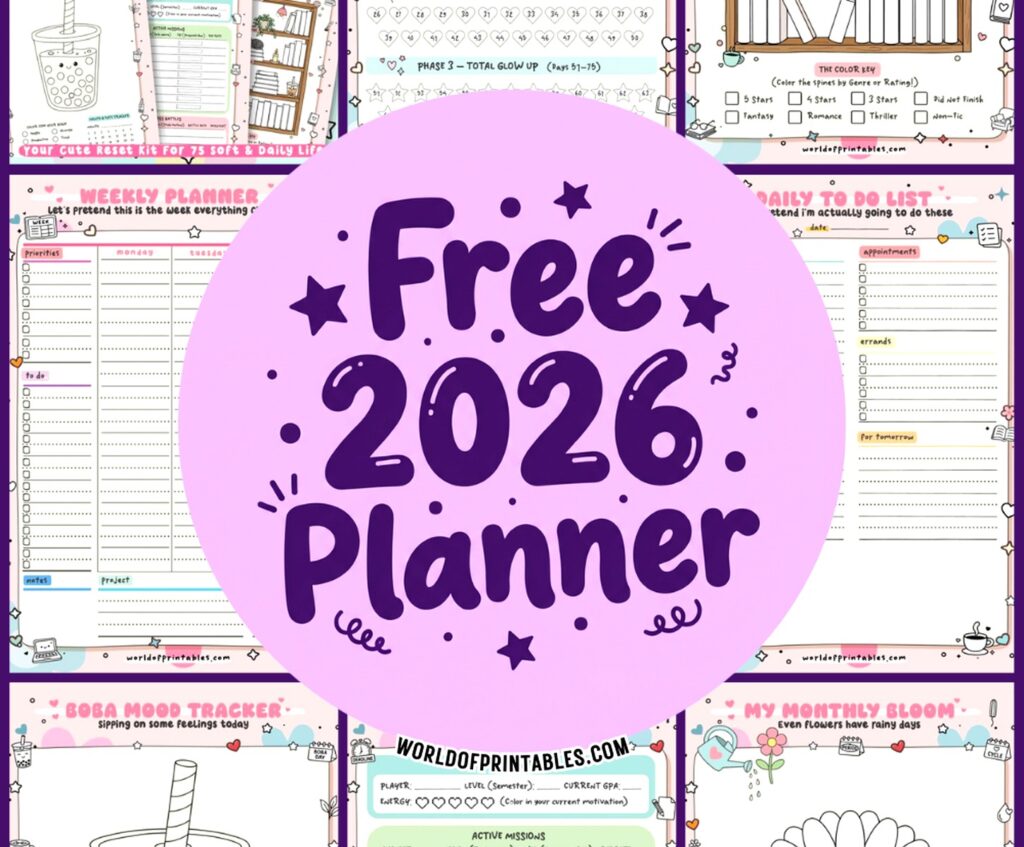
So Canva is probably where you wanna start. They’ve got this whole planner section now and you don’t even need the paid version for most of them. I was up late watching The Last of Us and just scrolling through their templates and found like 15 I wanted to try. The thing is their free ones are actually good quality, not like those sketchy sites where you download something and it’s all pixelated.
Etsy has free stuff too but you gotta search “free printable planner” specifically because otherwise you’ll just see the paid ones. Some sellers use freebies to get you on their email list which is kinda annoying but also I’ve found some really solid templates that way. This one shop called PaperWithPurpose or something had these minimal weekly spreads that I’ve been using for two months now.
Oh and another thing, Pinterest is actually useful here. I know it’s a rabbit hole but if you search “free printable planner 2026 PDF” you’ll find a ton. Just make sure you’re clicking through to the actual source because some pins just lead to spam sites. I learned that the hard way after clicking like eight dead links.
The Google Drive Method
This is gonna sound weird but some of the best planners I found were just random people sharing their Google Drive folders. There’s this whole community on Reddit r/planners where people share their custom designs for free. Downloaded this budget tracker last week from someone’s shared folder and it’s better than anything I could’ve made myself.
Paper Matters More Than You Think
Okay so here’s where I messed up initially. I was printing everything on regular copy paper and wondering why it felt so flimsy and disappointing. Then my cat knocked over my coffee onto a page and it basically disintegrated immediately which was… a sign.
You need 32lb paper minimum. I use HP Premium32 and it’s like $15 for 250 sheets on Amazon. Makes such a huge difference. The pages feel substantial and ink doesn’t bleed through when you’re using markers or highlighters. Regular 20lb copy paper is fine if you’re just using regular pens but if you’re into the whole colorful planning thing it’s not gonna cut it.
For covers I print on cardstock, usually 65lb or 80lb. Staples has their own brand that’s pretty cheap. Makes the front and back pages way sturdier especially if you’re carrying your planner around.
Binding Options That Actually Work
I’ve tried basically every DIY binding method at this point. Spiral binding is the gold standard but you need a machine. I got one on Amazon for $35, the Swingline something or other, and it’s honestly been worth it. Takes like five minutes to bind a whole planner and it lays flat which is crucial.
If you don’t wanna invest in that, disc binding is pretty cool. You punch holes with a specific punch and use those plastic discs. The Arc system from Staples or Happy Planner discs both work. The nice thing is you can add and remove pages super easily. I use this method for my work planner because I’m constantly switching things around.
Wait I forgot to mention, you can also just use binder rings. Like the basic metal rings you can get at any office store. Not as pretty but totally functional and costs like $3. Just punch holes with a regular 3-hole punch and you’re done.
Custom Design Without Being a Graphic Designer
So if you want something specific that doesn’t exist already, Canva is still your friend. Their drag and drop thing is pretty intuitive even if you’re not design-savvy. I made a custom habit tracker last month while I was supposed to be doing actual work and it took maybe 20 minutes.
The trick is to start with their blank planner templates and just modify them. Don’t try to build from a completely blank page because spacing and margins are annoying to figure out. Change the colors, move text boxes around, add your own sections. I added a “things that annoyed me today” section to mine because apparently I needed that outlet.
Sizing and Print Settings People Always Mess Up
Everyone wants to print these cute half-size planners they see on Instagram but then they can’t figure out the sizing. Here’s what actually works:
For half-letter size (5.5 x 8.5 inches), you need to set your template to those exact dimensions in whatever program you’re using. Then print two pages per sheet in your printer settings. Most printers have this option under layout or page setup.
For A5 size which is slightly different, that’s 5.8 x 8.3 inches. European templates are usually this size and it threw me off for like a week until I figured that out.
Always print a test page first. I cannot stress this enough. I’ve wasted so much expensive paper printing entire planners only to realize the margins were off or something was cut off. Print one page, check if everything looks right, then do the rest.
Platform Comparison Because They’re Not All Equal
Canva is best for customization and ease of use. Free version is totally usable. Pro is $13/month but you can do the free trial thing if you just need to make something quick. Has the most templates.
Google Docs is actually underrated for planners. You can find templates in their template gallery and they print really clean. Not as pretty as Canva but very functional. Good if you want something simple and text-based.
Microsoft Word has templates too but they’re kinda dated looking honestly. Unless you’re already super comfortable with Word I’d skip it.
Notion for the Digital-Print Hybrid People
Okay so funny story, I tried to be one of those all-digital people with Notion and it lasted exactly four days. But what I do now is use Notion for planning and then print out weekly pages as PDFs. There are templates you can export as print-friendly PDFs which gives you the best of both worlds.
The NotiontoPages website has converters but honestly just designing a simple page in Notion and printing to PDF works fine. I do this for my content calendar and it’s been working great.
Free Template Sources I Actually Use
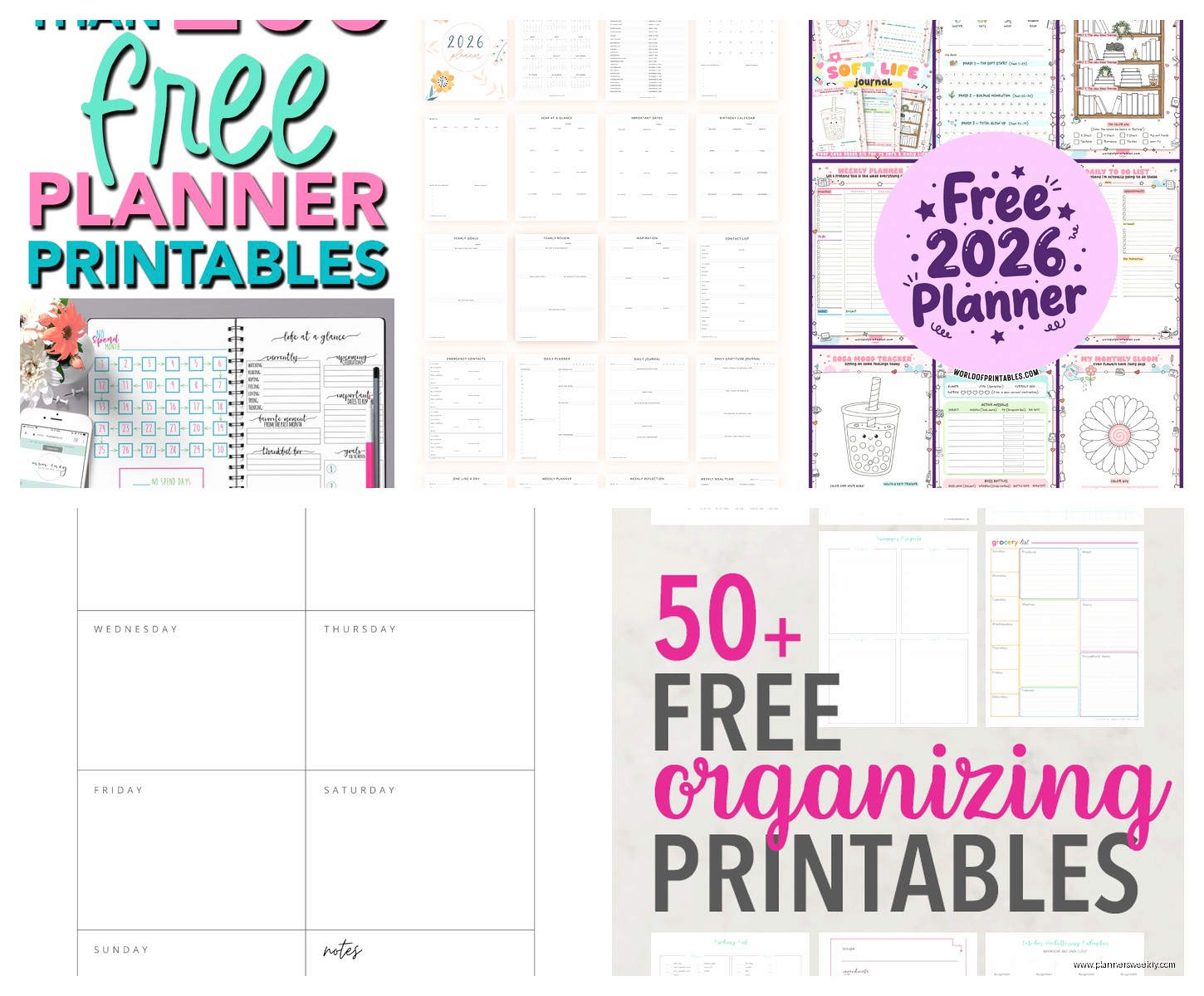
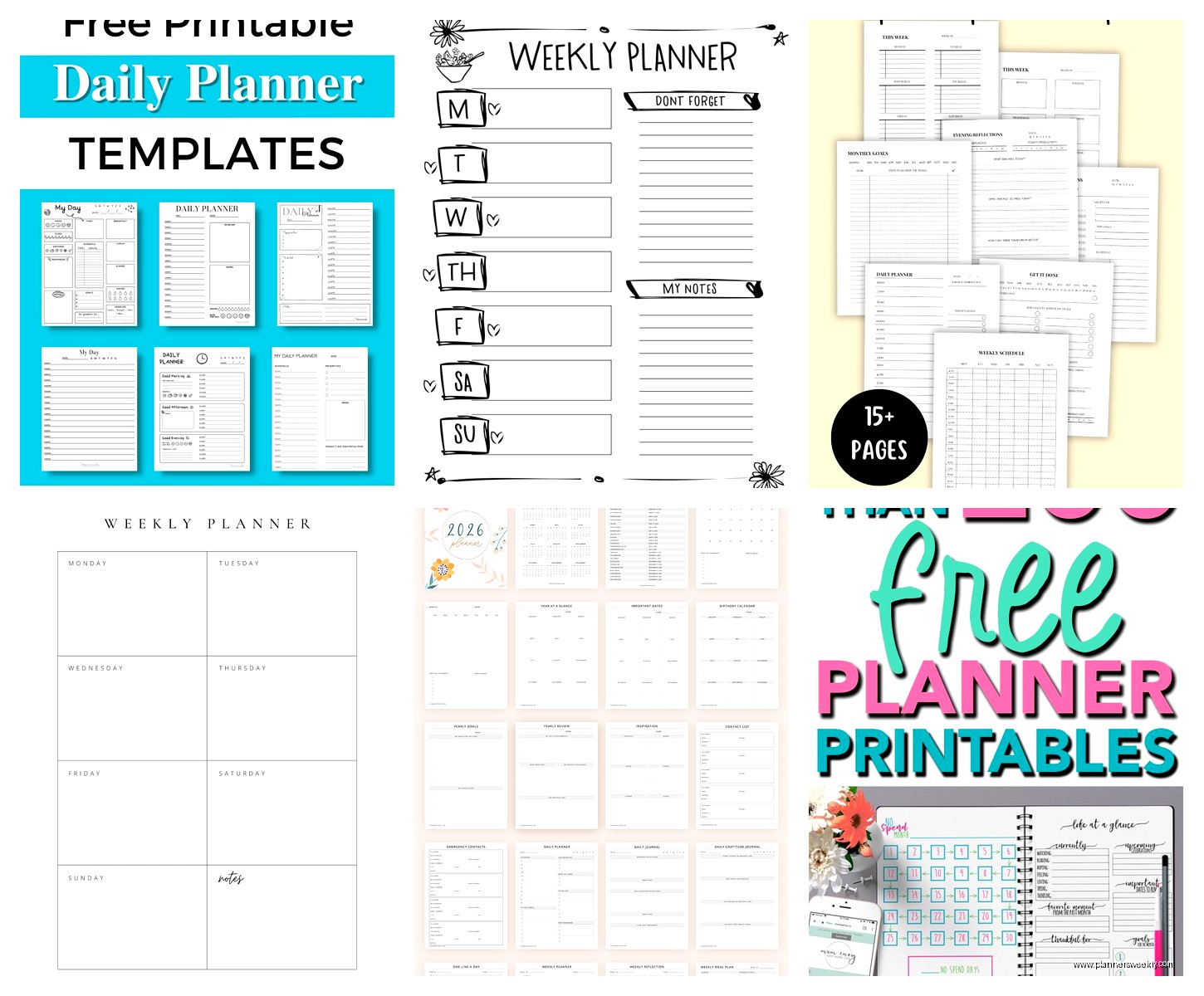
Scattered Squirrel has really good free minimalist templates. Very clean, black and white, lots of white space. Good if you don’t want anything too busy.
Productive Flourishing has these interesting ones that focus on goals and quarterly planning. More business-y but useful if you’re self-employed or just like that structure.
Passion Planner gives away their PDF every year. It’s a full dated planner for free which is pretty generous. The layout isn’t my favorite but it’s comprehensive and you can’t beat free for a whole year.
Oh and another thing, Creative Market does free goods every week. You have to check Monday mornings but they often have planner templates in the rotation. I’ve gotten some really nice ones this way, like this watercolor budget planner that I definitely didn’t need but downloaded anyway.
The Printer Situation
You’re gonna need a decent printer if you’re doing this regularly. I have an HP OfficeJet Pro and it’s been solid. Color printing obviously costs more but you can do a lot with just black and white honestly.
Ink is expensive so I’d recommend getting an Instant Ink subscription if you go with HP, or looking into Epson EcoTank printers. The EcoTank is more upfront but you’re refilling bottles instead of buying cartridges which saves money long-term.
Print in draft mode if you’re just testing layouts. Only use best quality for your final version. This saves so much ink and most of the time draft looks fine anyway.
Making It Actually Work For Your Life
Here’s the thing nobody tells you, having 500 beautiful planner pages doesn’t help if they don’t match how you actually function. I printed this gorgeous daily planner with hour-by-hour sections and used it for exactly two days because that’s not how my brain works.
Figure out if you’re a daily, weekly, or monthly person first. I’m weekly with a monthly overview. That’s it. Anything more detailed and I ignore it, anything less and I feel lost.
Mixing and Matching Is Fine Actually
You don’t need one cohesive system. My planner is honestly a franken-planner of like six different templates. Weekly spread from one source, habit tracker from another, meal planning page from somewhere else. They don’t match aesthetically and I don’t care because they work.
This is gonna sound scattered but I keep different sections for different things. Work stuff is in a disc-bound section I can remove, personal is spiral bound, and I have loose sheets for meal planning that I just clip in. It’s not Instagram-worthy but it’s functional.
Customization Ideas That Made a Difference
Adding a brain dump page at the start of each week changed everything for me. Just a blank page where I can write random thoughts and tasks before organizing them. Found a template for this on Etsy from some random shop.
Color coding without needing a color printer is possible. I print in black and white but use colored pens and highlighters. Way cheaper and honestly looks better than printed colors anyway.
Wait I forgot to mention password tracking pages. There’s this one template I found that’s designed to look like random notes so it’s not obviously passwords. Pretty smart and useful if you’re like me and can’t remember anything.
The Lamination Thing
Some pages are worth laminating if you’re gonna reuse them. I laminated a monthly budget template and just use dry erase markers on it each month. Same with a cleaning schedule and meal planning template. You can get a basic laminator for like $25 or just use the self-adhesive laminating sheets.
This is useful for reference pages too like measurement conversions or a contacts list or whatever you need to look at regularly but doesn’t change.
Troubleshooting Common Issues
If your margins are cutting off, check your printer’s settings for borderless printing or adjust the margins in your template before printing. Most printers can’t print all the way to the edge.
If pages look washed out, increase the contrast or brightness in your PDF settings before printing. Some templates are designed with colors that look good on screen but print too light.
If your planner feels too thick, don’t print the whole year at once. I print monthly or quarterly and rebind as needed. Makes it way more manageable to carry around.
Oh and if pages are curling, you’re probably using paper that’s too thin or your printer runs too hot. Switch to heavier paper and make sure you’re not leaving printed pages in a stack right away, let them cool spread out a bit.
The hole punch never lines up perfectly on the first try so measure twice before punching. I learned this after ruining like 20 pages because I just eyeballed it.
Honestly the whole printable planner thing has been way more customizable than buying a pre-made one and cheaper too once you factor in that most nice planners are $30-60. I’ve probably spent $40 total on paper and supplies and have enough for the whole year plus random other stuff I’ve printed just because I could.
