Digital Productivity, Online planners, Planners
Study Timetable Template: Free Downloads for Students
Mar
Okay so I just spent like three weeks testing different study timetable templates because honestly my teenage niece asked me for help and then I got weirdly obsessed with figuring out which ones actually work versus which ones just look pretty on Pinterest.
The Basic Weekly Grid Template
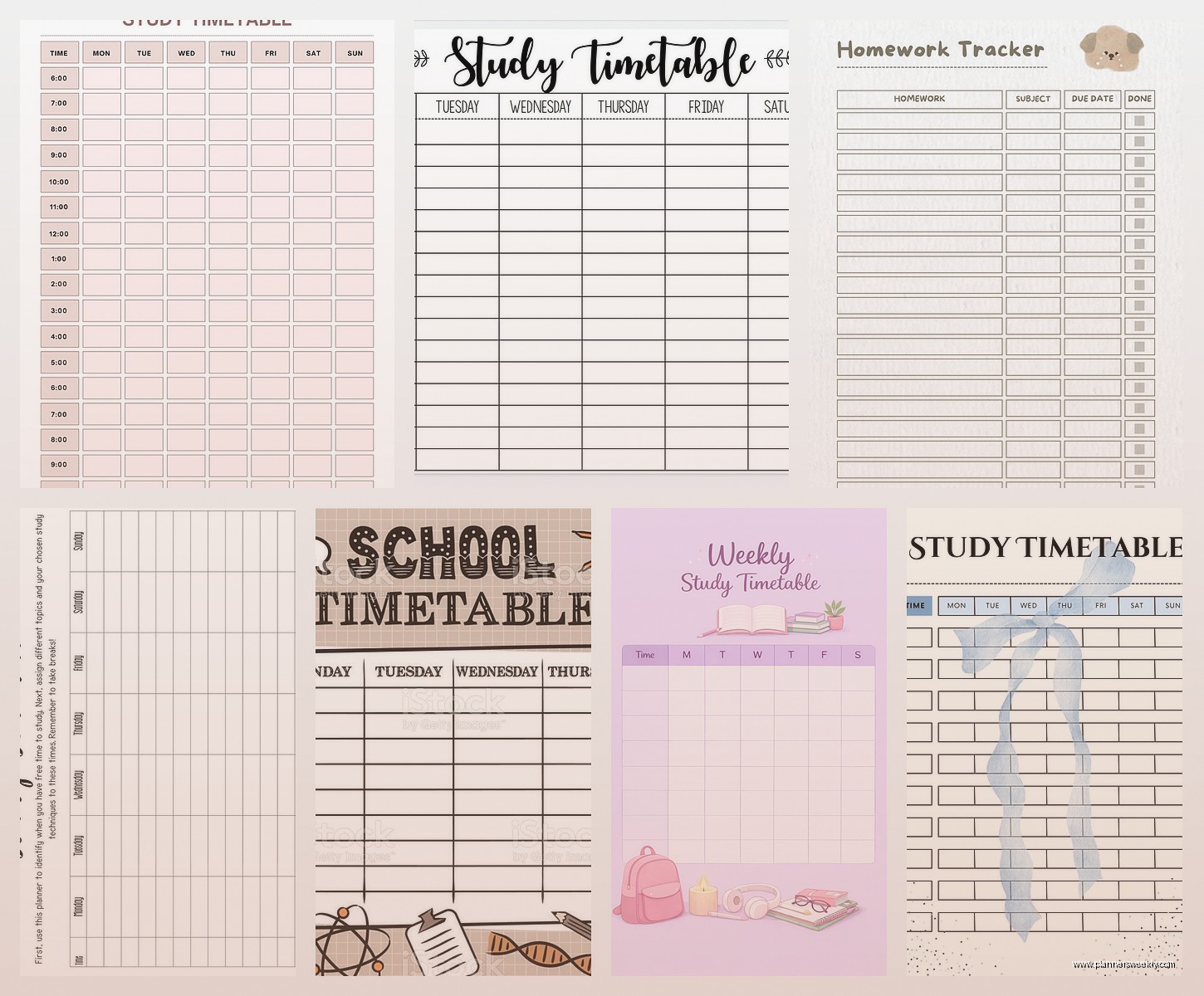
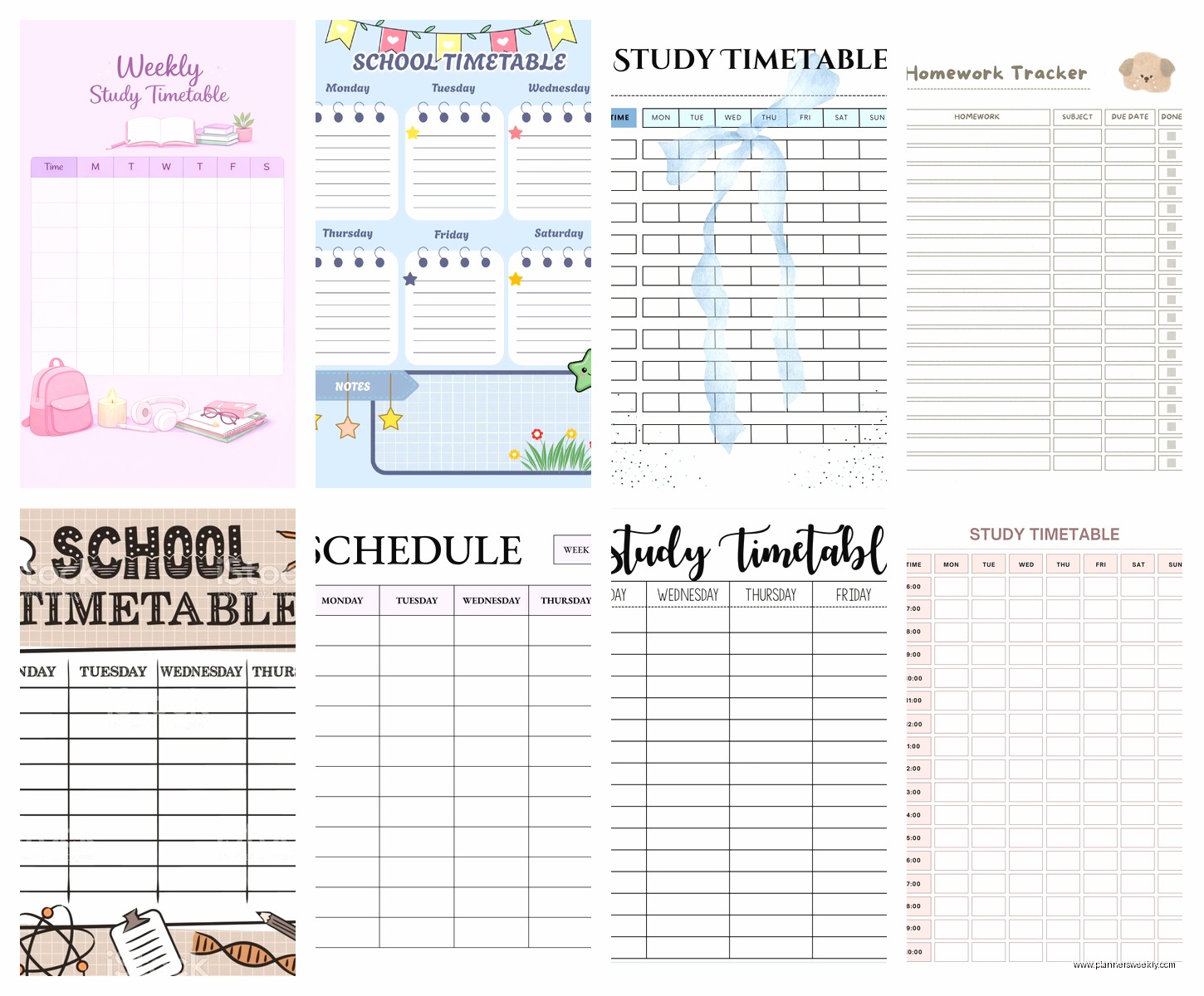
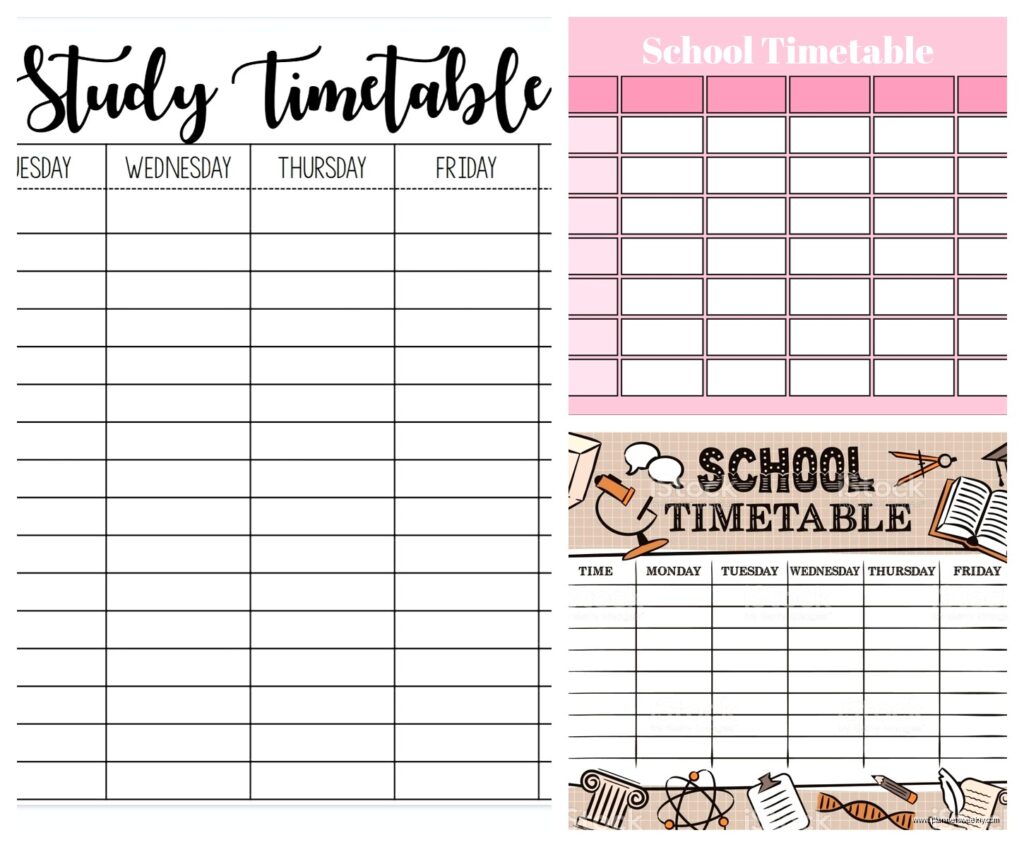
Right so the most straightforward one is just your standard weekly grid. I’m talking Monday through Sunday across the top, time slots down the side. You can find free ones literally everywhere but here’s what I learned actually using them for two weeks straight while my dog kept interrupting my focus time.
The Google Sheets version is honestly the most flexible. You can download templates from sites like Vertex42 or Template.net, but I actually just made my own in like ten minutes. Set it up with 30-minute blocks from 6am to midnight because some students are night owls and some are those annoying morning people. Color code by subject – math gets blue, English gets green, whatever makes sense to your brain.
What actually surprised me though is that handwritten versions work better for some people? I tested both and there’s something about physically writing “Biology 2-4pm” that makes it stick in your memory differently. You can print blank weekly templates from Canva for free if you have an account.
Time Blocking vs Task Lists
Oh and another thing – you gotta decide if you’re a time blocker or a task lister. Time blocking means you assign specific hours to specific subjects. Like “Monday 3-5pm: Chemistry homework.” Task listing is more like “Complete Chapter 5 questions” without the rigid timing.
I’m personally terrible at time blocking because I always think tasks will take less time than they actually do. But my niece? She needs those hard boundaries or she’ll spend four hours on TikTok and call it “a quick break.”
Subject-Specific Study Planners
Wait I forgot to mention the subject-specific ones. These are game-changers if you’re in exam season. Instead of just blocking out “study time,” these templates break down what you need to cover for each subject.
I found really good ones on Teachers Pay Teachers (yeah I know it’s meant for teachers but students can use them too). The free section has these exam countdown templates where you list all your topics and check them off as you review. There’s something deeply satisfying about checking boxes, not gonna lie.
StudyWithJess on Notion has these database templates that are honestly next level. You can track which topics you’re confident about, which ones you’re shaky on, and it automatically calculates how much study time you need based on your exam dates. It’s free if you use the Notion personal plan.
The Pomodoro-Integrated Templates
This is gonna sound weird but the templates that build in Pomodoro breaks are the ones I ended up using most. Because let’s be real – nobody actually studies for three hours straight no matter what their color-coded timetable says.
I downloaded one from Clockify’s template library that has 25-minute study blocks with 5-minute breaks built right into the schedule. You print it out and cross off each Pomodoro session as you complete it. My client canceled last Tuesday so I spent an hour comparing the Clockify version to a similar one from Toggl and honestly they’re basically the same.
The visual representation helps though. When you see “4 Pomodoros for Math” instead of “2 hours for Math,” it feels less overwhelming. Your brain is like “okay I can do four focused chunks” versus “oh god two entire hours.”
Digital vs Paper Debate
Okay so funny story – I was totally convinced digital was superior because you can set reminders and sync across devices and whatever. Then I watched my niece completely ignore every single Google Calendar notification while somehow never missing what she’d written in her paper planner.
For digital templates, I tested:
– Notion templates (My Study Life has a good free one)
– Google Calendar templates with study blocks pre-set
– Trello boards set up as weekly schedules
– The app called My Study Life which is specifically for students
The Notion ones are probably the most customizable but there’s a learning curve. If you’re already using Notion, great. If not, maybe don’t add “learn new software” to your study stress.
For paper templates, check out:
– The Happy Planner study inserts (you can download free PDFs)
– Passion Planner’s academic templates
– Just regular printer paper with lines you draw yourself honestly
Monthly Overview Templates
You need both weekly AND monthly views, this is non-negotiable. The weekly one is for daily planning but the monthly one is for seeing the big picture. Like when you’ve got three exams in one week and need to plan backwards from that.
I use the free monthly calendar from CalendarsQuick.com and just write in all assignment due dates and exam dates first. Then I work backwards to figure out when I need to start studying for each thing. Color coding is your friend here – red for exams, orange for big assignments, yellow for regular homework.
The Princeton Review has this free exam countdown calendar that’s specifically designed for this. You fill in your exam dates and it automatically creates a study schedule working backwards. It’s pretty basic but it does the job.
Subject Rotation Systems
Wait this is important – some templates use a rotation system where you cycle through subjects instead of blocking out huge chunks for one thing. This actually works better for maintaining information across multiple subjects.
Like instead of “Monday is all Math, Tuesday is all English,” you do “Monday morning Math, Monday afternoon English, Monday evening Science.” Your brain stays fresher when you switch between subjects.
I found a rotating schedule template on Education.com’s free resources section. It’s designed for elementary school but honestly it works for any age. You just list your subjects and it creates a rotation pattern.
The Realistic Study Load Templates
Okay real talk – most study timetables fail because they’re aspirational rather than realistic. You’re not actually gonna study from 6am to 10pm with only meal breaks. You’re just not.
The templates I found most useful cap study time at 4-6 hours per day maximum, broken into chunks. There’s one from Oxford Learning that specifically builds in:
– Meal times
– Exercise or movement breaks
– Social time (because you need that)
– Buffer time for when things take longer than expected
That last one is crucial. Always add 25% more time than you think you need. If you think Chemistry homework takes one hour, block out 75 minutes.
Flexibility Features That Actually Matter
The best templates have built-in flexibility. Like a “flex block” each day where you can catch up on whatever ran over or get ahead on something. I started adding a 2-hour flex block to every Friday and it saved my sanity.
Some templates on Canva (free account works fine) have moveable elements so you can drag and drop study blocks around when your schedule changes. Which it will. Constantly.
Exam-Specific Countdown Templates
During exam season you need something different. The regular weekly template doesn’t cut it when you’ve got comprehensive finals covering like four months of material.
The revision timetable templates from The Student Room are specifically for this. They break down each subject into topics, then distribute those topics across your available study days leading up to exams. There’s even a formula – if you have 30 days and 10 topics, you know you need to cover roughly 3 topics per subject per week.
I tested one of these during my own certification exam prep last year (was watching The Bear while filling it out, highly recommend both the template and the show) and it kept me from that panicky “I’ll never cover everything” feeling.
Active Recall Integration
Oh and another thing – the better exam templates build in active recall sessions. Not just “study Chapter 3” but “study Chapter 3, then test yourself, then review mistakes.” Some templates from Quizlet’s study planning section actually have columns for initial study, practice questions, and review built right in.
Weekly Review Templates
You also need a weekly review template separate from your main timetable. Every Sunday (or whatever day works), you review what you actually accomplished versus what you planned. This sounds tedious but it’s how you figure out if you’re consistently overestimating how much you can do.
The Bullet Journal method has a good free template for this – it’s called a “weekly reflection” page. You rate each subject on how well you understood the material, note what study methods worked or didn’t, and adjust next week’s timetable accordingly.
I personally hate doing this because it forces me to acknowledge when I wasted time, but it genuinely helps you get more realistic about planning.
Group Study Coordination Templates
If you study with other people, you need a shared template. Google Sheets works great for this – create a timetable where everyone fills in their available study times, and you can see when your schedules overlap.
There’s a free template called “Study Group Scheduler” on Template.net that does this automatically. Everyone inputs their class schedule and commitments, and it highlights the times when everyone’s free. Saves so much back-and-forth texting.
The Minimalist One-Page Template
Some people get overwhelmed by detailed templates. If that’s you, try the one-page weekly overview. It’s literally just seven boxes (one for each day) where you write your top 3 study priorities for that day.
I got this from Ali Abdaal’s free productivity resources and honestly sometimes simple is better. You’re not planning every minute, just identifying what needs to happen each day. It reduces decision fatigue.
Habit-Tracking Integration
This might be extra but combining your study timetable with habit tracking helped me actually stick to the schedule. Templates from Habitica or the free Notion habit tracker let you check off when you complete each study session.
The gamification aspect is surprisingly motivating. You get little streaks and achievements for consistency. My competitive side loves it even though I’m literally competing with myself.
What Actually Makes Templates Work
After testing like fifteen different templates here’s what I figured out matters:
– Visual clarity – you should understand your day at a glance
– Realistic time blocks – nothing over 2 hours without a real break
– Built-in flexibility – life happens
– Easy to update – if it’s annoying to change you won’t use it
– Matches your actual schedule – don’t use a 6am-10pm template if you have afternoon classes
The template itself matters less than whether you’ll actually use it consistently. A simple paper grid you’ll actually fill out beats a complex digital system you’ll abandon after three days.
Start with the basic weekly grid from Google Sheets or a printed template from Canva. Use it for two weeks. Then adjust based on what worked and what didn’t. Maybe you need more break time, maybe you need subjects grouped differently, maybe you’re a night studier and need evening time blocks emphasized.
The free templates I mentioned are all genuinely free – no credit card required, no trial period. Download a few different styles and test them. Your study pattern is unique to you and sometimes you gotta try stuff to figure out what clicks.