
Digital Productivity, Online planners, Planners
Day Timer Planner: Complete Product Guide & Reviews
Mar
okay so I just spent the last three weeks testing literally every Day Timer configuration I could get my hands on
and here’s what you actually need to know before dropping money on one because there’s like a thousand options and they don’t make it easy to figure out which format works for what
So Day Timer planners are basically the OG professional planning system – been around since like the 1940s or something – and they’re really different from your Erin Condren or Happy Planner situation. The whole system is built around these refillable binders and loose-leaf pages which sounds old school but honestly it’s kinda genius once you get used to it
the main formats and which one you actually need
Day Timer comes in these specific page sizes and you gotta pick one before you do anything else because the refills only fit their matching binder size. I learned this the hard way when I ordered a bunch of desk size refills for a portable binder and… yeah that was a fun afternoon of returns
The Portable size is 3.75 x 6.75 inches – this is their smallest and honestly my go-to for clients who are always running between meetings. Fits in most purses, jacket pockets if you’re wearing like a blazer or whatever. I tested this one for two weeks while I was traveling for a conference and it was perfect for gate changes and quick notes but writing space is tight if you have big handwriting
Desk size is 5.5 x 8.5 inches which is basically half a regular sheet of paper. This is the sweet spot for most people I think. Enough room to actually write your thoughts without feeling cramped but still portable enough to toss in a work bag. My cat knocked my desk size binder off the counter last week and none of the pages fell out which was honestly impressive given how dramatic the crash sounded
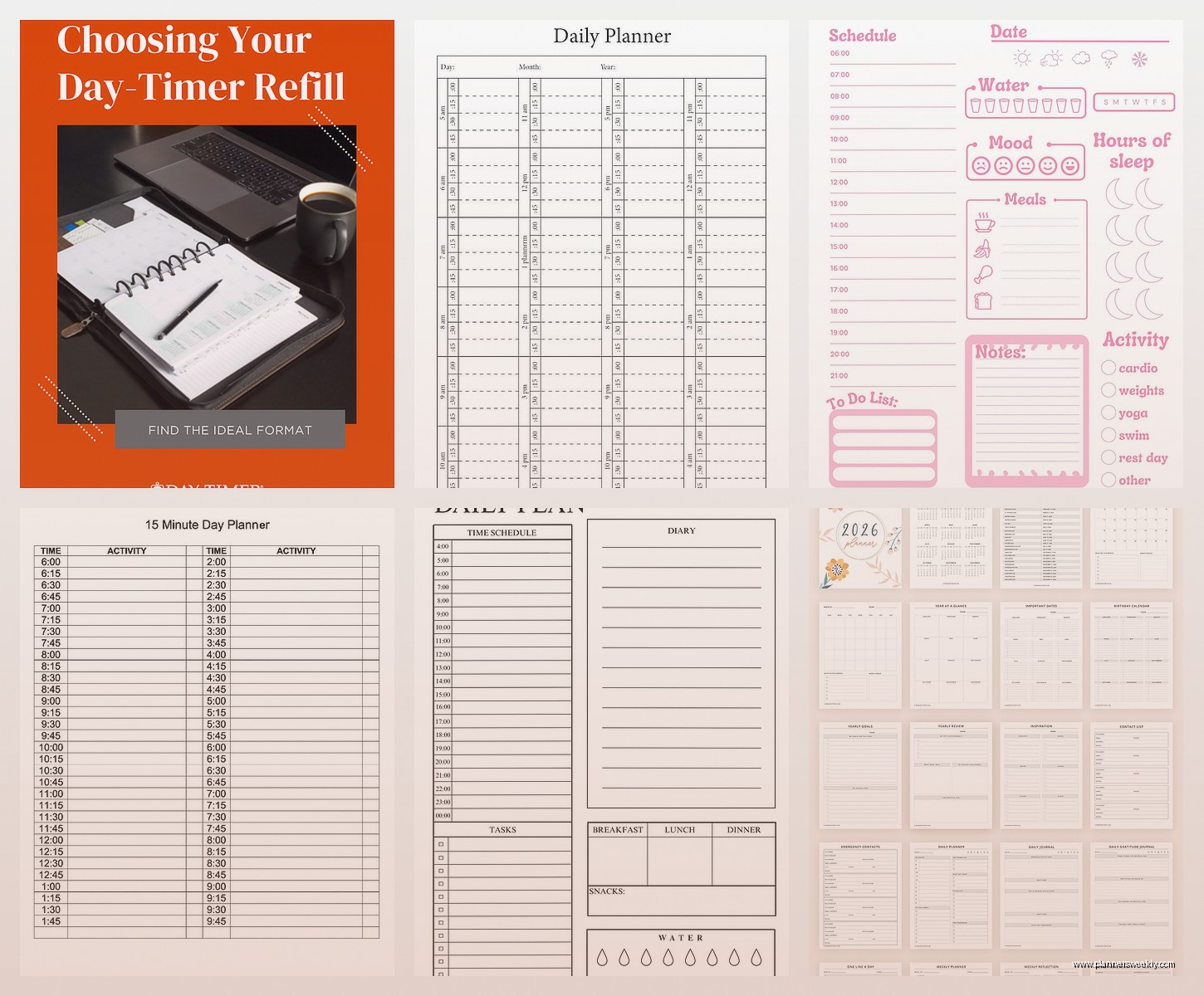
Then there’s the Folio size at 8.5 x 11 inches – full letter size – and this is really for people who keep their planner on an actual desk and don’t move it much. I use this one when I’m doing weekly reviews at home because I can spread everything out and see my whole week at once
two-page-per-day versus other layouts
Okay so this is where it gets specific and you need to think about how you actually work not how you wish you worked
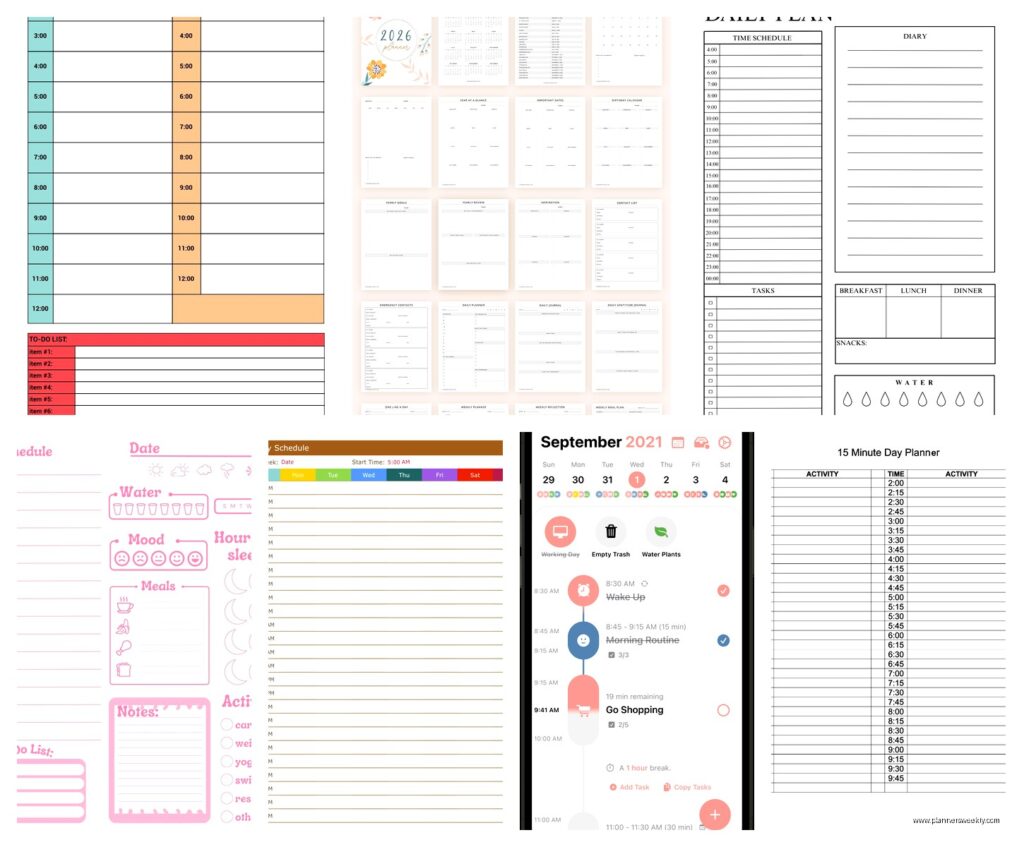
The two-page-per-day format is their signature thing – the left page has your schedule broken into 15-minute increments from like 7am to 6pm or whatever, and the right page is lined for notes tasks and expenses. This format is INTENSE. I’m gonna be real with you – unless you’re scheduling back-to-back appointments all day or you’re in sales and tracking everything, it’s probably overkill
I have exactly three clients who use two-page-per-day successfully: one dentist, one real estate agent, and one consultant who bills by the hour. Everyone else ends up with tons of blank space and then feels guilty about “wasting” pages which is not the point of planning
The one-page-per-day is way more realistic for normal humans. It still has a schedule column on the left but it’s condensed – usually 7am to 8pm in 30-minute blocks – and then you get space for priorities and notes. I used this format through all of Q1 this year and it was honestly perfect for keeping track of client calls without going overboard
oh and another thing – they have a weekly format that’s two pages per WEEK instead of per day. Each day gets a column and you see Monday through Sunday spread across two pages. This is actually my favorite for creative types or people whose schedules vary a lot. I switched to this in April and I’m not going back because I can see patterns way easier
the binder situation and why it matters more than you think
So unlike a bound planner where you’re stuck with what you bought, Day Timer binders are refillable which means you’re investing in the binder itself. Don’t cheap out here – I’m serious
Their basic vinyl binders are like $20-30 and they’re fine if you’re just testing the system but the zipper always breaks within six months. I’ve replaced three of them. The stitching comes apart right where the zipper curves around the corner and then you’ve got pages sliding out
The leather ones start around $80 and go up to like $200 for the fancy ones but they last literally years. I have a burgundy leather desk size binder that I bought in 2019 and it still looks professional. The ring mechanism is sturdier too – the cheap binders have rings that pop open randomly which is my personal nightmare scenario
wait I forgot to mention the ring size thing – binders come in different ring sizes usually one inch or 1.5 inch and this determines how many pages you can keep in there at once. One inch holds about 150-200 pages so roughly three months of daily pages plus extras. If you want to keep a whole year in one binder you need the bigger rings but then it gets pretty thick
the refills you actually need versus the ones they try to sell you
Day Timer has approximately nine million different refill options and add-ons and honestly most of them are unnecessary but some are game-changers
Obviously you need the dated pages in whatever format you picked – these come in monthly packs or you can buy a whole year at once which is cheaper. Pro tip: wait for their July sale when they discount the current year refills before the new year ones come out. I saved like 40% last summer doing this
The monthly tabbed dividers are actually worth it even though they seem basic. Having tabs for each month makes it so much faster to flip to the right section especially if you’re keeping multiple months in your binder. They’re like $8 for a set and they last all year if you don’t lose them

The expenses pages – okay this is gonna sound weird but I love these even though I track expenses digitally. There’s something about writing down business purchases by hand that makes me way more aware of spending patterns. Each page has columns for date, description, and amount plus category codes. I review mine every Friday and then enter them into my actual accounting software but the paper step catches things I’d otherwise forget
Contact pages are whatever honestly just use your phone unless you really need a backup system. The note pages though – get the lined ones not the blank ones. I thought blank would be more flexible but I just end up with messy notes that slant downward across the page like a disaster
this is gonna sound weird but the accessories matter
My client canceled last week so I spent an hour comparing the different page finder options and yeah I have thoughts
Page finders are these little magnetic or clip-on markers that hold your place at today’s date. The magnetic ones ($6) are better than the clip style because they lay flat and don’t create a bump. I use two – one for today and one for the current week in my monthly section
Storage pouches that snap into the rings are genuinely useful for holding business cards receipts and loose papers. Get the zippered one not the open pocket because stuff falls out of the open ones constantly. I lost a gift card for three months because it slipped out of an open pocket and fell behind my desk
Business card holders seem redundant but if you go to conferences or networking events having a dedicated spot for cards you collect is actually smart. I used to just shove them in the back of my planner and then forget about them
how the system actually works day-to-day
Okay so funny story – I tried to use Day Timer like a regular planner when I first got one and it didn’t click at all. The system actually has a methodology behind it that they don’t really explain well on the website
Every morning you’re supposed to review your schedule and your task list together. The schedule shows your committed time blocks and the task section shows everything else you need to do. You prioritize tasks as A B or C and then you only work on A tasks until they’re done before touching B tasks
It sounds rigid but it actually works really well for people who tend to do easy tasks first to feel productive while avoiding the hard important stuff. Ask me how I know this
The expenses section is meant to be filled out daily not weekly. This was a huge mindset shift for me because I was trying to reconstruct my spending every Friday and missing stuff. Now I just jot down purchases as they happen – takes literally 30 seconds
The notes area on each page is for capture not for working through ideas. You’re supposed to write things down as they come up and then transfer action items to your task list or schedule. This keeps the notes section from becoming a disorganized mess of half-finished thoughts
which specific setup I recommend for different situations
If you’re in back-to-back meetings all day: desk size binder, two-page-per-day refills, definitely get the expenses pages if you track billable hours or client costs. Add monthly tabs and a storage pouch for business cards
If you’re managing projects more than appointments: portable or desk size depending on whether you travel, weekly format refills, extra note pages, skip the expenses unless you need them for another reason. The weekly view lets you see project timelines better than daily pages
If you’re trying to get more organized in general: start with desk size and one-page-per-day format. This is the most forgiving combination while you figure out the system. Don’t buy a ton of accessories yet – just the basic dated pages and monthly tabs
If you’re a student or academic: portable size, weekly format, lots of extra note pages. The schedule structure of daily pages doesn’t match how academic work actually flows but the weekly view handles class schedules plus study time pretty well
the actual problems nobody tells you about
The rings are annoying to write around. Like you’re constantly shifting the pages to one side or the other so the rings aren’t under your hand. Some people flip pages over to the back of the binder while they write but then you can’t see previous pages for reference
Pages can fall out if you’re rough with the binder or if the rings aren’t closed properly. I’ve had exactly one disaster where my binder popped open in my bag and pages went everywhere. Now I obsessively check that the rings are closed before I zip it up
The paper quality is just okay – it’s not fountain pen friendly at all and even some gel pens will bleed through. I stick to ballpoint or felt tip pens with these. I tested a bunch of pens while watching that show Severance and the Paper Mate InkJoy was the best balance of smooth writing without bleeding
You can’t customize the dated pages which is frustrating if you want different hours or a different layout. You’re locked into whatever Day Timer decided for that format. This is very different from disc-bound systems where you can print custom pages
The monthly calendar pages are weirdly small compared to the daily pages – like they really compress the calendar to fit one month on two pages and it feels cramped. I actually supplement with a separate wall calendar for month-at-a-glance planning
price reality check
A full setup is gonna run you $100-150 if you get a decent binder and a year of refills plus basics. That’s not cheap but it’s comparable to a nice bound planner and this one you can reuse the binder forever
Refills for one-page-per-day format are usually around $40-50 for a full year. Two-page-per-day is more like $60-70. Weekly format is the cheapest at around $25-30 for a year
If you want to try the system without committing, get a basic vinyl binder ($25) and a three-month refill pack ($15) in desk size one-page-per-day format. That’s under $50 to test it properly
wait I forgot to mention the app situation
Day Timer has an app now but it’s honestly not great. It’s supposed to sync with the paper system but really it’s just a separate digital planner that happens to have the same brand name. I tried using both for like two weeks and it was just double entry with no real benefit
If you want paper plus digital, you’re better off using Day Timer for scheduling and tasks and then something like Notion or Todoist for project management and reference info. Trying to make their app work with the paper system is more hassle than it’s worth
the bottom line on whether you should actually buy this
Day Timer works really well if you like structured planning systems and you’re willing to use it the way it’s designed. It’s not a creative journaling system – it’s a productivity tool that happens to be on paper
You’ll love it if you appreciate having designated spaces for specific types of information and you like the ritual of reviewing your planner daily. The refillable aspect means you can adapt it somewhat but you’re still working within their framework
You’ll hate it if you want total freedom to design your own layouts or if you prefer minimal planning. There’s a lot of structure here and some people find that constraining rather than helpful
For me at 40 and after testing approximately every planning system that exists, Day Timer hits a sweet spot of professional functionality without being boring. It’s not cute or Instagram-worthy but it genuinely helps me stay on top of client work and business tasks without feeling like planning is a hobby unto itself
Just start with the basics and add stuff as you figure out what you actually use because trust me you don’t need seventeen different types of refill pages right away no matter what their catalog suggests
