
Digital Productivity, Online planners, Planners
Digital Daily Planner: Best Apps & Templates 2026
May
Okay so I just spent the last three weeks testing basically every digital daily planner app because honestly my old system was falling apart and I needed something that actually worked. Not like “works in theory” but works when you’re running late and need to reschedule six things while standing in line at the post office.
The Apps That Actually Don’t Suck
Notion is still the one everyone talks about, right? And look, I get it. The customization is insane. But here’s what nobody tells you: you’re gonna spend your first week building the perfect dashboard instead of actually planning anything. I lost an entire Tuesday to this. My dog was literally staring at me like “are we going for a walk or what” while I was picking between database views.
That said, if you have ADHD or just like having everything in one place, Notion’s daily planner templates are legitimately good now in 2026. They added this quick-capture feature that doesn’t make you choose a database first, which was my biggest complaint before. The free version works fine unless you need to share with a team.
Structured App Changed My Morning Routine
Wait I forgot to mention Structured. This one’s specifically for iPhone and it’s like $10 or something but honestly worth it if you’re the kind of person who needs visual time blocking. You drag tasks onto a timeline and it shows you exactly how your day flows. What I love is that it vibrates when you should move to the next thing, but not in an annoying way? More like a gentle “hey remember you have that call in 5 minutes.”
The widget is chef’s kiss. I can see my whole day from my home screen without opening anything. My client Sarah saw it during a Zoom call and immediately bought it, then texted me at like 11pm saying it was the first time she’d actually stuck to a schedule in months.
Sunsama If You’ve Got Budget
Sunsama costs $16 a month which I know sounds ridiculous for a planner app but hear me out. It pulls from literally everything. Your Google Calendar, Trello, Asana, Gmail, Slack, all of it. Every morning you do this planning ritual where you drag tasks from all these places into your daily plan.
The genius part is it makes you estimate how long things take. And then it shows you when you’re overbooked BEFORE you wreck your whole day. I thought I’d hate the time tracking feature but it actually taught me that “quick admin tasks” was taking 90 minutes every morning, not the 20 I thought.
Downside: it’s very structured (ironic given the other app’s name). If you’re more spontaneous or your days are unpredictable, you might feel like you’re fighting with it.
The Template Route Because Sometimes Simpler Is Better
Okay so funny story, I was testing all these fancy apps and my friend who’s a nurse was like “Emma I literally cannot have my phone out at work, I need paper or something I can pull up instantly.” Which made me realize digital doesn’t have to mean app-based?
Google Sheets Daily Planners
There are these Google Sheets templates now that are actually sophisticated. Not like the basic ones from 2020. I found one called DailyFlow (I think that’s the name?) that auto-populates dates, has dropdown menus for priority levels, and even calculates your productivity score or whatever.
The advantage here is you can access it anywhere, it’s free, and you can customize it without learning Notion’s database system. I keep one open in a pinned tab and just update it throughout the day. Takes two seconds to load even on my ancient laptop.
You can also print it if you want, which sounds counterintuitive for “digital” but sometimes I print Friday’s plan because I don’t look at screens much on weekends.
Goblin Tools Time Ladder
This is gonna sound weird but there’s this free website called Goblin Tools that has a “Time Ladder” feature. You put in what time you need to be somewhere and it works backward to tell you when to start getting ready. Sounds simple but it’s saved me from being late approximately one million times.
It’s not a full planner but I use it alongside other things. Especially for morning routines or when I have something I’m anxious about and keep underestimating prep time.
Platform-Specific Stuff That Matters
If you’re all-in on Apple ecosystem, the native Reminders app got really good. Like suspiciously good. They added templates, tags, and this smart lists feature that auto-sorts by priority or deadline. I use it for recurring daily tasks because it syncs instantly across my phone, iPad, and Mac.
The trick is using the “Today” smart list as your daily planner view. Add everything you need to do with times, then just work down the list. Very satisfying to check things off and watch them disappear.
Microsoft To Do Is Underrated
Everyone sleeps on Microsoft To Do but it’s honestly solid if you use Outlook for work anyway. The “My Day” feature is basically a daily planner where you pull tasks from your bigger lists. It resets every day which I thought I’d hate but actually love because it forces me to be intentional about what’s actually happening today versus someday.
Plus it’s free and doesn’t try to upsell you constantly, which is refreshing.
The Hybrid Approach That Actually Works
Okay so here’s what I actually do after testing everything, because no single app does it all perfectly. I use Google Calendar for time-blocked appointments because everyone can see it and send me invites. That’s my source of truth for “where I need to be when.”
Then I use Structured app for my ideal daily flow on days I control. Like Tuesdays when I don’t have client calls, I’ll plan out deep work blocks and errands and whatever.
And I keep a running Google Doc that’s just today’s brain dump. Tasks, ideas, notes from calls, links I need to check later. Very low-tech but it works because there’s zero friction. I can add to it from my phone while walking or whatever.
Wait I Forgot Templates You Can Actually Use
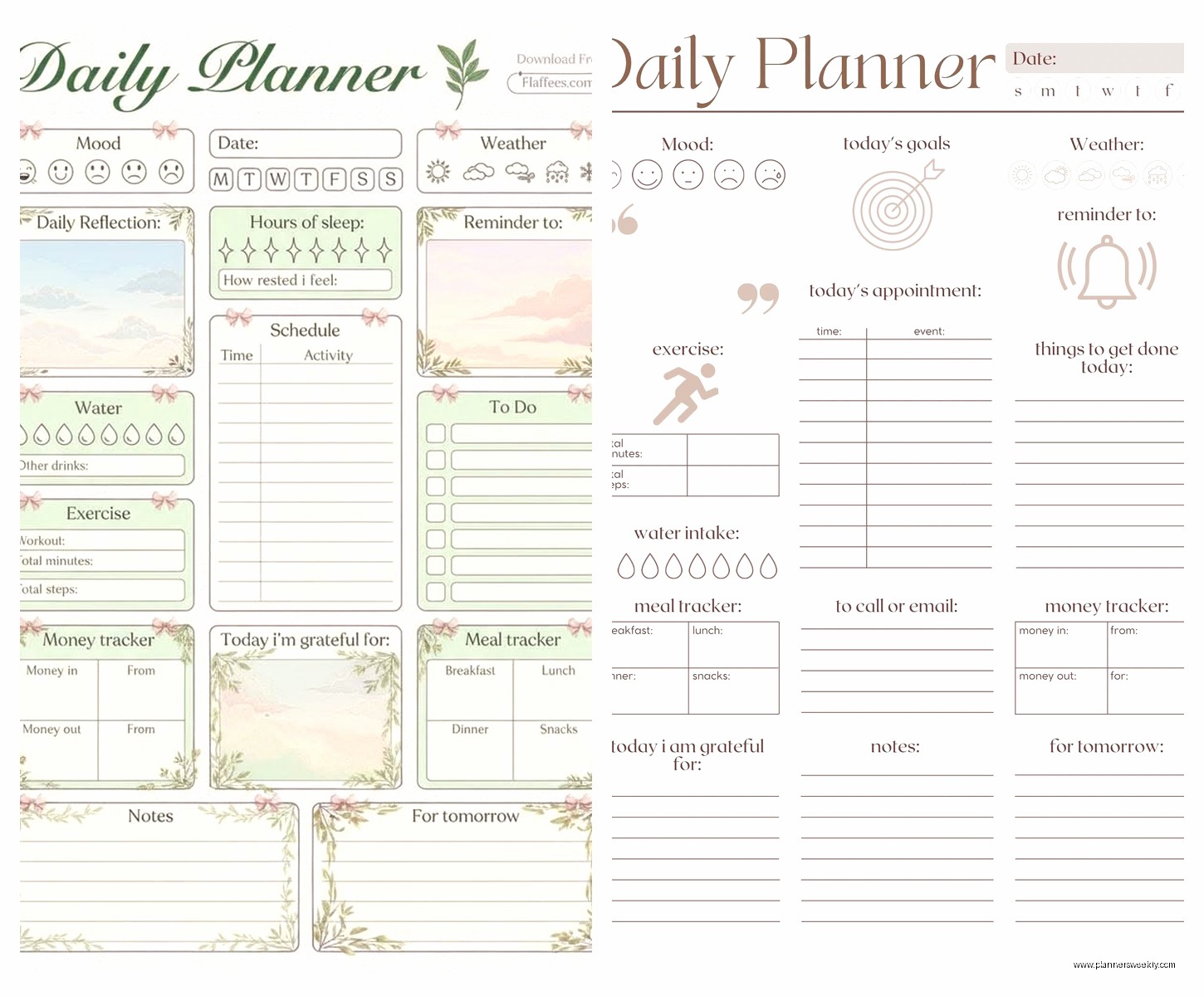
If you want plug-and-play templates, Canva has daily planner templates now that you can use in their app. They’re more visually designed than functional but if aesthetics motivate you, worth checking out. You can add checkboxes and text and move stuff around.
Notion template gallery has literally thousands of daily planner options. The one by “Marie Poulin” is popular and actually usable without a tutorial. She has a video walkthrough which helps.
For Google Sheets, search “automated daily planner template” and sort by recent. There’s one by a creator called Template Hub that has conditional formatting so overdue tasks turn red automatically. Sounds gimmicky but it genuinely helps me notice what I’m avoiding.
The Features That Actually Matter vs Marketing Hype
Everyone’s obsessed with AI planning assistants now but honestly they’re still pretty useless? Like “AI suggests optimal task order based on your energy levels” sounds great but in practice it just tells you to do hard stuff in the morning which, yeah, we knew that.
What actually matters: fast capture, easy rescheduling, and being able to see your day at a glance. That’s it. If an app can’t do those three things smoothly, the other features don’t matter.
Oh and another thing, recurring tasks need to work properly. So many apps mess this up. You want to complete today’s instance without affecting tomorrow’s. Todoist does this well. TickTick too.
TickTick Deserves a Mention
Speaking of TickTick, it’s like if Todoist and a calendar had a baby. You get a calendar view, list view, and kanban view all in one app. The free version is generous. Premium is $36 a year which is way cheaper than Sunsama.
I’ve been testing it this month and the habit tracking integration is actually useful. Like I can see my daily tasks alongside my “drink water” reminders and it all lives in one place. The Pomodoro timer is built in too if you’re into that.
Real Talk About What Doesn’t Work
Paper planners that try to be digital with “reusable” pages and apps you scan. Just get an iPad with Goodnotes at that point, it’s a better experience.
Bullet journal apps. They all feel wrong. The whole point of bullet journaling is the analog flexibility and none of the apps capture that. Just use a notebook if you want that system.
Anything that requires more than 30 seconds to log a task. If I have to choose three categories and set a priority and pick a project and add tags just to write down “email David,” I’m not gonna use it.
My Actual Recommendation Depends on You
If you just want something simple and free: Google Calendar + Microsoft To Do or Apple Reminders depending on your phone.
If you want beautiful and motivating: Structured app for iPhone or Sunsama if you’re on desktop a lot.
If you want everything in one place and don’t mind setup: Notion with a template you like.
If you want powerful and affordable: TickTick premium.
If your days are unpredictable: honestly just use a running Google Doc or Apple Note. Sometimes the simplest tools are best for chaotic schedules.
The Stuff I’m Testing Next
There’s this new app called Llama Life that’s specifically for ADHD and neurodivergent folks. It’s very visual and has sound effects when you complete tasks. My friend loves it but I haven’t fully tested it yet. Looks promising though.
Also keeping an eye on what Capacities is doing. It’s more of a knowledge management tool but they’re adding daily planning features that look interesting. Very networked-thought approach.
Okay I think that’s everything I’ve learned from falling down this rabbit hole. The main thing is just pick something and use it consistently for two weeks before deciding it doesn’t work. I kept app-hopping at first and that was worse than any individual app’s limitations. Your brain needs time to build the habit of actually checking your planner, and that only happens if you stick with one system long enough for it to become automatic.
