
Digital Productivity, Online planners, Planners
Event Planning Timeline Template: Free Downloads
Mar
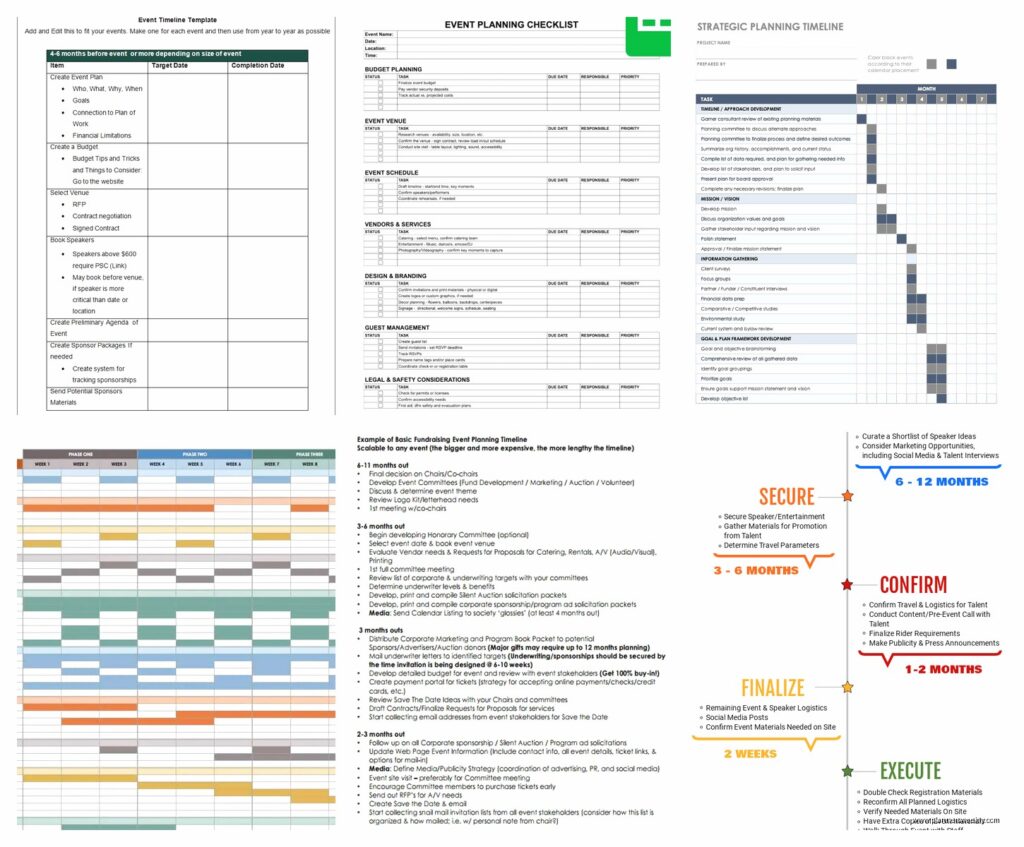
Okay so I just spent the last three weeks planning my friend’s baby shower and honestly almost lost my mind before I remembered I literally review planning tools for a living and should probably use one of those timeline templates everyone keeps asking me about.
The Free Templates That Actually Work
So here’s the thing about event planning timeline templates – most of them are either way too complicated or so basic they’re useless. I downloaded like fifteen different ones last month when my sister announced her wedding and I got voluntold to help coordinate.
The best free one I found is honestly the Google Sheets template from Vertex42. I know, I know, sounds boring but hear me out. It’s got this automated countdown feature that updates daily and color-codes tasks by urgency. My dog kept barking during the setup but once I got it configured it saved me probably ten hours of manual updates.
You can grab it directly from their website and it works immediately – no weird macros or anything. Just make a copy to your own Drive and start filling in your event date. The template automatically calculates when you need to do everything working backwards from that date.
What Makes a Timeline Template Actually Useful
Look I’ve tested probably thirty of these things over the years and most people get it wrong. They make these beautiful templates that look amazing on Pinterest but are absolutely useless when you’re three weeks out from an event and panicking about vendor deposits.
Here’s what you actually need:
- Automatic date calculations because doing math when stressed is how mistakes happen
- Space for vendor contact info right next to the task – you don’t wanna be hunting through emails at 9pm
- Budget tracking in the same document because everything’s connected anyway
- Assignable tasks if you’re working with a team or family members who keep forgetting what they volunteered for
- Mobile access because you will need this while standing in a store trying to remember if you already ordered napkins
The Templates I Actually Downloaded and Used
So beyond that Vertex42 one I mentioned, there’s a few others worth having in your back pocket depending on what kind of event you’re planning.
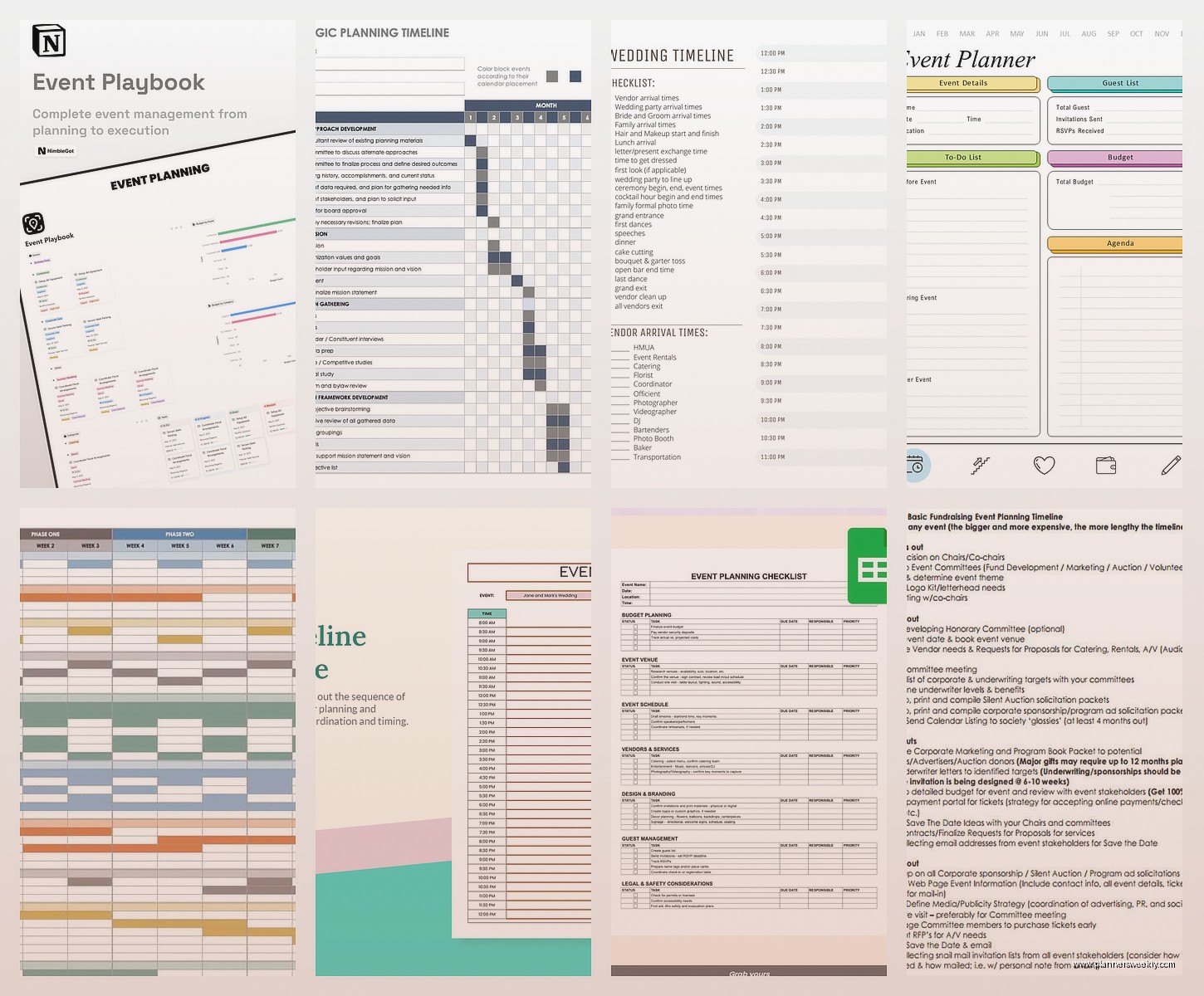
Template.net has this massive collection – like hundreds of them – but honestly most are overkill. I did use their corporate event planning timeline for a client workshop last month and it was solid. Has sections for venue booking, catering, AV equipment, all that stuff. It’s a Word doc which means you can’t get the auto-calculations but some people prefer that format. You gotta create a free account to download but they don’t spam you too badly.
Oh and another thing – Canva recently added event planning templates to their free tier. These are more visual which I normally don’t care about but actually ended up being helpful when I needed to present the timeline to a committee. People respond better to colorful charts than spreadsheets sometimes even though the spreadsheet is objectively more functional. Human brains are weird.
For Wedding Planning Specifically
Wedding timelines are their own beast because the timeline stretches so much longer. Like you’re planning twelve months out instead of twelve weeks.
The Knot has a free timeline checklist that’s pretty comprehensive. It’s more of a checklist than a true template but I printed it out for my sister and she’s been crossing things off which seems to help her anxiety. It breaks things down by months remaining – “12 months before,” “9 months before,” etc.
Wait I forgot to mention – if you’re doing a wedding, you probably want TWO timelines. One for the months of planning leading up to it, and then a separate detailed timeline for the actual wedding day itself. That day-of timeline is crucial and should be down to like 15-minute increments. I learned this the hard way at my cousin’s wedding where nobody knew when the cake was supposed to be cut and we all just stood around awkwardly.
For the day-of timeline, I made my own template that I now use for all events. It’s in Google Sheets with columns for time, task, person responsible, location, and notes. Super simple but it works. I can email it to you if… wait, this is a guide, you can’t email me. Anyway you can make one yourself in like ten minutes.
Corporate Event Templates
These are different because you’ve got more moving parts and usually actual budget approval processes and vendor contracts. Also somehow more boring even though there’s more money involved.
Monday.com has free event planning templates that are honestly pretty slick if you’re already using their platform. The timeline view is visual and you can assign tasks to team members who get automatic notifications. I used this for a client retreat and it actually kept everyone on track without me having to send reminder emails every five minutes.
The downside is you need everyone on Monday.com which means more logins and passwords for people to forget. My client’s assistant literally wrote her password on a sticky note which… anyway we got through it.
Microsoft also has free event planning templates in their Office templates library. They’re fine. Very corporate looking. Very… Microsoft. They work though and if your office already uses Office 365 then everyone can access them easily.
This Is Gonna Sound Weird But
Trello is actually amazing for event planning timelines even though it’s not specifically designed for that. You can create a board with lists for different time periods – “6 months out,” “3 months out,” “1 month out,” “week of,” “day of.” Then cards for each task that you move through the lists as time progresses.
I started doing this after watching my friend use it for her conference planning and now I prefer it for larger events. It’s visual, collaborative, you can attach files and add checklists within cards, set due dates, assign people. Plus the free version is genuinely functional unlike some tools where the free version is basically useless.
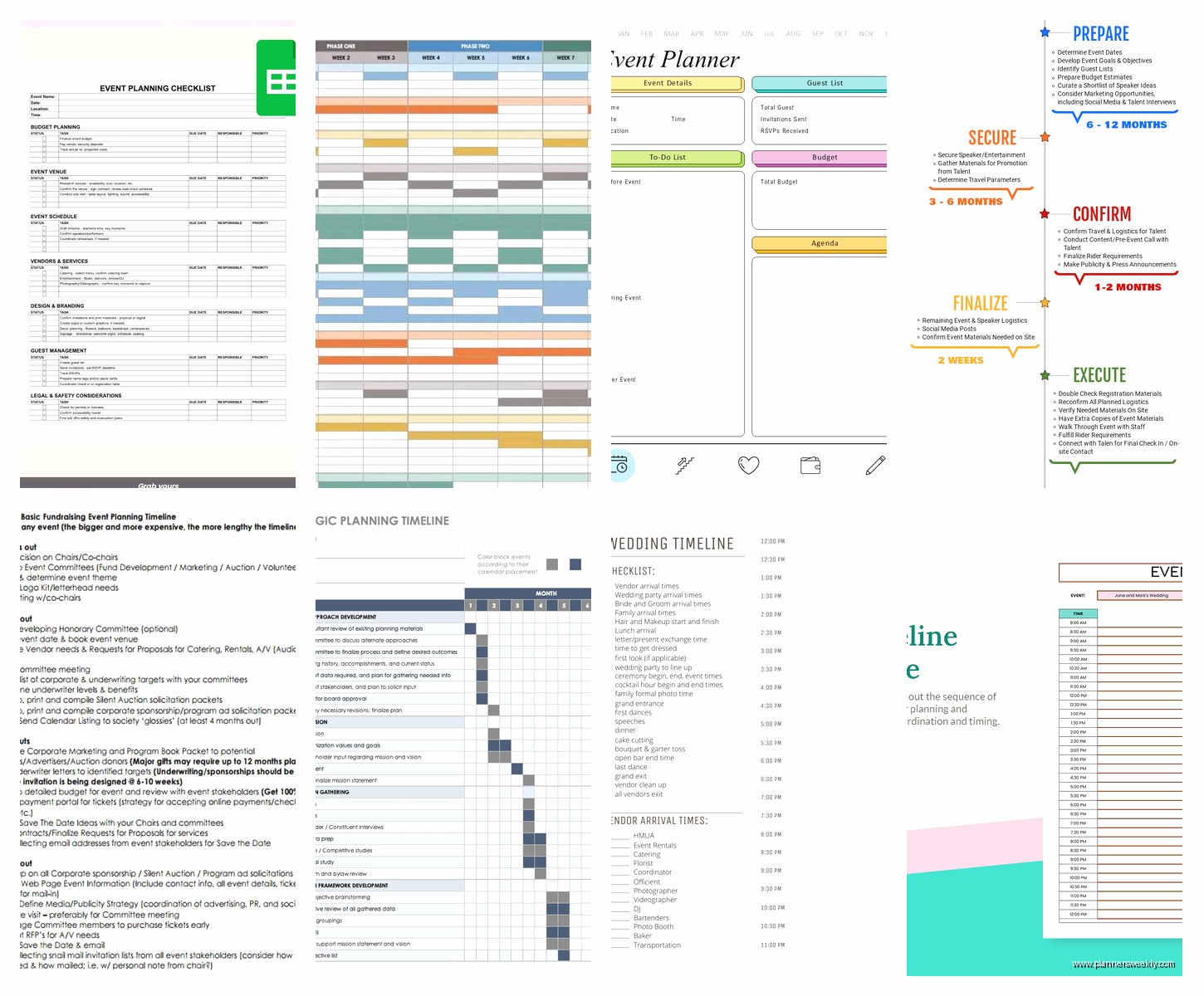
The learning curve is slightly higher than just downloading a spreadsheet but once you get it set up it’s really intuitive. My cat walked across my keyboard while I was setting one up last week and somehow created seventeen duplicate cards which was a whole thing, but under normal circumstances it’s pretty foolproof.
Birthday Party and Personal Event Templates
For smaller personal events you don’t need anything too complicated. Actually you probably don’t need a template at all but if you want one, keep it simple.
I made a basic Google Sheets template for birthday parties that I’ve used for my nephew’s parties three years running. It’s literally just a list of tasks with dates and checkboxes. Send invites, order cake, buy decorations, plan games, get gift bags ready. Takes maybe thirty minutes to set up and then you just check things off.
The key with smaller events is not over-planning. I see people download these elaborate templates with budget tracking and vendor management for like… a backyard BBQ. You don’t need that. You need a list and some dates. That’s it.
Baby Showers and Bridal Showers
Okay so funny story, I was planning a baby shower last month – the one I mentioned earlier – and I started with this fancy template I found on Etsy. It was beautiful, had these cute little graphics, very aesthetic. Completely impractical.
Ended up switching to a basic Excel timeline after two days because I needed function over form. The shower was at someone’s house so we didn’t have complicated venue stuff, but we did have food, decorations, games, and gift coordination to manage.
What worked: a simple four-week countdown starting with the big stuff (venue confirmation even though it was a house, catering deposit) and working down to details (print game cards, wrap hostess gift). I added a separate tab for the day-of schedule broken into 30-minute blocks.
Baby showers are usually shorter planning timelines – like 4-6 weeks unless it’s something huge. You don’t need months of planning for most of them. Bridal showers are similar.
How to Actually Use These Templates
Look downloading a template is easy. Using it effectively is where people mess up. I’ve watched so many people download the perfect template and then either never fill it out or fill it out once and never look at it again.
Here’s what actually works based on planning like twenty events in the last two years:
First, block out thirty minutes to set it up properly. Pour coffee, sit down, actually do it. Fill in your event date, work backwards to add all major milestones, add vendor info you already have. This initial setup is crucial.
Second, put a recurring reminder in your phone or calendar to check the timeline. I do weekly reviews every Sunday morning. Takes maybe fifteen minutes to update status, check off completed tasks, adjust dates if needed. Without this regular check-in, the timeline becomes useless.
Third, share it with everyone involved. Send the link, give edit access if appropriate, make sure people know it exists and where to find it. I cannot tell you how many times I’ve had family members text me asking about event details that are clearly listed in the shared timeline they apparently never opened.
Common Mistakes I See People Make
Making the timeline too detailed too early. You don’t need to know what font will be on the name tags when you’re six months out. Start with major milestones and add detail as you get closer.
Not building in buffer time. Things take longer than you think. Vendors are late. People get sick. Add buffer time before major deadlines or you will be stressed.
Forgetting to include setup and breakdown time. Your event isn’t just the event itself. You need time before and after. This is especially true if you’re doing decorations or food prep yourself.
Not tracking budget in the same place. I know I mentioned this already but it’s important enough to repeat. When tasks and costs are in separate documents you lose track of spending way too easily.
Where to Find These Templates
Okay so here’s a quick rundown of where to actually download free templates without getting spammed to death:
Vertex42.com for the best Google Sheets and Excel templates – they’re created by an actual spreadsheet expert and they work properly. No account needed for most downloads.
Template.net has variety but requires a free account. Worth it if you plan multiple different types of events.
Canva.com for visual templates that look nice for presentations. Free account needed but useful for other stuff too.
Google Sheets template gallery has some decent basic options if you just search “event planning timeline” in their template section.
Microsoft Office templates library if you’re already in that ecosystem.
Wait I should mention – some sites make you sign up for their newsletter to get the “free” download. Usually you can just unsubscribe immediately after getting the template. Annoying but whatever.
When You Don’t Need a Template
Real talk – sometimes you don’t need a template at all. If you’re planning a simple dinner party or small gathering, just use your regular to-do list app or even paper. I’m literally a productivity coach and stationery reviewer and sometimes I just write stuff on a notepad.
Templates are most useful when you’ve got multiple people involved, long planning timelines, significant budgets, or complex logistics. For a casual thing with friends? Probably overkill.
The risk with templates is spending more time managing the template than actually planning the event. I’ve definitely fallen into that trap where I’m color-coding and formatting when I should be calling the caterer.
My Current Go-To Setup
Since people always ask what I personally use – right now I’m using a combination. Google Sheets for the main timeline and budget tracking. Trello for task management if there’s a team involved. Google Calendar for deadline reminders. Notes app on my phone for quick thoughts and vendor info I need to access while out.
It’s not the prettiest system but it works across devices and I can access everything from anywhere. That’s honestly more important than having one perfect template.
For personal events I’m planning solo, just the Google Sheets timeline is usually enough. For client events or bigger things with committees and multiple stakeholders, I add the Trello board for better collaboration and visibility.
Anyway that’s basically everything I’ve learned from way too many events and probably too many hours comparing templates when I should’ve been watching that show everyone’s talking about. The main thing is just pick something and actually use it consistently rather than spending forever finding the perfect template that you’ll use once and abandon.
