
Digital Productivity, Online planners, Planners
Free Word Event Planning Template: Downloads & Guide
Mar
Okay so I’ve been using Word event planning templates for like three years now and honestly they’re a lifesaver when you don’t wanna pay for fancy project management software. Last month I planned this whole charity auction using nothing but a free template and it actually worked better than the expensive tools I tried before.
The Templates That Actually Work
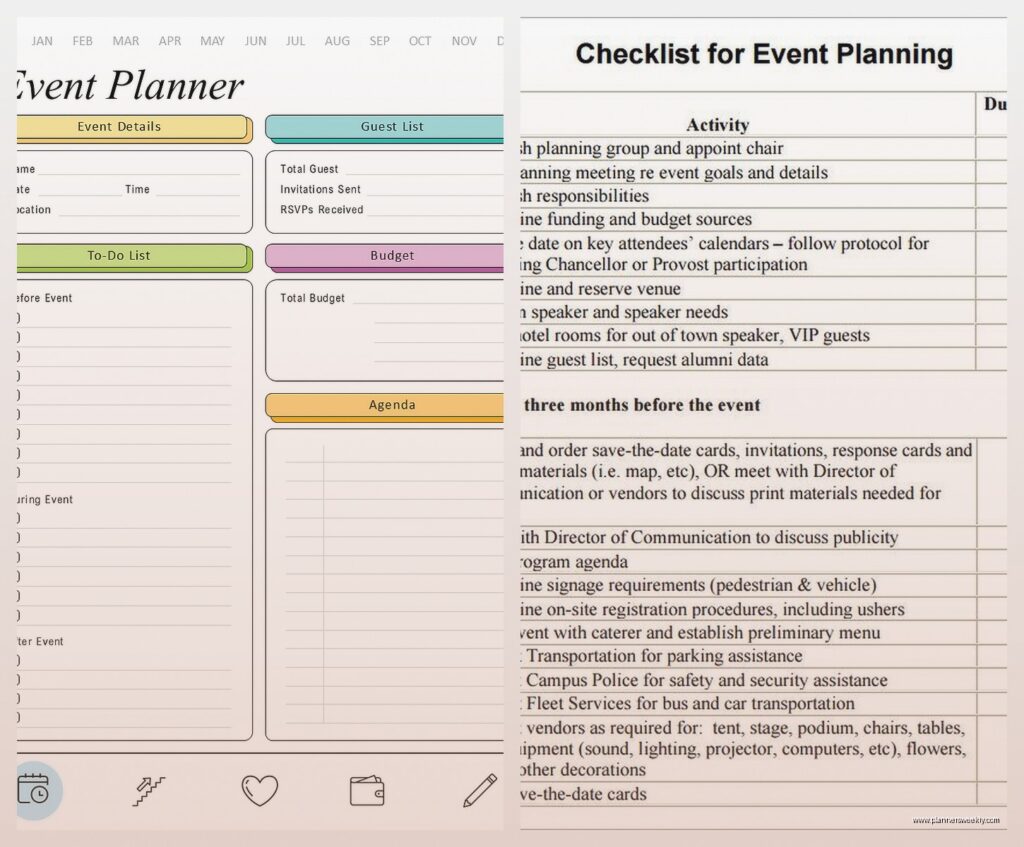
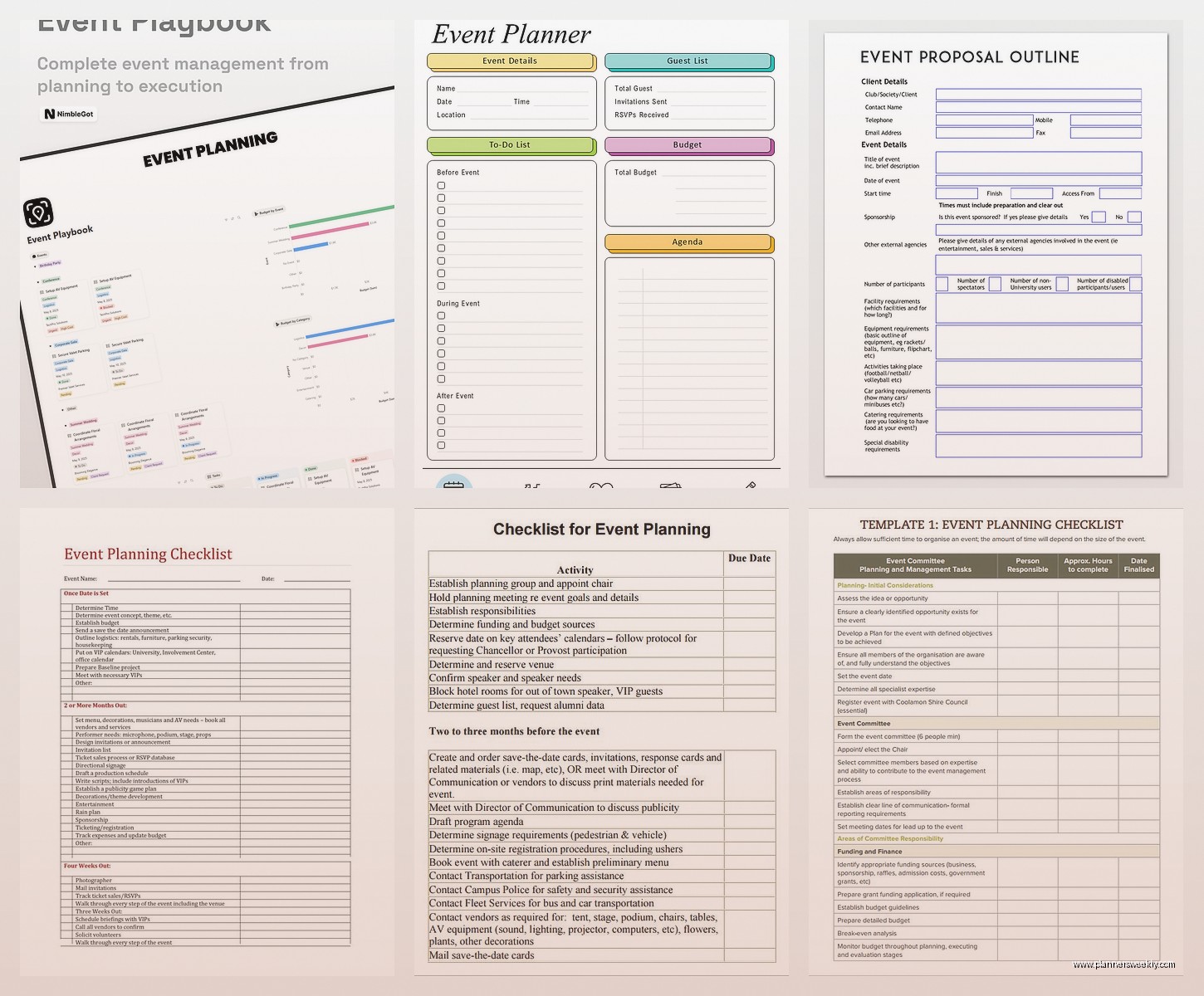
So Microsoft has a bunch of free ones built right into Word if you go to File > New and search “event planning” but real talk, most of them are kinda basic. The best one I found is actually on Template.net – they have this comprehensive event planning template that’s got budget tracking, vendor lists, timeline sections, everything. You gotta give them your email but they don’t spam you too much.
The one from Vertex42 is also solid. Downloaded it last week when my dog ate through my laptop charger and I was working on my phone trying to coordinate a product launch event. Their template opens clean on Word mobile which is surprisingly rare.
What You’re Actually Getting
Most free Word templates include these sections and honestly you need all of them:
- Event overview page with date, venue, attendee count
- Budget breakdown with actual vs projected costs
- Vendor contact sheet
- Timeline or Gantt chart looking thing
- Task assignment list
- Guest list tracker
- Day-of schedule
The fancy ones also have promotional tracking and post-event evaluation sheets but like, I usually just skip those unless it’s a big corporate thing.
How to Actually Use These Things
So first thing – and I learned this the hard way planning a conference in 2022 – save the template as a NEW document immediately. Don’t just edit the template file itself because then you lose the clean version for next time. I’ve done this probably five times and always regret it.
Start with the event overview section. Fill in what you know even if it’s just “summer party for the team” and “probably August.” Having something written down makes your brain actually start planning instead of just worrying about planning, you know?
Budget Section Is Your Best Friend
This part is gonna sound weird but I fill out the budget section before I even have real numbers. Like I’ll put in “$500 venue???” and “$200 catering maybe” because seeing the total even with guesses makes you realize really fast if your event idea is realistic or not.
I was planning this workshop series last fall and thought I could do it for like $2000. Put my guess numbers in the template and it came out to $4700. Saved me from promising my client something I couldn’t deliver.
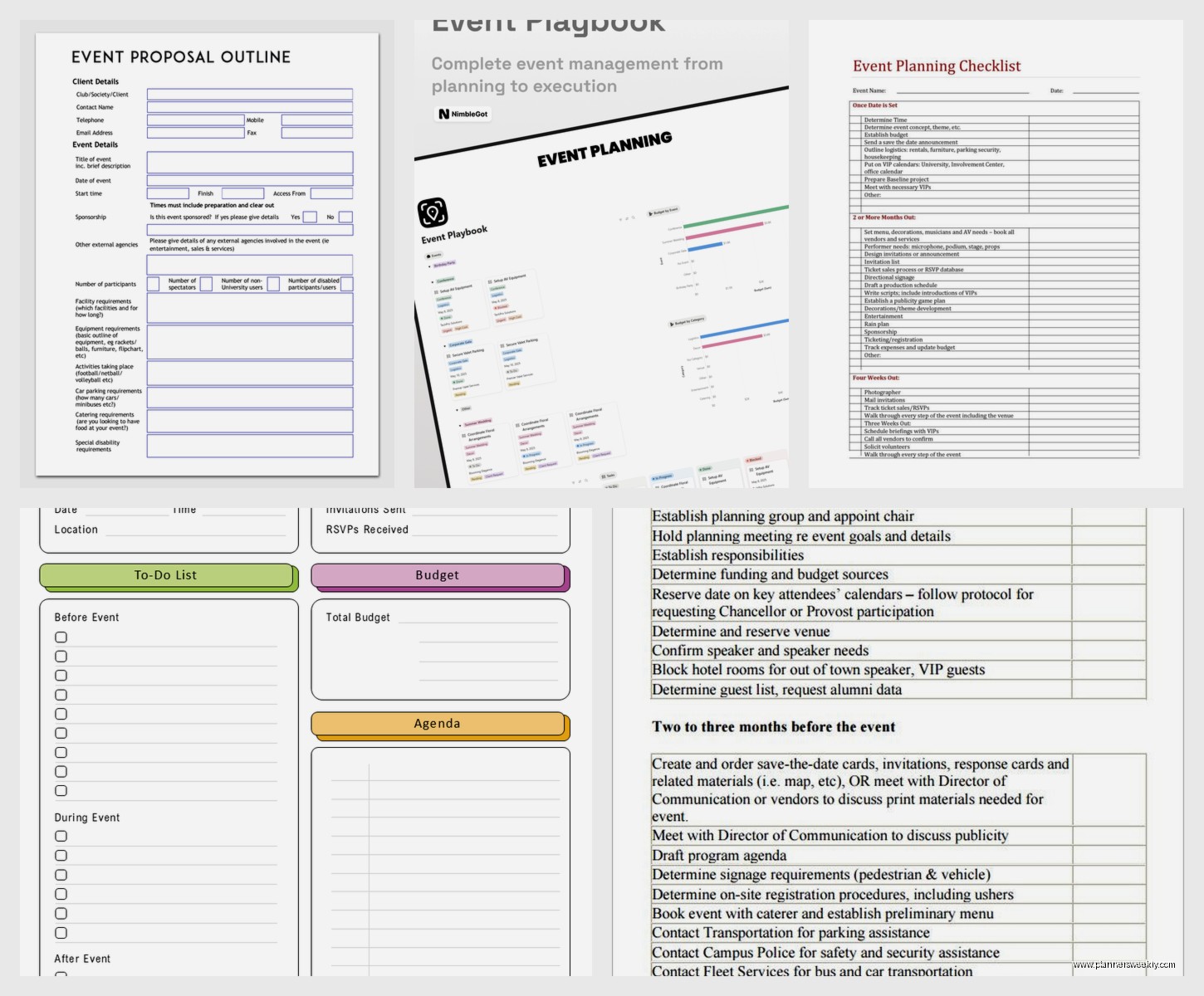
The budget templates usually have formulas already built in which is clutch. They auto-calculate your totals and show you the difference between budgeted and actual spending. Just make sure the formulas didn’t break when you downloaded it – sometimes they do and you gotta fix them.
Timeline Management Without Losing Your Mind
Okay so the timeline section is where these templates really earn their keep. Most of them have a table format with columns for task, responsible person, deadline, and status. Super simple but it works.
What I do is work backwards from the event date. Event is June 15th? Okay so June 14th needs setup, June 10th needs final headcount, June 1st needs menu finalized, May 15th needs venue deposit… you get it.
Oh and another thing – color code your timeline. I use red for critical path stuff that’ll tank the whole event if it’s late, yellow for important but flexible, and green for nice-to-haves. Word’s highlight tool makes this super easy.
The Vendor Contact Sheet Saved Me Once
True story – I was coordinating this outdoor event and the tent company just didn’t show up the morning of. But because I had their contract, backup contact, and payment records all in one place in my template, I could prove we’d paid and get them out there within two hours. If I’d had that info scattered across emails and sticky notes we would’ve been screwed.
Put EVERYTHING in the vendor section. Company name, contact person, their cell phone not just office number, email, what they’re providing, cost, deposit paid date, balance due date, contract number if there is one. It feels like overkill until the day you need it.
Guest List Tracking Without Losing It
The guest list section in most templates is pretty straightforward – name, email, RSVP status, plus-ones, dietary restrictions. But here’s what I add that most templates don’t include: how they heard about the event and their VIP status.
Knowing how people found your event helps with planning the next one. And marking VIPs means you remember to seat them appropriately or make sure they get face time with the right people.
I also add a notes column because there’s always someone who’s like “I can only come if it’s after 7pm because of my pottery class” and you need to remember that stuff.
Day-Of Schedule Is Non-Negotiable
Wait I forgot to mention – the day-of schedule template is the thing you’ll print out and carry around like a security blanket during the actual event. Mine’s usually hour by hour or even every 30 minutes for big events.
I include way more detail than seems necessary. Not just “catering arrives” but “catering arrives at loading dock, needs access to kitchen, Juan will meet them, setup in ballroom by 5:30pm.” Because when you’re stressed and running around, you can’t remember details.
My cat literally just knocked over my coffee reading this back and honestly that’s the kind of chaos you’re preventing with good documentation.
Customizing Templates for Different Event Types
So the basic template works for most stuff but sometimes you gotta modify it. For conferences I add a speaker management section with session titles, tech requirements, and travel arrangements. For weddings people usually want a ceremony timeline separate from reception.
Corporate events need approval tracking – who signed off on what and when. I learned this when a VP claimed she never approved the venue choice and I had to dig through emails for proof. Now I have an approvals log right in my template.
For recurring events like monthly meetups, I keep a master template with all the regular vendors and venues already filled in. Then each month I just update dates and specifics. Saves probably two hours of work every time.
The Sections Nobody Uses But Should
Most templates have a risk management or contingency planning section that everyone skips including me until I planned an outdoor festival and it rained. Now I always fill out the “what if” scenarios even if it feels silly.
- What if weather is bad
- What if keynote speaker cancels
- What if we get way more attendees than expected
- What if we get way fewer
- What if technology fails
Just having thought through the scenarios once means you’re not making panicked decisions in the moment.
Actually Managing the Document
Okay so practical stuff about the file itself. Save it in OneDrive or Google Drive or whatever cloud thing you use because you WILL need to access it from your phone at some point. I’ve been stuck in traffic trying to give a vendor directions while pulling up the venue address on my phone more times than I can count.
Name it something searchable like “2024-June-CompanyPicnic-EventPlan” not just “event.docx” because future you will have no idea which event that is.
Enable track changes if multiple people are editing. My assistant and I learned this the hard way when we both updated the guest list simultaneously and had to figure out whose version was right.
Printing Strategy That Sounds Excessive But Isn’t
I print three things from my template: the day-of schedule, the vendor contact list, and the floor plan if there is one. Keep them in a folder during the event because phones die and WiFi fails and you need paper backups for critical info.
This is gonna sound weird but I also print the budget summary to keep in my car. Twice I’ve been at Costco or wherever getting last-minute supplies and couldn’t remember how much budget I had left for decorations or whatever. Having it in the car means I can check before impulse buying stuff.
Common Mistakes I Keep Seeing
People make the template way too complicated. You don’t need seventeen different tracking sheets and color-coded systems for a 50-person retirement party. Start simple and add complexity only if you need it.
Also everyone forgets to update the template as things change. Your initial plan will be wrong about at least 30% of stuff. Update it weekly minimum or it becomes useless.
Not sharing it with your team or client is another big one. The template should be a communication tool not just your personal notes. I share view-only PDFs with clients weekly so they can see progress.
Oh and using a template doesn’t mean you don’t need other tools. I still use email for detailed vendor conversations, a shared calendar for team availability, and sometimes a simple project management tool for complex events. The Word template is your central hub but not your only tool.
Making It Work Long-Term
After each event I do this thing where I add notes about what worked and what didn’t right into the template before I close it. Like “balloon arch took 3 hours not 1 hour” or “need two parking attendants not one.” Then when I’m planning the next similar event I can reference my old templates and not repeat mistakes.
I’ve got probably twenty completed event templates saved now and they’re honestly my most valuable work resource. Way more useful than any course or book because it’s real data from real events.
Start a template library organized by event type. Mine’s got folders for corporate events, social events, fundraisers, and conferences. Each folder has blank templates customized for that event type plus completed examples.
The free Word templates are honestly good enough for like 90% of events. You don’t need expensive software unless you’re doing massive multi-day conferences or managing dozens of events simultaneously. I’ve planned events for 500+ people using nothing but a Word template, email, and determination.
Just download one, customize it for your needs, and actually use it consistently. That’s really the whole secret – picking a system and sticking with it instead of reinventing your process every time.
