
Digital Productivity, Online planners, Planners
Free Digital Budget Planner: Best Apps & Templates
Mar
okay so I just spent the last three weeks testing basically every free budget app because my sister asked me which one to use and I got way too into it
The thing nobody tells you about digital budget planners is that most of them are either completely free but kinda useless, or “free” with like 80% of the features locked behind a paywall. I’m gonna walk you through the ones that are actually worth downloading and the templates that don’t make you want to throw your phone across the room.
mint is probably where you should start honestly
So Mint got absorbed by Credit Karma but it’s still free and it automatically syncs with your bank accounts which is huge if you’re lazy like me. I tested it for two weeks and here’s the deal – you link your checking account, credit cards, whatever, and it just pulls everything in. Categories transactions automatically. Sometimes it gets it wrong like it thought my Target run was “shopping” when really I bought groceries and one candle but you can fix that.
The budget part lets you set limits for different categories. I set mine to $400 for groceries and it sends you these kinda naggy notifications when you’re getting close. My cat stepped on my phone right when I got the alert that I’d spent 90% of my restaurant budget and I nearly had a heart attack thinking something was wrong.
Downsides though – the ads are annoying and it’s constantly trying to sell you credit cards or loans. Also if you’re weird about privacy this isn’t for you because you’re literally giving them access to all your financial data. I personally don’t care but my friend Jake refuses to use it for that reason.
goodbudget if you like the envelope method
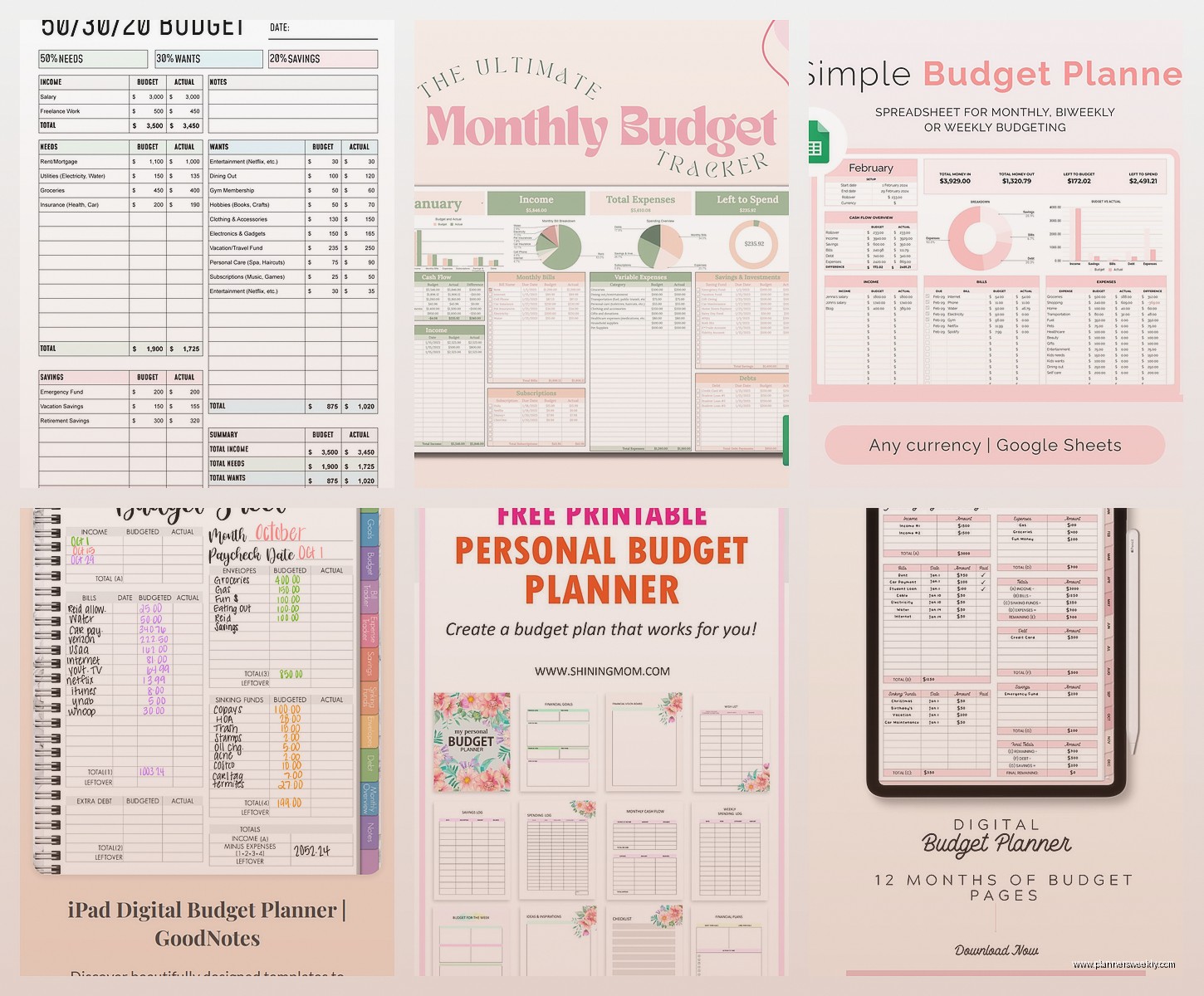
Oh and another thing – if you’ve heard of envelope budgeting, Goodbudget is the digital version and it’s actually pretty good. The free version gives you 20 envelopes which sounds like a lot but fills up fast if you’re detailed about categories.
You don’t link your bank account here, you manually enter everything. Which sounds terrible but honestly it makes you way more aware of your spending? Like I had to open the app every time I bought coffee and type in $4.50 and after three days I was like wow I really need to stop doing this.
It syncs across devices too so if you share finances with someone you can both see the same envelopes in real time. I tested this with my partner and we immediately got into an argument about whether $200 for “fun money” each was reasonable but that’s a different issue. The app worked fine.
wait I forgot to mention YNAB has a free trial
So You Need A Budget isn’t actually free but they give you 34 days free and honestly if you’re serious about this it might be worth the trial even though it’s $99 a year after that. I know I know that’s not what you asked for but hear me out.
YNAB makes you give every dollar a job before you spend it. It’s based on zero-based budgeting which means your income minus your budget should equal zero. Sounds stressful but it’s actually kinda satisfying? Like playing a game where you’re trying to optimize everything.
I used my free trial last month and got really into it, was doing great, then forgot to cancel and got charged the $99 and I’m still salty about it. But I’m still using it so I guess that says something. They have tons of free workshops and tutorials too which is actually helpful if you’re new to budgeting.
The mobile app is really smooth, you can add transactions at the store before you even put your wallet away. Takes like 10 seconds.
google sheets templates because sometimes simple is better
Okay so funny story – after testing all these apps I ended up going back to a Google Sheets template for like two weeks because I was overwhelmed. Sometimes you just want a spreadsheet that doesn’t send you notifications or try to give you financial advice.
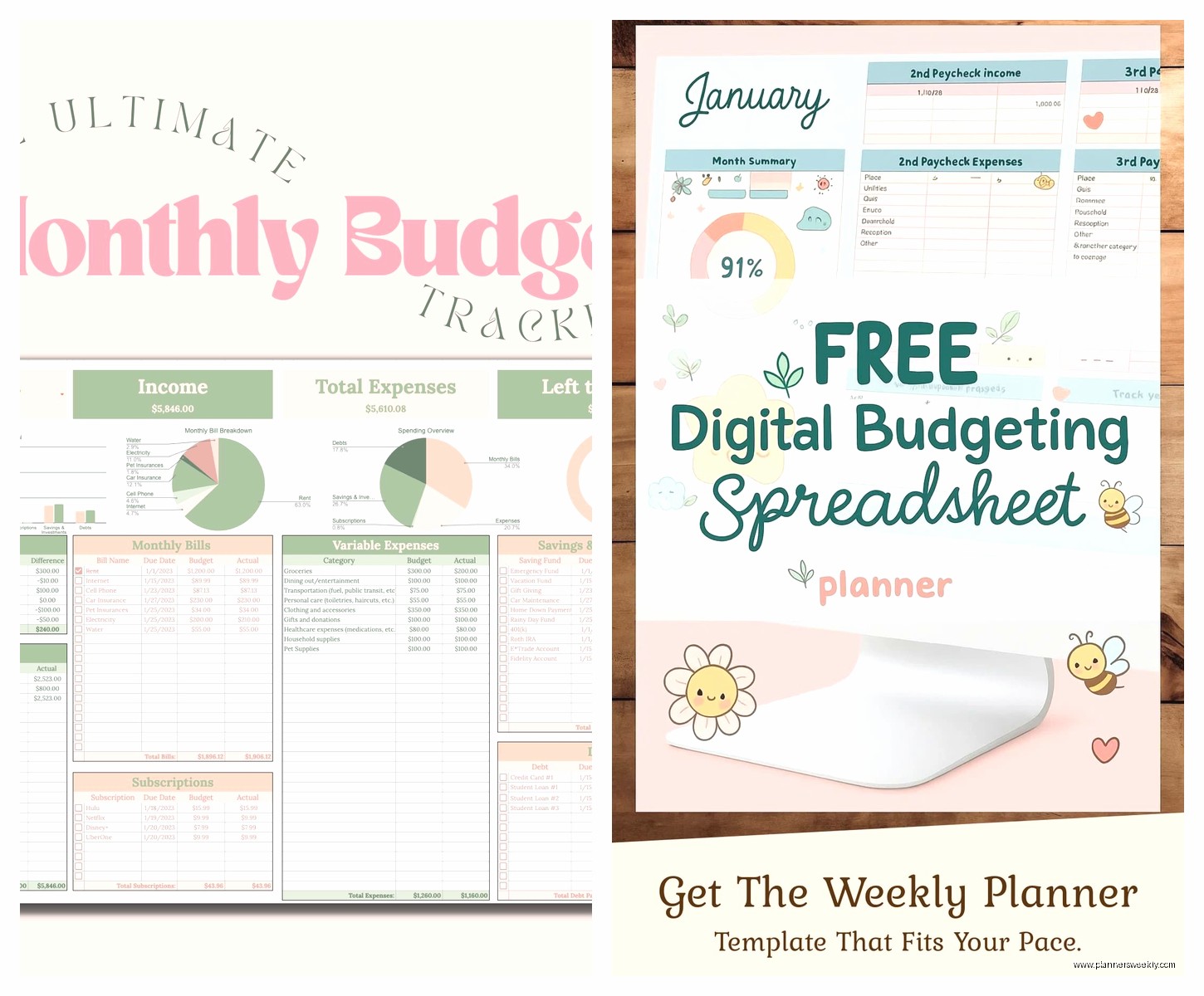
There’s this template called the “Monthly Budget Template” by Vertex42 that’s completely free and it’s just… a spreadsheet. You download it, save it to your Google Drive, and fill in your income and expenses. It does the math for you and shows you charts. That’s it. No syncing, no account linking, no ads.
I like it because I can customize literally everything. Want to add a category for “plants I definitely don’t need but will buy anyway”? Just add a row. The app-based planners make you stick to their categories or pay for custom ones which is annoying.
The downside is you gotta manually enter everything and actually open the sheet to update it. I kept forgetting to do it and then on Sunday night I’d be sitting there with my bank statement trying to remember what I spent $37 on at CVS three days ago. Was it shampoo? Cold medicine? Probably both?
notion templates if you’re already in that ecosystem
This is gonna sound weird but if you already use Notion for other stuff, their budget templates are actually solid. The free version of Notion gives you unlimited pages and blocks now, so you can use any of the free budget templates in their template gallery.
I found one called “Finance Tracker” that has separate databases for income, expenses, subscriptions, and savings goals. It’s pretty and functional which is rare. You can see everything in different views – calendar view, table view, board view if you’re into that.
The learning curve is steeper than other options though. Notion is powerful but also kinda confusing if you’ve never used it. I spent probably an hour just figuring out how to link databases properly. My client canceled on me that day so I had time but normally I would’ve given up.
Also it’s not automatic at all, you’re manually logging everything. But you can set up formulas to calculate totals and percentage of budget used and all that. There’s something satisfying about building your own system even if it takes longer.
pocketguard for the “just tell me if I can afford this” people
PocketGuard is free and it answers one question really well: how much can I spend today? It shows you your “In My Pocket” amount after bills, goals, and necessities. That’s it. That’s the whole thing.
It links to your bank accounts like Mint but the interface is way simpler. Less charts and graphs, more “you have $47 left to spend this week, plan accordingly.” I tested this while watching that new cooking show on Netflix and barely had to pause because it’s so straightforward.
The free version is pretty limited though – you can’t use it for multiple budgets or customize categories much. But if you just want a simple answer to “can I buy this thing or not” it works great. My friend Sarah uses only this and her budget is fine, she just doesn’t care about detailed tracking.
everydollar if you like dave ramsey’s approach
EveryDollar is Dave Ramsey’s app and the free version is actually usable unlike some of these “free” apps. It’s also zero-based budgeting like YNAB but simpler and less… intense? You create your budget at the start of the month and track transactions as you go.
The free version doesn’t connect to your bank so you’re manually entering everything. The paid version ($80/year I think?) adds bank syncing but honestly the manual entry isn’t as bad as it sounds. Takes me maybe 5 minutes a day.
The interface is really clean, probably the prettiest of all the free options. Very satisfying to check off budget items as you spend. It’s like a to-do list but for money which appeals to my productivity-obsessed brain.
One annoying thing – it’s very focused on the Dave Ramsey baby steps system so if you’re not into that whole philosophy some of the prompts and suggestions are irrelevant. Like it keeps asking me about my debt snowball but I don’t have any debt so that section is just empty and kinda useless.
excel templates if you’re old school
Wait I should mention Excel templates too because some people just prefer Excel over Google Sheets. Microsoft has a bunch of free budget templates built right into Excel – you open the app, click New, search “budget” and there’s like 50 options.
The “Personal monthly budget” template is solid. It’s more detailed than the Google Sheets ones, has sections for housing, transportation, insurance, everything. Color-coded and does all the calculations automatically.
If you have Microsoft 365 you can save it to OneDrive and access it from your phone but the mobile Excel experience is kinda clunky honestly. I tried updating my budget from my phone once while waiting for coffee and it was frustrating enough that I just waited until I got home.
Better for people who do their budget once a week sitting at a computer rather than tracking every transaction immediately.
empower personal dashboard for investment tracking too
Empower (used to be called Personal Capital) is free and it’s more focused on net worth and investments than day-to-day budgeting. But the budget tools are there and they’re good if you want the big picture view.
It shows you spending by category over time with really nice graphs. You can see trends like “oh wow I spent 30% more on dining out in March than February, what happened” and then you remember your birthday was in March. That kind of thing.
The cash flow tool is actually super helpful – shows you income vs expenses over time so you can see if you’re trending in the right direction. I check mine probably once a week and it’s oddly motivating to see the gap between income and expenses growing.
Downside is it’s really trying to sell you wealth management services. Like constantly. Every time you log in there’s suggestions to talk to an advisor. I get it, that’s how they make money since the app is free, but it’s annoying.
what actually worked for me after testing everything
Okay so after using like 8 different apps and templates I ended up with a hybrid system that’s probably too complicated but works for my brain. I use Mint for automatic tracking and seeing where my money actually goes. Then I use a Google Sheets template for planning my budget at the start of each month because I like being able to customize everything.
Every Sunday I spend like 15 minutes comparing what Mint says I spent to what I budgeted in my spreadsheet. It’s redundant but it keeps me honest and I’ve actually stuck with it for three months now which is a record for me and budgeting.
My actual advice if you’re just starting – try Mint first because it’s the easiest and it’s genuinely free. Use it for a month just to see where your money goes without trying to change anything. Then once you have that data, pick a method (app or template) and try to stick with it for at least three months before switching.
The biggest mistake I see people make is switching systems every two weeks because they’re not “working” but really you just need to give it time. Also be honest about whether you’ll actually manually enter transactions. If the answer is no, you need an app that syncs automatically even if it has fewer features.
Oh and one more thing – whatever you pick, turn on notifications for going over budget. They’re annoying but they work. I ignored mine for the first week and then actually started paying attention and my restaurant spending dropped by like 40% just from being called out by my phone every time I ordered takeout.
