
Digital Productivity, Online planners, Planners
Free Social Media Planner Template: Content Calendar Guide
Mar
Okay so I just spent like three weeks testing every free social media planner template I could find because one of my clients kept missing posts and honestly it was driving both of us crazy. Here’s what actually works.
The biggest thing nobody tells you about social media planners is that you’re gonna abandon whatever system you pick if it takes more than 5 minutes to update. I learned this the hard way after downloading this gorgeous Pinterest template that had like 47 different columns and color codes and I used it exactly twice before giving up.
The Basic Monthly Grid Template (Start Here)
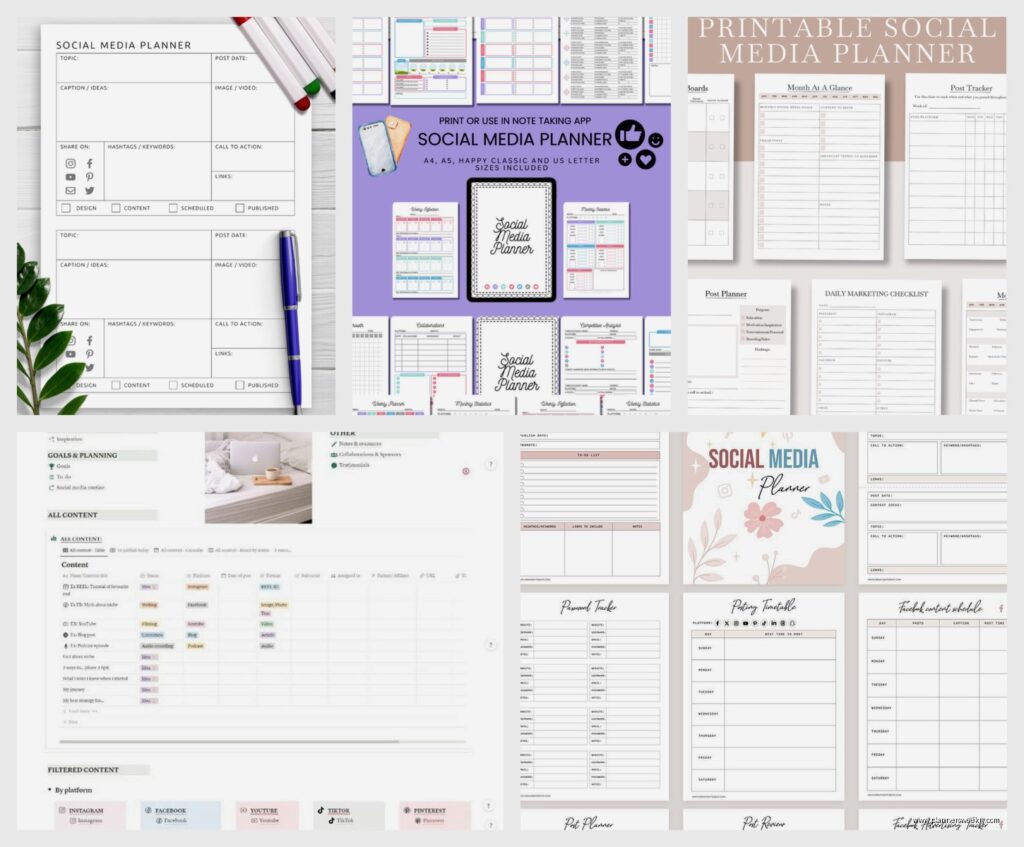
So the simplest one that actually gets used is just a monthly calendar grid in Google Sheets. I know it sounds boring but hear me out. You’ve got your dates across the top, platforms down the side (Instagram, Facebook, LinkedIn, whatever you’re actually using, not the ones you think you should be using). Each cell is one post.
What I do is color code by content type. Blue for educational posts, green for promotional, yellow for engagement stuff like questions or polls. Takes literally 30 seconds to add a post. My client Sarah was spending like an hour every Sunday planning her week and now she does it in 15 minutes while watching Succession.
The template I use has these columns: Date, Platform, Post Type, Caption Draft, Image Notes, Link, Status. That’s it. Don’t add more unless you’re actually gonna use them. I had “Hashtag Research” as a column for two months and never once filled it in.
The Content Theme Tracker
Wait I forgot to mention this part is actually important. Before you even open your calendar template, you need like 4-5 content themes. Not topics, themes. So if you’re a fitness coach it might be: workout tips, nutrition basics, motivation, client wins, behind-the-scenes.
I keep a separate sheet tab for this where I just brain dump ideas under each theme whenever I think of them. Then when I’m planning my week I’m not staring at a blank calendar trying to invent content from nothing. You’re just pulling from your list.
This is gonna sound weird but I do this while folding laundry now because my brain works better when my hands are busy. Figured that out completely by accident when my dryer buzzed in the middle of a planning session.
How to Actually Fill Out Your Weekly Plan
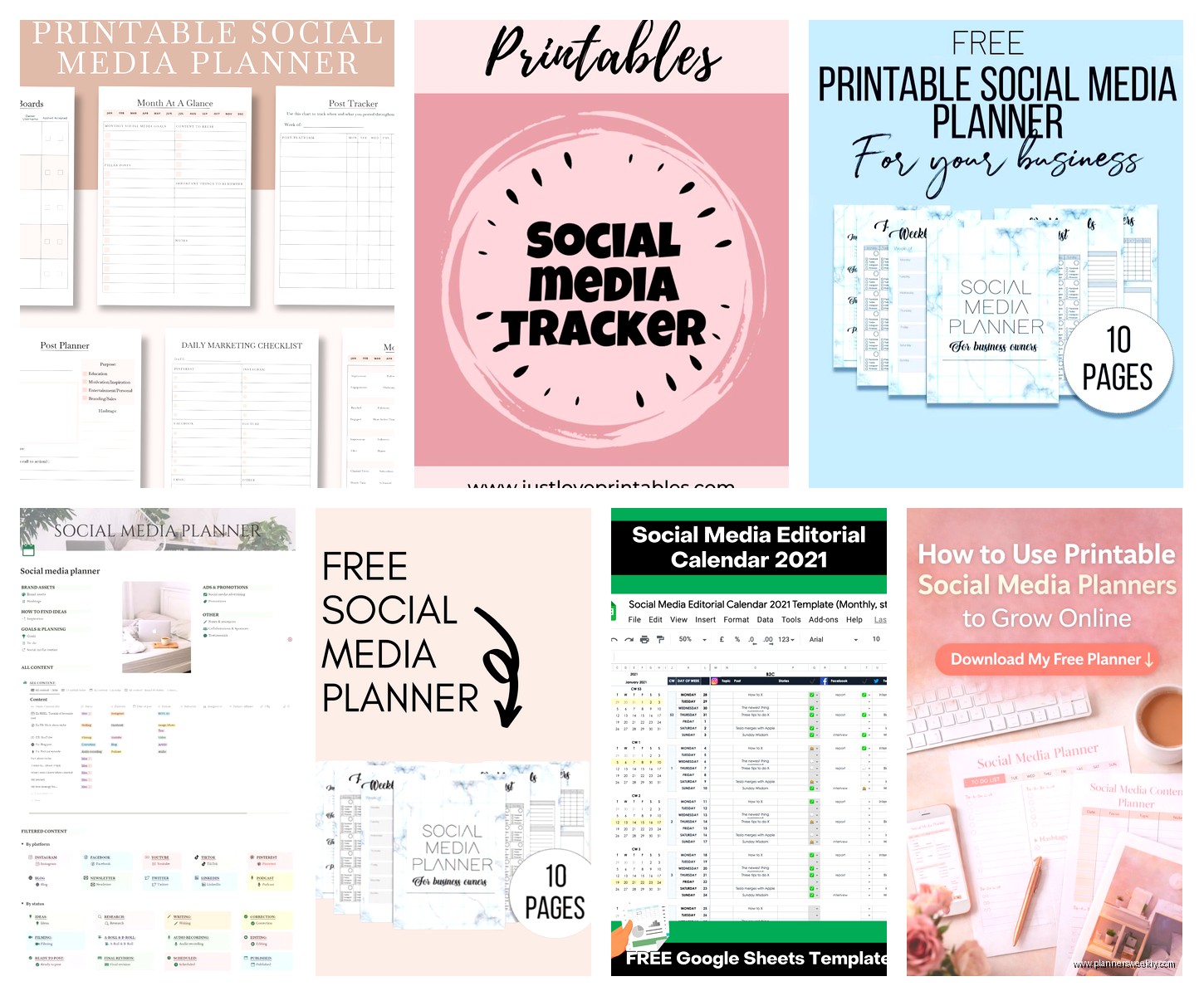
Okay so Monday morning or Sunday night, whatever works for you. Open your template. Look at your themes. Pick 2-3 themes for the week. Don’t try to hit all of them every week or you’ll burn out.
Start with your anchor content first. That’s the one big valuable post per week, the one you’d be okay with if it was the ONLY thing you posted. For me on my productivity blog it’s usually a Thursday deep-dive tip. Schedule that first.
Then fill in around it with smaller stuff. Quick tips, questions for engagement, reshares of old content that did well. I have a whole section in my template for “Repeat Winners” where I track posts that got good engagement so I can remix them every few months.
The Batch Content Planning Sheet
This one’s separate from your calendar but works with it. It’s basically where you plan out content creation days. Because here’s what I figured out after like six months of chaos: you cannot plan posts day-by-day and also create them day-by-day. You will lose your mind.
My batch sheet has: Creation Date, Content Type, Quantity, Platform, Status, Notes. So on Tuesdays I might create all my graphics for the week. Wednesday I write all my captions. Thursday I schedule everything.
I started doing this after I had a week where I was creating content every single morning before posting and I was so stressed I snapped at my dog for literally just existing near me. Not proud of that moment but it made me fix my system real quick.
Platform-Specific Tabs That Actually Help
Oh and another thing, if you’re managing multiple platforms you’re gonna want separate tabs for platform-specific stuff. Like Instagram has all these format options right, stories, reels, carousel posts, single image. I track which formats perform best in a simple table: Format, Topic, Engagement Rate, Notes.
Nothing fancy. Just every few weeks I glance at my analytics and update it. Takes maybe 10 minutes. But then when I’m planning I know “okay carousels about productivity tools always do well, single images of my desk setup get crickets.”
For LinkedIn it’s different because the algorithm there is so weird about timing. I have a note section where I track when my posts get the most engagement. Turned out Tuesday and Wednesday mornings are golden for me but Friday posts basically disappear into the void.
The Emergency Content Bank
This is the thing that’s saved me more times than I can count. It’s literally just a list of 10-15 evergreen posts that you can throw up when life happens. And life is gonna happen.
Mine includes: popular older blog posts I can reshare, inspirational quotes related to my niche (I know, basic, but they work when you need something fast), questions for my audience, fill-in-the-blank prompts, quick tips that don’t need context.
I keep these in a separate tab with the caption already written and notes about what image to use. So when I wake up sick or my client meeting runs over or I just completely forgot to create content, I’m not scrambling. I just grab one from the bank.
Started this after I missed three posts in one week because I was dealing with a family emergency and felt like a complete failure. Now I know I’ve always got backup content ready.
Tracking What Actually Works
Okay so funny story, I was tracking like 15 different metrics for every post and it was completely useless information. Now I track three things: Engagement rate, saves/shares, and link clicks if applicable.
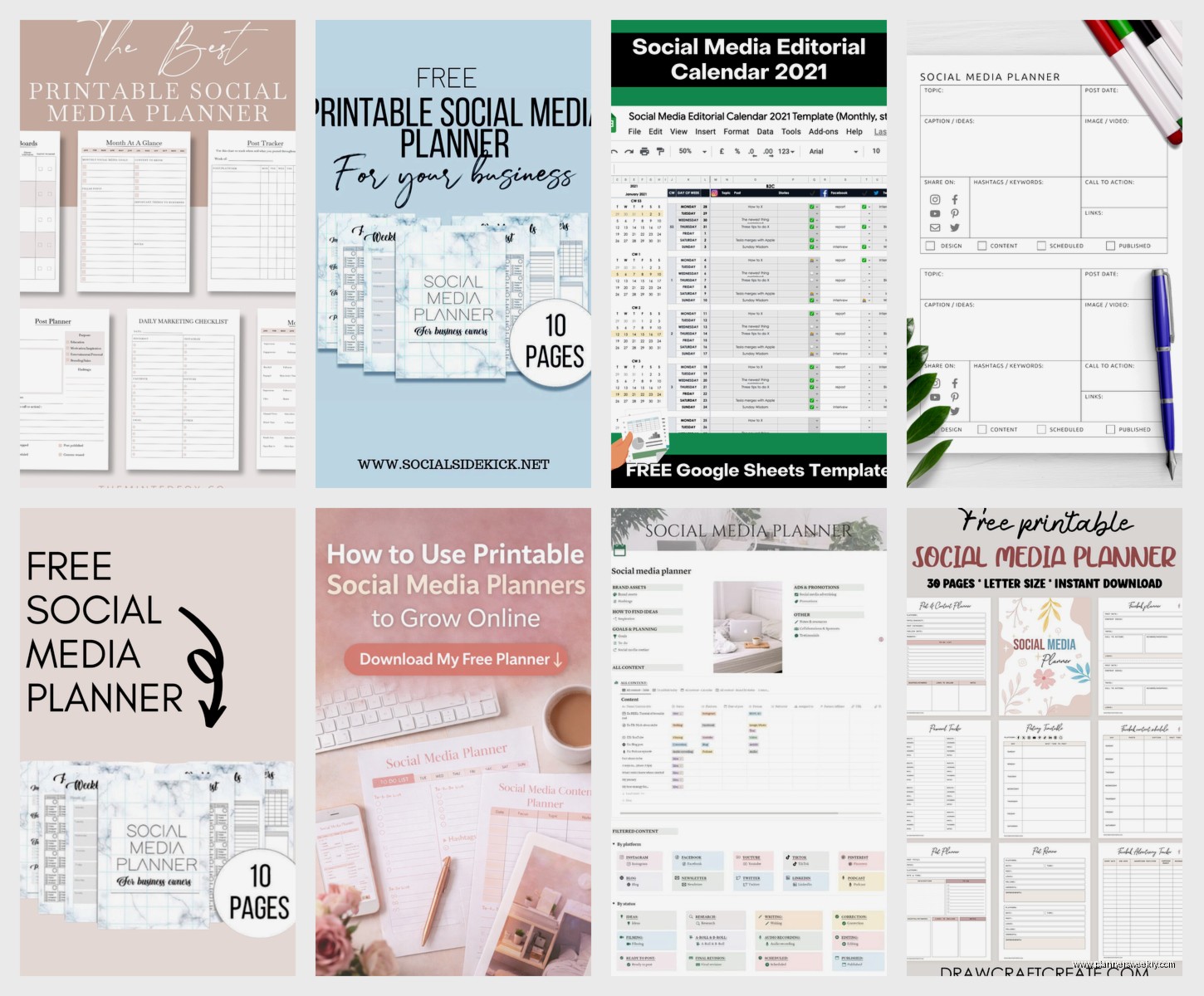
I have a simple tracking tab: Date, Platform, Post Topic, Engagement Rate, Saves, Clicks, Notes. Once a month I sort by engagement rate and see what’s working. That’s it. Don’t overthink this part.
The notes section is where the gold is though. I’ll write stuff like “posted at 2pm instead of 9am, way better reach” or “carousel format worked better than expected” or “nobody cares about my morning routine apparently.”
Hashtag Organization (If You’re on Instagram or Twitter)
I keep a tab with hashtag sets organized by topic. So I’ve got like “Productivity General,” “Stationery Specific,” “Small Business,” whatever’s relevant to my content. Each set has 15-20 hashtags that I’ve tested and know work okay.
Then when I’m scheduling a post I just copy-paste the relevant set instead of researching hashtags every single time. Updates these maybe once every two months when I notice engagement dropping or find new ones that are trending in my niche.
The template I use has three columns: Set Name, Hashtags, Last Updated, Performance Notes. Super simple but saves so much time.
Visual Content Planning Section
Wait I should mention the visual planning part because this trips people up. I have a separate tab where I plan out the visual vibe for the month. Not every single image, just the general aesthetic.
It’s basically: Month, Color Palette, Photo Style, Graphics Style, Fonts, Mood. Then when I’m creating content I’m not reinventing the wheel every time. Everything looks cohesive without me having to think about it.
I change this up every quarter usually. Keeps things fresh but not so often that I’m constantly starting over. My Instagram looked like five different people ran it before I started doing this.
The Weekly Review Checklist
This is the part nobody wants to do but it’s actually the most important. Every Friday (or Monday, whatever) I spend 10 minutes reviewing the week. Not in a judgy way, just noticing what happened.
My checklist: Did I post consistently? What performed best? What flopped? Any patterns? What do I need to create next week? Do I need to adjust my content themes?
Takes ten minutes max. I do it while drinking my coffee and honestly it’s kinda satisfying to see progress over time. Like I can look back and see that three months ago my engagement rate was half what it is now.
How to Actually Use This Without Losing Your Mind
Okay real talk, you’re not gonna use every single tab and tracker I mentioned. Start with just the monthly calendar and the content themes list. That’s it. Use those for two weeks.
Then add the batch planning sheet when you’re ready. Then maybe the emergency content bank. Build up slowly or you’ll get overwhelmed and quit.
I’ve had clients who tried to implement everything at once and they lasted like four days before giving up completely. The ones who start simple and add gradually are still using their planners six months later.
Also you’re gonna have weeks where you don’t follow your plan perfectly and that’s fine. The point isn’t to be perfect, it’s to be consistent enough that your audience knows you exist. Some weeks I hit every planned post, some weeks I post three times instead of five and call it good enough.
Tools That Make This Easier
I use Google Sheets for everything because it’s free and accessible anywhere. But I know people who love Notion or Airtable or even just Excel. Use whatever you’ll actually open.
For actually scheduling posts I use a mix of native scheduling (Instagram and Facebook let you schedule directly now) and Later for the free plan. Buffer’s free plan is good too. Don’t pay for scheduling tools until you’re consistently posting for like three months.
Image creation I do in Canva free version. Their template library is huge and you can create a whole month of graphics in like an hour once you get fast at it.
Oh and I keep all my image files organized in Google Drive folders by month. So October 2024 has all that month’s images. Makes it easy to find stuff when I want to repurpose content later.
Common Mistakes I See People Make
Planning too far ahead. Don’t plan more than a month out or you’ll spend all your time replanning when things change. Which they will.
Making the template too complicated. If it takes more than 5 minutes to add a post, simplify it.
Not batching content creation. You gotta separate planning from creating from posting or you’ll be stressed every single day.
Forgetting to actually look at the planner. I know this sounds dumb but set a reminder to check your calendar every morning. I have a 9am alarm that just says “check content calendar” because otherwise I’ll forget and then panic-post at 3pm.
Trying to be on every platform. Pick 2-3 max and do them well. I dropped Twitter entirely last year and my stress levels dropped significantly. Nobody even noticed.
Not reusing content. If you wrote a good caption or created a great graphic, use it again in three months. Most of your audience didn’t see it the first time anyway.
So yeah that’s basically my whole system. It’s not revolutionary or anything but it works and I actually stick with it. Start with the basic monthly grid, add themes, batch your work, keep emergency content ready. That’ll get you like 80% of the way there.
