
Digital Productivity, Online planners, Planners
Free Planner Templates: Ultimate Resource Guide 2026
Apr
Okay so I’ve been down this rabbit hole for like three months now because honestly my whole planning system fell apart in January and I had to basically start from scratch testing every free template I could find.
Google Sheets Templates Are Actually Really Good Now
Started with Google Sheets because I figured at least I can access it anywhere right? The template gallery has this basic weekly planner that I ignored for like two years but it’s actually pretty solid. You can color-code stuff, add checkboxes that actually work, and the best part is you can duplicate the sheet for each week without starting over.
There’s also this budget tracker template that I accidentally used as a project planner for about a month because the categories worked better than the actual project template. Sometimes things just work in ways they weren’t designed for and honestly that’s fine.
The problem with Google Sheets though is it feels very… spreadsheety? Like if you’re someone who needs the aesthetic motivation to actually use your planner, this ain’t it. But functionally it’s really strong especially if you’re tracking multiple things at once.
Where to Find the Good Ones
Don’t just use the built-in gallery. Go to the actual Template Gallery website Google has, there’s community templates that people upload and some of them are insanely detailed. I found this one called “Content Creator Dashboard” that works perfectly for tracking literally any kind of recurring tasks, not just content.
Notion Templates Because Everyone Won’t Shut Up About Notion
Look I resisted Notion for so long because the learning curve seemed annoying but then my dog ate my physical planner (long story, involved peanut butter) and I was desperate. The free templates in their template gallery are actually organized by use case now which helps.
The “Student Dashboard” template works great even if you’re not a student. I use it for client projects and just renamed everything. It’s got a calendar view, task list, and notes section all linked together which sounds complicated but once you set it up you basically never touch the backend again.
Wait I forgot to mention the best part about Notion templates is the community ones on Reddit and the Notion subreddit. There’s this user who makes minimal templates that don’t have a million bells and whistles, just clean functional layouts. Can’t remember their username but if you search “minimal planner template” in that subreddit you’ll find them.
The Aesthetic Template Problem
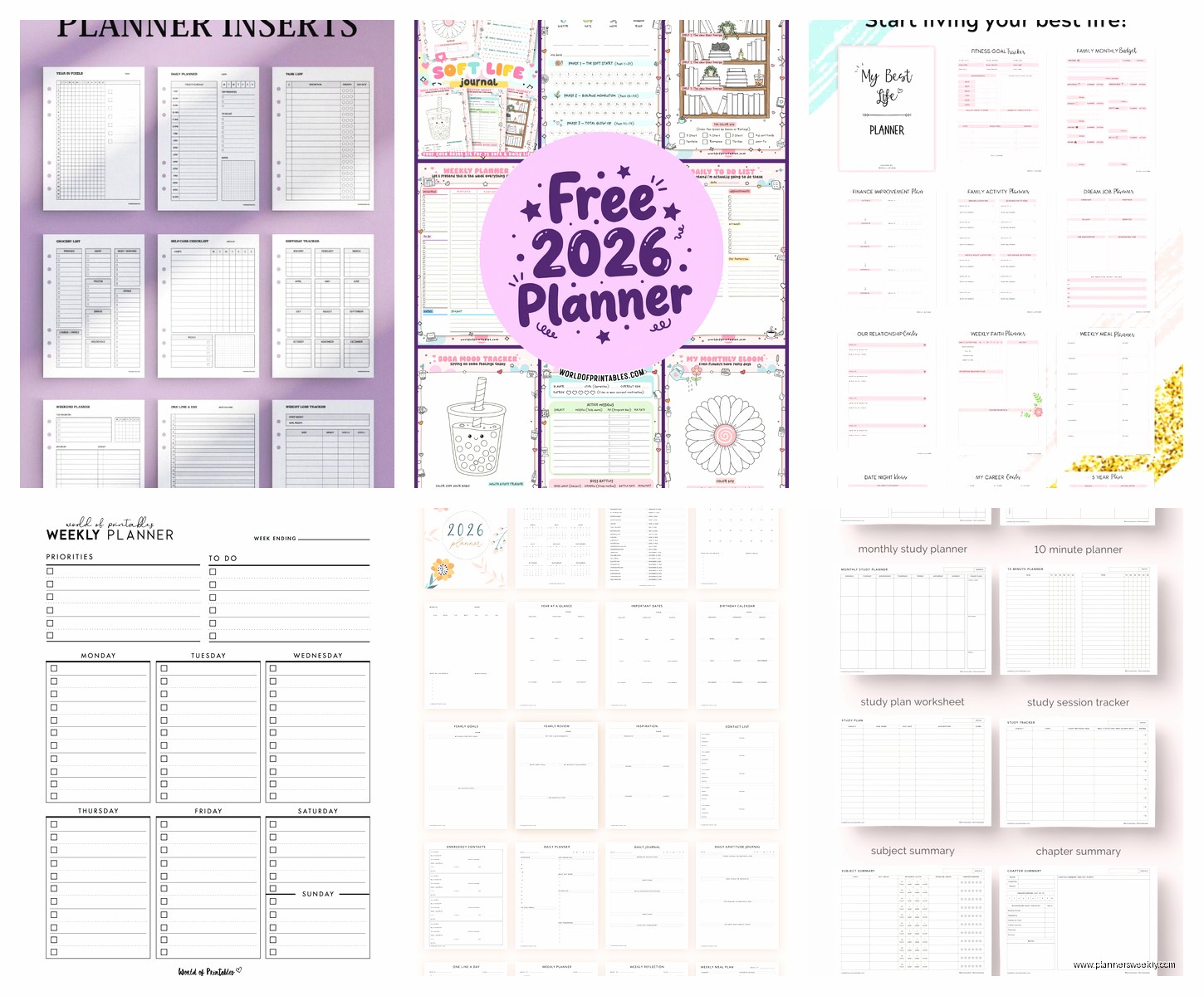
Here’s the thing nobody tells you about Notion templates. Half of them are so pretty and detailed that they’re completely unusable for actual planning. I downloaded this gorgeous one with custom icons and like seven different database views and used it for exactly three days before it became too much work to maintain.
Stick with templates that have max three different views or sections. Anything more and you’re gonna spend more time organizing your planner than actually doing the things in your planner.
Canva Has Free Planner Templates Now and They’re Kinda Great
This is gonna sound weird but Canva’s free planner templates are some of my favorites right now. You have to print them obviously but they’ve got weekly spreads, daily pages, habit trackers, all that stuff. The design quality is way better than those Pinterest printables that look like they were made in 2009.
I’ve been using their weekly desk planner template and just printing a month at a time. Costs me like two dollars in ink and paper at the library printer. You can customize colors and fonts before you download which is nice if you hate the default aesthetic.
Oh and another thing, Canva lets you resize templates now so you can make them fit whatever paper size you actually have. I was trying to use A4 templates with US Letter paper for weeks before I figured this out and it was a disaster.
The Printing Strategy
Don’t print the whole year at once. Trust me on this. Print two weeks, see if you actually use it, then print more. I have a folder full of printed templates I used once and it’s just wasteful. My client canceled last week so I spent an hour comparing the printing costs of different templates and the ones with less graphics and borders save so much ink it’s ridiculous.
Microsoft OneNote Templates That Nobody Talks About
OneNote has free templates built in and they’re honestly underrated. If you’re already in the Microsoft ecosystem for work this makes sense because everything syncs. The “Project Planning Notebook” template has sections for tasks, notes, and timelines all in one place.
The handwriting feature works really well if you’ve got a tablet or touchscreen laptop. I use it for brain dumping when I’m planning my week because typing feels too structured sometimes. You can also record audio notes directly in the template which I thought was gimmicky until I started using it for meeting notes.
The search function is weirdly good too. It can search handwritten notes which seems like magic but actually works most of the time.
Trello Templates for Visual People
If you’re someone who needs to see everything laid out visually, Trello’s free planner templates are worth looking at. They’ve got a “Weekly Planner” board that’s basically a kanban setup for your life. Monday through Sunday columns, you move cards across as you complete stuff.
I use this for content planning mostly because I can see what’s in progress versus what’s done versus what’s just an idea still. The free version limits you to ten boards but honestly if you need more than ten different planning boards you might be overcomplicating things.
There’s also power-ups which are like add-ons, and the free version lets you use one per board. The calendar power-up is the best one, it turns your cards into a calendar view automatically.
The Card System That Actually Works
Each card should be one task or project, not like a category. I made this mistake initially and had cards labeled “Work” and “Personal” and they became dumping grounds. Be specific. “Write blog post about planner templates” is a card. “Work stuff” is not a card.
Google Docs Templates Are Basic But That’s Okay
Sometimes you just need a simple checklist and Google Docs has templates for that. The “To-Do List” template is literally just a formatted checklist but it’s clean and loads instantly and doesn’t require learning a new system.
I keep one of these open in a pinned tab for daily tasks that don’t need to be in my main planning system. Quick errands, phone calls to make, stuff like that. Takes two seconds to add something, checkbox when it’s done, delete the line.
There’s also a “Meeting Notes” template that I’ve repurposed as a daily log. Just duplicate it each day, fill in what happened, what I accomplished, what I’m thinking about. It’s become kind of a planning journal hybrid situation.
Airtable Templates for Database People
Okay so funny story, I discovered Airtable templates while watching that show Severance and got completely distracted from the show for like an hour. Airtable is basically a spreadsheet-database hybrid and their free templates are surprisingly robust.
The “Content Calendar” template works for way more than just content. I use it to track projects, deadlines, status, priority, all linked together with different views. You can see everything as a calendar, as a list, as a gallery with preview images if you want.
The learning curve is steeper than Google Sheets but less steep than full database software. Worth it if you’re managing multiple projects with lots of interconnected pieces.
Views Make or Break This
The whole point of Airtable is the different views. Set up at least three: a calendar view for deadlines, a kanban view for status, and a grid view for when you need to see all the details. Switch between them depending on what you’re trying to figure out.
Apple Notes Templates If You’re in That Ecosystem
Apple Notes added templates recently and they’re pretty basic but functional. Weekly checklists, daily planners, project notes. Nothing fancy but they sync across all your devices instantly and the app is fast.
The big advantage here is the integration with other Apple stuff. You can add location reminders, scan documents directly into your planner notes, use Siri to add tasks while you’re driving. It’s convenient if you’re already all-in on Apple products.
I use the checklist template for grocery lists and errands because I can share it with my partner and we both see updates in real time. Low-tech solution but it works.
Printable PDF Templates from Random Websites
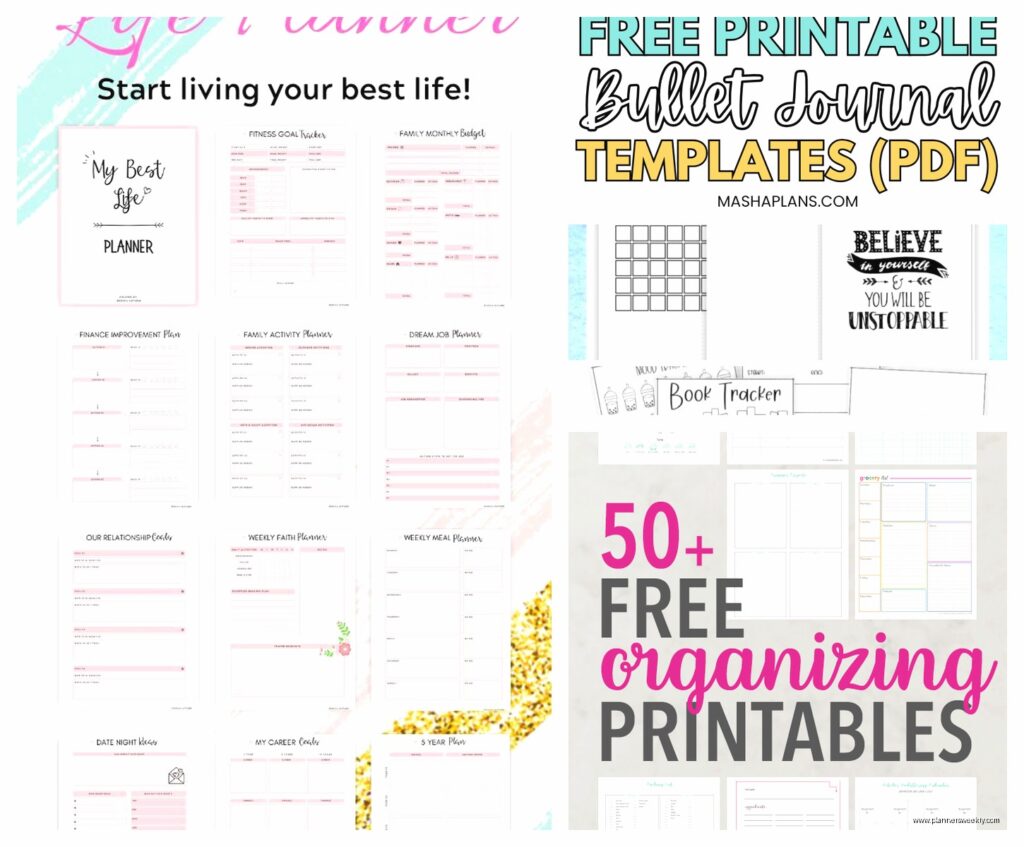
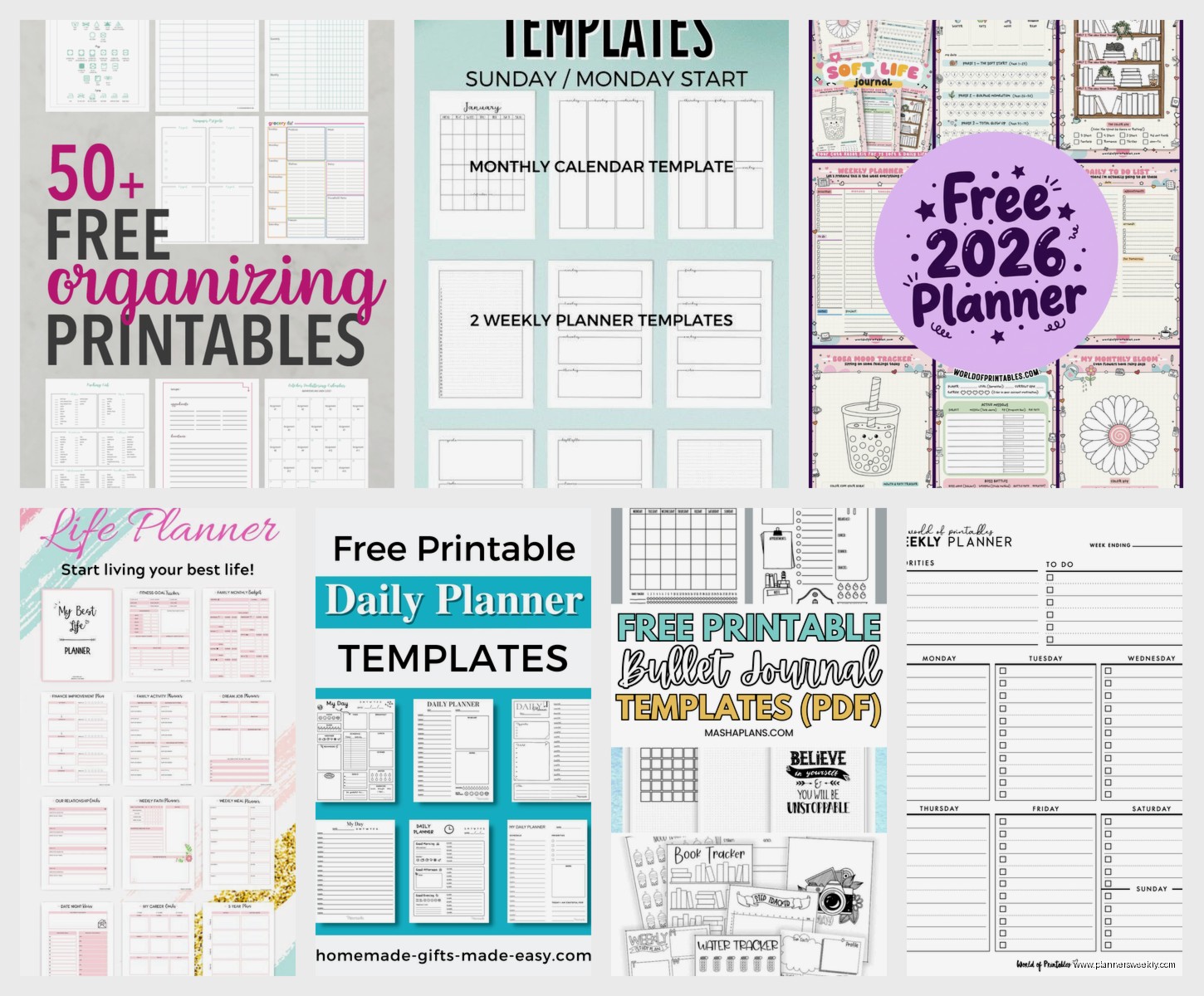
There are approximately eight million websites offering free printable planner PDFs and most of them are mediocre but some are really good. The key is finding ones that don’t require signing up for a newsletter or have watermarks all over them.
I’ve had good luck with templates from productivity bloggers who actually use their own templates. They tend to be more functional and less focused on looking Instagram-perfect. Search for “minimalist planner printable” or “functional planner PDF” to avoid the overly decorated ones.
The weekly spread with time blocking slots is my goto. Print it, fill it out Sunday evening, stick it on my desk. Simple but effective especially if you’re someone who needs paper to focus.
Mixing Templates Is Actually a Valid Strategy
You don’t have to pick one system and use only that. I use Notion for project planning, Google Sheets for tracking metrics, and printed weekly pages for daily tasks. They all talk to each other in my brain even if they’re not technically integrated.
The mistake is trying to find one perfect template that does everything. Those don’t exist or if they do they’re so complicated you’ll never actually use them. Better to have three simple systems that each do one thing well.
My current setup is basically: Notion for long-term projects and goals, Trello for content calendar, printed weekly pages for daily tasks. Takes me maybe ten minutes a week to keep everything updated and synced mentally.
The Templates I Keep Coming Back To
After testing probably fifty different templates here’s what actually stayed in my rotation. Google Sheets weekly planner for stuff I need to access from my phone. Canva printed weekly spread for my desk. Notion project dashboard for client work. That’s it.
Everything else was either too complicated, too aesthetic-focused, or solving a problem I didn’t actually have. The best template is the one you’ll actually use consistently which I know sounds like generic advice but it’s true.
Try templates for at least two weeks before deciding if they work. First week you’re just learning the system. Second week you’ll know if it actually fits how your brain works.
