
Digital Productivity, Online planners, Planners
Free Schedule Planner: Best Online Tools & Templates
Apr
Okay so I just spent the last three weeks testing basically every free schedule planner I could find
And honestly my desk is covered in printouts and I have like seventeen browser tabs open still but here’s what actually worked. My cat knocked over my coffee on half the templates I printed which was maybe a sign from the universe about which ones weren’t worth it anyway.
Google Calendar is the obvious one everyone mentions but wait before you roll your eyes because I tested it against everything else and it’s still genuinely the best if you need something that syncs across devices. The color-coding system is actually really good once you set it up properly. I spent forever making my categories make sense though because their default options are kinda useless. Like who needs “Flamingo” as a calendar color? Anyway.
You can layer multiple calendars on top of each other which sounds overwhelming but it’s actually perfect for separating work stuff from personal stuff from that book club you keep meaning to quit. The weekly view is clean, the mobile app doesn’t make me want to throw my phone, and it integrates with literally everything. Also the “find a time” feature when you’re trying to schedule with other people is genuinely useful and saves so much back-and-forth email nonsense.
But if you want actual templates to print
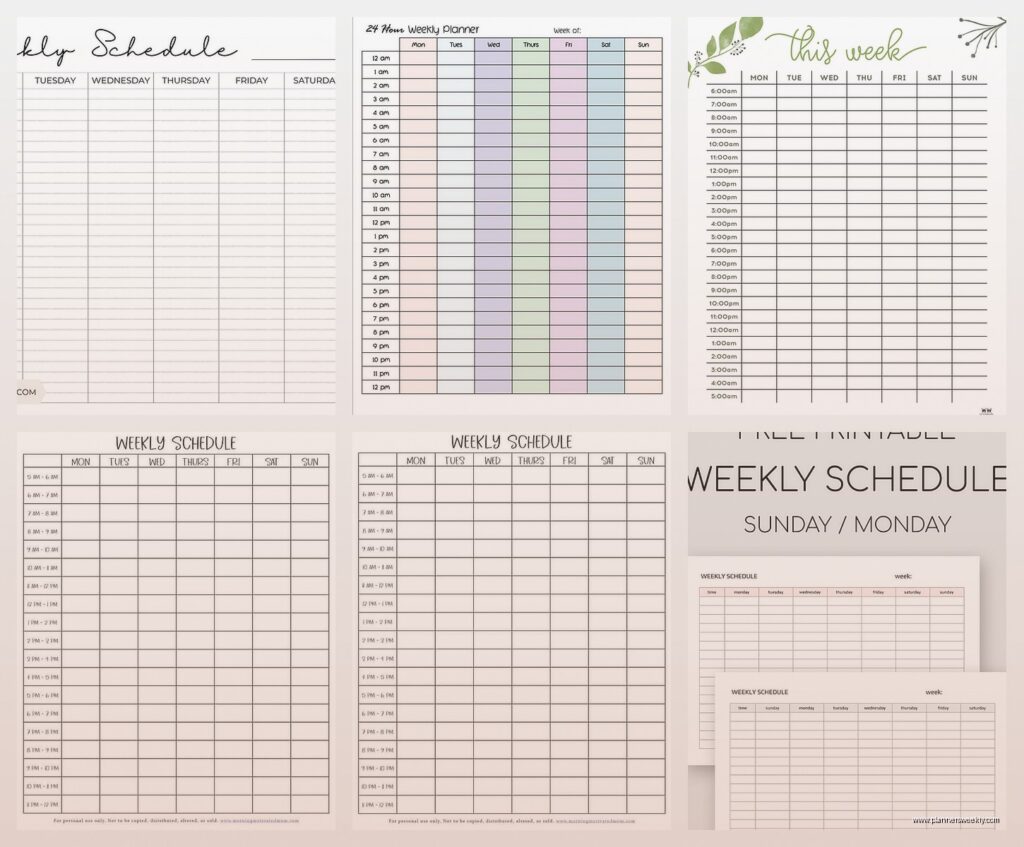
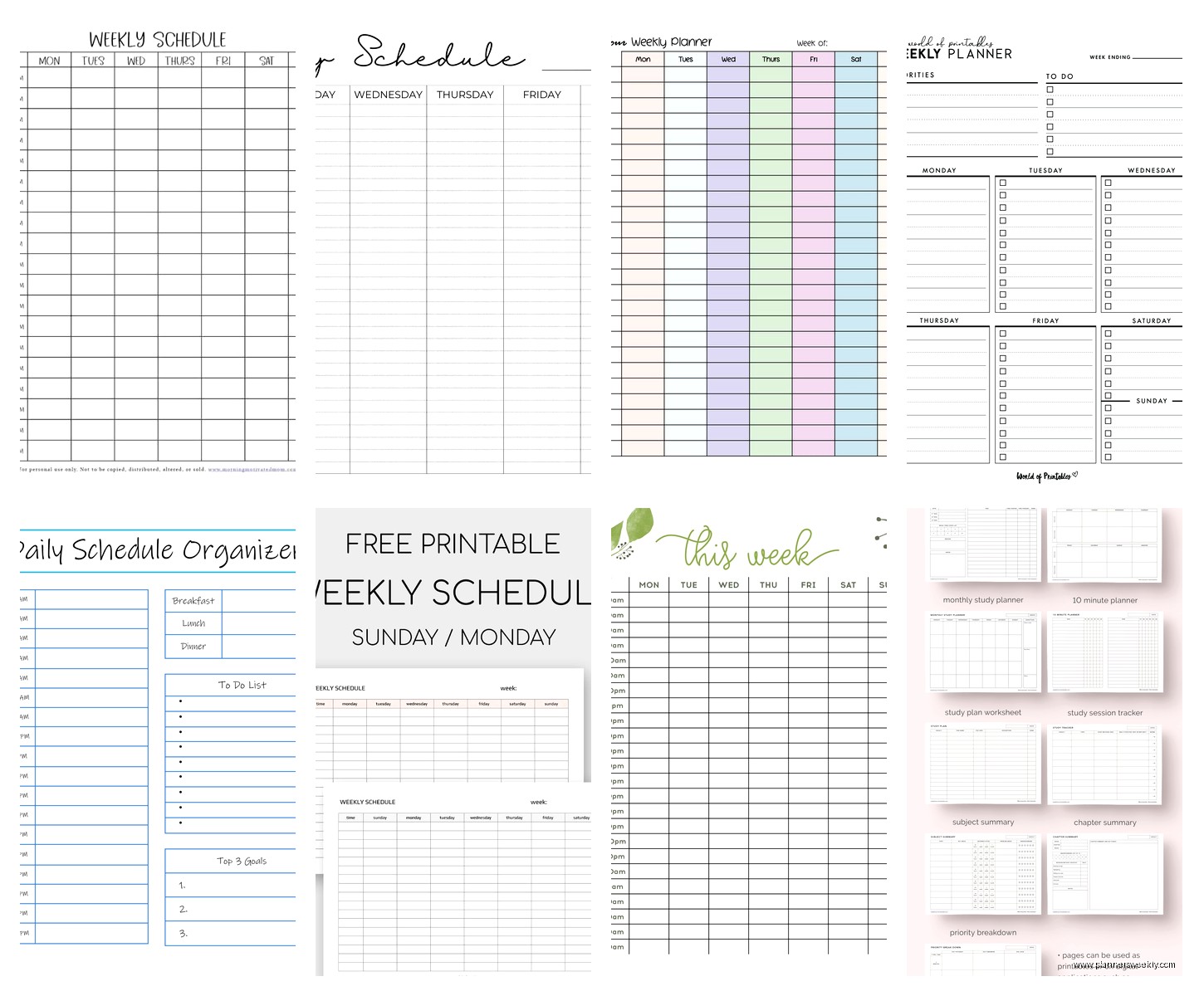
Canva has this whole section of schedule planners that I didn’t even know existed until last month. They’re technically free if you use the basic account but some of the cooler templates are locked behind the Pro version. The ones you can access for free are still pretty solid though. I’ve been using their weekly planner template that has time blocks from 6am to 10pm and there’s enough space to actually write stuff without my handwriting turning into illegible scribbles.
The customization is where Canva gets interesting because you can change colors and fonts and add little icons if you’re into that. I’m not really but my assistant loves making hers look aesthetic or whatever. Takes her like an hour to set up each week which seems counterproductive but she swears it helps her actually use it so who am I to judge.
You can download as PDF and print or just keep it digital. I do both because I’m indecisive and also because sometimes I’m at my desk and want paper and sometimes I’m on my phone waiting for a dentist appointment and want to check my schedule without pulling out my planner.
Wait I forgot to mention Notion
Okay so Notion is either gonna be your entire personality for the next six months or you’re gonna try it once and never open it again. There’s no middle ground with this one. It’s technically free for personal use and they have these database features that let you build custom schedule planners that are honestly really powerful once you figure out how they work.
The learning curve is steep though not gonna lie. I watched probably four YouTube tutorials before I understood what a “database view” even was. But once it clicks you can make weekly schedules, daily planners, habit trackers, all interconnected in ways that actually make sense for how your brain works.
There’s also a template gallery where people share their setups for free. I found this one called “Ultimate Life Planner” or something similarly dramatic and it had everything already built out. Schedule templates, goal tracking, notes sections. I stripped out like 80% of it because it was way too much but the bones were good.
The mobile app is fine but honestly works better on desktop or tablet. Typing on my phone in Notion feels clunky. Also it requires internet connection for most features which is annoying if you’re somewhere with spotty wifi.
The printable template situation
Okay so funny story, I went down a rabbit hole of free printable planners one night while watching that show about the chess player and I found some genuinely good stuff. Vertex42 has these Excel-based planner templates that sound boring but are actually super functional. They have weekly schedules, daily planners, monthly calendars, all free to download.
The weekly schedule template lets you customize the time increments which is clutch if you don’t work standard hours. You can do 15-minute blocks or 30-minute or hourly. It auto-fills dates once you put in the start date. Very satisfying. Also it calculates total hours if you’re tracking billable time or trying to figure out where your day actually goes.
I printed a month’s worth and put them in a binder and honestly used them more consistently than any fancy planner I’ve bought. Something about the simple grid layout just works. No inspirational quotes, no wasted space for gratitude journaling I’m never gonna do, just clean boxes for my actual schedule.
If you want something more visual
Trello is free and works as a schedule planner if you think in terms of cards and lists rather than traditional calendar blocks. I use it for project planning mostly but some people swear by it for daily scheduling. You make lists for each day of the week and then cards for individual tasks or appointments.
You can drag cards between days if stuff shifts around which happens constantly in my world. Color-coded labels help differentiate between types of activities. The mobile app is actually good which is rare. And you can add checklists within cards for tasks that have multiple steps.
The downside is it doesn’t really work for time-specific scheduling. Like if you need to know that your meeting is at 2pm not just “sometime on Tuesday” then Trello gets awkward. But for people who work in more flexible time blocks it’s pretty great.
This is gonna sound weird but hear me out
Microsoft Excel or Google Sheets for making your own custom schedule template. I know, I know, it sounds like extra work but stay with me. I made a weekly planner in Google Sheets that’s exactly what I need and nothing I don’t need and I’ve been using it for like eight months now.
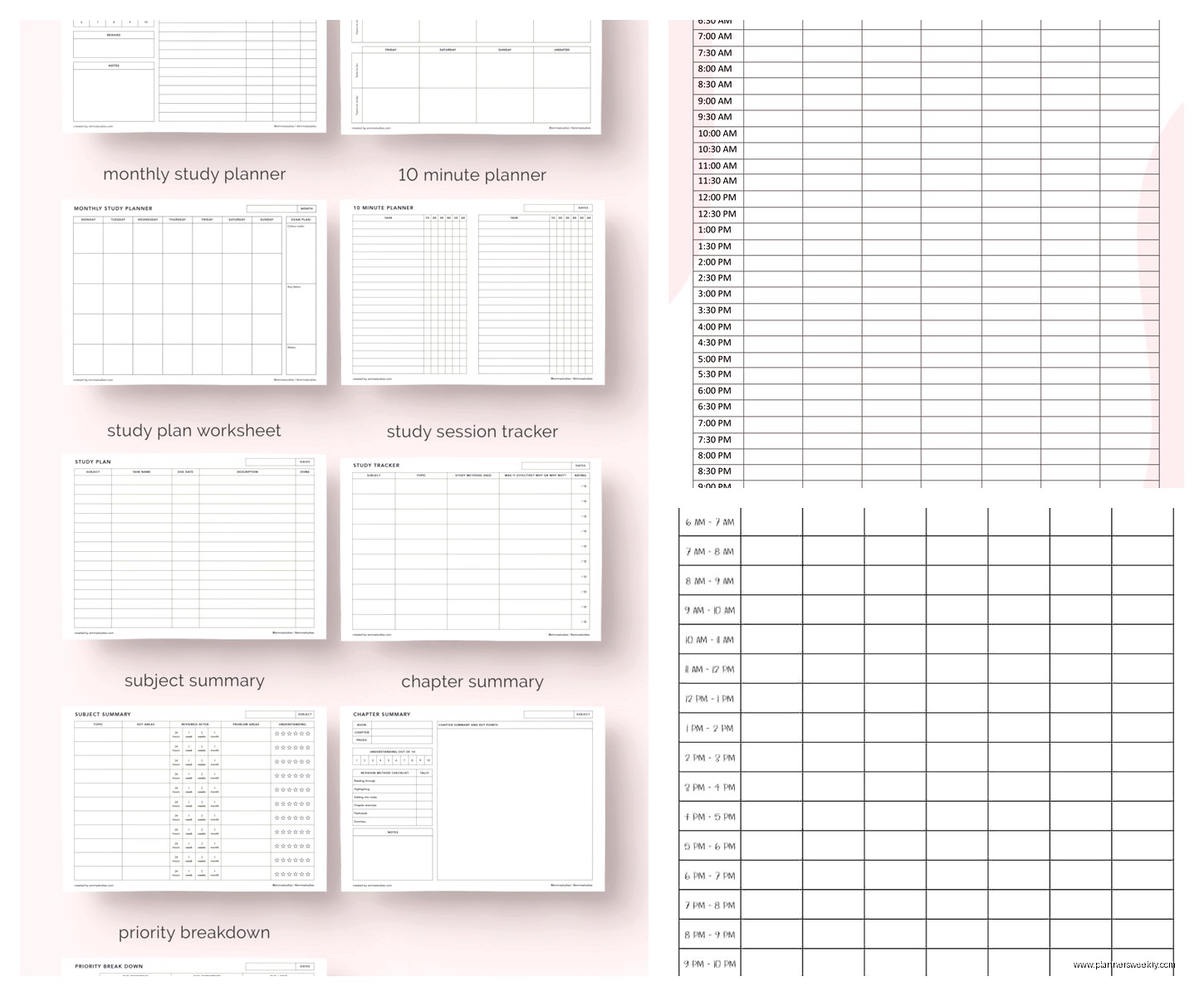
You set up the days across the top, time blocks down the side, merge some cells for headers, add some basic formatting and you’re done. Takes maybe 20 minutes to set up initially but then you just duplicate the sheet each week. I color-code mine using conditional formatting based on keywords which sounds fancy but is actually just a few clicks.
The advantage is you can make it whatever size you want, whatever time increments make sense, add extra columns for notes or priorities or whatever. And it’s in Sheets so it’s automatically saved and accessible from anywhere. You can also share it with your team if you need to coordinate schedules.
I have a template I can share actually, remind me and I’ll send the link. It has formulas that auto-fill the dates and highlight the current day and calculate how many hours you’ve scheduled. Probably overkill but I got into it one weekend when my client canceled and I had nothing better to do.
The actually pretty apps I tested
Any.do has a free version that’s solid for daily planning. It’s more task-focused than calendar-focused but they have this “Plan My Day” feature that pops up every morning and makes you review your schedule. Kinda annoying at first but honestly helpful for someone like me who tends to overbook myself without realizing.
The calendar view shows your tasks alongside any calendar events you’ve synced from Google Calendar or Outlook. So you get the full picture of what your day actually looks like. Tasks can have specific times or just be floating on your list for that day. The widget for iPhone is clean and useful.
Free version has some limitations on how many items you can share with collaborators but for personal planning it’s fine. The premium version isn’t that expensive if you end up liking it but I’ve been using free for months without feeling restricted.
Oh and another thing about templates
Template.net has a huge collection of free schedule planners you can download as Word docs, PDFs, or Excel files. The quality is inconsistent though. Some are genuinely useful and some look like they were made in 2003 and not in a good vintage way.
I found a good hourly schedule template there that has blocks from 5am to midnight in 30-minute increments. It’s a bit intense visually but if you need that level of detail it works. Also a weekly meal planner template that I use for scheduling blog content actually, not meals, but the format works perfectly.
You gotta dig through a lot of mediocre options to find the good stuff. I probably downloaded fifteen templates before finding three I actually kept. But they’re genuinely free to download with no signup required which is rare these days.
For the minimalists
Plain text files in a notes app. Sounds too simple to work but I have a coaching client who runs her entire business using Apple Notes with a basic text-based schedule format she types out each Monday. No formatting, no colors, just lines of text with times and tasks.
She swears it’s the only system she’s ever stuck with because there’s zero friction. Opens notes, types her schedule, done. I tried it for a week and honestly it was kinda freeing? No decisions about which color to use or which template looks better. Just information.
You could do the same thing in Google Keep or any notes app. Make a note titled “Week of [date]” and list out your schedule in whatever format makes sense to you. Pin it to the top so it’s always accessible. Archive it at the end of the week. Repeat.
Not for everyone obviously but if you’ve tried seventeen different planner apps and nothing sticks maybe the problem is too much complexity not too little.
The hybrid approach that actually works for me
I use Google Calendar for anything time-specific that involves other people. Meetings, appointments, deadlines. The stuff that has to happen at an actual time. Then I use a printed weekly template from Canva for my flexible work blocks and daily priorities. And Notion for bigger picture planning and project tracking.
Sounds like a lot but each tool does one specific thing and they don’t really overlap. Calendar is for scheduled commitments, paper planner is for daily flow, Notion is for everything else. Took me forever to figure out this system but it’s been working for like four months which is a record for me actually sticking with something.
The key thing I learned from testing all these options is that the best schedule planner is genuinely just the one you’ll actually use consistently. I know that sounds like unhelpful advice but it’s true. A mediocre system you use every day beats a perfect system you forget about after a week.
Start with Google Calendar because it’s free and familiar and works. Then add one other thing if you need it. Maybe that’s printed templates for tactile planning, maybe it’s Notion for customization, maybe it’s just gonna stay Google Calendar forever and that’s completely fine. Don’t overthink it like I did for the first two weeks of this testing process where I was trying to use six different tools simultaneously and just confusing myself.
