
Digital Productivity, Online planners, Planners
Free Task Planner: Best Tools & Templates for Productivity
Apr
Okay so I just tested like eight different free task planners last week and here’s the actual deal
Started with Todoist because everyone kept telling me it’s the gold standard for free task management. And honestly? They’re not wrong but also kinda wrong. The free version gives you 5 projects which sounds limiting but here’s the thing – most people don’t actually need more than that if you organize it right. I set up Projects for Work, Personal, Blog Stuff, Client Reviews, and Random (because there’s always random stuff). You can have unlimited tasks in each project which is where the actual value is.
The natural language processing is genuinely impressive. You type “review planner samples tomorrow at 2pm” and it just… knows. Creates the task, sets the time, done. My dog started barking halfway through testing this and I typed “take Biscuit to vet next Thursday” and boom, scheduled. That’s the kind of thing that makes you actually use an app instead of abandoning it after three days.
But here’s what nobody tells you about Todoist free – no reminders. Like you can set due dates all day long but the app won’t ping you. You gotta remember to check it. Which kinda defeats the purpose for me personally but might work if you’re someone who checks their task list religiously anyway.
Google Tasks is weirdly underrated
Wait I forgot to mention Google Tasks before jumping around. So this one’s built into Gmail and Google Calendar which means if you’re already living in that ecosystem (and let’s be real, most of us are), it’s just… there. No new login, no new interface to learn.
I spent like two hours one afternoon – my client canceled last minute so I had time – just comparing how Google Tasks handles recurring tasks versus Todoist. Google Tasks is more basic but sometimes basic is what you need. You can create tasks directly from emails which is HUGE if you’re like me and your inbox is basically your second brain.
The subtasks feature works well enough. You can’t get super granular with organization but you can have multiple lists and add tasks with subtasks under them. I tested this with my blog content calendar – main task “Write planner comparison post” with subtasks for research, outline, draft, edit, publish. Worked fine.
The mobile app syncs perfectly with the desktop version. I was watching The Bear last night (don’t judge me for being late to that show) and thought of something I needed to do, added it on my phone, and it was sitting there on my laptop this morning.
Microsoft To Do is actually good now
This is gonna sound weird but Microsoft To Do has become one of my favorites? They acquired Wunderlist years ago and basically rebuilt it and now it’s genuinely solid. The “My Day” feature is chef’s kiss for people who get overwhelmed by long task lists.
Here’s how My Day works – every morning you pull tasks from your main lists into today’s focus. It’s like a clean slate daily planning session. I tested this for a full week and found myself actually completing more because I wasn’t staring at 47 tasks, just the 6-8 I decided mattered today.
You get unlimited lists, unlimited tasks, file attachments up to 25MB, and the ability to share lists with other people. The sharing thing is clutch if you’re coordinating with a partner or team. I share a grocery list with my partner and we both add to it throughout the week.
The step feature (their term for subtasks) lets you break down projects pretty thoroughly. And you can add notes to each task which I use constantly for context I’ll forget otherwise. Like “call plumber” with a note containing their number and what specifically is broken.
Template situation if you want something more structured
Okay so digital tools are great but sometimes you just want a template you can print or fill in. I’ve collected probably 30 different free templates over the years and actually use maybe 5 regularly.
Notion templates are everywhere now and a lot are genuinely useful. The free personal plan gives you unlimited pages and blocks which is insane value. I found this task planner template called “Ultimate Tasks” or something – you can search their template gallery – that has different views for daily, weekly, and monthly planning. You can toggle between list view, board view (like Trello), and calendar view.
Setting it up took me like 30 minutes because Notion has a learning curve, not gonna lie. But once you get it configured, you can duplicate the template each week or month and just fill in new tasks. The database functionality means you can filter by priority, category, status, whatever matters to you.
Printable templates if you’re old school like that
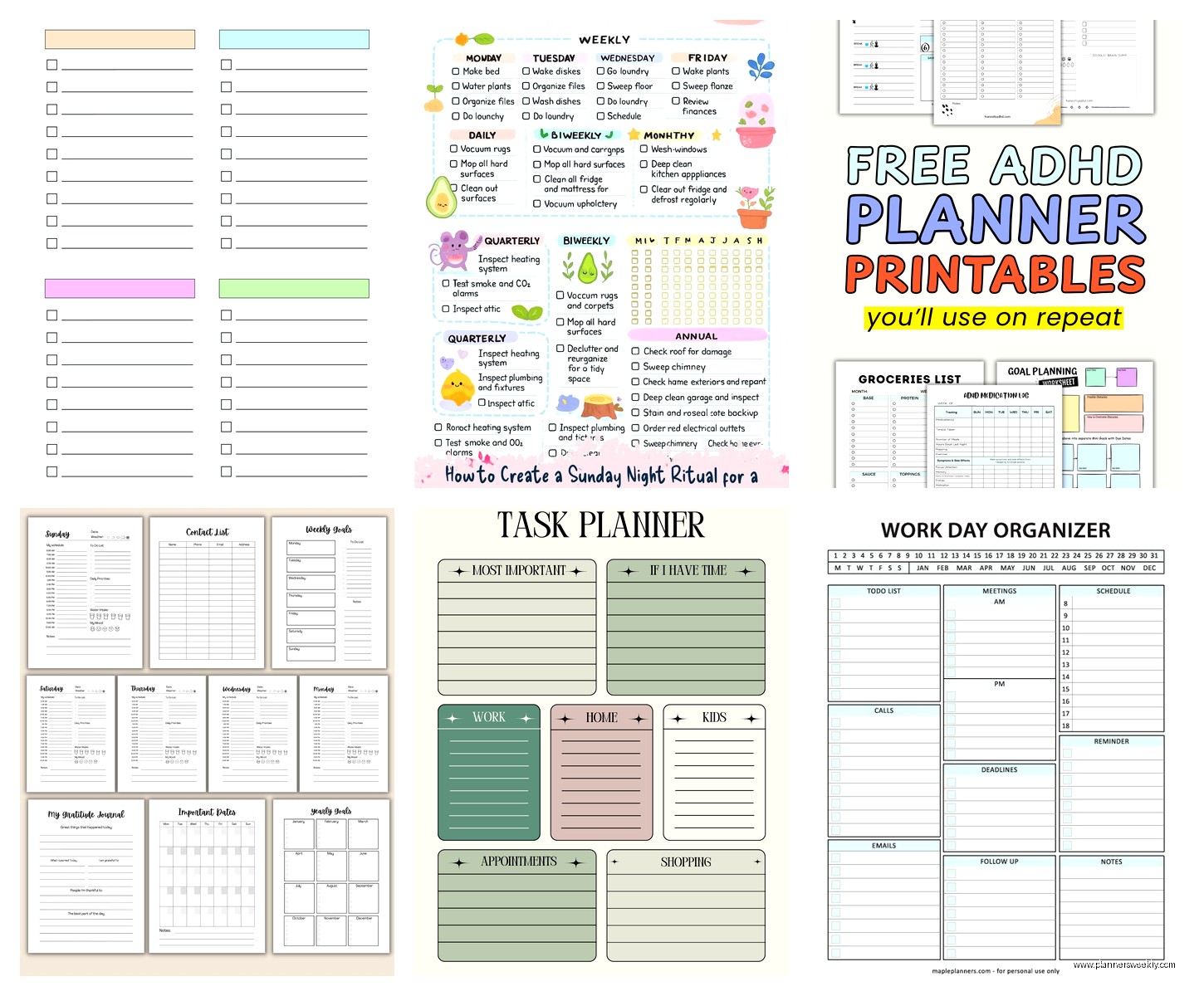
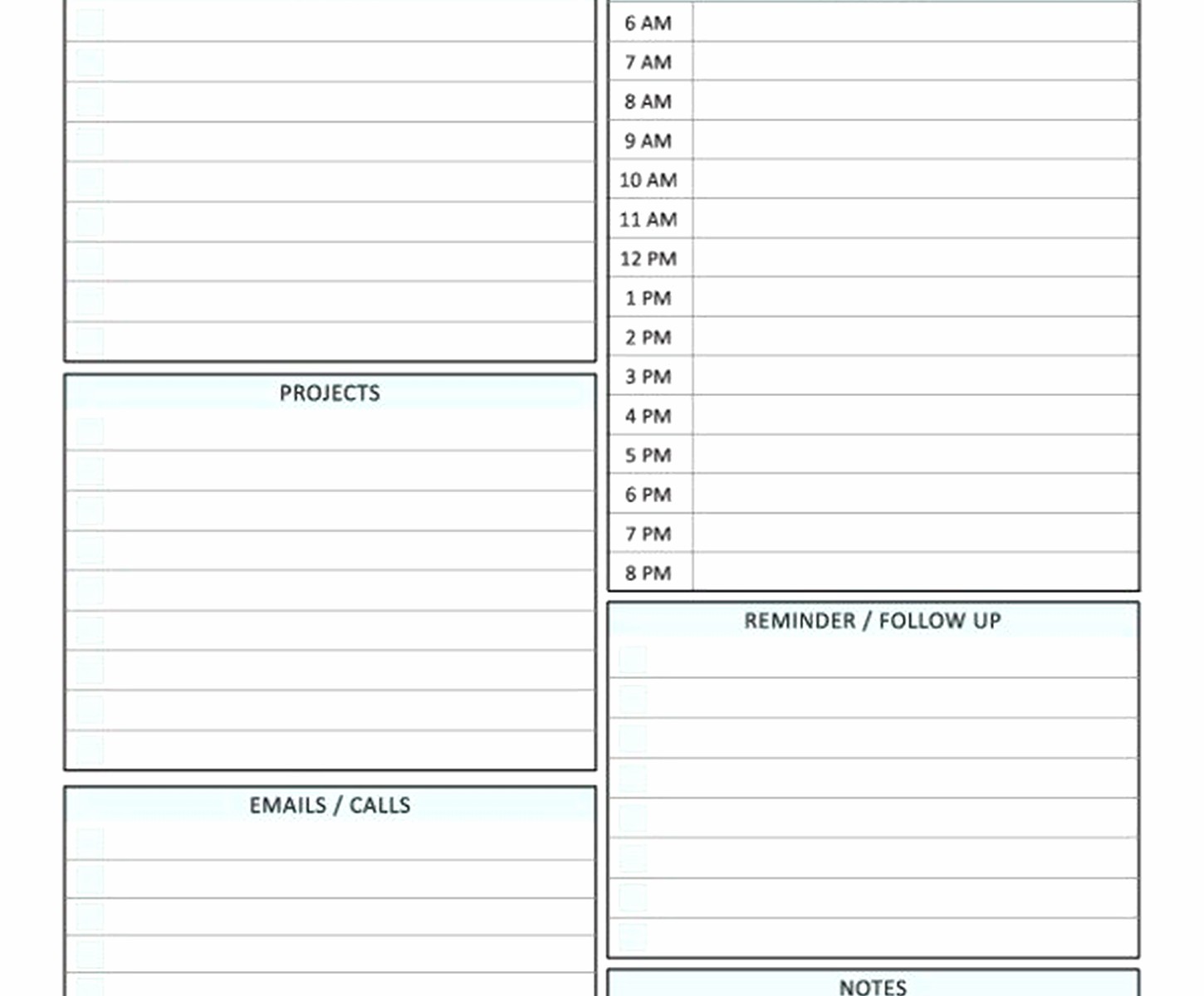
I still print weekly task planners sometimes because writing things down hits different. There’s this site called Vertex42 that has Excel and PDF templates for everything. Their weekly task planner template has time blocking built in which is perfect if you’re trying to do deep work sessions.
The layout has columns for each day with hourly increments from like 6am to 9pm. You can block out meetings, focus time, task time, whatever. I print these on Sundays and plan out my week. Then reality happens and everything shifts but at least I had a plan.
Another one I actually use is from Canva – they have free task planner templates you can customize. The nice thing about Canva is you can adjust colors, fonts, add your own sections. I made one that has a priorities section at the top, then time-blocked tasks, then a “brain dump” section at the bottom for random thoughts that pop up.
Oh and another thing – if you want something super minimal, just search “bullet journal task layout” and you’ll find a million free templates. The basic rapid logging system from bullet journaling works great even if you’re not doing the full bujo thing. I use the task bullets (• for tasks, x for completed, > for migrated, < for scheduled) in my physical planner and it keeps things clean.
Trello’s free tier is surprisingly robust
Wait I should mention Trello because it’s technically a task planner even though people think of it as project management. The free version gives you 10 boards which is plenty unless you’re managing like an entire company.
The card system works really well for visual thinkers. I have a board called “Content Production” with lists for Ideas, In Progress, Review, and Published. Each blog post is a card that moves through the lists. You can add checklists to cards (subtasks basically), attach files, set due dates, add labels for categories.
I tested using Trello as a pure task manager by creating a board with lists for Today, This Week, This Month, and Backlog. Worked okay but felt like overkill for simple tasks. Where Trello shines is when tasks have multiple steps or need to move through stages.
The mobile app is solid. You can quickly add cards, move them between lists, check off checklist items. I was at the coffee shop yesterday and thought of three things I needed to do, added them as cards in like 30 seconds.
TickTick deserves more attention honestly
This one flies under the radar but TickTick’s free version is packed. You get calendar view, multiple reminders per task, priority levels, tags, and a built-in pomodoro timer. The timer thing is actually useful – you can start a focus session right from a task and it tracks your time.
I tested the habit tracking feature which is free and kinda cool if you’re trying to build routines alongside managing tasks. Like I have “review tomorrow’s tasks” as a daily habit checklist item and it tracks my streak. Gamification isn’t for everyone but it works for me.
The natural language input works similarly to Todoist. “Team meeting every Monday at 10am” creates a recurring task automatically. The smart date parsing catches things like “next Friday” or “in 3 days” without you having to click through calendar widgets.
One limitation – the free version caps you at 2 reminders per task and 9 list members if you’re sharing. Most people won’t hit those limits but worth knowing.
Any.do if you want something pretty
Okay this is gonna sound shallow but Any.do is just nice to look at. The interface is clean and minimalist and somehow that makes me want to use it more. The free version includes calendar integration, location-based reminders (though I’ve never actually used those), and voice entry.
The “Plan Your Day” feature pops up every morning and walks you through your tasks. You can postpone things, mark them done, or add new ones. It’s like a tiny morning planning ritual built into the app.
I tested the grocery list feature which has smart suggestions based on what you type. Type “m” and it suggests milk, mayo, etc. Sounds gimmicky but actually saves time when you’re building lists quickly.
The weakness is that customization is limited on free. You can’t add custom categories or tags, just use their predefined ones. If you need detailed organization, this might feel restrictive.
Mixing digital and paper because why not
Here’s what I actually do after testing all these – I use a combination because I’m apparently incapable of committing to one system. Google Tasks for quick captures and email-related tasks. Microsoft To Do for my daily planning with the My Day feature. And I print a weekly template from Canva on Sundays for high-level planning.
Is this efficient? Probably not. Does it work for my brain? Yeah actually it does. The quick capture needs to be wherever I am (phone, email, browser) so that’s Google Tasks. The daily focus needs more intention so that’s To Do’s My Day. And the weekly overview needs to be physical where I can see it without opening an app.
Oh and funny story – I tried going all-in on Notion for like a month, built this elaborate task management system with databases and relations and templates. Spent probably 10 hours setting it up. Used it for three weeks and then just… stopped. It was too much overhead for simple “call dentist” type tasks. Now I only use Notion for complex projects with multiple moving pieces.
What actually matters when choosing
After spending way too much time on this, here’s what I think actually matters. First, where do your tasks come from? If they’re mostly from email, use something that integrates with email. If they’re random thoughts throughout the day, you need fast mobile capture. If they come from meetings, calendar integration matters.
Second, do you need to share tasks with other people? Google Tasks and Microsoft To Do handle sharing well. Todoist’s free version doesn’t let you share projects at all.
Third, are you a visual person or a list person? Trello for visual, basically everything else for lists. I’m a list person who occasionally needs visual which is why I bounce between tools.
Fourth, will you actually maintain whatever system you choose? The best task planner is the one you’ll use in six months, not the one with the most features. I’ve watched so many people get excited about elaborate setups and abandon them within weeks.
The templates thing is similar – if you won’t print it every week or open that Notion page daily, it doesn’t matter how perfect the template is. Start with something dead simple and add complexity only if you actually need it.
I keep coming back to Microsoft To Do lately because the My Day feature forces me to make decisions about what actually matters today instead of just maintaining endless lists. But your brain might work totally different and need something else entirely. Test a few for like a week each and see what sticks.
