
Digital Productivity, Online planners, Planners
Free Work Schedule Maker: Best Employee Planning Tools

Mar
Okay so I’ve been testing like every free work schedule maker I could find because three of my clients asked me about this in the same week and I was like, clearly I need to actually figure out which ones are worth recommending in 2024.
When I Work Is Still My Go-To But Hear Me Out
When I Work has this free plan that works for up to 75 locations which is honestly wild for a free tier. I tested this one first because everyone kept mentioning it and yeah, the interface is super clean. You can drag and drop shifts which sounds basic but you’d be amazed how many schedule makers mess this up. My dog kept stepping on my laptop while I was testing this one so I accidentally created like 15 shifts for Tuesday morning but it was easy to delete them all at once, so that’s something.
The mobile app actually doesn’t suck which is huge. Your employees can swap shifts through the app and you get a notification to approve or deny it. I had my assistant test the employee side of things and she said it was intuitive enough that she didn’t need to ask me any questions. That’s rare.
Here’s what you get with the free version:
- Schedule creation and publishing obviously
- Time off requests
- Shift trades
- Mobile apps for iOS and Android
- Messaging between team members
The catch is you don’t get time clock functionality on the free plan which is annoying but like, for pure scheduling it works. They’re trying to upsell you to the paid plans constantly though. Not in an aggressive way but you’ll see those little upgrade prompts everywhere.
Homebase Is Better For Small Teams Actually
Wait I forgot to mention Homebase first because honestly for teams under 20 people this might be the better option. I tested this one while watching The Bear and got way too into comparing features instead of paying attention to the show, had to rewind like three times.
Homebase gives you time tracking on the free plan which is the main reason I’m mentioning it. You get a free time clock, scheduling, and even hiring tools. The free version supports unlimited employees which sounds too good to be true but I checked the fine print like five times and yeah, it’s actually unlimited.
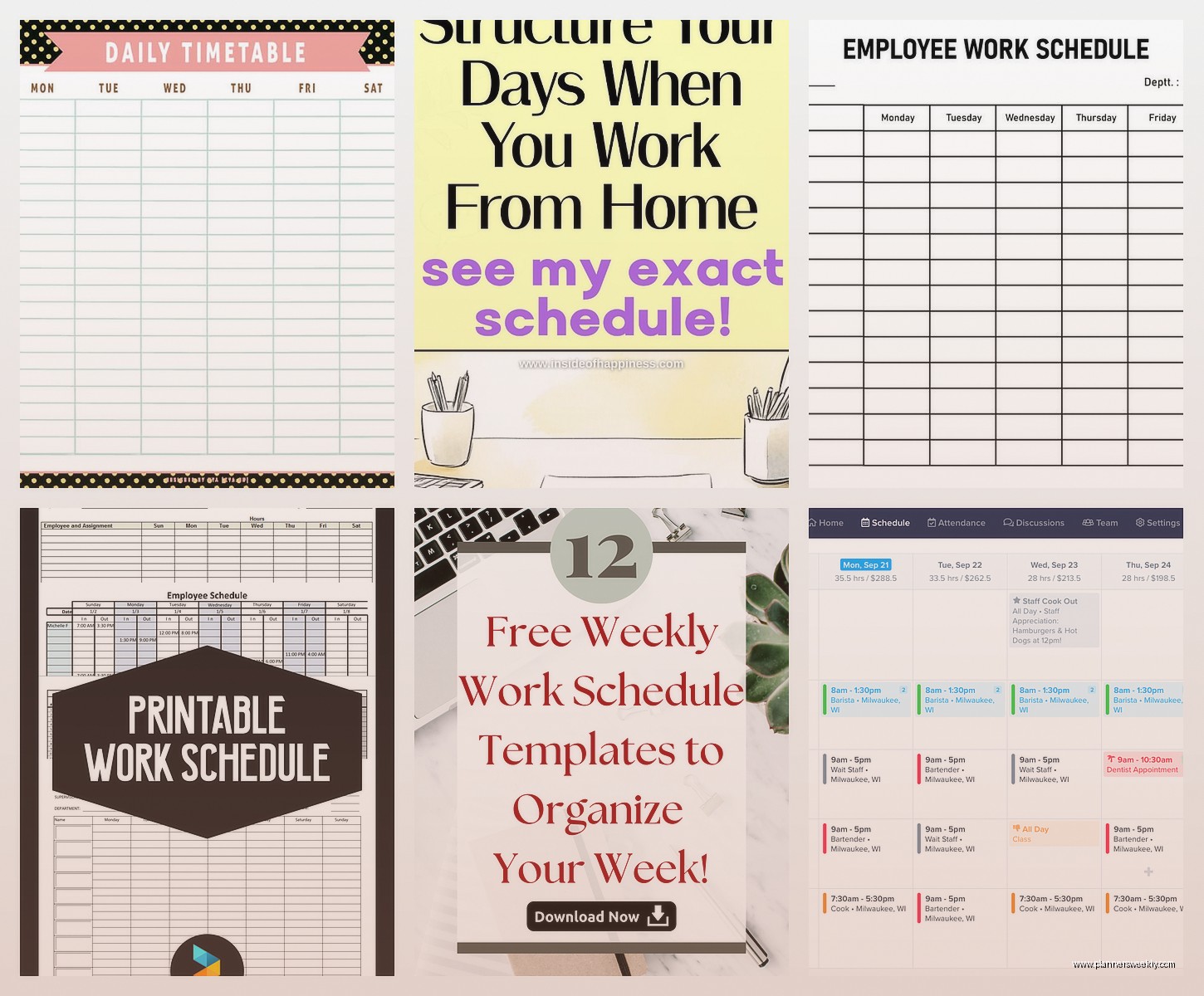
The scheduling interface isn’t as pretty as When I Work but it’s functional. You can set up different positions and locations, and it’ll warn you if you’re about to schedule someone for overlapping shifts or outside their availability. Smart stuff.
The team messaging feature is buried in the interface kinda weird though. Took me a minute to find it the first time. But once you know where it is, it works fine for quick “hey can you come in early” type messages.
The Hiring Tools Thing
Okay so funny story, I wasn’t even planning to test the hiring features because that wasn’t what I was looking for but I accidentally clicked into it and it’s actually pretty robust for a free tool. You can post jobs and have applicants fill out applications through their system. One of my clients owns a cafe and she’s been using just this feature even though she does scheduling elsewhere because it’s that convenient.
Findmyshift For The International Crowd
This is gonna sound weird but if you’ve got employees in different countries or just need something that handles multiple time zones well, Findmyshift is surprisingly good at this. Based in the UK so they’re thinking about international teams from the start.
Free plan covers up to 5 employees and 1 schedule which is limiting but if you’re a tiny business or just starting out it’s enough. The interface looks kinda dated honestly, like it hasn’t been updated since 2018 or something, but it works.
What I liked is the availability management. Employees can set their availability and it’s really visual, color-coded, easy to see at a glance who’s available when. Also has this feature where employees can set their preferences for shifts and it’ll show you preference levels when you’re scheduling. Like “Sarah prefers morning shifts, John prefers closing” type stuff.
The reporting is better than you’d expect for a free tool. You can see labor costs, hours worked, all that basic stuff you need. Not as detailed as paid tools obviously but good enough.
ZoomShift Which I Almost Skipped
I almost didn’t test ZoomShift because the name made me think it was related to Zoom the video call thing and I was like, no thanks. But it’s completely separate and actually pretty solid.
Free for up to 5 users which again, very small teams only. But the features you get are good. Time clock, scheduling, time off tracking, shift trading. The usual stuff but done well.
Oh and another thing, they have this feature where you can set labor budgets and it’ll show you if you’re going over budget as you’re creating the schedule. That’s usually a paid feature in other tools so finding it in a free plan was nice.
The mobile app is fine. Not amazing but fine. Your employees can clock in/out from their phones and it uses GPS to verify they’re at the right location which some managers really want. Privacy concerns aside, I guess.
The Publishing Workflow Is Smart
Instead of publishing schedules immediately you can save them as drafts and publish when ready. You can also notify everyone at once when the schedule is published. Seems basic but several of the tools I tested just… don’t have this? Or make it complicated? ZoomShift makes it simple.
Google Sheets Because Sometimes Simple Wins
Okay this is gonna be controversial but hear me out. Sometimes you just need a damn spreadsheet and Google Sheets is free and you probably already know how to use it.
I have a template I made for clients who are just starting out or have really simple scheduling needs. It’s not fancy. There’s no app. But you can share it with your team, they can access it from their phones, and everyone can see the schedule.
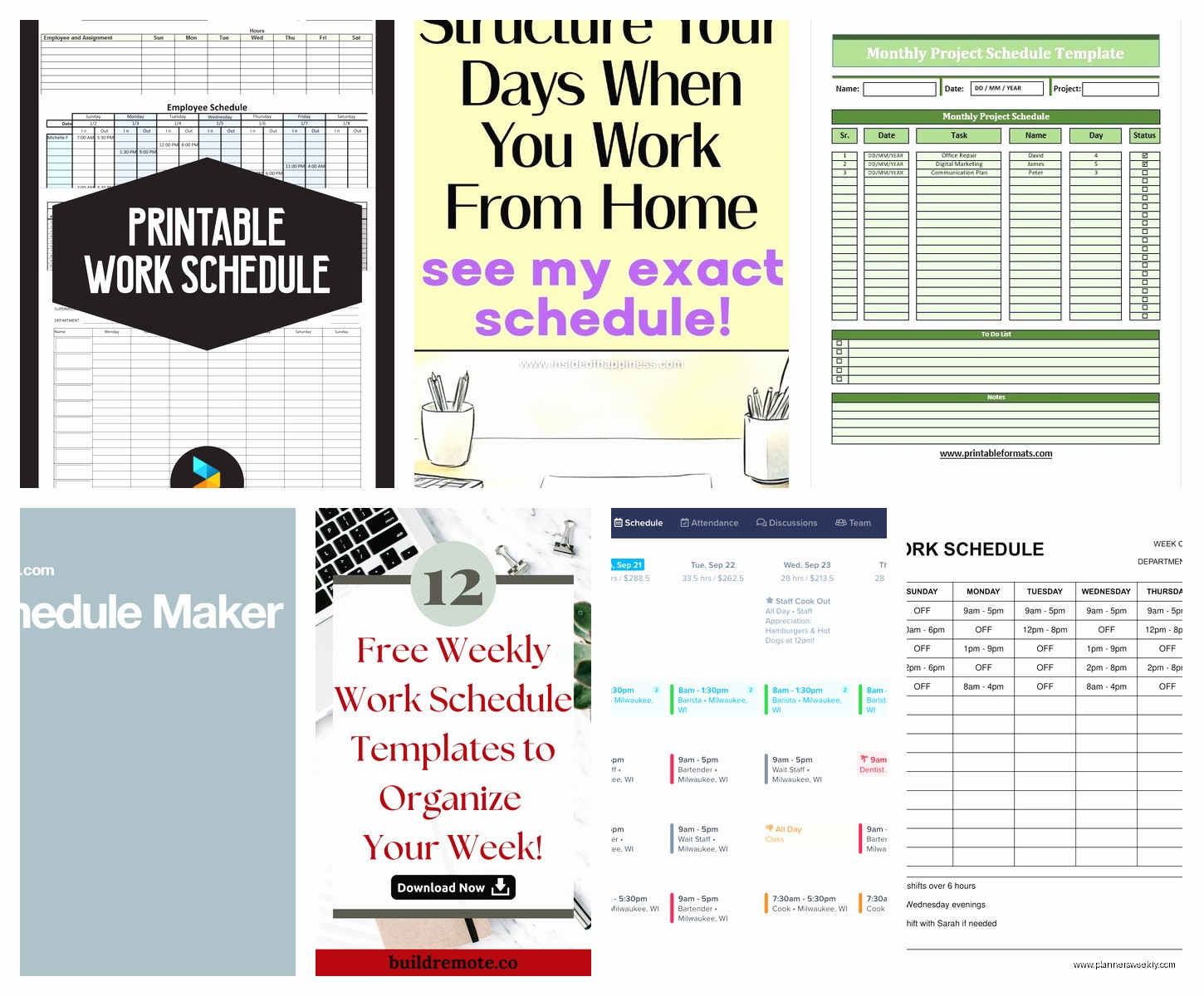
The pros are obvious, it’s free, no learning curve, customizable, you own your data. The cons are also obvious, no notifications, no shift swap features, no time tracking, someone could accidentally delete everything if you don’t set permissions right.
I use it for my own business actually because I have like two contractors and we don’t need anything fancy. I color-code by person and that’s it. Takes me five minutes to make the schedule for the week.
There are free templates online too if you don’t wanna make your own. Some are actually pretty sophisticated with formulas that calculate hours and stuff. I spilled coffee on my keyboard while working on my template last month which actually didn’t affect anything because cloud-based but did make my spacebar sticky for a week.
7shifts Is Weirdly Specific But Great If You’re In Food Service
This one is built specifically for restaurants and it shows. If you’re not in food service some of the features won’t make sense but if you are, this is probably your best bet.
Free plan supports one location and up to 30 employees which is pretty generous. You get scheduling, team messaging, shift pools, and task management. The task management thing is specific to restaurants like “prep the vegetables” “clean the fryer” type tasks that you can assign to shifts.
The schedule builder knows about restaurant positions. It has presets for servers, cooks, hosts, bartenders, etc. You can customize these but having them built in saves time. Also understands shifts in a restaurant context, like AM/PM splits, doubles, that kind of thing.
Wait I forgot to mention the labor compliance stuff. It’ll warn you about potential overtime and has settings for break requirements. This is huge for restaurants where labor law violations are so easy to accidentally do.
The Logbook Feature
There’s this logbook feature that’s basically a shift notes thing. The closing shift can leave notes for the opening shift, managers can leave notes about what needs attention, etc. I watched a demo where they showed how a manager left a note about the ice machine being weird and the next shift saw it and called for maintenance. Seems simple but apparently this is a common communication breakdown in restaurants.
Humanity Which Has A Terrible Name But Decent Features
Humanity is one of those tools that’s been around forever and has gotten better over time. The name is still weird though. Like did they think about how hard it is to search for “humanity schedule maker” without getting philosophical results?
The forever-free plan is actually called that, “forever free” which I appreciate being upfront about. It’s for small businesses, I think the limit is around 15-20 employees but don’t quote me on that, check their current limits.
The interface is busy. There’s a lot going on. It’s not as clean as When I Work or Homebase. But once you figure out where everything is, it’s powerful. You can set up complex scheduling rules like “Sarah and Tom can’t work together” or “Need at least 2 people with X certification on every shift.”
The forecasting stuff is interesting. It’ll look at your historical data and suggest how many people you need for upcoming shifts based on past patterns. This is more useful for retail or food service where traffic varies predictably.
Sling For The Features-To-Price Ratio
Sling’s free plan is pretty stripped down compared to their paid plans but what you get is solid. Unlimited users which is the main draw. You can have 100 employees on the free plan if you want.
The limitations are mainly around features not number of people. You get basic scheduling, a time clock, and messaging. No advanced features like labor cost optimization or reporting, but for just making and sharing schedules it works.
The calendar view is clean. You can look at it by day, week, or month. You can filter by position or location if you have multiple. Drag and drop to move shifts around. Copy and paste entire days if you have repeating schedules which saves so much time.
My cat walked across my keyboard while I was testing the mobile app and somehow opened the settings menu which I hadn’t found yet, so thanks cat for showing me where that was.
The News Feed Thing
There’s this newsfeed feature that’s like a social media wall for your team. You can post announcements, employees can comment, it’s kinda weird but also kinda useful? Like you can post “hey there’s leftover pizza in the break room” or “don’t forget we close early Saturday” and everyone sees it. More casual than email, more permanent than a text message.
Bitrix24 If You Want Everything Else Too
Okay so Bitrix24 is not primarily a scheduling tool, it’s like a whole business management platform that happens to include scheduling. But the free plan is so generous it’s worth mentioning.
You get unlimited users on the free plan which is insane. Plus you get scheduling, time tracking, project management, CRM, file storage, video calls, like everything. The catch is the interface is overwhelming as hell because there are so many features.
For scheduling specifically, it has a workload planner that shows you everyone’s schedules on a timeline. You can see who’s overloaded and who has free time. Good for project-based work more than shift-based work honestly.
The time tracking integrates with the scheduler which is nice. You can see planned hours vs actual hours worked. There’s a whole reporting section for this stuff but again, overwhelming interface makes it hard to find everything.
I wouldn’t recommend this if all you need is scheduling. It’s overkill. But if you’re also looking for project management and CRM and all that other stuff, getting scheduling included is a nice bonus.
OpenSimSim For The Open Source People
This is gonna be niche but OpenSimSim is open source and free and if you’re into that sort of thing, it’s worth looking at. You have to self-host it though which immediately rules it out for most people.
I tested it by installing it on a cheap hosting account and it was… fine? Took me like an hour to get it set up which isn’t terrible but also not “download an app and go.” The interface is very basic but functional.
The advantage is you own everything. Your data, your customizations, everything. You can modify the code if you know how or hire someone to modify it for you. For businesses that are paranoid about cloud-based employee data, this is an option.
The disadvantage is you have to maintain it yourself. Updates, security, backups, all that stuff is on you. And there’s no mobile app, just a mobile-responsive website which works okay but isn’t as smooth as a native app.
Shifts By Everhour For Time Tracking People
If you’re already using Everhour for time tracking they have a shifts feature that’s pretty good. It’s not a standalone scheduler, more of an add-on to their time tracking.
Free plan is limited but if you’re a team of 5 or fewer it works. You can create shift schedules, assign people to shifts, and they can clock in/out of their shifts. The time data feeds into Everhour’s reporting which is the main benefit.
The interface is clean, very minimal. You won’t find a ton of features but what’s there works well. Good for creative teams or agencies where you bill by the hour and need to track who worked which client shifts.
Not recommended if you’re in retail or food service. The features aren’t built for that. But for office-based teams with flexible scheduling needs, it’s decent.
Things That Matter When You’re Choosing
Okay so after testing all these, here’s what actually matters in real life use:
The mobile app situation is huge. If your employees can’t easily check their schedule from their phones, you’re gonna get texts asking about schedules constantly. Trust me on this one. Every single tool I recommended has mobile apps except the Google Sheets option, and that’s a legit tradeoff to consider.
Notification settings matter more than you think. Some tools spam everyone with notifications about every tiny change. Others barely notify anyone and then people miss shifts. Look for something where you can customize what triggers notifications.
