
Digital Productivity, Online planners, Planners
Monthly Schedule Maker: Best Online Tools & Templates
Apr
Okay so I just spent like three weeks testing every monthly schedule maker I could find because honestly my paper planner situation was getting out of control and I needed something I could access from my phone when I’m not at my desk.
Google Calendar but Make It Actually Work for Monthly Planning
Look, everyone’s gonna tell you Google Calendar and yeah it’s free and syncs everywhere but here’s what nobody mentions – you gotta set it up right or it’s just gonna be this overwhelming mess of color-coded chaos. I learned this the hard way after my dog knocked over my coffee onto my laptop and I had to rely solely on mobile for like four days.
The trick is creating separate calendars for different life areas. I’ve got one for client meetings, one for content deadlines, one for personal stuff. You can toggle them on and off which sounds basic but when you’re trying to see just your work schedule for the month it’s actually crucial. The month view on desktop is solid but mobile is kinda cramped if you have a lot going on.
What I actually do is use Google Calendar as my base layer and then export it to other tools because the sharing features are unmatched. You can give people view-only access or let them edit and it just works across all devices without the weird syncing issues some other platforms have.
Notion for People Who Want Everything in One Place
Notion is like… it’s either gonna change your life or you’re gonna spend six hours building the perfect template and never use it again. I’ve done both honestly. But for monthly scheduling specifically their calendar database view is pretty powerful once you figure it out.
You can create a database and then view it as a calendar which means each event can have tags, notes, attached files, subtasks – way more than a regular calendar app. I use this for content planning because I can see the whole month but also click into any day and see all my research notes and draft links right there.
The learning curve is real though. I had a client ask me about Notion and I sent her my template and she was like “what am I looking at” so maybe not if you want something you can start using in five minutes. The free version is fine for personal use but if you want to share with a team you’ll need to pay.
Setting Up a Monthly Schedule in Notion
- Create a new database (full page works best)
- Add properties for categories, status, priority whatever you need
- Switch to calendar view from the top menu
- Customize the properties that show on each card so you’re not clicking into everything
The mobile app is better than it used to be but still not as smooth as using it on desktop. I mostly use mobile just to check what’s coming up, not to do heavy scheduling.
Canva Monthly Planners if You Want It to Look Pretty
Okay this is gonna sound weird but Canva has monthly planner templates and they’re actually really good if you like the visual aspect of planning. I know it’s technically a design tool but hear me out.
You can find free templates that are already set up as monthly calendars and you just customize them. Add your own colors, move things around, type in your schedule. Then you can download it as a PDF or PNG and use it as your desktop wallpaper or print it out. I’ve been doing this thing where I create a new one each month while watching TV and it takes maybe 20 minutes.
The downside is it’s not dynamic – once you download it that’s it, you can’t edit it unless you go back to Canva. So this works better if you’re using it as a visual reference alongside a digital calendar rather than your main scheduling system. But for people who are visual thinkers or who like that bullet journal aesthetic without the hand cramping, it’s solid.
Trello for the Kanban People
I resisted Trello for so long because everyone was like “you HAVE to use Trello” and that made me not want to but then I actually tried it for monthly planning and okay fine it’s good.
The way I use it is creating lists for each week of the month and then cards for each task or event. You can add due dates, labels, checklists, and attachments to each card. The calendar power-up (which is free) lets you see everything in an actual calendar view instead of just the kanban board.
What I like is how visual it is – you can drag cards between lists super easily so if something gets postponed you just move it. The color coding with labels helps too. I’ve got red for urgent, yellow for deadlines, blue for meetings, green for content stuff.
Trello Setup for Monthly Schedules
- Create lists for Week 1, Week 2, Week 3, Week 4, and maybe one for “Someday This Month”
- Enable the calendar power-up from the board menu
- Add cards with due dates so they show up in calendar view
- Use labels for categories
- The Butler automation can move cards automatically based on rules you set
The free version limits you to one power-up per board which is annoying but the calendar one is probably the most useful anyway. Mobile app is pretty good, better than Notion’s in my opinion.
Cozi Family Organizer (Not Just for Families)
Wait I forgot to mention Cozi earlier and it’s actually really underrated. It’s marketed for families but I use it just for myself and it works great. The monthly view is clean and simple, no overwhelming features you don’t need.
Each person gets a color and you can see everyone’s schedule at once or filter to just yours. Even if you’re solo you can use different “people” for different life areas like Work Emma and Personal Emma. The shopping list and meal planner features are bonuses if you want them but you can ignore them.

It’s free with ads or like $30 a year to remove them and get some extra features. The ads aren’t terrible honestly, just a banner at the bottom. Syncs across devices really well and the month view on mobile is actually usable unlike some other apps where everything’s too squished.
Paper Templates if Digital Isn’t Working
Look sometimes you just need paper and that’s fine. I tested a bunch of printable monthly templates because my eyes get tired staring at screens all day and sometimes I wanna plan with a pen.
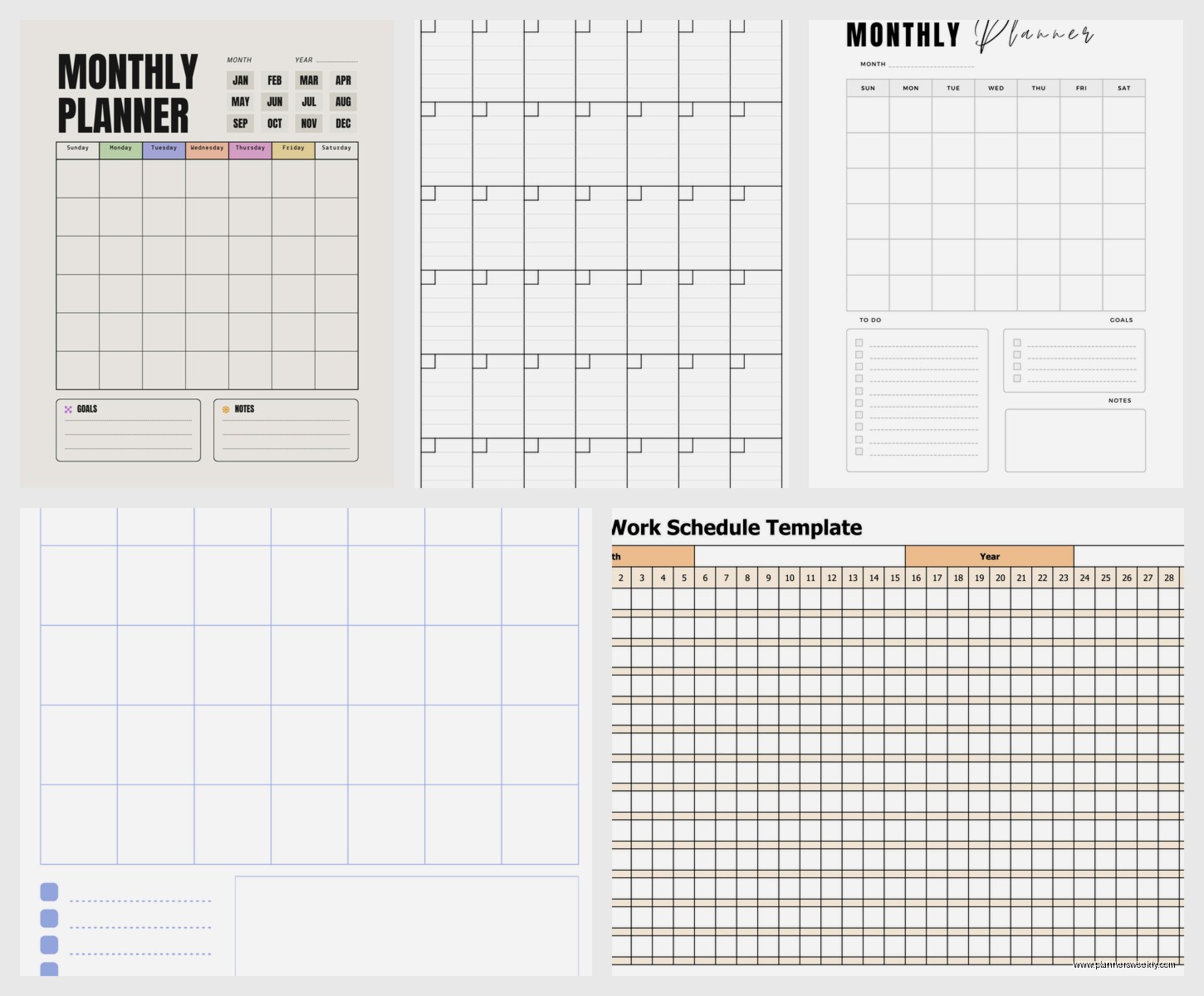
Vertex42 has free Excel and PDF templates that are super clean and functional. No cutesy graphics, just a solid monthly calendar you can print. You can type in Excel first if you want or just print blank and fill in by hand. I keep these in a binder with tabs for each month.
Template.net has more design-focused options if you want something prettier. Some are free, some need a subscription but you can usually find what you need without paying. The landscaping ones work better than portrait in my experience because you get more space for each day.
What to Look for in Printable Templates
- Enough space to actually write in each day (some templates have tiny boxes)
- Clear date labels that are easy to read
- Whether it starts on Sunday or Monday (this matters more than you’d think)
- If it includes space for notes or goals for the month
- Print quality – some free templates look pixelated when printed
ClickUp for the Productivity Nerds
Okay so funny story, I started using ClickUp because a client wouldn’t stop talking about it and I was skeptical because it looked complicated but then I got sucked in and now I have like seven different views set up.
For monthly scheduling the calendar view is really powerful. You can see tasks, events, deadlines all color-coded by project or priority. What makes it different from other tools is how much you can customize – custom fields, multiple assignees, time tracking, dependencies between tasks.
It’s definitely overkill if you just need a simple monthly calendar. But if you’re managing projects or multiple clients or you’re just someone who loves optimizing systems, ClickUp can do basically everything. The downside is it takes time to set up and the interface is busy. My mom would hate it but my project manager friends love it.
The free version is generous actually, you get unlimited tasks and most features. I used free for months before upgrading. Mobile app is decent but you’ll do most of your setup on desktop.
Apple Calendar if You’re in the Ecosystem
If you have Apple devices just use Apple Calendar honestly. It’s simple, it works, it syncs instantly between your iPhone, iPad, and Mac. The monthly view is clean and you can color-code calendars.
You can share calendars with other Apple users easily and it integrates with Siri which is actually useful for adding events quickly. “Hey Siri add coffee meeting with Sarah next Tuesday at 10am” and it’s done.
The limitations are it doesn’t have as many features as some other options and if you ever switch to Android you’re gonna have a bad time migrating everything. But for pure calendar functionality without bells and whistles it’s solid.
Fantastical for Power Users with Apple Devices
This is a paid app (subscription based which I know, I know) but Fantastical is what I actually use daily now. It’s basically Apple Calendar on steroids. The monthly view shows more information without feeling cluttered, and the natural language input is the best I’ve used.
You can type “Team meeting every other Wednesday at 2pm starting next week” and it figures out what you mean. It integrates with basically every calendar service – Google, iCloud, Exchange, whatever. The weather forecast in the calendar view is weirdly useful for planning.
It’s like $5 a month or $40 a year which feels like a lot for a calendar app but I use it probably 20 times a day so the cost per use is actually low. There’s a free version but it’s limited to basically just viewing your calendar.
What Actually Works for Different Situations
If you’re just starting out and want free and simple: Google Calendar or Apple Calendar depending on your phone.
If you want everything in one tool and don’t mind a learning curve: Notion.
If you’re visual and like dragging things around: Trello.
If you manage a household or team: Cozi or Google Calendar with sharing.
If you’re deep in Apple world and want the best experience: Fantastical.
If you manage complex projects: ClickUp.
If you just want paper: Vertex42 templates printed and in a binder.
My Actual Current System
Since you’re probably wondering what I actually use after testing all this – I use Fantastical as my main calendar, it pulls in my Google Calendar events. I use Notion for content planning because I need all the notes and links attached. And I print a monthly overview from Canva at the start of each month and stick it on my wall because apparently I need to see things physically to remember they exist.
It sounds like a lot but each tool serves a specific purpose and they all talk to each other through calendar syncing. The key is picking your main source of truth (for me it’s Google Calendar) and then layering other tools on top based on what you need.
Oh and another thing – whatever you pick, use it for at least a month before deciding it doesn’t work. I almost gave up on Notion after two weeks but once it clicked it really clicked. Though if something feels actively difficult after a month then yeah probably try something else because planning systems should make life easier not harder.
