
Digital Productivity, Online planners, Planners
Online Calendar Schedule Maker: Best Free Tools
Apr
Okay so I just spent like three weeks testing every free calendar scheduler I could find
And honestly? The answer depends on what kind of chaos you’re dealing with. I was supposed to write about planners this month but my client canceled last minute so I fell down this rabbit hole and now I have like 7 different calendar apps connected to my phone and my husband thinks I’ve lost it.
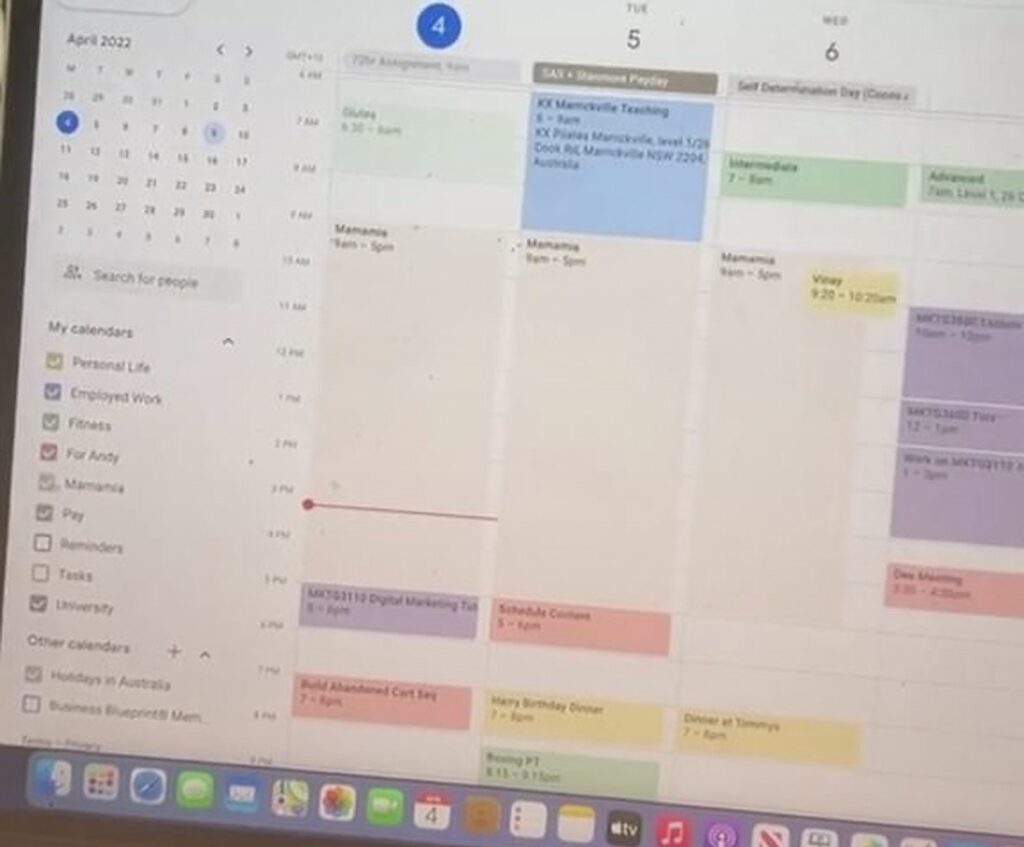
Let me just jump straight into Google Calendar because if you’re not using this already, we need to talk. It’s free, it syncs everywhere, and I mean everywhere. I’ve been using it for probably 10 years now and the thing is, it just works. You can color-code different calendars which sounds basic but when you’re juggling work stuff, personal appointments, and like trying to remember when your dog needs his flea medication, those colors become your lifeline.
The mobile app is actually better than the desktop version in some ways? Like you can just tap a time slot and boom, event created. On desktop you gotta click through more stuff. What I really love is the “Find a time” feature when you’re scheduling with other people who also use Google Calendar. It shows you everyone’s availability in this grid view and you can just pick a slot that works. Saves so much back-and-forth email nonsense.
Wait I forgot to mention the goals feature
Google Calendar has this thing where you can set goals like “exercise 3 times a week” and it’ll automatically find time slots in your calendar and schedule them. I thought it would be gimmicky but it actually helped me block out time for content planning. It learns from when you actually do the thing versus when you reschedule, which is kinda creepy but also useful.
The downsides though: the interface is pretty plain. If you want something that looks nice or feels more customized, Google Calendar is gonna feel corporate. Also the reminders system is fine but not great for recurring tasks that aren’t time-specific.
Calendly is the one everyone keeps asking me about
So Calendly isn’t exactly a calendar itself, it’s more like a scheduling tool that connects to your calendar. The free version lets you have one “event type” which is basically one kind of meeting. For me that’s my 30-minute client consultations.
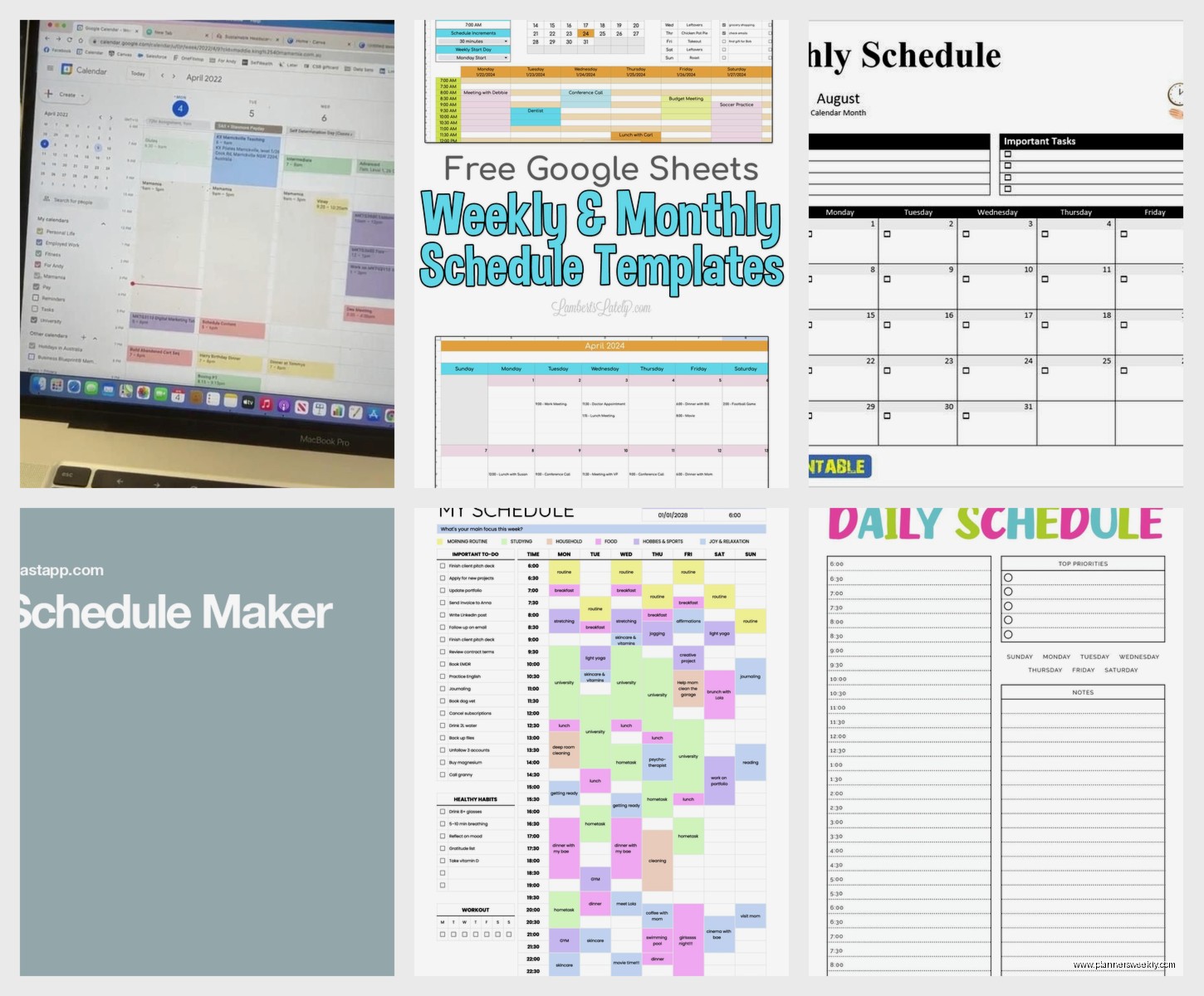
Here’s how it works: you set your availability (like Tuesdays and Thursdays 2-5pm), connect your Google Calendar or Outlook or whatever, and then you get a link. You send that link to people and they pick a time that works for them. It automatically blocks off that time in your calendar and sends confirmations to both of you. No more “does Thursday at 3 work? Actually how about Friday? Oh wait I have a thing Friday…”
I started using this when I got tired of the scheduling dance with new clients and honestly it’s saved me probably hours every month. The person picking the time can see your availability in their own timezone too, which is huge if you work with people across different areas.
But the free version is limited. You only get that one event type, so if you do different kinds of meetings (like 15-min quick calls versus hour-long deep dives), you’d need to upgrade. The paid version starts at like $10/month I think? Also some people find it impersonal to just send a link instead of having a conversation about timing, so read the room.
Oh and another thing about Calendly
The email reminders it sends are actually good. They include a calendar file attachment and a link to reschedule if needed. I’ve had way fewer no-shows since I started using it. There’s also a feature where you can ask custom questions when someone books, like “what do you want to discuss?” so you’re not going into meetings blind.
Motion is this AI thing that’s technically not free but has a trial
Okay so Motion is different because it’s trying to be your calendar AND your task manager AND it auto-schedules everything using AI. I tested the free trial because everyone in productivity circles won’t shut up about it. The idea is you dump all your tasks in there with deadlines and how long they’ll take, and it automatically fits them into your calendar around your meetings.
In theory this is amazing. In practice… it’s complicated. When it works, it feels like magic. I put in “write blog post, 2 hours, due Friday” and it found a slot on Wednesday morning and blocked it off. But when you have a lot of moving pieces, the constant re-shuffling got annoying. Every time I added a new meeting, it would rearrange my whole week.
Also it’s expensive after the trial. Like $30-something per month. For that price you’re really paying for the AI scheduling, which is either gonna be worth it because you hate planning your day, or it’s gonna feel like overkill. I didn’t keep it because I honestly like having some control over when I do things, but I know people who swear by it.
This is gonna sound weird but I actually really like Notion’s calendar
If you’re already using Notion for other stuff, the calendar database view is low-key excellent. It’s not a traditional calendar app, it’s more like a database that you can view as a calendar. Which sounds technical but stay with me.
You create a database of events or tasks, add properties like date, time, category, whatever you want, and then view it in calendar format. The cool part is you can switch between calendar view, list view, table view, all looking at the same data. So if you want to see all your content deadlines as a list sorted by priority, you can do that. Then switch to calendar view to see how they’re spread across the month.
I use this for content planning specifically. Each blog post is an entry with properties for topic, deadline, status, and platform. Calendar view shows me when everything’s due, but I can also filter to see just YouTube content or just Instagram posts. It’s way more flexible than a regular calendar.
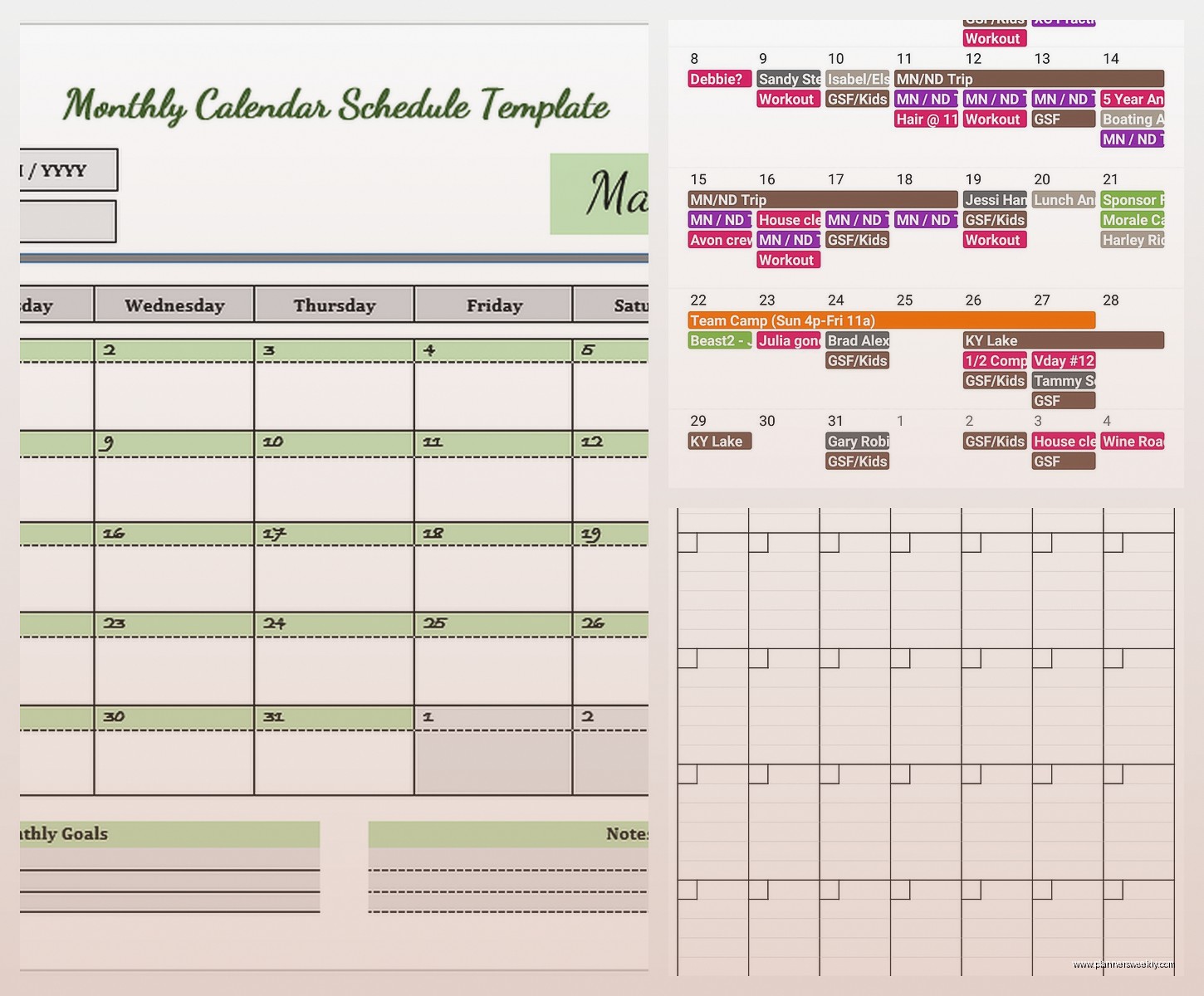
The learning curve is real though. Notion has this reputation for being complicated and yeah, it kinda is at first. You gotta wrap your head around databases and properties and templates. But once you get it, you can customize everything exactly how you want it. The free version is honestly pretty generous too.
Wait I forgot the sharing thing
You can share Notion calendars with other people and they can edit them in real-time. My assistant and I share a content calendar and we can both add stuff, move things around, update statuses. It’s basically like Google Sheets but prettier and with more views.
Apple Calendar if you’re in that ecosystem
I switched to iPhone like two years ago and Apple Calendar is… fine. It’s very Apple, meaning it’s simple and clean but not super feature-rich. It syncs across all your Apple devices obviously, and it integrates with other Apple apps in ways that are actually useful.
Like if you get an email with flight info, it’ll automatically create a calendar event. Or if someone texts you “let’s meet Tuesday at 3,” you can tap it and add it to your calendar. These little integrations add up when you’re already using iMessage and Mail and all that.
The natural language input is good. You can type “dentist appointment next Thursday at 2pm” and it figures it out. Google Calendar has this too but Apple’s feels slightly better? Maybe I’m imagining it.
What it doesn’t have is any kind of scheduling link feature like Calendly, or smart suggestions, or really any AI stuff. It’s just a calendar. Which is either exactly what you want or feels too basic depending on your needs. Also if you collaborate with people on Windows or Android, the sharing features are limited.
Fantastical is the fancy option that has a limited free version
Okay so Fantastical is what people use when they want their calendar to be beautiful and powerful. It’s primarily a Mac/iOS app but there’s a Windows version now too I think. The free version is pretty restricted, you basically get a nice interface for your existing calendars but not the premium features.
The natural language input is the best I’ve used. You can type super complex things like “lunch with Sarah every other Tuesday at noon starting next week” and it just works. The week view is gorgeous, everything is color-coded and easy to scan. There’s a menu bar widget that shows your upcoming events without opening the full app.
But here’s the thing: the good features are behind a subscription. Openness (their version of Calendly), weather forecasts, calendar sets, tasks integration, all that costs like $5/month or $50/year. Which isn’t terrible compared to some options but it’s definitely not free.
I used it during a free trial and loved it, but couldn’t justify paying when Google Calendar does 90% of what I need for free. If you really care about design and spend a lot of time in your calendar though, it might be worth it. The app is just nicer to use than most alternatives.
Oh and another thing
Fantastical has this interesting feature where you can create “calendar sets” which are basically different combinations of calendars for different contexts. Like a “work” set that shows only work calendars, and a “personal” set that hides all work stuff. You can switch between them with one click. I found this useful for separating my productivity coaching calendar from my blog content calendar from my actual life.
Outlook Calendar is actually good now
I know, I know, Outlook feels like corporate email hell. But the calendar part has gotten way better, especially if you’re already using Microsoft stuff for work. The web version is totally usable and the mobile app is decent.
What I like about it: the scheduling assistant is really good for finding meeting times with groups of people. It shows everyone’s availability in a clear grid and suggests times that work for everyone. Better than Google’s version honestly. There’s also this “play my emails” feature that’ll read your calendar while you’re driving which sounds dystopian but is actually handy.
The integration with Microsoft To Do is seamless if you use that. You can see your tasks right in the calendar view and drag them to specific time slots. It’s not as smart as Motion’s AI scheduling but it’s free and works pretty well.
Downsides: if you’re not already in the Microsoft ecosystem, there’s not much reason to choose this over Google Calendar. They do similar things and Google’s is probably more widely compatible with other apps and services. But if your work uses Outlook anyway, you might as well use the calendar too.
Cozi is weirdly good for family stuff
This one’s specifically designed for families and it’s free with ads, or like $30/year to remove them. Each family member gets a different color and you can see everyone’s schedules in one place. There’s also a shared shopping list and to-do lists built in.
I don’t have kids but I tested this with my husband for our household calendar and it’s actually perfect for that use case. Doctor appointments, when the lawn guy is coming, dinner plans, all in one place. The shopping list feature is surprisingly useful, we both add stuff throughout the week and then have everything ready for grocery shopping.
The mobile app sends notifications for upcoming events and you can assign to-dos to specific people. So when I add “take recycling out” I can assign it to my husband and he gets a notification. Has this solved our household chore arguments? Not entirely, but it helps.
It’s not gonna replace your work calendar though. The features are pretty basic and it’s really optimized for family coordination rather than professional scheduling. But if you need a shared household calendar that everyone can actually use, Cozi is way better than trying to share a Google Calendar with people who aren’t tech-savvy.
My actual recommendation after testing all these
Start with Google Calendar because it’s free, works with everything, and you probably already have a Google account. Use it for a few weeks and figure out what’s missing for your specific needs.
If you do a lot of scheduling with other people and hate the back-and-forth, add Calendly for the free scheduling link feature. If you need more than one type of meeting, maybe pay for Calendly or look at alternatives like Cal.com which is open-source and has a free tier.
If you want your tasks and calendar integrated and you like customization, try Notion’s calendar database. The learning curve is worth it if you’re gonna use other Notion features too.
If you’re deep in the Apple ecosystem and want something prettier than Apple Calendar, try Fantastical’s free version and see if you like it enough to pay.
For family scheduling, just use Cozi and save yourself the headache of trying to make a professional calendar app work for household stuff.
Honestly the best setup is probably using multiple tools together. I use Google Calendar as my main calendar, Calendly for client bookings, and Notion for content planning. They all sync together and each one does its specific job really well. You don’t need to find one perfect tool that does everything, you just need tools that work together and don’t drive you crazy.
Also whatever you pick, actually put stuff in it. I’ve watched so many people download fancy calendar apps and then still keep everything in their head or on random sticky notes. The tool doesn’t matter if you don’t use it consistently. But yeah that’s my whole download from three weeks of testing these things while my cat kept walking across my keyboard and my husband kept asking why I had so many calendar notifications going off.
