
Digital Productivity, Online planners, Planners
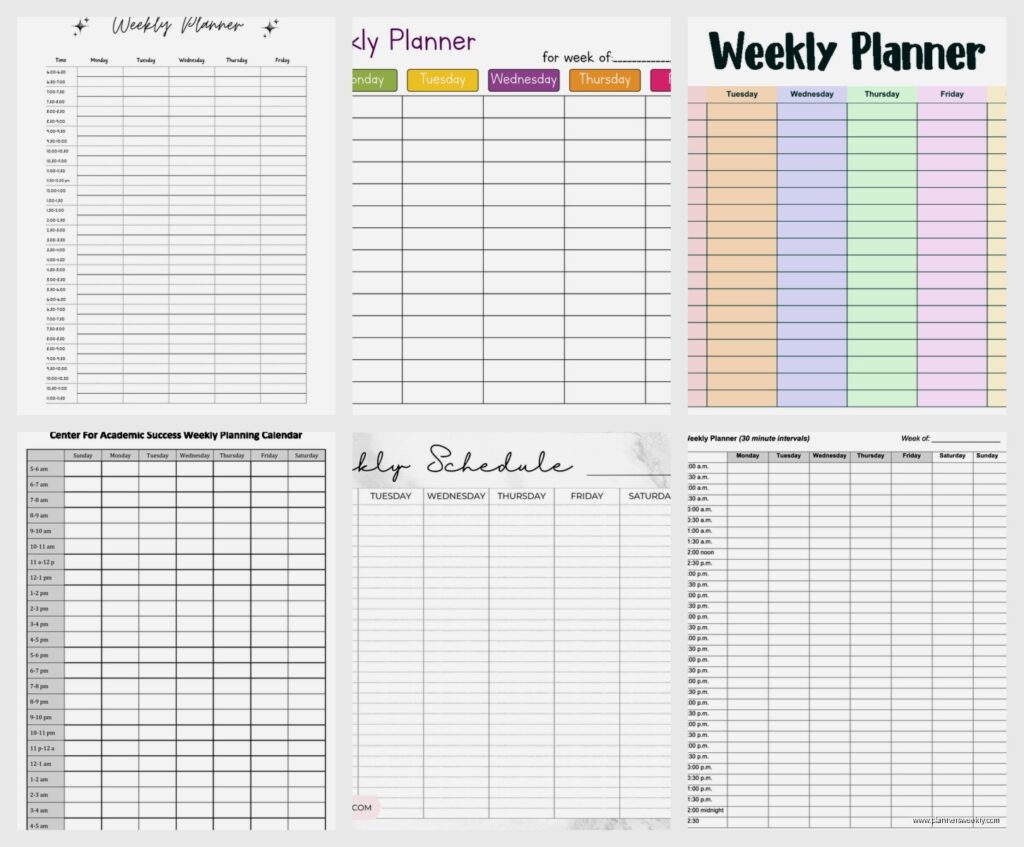
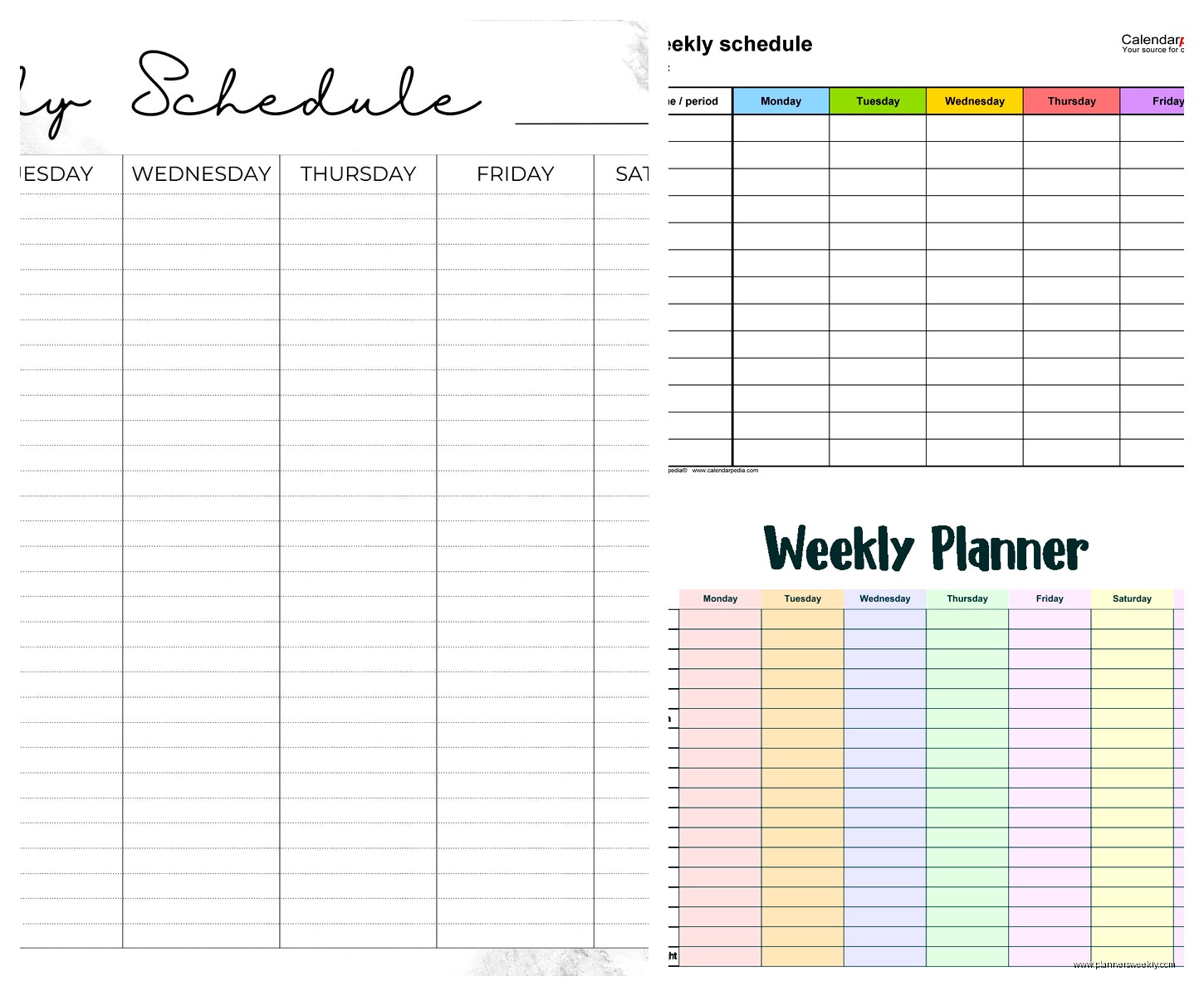
Weekly Planner with Time Slots: Best Hourly Options
Apr
Okay so I literally just spent the last three weeks testing every hourly planner I could get my hands on because like five of my coaching clients asked me the same question and I figured I should actually know what I’m talking about.
The Digital Options That Actually Work
Starting with digital because honestly that’s where most people end up anyway. Google Calendar is the obvious one and yeah it’s free and syncs everywhere but here’s the thing—it’s kind of terrible for actual time blocking if you want to see your whole week at once. You can do it but you’re gonna be zooming in and out constantly and it gets annoying fast.
I’ve been using Structured app on my iPhone for like six months now and it’s weirdly good for hourly planning. It’s this timeline view that shows your whole day and you just tap to add blocks. The free version gives you the basic stuff but I caved and paid the $10 or whatever because I wanted the week view. Worth it? Kinda. It’s really satisfying to use which sounds dumb but like… if the tool is annoying you’re not gonna use it.
Motion is the one everyone’s talking about right now but it’s $34 a month which is honestly insane for a calendar app. I tested it for two weeks and okay yes the AI scheduling thing is cool—it automatically moves your tasks around based on deadlines and whatever. But do you actually need that? My clients who are executives or managing huge projects love it. Everyone else is like “I paid how much for this?”
The Notion Situation
People keep asking me about Notion templates and look, I have Opinions. You can absolutely build an hourly weekly planner in Notion and there are like a thousand templates out there. I bought one from Gridfiti last month (the productivity dashboard one) and spent three hours setting it up which… maybe defeats the purpose of productivity?
But once it’s set up it’s actually pretty flexible. You can see your week, you can time block, you can link it to your tasks and projects. The problem is it’s not quick. If you need to rapidly adjust your schedule throughout the day, opening Notion and clicking through databases feels clunky. I use mine more for planning my week on Sunday nights, not for day-to-day adjustments.
Paper Planners Because Sometimes You Just Need To Write Stuff Down
Okay so this is where I’ve tested way too many things. My desk currently has seven different planners on it and my partner keeps asking when I’m gonna clean up but that’s not the point.
The Passion Planner hourly layout is probably the most popular one and I get why. Each day has time slots from 5am to 1am (or 8am to 1am depending on which version) and there’s space for priorities at the top. The weekly layout shows all seven days at once which is key—you need to see the whole week or what’s the point? It’s $35 for the full size and $28 for compact. I’ve been using the compact and it fits in my bag without being annoying.
But here’s what nobody tells you about Passion Planner—the time slots are 30 minutes each and they’re kinda small. If you have messy handwriting or you like to write detailed notes about what you’re doing, it gets cramped. I watched an episode of Shrinking while testing this and tried to schedule out my whole week and ran out of space by Wednesday.
The Panda Planner Hourly
This one surprised me because I wasn’t expecting to like it. It’s got this whole morning routine section at the top with gratitude stuff and affirmations which… okay I usually skip that part. But the hourly section runs from 6am to 9pm with 30-minute increments and the boxes are actually a decent size.
What I really like is that it has an evening review section. Sounds cheesy but it’s actually useful for tracking what you planned versus what actually happened. As a productivity coach I’m supposed to say this is important for growth or whatever but really it just helps you stop overestimating what you can fit in a day. Costs around $25-30 depending on where you get it.
The paper quality is better than Passion Planner if you use fountain pens or markers. Learned that the hard way when my Mildliners bled through three pages of the Passion Planner and I had to redo my whole week.
The Spiral-Bound Hourly Options
Blue Sky planners are like the budget-friendly option everyone forgets about. They have a weekly format with hourly slots (8am-7pm) and they’re like $15-20 at Target. The time slots are actually pretty generous size-wise. My issue with them is the paper is thin and the binding is only okay—mine started falling apart after four months of daily use.
But if you’re not sure you’ll stick with hourly planning or you just need something for a specific project, these are perfect. I bought one for a client who was planning her wedding and didn’t wanna invest in an expensive planner she’d only use for six months.
Oh and another thing—Bloom Daily Planners have an hourly version that’s really colorful if you’re into that. Personally the color-coded tabs and sections stress me out because it feels like homework, but I have clients who swear by it. The hourly slots run 7am-9pm with half-hour increments. Around $25 and the paper quality is solid.
The Minimalist Route
Wait I forgot to mention Ink+Volt planners. These are more expensive ($38-42) but they’re really well made. The hourly layout is clean—no extra fluff or decoration, just time slots from 6am-9pm. The paper is thick, the binding is sewn so it lays flat, and it has this elastic closure that actually stays closed in your bag.
I use this one when I’m meeting with clients because it looks professional and doesn’t have like… motivational quotes or stickers all over it. Some of my clients want that stuff but for me it’s distracting.
The Undated Versus Dated Debate
This is gonna sound weird but I actually prefer undated planners now even though I resisted for years. Dated planners give you that guilt feeling when you skip days—you see blank pages and feel bad. Undated you just keep going.
Legend Planner makes an undated hourly version that I tested last month. Time slots from 6am-10pm, weekly spread, pretty standard. The advantage is you can start anytime and if you have a slow week or go on vacation you’re not wasting pages. It’s around $30 and comes with stickers if you care about that.
The downside is you gotta write the dates in yourself which sounds trivial but by Friday I’m tired and sometimes forget. Then I have to flip back and figure out what date it should be. First world problems but still annoying.
Printable Options If You Have A Printer That Actually Works
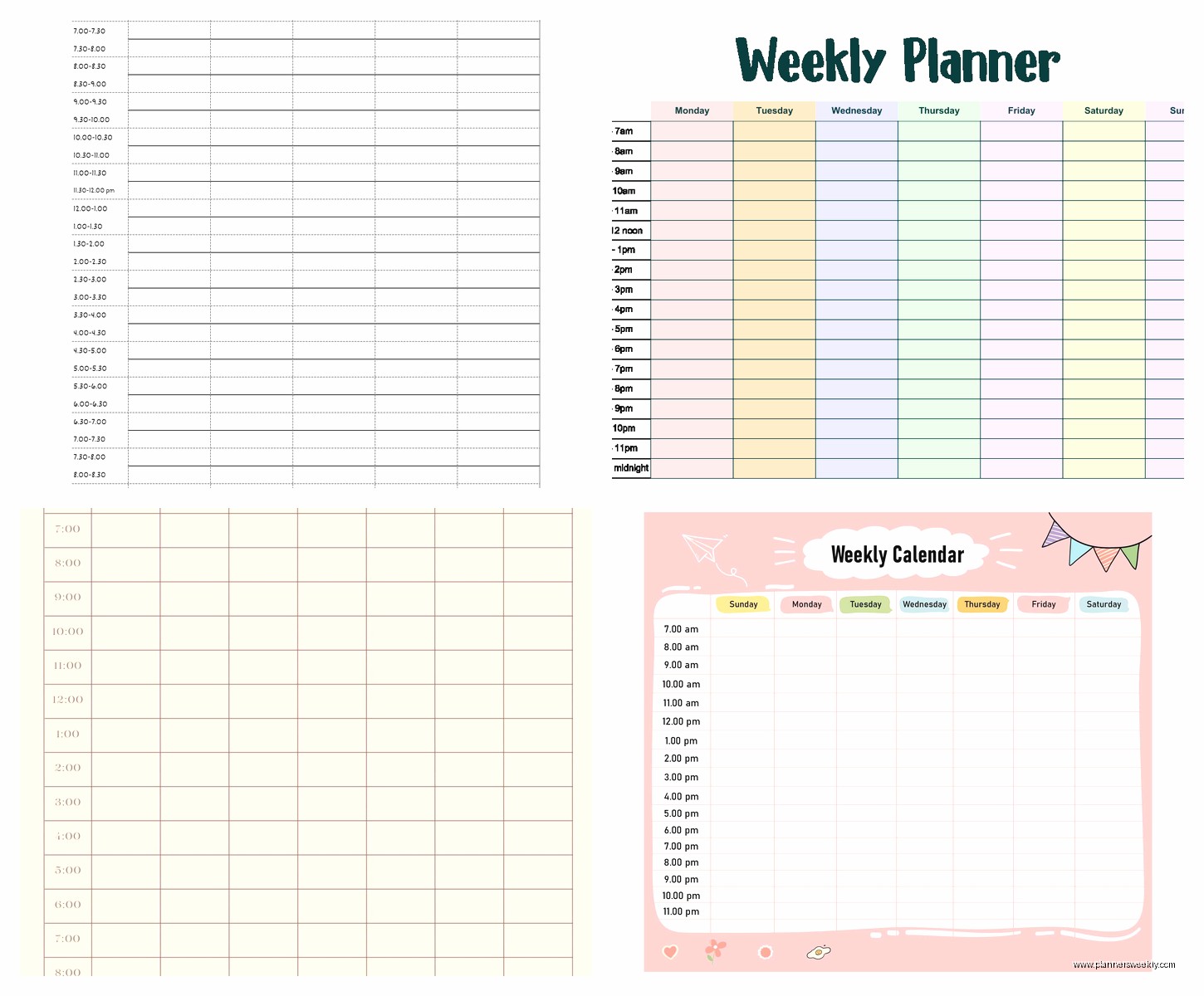
My printer decided to die last week in the middle of testing these but before that I tried a bunch of printable hourly planners. Scattered Squirrel has templates on Etsy for like $6-8 and you can print as many as you want. They have different time increments—30 minute, 15 minute, even 60 minute blocks if you want less detail.
The 15-minute increment one is overkill unless you’re like a consultant billing by the quarter hour. I tried using it and just… no. Too many boxes. My day felt like a spreadsheet.
Printable planners are good if you want to try hourly planning without committing to buying something. Just print a few weeks and test it out. Use a three-ring binder or get it spiral bound at FedEx for a couple bucks.
The Hybrid Approach That’s Actually Working For Me
Okay so here’s what I’ve settled on after all this testing and my dog just knocked over my coffee so this might get scattered. I use Google Calendar for appointments and meetings because those need to sync with other people. But I do my actual time blocking in a paper planner—currently rotating between the Ink+Volt and Passion Planner depending on my mood.
Sunday night I plan out my week on paper. Then I check it throughout the day but I don’t stress about transferring everything to digital unless it involves other people. This is probably not the most efficient system but it works for my brain.
My clients who are more digitally organized use Sunsama which integrates with their calendar and task management. It’s $16/month and does the whole time blocking thing really smoothly. You drag tasks onto time slots and it syncs with Google Calendar or Outlook. I tested it but didn’t stick with it because I’m apparently old school about some things.
What Actually Matters When Choosing
Time range is the first thing to figure out. Most planners run 6am-9pm or 8am-8pm. If you work nights or really early mornings, check this before buying. I had a client who’s a baker and starts work at 4am—most planners were useless for her actual working hours.
Block size matters more than you think. If you have big handwriting or like to add notes, you need bigger boxes. The 30-minute increment planners usually have smaller spaces than 60-minute ones. Test by writing your actual schedule in a store if you can, or check reviews with photos of the inside pages.
Weekly versus daily view—I’m team weekly all the way. You gotta see how your whole week flows to actually manage your time. Daily planners where you flip pages constantly make it hard to spot patterns or move things around. But some people prefer the focus of seeing just one day. Different brains work differently.
Paper quality only matters if you care about pens. If you’re using basic ballpoint whatever, any planner works. But if you use gel pens, markers, or fountain pens, you need thicker paper. I learned this the expensive way.
The Stuff That Sounds Good But Doesn’t Actually Help
Extra sections for goals and habits and meal planning look nice but honestly I never use them. Same with the monthly calendar pages—I just use my phone calendar for month view. These extras add bulk and cost but unless you know you’ll use them, skip it.
Stickers and decorative stuff are fun if that’s your thing but they don’t make you more productive. I say this as someone who owns way too many washi tape rolls. It’s nice for making your planner pretty but it won’t help you actually manage your time better.
The “perfect” planner doesn’t exist and you’re gonna waste time looking for it. Pick something that has the basic features you need—right time range, decent space for writing, shows the whole week. Try it for a month. Adjust from there.
This is probably way more information than you needed but like, I just spent three weeks on this so you’re getting all of it. The short answer if you’re standing in a store right now trying to decide: get the Passion Planner compact if you want paper, or use Structured app if you want digital. Both are solid starting points and not too expensive if you end up hating hourly planning entirely.
