Digital Productivity, Online planners, Planners
Weekly Calendar Guide: Templates Formats & Best Options
Apr
Okay so I just spent the last three weeks testing every weekly calendar format I could get my hands on because honestly my old system was a disaster and I needed to figure out what actually works. Here’s what I found.
Digital vs Paper: The Thing Nobody Wants to Hear
Look, I’m gonna be real with you. I tested both extensively and the answer is… it depends on whether you’re actually gonna use it. I know, I know. But seriously, I watched my dog chew up a paper planner last month and lost an entire week of planning, so there’s that. The digital ones won’t get destroyed but you also won’t open the app if you’re not in the habit.
For digital, Google Calendar is the obvious choice if you’re already in that ecosystem. The week view on desktop is clean, color coding works great, and it syncs across everything. But here’s the thing – the mobile week view kinda sucks? Like you can’t see enough detail without zooming and clicking around. I’ve been using it for client appointments for years and I still get annoyed with the mobile interface.
Notion has this weekly template that everyone raves about and okay yeah it’s customizable as hell. You can add databases, link pages, embed your whole life in there. But it’s slow sometimes and if you just need to quickly check what’s happening Thursday, you’re gonna be waiting for pages to load. I use it for content planning but not for my actual daily schedule anymore.
Paper Planners That Actually Work
The Passion Planner weekly layout is genuinely good. I tested the compact size and the regular size. Get the regular. The compact sounds convenient but you’ll run out of space by Tuesday and start writing in tiny letters in the margins. The weekly spread has this roadmap section on the left that I actually use for tracking my three main priorities. It’s not just decorative which is refreshing.
Hobonichi Weeks is this Japanese planner that’s like a cult favorite and I finally understand why. The paper is THIN but doesn’t bleed through even with my fountain pens. The weekly view is vertical which takes getting used to if you’re used to horizontal layouts. Each day gets a column. It fits in my jacket pocket which means I actually carry it places. The pages in the back for notes are dot grid and I use them for random blog ideas.
Wait I forgot to mention – if you like the vertical layout but want more writing space, the Jibun Techo is similar but wider. Costs more though. I borrowed one from a friend for a week and yeah it’s nice but not $40 nice when the Hobonichi does the job.
The Hourly Time Block Situation
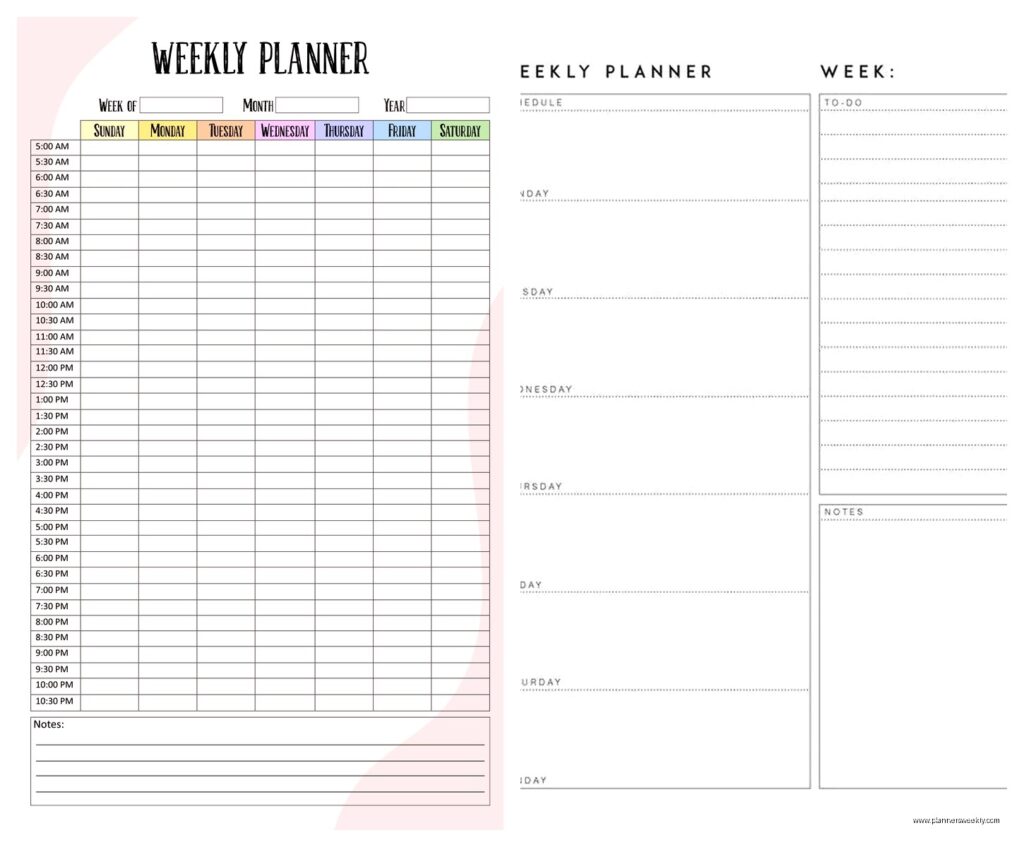
Some weekly planners have hourly blocks, some don’t. This matters more than you’d think. The Passion Planner has time blocks from 7am to 10pm. Sounds great except if you wake up at 5am like I do sometimes, you’re writing above the printed lines. Also if you don’t actually schedule your day by the hour, all those lines just mock you.
I tested the Ink+Volt planner which has less rigid time blocking and honestly I prefer it? You get these sections for morning, afternoon, evening instead of specific hours. Feels less stressful when you don’t hit every time slot perfectly. Though my productivity coaching clients who like strict time blocking hate this format. They want the hourly accountability.
Template Formats You Can Print
Okay so funny story, I went down a rabbit hole of printable templates because I wanted to test custom sizes. Etsy has approximately eight million weekly calendar templates and most of them are over-designed garbage with florals everywhere. But there are some good ones.
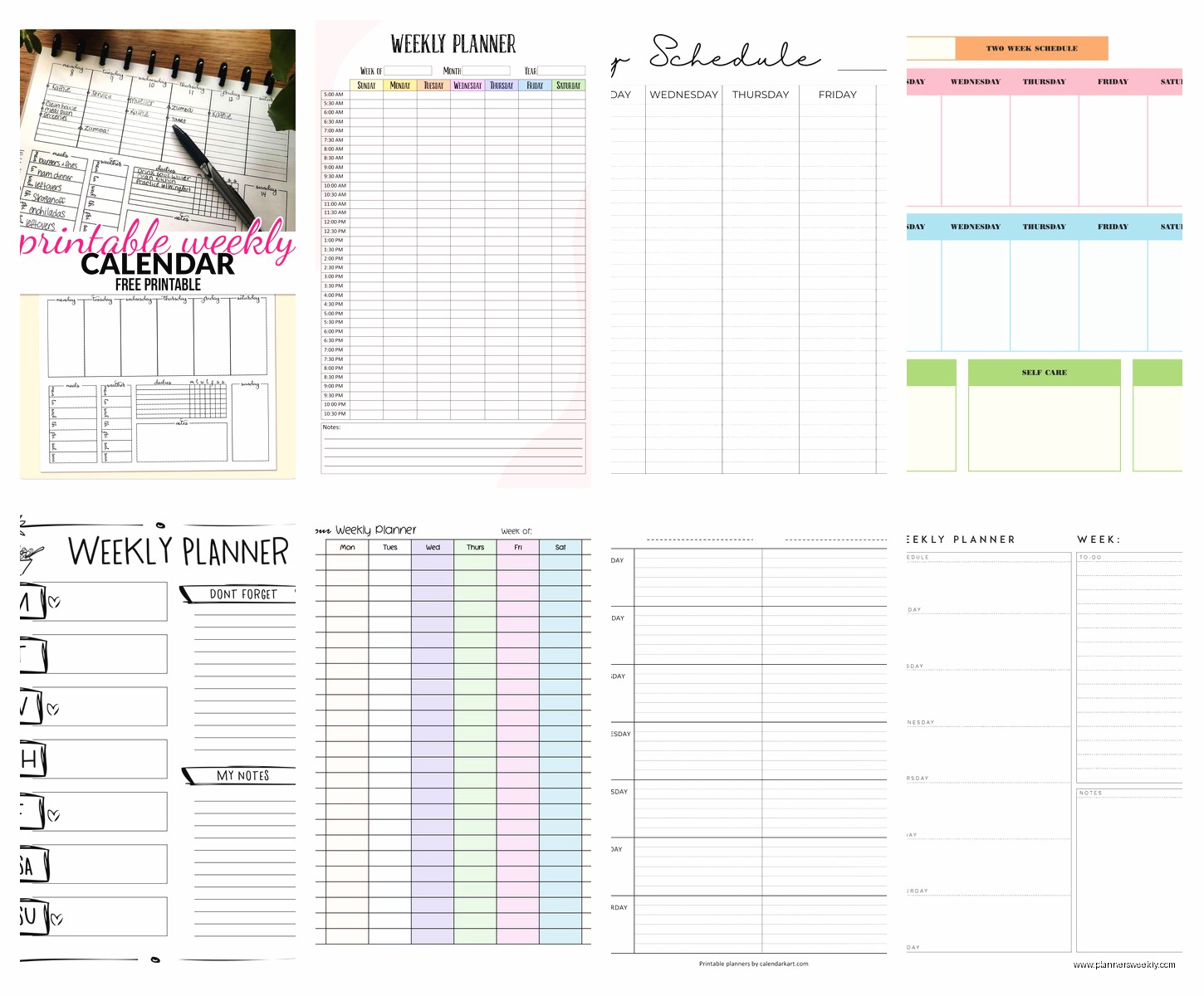
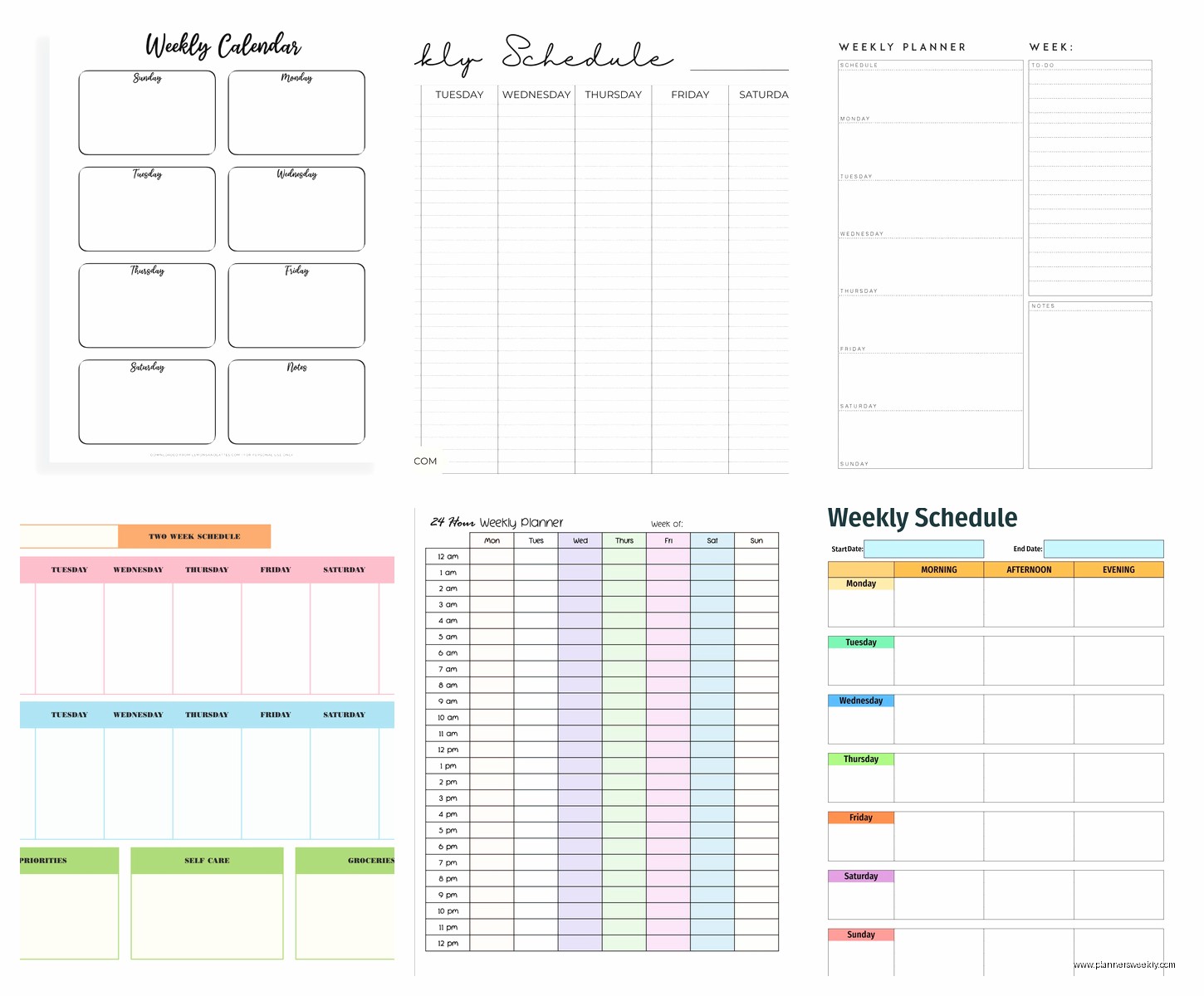
The basic vertical weekly spread works for most people. Seven columns, one per day, usually with a notes section or habit tracker on the side. You can find free versions on Canva now. I made my own template there and it took like 20 minutes. Added my own sections for podcast episode planning and blog post tracking.
Horizontal weekly layouts give you more writing space per day but you need to flip pages more often to see your whole week. I printed both formats for a month to compare. Ended up preferring vertical because I like seeing Monday through Sunday at a glance without turning anything.
The Half-Size Planner Thing
Half-letter size (5.5 x 8.5 inches) is weirdly perfect? Standard letter size templates feel too big to carry around but half size fits in most bags. I print mine on regular paper, punch holes, and stick them in a disc-bound notebook. The Happy Planner discs work great for this if you have a hole punch that matches their pattern.
Oh and another thing – if you’re printing your own, print double-sided. Sounds obvious but I wasted so much paper printing single-sided for two weeks before my friend pointed out how dumb that was. Make sure your printer can handle it without jamming though. Mine jams like every tenth page and it’s infuriating.
Best Options for Specific Situations
If you’re a student, the Blue Sky planners are cheap and functional. Like $12 for an academic year. The weekly view is basic but has enough space for assignments and due dates. I recommended these to my niece and she actually uses it, so that’s saying something.
For people who need to see their whole schedule including other people’s calendars, you gotta go digital. Fantastical on Mac lets you see multiple calendars overlaid in week view with different colors. It’s $5 a month but honestly worth it if you’re coordinating family schedules or team calendars. The natural language input is ridiculously good – you can type “meeting with Sarah next Tuesday at 2pm” and it just figures it out.
Parents seem to love the Erin Condren LifePlanner. It’s expensive though, like $60+. The weekly layout has sections for each family member and meal planning space. I don’t have kids but I tested it anyway and yeah, if you’re managing multiple people’s schedules it makes sense. The coil binding lays flat which matters when you’re writing quickly.
Minimalist Options That Don’t Suck
Baron Fig Confidant has a weekly format that’s just… clean. No decorations, no motivational quotes, just lines and dates. The paper quality is excellent. I use this when I’m traveling because it doesn’t feel precious. Like I can shove it in my backpack and not worry about it getting beat up.
Leuchtturm1917 has a weekly planner that’s similar energy. Numbered pages, table of contents, actual fountain pen friendly paper. The elastic closure keeps it shut in your bag. I was watching that baking show last night and realized I’d been using this planner for six months without thinking about it, which is probably the best endorsement I can give.
Features That Actually Matter
Okay so after testing all these, here’s what actually makes a difference in daily use:
The binding needs to lay flat. Spiral or disc binding works. Perfect binding (like a paperback book) is terrible for weekly planners because you can’t write on the left page comfortably. I have three planners that sit unused because I hate fighting with the binding.
Paper quality matters if you use anything other than ballpoint pens. Most cheap planners use paper that bleeds through with gel pens or highlighters. Test this before you commit to a full year. I learned this the hard way with a planner I bought in January that was unusable by February because of ghosting from the previous pages.
Size and portability determine if you’ll actually use it. I tested a huge desk planner that stayed on my desk and guess what? I never looked at it when I wasn’t at my desk, which is when I actually needed to check my schedule. Now I only use planners that fit in my everyday bag.
The Notes Section Debate
Some weekly planners give you a full page of notes space opposite your weekly spread. Others just have a small section at the bottom. I thought I’d want more notes space but turns out I never use it? I just scribble quick notes in the day’s box and keep longer notes digitally. But my friend who journals swears by having the full notes page.
This is gonna sound weird but the Monday start vs Sunday start thing actually matters. I tested both. Monday start feels more natural for work planning. Sunday start is better if you do weekly reviews on Sundays. Most US planners default to Sunday start, European ones usually start Monday.
Digital Calendar Apps Deep Dive
Okay circling back to digital because there are some newer options that surprised me. Structured app for iOS is designed specifically for time blocking your day. The week view shows all seven days with your time blocks and it’s actually beautiful? Like I don’t usually care about app aesthetics but this one makes me want to plan my week.
Sunsama is stupid expensive ($20/month) but it’s built around daily and weekly planning specifically. You drag tasks into time slots, it integrates with all your other apps, and the weekly review feature actually helps you reflect on what worked. I tested it for a month and couldn’t justify the cost for my needs, but if you’re managing complex projects it might be worth it.
Google Calendar remains the most reliable honestly. It’s free, it works with everything, and the week view on desktop is perfectly functional. I keep coming back to it even after testing fancier options. Sometimes boring and reliable wins.
My Current Setup That’s Working
Right now I’m using a combination which I know defeats the purpose of this whole guide but hear me out. Digital Google Calendar for appointments and deadlines that involve other people. Hobonichi Weeks for daily planning and random thoughts. Printed weekly templates that I design myself for content planning because I like physically seeing my posting schedule.
Is this system perfect? No. Does it work? Yeah actually it does. The key was figuring out what each format is actually good for instead of trying to force one system to do everything.
For you specifically, if you’re just trying to track appointments and basic tasks, start with Google Calendar or a basic paper weekly planner under $20. Don’t overcomplicate it. The Passion Planner or Blue Sky are both solid starting points. Test it for a month and then adjust based on what’s not working.
If you need more structure and time blocking, get something with hourly divisions. If you just need to see what’s happening each day, a simple weekly overview without time slots is enough. And honestly? The best planner is the one you’ll actually open and use, which is frustrating advice but it’s true.