
Digital Productivity, Online planners, Planners
Ultimate Digital Planner Guide: Apps & Templates 2026
Apr
Okay so I just spent the last three weeks testing literally every digital planner app because my coaching clients kept asking which one they should actually use and I was tired of giving vague answers.
The iPad Situation Nobody Talks About
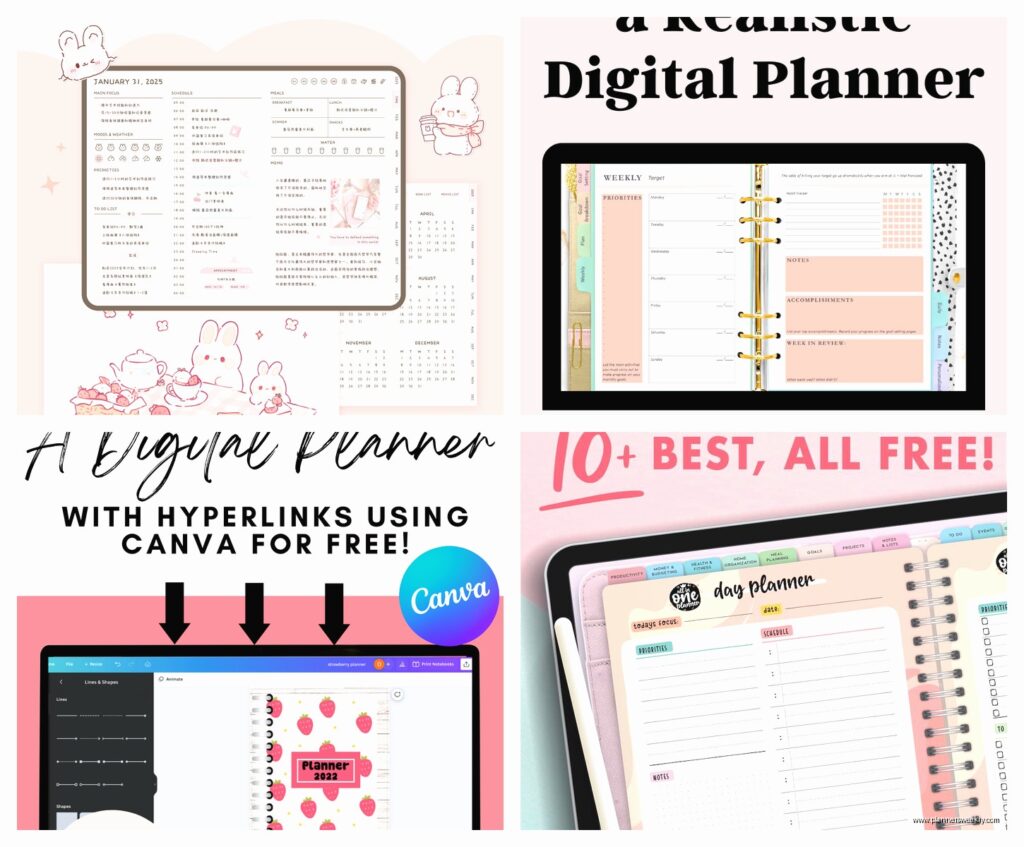
GoodNotes 6 is still the one I recommend to like 80% of people who ask. It’s $9.99 now which honestly annoyed me because I paid for GoodNotes 5 but whatever. The handwriting feel is just better than everything else I’ve tried. I was watching The Bear while testing these and kept getting distracted but the palm rejection on GoodNotes meant I didn’t accidentally draw all over my weekly spread when I reached for my coffee.
The hyperlinks work properly now which is HUGE. You can actually click between months without that weird lag that used to happen. My biggest complaint is the template situation – you gotta import everything manually and it’s kind of a pain. I spent like 45 minutes one night just organizing templates into folders.
Notability is the other big one and here’s where I always flip-flop. The audio recording feature is actually incredible if you’re in meetings or classes. You can tap anywhere in your notes and it jumps to that part of the recording. But the writing feel is slightly… slippery? That’s the only way I can describe it. Like your pen is skating instead of gripping the page.
Templates That Actually Work
Bloom Daily Planners makes digital versions now and they’re gorgeous but honestly too decorated for my actual use. I bought the 2026 version early and there’s so much floral stuff that I couldn’t see my actual tasks. Great if you like that aesthetic though.
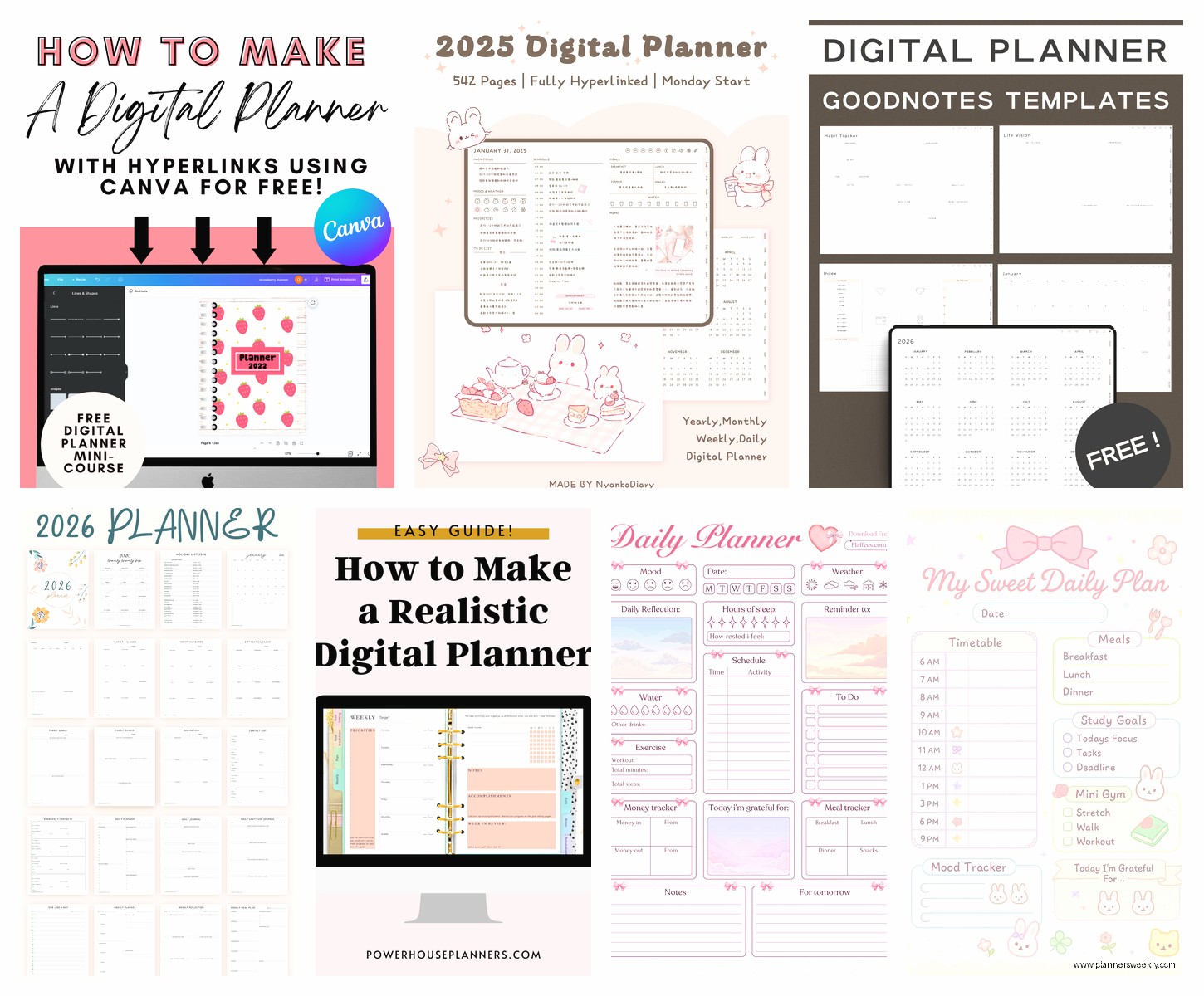
The Bliss & Faith planners are what I personally use. Super clean, lots of white space, and the monthly budget pages are actually functional. They have this weekly layout with a priorities box that I actually fill out instead of ignoring. Cost me $18 for the full year which felt steep but I’ve bought three lattes this week so.
Oh and another thing – Paperly digital planners on Etsy. This seller gets it. The hyperlinks are already set up, the tabs make sense, and there’s this daily gratitude section that I thought I’d hate but it’s just three lines so it doesn’t feel like homework.
The Android People Are Suffering
Okay so if you have a Samsung tablet, Noteshelf is gonna be your best option. I borrowed my friend’s Tab S9 to test this because I kept getting questions about it. It’s $10.99 and works with the S Pen really well. The lasso tool actually selects what you want it to select, which sounds basic but you’d be surprised how many apps mess this up.
Samsung Notes is free and comes pre-installed but it’s kind of… basic? Like it works fine for simple planning but if you want anything fancy with stickers or multiple page templates, you’re gonna be frustrated. Good for minimalists though.
Squid (used to be called Papyrus) is $3.99 and honestly not bad. I tested it during a dentist waiting room situation and managed to set up a whole weekly spread. The zoom window feature is actually clever – you can write in a zoomed box at the bottom and it shows up normal size on the page.
Wait I Forgot To Mention OneNote
Microsoft OneNote is free and works on literally everything which is its main selling point. I use it for client notes because I can access them from my phone, iPad, and laptop without thinking about it. But for actual daily planning? It’s not ideal. The pages don’t feel like pages, they feel like infinite scrolling canvases which messes with my brain.
That said, if you’re already in the Microsoft ecosystem and you like typing more than handwriting, it’s solid. The templates section has some planner options built in now. They’re ugly but functional.
The Whole Notion Situation
Everyone keeps telling me to use Notion for planning and I’ve tried, I really have. It’s free for personal use which is amazing. The templates people make are insanely detailed. But here’s my issue – it’s too customizable. I spent six hours one Saturday building the perfect dashboard and then never used it because opening the app felt like homework.
If you’re the kind of person who actually enjoys building systems, you’ll love it. The databases are powerful. You can connect your tasks to your projects to your goals to your grocery lists. I have clients who swear by it. I am not those clients.
The mobile app also kinda sucks for quick capture. Like if I’m in line at the grocery store and remember something, I don’t wanna wait for Notion to load and then navigate to the right page. I need something faster.
Apps That Are Actually Fast
Google Calendar is boring but it syncs instantly and everyone else uses it so scheduling is easy. I use it for time-blocking alongside my prettier digital planner. The planner is for planning, Google Calendar is for actually doing.
Structured App is $4.99 and it’s this visual day planner that shows your tasks on a timeline. Each task is a colored block and you can drag them around. My dog knocked over my water bottle onto my iPad while I was testing this and I panicked but everything was fine. The app auto-saved. But also that’s why I recommend screen protectors.
TickTick is free with premium options and it’s replaced my entire to-do list system. The natural language input is scary good – you can type “meeting with Sarah every Tuesday at 2pm” and it figures it out. Works on every platform. The built-in pomodoro timer is actually useful.
Real Talk About Stylus Options
Apple Pencil 2 is $129 and yeah it’s expensive but the difference between it and cheap styluses is massive. The pressure sensitivity actually matters when you’re writing for hours. I tried using a $25 knockoff for a week and my handwriting looked like a third grader’s.
The Logitech Crayon is $69 and it’s… fine. Good for basic notes. But if you’re doing actual planning with different pen weights and highlighters, you’ll notice it’s not quite the same.
For Samsung, just use the S Pen that comes with your tablet. The third-party ones I tested were all worse.
This Is Gonna Sound Weird But
Screen protectors that feel like paper actually make a difference. I use the Paperlike on my iPad and yeah it’s $40 for a screen protector which is ridiculous, but writing on glass feels slippery and wrong. The textured ones give you that friction that makes handwriting feel natural.
Some people hate them because they make the screen slightly less clear. I don’t notice it anymore but when I first put it on I was like “did I just ruin my screen?” Give it a week before you decide.
Templates You Should Actually Buy
Okay so after buying way too many templates, here’s what’s worth it. The Planner Addict Shop on Etsy has bundles for like $12 that include multiple planner styles. You get dated and undated options. The hyperlinks work. The color schemes aren’t trying too hard.
If you want something minimal, check out Minimal Planner Shop (also Etsy). Black and white, super clean, tons of different layouts. I use their weekly vertical layout and it’s perfect. $8 for the whole year.
For students specifically, Study With Jess makes digital planners with grade trackers and assignment pages that actually make sense. My younger clients love them. Around $15.
Clever Fox has digital versions of their paper planners now and they’re really goal-focused. Monthly reviews, quarterly check-ins, all that stuff. If you’re into that level of reflection, they’re good. I find them slightly intense for everyday use but they’re well-made.
Free Options That Don’t Suck
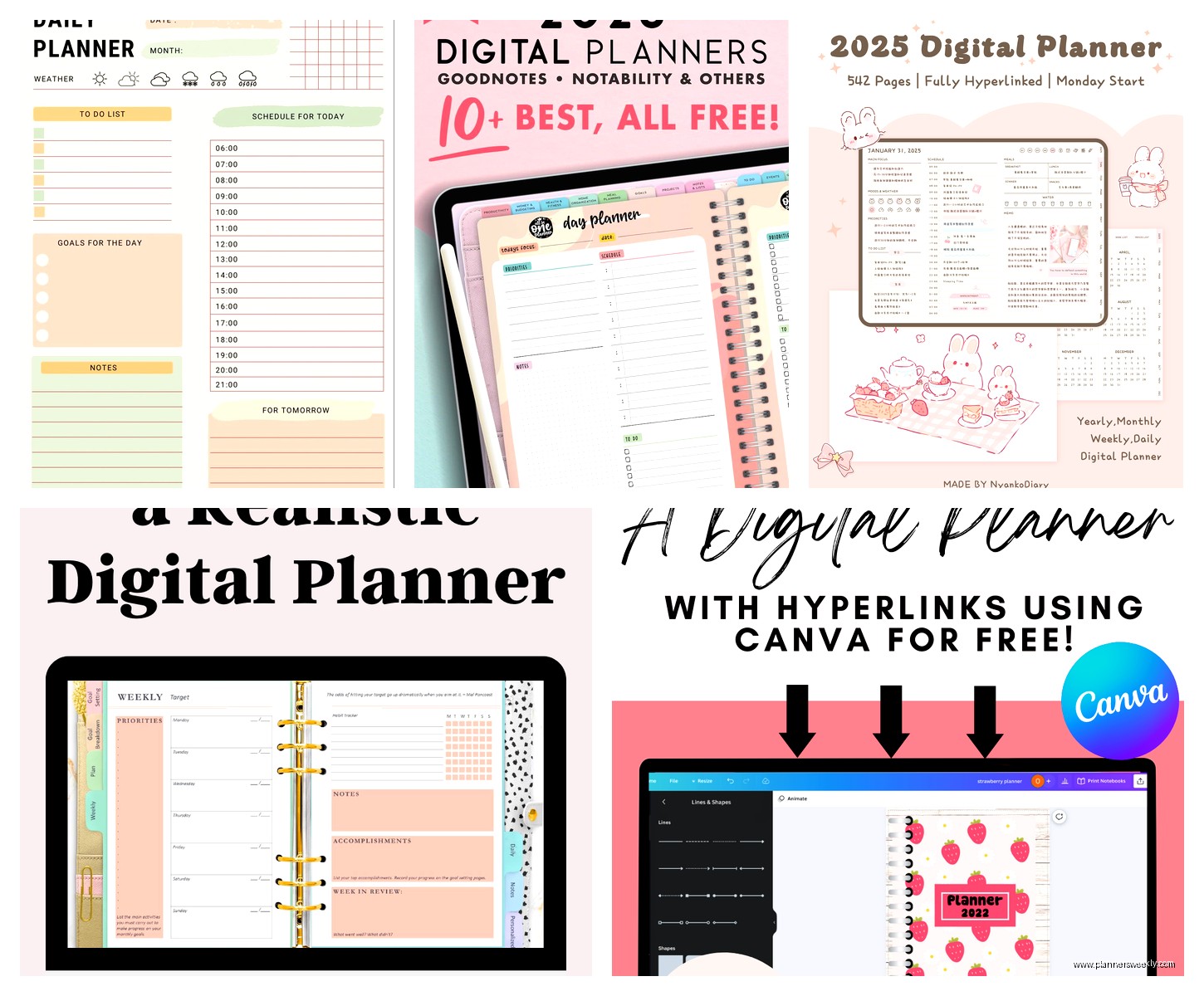
Canva has free digital planner templates now. You gotta add the hyperlinks yourself which is annoying, but the designs are solid and you can customize everything. Export as PDF and import to your note-taking app.
Google Drive has a bunch of free templates people have shared. Quality varies wildly. I found a really good one by someone named Sarah from some productivity blog but I cannot remember which one and it’s buried in my downloads folder somewhere.
The Happy Planner has some free printable PDFs that you can use digitally. They’re designed for printing but they work fine on tablets.
What Actually Works For Different Types Of People
If you’re visual and need to see everything at once – go with GoodNotes and a horizontal weekly template. The side tabs let you flip between sections fast.
If you’re more about task management than pretty planning – TickTick or Todoist. Forget the templates, just use a good task manager.
If you take a lot of notes in meetings – Notability because of that audio feature. Seriously it’s a game-changer for reviewing what was said.
If you’re on a budget – Samsung Notes or OneNote plus free templates from Canva. You don’t need to spend money to be organized.
If you want something that syncs across all devices – Notion or OneNote. Both are free and work everywhere.
The Hybrid Approach That’s Working For Me
I’m currently using GoodNotes with a Bliss & Faith weekly template for my pretty planning and overview stuff. Then TickTick for my actual task management because checking things off in a task manager is more satisfying than crossing them out in a planner. Google Calendar for time-blocking because other people need to see my availability.
Is it too many apps? Probably. Does it work? Yeah actually.
My morning routine is check TickTick for today’s tasks, time-block them in Google Calendar, then write my top 3 priorities in my GoodNotes planner. Takes like 10 minutes. Throughout the day I’m mostly in TickTick and Google Calendar. Evening review happens in GoodNotes.
Common Problems I’ve Seen
The biggest one is people buying a fancy template and then never using it because it’s too complicated. Start simple. A basic weekly layout is better than an elaborate dashboard you ignore.
Second issue is trying to make your digital planner do everything. It doesn’t have to replace your calendar app and your task manager and your note-taking app. It’s okay to use multiple tools.
Third thing – not setting up your templates properly from the start. Take an hour to set up your folders, import your stickers, organize everything. Future you will be grateful.
Also people forget to back up their planners. Export your GoodNotes notebooks monthly. Save them somewhere. I learned this the hard way when my iPad crashed and I lost two weeks of notes.
Stuff That Doesn’t Matter As Much As You Think
Stickers. I bought so many digital sticker packs and I use like five stickers total. Don’t go crazy on these.
Having every single planning page type. You don’t need meal planning pages and habit trackers and mood trackers and fitness logs unless you’re actually gonna use them. Most people use like 3 pages types regularly.
The latest app version. GoodNotes 5 still works fine if you already own it. You don’t need to upgrade immediately.
Fancy pens in your note app. I use the same pen width for everything. All those brush pens and calligraphy options? Never touch them.
So yeah that’s basically everything I’ve learned from testing all this stuff. The short answer for most people is GoodNotes plus a clean template from Etsy plus maybe TickTick for tasks. Don’t overthink it. The best planner is the one you’ll actually open every day.
