
Digital Productivity, Online planners, Planners
Free Schedule Maker Guide: Best Online Tools & Templates
Apr
okay so I just tested like eight different schedule makers last week and here’s what actually works
So Canva has this schedule maker that nobody really talks about and honestly it’s probably the best starting point if you’re not super tech-savvy. I was watching Succession (finally) and just playing around with it during the boring parts, and the thing that surprised me is how many actual schedule templates they have. Like not just the basic weekly planner stuff but shift schedules, content calendars, even cleaning schedules which sounds boring but my clients who run small businesses go crazy for those.
The drag and drop thing is stupidly simple. You literally just click on a template, change the text, maybe swap out colors if you’re feeling fancy. I made a whole week’s schedule in like ten minutes while my cat was knocking stuff off my desk. The free version gives you enough templates that you won’t feel limited unless you’re trying to do something super specific.
but here’s where it gets interesting with the actual scheduling tools
Google Calendar is obviously the default everyone uses but as a schedule maker specifically, it’s kinda limited for visual people. Like yes you can block out time and color code stuff, but if you want something you can print and put on your wall or send to a team, it looks pretty bland. That said, the sharing features are unmatched. I’ve got clients who manage entire family schedules through shared Google Calendars and it just works.
Oh and another thing about Google Calendar – you can import templates from other people which I didn’t know until like two months ago. There are these whole libraries of pre-made schedules for students, workout routines, meal planning. You just search for them and boom, imported.
when you need something more visual
Monday.com has a free tier that’s actually useful, which is rare. I tested it for a client who runs a content team and needed to see everyone’s schedule at once. The board view is chef’s kiss for this. You can see tasks, deadlines, who’s working on what, all color-coded and pretty. But and this is important, the free version only lets you have 2 boards, so if you’re managing multiple projects or schedules you’re gonna hit that limit fast.
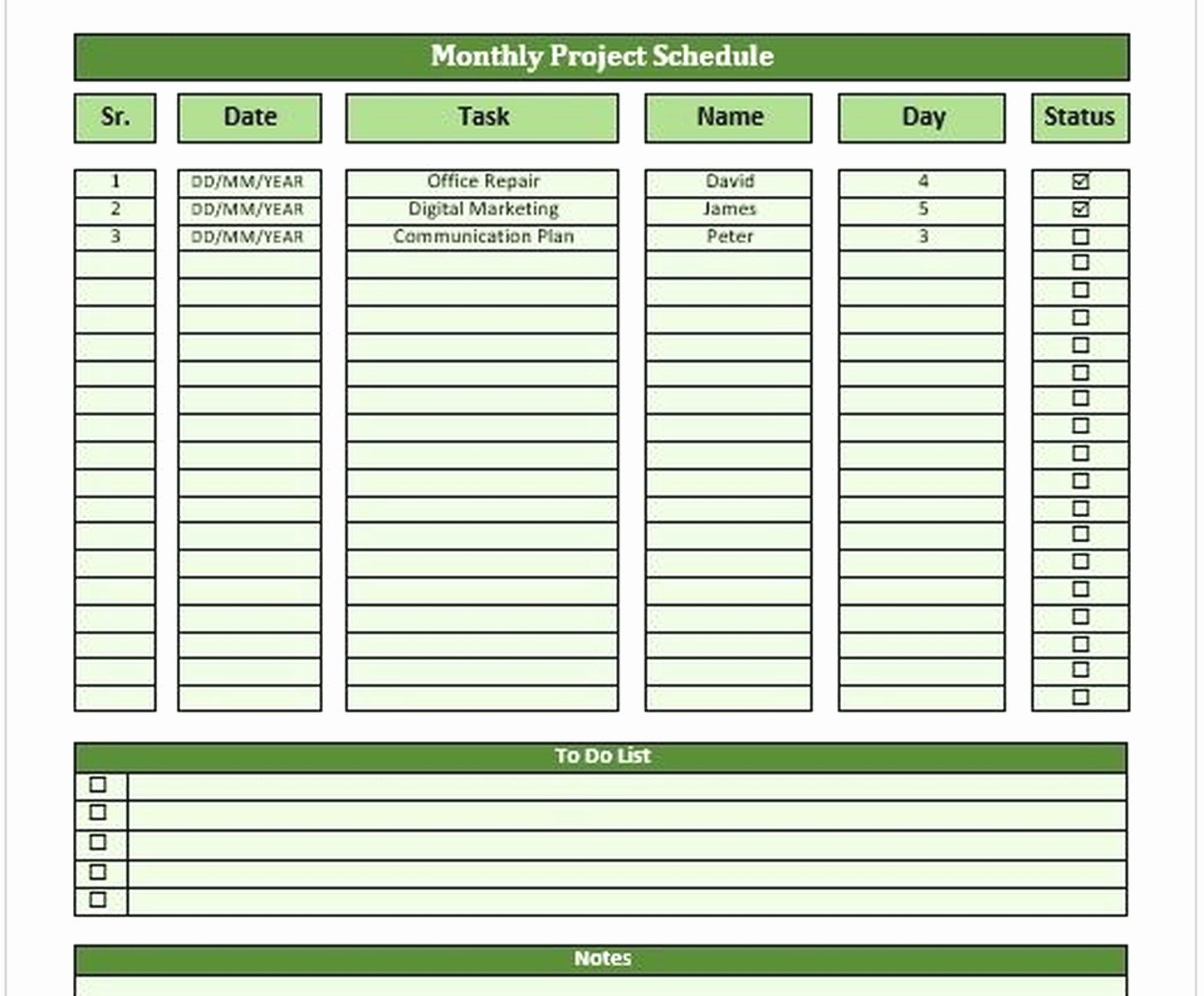
The learning curve is steeper than Canva though. I had to watch like three YouTube videos before I stopped feeling like an idiot. But once you get it, you get it. The timeline view especially is great for project schedules where you need to see dependencies and how things overlap.
Notion is where things get weird but also kinda amazing. It’s not technically a schedule maker, more like a blank canvas where you can build literally anything including schedules. I’ve made weekly planners, editorial calendars, employee shift schedules, all in Notion. The templates gallery has hundreds of schedule options that other users have made.
wait I forgot to mention the database thing in Notion which sounds technical but isn’t really. You can create a database of tasks or events and then view it as a calendar, table, timeline, whatever. So you enter your schedule items once and then look at them different ways depending on what you need. Super powerful but also can be overwhelming if you just want a simple weekly schedule.
the actual template sites nobody tells you about
Template.net has thousands of free schedule templates and they’re actually good? Like professionally designed, not the janky stuff you’d expect from a free site. They have Excel templates, Word templates, PDF schedules, Google Docs versions. I downloaded their employee shift schedule template last month for a coffee shop owner I work with and it had formulas built in to calculate hours automatically.
The only annoying thing is you have to create an account to download most templates. Takes like thirty seconds but still mildly irritating when you just want the thing.
Vertex42 is similar but more Excel-focused. If you’re comfortable with spreadsheets, their schedule templates are incredibly detailed. Work schedules, class schedules, rotating shift schedules with automatic date filling. I use their weekly planner template myself because I can customize literally everything and it calculates time blocks for me.
this is gonna sound weird but hear me out
Excel and Google Sheets are actually some of the most flexible schedule makers if you’re willing to spend like an hour setting them up. I know, I know, spreadsheets sound boring. But you can color code cells, use conditional formatting to highlight certain days or times, create dropdown menus for recurring tasks, all sorts of stuff.
My go-to method is finding a template online (Template.net or Vertex42), downloading it, and then modifying it to fit exactly what I need. Way faster than building from scratch but more customizable than using a rigid online tool.
okay so for teams and collaboration
Calendly isn’t exactly a schedule maker but if you need to coordinate schedules with other people it’s a lifesaver. You set your availability, people book time slots, it syncs with your calendar. The free version lets you have one event type which is enough for most people. I use it for coaching calls and it’s eliminated like 90% of the back-and-forth email nonsense.
Doodle polls are great for finding meeting times when you’ve got multiple people. Not really a schedule maker per se but when you’re trying to create a schedule that works for everyone, it’s clutch. Free version works fine, you just have to deal with ads.
Trello with the calendar power-up is another option I’ve been playing with. You create cards for tasks or events, add due dates, and then view everything in calendar format. The free version includes the calendar view now which is new. It’s more task-focused than pure scheduling but works well if you want to combine your to-do list with your schedule.
oh and another thing about printing schedules
If you want something physical to stick on your wall or fridge, Canva and Template.net are your best bets because they’re designed to print well. Most digital tools like Google Calendar look kinda terrible when printed. I learned this the hard way after wasting like twenty sheets of paper trying to get a decent printout from my calendar app.
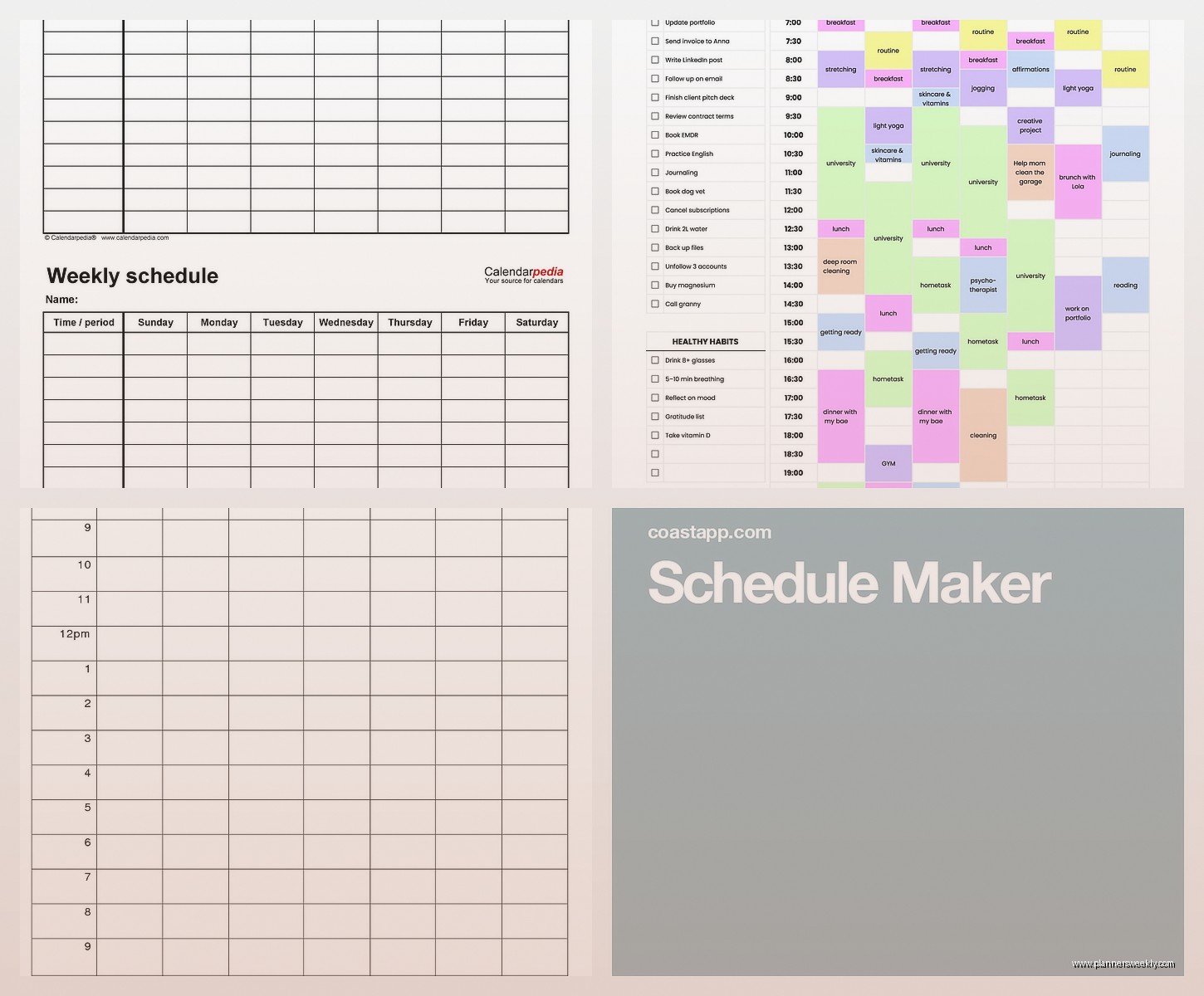
There’s also this site called PrintableCal that converts your digital calendars into printable formats. Works with Google Calendar, Outlook, iCloud. It’s not the prettiest but it’s functional and better than native print options.
when you need automatic scheduling
Okay so funny story, I spent three hours last week trying to auto-generate a rotating shift schedule for a client and ended up using this tool called Homebase. It’s technically for scheduling employees but the free version is surprisingly robust. You input your team members, set their availability, and it helps you create schedules that are fair and cover all your shifts.
The auto-schedule feature doesn’t always get it perfect but it gives you like 80% of the way there, then you tweak it. Way better than starting from scratch. Plus it has a time clock feature if you need that, though that’s more of a paid thing.
Deputy is similar but I found the interface more confusing. Homebase just made more sense to my brain somehow.
for students specifically
My Schedule Builder is this super simple tool that’s literally just for creating class schedules. You input your classes with times and it generates a visual weekly schedule. That’s it. No fancy features, no bells and whistles. But if you’re a student or teacher who just needs to see when classes are, it’s perfect.
Shovel is newer and more visual, lets you build schedules with color coding and share them as images. I’ve seen it blow up on TikTok recently with students showing off their aesthetic schedule layouts. Free version is totally usable.
the ones I thought would be good but weren’t
ScheduleOnce looked promising but the free version is so limited it’s basically useless. Like you can only have 10 active bookings at a time which defeats the whole purpose.
Acuity Scheduling same thing, the free trial is nice but then you gotta pay and it’s not cheap. Fine for businesses but overkill for personal scheduling.
TimeTree has a pretty interface but I found it laggy and the syncing with other calendars was glitchy. Maybe it’s improved but I gave up on it after it failed to sync my Google Calendar correctly three times.
wait I forgot to mention the content calendar tools
If you’re specifically making schedules for content creation or social media, CoSchedule has a free marketing calendar that’s actually pretty great. You can plan blog posts, social media, emails, whatever. The free version is limited to one calendar but for personal use or small blogs it works fine.
Later has a similar thing for Instagram planning. You can visually layout your Instagram posts on a calendar and schedule them. Free version lets you schedule 30 posts per month which is plenty for most people.
I use a combination honestly – Later for Instagram, Google Calendar for appointments, and a custom Excel sheet for my weekly task schedule. Nothing wrong with using multiple tools for different purposes.
tips that actually matter after testing all this stuff
Start simple. Everyone wants the fancy all-in-one solution but honestly a basic weekly template in Canva or Excel is enough for most people. You can always upgrade to something more complex later.
Pick tools that sync across devices if you’re gonna be checking your schedule on your phone. Google Calendar, Notion, Monday.com all have decent mobile apps. Excel and PDF schedules are great for printing but annoying if you need mobile access.
Color coding is your friend no matter what tool you use. I assign colors to different types of activities – work stuff is blue, personal is green, appointments are red. Makes it way easier to scan your schedule at a glance.
Templates save so much time. Don’t build from scratch unless you have very specific needs or you just enjoy that kinda thing. There are thousands of free templates out there for basically any type of schedule you can imagine.
The best schedule maker is the one you’ll actually use consistently. I’ve seen people get all excited about fancy tools and then abandon them after a week because they’re too complicated. Better to have a simple system you stick with than a perfect system you ignore.
Also gonna be real with you, sometimes a paper planner is still the answer. I keep a digital calendar for appointments and shared schedules but my daily task list lives in a physical notebook because writing stuff down helps me remember it. Don’t feel like you have to go all-digital if that’s not your style.
