
Digital Productivity, Online planners, Planners
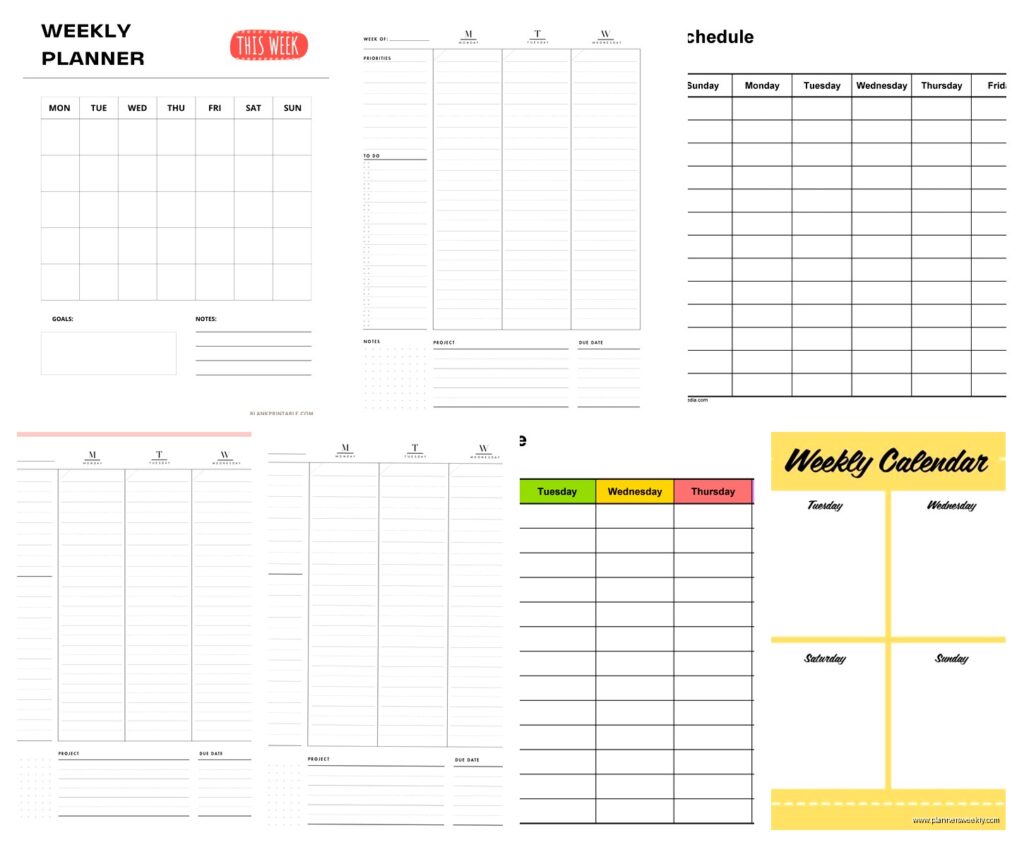
7 Day Weekly Schedule Template: Free Downloads
Apr
Okay so I’ve been testing literally every free 7-day weekly schedule template I could find for the past three weeks because my coaching clients keep asking me which ones actually work, and here’s what I discovered while my dog kept trying to sit on my laptop.
The Google Sheets templates are honestly where I’d start if you’re gonna be updating your schedule throughout the week. I found this one called “Simple Weekly Schedule” in the Google Sheets template gallery and it’s ridiculously straightforward. Seven columns for days, hourly rows from like 6am to 10pm. You can color-code stuff which sounds basic but when you’re staring at your week trying to figure out where you actually have free time, those visual blocks matter so much more than you’d think.
The thing nobody tells you about digital templates though is that you gotta make a copy before you edit them. I spent twenty minutes customizing one last Tuesday before realizing I was editing the master template and couldn’t save it. Felt like an idiot but also learned my lesson.
The Microsoft Excel Route
Microsoft has their own template library and honestly their weekly planners are more polished than Google’s. There’s this one called “Weekly Schedule with Hours” that I’ve been recommending to clients who like structure. It breaks down every hour and has this nice header section where you can write your weekly goals or priorities. My client Sarah uses it for her side business and she says being able to see her entire week in hour blocks helped her realize she was wasting like 8 hours a week on random email checking.
But here’s the annoying part about Excel templates, you need actual Excel or at least Excel Online. If you’re trying to open them in Google Sheets sometimes the formatting gets wonky. I tested this with five different templates and three of them lost their color coding when I imported them.
Oh and another thing, if you want something you can print and write on, the Excel templates usually print cleaner than the Google ones. Don’t know why but the margins are just better formatted.
Canva Has Free Weekly Templates Too
Wait I forgot to mention Canva because I just found these last week. They have probably 50+ free weekly schedule templates and they’re actually beautiful? Like if you care about your planner looking aesthetic, this is where you want to go. I downloaded one with this minimalist sage green design and used it for my content planning week.
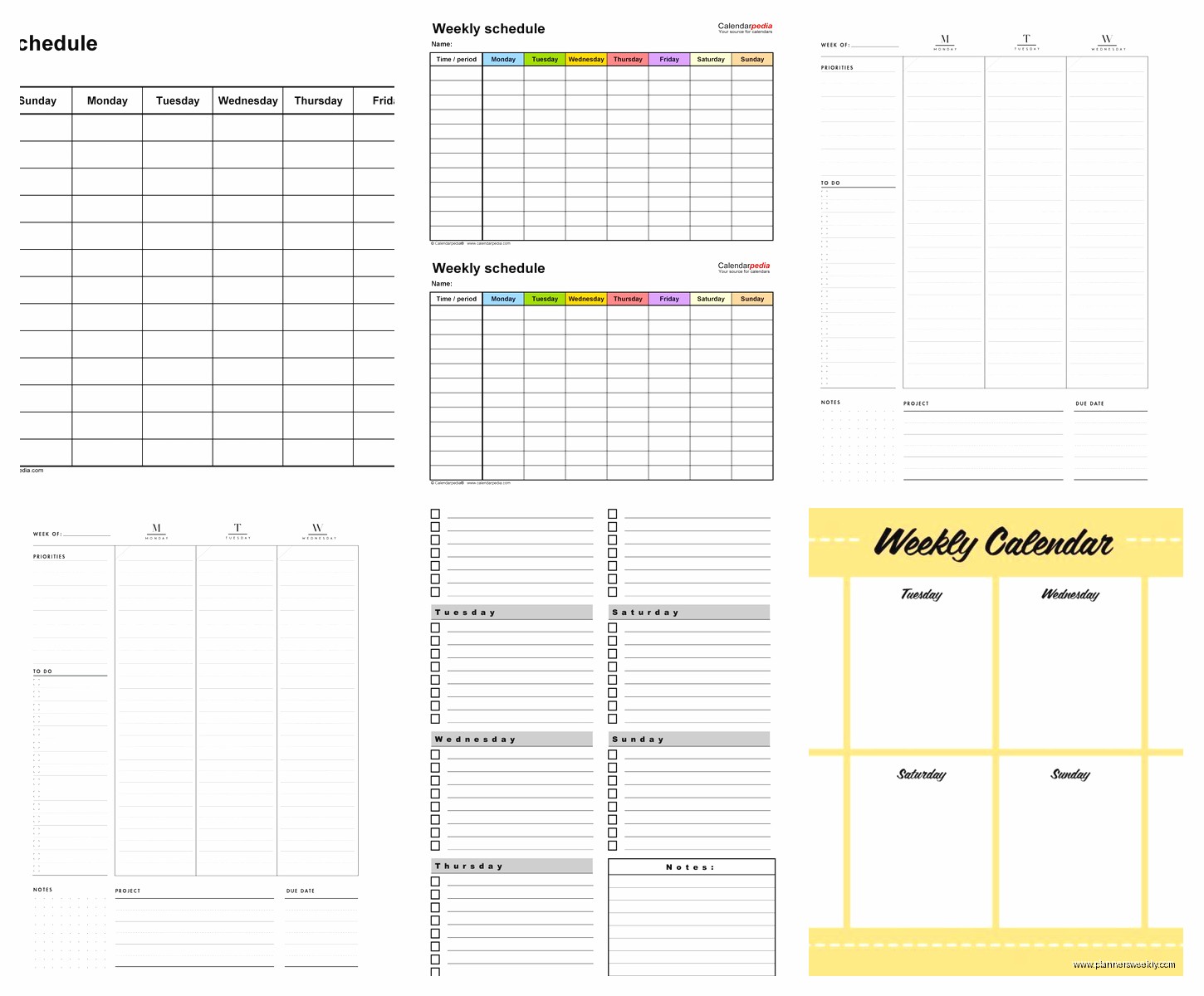
The cool thing about Canva templates is you can customize literally everything. Change the colors, move the text boxes around, add your own sections. I added a “water intake tracker” to mine because I’m trying to drink more water and keep forgetting.
Downside is they’re really designed to be printed or saved as PDFs, not edited repeatedly throughout the week. So if you’re the type who needs to constantly adjust your schedule, these might not be your best bet. But for people who plan once on Sunday and stick to it, they’re perfect.
The Printable PDF Situation
Vertex42 has this whole collection of free printable weekly schedules and I’ve tested probably ten of them. They’re super straightforward, nothing fancy, but they print well and you can write on them with actual pens which some people really prefer. My friend Jake refuses to use digital planners because he says writing things down helps him remember better, and he swears by the hourly schedule template from there.
There’s one called “Weekly Schedule with Tasks” that has a separate section for your to-do list alongside your time blocks. This is gonna sound weird but I found this super helpful for my ADHD brain because I could see what needed to get done AND when I was gonna do it on the same page.
The Time Block Approach
I tested a bunch of templates that use time blocking instead of just blank schedules, and honestly this changed how I think about weekly planning. There’s this free template on Notion called “Weekly Planner” that’s set up specifically for time blocking. Each day is divided into morning, afternoon, and evening sections instead of specific hours.
My client canceled last week so I spent like two hours comparing time block templates versus hourly templates, and here’s what I figured out. If your schedule varies a lot week to week, time blocking is more flexible. You’re not locked into “2pm meeting” you’re more like “afternoon client work.” Makes rescheduling less annoying.
But if you need to track specific appointments and deadlines, the hourly breakdown is better. I use hourly for my coaching weeks and time blocks for my writing weeks because they require different types of structure.
Notion Templates Are Secretly Great
Okay so funny story, I avoided Notion for like two years because it seemed complicated, but their weekly schedule templates are actually super user-friendly. There’s one called “Weekly Agenda” in their template gallery that has this nice setup where each day expands into its own section.
What I love about Notion templates is you can duplicate them week after week. So you set it up once with your recurring stuff, then just copy it every Sunday and fill in the new things. Saves so much time compared to starting from scratch.
The learning curve is real though. My mom tried using a Notion template I sent her and gave up after fifteen minutes because she couldn’t figure out how to add a new task. So maybe not ideal if you want something immediately intuitive.
The Actual Best Free Downloads
If you want a straightforward PDF you can print: go to Vertex42 and download their “Weekly Schedule” template. It’s boring but functional and prints on regular paper without weird margins.
If you need digital and editable: Google Sheets “Simple Weekly Schedule” or make a copy of any of the Excel templates and use them in Google Sheets if you don’t have Excel.
If you want it to look pretty: Canva all the way. Search “weekly schedule” in their template section, pick one you like, customize it, download as PDF.
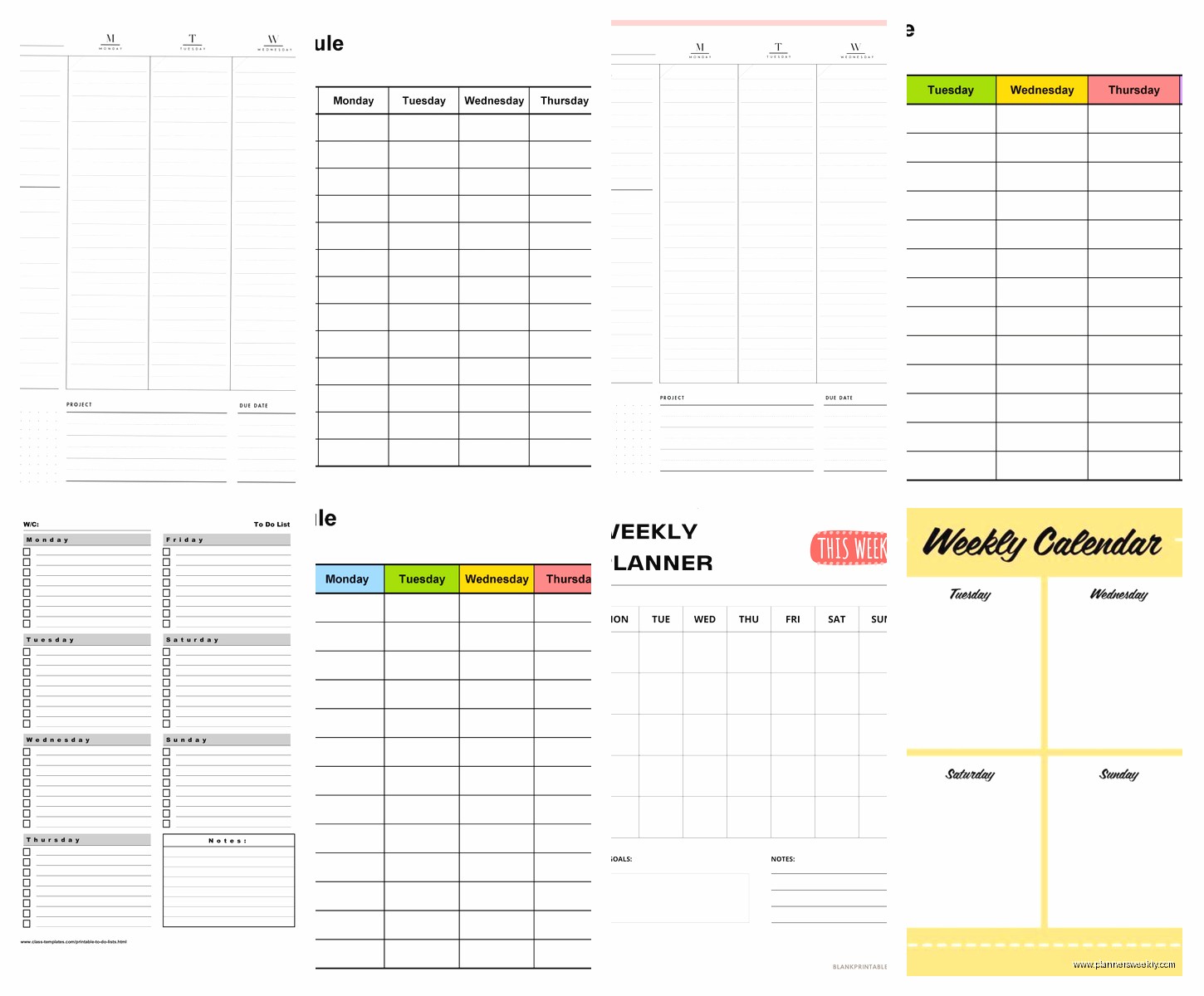
If you’re already using Notion for other stuff: just grab one of their weekly planner templates from the template gallery and integrate it into your existing workspace.
What Actually Works For Different Situations
I’ve noticed patterns with my clients about what works for who. Students usually do better with the hourly Excel templates because they need to track classes and study blocks. Parents seem to prefer the time block approach because their schedules are chaos and they need flexibility. Freelancers like the Notion templates because they can integrate their task lists and project notes.
I personally rotate between three different templates depending on what kind of week I’m having. Busy coaching weeks get the hourly Excel template. Writing weeks get a simple time block PDF I print out. Admin weeks where I’m just catching up on stuff get a basic Google Sheet I can update as I go.
This is probably overkill but it works for my brain and that’s what matters right?
Customization Tips Nobody Mentions
Whatever template you download, you’re gonna want to customize it. Here’s what I always change:
Add a section for weekly priorities or goals at the top. Even just three bullet points of what matters this week helps so much with decision making when random stuff comes up.
Include your wake up and wind down times. I put “morning routine” and “evening routine” as actual blocks in my schedule because otherwise I forget they take time and overbook myself.
Color code by category not by day. So all work stuff is blue, personal stuff is green, whatever. Makes it way easier to see at a glance if your week is balanced or if you’re spending 90% of your time on work.
Add a notes section somewhere. I use this for random reminders like “call the dentist” or “that thing Sarah mentioned” that don’t have a specific time but need to happen this week.
The Reality Of Using These Templates
Okay real talk, I’ve downloaded probably 50+ free weekly schedule templates over the years and I actually consistently use maybe 3 of them. Most templates look great when you download them but then they don’t quite fit how your brain works or your actual schedule needs.
My advice is download 3-4 different ones and actually test them for a full week each. I know that sounds like a lot but one week isn’t enough to know if something works for you. I thought I loved this fancy Canva template until week 3 when I realized I never looked at it after Monday morning.
The best template is the one you’ll actually use, which sounds obvious but it’s true. If you hate digital planning, don’t force yourself to use a Google Sheet just because it’s convenient. Print the PDF and use a pen. If you lose paper constantly, stick with digital even if the templates aren’t as pretty.
Where To Find More Free Templates
Template.net has a huge collection of free weekly schedules. Some require signing up with an email but most are just direct downloads. The quality varies a lot though so you gotta sort through them.
Pinterest is weirdly good for finding free printables. Search “free weekly schedule template PDF” and you’ll find tons of bloggers who made templates and are giving them away. I found this really good minimalist one from a productivity blogger that I used for like 6 months straight.
Microsoft and Google’s built-in template libraries are honestly underrated. People always overlook them but they have solid basic options that work right away without any complicated setup.
Oh and if you’re a student, check your school’s website because sometimes they have custom weekly schedule templates already formatted for your semester schedule. My niece showed me hers and it had all the class periods already labeled which saved her so much time.
The Hybrid Approach
This might sound extra but I’ve started using both digital and paper templates together. I keep the master schedule in Google Sheets where I can access it from anywhere and make changes easily. Then every Sunday I print out a simplified version from Canva that just shows my main commitments and I stick it on my desk.
Having the physical version in my line of sight all week helps me actually remember what I’m supposed to be doing. The digital version is for planning and adjusting. The paper version is for executing and staying on track.
My cat knocked over my coffee onto last week’s printed schedule which was annoying but also proved why keeping the digital backup matters.
Anyway those are all the free weekly schedule templates I’ve tested that actually work. Start with whatever platform you already use most, customize it to fit your actual life, and don’t feel bad about trying multiple options before finding the right one. Everyone’s brain works differently and there’s no perfect template that works for everyone.
