Digital Productivity, Online planners, Planners
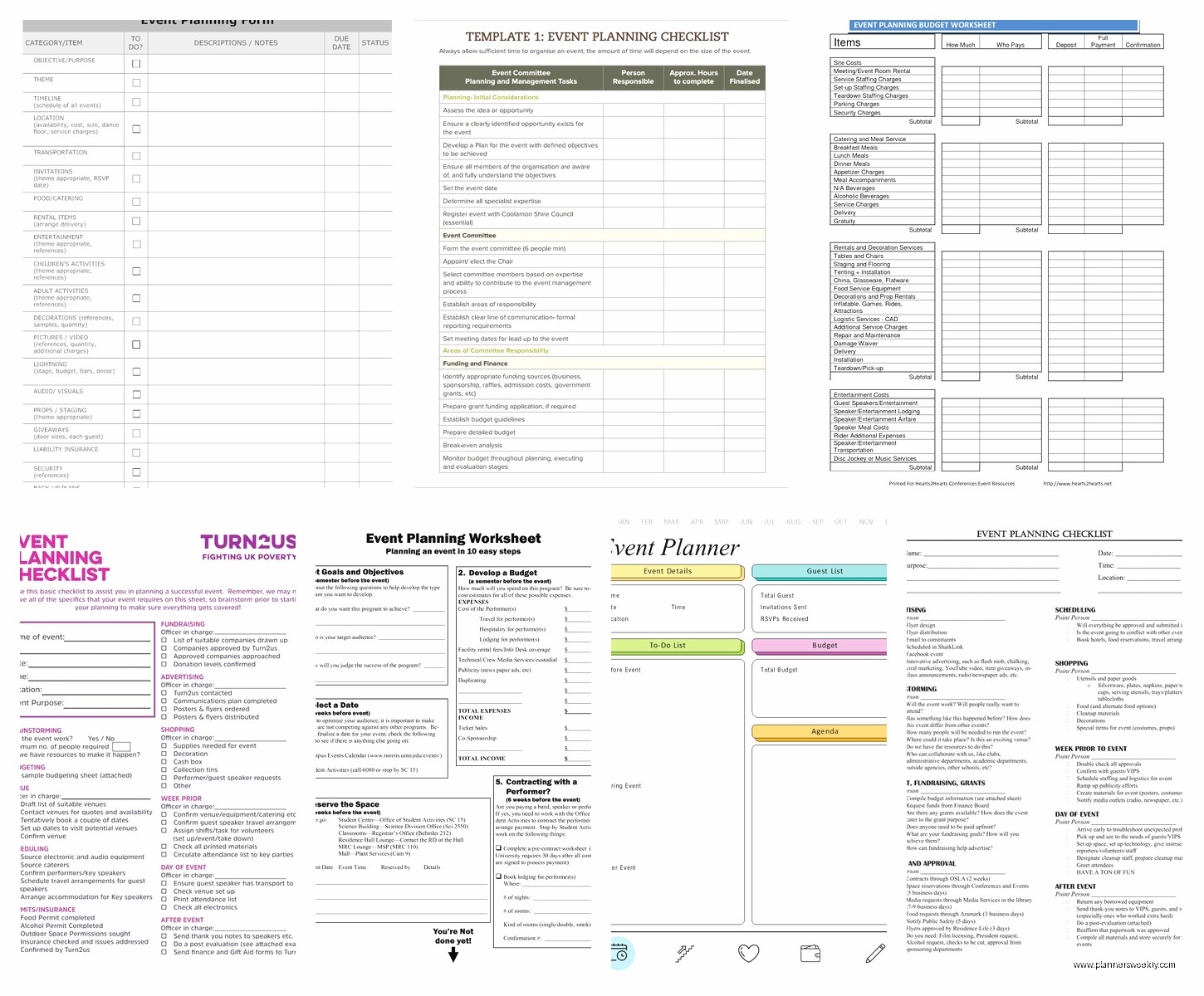
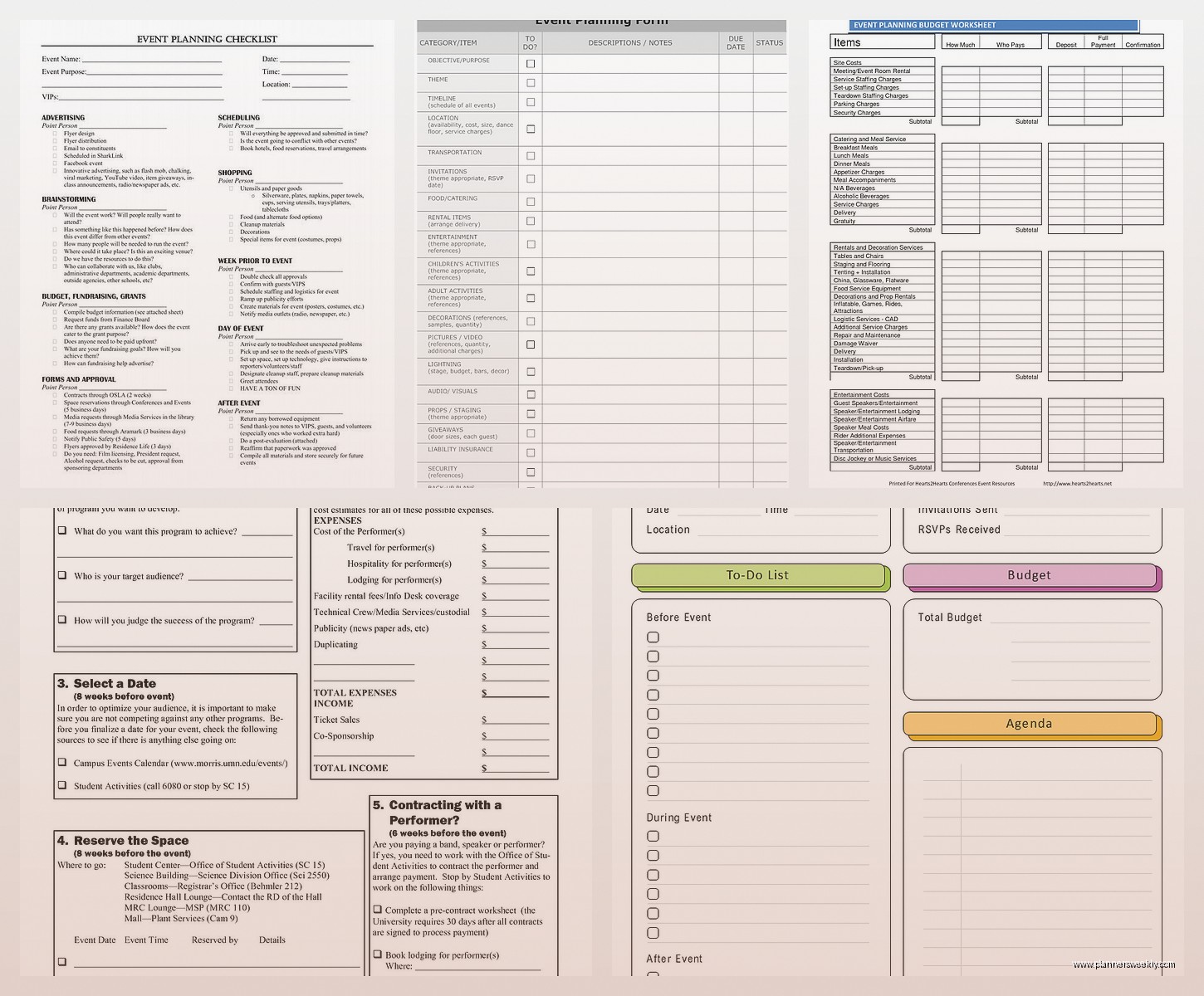
Event Planning Worksheet: Free Checklists & Tools

Mar
Okay so I just spent the last three weeks planning my sister’s baby shower and let me tell you, I tested basically every free event planning worksheet out there because I was NOT about to pay for something when I’m already dropping money on decorations and that ridiculous cake she wanted.
The biggest game-changer was actually finding worksheets that worked together instead of just grabbing random templates. Like I started with this basic checklist from Canva thinking I’d be fine, but then I realized I needed a budget tracker that actually talked to my timeline and… yeah, it got messy fast.
The Budget Worksheet Situation
Start here. Seriously. I know everyone says start with the guest list but that’s wrong because you need to know what you can afford BEFORE you start fantasizing about ice sculptures or whatever. I found this Google Sheets template from Vertex42 that’s completely free and it actually does the math for you which sounds obvious but half these worksheets don’t.
What I loved about it: you can add categories and it automatically updates your remaining budget. So when I went overboard on invitations (they were so pretty though), I could immediately see I needed to cut back on centerpieces. The color coding turns red when you’re over budget in a category which is honestly kind of aggressive but it kept me in line.
The annoying part is you gotta download it and then upload to Google Sheets yourself, it’s not just a one-click thing. Took me like ten minutes to figure out the first time because the download button was weirdly placed.
Timeline and Checklist Templates That Actually Work
Oh and another thing, timelines are where most people screw up. I used to just write lists in my regular planner but for events you need that visual breakdown of what happens when.
I tested like six different timeline worksheets and honestly the best free one is from Template.net. You have to give them your email which is annoying because now I get their newsletters, but the worksheet itself breaks everything down by months, weeks, and days before the event.
- 12 weeks out tasks
- 8 weeks out tasks
- 4 weeks out tasks
- 2 weeks out tasks
- 1 week out tasks
- Day before checklist
- Day of checklist
The day-of checklist was actually what saved me because I printed it out and just handed it to my husband. He could check things off without asking me questions every five minutes while I was trying to set up.
Wait I forgot to mention, you can customize it too. Like the default template assumes you’re planning a wedding which… no. But you can delete rows and add your own tasks. I added stuff like “confirm dietary restrictions with caterer” and “charge phone for photos” because I definitely forgot to charge my phone at my cousin’s graduation party and missed half the good moments.
The Guest List Tracker Nobody Talks About
This is gonna sound weird but the guest list worksheet is where things get emotionally complicated. Not the worksheet’s fault obviously, but tracking RSVPs and meal preferences and plus-ones gets real annoying real fast.
I found this Excel template from Microsoft Office’s free templates and it’s way better than trying to track everything in a notebook like I used to do. It has columns for:
- Guest name
- Contact info
- Invitation sent date
- RSVP status
- Number of guests
- Meal preference
- Dietary restrictions
- Gift received (if that kind of event)
- Thank you note sent
The meal preference thing saved my butt because I could just send the final count to the caterer instead of trying to remember who said they were vegetarian in a text message three weeks ago.
One thing that’s kinda tedious is you have to manually update the RSVP count at the top. It doesn’t auto-calculate how many yes responses you got. I just added a COUNTIF formula myself which took two seconds but like… why isn’t that built in?
Vendor Contact Sheet Because You WILL Forget Numbers
Okay so funny story, I was planning a work event last month and I needed to call the photographer to confirm timing and I could NOT find her number. I knew I had texted her but that was buried under like 500 messages and I was panicking.
Now I use a vendor contact worksheet for everything. The one from WeddingWire is free even if you’re not planning a wedding, you just ignore the wedding-specific parts.
It’s basically a organized list where you put:
- Vendor type (caterer, photographer, venue, etc)
- Business name
- Contact person
- Phone number
- Website
- Contract signed date
- Payment schedule
- Final payment due date
- Notes
I keep this printed out AND saved on my phone because you never know when you’re gonna need to call someone. The notes section is clutch for remembering stuff like “Dave the DJ prefers texts after 2pm” or “caterer needs final headcount 72 hours before.”
The Seating Chart Nightmare
Listen, if you’re doing assigned seating, you need a proper worksheet for this. I tried to wing it once with just a piece of paper and some post-it notes and it was a disaster. People ended up sitting with their exes, kids were separated from parents, the whole thing was chaos.
I use this free seating chart template from Canva now and it’s actually visual which helps SO much. You can drag and drop little circles with names on them around tables. They have templates for different table shapes too, round, rectangular, that weird long banquet style.
The free version limits you to like 10 tables I think? But you can just make multiple charts if you need more. Takes a bit longer but whatever, it’s free.
Pro tip I learned the hard way: make your seating chart AFTER you get RSVPs, not before. I spent two hours arranging people for the baby shower and then five people canceled and three people added plus-ones at the last minute and I had to redo everything. My dog knocked over my coffee during this whole process and I almost quit event planning forever.
Day-Of Timeline Is Different From Regular Timeline
Wait I should mention this because it confused me at first. Your planning timeline is different from your day-of timeline. Planning timeline is all the prep work leading up to the event. Day-of timeline is like, a minute-by-minute schedule of the actual event.
For day-of timeline I create my own in Google Docs because I haven’t found a free template that really works for this. It’s literally just:
10:00am – Arrive at venue, start setup
10:30am – Caterer arrives, direct to kitchen
11:00am – Florist delivery
11:30am – Final walkthrough
And so on. I print this out in like 16 point font and give copies to anyone helping me. Makes everything run smoother when people know what’s supposed to happen when.
The Decoration and Setup Worksheet
This is something I created myself because I couldn’t find a good free one anywhere. Basically it’s just a list of every decoration item I need, where it goes, and who’s responsible for setting it up.
Like for the baby shower I had:
- Balloon arch – front entrance – I’ll set up with Emma’s help
- Centerpieces (8 total) – tables – Maria bringing at 11am
- Gift table setup – left corner – needs tablecloth and sign
- Dessert table – back wall – setup at 11:30 after caterer
You can make this in literally any format. I just use Google Docs with a table. The important part is writing down WHERE everything goes because otherwise you’re standing there with a balloon arch at 9am being like “wait where was this supposed to go?”
Budget Reality Check Worksheet
Oh and another thing about budgets, I make a separate “reality check” worksheet after I do my initial budget. This is where I write down what things ACTUALLY cost after I get quotes, not what I hoped they’d cost.
My initial budget for the baby shower venue was $200 because I found one place online listed at that price. Reality check: that place was booked, next available venue was $350. This happens with like every single category.
The reality check worksheet keeps you from having a breakdown three weeks before the event when you realize you’re $500 over budget. Instead you have the breakdown earlier when you can actually adjust plans. Much healthier. Probably.
Post-Event Checklist That Everyone Forgets
Nobody thinks about the post-event stuff until they’re exhausted after the party and still have to deal with cleanup and returns and thank you notes. I started using a post-event checklist and it’s honestly a game changer.
Mine includes:
- Return rental items by [date]
- Send thank you notes to vendors
- Send thank you notes to guests (if applicable)
- Return unused items to stores
- Final payment to any vendors
- Collect borrowed items from venue
- Share photos with guests
- Write down what worked and what didn’t for next time
That last one is KEY. I keep a running document of event planning notes like “never use that caterer again” or “those invitations were perfect, reorder from same place” because I will NOT remember this six months from now when I’m planning the next thing.
Free Tools That Work With Your Worksheets
Okay so worksheets are great but you also need some actual tools to make everything work together. These are all free:
Trello – I use this for big events where I have multiple people helping. You can make boards for different categories like “Vendor Management” and “Decoration Planning” and assign tasks to people. My sister refused to use it though so your mileage may vary depending on how tech-savvy your helpers are.
Google Calendar – Sounds obvious but making a separate calendar just for event planning keeps everything in one place. I color-code it differently from my regular calendar so I can see event stuff at a glance. Set reminders for important deadlines like “send invitations” or “final headcount to caterer.”
Splitwise – If you’re splitting costs with anyone, this app is essential. Tracks who paid for what and who owes who. Way better than trying to remember who Venmo’d you and who still needs to pay you back.
I was watching that new Netflix show about event planners while testing all this stuff and honestly they make it look way more glamorous than it is. Real event planning is mostly spreadsheets and reminding people to RSVP.
What Actually Matters
After planning like probably 20 different events over the past few years, here’s what I’ve figured out about worksheets and checklists:
You don’t need fancy. You need functional. That $30 Etsy template might be prettier but if a free Google Sheets template does the same thing, save your money for the actual event.
You DO need everything in writing. Your brain cannot hold all this information. I don’t care how good you think your memory is, write it down.
Share your worksheets with at least one other person. When I got food poisoning two days before a corporate event I was planning (great timing, right?), my coworker could take over because she had access to all my planning documents.
The best worksheet system is one you’ll actually use. I tried getting really into Notion for event planning because everyone says it’s amazing, but honestly it was too complicated for what I needed. Simple Excel spreadsheets work fine for me.
Print the important stuff. Yes I know we’re trying to be paperless or whatever, but having a printed day-of timeline and vendor contact sheet saved me multiple times when my phone died or I couldn’t get WiFi at a venue.
My Current Event Planning Folder Setup
Since you asked what I actually use, here’s my current system. I have a Google Drive folder for each event with these worksheets:
- Budget tracker (the Vertex42 one I mentioned)
- Master timeline (Template.net)
- Guest list (Microsoft Excel template)
- Vendor contacts (WeddingWire)
- Seating chart (Canva)
- Day-of timeline (my own Google Doc)
- Decoration checklist (my own Google Doc)
- Post-event checklist (my own Google Doc)
Everything’s in one folder so I can find it easily. I share the whole folder with whoever’s helping me plan. Takes like 20 minutes to set up a new event folder with all the templates but then you’re good to go.
The biggest mistake I see people make is trying to keep everything in their head or scattered across random notebooks and phone apps and text messages. Centralize everything. Future you will be so grateful when you’re not frantically searching for the caterer’s phone number at 8am on event day.
Also gonna be honest, sometimes you just gotta make your own worksheet because the free templates don’t quite fit what you need. That’s totally fine. Open Google Docs, make a table, write down what you need to track. Done. Doesn’t need to be complicated.