
Digital Productivity, Online planners, Planners
Free Calendar Planner: Best Templates & Online Tools
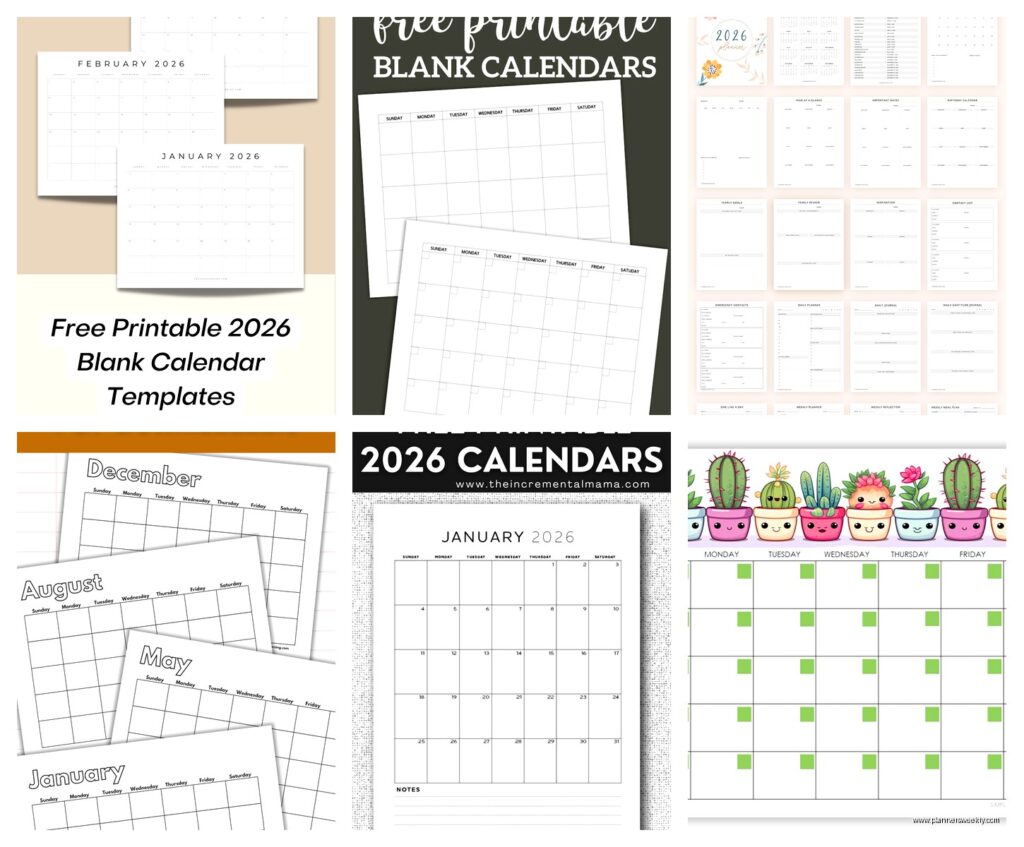
Apr
Okay so I just spent the last three weeks testing every free calendar planner I could find because honestly my paper planner system was getting ridiculous and I needed something I could access from my phone without paying $15 a month for fancy features I’ll never use.
Google Calendar Templates Are Actually Pretty Solid
Starting with the obvious one but hear me out. Google Calendar has these template galleries that nobody talks about and they’re genuinely useful. You go to the settings, find “import & export” and there’s this whole section where you can grab pre-made calendars for like meal planning, fitness tracking, content calendars if you’re into that.
The meal planning one surprised me because it actually has recurring slots for breakfast, lunch, dinner and you can just click and type what you’re eating. I used it for two weeks and my grocery shopping got way more organized which… wasn’t even why I downloaded it but whatever.
What I like: it syncs across everything automatically, you can color-code until your heart’s content, and the mobile app doesn’t make me want to throw my phone. Also you can share specific calendars with people without giving them access to your whole life which is crucial if you’re coordinating with family or roommates.
The annoying parts: the templates are kinda hidden and Google’s documentation is terrible at explaining where anything is. Also if you want really specific layouts like time-blocking with task lists integrated, you’re gonna need to do some manual setup.
Setting Up Google Calendar for Actual Planning
Create separate calendars for different life areas. I have one for work appointments, one for personal stuff, one for content deadlines, and one called “maybe events” for things I’m not committed to yet. You can toggle them on and off so you’re not overwhelmed looking at everything at once.
Use the “goals” feature if you remember it exists because I always forget and then rediscover it. You tell it you want to exercise 3 times a week or whatever and it automatically finds time slots in your calendar. Sometimes it picks weird times like 6am on a Saturday but you can just move it.
Notion Calendar Templates That Don’t Require a PhD
Notion has this whole template gallery and some of them are genuinely free and not those bait-and-switch situations where the good features are locked. The “Ultimate Life Planner” template sounds cheesy but it’s actually got a decent calendar view.
Wait I forgot to mention you need a Notion account but that’s free for personal use. The learning curve is real though, like I spent an entire Saturday just figuring out how databases work and my cat kept sitting on my keyboard so that didn’t help.
The content calendar template is probably the best one if you’re blogging or doing social media. It has a calendar view, a kanban board view, and a table view all looking at the same data. You can tag posts by platform, status, topic, whatever. I use it for planning my blog posts and product reviews and it’s honestly made me way more consistent.
The Catch With Notion
It’s not really a calendar in the traditional sense. It’s more like a database that can display as a calendar. Which is powerful but also means if you just want to see “what am I doing Thursday” it’s kinda overkill. I use it for planning and Google Calendar for actual daily scheduling.
Also the mobile app is slower than I’d like. Not terrible but there’s a lag when you’re trying to quickly add something.
Canva Has Calendar Templates Now Apparently
This is gonna sound weird but I was making some graphics for a client and discovered Canva has printable calendar planners. They’re designed to be pretty which… okay that’s not my main concern but some of them are actually functional.
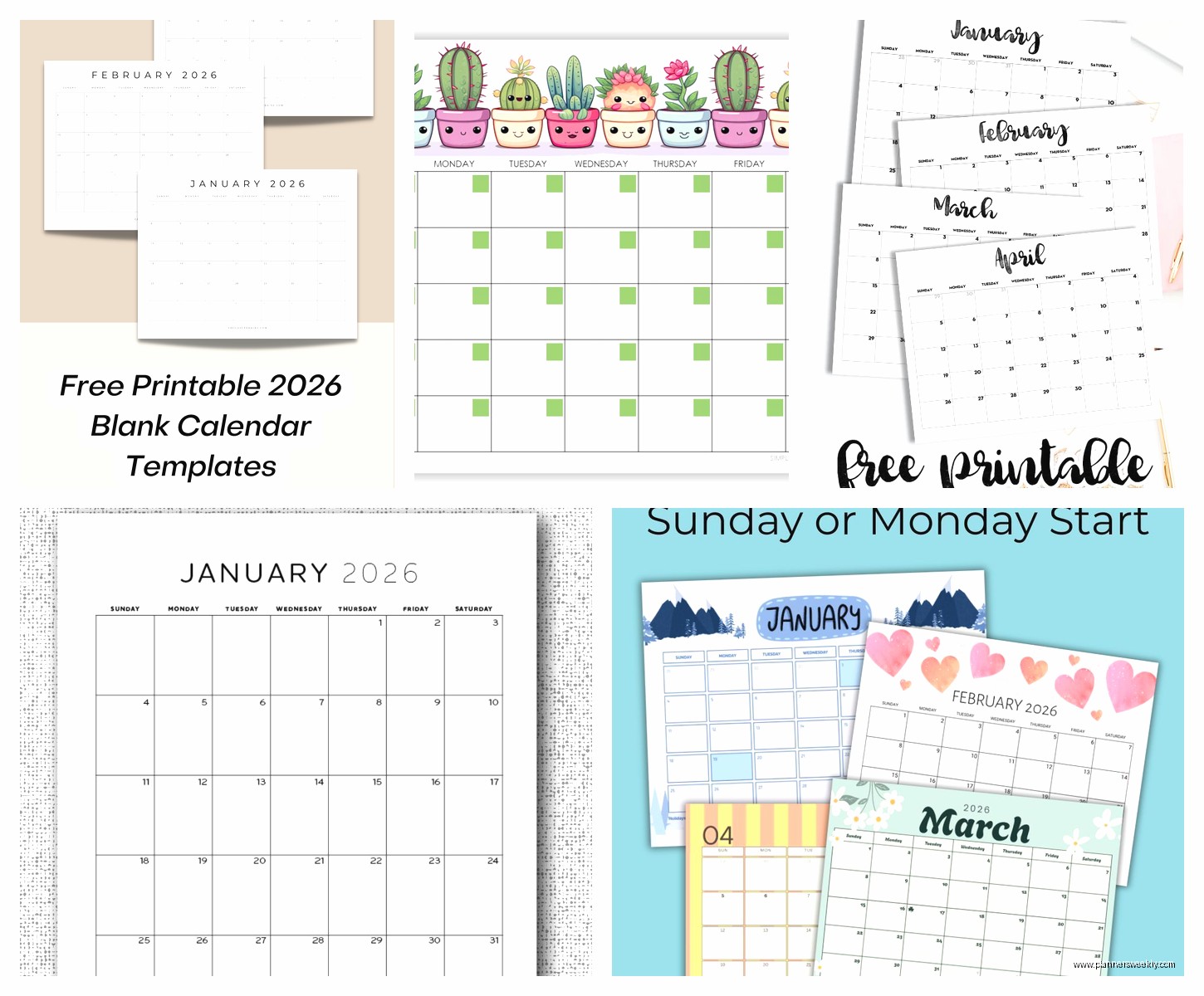
The monthly calendar templates you can customize with your own colors and then either print or use digitally. I’ve been using one as my desktop wallpaper which forces me to see my deadlines every time I open my laptop. Is it the most efficient system? No. Does it work because I’m very visual and forgetful? Yes.
The weekly planner templates are better for actual planning. There’s one called “Minimalist Weekly Planner” that has time slots from 6am to 10pm and sections for priorities and notes. You can type directly into it in Canva and then download as a PDF.
How I Actually Use Canva Calendars
I design my monthly overview in Canva, make it look however I want with colors that don’t hurt my eyes, then print it and stick it on my wall. For weekly planning I use their templates but I don’t print those, I just fill them out digitally and keep them in a folder on my computer.
The free version limits you to like 5 downloads per month or something? I honestly don’t remember the exact limit but I haven’t hit it yet. Just save your designs and you can keep editing them without using up downloads.
Apple Calendar If You’re In That Ecosystem
I switched to iPhone last year and Apple Calendar is… fine. It’s very fine. Nothing exciting but it works and the templates you can import are decent.
There’s this website called CalendarLabs that has free ICS files you can import. They have holiday calendars, sports schedules, moon phases if you’re into that, and some basic planning templates. You just download the ICS file and open it with Calendar and boom, it’s imported.
What’s actually useful: the travel time feature that looks at traffic and tells you when to leave. The natural language input where you can type “lunch with Sarah Tuesday at 1pm” and it figures it out. And it syncs with Google Calendar if you add your Google account which I did because I refuse to fully commit to one system like a normal person.
Trello Boards As Calendar Planners
Okay so funny story, I was using Trello for project management and realized you can turn on calendar view and suddenly it’s a planner. The Calendar Power-Up is free and it shows all your cards that have due dates on an actual calendar.
I have a board called “Life Admin” with lists for different months, and cards for everything I need to do. Bills to pay, appointments, deadlines, meal prep days, whatever. Add a due date to the card and it shows up on the calendar view. You can drag cards around to reschedule them.
The color labels help a lot. Red for urgent, yellow for work stuff, blue for personal, green for recurring tasks. Then when you look at the calendar it’s not just a wall of text, you can see at a glance what kind of day you’re having.
Why This Works for My Brain
It’s satisfying to move a card to the “Done” list. Like physically more satisfying than checking a box. Also you can add checklists inside cards so if “plan blog content” is on your calendar, you click into it and there’s a checklist of all the posts you need to outline.
The mobile app is actually good which surprised me. I can quick-add cards while I’m out and they sync immediately.
Printable PDF Templates from Random Websites
There are so many websites offering free printable planner pages and most of them are trying to get your email but some are genuinely just free. Template.net has a huge collection that doesn’t require sign-up for the basic ones.
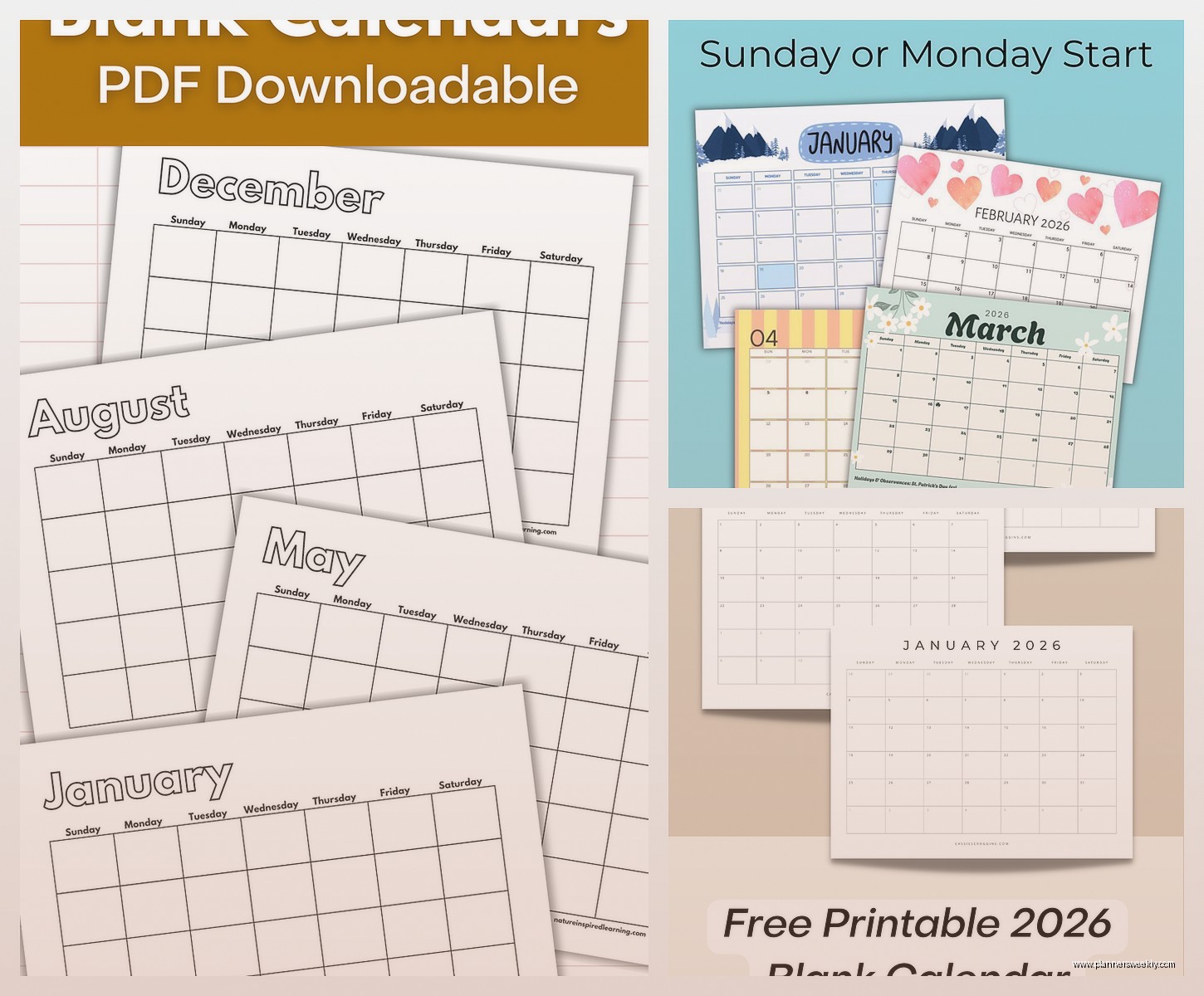
I downloaded their academic calendar template when I was planning a workshop series. It’s got a full year view with space to write notes for each month. Printed it, three-hole punched it, stuck it in a binder. Revolutionary? No. Free and functional? Yes.
The daily planner templates are hit or miss. Some have way too much space for things I don’t need like “water intake tracker” when I just need time slots and a to-do list. The ones labeled “simple” or “minimalist” are usually actually usable.
Airtable Calendar Views Are Underrated
This is similar to Notion but I think the interface makes more sense if you’re used to spreadsheets. Airtable has calendar view as one of the options and you can base it on any date field.
I set up a base for tracking my product reviews with fields for product name, category, review deadline, posting date, etc. Then created a calendar view showing review deadlines and another showing posting dates. Color-coded by product category so I can see if I’m reviewing too many notebooks in one month and need to space them out.
The free plan gives you unlimited bases now I think? Or maybe limited bases but unlimited records? I honestly can’t keep track of what’s included but I’ve never needed to pay and I use it daily.
Templates Worth Checking Out
Airtable has a template gallery and the “Content Calendar” one is solid. The “Editorial Calendar” is more complex but better if you’re managing multiple writers or platforms. The “Event Planning” template works great for personal event planning too, not just professional stuff.
You can duplicate any template and customize it completely. I took the content calendar and stripped out like half the fields because I don’t need that much detail, just dates and basic info.
ClickUp Free Version Is Surprisingly Robust
My client canceled last week so I spent an hour comparing project management tools and ClickUp’s calendar view is actually really good. The free version lets you have unlimited tasks and use all the view types including calendar.
You can have multiple calendars showing different task lists, color code everything, drag tasks around to reschedule them. It’s more project-management-y than planner-y but if you frame your life as projects it works great.
I set up spaces for Work, Personal, and Blog. Each space has lists for different areas and all the tasks show up on the calendar. The time tracking feature is free too which is useful if you bill hourly or just want to see where your time actually goes.
The interface is a lot and there’s a million features you probably won’t use but once you ignore all that and just focus on the calendar and tasks, it’s genuinely useful.
Google Sheets Calendar Templates
Sometimes you just want a spreadsheet and that’s valid. Google Sheets has calendar templates in their template gallery and they’re completely customizable because it’s just cells and formulas.
The “Annual Calendar” template gives you a whole year on one sheet with each month in a separate tab. You can color-code dates, add notes, track whatever you want. I use it for content planning because I can see the whole year at once and spot gaps or patterns.
The monthly budget calendar template is useful if you need to track when bills are due and when income comes in. It’s basically a calendar with space to write amounts for each day.
You can share these with people and collaborate in real-time which is handy for household planning or coordinating with a team. Everyone can add their stuff and you see it update live.
What Actually Works Day-to-Day
After testing all of these I’m using a combination because apparently I cannot commit to one system. Google Calendar for appointments and time-specific stuff. Notion for content planning and long-term project tracking. Trello for ongoing tasks and recurring stuff. And a printed monthly calendar on my wall because I need that visual reminder.
The key thing I figured out is free calendar planners work best when you’re not trying to make one tool do everything. Use digital for things that need reminders and syncing. Use printable templates for overview planning where you need to see everything at once. Use project management tools like Trello or ClickUp when you need task management integrated with your calendar.
Also don’t feel bad about trying a bunch and abandoning them. I downloaded probably 30 templates before finding ones that matched how my brain works. The best planner is the one you’ll actually use, even if it’s a weird combination of three different systems held together with digital duct tape.
