
-
×
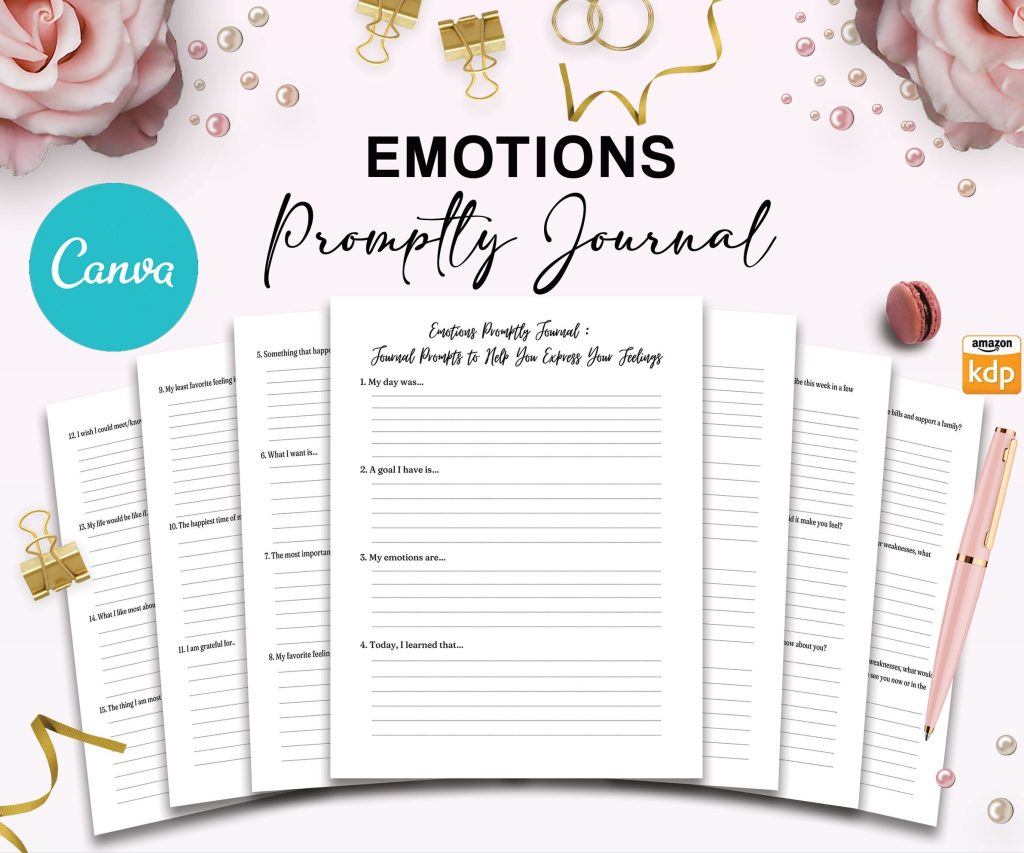 Emotion Journal Promptly, 35 Canva Editable Interior Templates, 8.5x11" Planner, COMMERCIAL Use
1 × $ 14,99
Emotion Journal Promptly, 35 Canva Editable Interior Templates, 8.5x11" Planner, COMMERCIAL Use
1 × $ 14,99 -
×
 Daily Planner Template for Journal, Canva Editable Interior COMMERCIAL USE
2 × $ 2,90
Daily Planner Template for Journal, Canva Editable Interior COMMERCIAL USE
2 × $ 2,90 -
×
End of Life Planner, Final Wishes Planner, What If Emergency Binder 8x11 inch pages size Legacy Planner Funeral Planner Estate Planning Organizer, PDF Printable, 8,5x11" A4 size
1 × $ 7,99
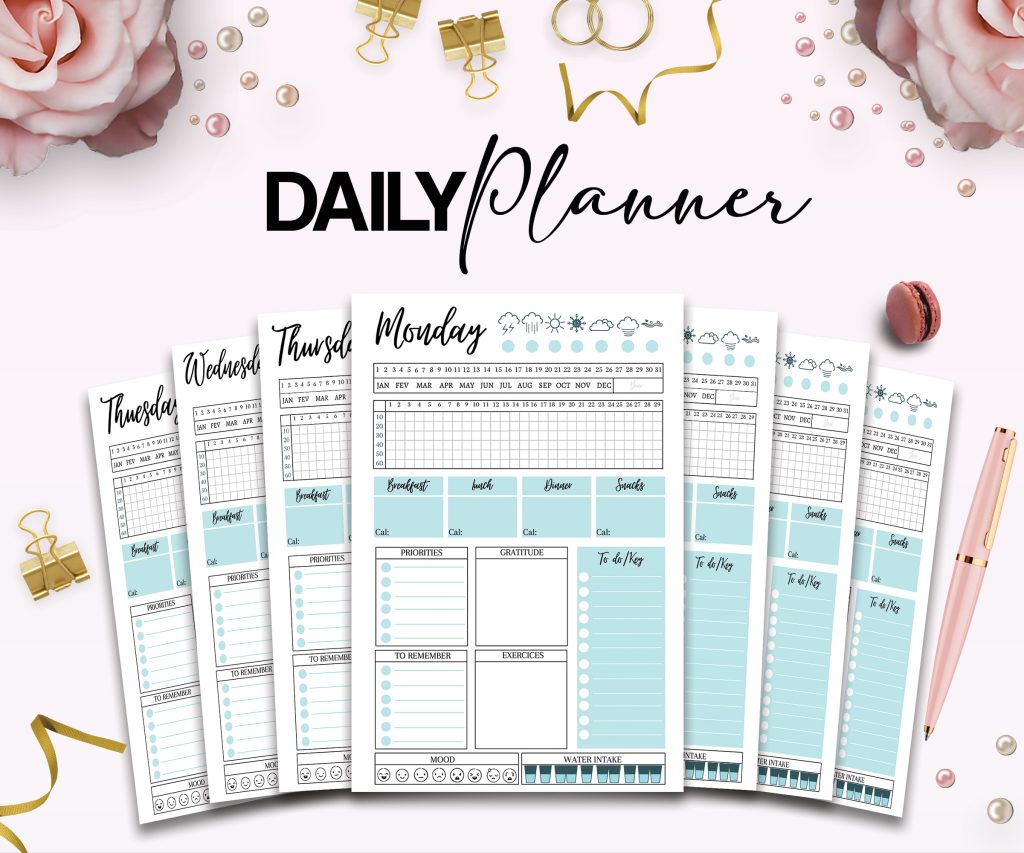 Daily Planner Template for Journal, Canva Editable Interior COMMERCIAL USE
  End of Life Planner, Final Wishes Planner, What If Emergency Binder 8x11 inch pages size Legacy Planner Funeral Planner Estate Planning Organizer, PDF Printable, 8,5x11" A4 size
 Digital Productivity, Online planners, Planners
Day Designer 2026: Features Reviews & Where to Buy

19
Feb
Feb
Okay so I’ve been testing the Day Designer 2026 lineup for the past three weeks and honestly wasn’t planning to love it as much as I do, but here we are. Let me just dump everything I know because you’re gonna have questions and I’d rather answer them now.
The 2026 version actually fixed some things that bugged me about the 2025 model. The binding is different now, like they switched to a reinforced coilbound option that doesn’t catch on stuff in your bag. Last year’s version kept snagging on my laptop charger and it drove me absolutely crazy. My dog chewed the corner of my test planner which was annoying but also let me see that the cover material is more durable than before, so silver lining I guess.
The Layout Situation
They’ve got three main layouts for 2026 and this is where it gets specific. The daily layout gives you a full page per day with hourly slots from 6am to 9pm. There’s a top section for your daily target which is basically your MIT (most important task) and then the hourly breakdown. On the right side you get a notes section and a to-do list area that’s separated which actually works better than having them merged together.
The weekly layout is what I’ve been using more tbh. You get a two-page spread with all seven days visible at once, each day has a column with time slots but they’re not as detailed as the daily version. More like morning, afternoon, evening blocks. The bottom of each day has space for notes and there’s a whole section on the right page for meal planning if you’re into that.
Oh and they added a monthly layout option this year which is new. It’s more calendar-style with boxes for each day and enough room to write appointments but not your whole life story. Some people in my coaching practice prefer this because the daily pages felt like too much pressure to fill.
Paper Quality Real Talk
The paper is 100lb text weight which is thick enough that most pens won’t bleed through. I tested it with Pilot G2s, Sharpie pens (the regular ones not the ultra fine), Zebra Sarasa, and even those Papermate Inkjoy gel pens that bleed through everything. The only issue I had was with a wet highlighter I used right after highlighting, like I didn’t let it dry and went over it with a pen immediately. That ghosted a little but nothing dramatic.
Wait I forgot to mention the paper color. It’s cream colored, not bright white, which is easier on your eyes if you’re someone who plans at night or has those overhead fluorescent lights at work. I was watching The Bear while testing different lighting conditions (don’t judge my process) and the cream tone definitely reduced glare compared to the bright white planners I had sitting next to it.

Covers and Size Options
They come in like eight different cover designs for 2026. There’s the classic navy floral which everyone recognizes, but they added some new patterns including this forest green geometric thing that I actually bought with my own money because the review copy they sent was the blush floral and not really my style.
Size wise you’ve got the original which is 8.5 x 11 inches, basically the size of regular printer paper. Then there’s a mini version that’s 5.5 x 8.5 which fits in most purses but honestly feels cramped to me. If you have decent handwriting and don’t write a ton of detail you’d probably be fine with the mini. I need space to sprawl so the full size works better.
The flagship version has a hardcover and comes in a padfolio style with pockets inside the cover. This is the one that costs more but it feels substantial, like you could throw it in your bag without worrying about pages getting bent. The budget version has a laminated soft cover that’s more flexible, still durable but definitely lighter weight.
Features That Actually Matter
There’s a whole goal setting section at the beginning of the planner with worksheets for monthly and yearly planning. I usually skip these in most planners because they feel like busy work, but the Day Designer ones are actually structured in a way that connects to the daily pages. Like you set a monthly focus and then there’s a spot on each weekly spread that references it.
They added bookmark ribbons this year, three of them in different colors. Seems small but when you’re flipping between your current week, a future planning page, and the notes section in the back, having multiple bookmarks is lowkey essential.
The back has like 20 pages of dot grid paper for notes which I use for brain dumps and random lists. Perforated pages would’ve been nice here but they’re not, so if you rip them out it’s gonna look messy.
Oh and another thing, there’s a plastic pocket folder in the back now. It’s attached to the inside back cover and can hold loose papers, receipts, whatever. Mine currently has three crumpled CVS receipts and a sticky note with a book recommendation from my friend, so it’s getting used at least.
The Sunday vs Monday Start Debate
Day Designer defaults to a Monday start for their weekly layouts and you can’t change this. If you’re a Sunday start person this is gonna bug you. They used to offer both options but for 2026 they streamlined to just Monday. I saw some complaints about this in the Facebook group and people were pretty heated about it honestly.
The monthly calendar pages do show Sunday on the left though, so it’s only the weekly layout that’s Monday focused. Something to consider if you have strong feelings about week starts.
Where to Actually Buy It
Amazon has them and if you have Prime you’ll get free shipping, prices range from like $38 for the basic version to $68 for the flagship hardcover. Sometimes there are coupons you can click but they’re usually only a couple dollars off.

Target carries them in store and online. I’ve seen them in the office supply section near the planners and journals. Target usually has the core designs but not all the limited editions. The advantage here is you can flip through it before buying if you go in person.
The Day Designer website obviously has the full selection and they run sales pretty regularly. I got an email last week for 20% off but I don’t know if that’s still active. They also have a rewards program where you get points for purchases which is whatever, but if you buy planning supplies regularly it might add up.
Blue Sky’s website also carries them because Day Designer is made by Blue Sky. Same products, same prices usually, sometimes different bundle options.
Michael’s and other craft stores have started stocking them too. I saw them at Michaels near the Erin Condren displays. You can use those 40% off coupons they always have which makes it cheaper than Amazon sometimes.
Honest Comparison to Other Planners
If you’re deciding between Day Designer and Erin Condren, the main difference is that EC has way more customization options but costs more and takes longer to ship since they’re made to order. Day Designer you can get immediately and it’s cheaper but you don’t get to pick your layout components.
Compared to Passion Planner, Day Designer is more structured and less woo-woo. Passion Planner has all those reflection prompts and inspirational quotes which some people love but I find distracting when I just need to write down that I have a dentist appointment at 2pm.
Blue Sky planners are essentially the same company but their non Day Designer line is cheaper and more basic. If you don’t need all the goal setting worksheets and extra features, regular Blue Sky might be enough and you’d save like twenty bucks.
Who This Actually Works For
This planner is best for people who have a lot going on and need to see their schedule laid out visually. If you’re just tracking like three appointments a month you don’t need this much planner, honestly a basic calendar would work fine.
It’s good for people who work irregular hours because you can customize the time blocks. The hourly layout isn’t rigid, you can write in whatever times you actually need.
If you’re a digital person who’s trying to go analog, this is a decent bridge option because it has enough structure that you won’t feel lost, but enough flexibility that it doesn’t feel restrictive. My clients who are transitioning from Google Calendar to paper usually do okay with this one.
Students could use it but it might be overkill unless you’re grad school level with a ton of commitments. The academic version starts in July instead of January which is more useful for school schedules.
Things That Might Annoy You
The coil binding means it lays flat which is great for writing, but it also means you can’t fold it back on itself if you’re trying to use it on a small desk or your lap. It takes up the full footprint always.
There’s no elastic closure band. If you throw it in your bag it can flop open and pages can get bent. I ended up buying a separate elastic band on Amazon for like three dollars which solved this but it should probably come with one at this price point.
The stickers they include are kind of useless? Like there’s a sheet of functional stickers for appointments and events but the designs are very literal, little icons of coffee cups and airplanes. If you’re not into stickers you’ll just ignore them.
Some of the goal setting prompts are pretty generic corporate speak. “What are your quarterly objectives” type stuff that feels more like a work assignment than helpful planning. I just skip those pages entirely.
This is gonna sound weird but the planner smells strongly of paper and binding materials when you first open it. It goes away after a few days but if you’re sensitive to smells it’s noticeable at first. My test copy sat on my desk for two days airing out before I started using it because the smell was giving me a headache.
Actual Pricing Breakdown
The softcover daily planner runs about $42 to $48 depending where you buy it. Hardcover version is $58 to $68. The mini size is usually ten dollars cheaper than the full size in the same format.
If you wait for sales you can usually get 20-25% off, especially around back to school time or January when everyone’s doing New Year planning. Black Friday deals are hit or miss, last year they only discounted the previous year’s planners not the current year.
Refills aren’t a thing with this planner, you gotta buy a whole new one each year which adds up if you’re budget conscious. Some people in my community have started using it for just work stuff and using a cheaper planner for personal life to make it last longer and spread the cost.
The Extras You Might Want
Day Designer sells matching accessories like pen pouches and sticky note sets but you definitely don’t need them. Any pen pouch from Amazon or Target will work fine, you’re just paying for matching patterns at that point.
A good pen matters more than matching accessories honestly. I use Pilot Juice pens because they don’t smudge and come in colors that aren’t overwhelming. Stabilo fineliners also work really well on this paper.
If you’re into washi tape for decorating, the pages are thick enough to handle it without tearing when you remove it. I tested this accidentally when I used washi to tab a page and then changed my mind.
Real User Feedback Stuff
I polled my email list about Day Designer and got like 200 responses. Most common complaint was that the Monday start bothered people, second was that it’s bulky to carry around. Most common praise was the layout clarity and paper quality.
Someone mentioned that the cream paper makes it harder to scan digital copies if you photograph your pages, which I hadn’t thought about but tested and yeah, it creates more shadows than white paper would. If you’re planning to digitize your pages regularly this might matter.
A bunch of people said they’ve used Day Designer for multiple years and the quality has stayed consistent, which is good to know because some planner companies change manufacturers and things get worse. Doesn’t seem to be the case here.
Oh wait, someone in my coaching group mentioned that the coil catches on fabric and created pulls in their sweater. I haven’t had this happen but if you wear a lot of delicate knits maybe be careful about how you carry it.
The hourly time slots are polarizing, some people love having that structure and others feel like it mocks them when they don’t follow the schedule perfectly. That’s more of a personal planning psychology thing than a planner problem though.
Okay I think that’s everything I’ve got from actual testing and user feedback. The 2026 version is solid, fixes some issues from previous years, and if you need a structured planner with good paper it’s a reliable choice. Not perfect but nothing is, and for the price point it’s competitive with other planners in this category.
