
Digital Productivity, Online planners, Planners
Free Event Planning Template: Downloads & Checklists
Mar
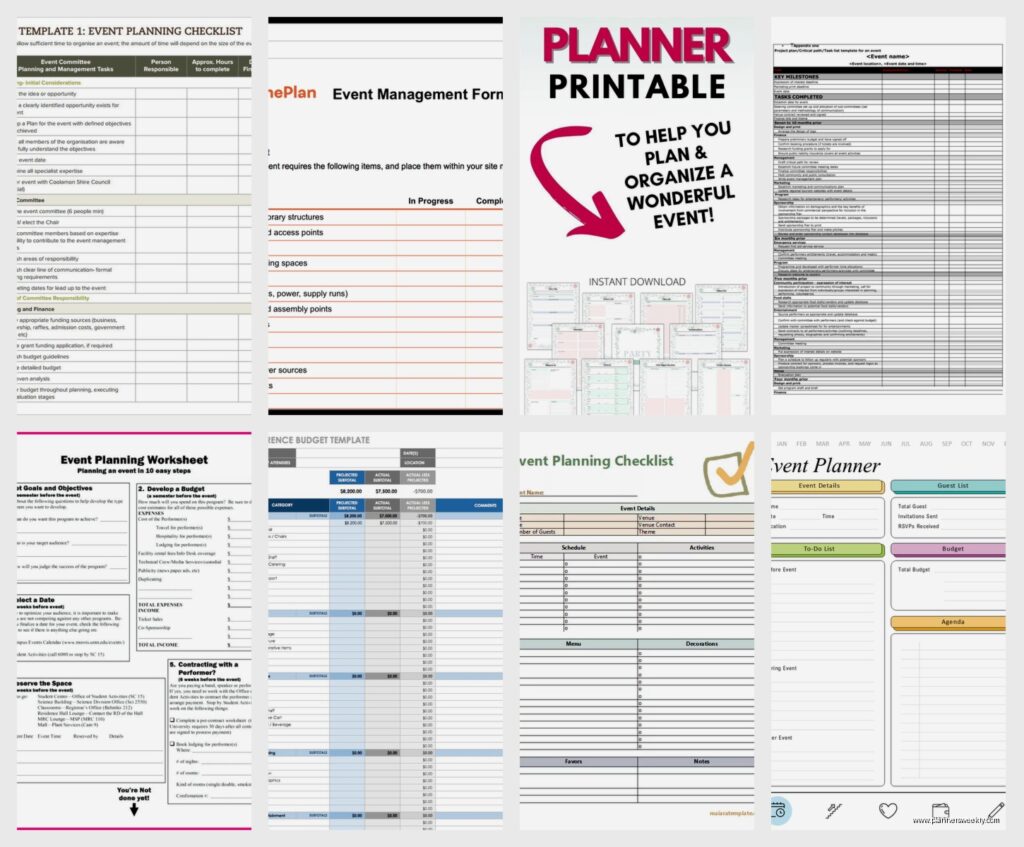
Okay so I just spent like three weeks testing every free event planning template I could find because honestly my own system was a mess and I had a client planning her daughter’s graduation party who kept texting me at weird hours asking what she was forgetting.
The Basic Timeline Template That Actually Works
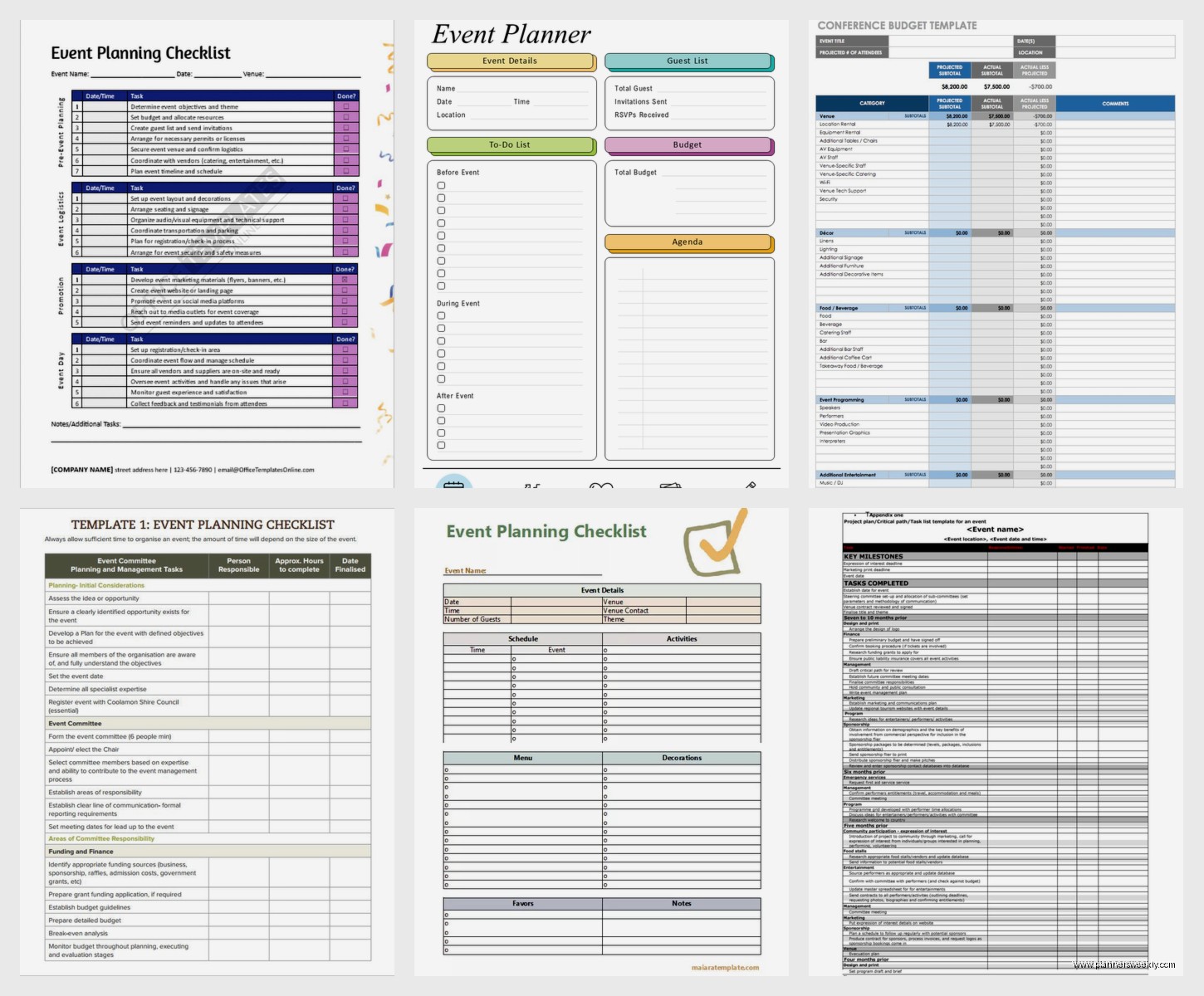
Start with the simple timeline checklist because you’re gonna need this regardless of what kind of event you’re planning. I found this really clean one from Canva that’s actually downloadable as a PDF and you can edit it before you download which is clutch. It’s got the basic 3-month, 1-month, 1-week, day-of sections which sounds obvious but you’d be surprised how many templates just throw random tasks at you with no time markers.
The thing I like about timeline-based templates is they force you to work backwards from your event date. So you plug in June 15th or whatever and then you can see “oh crap I need to send invitations by April 15th” instead of just having a floating task that says “send invitations” somewhere on a list you’ll never look at again.
What Should Actually Be On Your Timeline
- Venue booking (usually 2-3 months out minimum)
- Vendor deposits (caterer, photographer, DJ, whatever you need)
- Invitation design and printing (6 weeks before)
- RSVP deadline (2 weeks before so you can actually get a headcount)
- Final headcount to caterer (usually 1 week before)
- Seating chart if you’re doing assigned seating
- Day-of timeline with actual times not just “setup” but like “setup tables 2pm, linens 3pm”
Budget Tracking Sheets Because Money Gets Weird Fast
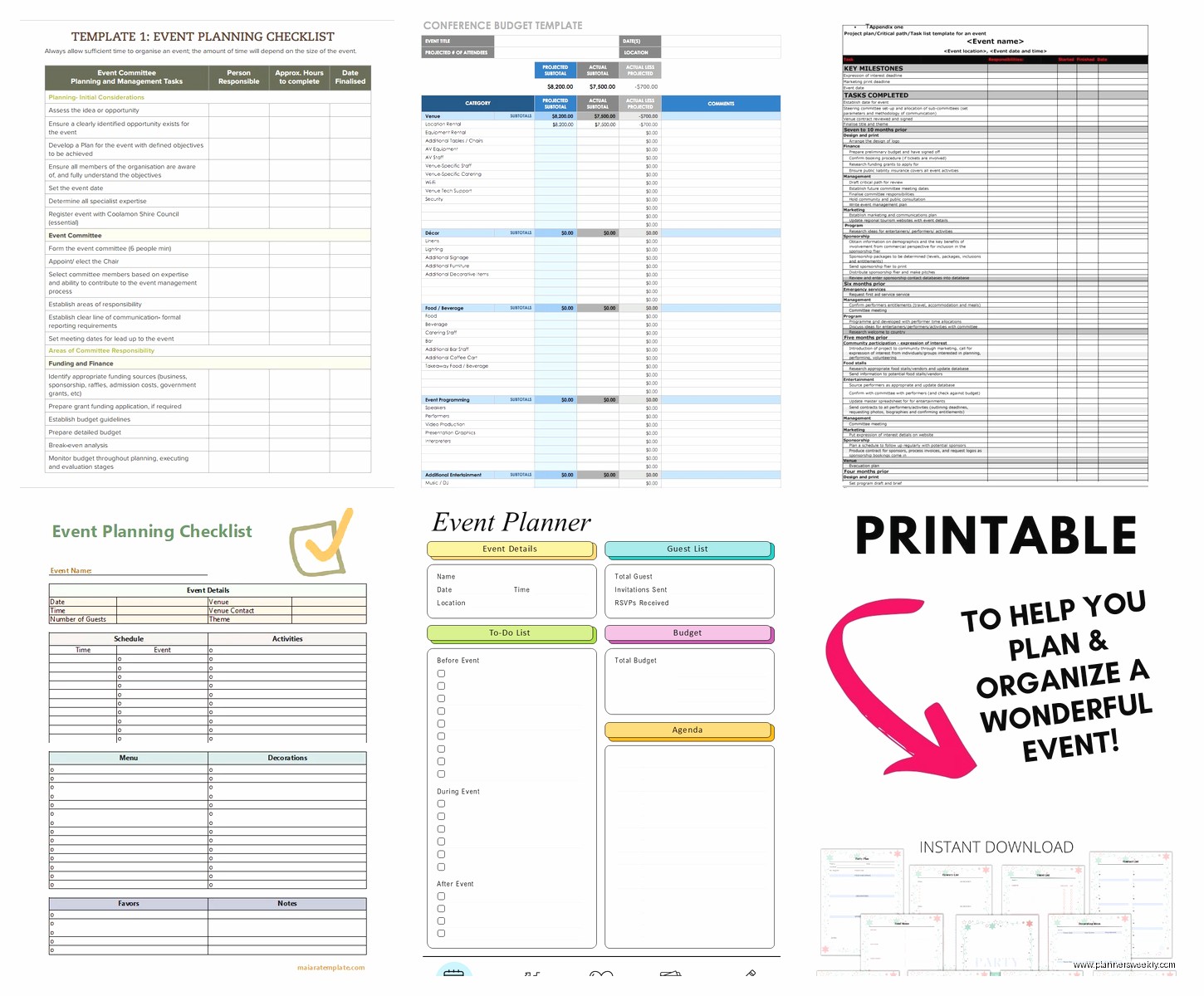
Oh and another thing, you absolutely need a budget tracker separate from your timeline. I use this Excel template from Vertex42 that’s been around forever and it’s ugly as hell but it works. Has columns for estimated cost, actual cost, deposit paid, balance due, and payment due date.
The payment due date column is what saves you because vendors have different schedules and if you’re juggling like five different people you WILL forget that the photographer needs the final payment 2 weeks before and the caterer wants it 3 days before.
I made the mistake once of just keeping budget stuff in my head for a workshop I was planning and then got hit with three final payment requests in the same week and my checking account was very unhappy with me.
Categories To Actually Track
Don’t just write “decorations $200” because that’s meaningless when you’re trying to figure out where your money went. Break it down:
- Venue rental and any fees they sneak in there
- Catering (food, beverages, serving staff, rentals)
- Decorations (flowers, centerpieces, signage, balloons, whatever)
- Entertainment (DJ, band, photo booth, activities)
- Invitations and paper goods
- Party favors if you’re doing that
- Miscellaneous which will somehow end up being $500 anyway
The Master Checklist That Lives On Your Phone
Wait I forgot to mention, the absolute best thing I did was find a checklist app template instead of just paper. I use Google Keep for this now because it syncs across devices and you can share it with other people planning with you. But there’s also free Notion templates that people have made specifically for event planning.
The Notion ones are actually kinda elaborate if you want something that does everything in one place. There’s this one called “Ultimate Event Planner” by a user named Marie (I think?) that has a timeline, budget tracker, guest list manager, and vendor contact database all in one template. You just duplicate it to your own Notion workspace.
What Your Checklist Actually Needs
This is gonna sound obvious but assign everything to someone if you’re planning with other people. Even if that person is you, write your name next to it. I’ve seen too many things fall through the cracks because everyone assumed someone else was handling it.
Also put a status on each task, not just a checkbox. Like:
- Not started
- In progress
- Waiting on someone else (this is key because then you know to follow up)
- Complete
My cat just knocked over my coffee all over my desk but anyway.
Guest List Management Is Its Own Beast
Okay so funny story, I used to just keep guest lists in a notes app and then one time I accidentally deleted half the list and had to recreate it from memory which was a disaster. Now I use actual spreadsheet templates.
The best free one I found is from Google Sheets template gallery. Just search “event guest list” in the template section when you’re creating a new sheet. It’s got columns for name, email, phone, number of guests, RSVP status, meal preference if you’re doing that, and even a column for gifts received if it’s that kind of event.
RSVP Tracking That Won’t Make You Crazy
Color code your RSVP statuses because it’s way easier to scan visually. I do green for confirmed yes, red for no, yellow for invited but no response yet. Then every few days I can just look at how much yellow is left and know who I need to bug.
Also track the date you sent the invitation and the date they responded because when people inevitably claim they never got an invitation you have receipts.
Vendor Contact Sheet Before You Lose Someone’s Number
This is something I didn’t think I needed until I was frantically scrolling through text messages trying to find my florist’s number the day before an event. Make a vendor contact document with:
- Business name
- Contact person’s actual name
- Phone and email
- What they’re providing
- Contract date and total cost
- Deposit paid and balance due
- Their arrival time on event day
- Any special instructions or notes
I keep this in Google Docs so I can access it from my phone because I’m never at my computer when I actually need this information.
Day-Of Timeline That’s Minute-By-Minute
Wait I forgot the most important template which is your day-of timeline. This is different from your planning timeline. This is literally what happens from like 8am to midnight on the actual event day.
I have a template I made myself that I’ve used probably 30 times now. It’s just a table with three columns: time, task, person responsible. Sounds simple but it’s saved me so many times.
How Detailed To Actually Get
More detailed than you think. Don’t write “setup 2-4pm” because that tells you nothing when you’re in the moment. Write:
- 2:00pm – Venue access, unlock doors (John)
- 2:15pm – Rental company delivers tables and chairs (confirm with them)
- 2:30pm – Start setting up tables in layout per floor plan (everyone)
- 3:00pm – Linens on tables (Sarah and Mike)
- 3:30pm – Centerpieces and decorations (decorating committee)
- 4:00pm – Caterer arrives and starts kitchen setup (confirm arrival)
- 4:30pm – Sound check with DJ (Emily to coordinate)
You get the idea. Every single thing has a time and a person.
The Floor Plan You Didn’t Know You Needed
Oh and another thing, draw an actual floor plan even if it’s just boxes on paper. I use a free tool called Floorplanner that lets you drag and drop tables and chairs and stuff. You get like one free project which is enough for one event.
This matters way more than you think because when you’re trying to explain to volunteers where tables go, showing them a drawing is infinitely better than trying to describe it. Also you can figure out ahead of time that you actually can’t fit 20 round tables of 8 in a space that the venue said holds 160 people because they were counting like sardine packing.
Menu Planning and Dietary Restrictions Tracker
This is something I added after a friend had a total meltdown at her wedding because she didn’t track dietary restrictions properly and had three vegetarians with nothing to eat. If you’re doing catered food, make a separate tab in your guest list spreadsheet for dietary stuff.
Ask on the invitation or RSVP form about allergies and restrictions. I usually include checkboxes for vegetarian, vegan, gluten-free, and then a fill-in field for allergies or other restrictions. Then you can give your caterer actual numbers not just “some people are vegetarian I think.”
Decoration Checklist By Room Or Area
Break down your decoration checklist by physical location because otherwise you’ll get to setup day and realize you have no idea where half this stuff goes. I learned this the hard way planning a conference where we had decorations for the registration table, main hall, breakout rooms, and bathroom baskets, and everything was just in a pile of boxes.
Now I make a list like:
Registration Table:
- Tablecloth
- Name tags and pens
- Welcome sign
- Flower arrangement
- Program copies
Main Hall:
- Centerpieces for each table (quantity noted)
- Table numbers
- Backdrop for photo area
- String lights
You can pack boxes by location too which makes setup so much faster.
Post-Event Checklist Because It’s Not Over When It’s Over
Nobody thinks about the after part but you gotta have a wrap-up checklist too. Things like:
- Return rental items by deadline
- Send thank you notes to vendors and volunteers
- Pay final balances if anything is outstanding
- Download and save all photos
- Review and leave reviews for vendors
- Pack and store any decorations you’re keeping
- Return or donate leftover supplies
I was watching that show The Bear while I was organizing my event templates last week and honestly the kitchen coordination stuff in that show is exactly like event planning. Everything has to happen in sequence or it all falls apart.
Where To Actually Download These Templates
Okay so here’s where I actually get these templates because saying “just google it” is useless:
Canva has free event planning templates under their documents section. You need a free account but then you can customize and download as PDF.
Google Sheets template gallery has guest list and budget templates already built in when you create a new sheet.
Vertex42 has Excel templates that are genuinely free, not “free trial” nonsense. Their event budget template is solid.
Notion template gallery if you’re already using Notion, search for event planning and there are dozens of free community templates.
Microsoft Office templates if you have Office, they have built-in templates for timelines and checklists that are actually good.
The Stuff That’s Not In Templates But Should Be
Templates don’t tell you to build in buffer time but you absolutely should. If you think setup takes 2 hours, schedule 3. If you think you need to order supplies 2 weeks out, order them 3 weeks out.
Also make a “day before” checklist separate from your day-of timeline. This is stuff like confirming vendor arrival times, charging your phone and camera, packing an emergency kit with scissors and tape and safety pins, printing any last-minute stuff, getting cash for tips.
The emergency kit thing sounds paranoid but I’ve needed safety pins, stain remover, band-aids, pain reliever, breath mints, phone charger, and clear tape at literally every event I’ve ever planned. Just throw that stuff in a bag and bring it.
I usually keep a paper copy of my day-of timeline and vendor contacts too because phone batteries die at the worst possible times and I’m not gonna be that person running around asking to borrow someone’s phone.
