
Digital Productivity, Online planners, Planners
Weekly Calendar Planner: Best Options & Templates
May
Okay so I’ve been testing weekly planners for like three months now because honestly my old system was a disaster and I kept missing deadlines left and right. Let me just dump everything I learned because some of these are actually worth your money and some are total wastes.
The Physical Planner Situation
Right so the Passion Planner weekly layout is probably the one I reach for most mornings. It’s got this vertical column setup where each day gets its own section, and there’s a little space at the bottom for notes or whatever didn’t fit. The paper quality is surprisingly good, like my Staedtler pens don’t bleed through which is rare. I tested it for six weeks straight and the binding held up even though I was throwing it in my bag without a cover like an idiot.
The thing about Passion Planner though is it’s kinda bulky. If you’re someone who carries a tiny purse or whatever, this might not work. It’s like 8.5 x 11 inches so basically notebook sized. But the space is actually usable, not those tiny boxes where you can fit like three words.
Oh and another thing, the Panda Planner weekly version has this interesting setup where they separate your tasks by importance. There’s sections for “most important” and “secondary” which sounds cheesy but actually helped me stop putting 47 things on my daily list. I’m bad about that. My cat knocked it off my desk last week and pages got bent but nothing ripped so there’s that.
The Undated Planner Thing
Wait I forgot to mention, some weekly planners are undated which is honestly genius if you’re like me and buy a planner in March and then don’t use it until July. The Clever Fox planner is undated and has a pretty clean weekly spread. Each week is two pages, left side is Monday through Thursday, right side is Friday through Sunday plus a notes section.
I used this one while I was testing everything else because I didn’t want to commit to dates yet. The downside is you gotta write the dates yourself every single week which gets old fast. But if you travel a lot or have irregular schedules it’s perfect. My client Sarah uses one because she takes random weeks off and doesn’t want blank dated pages staring at her.
Digital Options Because Sometimes Paper Isn’t It
Okay so digital weekly planners are a whole different thing. I resisted for forever because I’m a stationery person obviously, but then I tried the Google Calendar weekly view and it’s actually really functional for certain stuff. You can color code everything, set reminders, and it syncs across devices which is clutch when you’re grocery shopping and trying to remember if you have time for the gym on Thursday.
The layout is clean, you see your whole week at a glance, and you can toggle between week view and day view super fast. Downside is there’s no real space for notes or journaling or those random thoughts that pop up. It’s very task and appointment focused.
Notion has weekly templates that people are obsessed with and okay I get it now. I spent like two hours setting one up, which sounds ridiculous but once it’s done it’s done forever. You can embed literally anything, links to documents, images, checklists within each day. There’s this template called “Weekly Agenda” that’s free and has sections for goals, priorities, and then your daily breakdown.
This is gonna sound weird but I actually use both now. Physical planner for morning planning and brain dumping, Notion for tracking projects that have multiple steps. They serve different purposes and I’ve stopped trying to force one system to do everything.
Template Situation If You Wanna DIY
So if you don’t wanna buy anything or you’re weirdly specific about layouts like some people I know, templates are actually pretty good now. Canva has a bunch of free weekly planner templates you can customize. I made one for myself with bigger time blocks because I was tired of squinting at tiny printed times.
The basic vertical template on Canva is solid. It’s got Monday through Sunday in columns, you can add your own colors and fonts, and then just print it. I print mine on 32lb paper from Amazon because regular printer paper feels flimsy and depressing. Oh and get it spiral bound at FedEx or Staples for like eight bucks, then you have a custom planner.
Microsoft Excel and Google Sheets also have weekly calendar templates but they’re kinda ugly not gonna lie. Very corporate looking. But they’re functional if you just need something basic and you’re comfortable with spreadsheets. You can add formulas to auto-calculate hours or track habits or whatever.
The Printable PDF Route
Etsy has thousands of printable weekly planners and I’ve bought way too many testing this. The shop “Productivity Printables” has this minimalist weekly layout that’s actually really nice. It’s like four dollars, you get a PDF, print as many copies as you want. Each week has hourly time slots from 6am to 9pm and a section for meal planning which I ignore but some people love.
Another good one is from “PlannerAddictShop” and it’s more decorative if that’s your thing. Has little boxes for water intake and habit tracking. I used it for a month and the habit tracker thing actually worked on me, I’m apparently very motivated by checking boxes.
The main thing with printables is you gotta commit to printing them regularly. I got lazy week three and just scribbled on loose paper which defeated the whole purpose. So maybe print like a month’s worth at once and keep them in a binder or folder.
Specific Layouts That Actually Matter
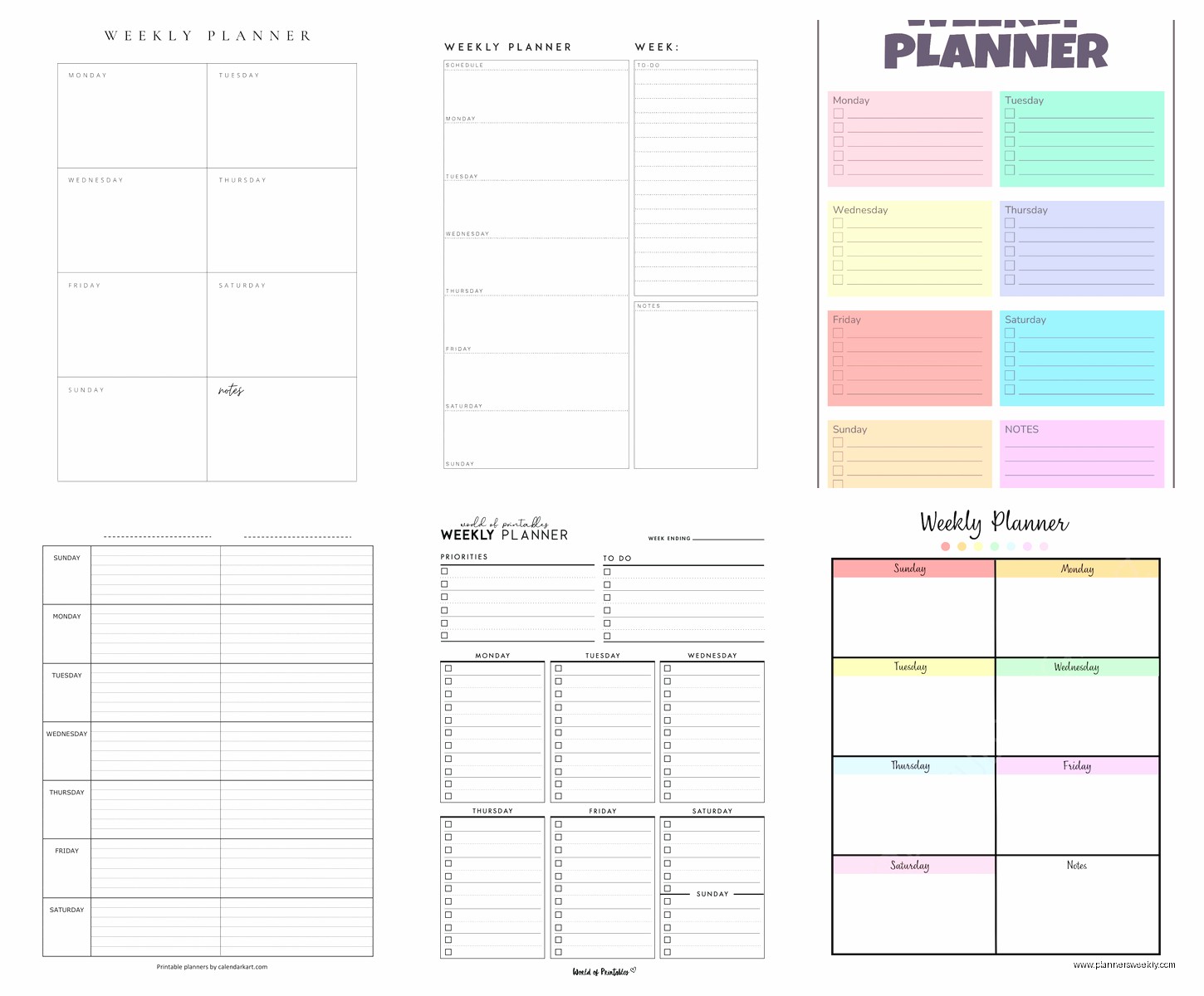
Okay so layout is huge and nobody talks about this enough. There’s basically three main weekly layouts and they’re all very different.
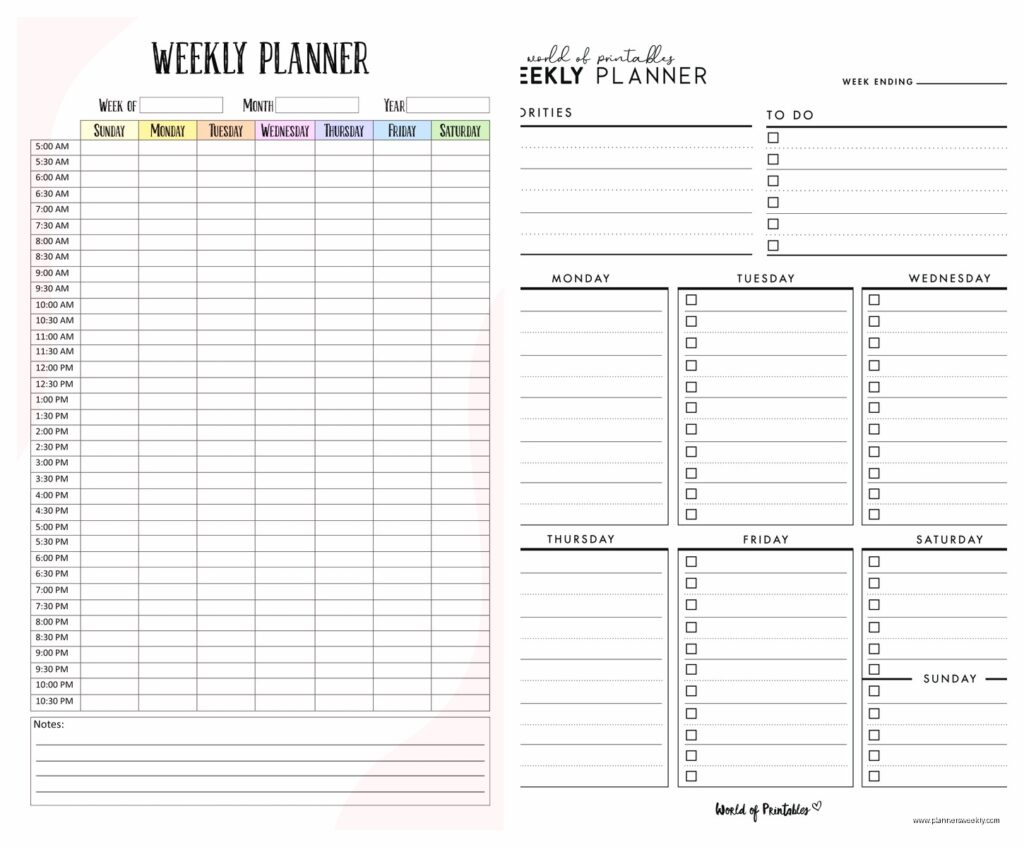
Vertical layout is where days go across the top as columns. This is good if you have lots of appointments or time-blocked schedules. You can see your whole day from morning to night in one column. I like this for work weeks when I have back to back meetings.
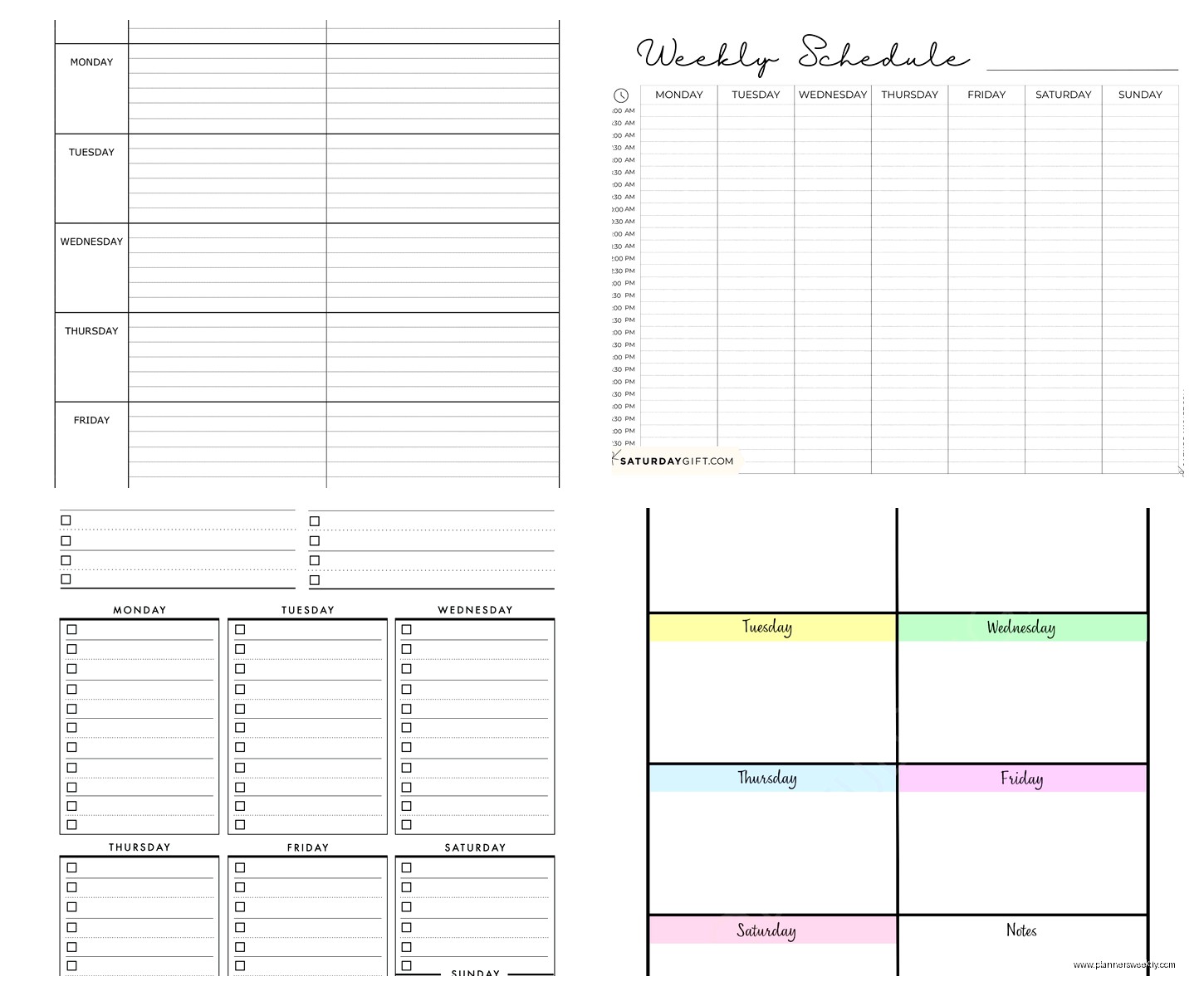
Horizontal layout has days as rows going down the page. Each day is like a horizontal strip. Better for task lists rather than timed appointments. If you work on projects and don’t have strict schedules, this layout makes more sense. You can list out tasks without worrying about what time they happen.
Then there’s the boxed layout where each day is literally a box, like a grid. Sunday through Saturday are just squares on one or two pages. This gives you the most freedom but also the least structure. I used this layout when I was freelancing full time and my schedule was chaos. You can write whatever, draw, stick stuff in, whatever.
Features That Are Actually Useful vs Marketing Nonsense
Some planners have features that sound good but are useless in practice. Like monthly tabs, I never use them. By the time I flip to check the monthly view I could’ve just looked at my phone.
What actually helps: a notes section on each weekly spread. Somewhere to write random stuff that doesn’t fit in a specific day box. The Silk + Sonder planner has this and I use it constantly for ideas, things to remember, whatever.
Goal sections at the start of each week are hit or miss. If you’re into that kind of planning they’re great. If you’re not, they’re just blank spaces that make you feel guilty. I skip them usually.
Hourly time slots are essential if you time block. Not useful at all if you don’t. Sounds obvious but lots of people buy hourly planners and then don’t schedule by hour, they just write tasks, and all that space is wasted.
Oh and stickers pockets or elastic closures, those are actually nice. I thought they were gimmicky until my planner exploded in my bag and I lost like three sticky notes with important stuff on them.
The Hybrid System I Ended Up With
Wait okay so after testing everything, here’s what actually works for me day to day. I use the Passion Planner for weekly overview and planning sessions I do Sunday nights. Then I use Google Calendar for appointments and time-sensitive stuff because reminders. And I have a Notion database for project tracking because some things span multiple weeks and I need to see the whole picture.
Is it too many systems? Probably. But they each do one thing really well and I’ve stopped trying to find the one perfect magical planner that does everything. That doesn’t exist, anyone who tells you it does is lying or selling something.
Budget Options That Don’t Suck
If you don’t wanna spend money, the Volt planner from Amazon is like twelve bucks and honestly fine. Not fancy, the paper is medium quality, but the layout is functional. Weekly spreads are clear, there’s space to write, it lasts a full year.
Or just use free printables and a cheap binder. I did this for six months when I was broke and it worked totally fine. The “Scattered Squirrel” blog has free weekly templates that are actually cute and you can print them at home or at the library if you don’t have a printer.
The Leuchtturm1917 weekly planner is pricier, like thirty bucks, but the paper is incredible if you use fountain pens or markers. I tested it with everything, Tombows, Staedtlers, even a fountain pen I borrowed from my dad, zero bleed through. If you’re picky about paper quality this one’s worth it.
Common Mistakes I Made So You Don’t Have To
Don’t buy a planner that’s too small. I tried a pocket sized weekly planner thinking I’d carry it everywhere and I just couldn’t write anything useful in those tiny spaces. Ended up using my phone notes instead which defeated the purpose.
Also don’t go too big unless you have desk space. I bought this massive 11×14 planner thinking more space equals more productivity and it just sat on my desk because it was too annoying to carry around. Found it under a pile of papers last month, barely used.
And this is obvious but don’t buy dated planners in the middle of the year unless you’re actually gonna use it immediately. I have like four planners that start in January that I bought in August with good intentions. They’re just sitting there.
Oh and funny story, I bought a really expensive planner once because it was gorgeous, like forty-five dollars, leather cover, gold edges, the whole thing. Used it for two weeks. Felt too precious to actually write in it, was worried about messing it up. Now it’s decorative. Get something you’ll actually use, not something that’s too nice to use.
My Current Top Three Recommendations
If you want simple and affordable: Volt planner from Amazon or free printables from Scattered Squirrel blog. Print on decent paper, use a binder, you’re set.
If you want quality and don’t mind spending: Passion Planner for vertical layout or Leuchtturm1917 for horizontal. Both have great paper, solid bindings, actually last the full year.
If you want digital: Google Calendar for appointments and scheduling, Notion for project tracking and detailed planning. Both free, both sync everywhere, learning curve on Notion but worth it.
Honestly just pick one and use it consistently for like a month before deciding if it works. Every planner feels weird the first week. Your brain needs time to adjust to any new system. I see people buy a planner, use it twice, decide it doesn’t work, buy another one. That’s not a planner problem, that’s a consistency problem. Anyway that’s everything I’ve got, my coffee’s cold now and I gotta go walk the dog but hopefully this helps you figure out what to actually buy.
